
929-075 - Wall mount Marquant - Free user manual and instructions
Find the device manual for free 929-075 Marquant in PDF.


| Product Type | Wall Mount |
| Brand | Marquant |
| Model | 929-075 |
| Maximum Load Capacity | 40 kg (88 lbs) |
| Product Weight | 4.3 kg (9.5 lbs) |
| Compatible TV Size | 37" to 70" |
| Material | Steel |
| Mounting Type | Tilting (adjustable angle) |
| Color | Black |
| Installation Surfaces | Wood stud, concrete, brick |
| Included Accessories | Spirit level, adapters, screws, concrete anchors, washers, spacers, locking edge |
| Safety Features | Lockable with padlock (not included) |
| Usage | Indoor only |
| Recommended Inspection | Every 3 months |
| Number of Persons Required for Installation | 2 |
Frequently Asked Questions - 929-075 Marquant
User questions about 929-075 Marquant
0 question about this device. Answer the ones you know or ask your own.
Ask a new question about this device
Download the instructions for your Wall mount in PDF format for free! Find your manual 929-075 - Marquant and take your electronic device back in hand. On this page are published all the documents necessary for the use of your device. 929-075 by Marquant.
USER MANUAL 929-075 Marquant
natural_image
Metallic mechanical component with mounting brackets and internal cutouts (no text or symbols visible)
SE VÄGGFÄSTE
Operating instructions (Translation of the original instructions) Important! Read the user instructions carefully before use. Save them for future reference.
Jula reserves the right to make changes. In the event of problems, please contact our service department. www.jula.com
Tillverkare/ Produsent/ Producenci/ Manufacturer
Jula AB, Box 363, 532 24 SKARA
Distributör/ Distributør/ Dystrybutor/ Distributor
Jula Poland Sp. z o.o., ul.
natural_image
Technical line drawing of a rectangular frame with internal triangular cutouts and mounting holes (no text or symbols)A

B
natural_image
Technical line drawing of a mechanical bracket or support structure (no text or symbols)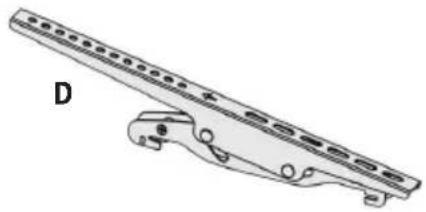
natural_image
Technical line drawing of a mechanical component with mounting flanges and a bracket (no text or symbols)
E

G
H
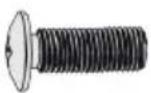
IJK
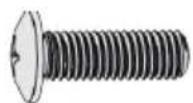
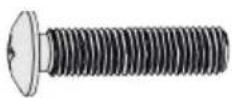
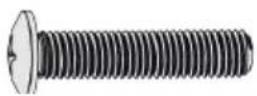
L
M

N

0
PQR
2
natural_image
Technical illustration showing a mechanical assembly with cross-sectional views and a screwdriver (no text or symbols)3
4
natural_image
Technical line drawing of a mechanical component with symmetrical cutouts and a handle, set against a brick wall background (no text or symbols)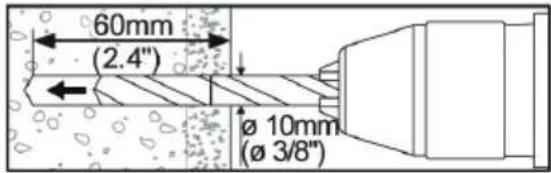
natural_image
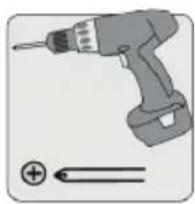
Illustration of a handheld electric drill with a power plug and a battery symbol (no text or labels)5
natural_image
Diagram of a device with two vertical connectors and a numbered arrow, no text or symbols present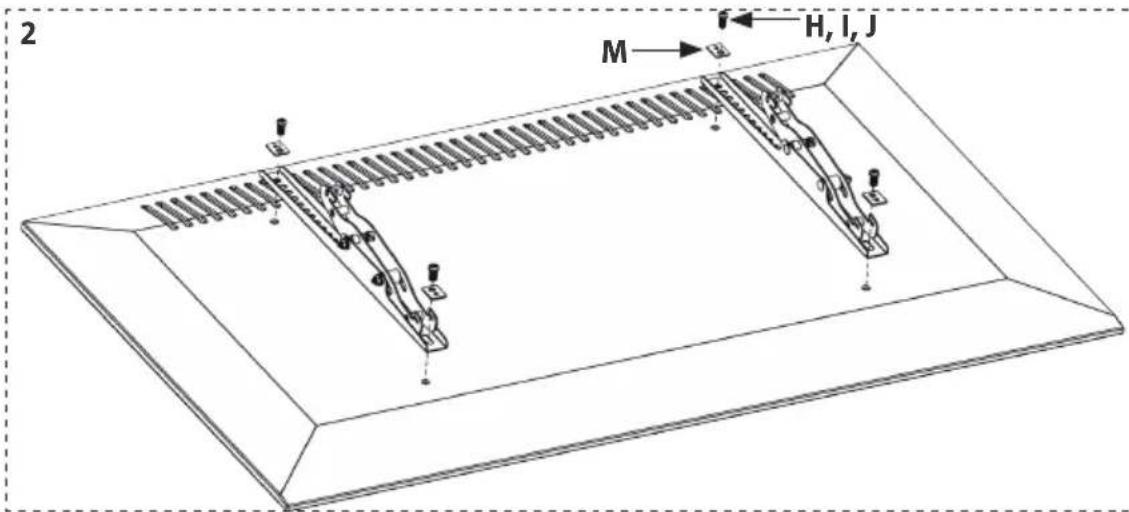
6
natural_image
Technical line drawing of two mechanical components with mounting brackets and a person holding a chair (no text or symbols)7
natural_image
Diagram of a mechanical device with two views: one showing internal components and the other showing a lock mechanism (no text or symbols present)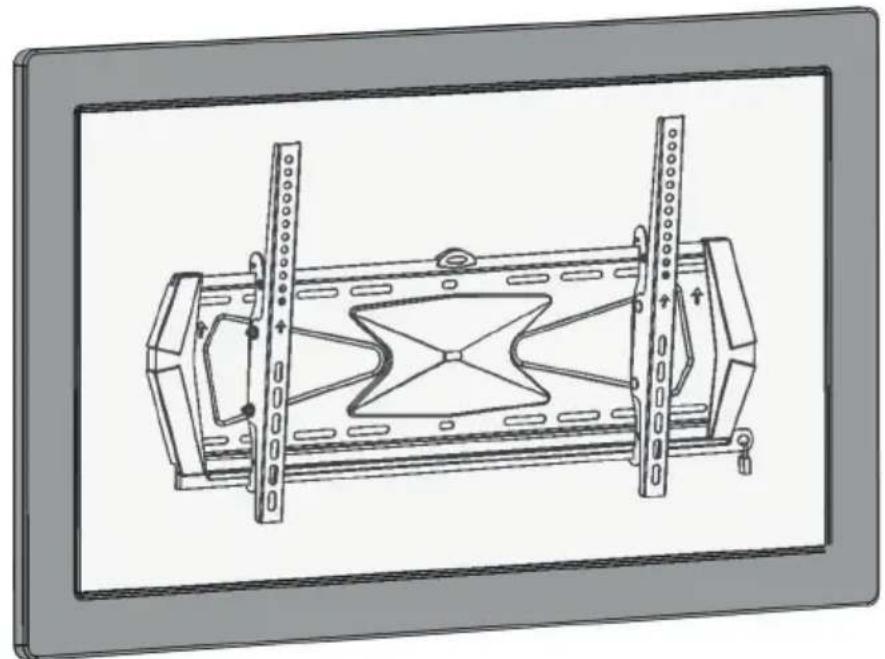
natural_image
Technical line drawing of a mechanical assembly with two vertical supports and internal structural components (no text or symbols)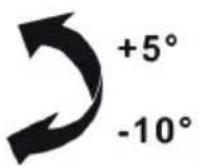
SÄKERHETSANVISNINGAR
- Read all the instructions and safety instructions carefully before installation. Contact your dealer if you have any questions.
- The product must only be used for its intended purpose and in accordance with these instructions. Incorrect installation can result in the risk of personal injury and/or material damage.
- Check that the wall can support the weight of the bracket and the product.
- Ask another person to help, or use a mechanical lifting device to lift and position the equipment.
- Tighten the screws firmly, but not too hard – risk of material damage.
- The product is only intended for indoor use. Using it outdoors can result in personal injury and/or material damage.
WARNING!
Do not exceed the permitted maximum weight (max 40 kg) – risk of serious personal injury and/or material damage.
TECHNICAL DATA
| Max weight | 40 kg |
| Weight | 4.3 kg |
| Television size | 37-70" |
DESCRIPTION
PARTS
Check that you have all the parts in the list. Contact your dealer if any parts are missing or damaged.
A. Wall bracket, 1 pc
B. Lock edging, 1 pc
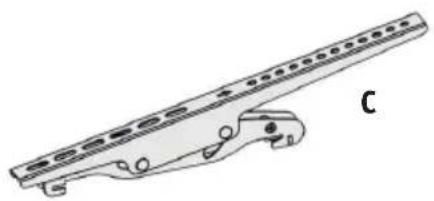
C. Left adapter, 1 pc
D. Right adapter, 1 pc
E. Spirit bubble, 1 pc
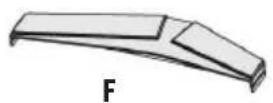
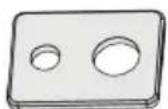
F. Decoration, 2 pcs
G. ST 2.9 x 6.5 mm, 4 pcs
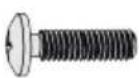
H. M5 x 14, 4 pcs
I. M6 x 14, 4 pcs
J. M8 x 20, 4 pcs
K. M6 x 30, 4 pcs
L. M8 x 30, 4 pcs
M. Washer, 4 pcs
N. Small spacer, 8 pcs
O. Large spacer, 4 pcs
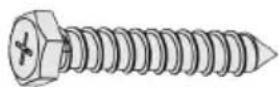
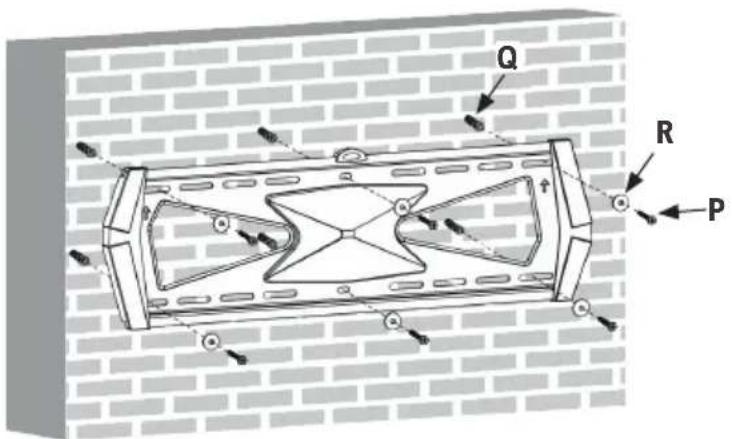
P. ST 6.3 x 55 mm, 6 pcs
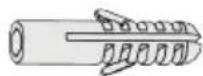
Q. Concrete anchor, 6 pcs
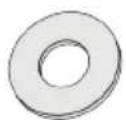
R. Washer D6, 6 pcs
FIG. 1
ASSEMBLY
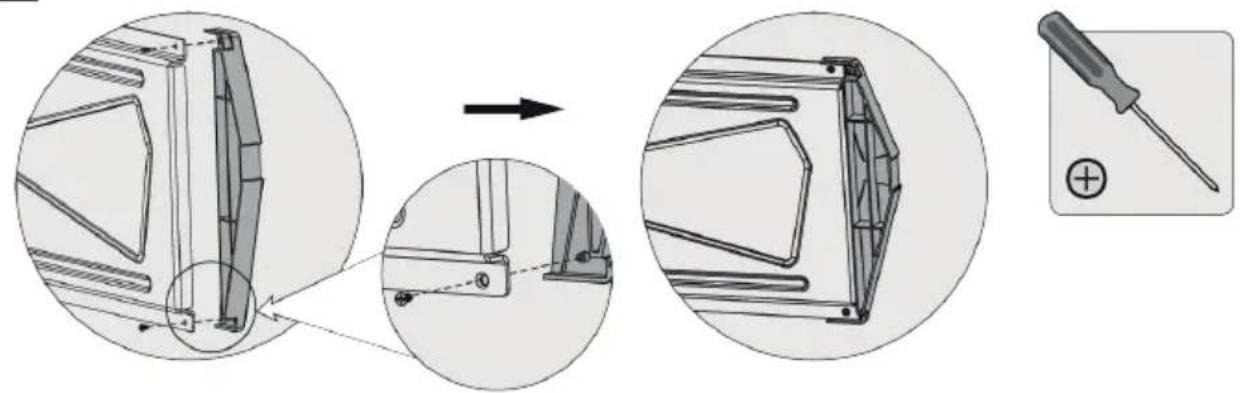
FITTING THE DECOR PIECES
Screw the decor pieces on the wall plate.
FIG. 2
NOTE:
The slots in the decor pieces face down.
MOUNTING ON WALL
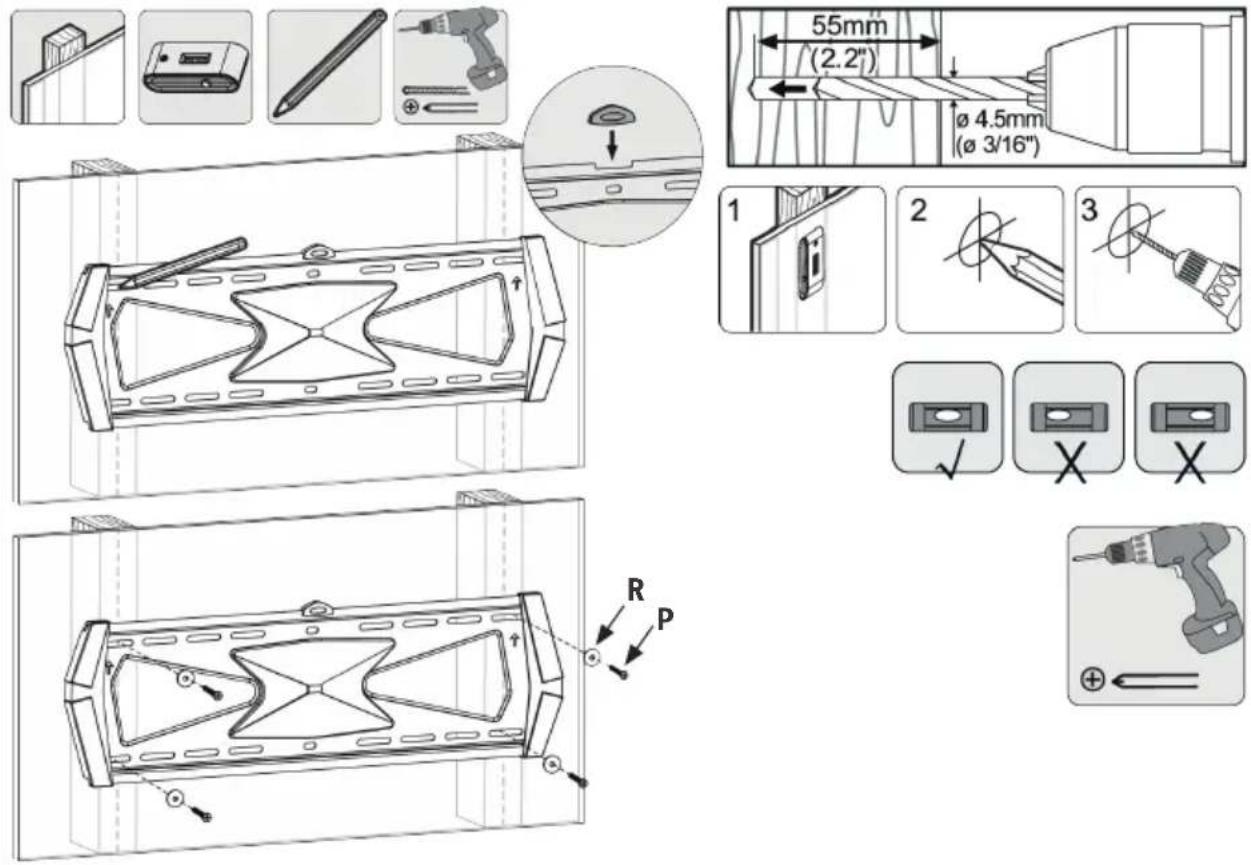
Mounting on wooden stud in wall
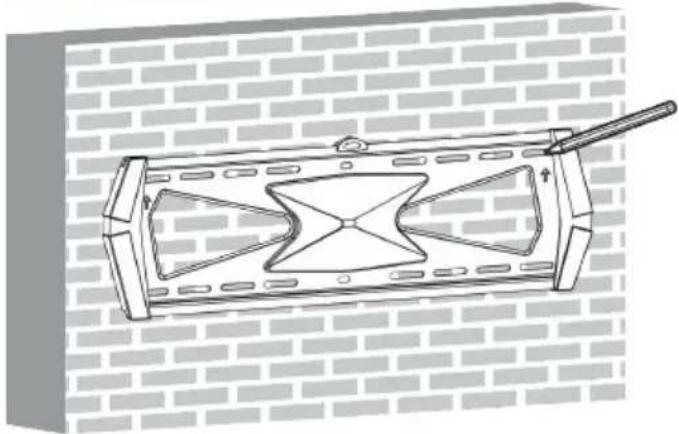
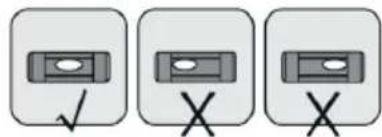
- Decide where on the wall the wall bracket is to be mounted.
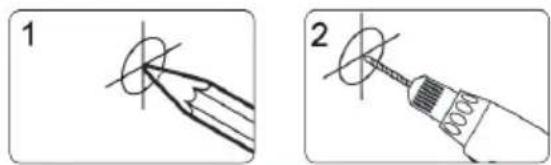
- Mark out the position of the holes.
- Predrill the holes.
- Screw the wall plate on the wall with arrow pointing up.
FIG. 3
WARNING!
- Fasten the screws in the middle of the studs.
- Make sure to use suitable parts for the installation.
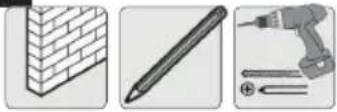
Mounting on concrete or brick wall
- Decide where on the wall the wall bracket is to be mounted.
- Mark out the position of the holes.
- Predrill the holes.
- Screw the wall plate on the wall with arrow pointing up.
FIG. 4
WARNING!
Check that the concrete is at least 35 mm thick to accommodate the concrete anchors. Do not drill into mortar joints. Drill into the bricks or concrete blocks, preferably at least 25 mm from the edge. Drill at low speed, not with the impact drill function, otherwise this can produce a large hole on the other side of the wall if the drill breaks through.
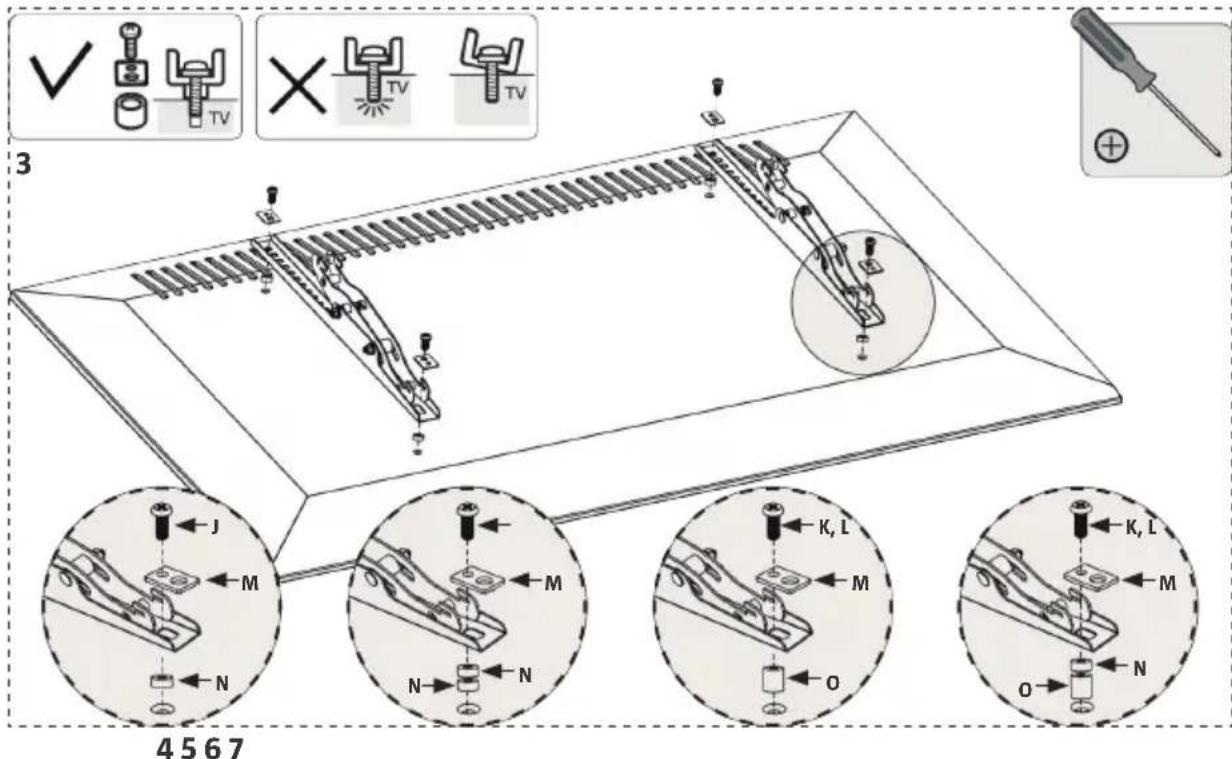
FITTING THE ADAPTER
- Place the adapters on the back of the projector, as close to the middle as possible.
- Screw the adapters to the television screen.
NOTE:
Use suitable screws, washers and spacers for the actual screen model.
Depending on the model of television screen there are two different alternatives, no. 2 or 3.
- Top edge of screen.
- Alternative with television screen with flat back.
- Alternative for screen with indented back or for access to A/V inputs.
- Screw alternative 1.
- Screw alternative 2.
-
Screw alternative 3.
-
Screw alternative 4.
FIG. 5
WARNING!
- Tighten the screws firmly, but do not overtighten.
- Check at least every 3 months that the bracket is correctly mounted.
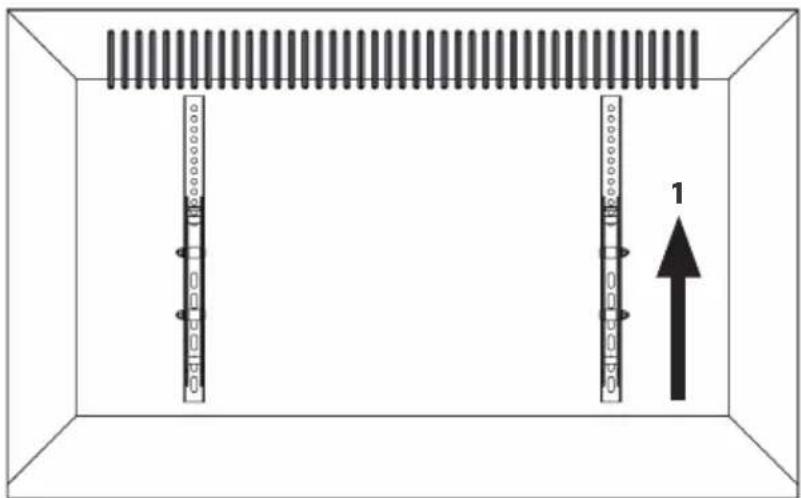
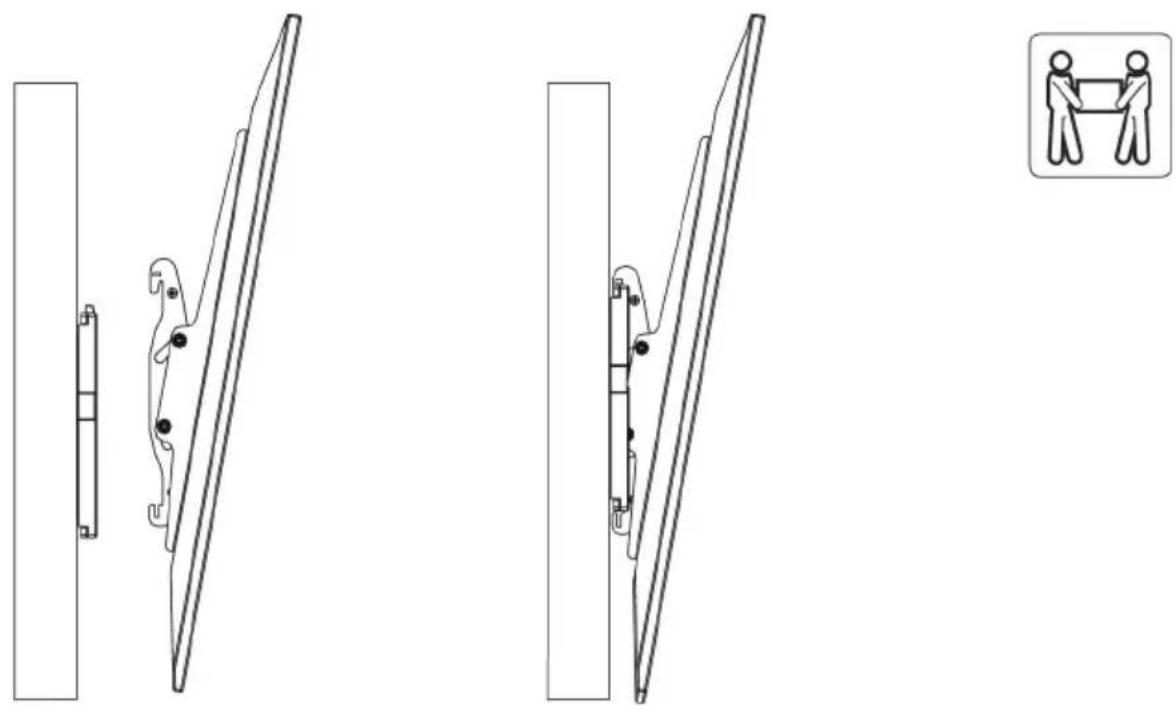
- Hang the screen over the top edge of the wall plate.
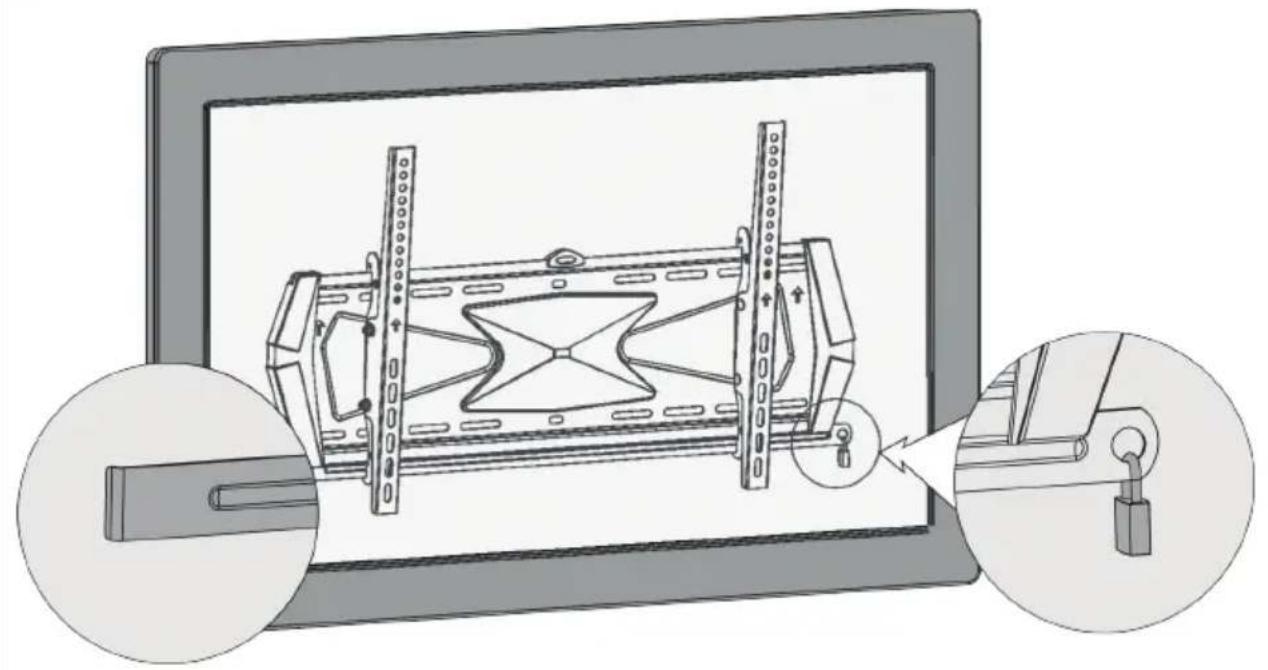
FIG. 6 - Insert the locking edging to lock the rails.
- Lock with a padlock (not included) to prevent theft.
FIG. 7
IMPORTANT:
- Two persons are needed to do this.
- Check that the screen is properly hooked on before releasing the screen.
- Check at least every 3 months that the bracket is correctly mounted.
USE
Adjust to the required angle by pulling/pushing the top or bottom of the screen.
FIG. 8
Brand : Marquant
Model : 929-075
Category : Wall mount