LAE-MFT-FT - Lens Adapter Vello - Free user manual and instructions
Find the device manual for free LAE-MFT-FT Vello in PDF.


| Product Type | Lens Adapter |
| Mount Type | Leica M-Mount (Lens) to Micro Four Thirds (Camera) |
| Compatible Lenses | Leica M-Mount Lenses |
| Compatible Cameras | Micro Four Thirds Mount Cameras |
| Focus Function | Manual Focus Only |
| Electronic Contacts | None (No Electronic Communication) |
| Aperture Control | Manual Lens Aperture (No Coupling) |
| Infinity Focus | Yes, with Adjustable Locking Screw (Helicoid) |
| Material | Brass Mounts, Alloy Body |
| Dimensions (Dia. x Length) | Approx. 2.5 in x 1.0 in (63 mm x 25 mm) |
| Weight | Approx. 2.8 oz (80 g) |
| Color | Black |
| Mounting Mechanism | Bayonet Lock with Spring-Loaded Locking Pin |
| Package Contents | 1x Lens Adapter, 2x Locking Screw Wrenches |
| Compatibility Note | Preserves Focal Length, No Speed Booster |
| Warranty | 1 Year Limited Warranty |
| Maintenance | Wipe Clean with Dry Cloth; Store in Dry Environment |
| Repairability | Not User-Serviceable; Contact Vello Support |
Frequently Asked Questions - LAE-MFT-FT Vello
User questions about LAE-MFT-FT Vello
0 question about this device. Answer the ones you know or ask your own.
Ask a new question about this device
Download the instructions for your Lens Adapter in PDF format for free! Find your manual LAE-MFT-FT - Vello and take your electronic device back in hand. On this page are published all the documents necessary for the use of your device. LAE-MFT-FT by Vello.
USER MANUAL LAE-MFT-FT Vello
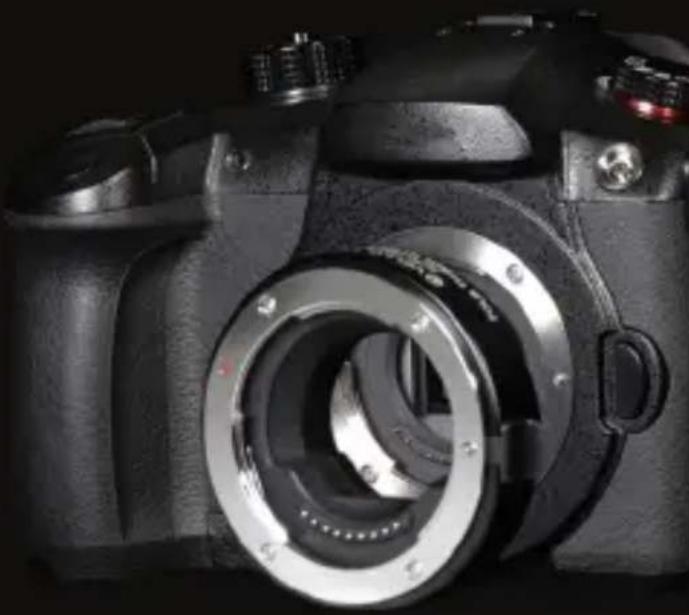
Micro Four Thirds Mount
natural_image
Close-up of a black DSLR camera with visible lens and adjustment knobs (no text or symbols)
VELLO
THANK YOU FOR CHOOSING VELLO
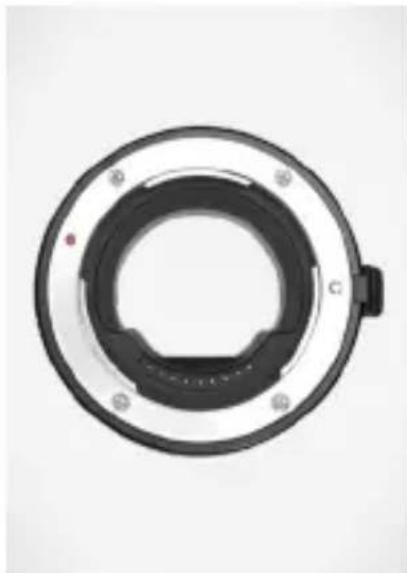
The Vello Auto Lens Adapter is for attaching Four Thirds lenses to a Micro Four Thirds mount. It features autofocus and autoexposure functionality, and it delivers metadata for your pictures. The inside of the adapter is coated to reduce stray reflections and to maximize picture quality.
natural_image
Circular mechanical component with central hexagonal ring and mounting holes (no text or symbols visible)CONTENTS
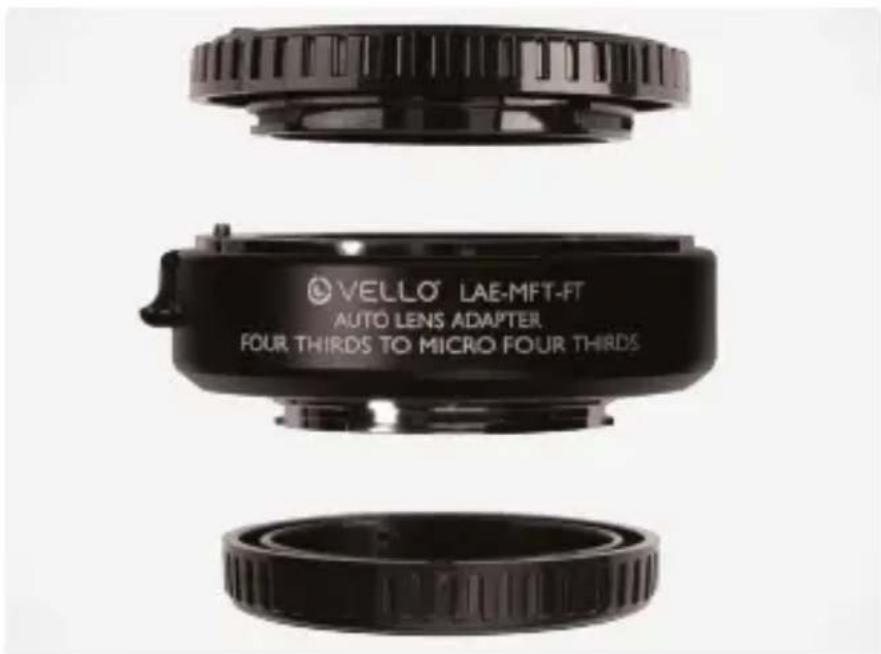
• Vello LAE-MFT-FT Lens Adapter for Four Thirds lens to Micro Four Thirds mount
- Front and rear caps
- User manual
PRECAUTIONS
- Please read and follow these instructions, and keep this manual in a safe place.
-
Avoid sandy or dusty environments when using this adapter.
-
Handle the adapter with care—don't drop it, and avoid bumps and shocks.
-
Clean the adapter by wiping it with a soft, dry cloth.
-
Do not use solvents such as benzene, alcohol, or detergents to clean the adapter.
- Be sure to read the operating instructions for your digital camera.
- Do not attempt to disassemble or repair the equipment—doing so will void the warranty, and Vello will not be responsible for any damage.
- Keep this unit away from water and flammable gases or liquids.
- Keep this unit away from children.
- All images are for illustrative purposes only.
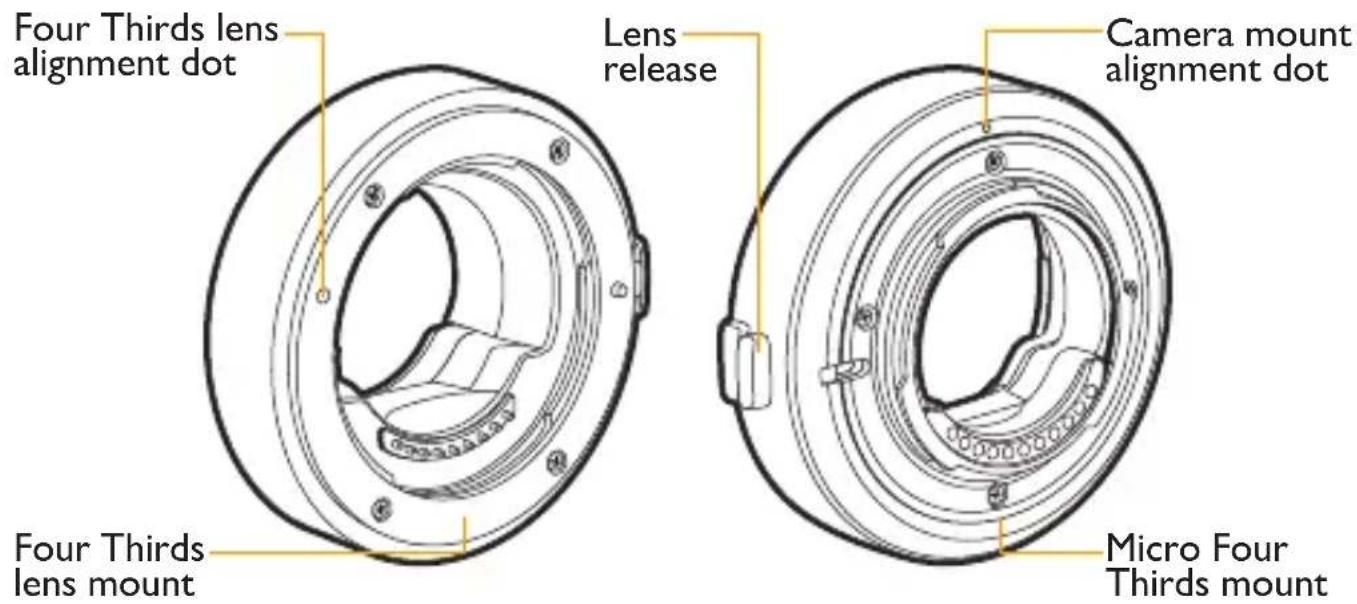
OVERVIEW
Front Back
MOUNTING THE LENS ADAPTER
Note: Place the lens and camera on a flat, stable surface when mounting or removing the lens adapter.
-
Turn the camera's power off.
-
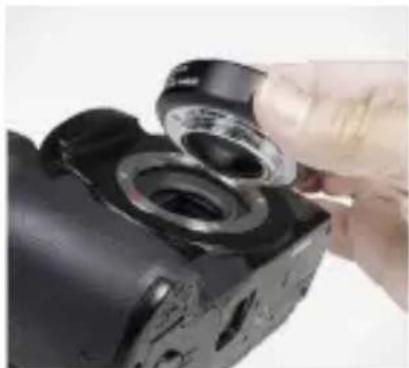
Remove all caps before mounting.
natural_image
Close-up of a hand holding a black camera lens assembly (no visible text or symbols)-
Line up the alignment dots on the lens adapter and the camera.
-
Carefully insert the lens adapter into the camera, and rotate clockwise until it locks into place.
-
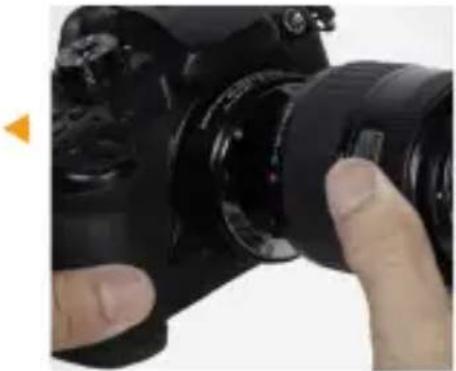
Line up the alignment dot on the lens with the alignment dot on the lens adapter.
-
Carefully insert the lens into the lens adapter, and rotate the lens clockwise until it locks into place.
natural_image
Close-up of a hand holding a black DSLR camera lens (no visible text or symbols)- Turn your camera on.
REMOVING THE LENS ADAPTER
-
Turn the camera's power off.
-
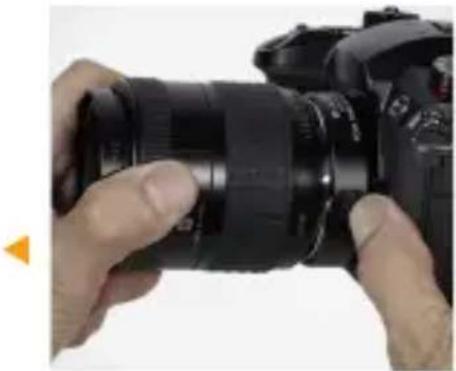
Press and hold the release pin on the lens adapter.
natural_image
Close-up of hands holding a DSLR camera lens (no visible text or symbols)-
Rotate the lens counterclockwise to release, and carefully detach the lens from the lens adapter.
-
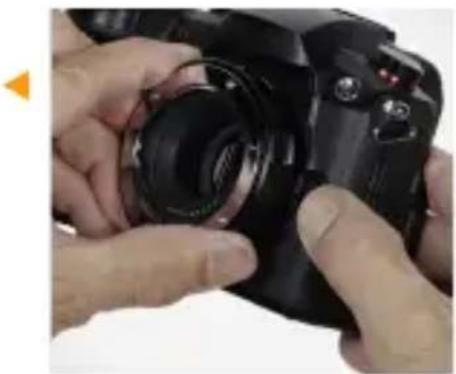
Press and hold the lens release button on the camera.
-
Rotate the lens adapter counterclockwise to release, and carefully detach the lens adapter from the camera.
natural_image
Close-up of hands adjusting a black DSLR camera lens (no visible text or symbols)- Reattach the front and rear caps to the lens adapter.
SPECIFICATIONS
| Compatible lenses | Thirds mount |
| Compatible cameras | micro Four Thirds mount |
| Front mount | s |
| Rear mount | Thirds |
| Diameter | |
| Depth | |
| Weight |
One-Year Limited Warranty
This VELLO product is warranted to the original purchaser to be free from defects in materials and workmanship under normal consumer use for a period of one (1) year from the original purchase date or thirty (30) days after replacement, whichever occurs later. The warranty provider's responsibility with respect to this limited warranty shall be limited solely to repair or replacement, at the provider's discretion, of any product that fails during normal use of this product in its intended manner and in its intended environment. Inoperability of the product or part(s) shall be determined by the warranty provider. If the product has been discontinued, the warranty provider reserves the right to replace it with a model of equivalent quality and function.
This warranty does not cover damage or defect caused by misuse, neglect, accident, alteration, abuse, improper installation or maintenance. EXCEPT AS PROVIDED HEREIN, THE WARRANTY PROVIDER MAKES NEITHER ANY EXPRESS WARRANTIES NOR ANY IMPLIED WARRANTIES, INCLUDING BUT NOT LIMITED TO ANY IMPLIED WARRANTY OF MERCHANTABILITY OR FITNESS FOR A PARTICULAR PURPOSE. This warranty provides you with specific legal rights, and you may also have additional rights that vary from state to state.
To obtain warranty coverage, contact the Vello Customer Service Department to obtain a return merchandise authorization (“RMA”) number, and return the defective product to Vello along with the RMA number and proof of purchase. Shipment of the defective product is at the purchaser's own risk and expense.
For more information or to arrange service, visit www.vellogear.com or call Customer Service at 212-594-2353.
Product warranty provided by the Gradus Group.
www.gradusgroup.com
VELLO is a registered trademark of the Gradus Group.
© 2020 Gradus Group LLC. All Rights Reserved.

VELLO*
A Gradus Group Brand
www.vellogear.com
All other trademarks are the property of their respective owners
Brand : Vello
Model : LAE-MFT-FT
Category : Lens Adapter