COOLPIX S4 LITE - Appareil photo numérique NIKON - Notice d'utilisation et mode d'emploi gratuit
Retrouvez gratuitement la notice de l'appareil COOLPIX S4 LITE NIKON au format PDF.


| Intitulé | Description |
|---|---|
| Type de produit | Appareil photo numérique compact |
| Capteur | Capteur CCD de 6 mégapixels |
| Zoom optique | Zoom optique 10x |
| Écran | Écran LCD de 2,5 pouces |
| Résolution d'image maximale | 2816 x 2112 pixels |
| Formats d'image | JPEG |
| Modes de prise de vue | Auto, Manuel, Scène, Vidéo |
| Alimentation électrique | Batterie lithium-ion rechargeable |
| Dimensions approximatives | 113 x 67 x 38 mm |
| Poids | 320 g (avec batterie et carte mémoire) |
| Compatibilités | Compatible avec les cartes SD, SDHC |
| Type de batterie | EN-EL5 |
| Tension | 3,7 V |
| Fonctions principales | Stabilisation d'image, détection des visages, mode macro |
| Entretien et nettoyage | Utiliser un chiffon doux pour nettoyer l'objectif et l'écran |
| Pièces détachées et réparabilité | Disponibilité limitée des pièces détachées |
| Informations générales | Idéal pour les photographes amateurs et les voyages |
FOIRE AUX QUESTIONS - COOLPIX S4 LITE NIKON
Questions des utilisateurs sur COOLPIX S4 LITE NIKON
0 question sur cet appareil. Repondez a celles que vous connaissez ou posez la votre.
Poser une nouvelle question sur cet appareil
Téléchargez la notice de votre Appareil photo numérique au format PDF gratuitement ! Retrouvez votre notice COOLPIX S4 LITE - NIKON et reprennez votre appareil électronique en main. Sur cette page sont publiés tous les documents nécessaires à l'utilisation de votre appareil COOLPIX S4 LITE de la marque NIKON.
MODE D'EMPLOI COOLPIX S4 LITE NIKON
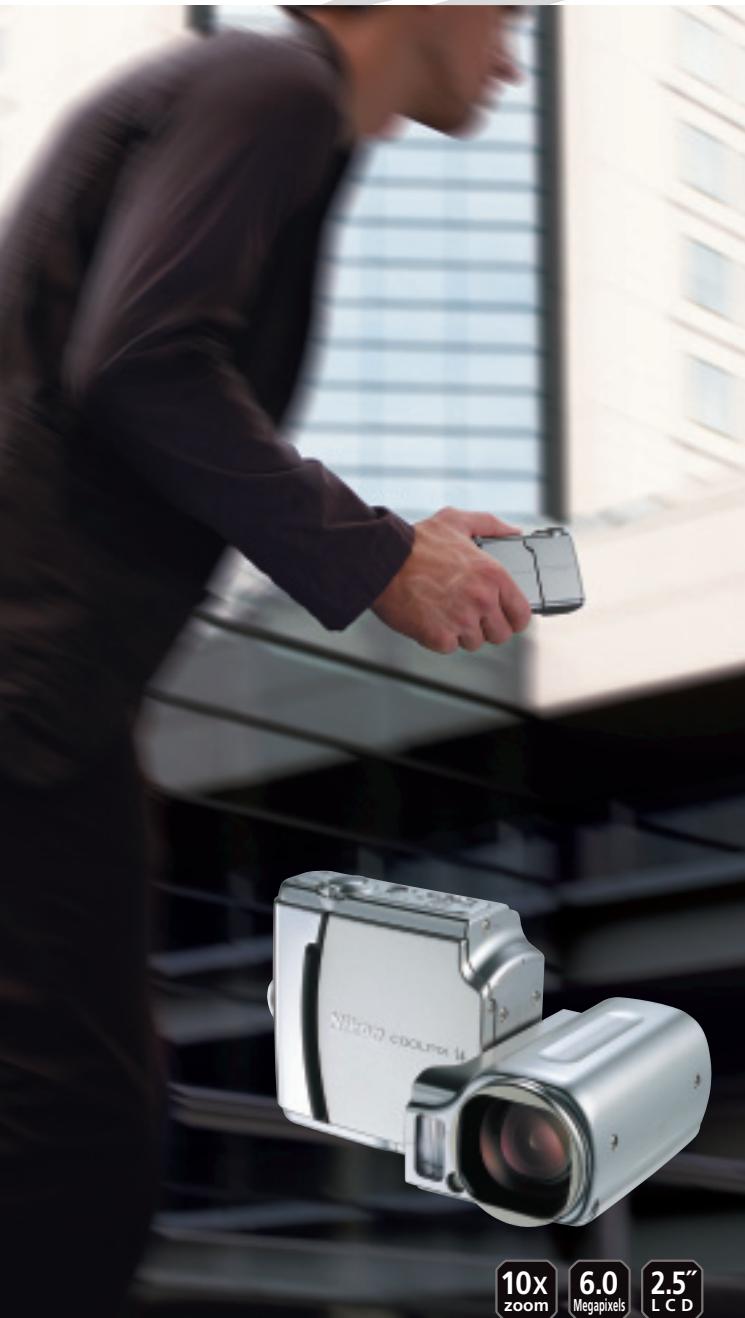
At the heart of the image
text_image
10x zoom 6.0 Megapixels 2.5" LCDThe range to roam freely – with all the angles covered
text_image
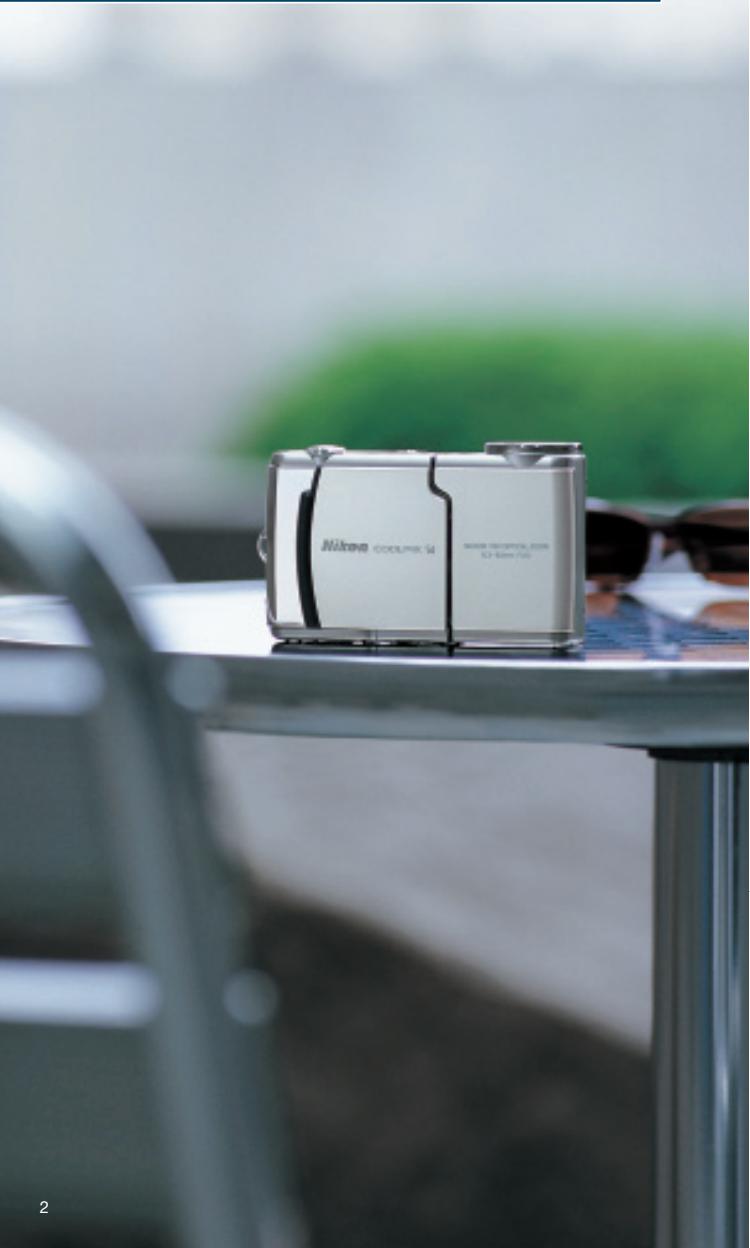
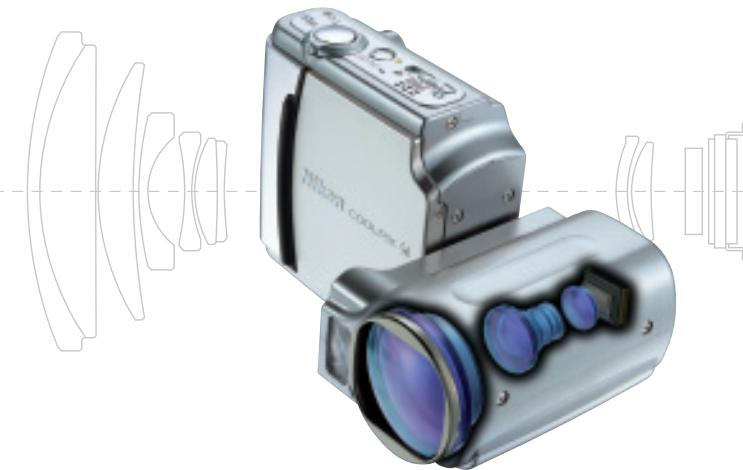
Nikron COOLINK 500 NIKON COOLINK 500 CF-Box 1/2Nikon's new COOLPIX S4 digital camera offers a stylish
solution for active people with an eye for design, a need for
go-anywhere versatility and the desire to take consistently
great pictures without fuss. The sophisticated design
incorporates a newly developed CCD image sensor with
6.0 effective megapixels of sharp resolution, a long-range
swivel-mounted 10x Zoom-Nikkor lens, and a bright, clear
2.5-inch LCD monitor into a slim, compact body that is
comfortable to hold and easy to operate.
The COOLPIX S4 – discover the full pleasure of outstanding
power, flexibility and style.
natural_image
Illustration of a silver digital camera with lens and control panel, shown against a background of lens-like optical elements (no text or symbols)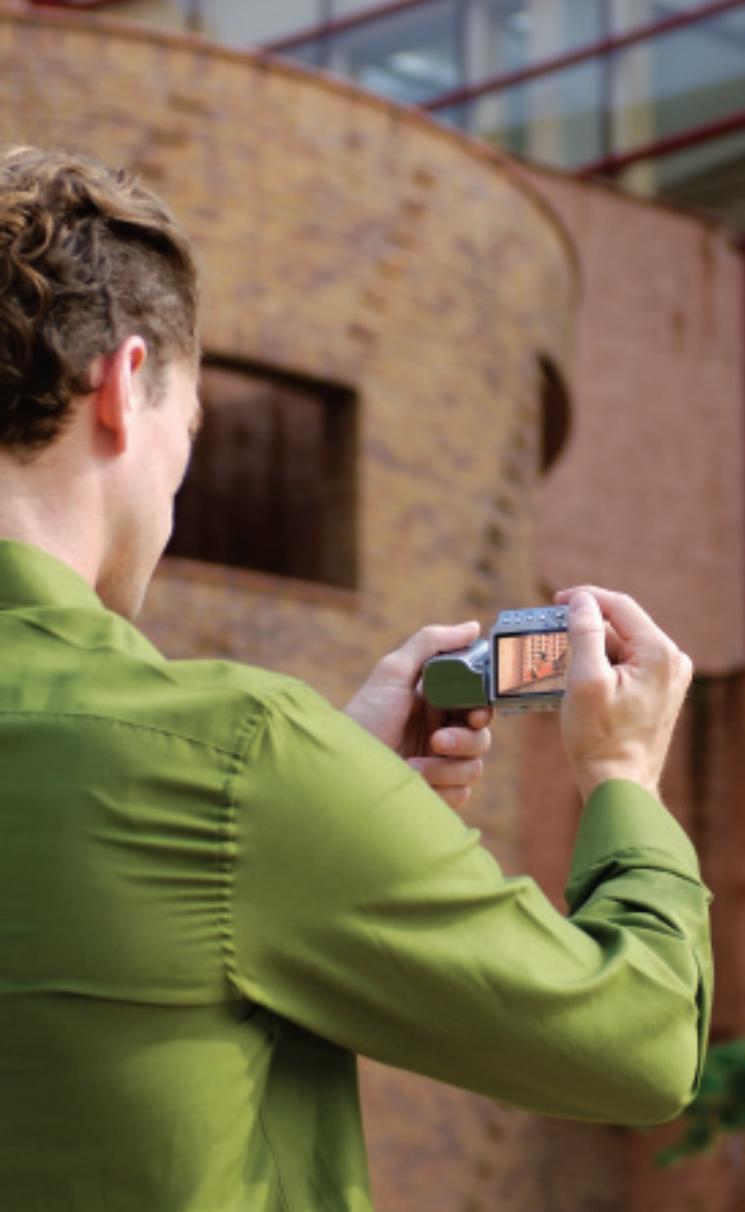
natural_image
Person in green shirt taking a photo with a digital camera, background shows brick building (no visible text or symbols)Bring your world in as close as you please
natural_image
Close-up of a person wearing a green shirt and white pants, holding wooden clips with chopsticks (no visible text or symbols)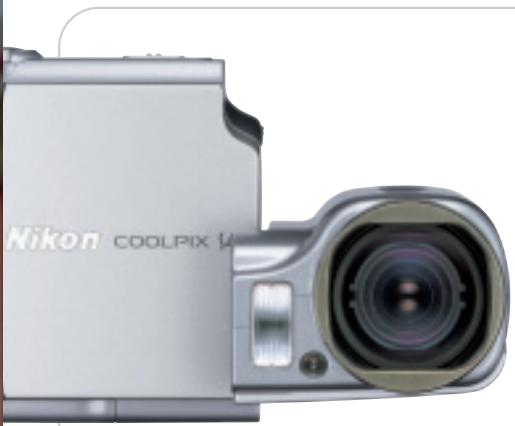
natural_image
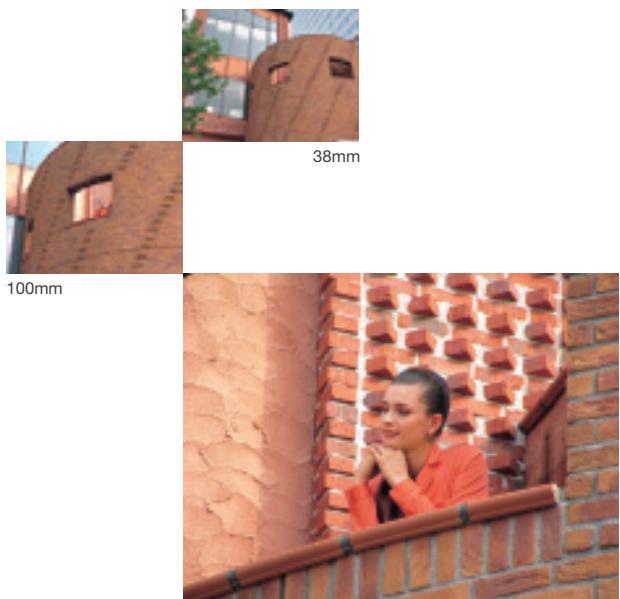
Close-up of a Nikon Coolpix 14 camera showing lens and aperture (no text or symbols on body)The irresistibly slim design of the COOLPIX S4 conceals a high-quality 10x Zoom-Nikkor lens. With extended range from 38mm medium-wide through 380mm telescopic*, the swivel-mounted lens is equally adept at taking great shots of all types, including architecture, portraits, extreme close-ups, or any other composition that sparks your creativity as you explore your world. *35mm equivalent.
10 x optical zoom
natural_image
Two-panel image showing brick wall and brick wall views, with no visible text or symbols.380mm

natural_image
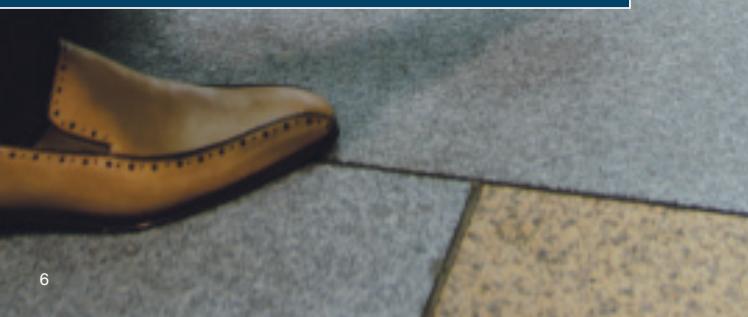
Person in beige coat kneeling outdoors, looking at a small object near a paved area (no visible text or symbols)Cover all the angles in style with a satisfying twist
natural_image
Close-up of a person's foot wearing a beige leather shoe, lying on a paved surface with tiled floor (no text or symbols visible)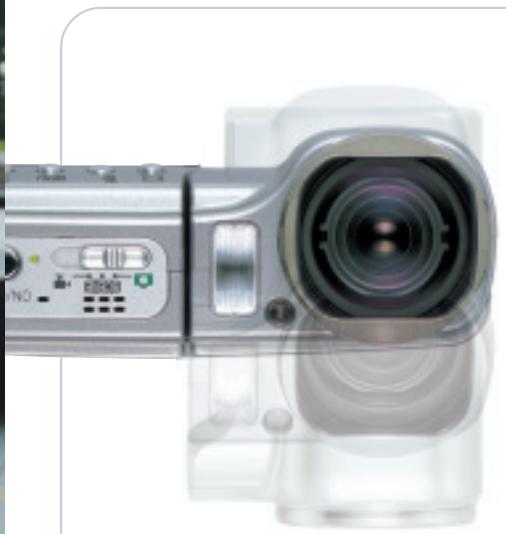
natural_image
Close-up of a digital camera module with lens and control buttons (no visible text or symbols)Swivel design
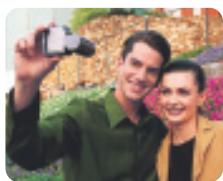
The slim, compact design of the COOLPIX S4 adds a delightful and practical twist by integrating its broad 10x zoom range into a swivel design that offers a wider range of shooting angles for greater creative freedom.
natural_image
Two people taking a selfie outdoors, one holding a camera (no visible text or symbols)
natural_image
Orange Labrador Retriever lying on a concrete ledge under a modern building with glass railing (no text or symbols visible)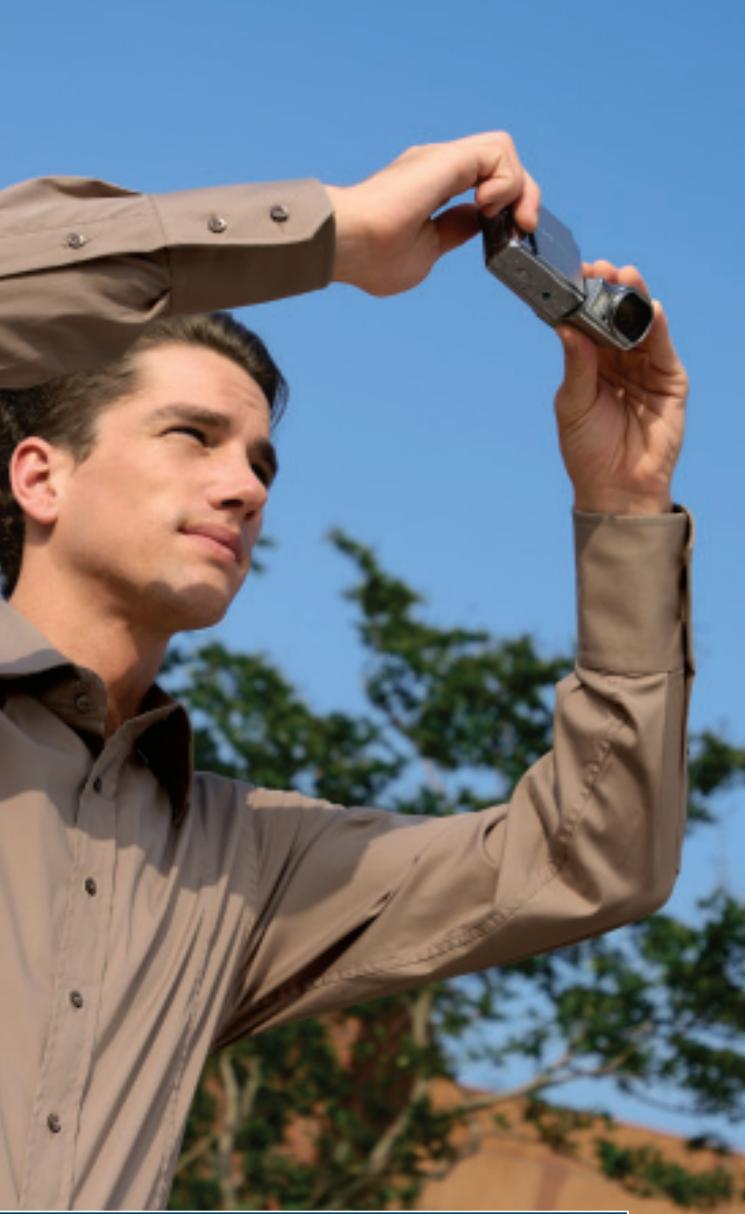
natural_image
Man holding a digital camera outdoors under clear blue sky, no visible text or symbolsThe smooth style of easy operation and big, bright previews
natural_image
Close-up of a person holding a brush near a leafy tree, with blurred green foliage in the background (no text or symbols visible)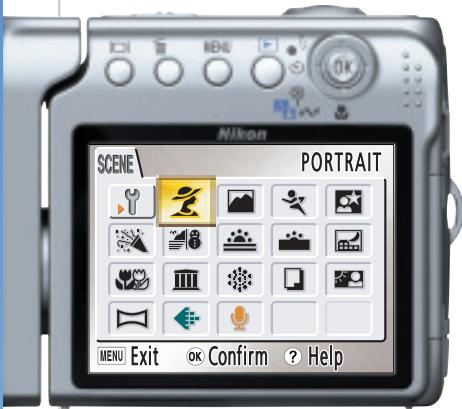
text_image
Nikon SCENE PORTRAIT MENU Exit OK Confirm ? HelpSelect functions either by name or by icon for maximum operating ease. If you ever want a main menu selection explained, simply press the handy Help button.
2.5-inch LCD monitor
The large, bright 2.5-inch LCD monitor fills the camera's back, making it a pleasure to review shots, or to share the fun with others.

natural_image
Woman holding sunflowers in a stone-paved garden with pink flowers in the background (no text or symbols visible)Innovative Nikon technologies help optimize results
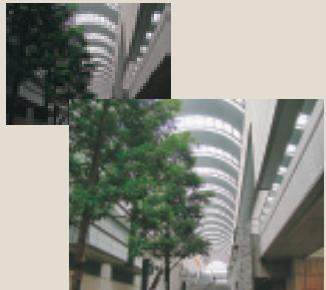
D-Lighting
Without D-Lighting
natural_image
Exterior view of a modern curved building with glass facade and surrounding greenery (no signage or text visible)With D-Lighting
D-Lighting brings out optimal detail and contrast by compensating for underexposed areas without affecting properly exposed areas.
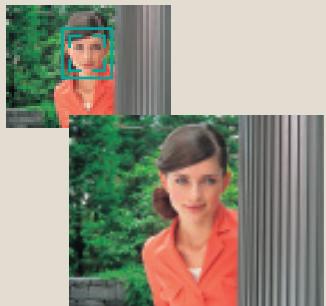
Face-priority AF\*
natural_image
Two women in professional attire outdoors, one in orange blazer and the other in greenery (no visible text or symbols)Face-priority AF employs advanced technologies to automatically locate and focus on people's faces, ensuring great portraits with sharp focus every time.
* Face recognition capability may be limited in some shooting conditions.
In-Camera Red-Eye Fix

natural_image
Portrait of a woman wearing a bright yellow shirt against a stone wall background (no visible text or symbols)

↓

Nikon's exclusive In-Camera Red-Eye Fix performs automatic in-camera correction to rid photos of the annoying problem of red-eye that sometimes occurs in flash photography for pleasing, natural-looking results.
Advanced features for maximum versatility
16 Scene Modes; 4 with Scene Assist
Simply select the mode that matches the scene, snap the shutter, and enjoy the spectacular results of automatically optimized settings.

Macro shooting
4 Movie Modes
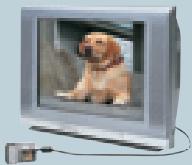
Record movies with sound at 15fps in TV (640 x 480) or small size (320 x 240) modes. Time-lapse Movie mode allows recording at 640 x 480 without sound.
natural_image
Exterior view of a modern flat-screen TV with a dog on the screen (no visible text or symbols)Compatible with AA-size batteries
Compatibility with one of the most widely available battery sizes means never finding yourself short of power when a photo opportunity arises.
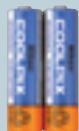
Rechargeable Ni-MH Battery EN-MH1-B2
SD memory card support plus approx. 13.5MB internal memory
SD memory cards are compact, fast, and widely available. Additionally, 13.5MB (approx.) of built-in memory ensures you always get your shot, even when you don't have an SD card handy.

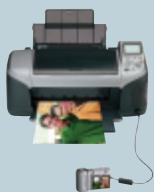
Direct Printing with PictBridge
Connect the COOLPIX S4 directly to any PictBridge-compatible printer for a quick and convenient way to make great prints.
natural_image
Illustration of a printer printing a photo with a small camera nearby (no text or symbols visible)PictureProject
PictureProject software (included) offers a versatile, powerful and user-friendly interface for transferring, organizing, editing and sharing your pictures.


PictureProject
| Type: | Compact digital camera |
| Effective pixels: | 6.0 million |
| CCD: | 1/2.5-inch type (6.4 million total pixels) |
| Image modes: | High (2816*), Normal (2816), Economy (2048), PC (1024), TV (640) |
| Lens: | 10x Zoom-Nikkor; 6.3-63mm (35mm [135] format equivalent to 38-380mm); f/3.5; 12 elements in 9 groups; Digital zoom: up to 4x (35mm [135] format equivalent to approx. 1520mm) |
| Focus range: | 30cm (12 in.) to infinity ( ), approx. 4cm (1.6 in.) to infinity ( ) in Macro mode |
| LCD monitor: | 2.5-inch type, 110,000-dot TFT LCD monitor with brightness adjustment |
| Storage media: | Internal memory: approx. 13.5MB, SD memory card |
| Shooting modes: | Auto, Scene Assist (Portrait, Landscape, Sports, Night Portrait), Scene (Party/Indoor, Beach/Snow, Sunset, Dusk/Dawn, Night Landscape, Close up, Museum, Fireworks Show, Copy, Back Light, Panorama Assist, Voice Recording), BSS (Best Shot Selector), AE-BSS, Color Options, Blur Warning, Date Imprint, Self-timer (10 sec.) |
| Movie: | With sound: TV movie (640) at 15fps, Small size (320) at 15fps, Smaller size (160) at 15fps; Without sound: Time-lapse movie at 15fps |
| Capture modes: | 1) Single, 2) Continuous (approx. 1.3fps), 3) Multi-shot 16 (16 frames 1/16 in. size) |
| Number of frames(w/ Internal memory): | High (2816*) approx. 4, Normal (2816) approx. 9 |
| Built-in flash: | Range: 0.4-3.0m/ 1 ft. 4 in. – 10 ft.; Flash modes: Auto, Auto with Red-eye Reduction (In-Camera Red-Eye Fix), Anytime Flash, Flash Cancel and Slow Sync. |
| Interface: | USB |
| Supported languages: | German/English/Spanish/French/Italian/Dutch/Swedish/Japanese/Simplified Chinese/Traditional Chinese/Korean/Russian selectable in menu display |
| Power requirements: | Two AA-size batteries (Rechargeable Ni-MH Battery EN-MH1-B2 with Battery Charger MH-71, LR6 alkaline batteries, ZR6 oxy-nickel batteries and FR6/L91 lithium batteries), AC Adapter EH-62B |
| Battery life (approx.): | Approx. 290 shots with EN-MH1-B2 Rechargeable Batteries, approx. 450 shots with lithium batteries, approx. 160 shots with LR6 (AA-size alkaline batteries) (based on CIPA standard*) |
| Dimensions (W x H x D): | Approx. 111.5 x 68.5 x 37mm (4.4 x 2.7 x 1.4 in.) |
| Weight: | Approx. 205g (7.2 oz.) (without batteries and memory card) |
| Supplied accessories:** | Neck strap, USB Cable UC-E6, Audio Video Cable EG-CP14, Rechargeable Ni-MH Battery EN-MH1-B2, Battery Charger MH-71, Lens cap, PictureProject CD-ROM |
| Optional accessories: | AC Adapter EH-62B |
| * Industry standard for measuring life of camera batteries. Measured at 25°C (77°F); zoom adjusted with each shot, built-in flash fired with every other shot, image mode set to Normal.** Supplied accessories may differ by country or area. |
PictureProject System Requirements
| OS | Macintosh: Mac® OS X version 10.1.5 or later (version 10.2.8 or later required for Burn Disc option) / Windows® Windows® XP Home Edition/Professional, Windows® 2000 Professional, Windows® Me, Windows® 98SE pre-installed models |
| RAM | Macintosh: 64MB or more recommended/ Windows: 64MB or more recommended (128MB with muvee option) |
| Hard disk | 60MB required for installation |
| Display | 800 x 600 or more with 16-bit color (full color recommended) |
| Others | CD-ROM drive required for installationOnly built-in USB ports are supported |
Microsoft® and Windows® are either registered trademarks or trademarks of Microsoft Corporation in the United States and/or other countries. Macintosh® and QuickTime® are either registered trademarks or trademarks of Apple Computer Inc. in the United States and/or other countries. The FotoNation logo is a trademark. The SD logo is a trademark. PictBridge is a trademark. D-Lighting technology is provided by Apical Limited. Face-priority AF technology is provided by Identix®. Products and brand names are trademarks or registered trademarks of their respective companies. Images on LCDs and monitors shown in this brochure are simulated.
Specifications and equipment are subject to change without any notice or obligation on the part of the manufacturer. August 2005 ©2005 NIKON CORPORATION








WARNING
TO ENSURE CORRECT USAGE, READ MANUALS CAREFULLY BEFORE USING YOUR EQUIPMENT, SOME DOCUMENTATION IS SUPPLIED ON CD-ROM ONLY.