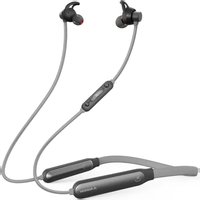
NB18 - Ecouteur Avantree - Notice d'utilisation et mode d'emploi gratuit
Retrouvez gratuitement la notice de l'appareil NB18 Avantree au format PDF.

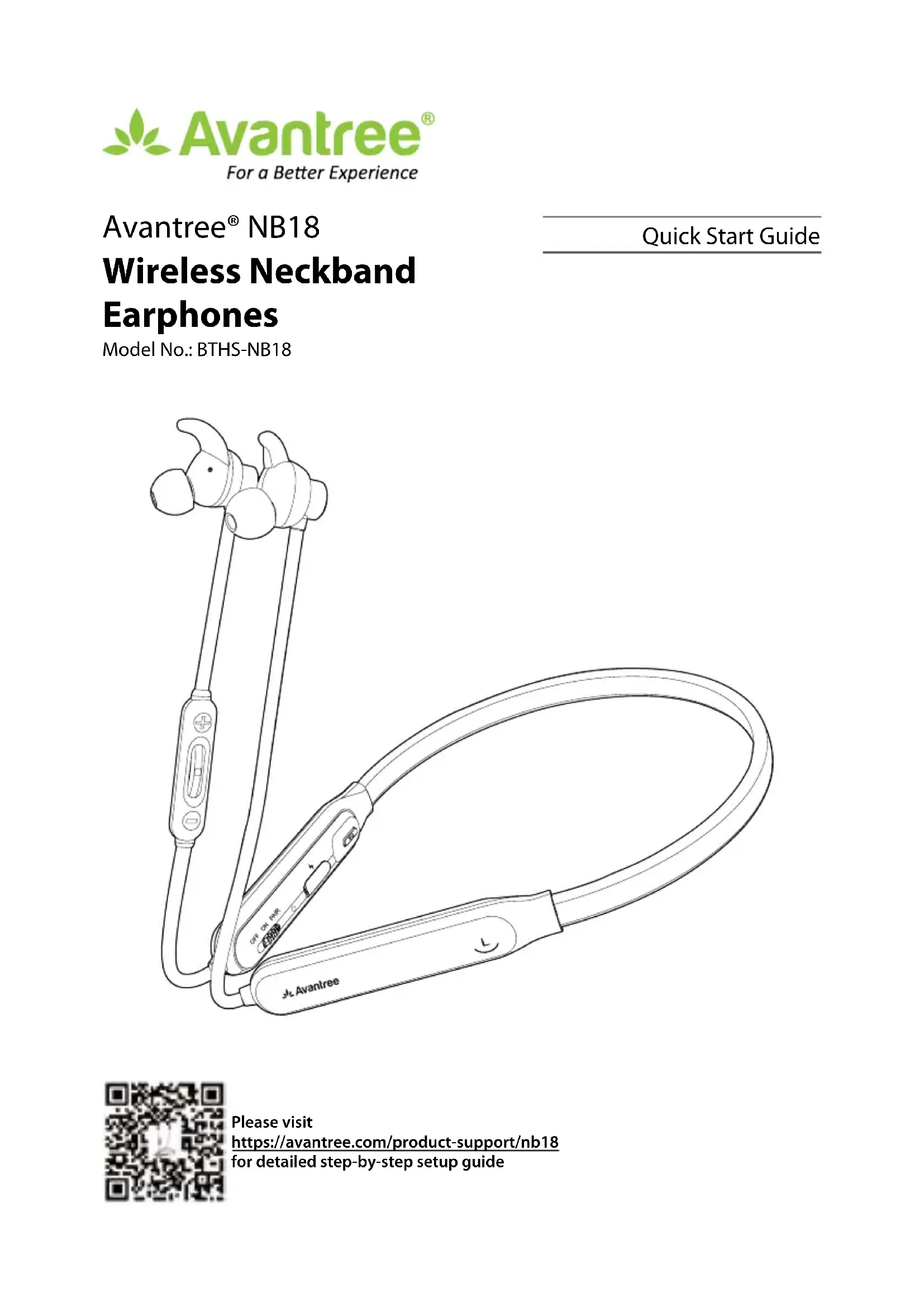
| Type de produit | Écouteurs sans fil à arceau de cou (neckband) |
| Marque | Avantree |
| Modèle | NB18 (BTHS-NB18) |
| Connectivité | Bluetooth |
| Version Bluetooth | Bluetooth 5.0 |
| Portée sans fil | Jusqu'à 10 mètres |
| Autonomie de lecture | Environ 12 heures |
| Temps de charge | Environ 2 heures |
| Type de batterie | Lithium-ion rechargeable (150 mAh) |
| Port de charge | USB Type-C |
| Poids | Environ 28 grammes |
| Couleur | Noir (standard) |
| Matériau | Plastique et silicone |
| Haut-parleur | Dynamic, 10 mm |
| Impédance | 16 ohms |
| Réponse en fréquence | 20 Hz - 20 kHz |
| Commande | Boutons physiques (marche/arrêt, volume, EQ, appairage) |
| Microphone | Intégré |
| Contenu de la boîte | Écouteurs NB18, câble de charge USB-C, embouts et ailettes de rechange, guide de démarrage rapide |
| Réparation / Pièces détachées | Embouts et ailettes fournis ; service client Avantree pour assistance |
| Garantie | Garantie limitée du fabricant (contacter le support) |
FOIRE AUX QUESTIONS - NB18 Avantree
Questions des utilisateurs sur NB18 Avantree
0 question sur cet appareil. Repondez a celles que vous connaissez ou posez la votre.
Poser une nouvelle question sur cet appareil
Téléchargez la notice de votre Ecouteur au format PDF gratuitement ! Retrouvez votre notice NB18 - Avantree et reprennez votre appareil électronique en main. Sur cette page sont publiés tous les documents nécessaires à l'utilisation de votre appareil NB18 de la marque Avantree.
MODE D'EMPLOI NB18 Avantree
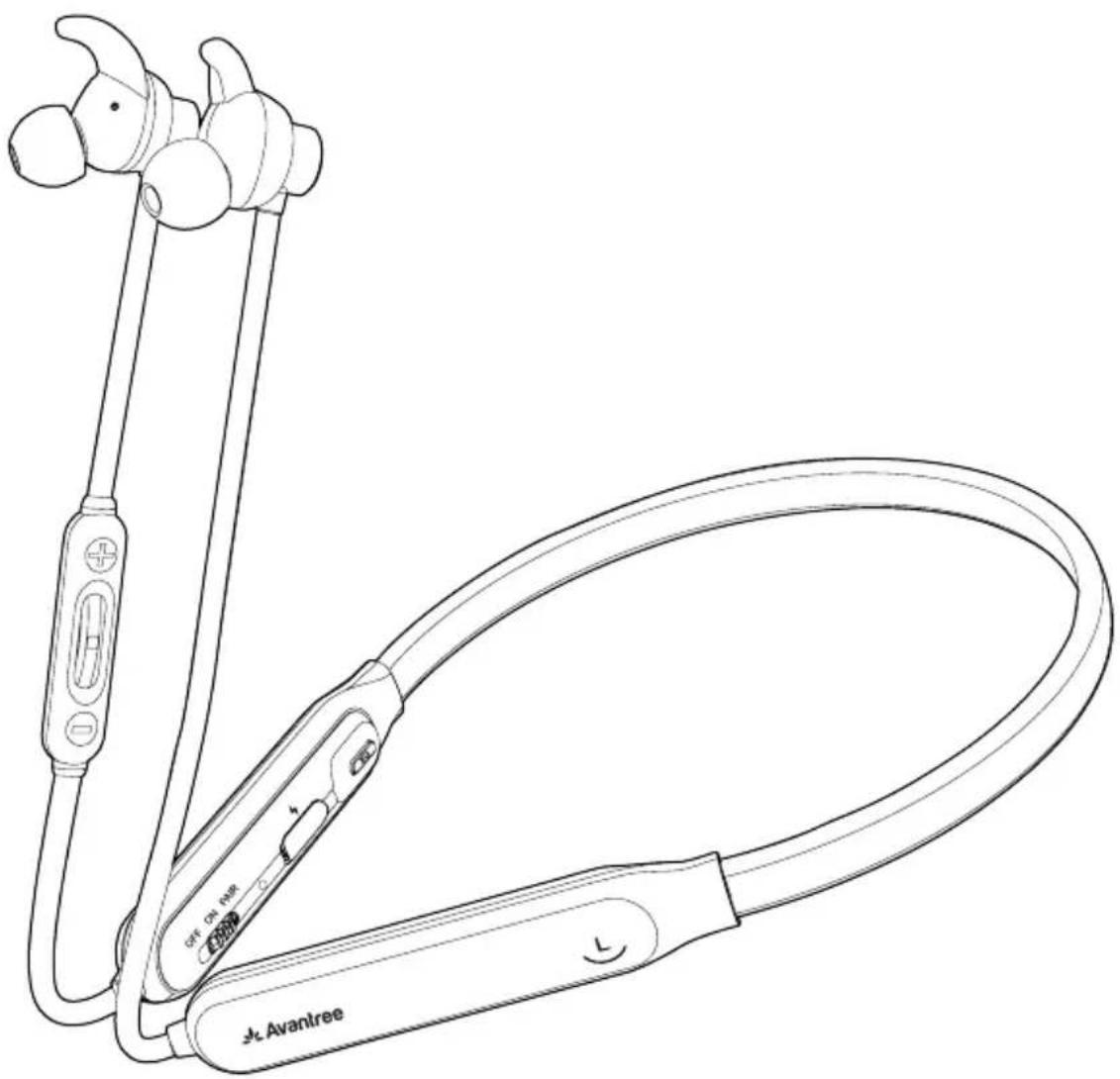
Avantree® NB18
Wireless Neckband Earphones
Model No.: BTHS-NB18
Quick Start Guide
natural_image
Line drawing of a black-and-white photo of a white earbuds with attached cable, no text or symbols present.Table of Contents
Box Content 2
Charging 3
Online Support 9
Troubleshooting & FAQ....9
Products & Accessories 10
Contact Us 11

Box Content
natural_image
Line drawing of a medical or laboratory device with attached tubing and connectors (no text or symbols)NB18 EARPHONES
natural_image
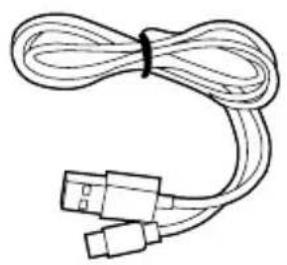
Line drawing of a coiled cable with two connectors (no text or symbols)TYPE C CHARGING CABLE
natural_image
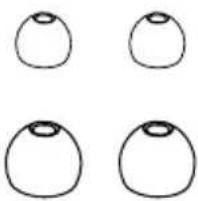
Four simple oval shapes with rounded tops, arranged in a 2x2 grid (no text or symbols)REPLACEMENT EARBUDS & TIPS

natural_image
Two overlapping blank paper sheets with no text or symbolsQUICK START GUIDE
natural_image
Simple line drawing of an open box with two triangular openings (no text or symbols)Charging

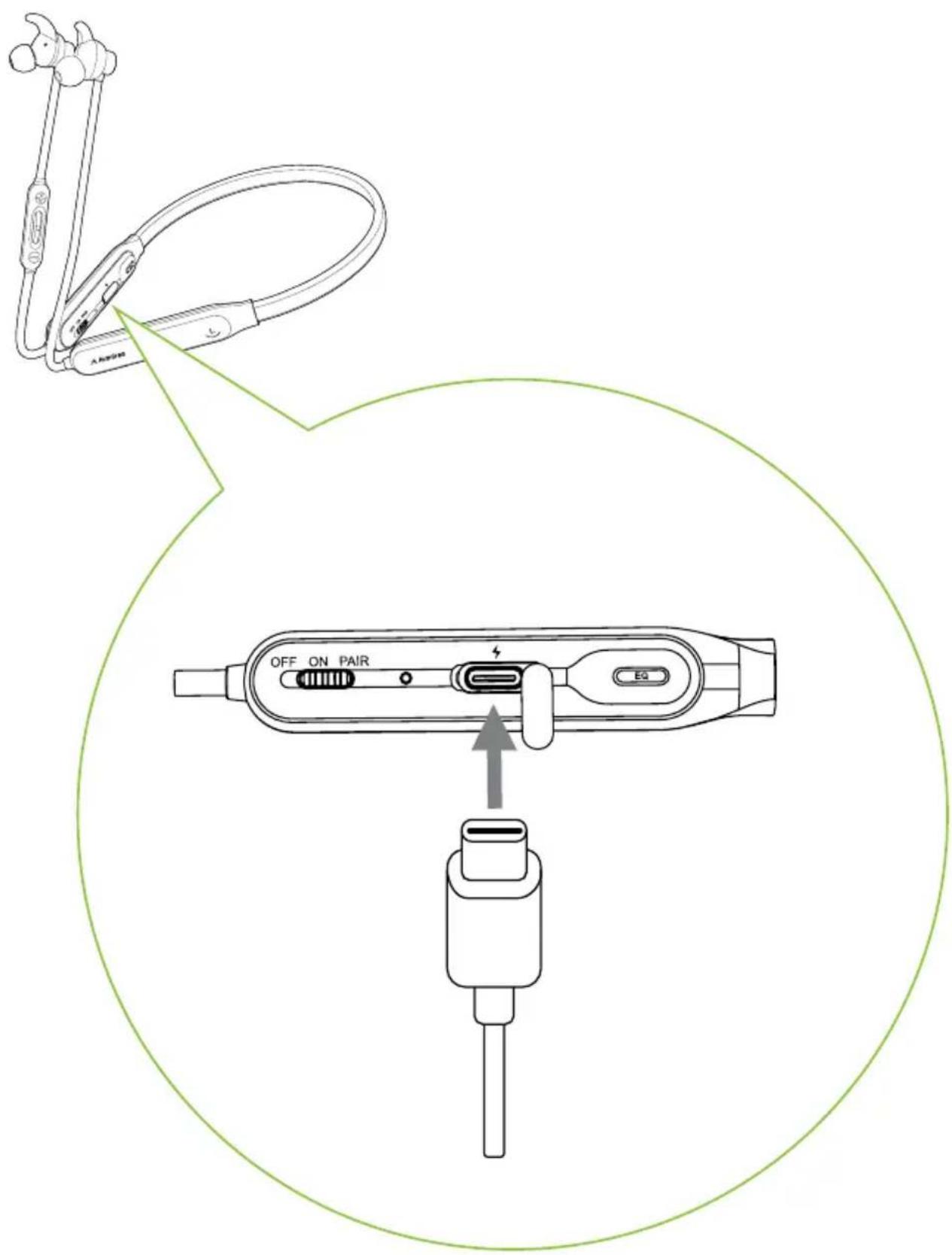
text_image
A2000 OFF ON PAIR EQ

text_image
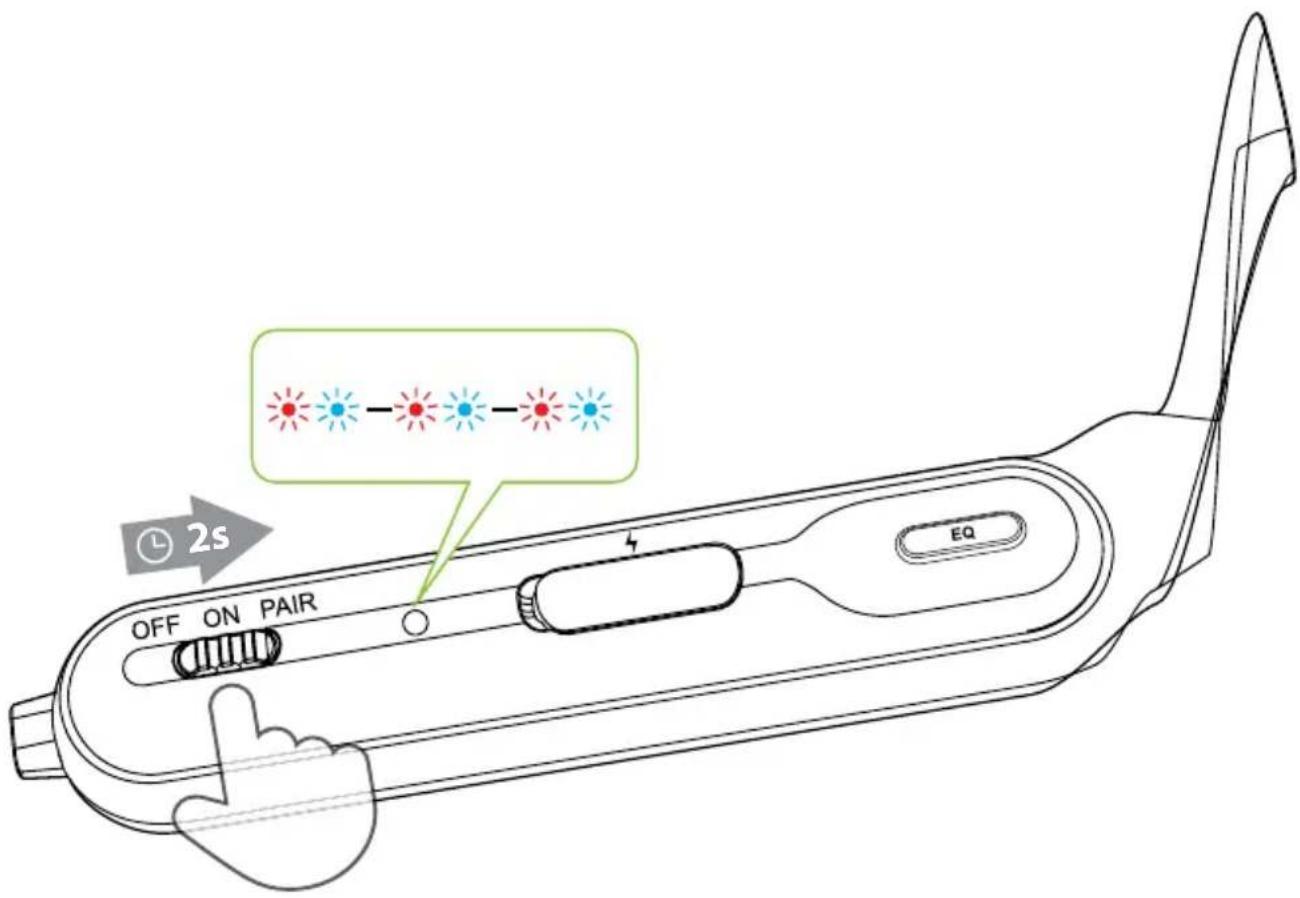
OFF ON PAIR EQ 2sSlide power switch to "PAIR" position and hold it there until Status Indicator starts flashing BLUE & RED. You'll hear "Pairing" in the earphones.
(Note: For first time use, it will enter pairing mode automatically after power on.)


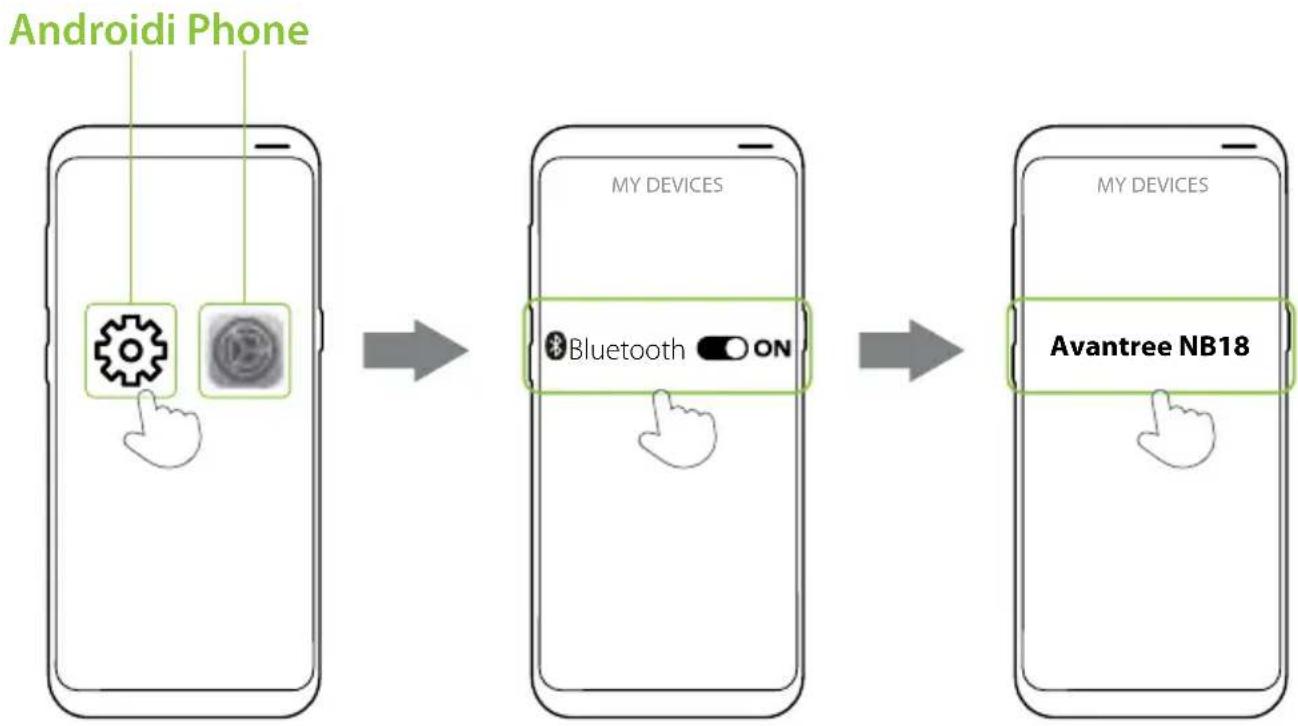
flowchart
graph LR
    A["Android Phone"] --> B["My Devices"]
    B --> C["Avantree NB18"]
In your device's Bluetooth menu, search & select "Avantree NB18" to connect.


text_image
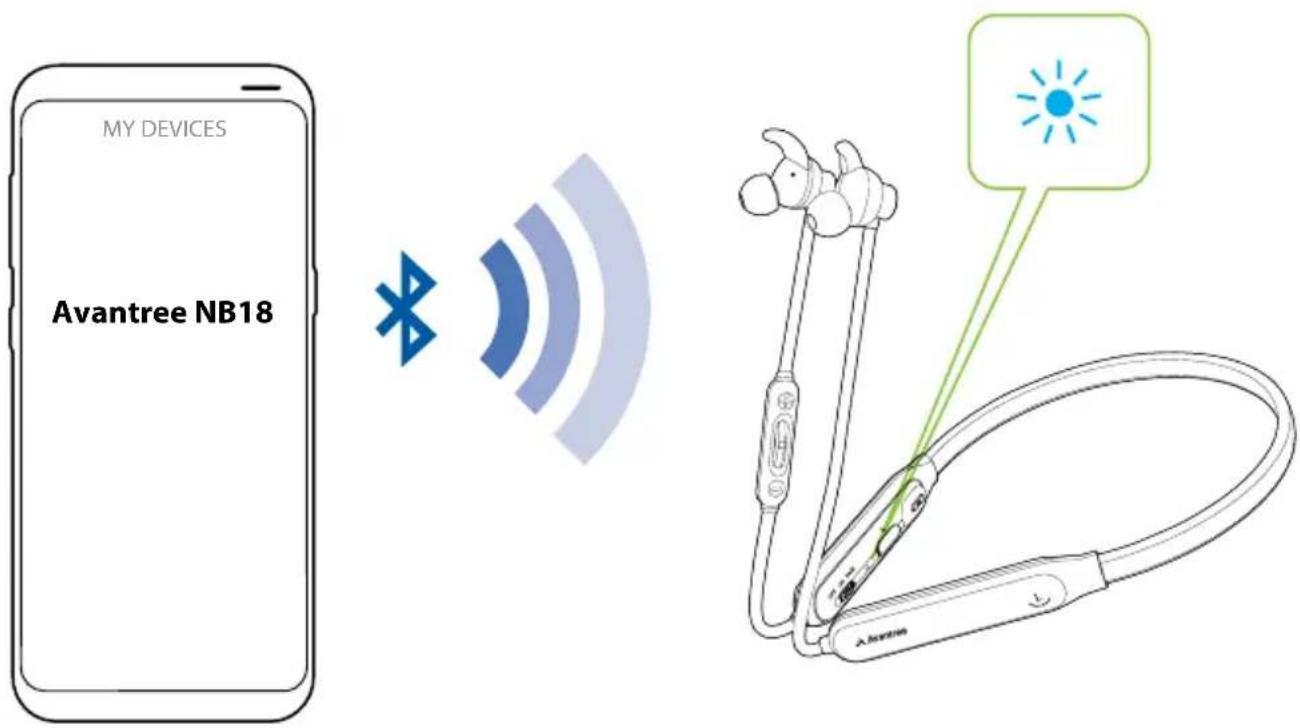
MY DEVICES Avantree NB18Once connected, earphone LED will be solid blue. You'll hear "Connected" in the earphones.


text_image
OFF ON PAIR EQ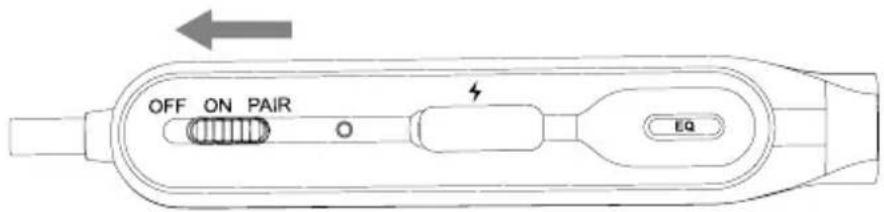
text_image
OFF ON PAIR O EQ
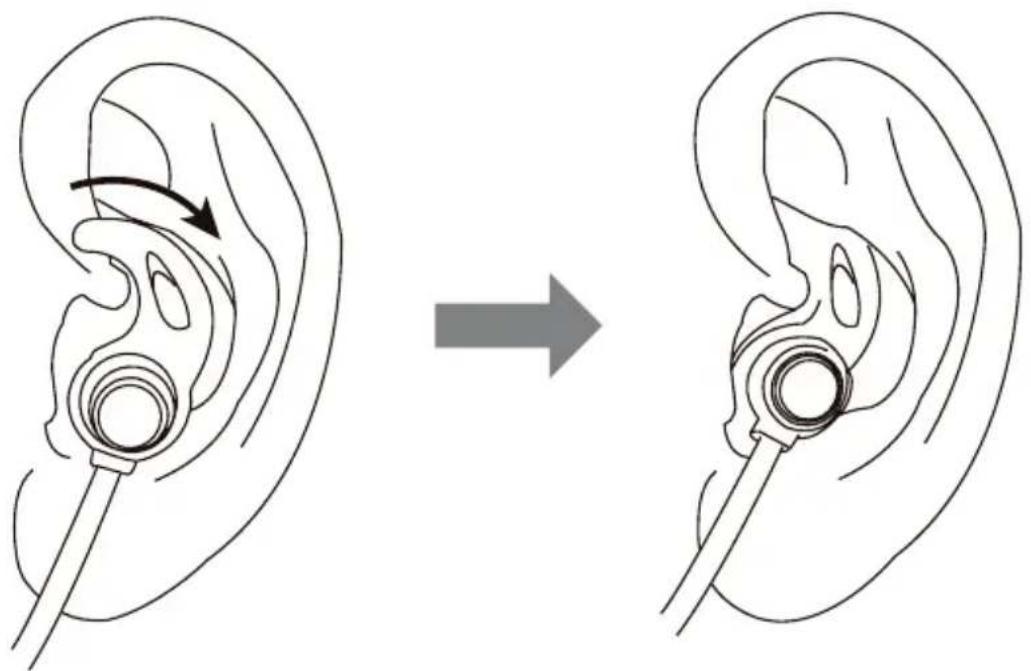
text_image
Diagram illustrating ear anatomy before and after medical procedure, showing ear structure with needle insertion and insertion direction

text_image
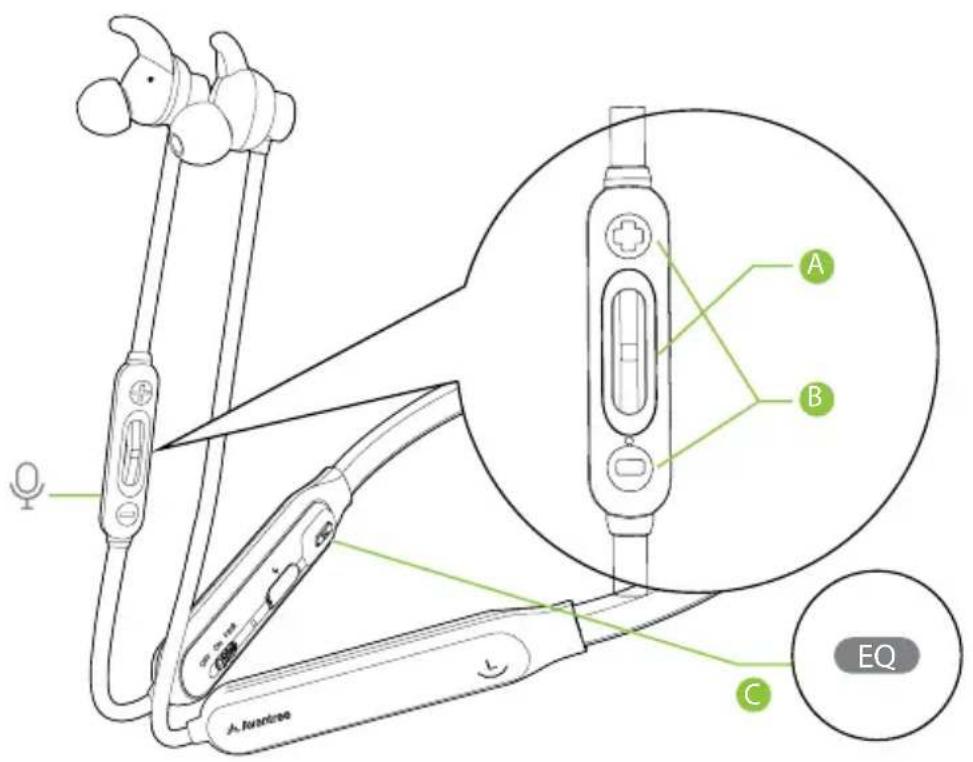
A B C EQ |  | x 1 |
 |  | x 1 |
 |  | 1s |
 | 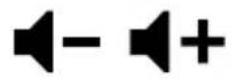 | x 1 |
 | 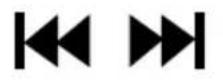 | 1s |
 | 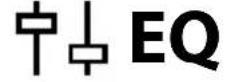 | x 1 |
Online Support

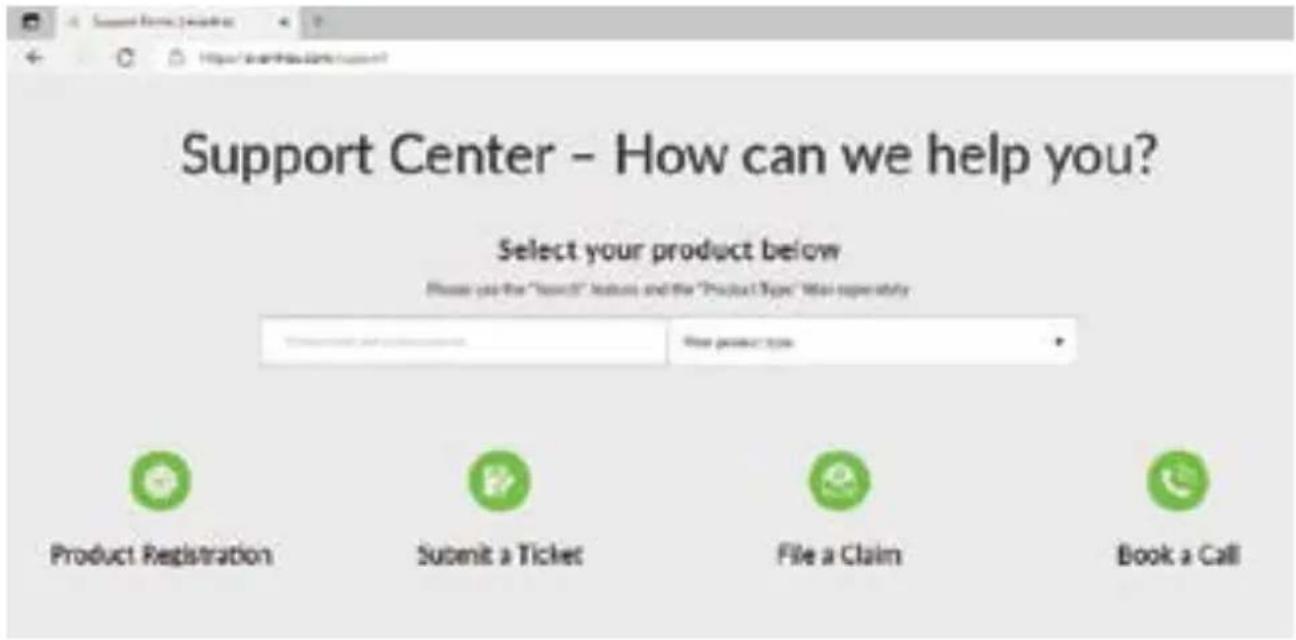
text_image
Support Center - How can we help you? Select your product below Please use the "Search" feature and the "Product Type" Will supersely Product Registration Submit a Ticket File a Claim Book a CallTroubleshooting & FAQ
One Side Sound / Louder. How to Fix it?
We found that a large proportion of one side sound or one side louder issue was caused by earwax blocking the ear tips. In this case.
- Take off the ear tips and clean the earbuds.
NOTE: If the earwax sticks on the speaker mesh and hard to remove, please avantree customer support for a new pair of speaker meshes to install.
- If the problem persists after cleaning the earbuds, please try to reset it. Press and hold the volume + and - buttons simultaneously for about 10 seconds until the LED briefly lights up RED & BLUE at the same time (may look PURPLE), indicating that the headphones have reset.
If it's still one side sound, pls contact avantree customer support for a replacement.

Products & Accessories
Avantree Medley 6018
Avantree DG80
Avantree Audikast Plus
Avantree NB18 Earbuds / Earfins
Avantree 910
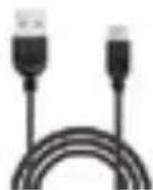
Avantree Type C Charging Cable
Avantree 5V/1A USB charger

Note: Contact us at support@avantree.com for a FREE USB wall charger (for US / UK / EU) if you need one.
Contact Us

Support Tickets avantree.com/submit-a-ticket

Support Email support@avantree.com

Support Numbers
| US+1 800 232 2078 9am-6pm PST | Mon-Fri |
| CA +1 800 232 2078 9am-6pm PST | Mon-Fri |
| UK+44 208 068 2023 9am-6pm GMT | Mon-Sat |
| DE +49 322 2109 7297 11am-9pm CET | Mon-Sat |
| FR +33 17 634 0312 11am-9pm CET | Mon-Sat |
| IT+39 069 4803 330 9am-6pm CET | Mon-Sat |
| ES+34 93 1786 261 9am-6pm CET | Mon-Sat |
| AU+61 2 8310 9897 11am-7pm AEST | Mon-Fri |

FAQ avantree.com/support/nb19

Product Registration See QR code on the product.
Manufacturer:
Avantronics Limited
Luohu District, Shenzhen 518000 China
+ 86 755 8228 5022 support@avantree.com
US Importer:
Avantree Corporation
San Jose, California 95119 USA
+1 800 232 2078 support@avantree.com
UK Importer:
Avantree Limited
Watford, WD180 0HQ UK
+44 20 8068 2023 support@avantree.com
text_image
EC REPServicer in Europe:
Gizmex GmbH,
Sternstr. 67, 40479 Dusseldorf, Germany
+49 322 2109 7297 support@avantree.com