Notice Facile
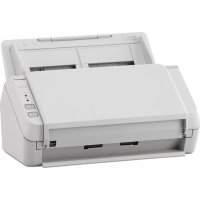
SP-1120N - Scanner FUJITSU - Notice d'utilisation et mode d'emploi gratuit
Retrouvez gratuitement la notice de l'appareil SP-1120N FUJITSU au format PDF.

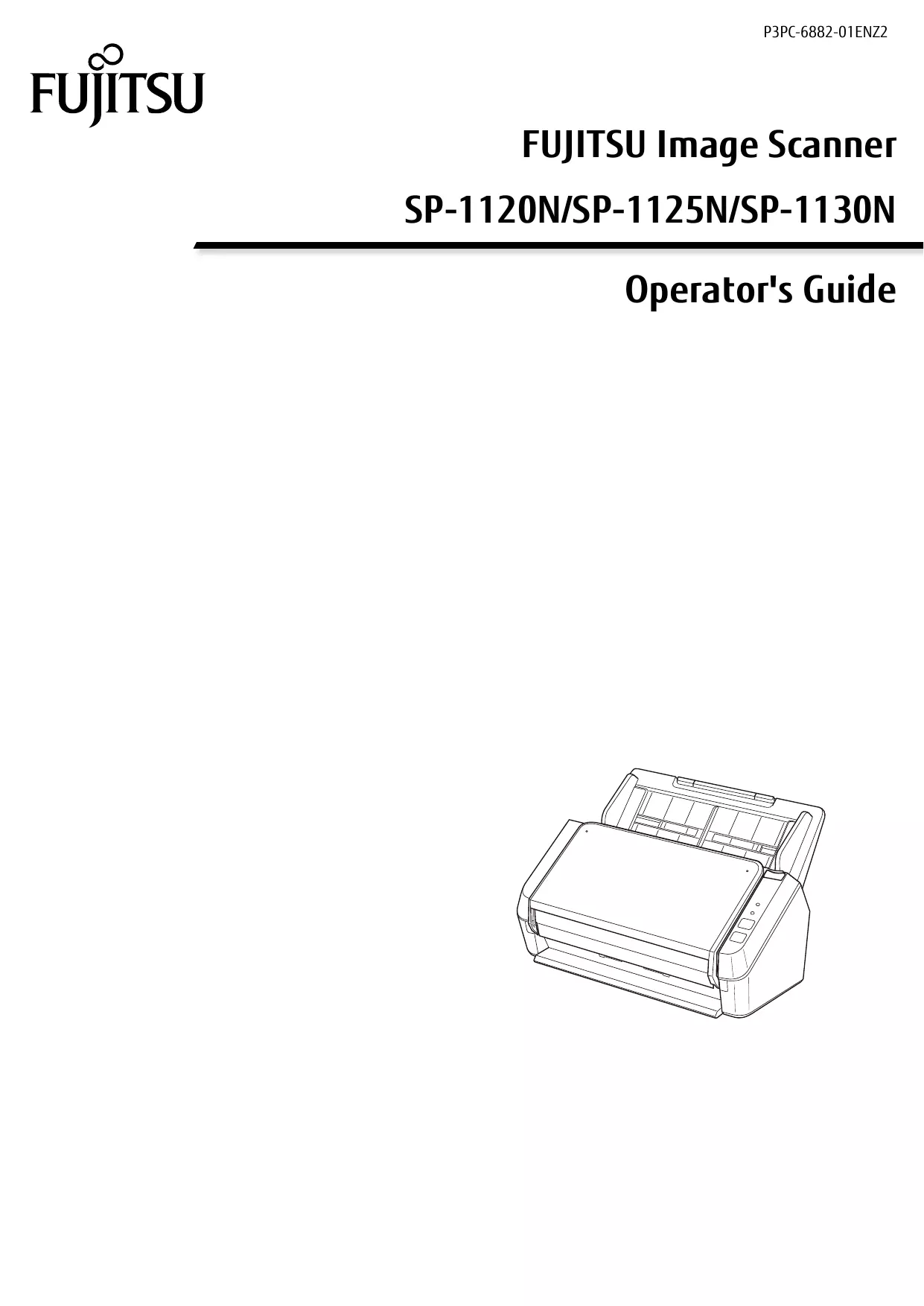

| Type de produit | Scanner A4 à défilement automatique |
| Résolution maximale | 600 x 600 dpi |
| Vitesse de numérisation | Jusqu'à 20 pages par minute (ppm) |
| Alimentation électrique | 100-240 V, 50/60 Hz |
| Dimensions approximatives | 300 x 200 x 150 mm |
| Poids | 1,5 kg |
| Compatibilités | Windows, macOS, Linux |
| Type de connexion | USB 2.0 |
| Fonctions principales | Numérisation couleur, numérisation recto verso, OCR |
| Entretien et nettoyage | Nettoyage régulier des rouleaux et de la vitre de numérisation |
| Pièces détachées et réparabilité | Disponibilité de pièces de rechange pour maintenance |
| Sécurité | Conforme aux normes de sécurité CE et RoHS |
| Informations générales | Idéal pour les bureaux avec un volume de numérisation modéré |
FOIRE AUX QUESTIONS - SP-1120N FUJITSU
Comment installer le FUJITSU SP-1120N ?
Pour installer le FUJITSU SP-1120N, commencez par déballer l'appareil et le placer sur une surface plane. Branchez le câble d'alimentation à une prise électrique, puis connectez-le à votre ordinateur via le câble USB fourni. Assurez-vous d'installer les pilotes nécessaires à partir du CD inclus ou du site web de Fujitsu.
Pourquoi le scanner ne s'allume-t-il pas ?
Vérifiez que le câble d'alimentation est correctement branché à la prise électrique et au scanner. Assurez-vous également que la prise fonctionne en testant un autre appareil. Si le problème persiste, essayez de réinitialiser le scanner en le débranchant pendant quelques minutes.
Comment résoudre les problèmes de qualité de numérisation ?
Si la qualité de numérisation est insatisfaisante, vérifiez que le document est propre et bien positionné sur le scanner. Assurez-vous également que les paramètres de numérisation sont correctement configurés dans le logiciel de numérisation. Essayez de nettoyer le verre de numérisation avec un chiffon doux.
Le scanner ne reconnaît pas le document, que faire ?
Assurez-vous que le document est correctement alimenté dans le scanner. Vérifiez également si le format du document est compatible avec le scanner. Si le problème persiste, redémarrez le scanner et l'ordinateur, puis essayez à nouveau.
Comment mettre à jour le logiciel du scanner ?
Pour mettre à jour le logiciel du FUJITSU SP-1120N, visitez le site web de Fujitsu et recherchez la section 'Support' ou 'Téléchargements'. Téléchargez la dernière version des pilotes et suivez les instructions d'installation fournies.
Que faire si le scanner est lent ?
Si le scanner fonctionne lentement, vérifiez les paramètres de numérisation. Des résolutions trop élevées peuvent ralentir le processus. Essayez de réduire la résolution ou de numériser des documents moins volumineux pour améliorer la vitesse.
Comment résoudre le problème de bourrage papier ?
Pour résoudre un bourrage papier, éteignez le scanner et débranchez-le. Ouvrez le compartiment d'alimentation pour retirer délicatement le papier coincé. Vérifiez également qu'il n'y a pas de petits morceaux de papier restés à l'intérieur. Refermez le scanner et rallumez-le.
Le scanner émet des bruits étranges, que faire ?
Un bruit étrange peut indiquer un problème mécanique. Vérifiez si des objets étrangers se trouvent à l'intérieur du scanner. Si le bruit persiste après avoir vérifié, il est conseillé de contacter le support technique de Fujitsu.
Où trouver le numéro de série du FUJITSU SP-1120N ?
Le numéro de série se trouve généralement au dos ou en dessous de l'appareil. Il est étiqueté comme 'S/N' ou 'Numéro de série'.
Le scanner est sous garantie, comment en bénéficier ?
Pour bénéficier de la garantie, conservez votre preuve d'achat. Contactez le support technique de Fujitsu pour obtenir des instructions sur les réparations ou les remplacements sous garantie.
Téléchargez la notice de votre Scanner au format PDF gratuitement ! Retrouvez votre notice SP-1120N - FUJITSU et reprennez votre appareil électronique en main. Sur cette page sont publiés tous les documents nécessaires à l'utilisation de votre appareil SP-1120N de la marque FUJITSU.