
SW105 - Commutateur réseau SWEEX - Notice d'utilisation et mode d'emploi gratuit
Retrouvez gratuitement la notice de l'appareil SW105 SWEEX au format PDF.

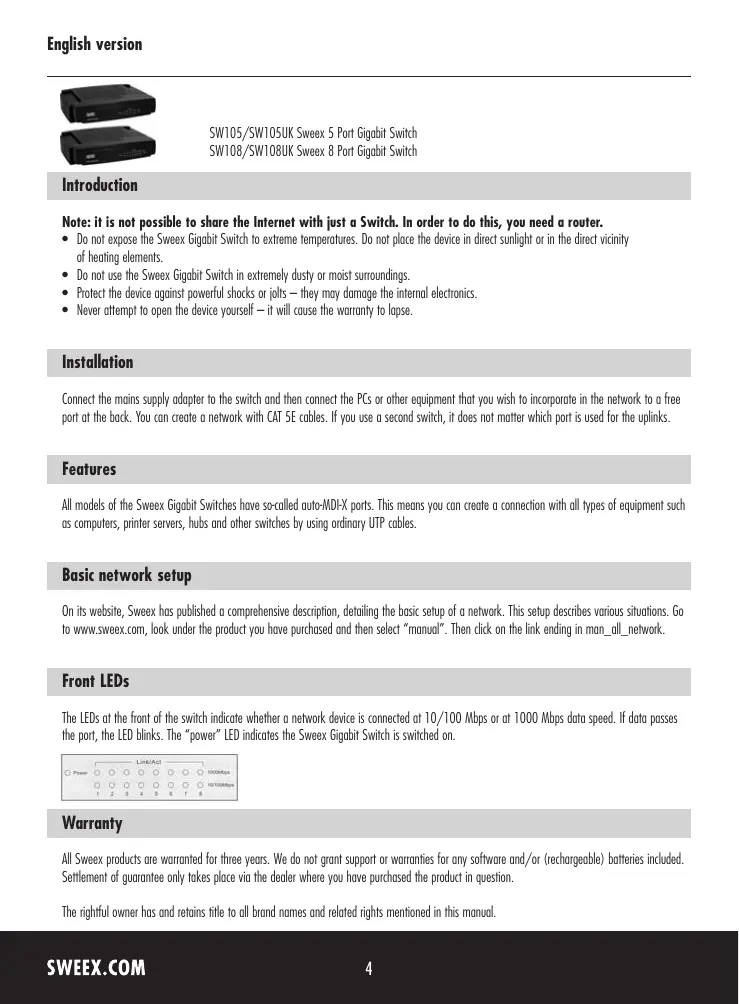
| Type de produit | Commutateur réseau Gigabit 5 ports |
| Modèle | SW105 |
| Marque | SWEEX |
| Nombre de ports | 5 ports Gigabit Ethernet (10/100/1000 Mbps) |
| Technologie | Auto-MDI/X sur tous les ports |
| Alimentation | Adaptateur secteur externe (5V DC, 1A) |
| Dimensions (approx.) | 140 x 80 x 30 mm |
| Poids (approx.) | 200 g |
| Consommation électrique | Moins de 5 W |
| Indicateurs LED | Power, Link/Act (10/100/1000) par port |
| Température de fonctionnement | 0°C à 40°C |
| Humidité de fonctionnement | 10% à 90% non condensante |
| Matériau du boîtier | Plastique |
| Normes réseau supportées | IEEE 802.3, 802.3u, 802.3ab |
| Garantie | 3 ans |
| Fonctions principales | Extension de réseau filaire, auto-négociation, contrôle de flux, détection automatique du type de câble |
| Entretien et nettoyage | Nettoyer avec un chiffon sec et doux. Ne pas utiliser de produits chimiques. |
| Sécurité | Ne pas exposer à des températures extrêmes, à l’humidité ou à la poussière. Ne pas ouvrir le boîtier. |
| Pièces détachées et réparabilité | Pas de pièces réparables par l’utilisateur. En cas de panne, contacter le service après-vente. |
FOIRE AUX QUESTIONS - SW105 SWEEX
Questions des utilisateurs sur SW105 SWEEX
0 question sur cet appareil. Repondez a celles que vous connaissez ou posez la votre.
Poser une nouvelle question sur cet appareil
Téléchargez la notice de votre Commutateur réseau au format PDF gratuitement ! Retrouvez votre notice SW105 - SWEEX et reprennez votre appareil électronique en main. Sur cette page sont publiés tous les documents nécessaires à l'utilisation de votre appareil SW105 de la marque SWEEX.
MODE D'EMPLOI SW105 SWEEX
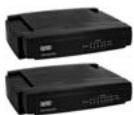
SW105/SW105UK Sweex 5 Port Gigbit Switch
SW108/SW108UK SweeX 8 Port Gigabit Switch
Introduction
Note: it is not possible to share the Internet with just a Switch. In order to do this, you need a router.
- Do not expose the Sweeex Gigabit Switch to extreme temperatures. Do not place the device in direct sunlight or in the direct vicinity of heating elements.
- Do not use the Sweex Gigabit Switch in extremely dusty or moist surroundings.
- Protect the device against powerful shocks or jolts - they may damage the internal electronics.
- Never attempt to open the device yourself—it will cause the warranty to lapse.
Installation
Connect the mains supply adapter to the switch and then connect the PCs or other equipment that you wish to incorporate in the network to a free port at the back. You can create a network with CAT SE cables. If you use a second switch, it does not matter which port is used for the uplinks.
Features
All models of the Sweex Gigabit Switches have so-called auto-MDI-X ports. This means you can create a connection with all types of equipment such as computers, printer servers, hubs and other switches by using ordinary UTP cables.
Basic network setup
On its website, Sweex has published a comprehensive description, detailing the basic setup of a network. This setup describes various situations. Go to www.sweex.com, look under the product you have purchased and then select "manual". Then click on the link ending in man_all_network.
Front LEDs
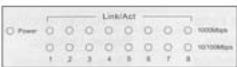
The LEDs at the front of the switch indicate whether a network device is connected at 10/100 Mbps or at 1000 Mbps data speed. If data passes the port, the LED blinks. The "power" LED indicates the Sweex Gigabit Switch is switched on.
Warranty
All Swee products are warranted for three years. We do not grant support or warranties for any software and/or (rechargeable) batteries included. Settlement of guarantee only takes place via the dealer where you have purchased the product in question.
The rightful owner has and retains title to all brand names and related rights mentioned in this manual.