
LAS RETICULE - Accessoires de tir LEICA - Notice d'utilisation et mode d'emploi gratuit
Retrouvez gratuitement la notice de l'appareil LAS RETICULE LEICA au format PDF.


| Type de produit | Module logiciel pour microscope (Application Suite) |
| Marque | LEICA |
| Modèle | LAS Reticule Module |
| Numéro de commande | 12730065 |
| Compatibilité | Microscopes et caméras Leica, PC Windows |
| Système d'exploitation | Windows |
| Fonction principale | Affichage de réticules électroniques superposés sur des images en direct ou enregistrées |
| Types de réticules | Fixes ou redimensionnables (scalables) |
| Format de définition | SVG (graphique vectoriel) |
| Modes utilisateur | Standard et avancé (Power User) |
| Sauvegarde des réticules | En superposition (modifiable) ou intégrée dans l'image (permanente) |
| Exportation | Export d'images pour traitement supplémentaire |
| Édition | Création et modification rapide de réticules avec lignes, formes et texte |
| Accessoires recommandés | Micromètre de platine 10310345, Réticule MZ16 A 10447185, Platine à glissement 10446301 |
| Entretien | Mises à jour logicielles régulières |
| Sécurité | Sauvegardes régulières des fichiers de réticules et images |
| Assistance | Assistance technique Leica (Service Client) |
| Dimensions | Sans objet (logiciel) |
| Poids | Sans objet (logiciel) |
| Alimentation | Via l'ordinateur hôte |
FOIRE AUX QUESTIONS - LAS RETICULE LEICA
Questions des utilisateurs sur LAS RETICULE LEICA
0 question sur cet appareil. Repondez a celles que vous connaissez ou posez la votre.
Poser une nouvelle question sur cet appareil
Téléchargez la notice de votre Accessoires de tir au format PDF gratuitement ! Retrouvez votre notice LAS RETICULE - LEICA et reprennez votre appareil électronique en main. Sur cette page sont publiés tous les documents nécessaires à l'utilisation de votre appareil LAS RETICULE de la marque LEICA.
MODE D'EMPLOI LAS RETICULE LEICA
Leica application Suite
Reticule
Reticules Resolved!
Implementation
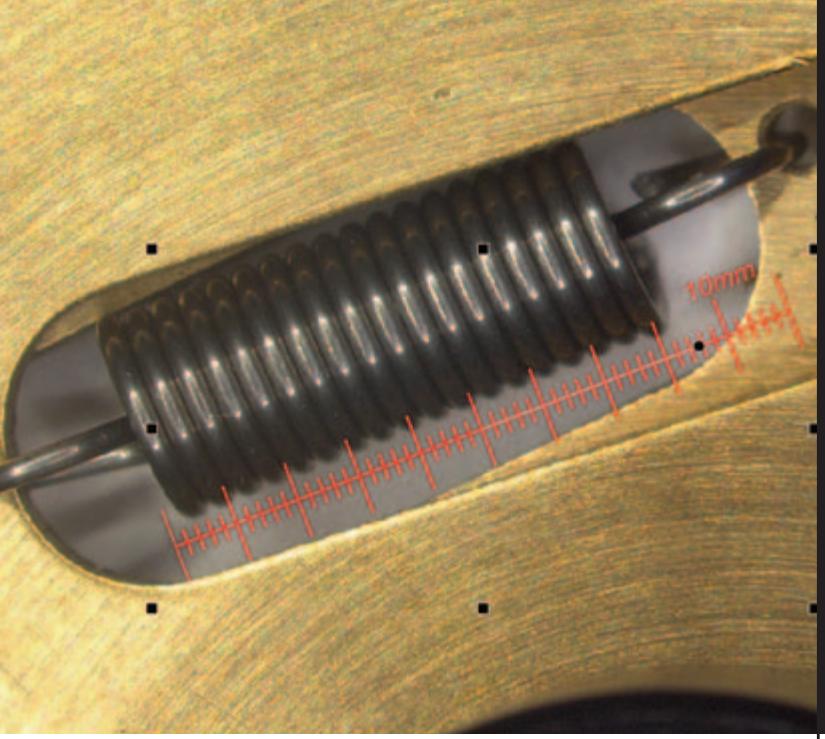
LAS Reticule is an optional application that is combined with a Leica microscope, digital imaging camera and computer. Traditional methods of inserting a graticule disk etched with a square grid for measurments (also known as an eyepiece micrometer) has many limitations which LAS Reticule strives to counteract. The electronic reticule is not only more cost-effective but also provides a more pleasurable working environment where the live microscope image is displayed on screen and an unlimited range of reticule styles can be overlayed. Additionally, reticules can be designed and applied quickly and easily, so the set can be extended as and when it's necessary.
Application Features
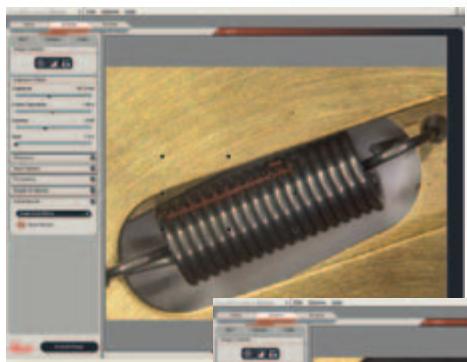
Reticule information can be saved either by producing it in overlay format or by burning it into the image. When the reticule is merged into the image, it means that it is permanent. Additionally, the image can be re-opened using another application with the reticule information embedded.
The system also provides an option to save the reticule as an overlay that can later be removed or altered. A copy of the reticule file will be made and stored with the image, so if the master reticule is subsequently altered the stored image and reticule remains unaltered. When the reticule is stored as an overlay, the image can be opened in another application, but the reticule information will not be present.
Other advantages include:
- Reticules can be fixed or scaleable for additional flexibility.
- Standard user and power user modes allow varying responsibilities.
- An unlimited number of different reticules can be used.
Additional reticules can be applied on a stored image.
Graphic Definition
Visualisation
Further application features are available to make the reticule user environment more intuitive:
- A Gallery of images is available from which individuals can be immediately selected.
- One of the available reticules may be selected and superimposed on the displayed stored image and scaled according to the calibration.
- Images and reticule definition can be saved to in a named folder so that they can be recalled with the attached reticule.
- Images can be exported for further documentation.
Reticule Definition
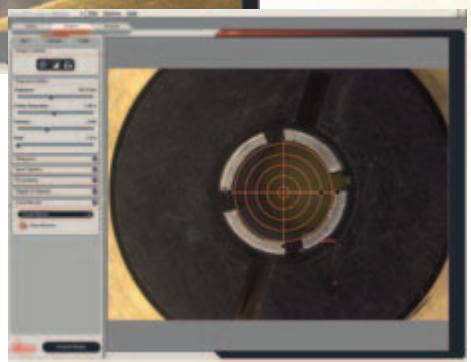
A file in the graphic definition format "SVG" is used to define reticules. These can be of a fixed size so that they can be compared with the underlying image in a relative manner. Scalable reticules, of an absolute size, can be positioned (moved) and rotated easily and used in Live or Offline mode. The definition file may contain lines, shapes, and text, with user-defined properties. Even colour Images can be displayed in the reticule for additional versatility.
LAS is based on Windows PCs and provides a cost-effective and uniform environment, compatible across the Leica range of microscopes and cameras. Furthermore, images may be exported for additional processing.
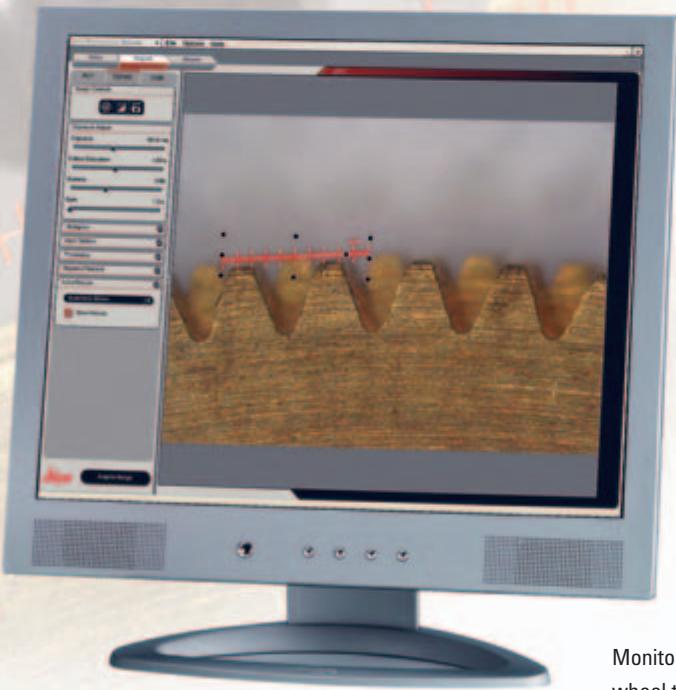
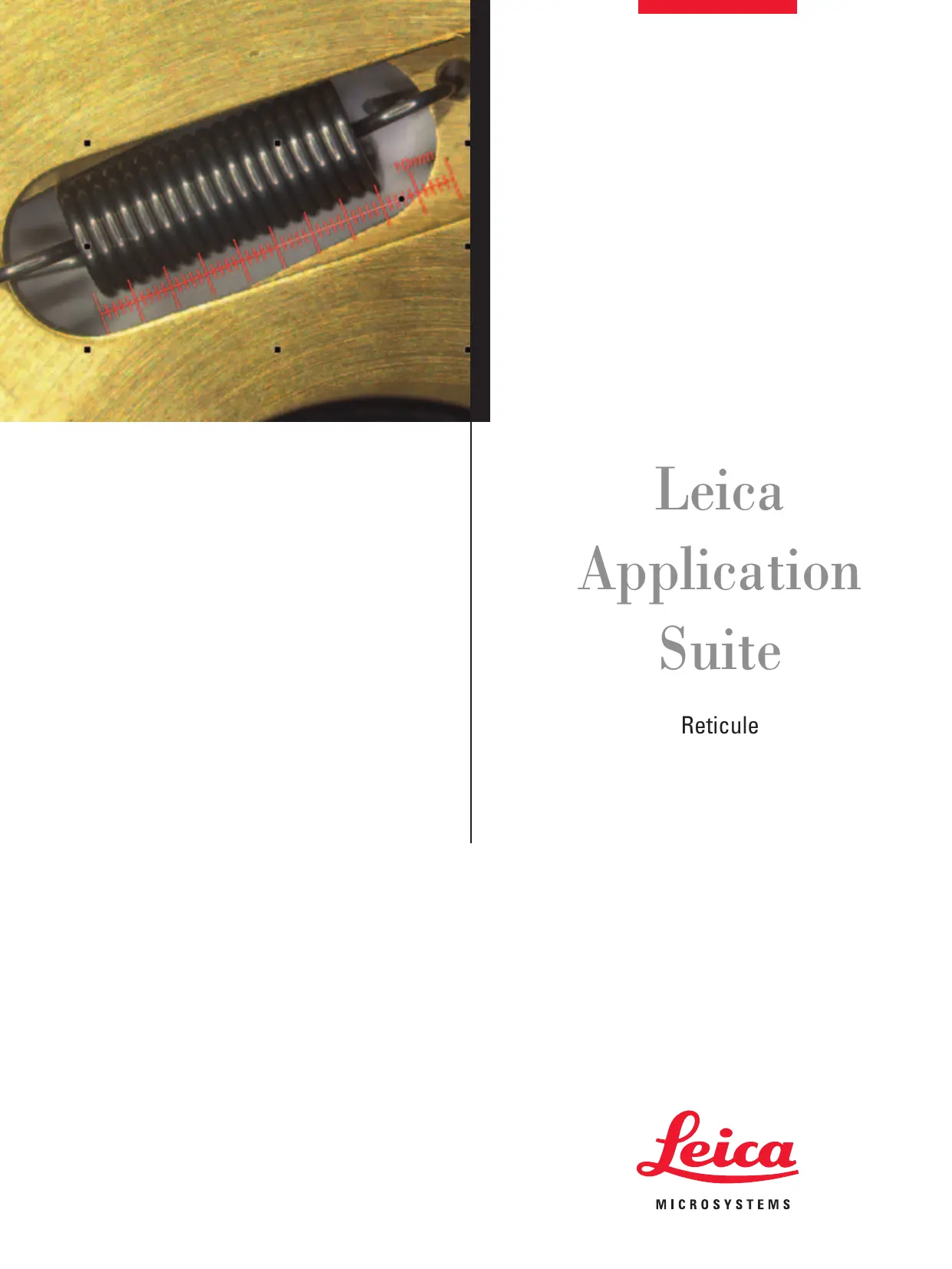
Monitor Image: Reticule of a gear wheel taken with a motorized Leica MZ16 A Stereomicroscope with a Leica Digital Camera
LAS Reticule
The Leica Application Suite Reticule module is primarily used to display customised reticules on live images. The electronic reticule is a replacement for the glass variants that have commonly been placed in the optical path of a microscope during routine manual inspection, and now offers greater versatility.
The Reticule module extends these capabilities by providing:
- A live image display on to which a reticule can be electronically overlayed to give visual feedback as to the approximate scale of the field of view.
- The ability to carry out object size comparisons or point counting measurements.
- Greater flexibility due to the unlimited range of electronic reticule styles which can be automatically adjusted to the magnification of the microscope.
- A more comfortable working environment with on screen visualisation.
- The capacity to move and rotate a reticule even when viewing a live image.
- Easy reticule design and creation so each system can be extended in its scope.
To calibrate the Leica MZ16 A and MZ16 FA for use with the Reticule module, the following accessories are recommended:
Stage Micrometer 10310345
Graticule MZ16 A 10447185
and for additional convenience:
Gliding stage 10446301
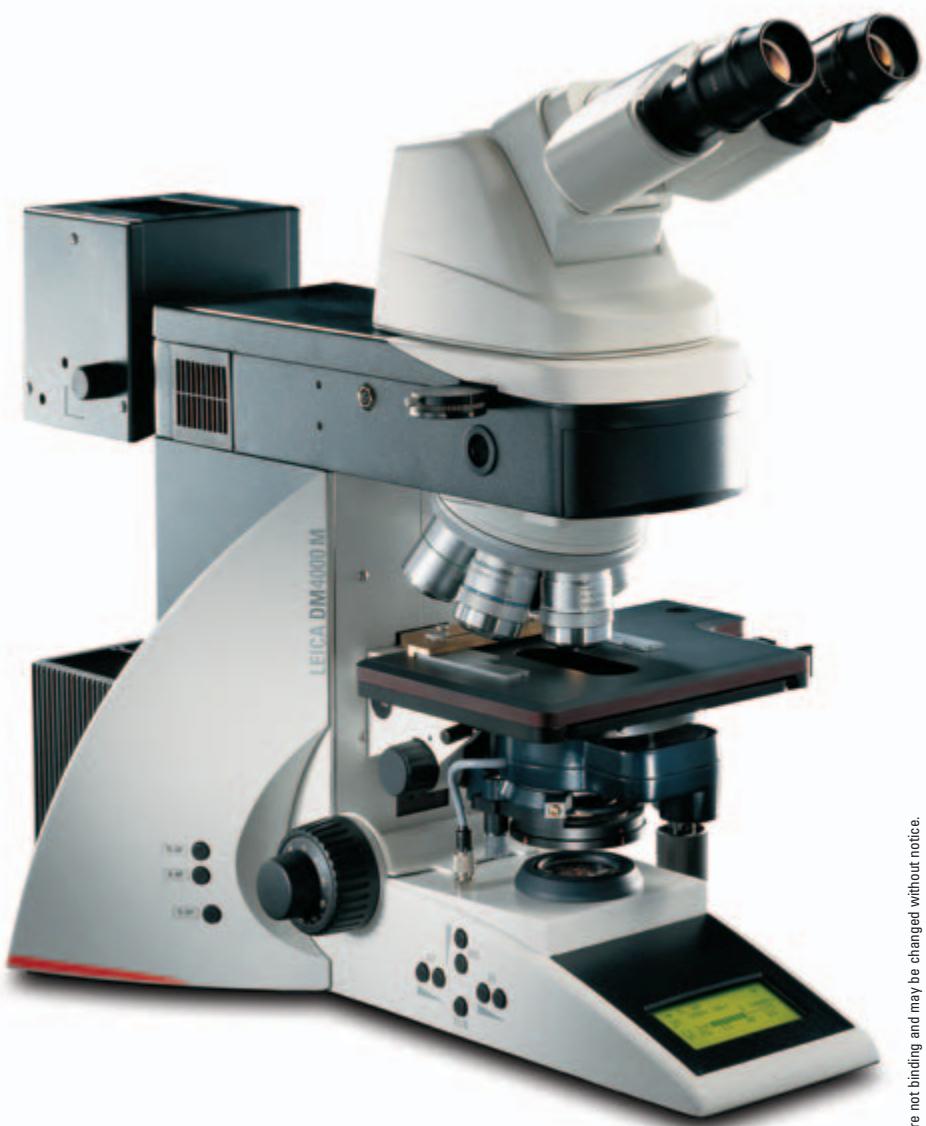
Order number
12730065
Leica Application Suite Reticule Module

w.leica-microsystems.com
Marque : LEICA
Modèle : LAS RETICULE
Catégorie : Accessoires de tir