
LAS RETICULE - Shooting Accessories LEICA - Free user manual and instructions
Find the device manual for free LAS RETICULE LEICA in PDF.


| Product Type | Microscope software module (Application Suite) |
| Brand | LEICA |
| Model | LAS Reticle Module |
| Order Number | 12730065 |
| Compatibility | Leica microscopes and cameras, Windows PC |
| Operating System | Windows |
| Main Function | Display of electronic reticles superimposed on live or recorded images |
| Reticle Types | Fixed or resizable (scalable) |
| Definition Format | SVG (vector graphic) |
| User Modes | Standard and advanced (Power User) |
| Saving Reticles | As overlay (editable) or embedded in image (permanent) |
| Export | Export images for further processing |
| Editing | Quick creation and modification of reticles with lines, shapes, and text |
| Recommended Accessories | Stage micrometer 10310345, Reticle MZ16 A 10447185, Sliding stage 10446301 |
| Maintenance | Regular software updates |
| Security | Regular backups of reticle files and images |
| Support | Leica technical support (Customer Service) |
| Dimensions | Not applicable (software) |
| Weight | Not applicable (software) |
| Power Supply | Via host computer |
Frequently Asked Questions - LAS RETICULE LEICA
User questions about LAS RETICULE LEICA
0 question about this device. Answer the ones you know or ask your own.
Ask a new question about this device
Download the instructions for your Shooting Accessories in PDF format for free! Find your manual LAS RETICULE - LEICA and take your electronic device back in hand. On this page are published all the documents necessary for the use of your device. LAS RETICULE by LEICA.
USER MANUAL LAS RETICULE LEICA
Leica application Suite
Reticule
Reticules Resolved!
Implementation
LAS Reticule is an optional application that is combined with a Leica microscope, digital imaging camera and computer. Traditional methods of inserting a graticule disk etched with a square grid for measurments (also known as an eyepiece micrometer) has many limitations which LAS Reticule strives to counteract. The electronic reticule is not only more cost-effective but also provides a more pleasurable working environment where the live microscope image is displayed on screen and an unlimited range of reticule styles can be overlayed. Additionally, reticules can be designed and applied quickly and easily, so the set can be extended as and when it's necessary.
Application Features
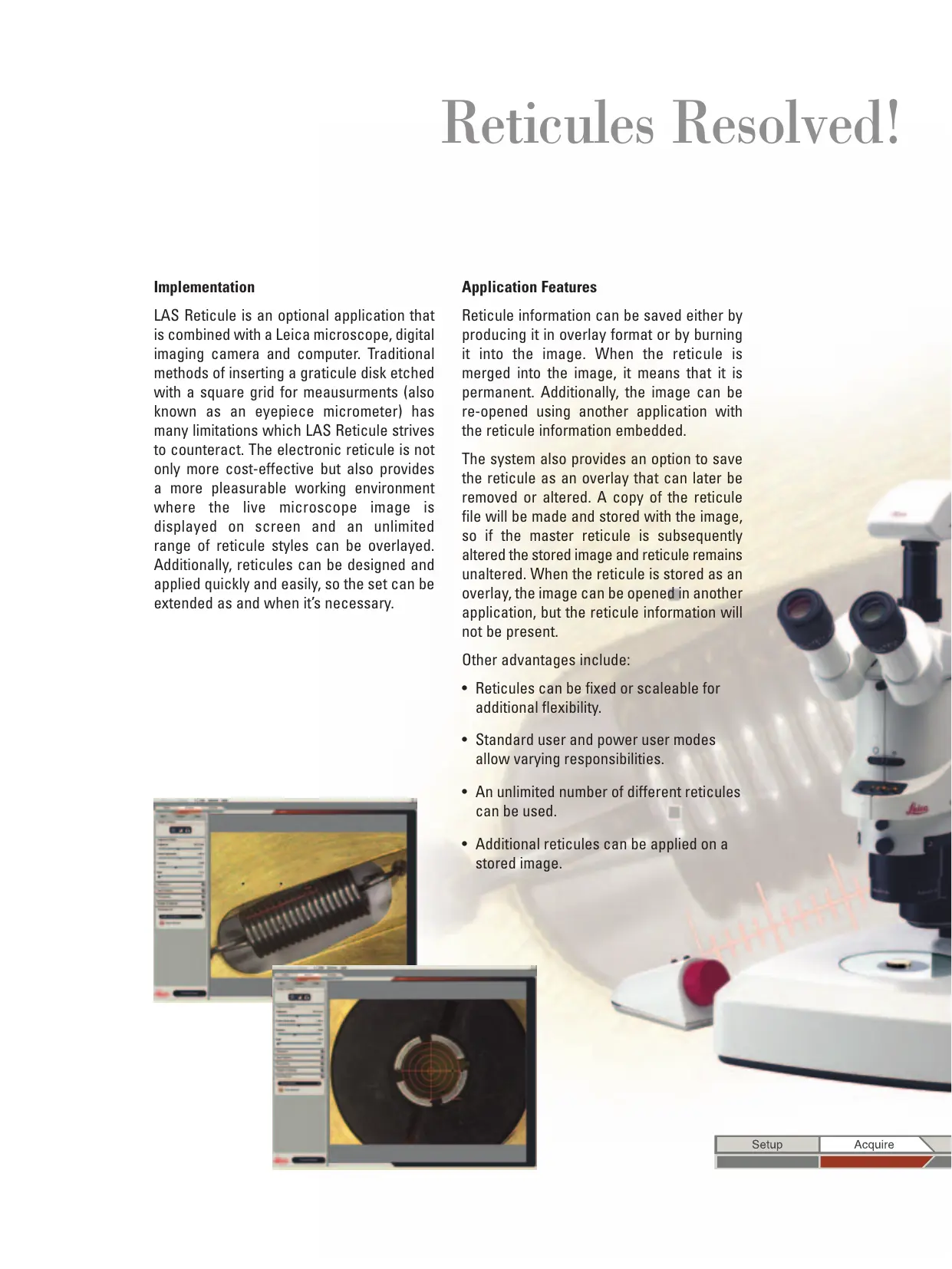
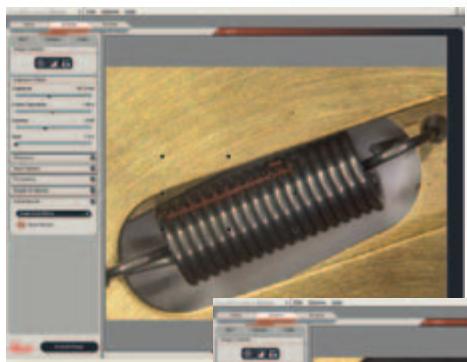
Reticule information can be saved either by producing it in overlay format or by burning it into the image. When the reticule is merged into the image, it means that it is permanent. Additionally, the image can be re-opened using another application with the reticule information embedded.
The system also provides an option to save the reticule as an overlay that can later be removed or altered. A copy of the reticule file will be made and stored with the image, so if the master reticule is subsequently altered the stored image and reticule remains unaltered. When the reticule is stored as an overlay, the image can be opened in another application, but the reticule information will not be present.
Other advantages include:
- Reticules can be fixed or scaleable for additional flexibility.
- Standard user and power user modes allow varying responsibilities.
- An unlimited number of different reticules can be used.
Additional reticules can be applied on a stored image.
Graphic Definition
Visualisation
Further application features are available to make the reticule user environment more intuitive:
- A Gallery of images is available from which individuals can be immediately selected.
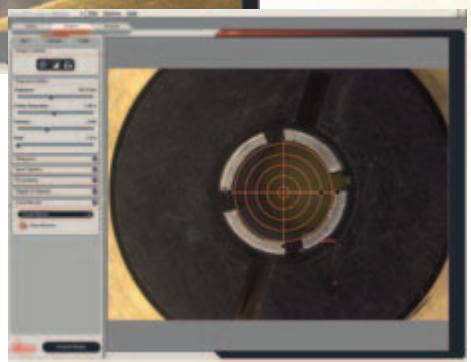
- One of the available reticules may be selected and superimposed on the displayed stored image and scaled according to the calibration.
- Images and reticule definition can be saved to in a named folder so that they can be recalled with the attached reticule.
- Images can be exported for further documentation.
Reticule Definition
A file in the graphic definition format "SVG" is used to define reticules. These can be of a fixed size so that they can be compared with the underlying image in a relative manner. Scalable reticules, of an absolute size, can be positioned (moved) and rotated easily and used in Live or Offline mode. The definition file may contain lines, shapes, and text, with user-defined properties. Even colour Images can be displayed in the reticule for additional versatility.
LAS is based on Windows PCs and provides a cost-effective and uniform environment, compatible across the Leica range of microscopes and cameras. Furthermore, images may be exported for additional processing.
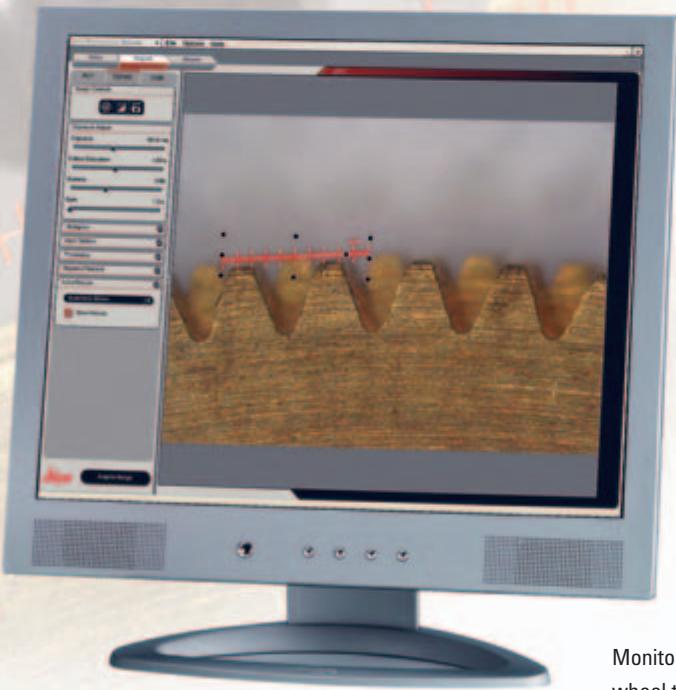
Monitor Image: Reticule of a gear wheel taken with a motorized Leica MZ16 A Stereomicroscope with a Leica Digital Camera
LAS Reticule
The Leica Application Suite Reticule module is primarily used to display customised reticules on live images. The electronic reticule is a replacement for the glass variants that have commonly been placed in the optical path of a microscope during routine manual inspection, and now offers greater versatility.
The Reticule module extends these capabilities by providing:
- A live image display on to which a reticule can be electronically overlayed to give visual feedback as to the approximate scale of the field of view.
- The ability to carry out object size comparisons or point counting measurements.
- Greater flexibility due to the unlimited range of electronic reticule styles which can be automatically adjusted to the magnification of the microscope.
- A more comfortable working environment with on screen visualisation.
- The capacity to move and rotate a reticule even when viewing a live image.
- Easy reticule design and creation so each system can be extended in its scope.
To calibrate the Leica MZ16 A and MZ16 FA for use with the Reticule module, the following accessories are recommended:
Stage Micrometer 10310345
Graticule MZ16 A 10447185
and for additional convenience:
Gliding stage 10446301
Order number
12730065
Leica Application Suite Reticule Module

w.leica-microsystems.com
Brand : LEICA
Model : LAS RETICULE
Category : Shooting Accessories