
APPLICATION SUITE IMAGE OVERLAY - Logiciel LEICA - Notice d'utilisation et mode d'emploi gratuit
Retrouvez gratuitement la notice de l'appareil APPLICATION SUITE IMAGE OVERLAY LEICA au format PDF.


| Type de produit | Module logiciel de traitement d'images pour microscopie à fluorescence |
| Marque | Leica |
| Modèle | Application Suite Image Overlay |
| Compatibilité microscopes | Leica MZ16 FA stéréomicroscope, microscopes droits et inversés DM et DMI |
| Compatibilité caméras | Caméras numériques Leica DFC (haute résolution) |
| Système d'exploitation | Windows PC |
| Fonctions principales | Acquisition automatique d'images, visualisation multicanal, amélioration d'image, annotation, superposition d'images |
| Résolution d'image | 8 bits ou 16 bits, monochrome ou RVB |
| Modes de capture | Séquences automatisées, manuel, région d'intérêt (ROI) |
| Réglages d'exposition | Exposition et gain individuels pour chaque position de filtre |
| Traitement d'image | Réglage de contraste, luminosité, gamma |
| Annotation | Marqueurs d'étalonnage, nom d'image, date, description ; fusion possible dans l'image |
| Visualisation | Galerie d'images, zoom et panoramique, superposition multicanal |
| Stockage | Dossier nommé contenant toutes les images (canaux + composites) et la configuration |
| Interface utilisateur | Orienté flux de travail, définition simple des conditions d'imagerie par canal |
| Numéro de commande | 12730063 |
| Applications typiques | Immunofluorescence, GFP, données multi-longueurs d'onde, co-localisation de fluorophores |
| Entretien et mise à jour | Mises à jour logicielles via Leica, pas de maintenance physique |
| Sécurité | Aucun risque physique ; licence logicielle requise |
| Pièces détachées et réparabilité | Non applicable (logiciel) ; support technique et mises à jour disponibles |
FOIRE AUX QUESTIONS - APPLICATION SUITE IMAGE OVERLAY LEICA
Questions des utilisateurs sur APPLICATION SUITE IMAGE OVERLAY LEICA
0 question sur cet appareil. Repondez a celles que vous connaissez ou posez la votre.
Poser une nouvelle question sur cet appareil
Téléchargez la notice de votre Logiciel au format PDF gratuitement ! Retrouvez votre notice APPLICATION SUITE IMAGE OVERLAY - LEICA et reprennez votre appareil électronique en main. Sur cette page sont publiés tous les documents nécessaires à l'utilisation de votre appareil APPLICATION SUITE IMAGE OVERLAY de la marque LEICA.
MODE D'EMPLOI APPLICATION SUITE IMAGE OVERLAY LEICA
Leica
Application
Suite
Image Overlay
Simply Brilliant!
Automatic image acquisition
Precise control of microscope functions is essential for high quality fluorescence imaging. By displaying a live image with exposure adapted to the selected filter, it is easy to compose the image in the field of view. The camera's sensitivity, which is further improved by binning modes, makes it suitable even when light levels are very low as well as providing the following:
- Individual exposure and gain for each filter position so that the optimum imaging conditions are automatically set.
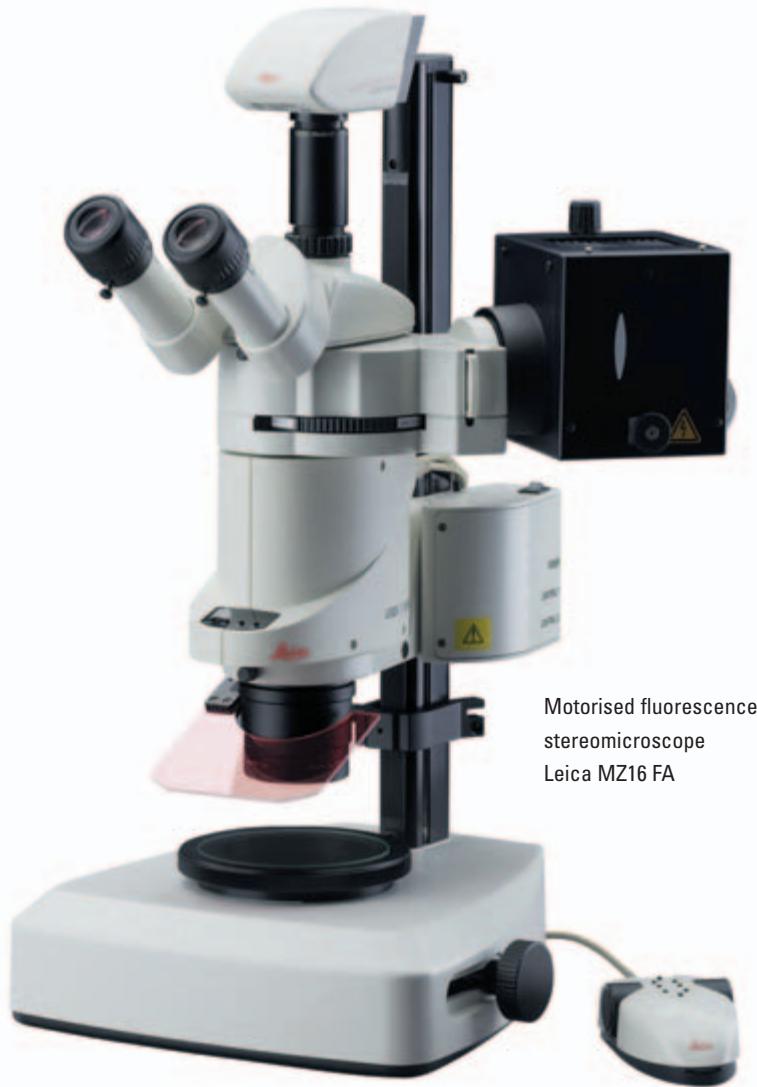
- Fully integrated fluorescence microscope control for Leica MZ16 FA stereomicroscope, Leica DM and DMI upright and inverted microscopes including the ability to change filters and shutters easily without manual operation.
- The ability to select a small region of interest from the whole image to identify an area of significance and view it in detail.
- Image capture sequences can be automated for routine operation. Different sequences can be stored for later recall, allowing immediate set-up of frequently used experimental conditions.
- Manual operation may be used where specimens are too demanding for automatic sequences.
Visualisation
For a comprehensive overview of images, a gallery is provided where associated images are attached to the main view. This means channel images can be displayed immediately.
Other benefits include:
- L'affichage de l'image s'adapte automatiquement à la résolution de l'image acquise ou importée, y compris les très hautes résolutions fournies par les caméras numériques Leica DFC.
- Le zoom et le déplacement panoramique permettent d'inspecter une zone de l'image en détail.
- L'image de superposition est enregistrée dans un dossier nommé, contenant toutes les images de canaux et composites ainsi que les détails de configuration.
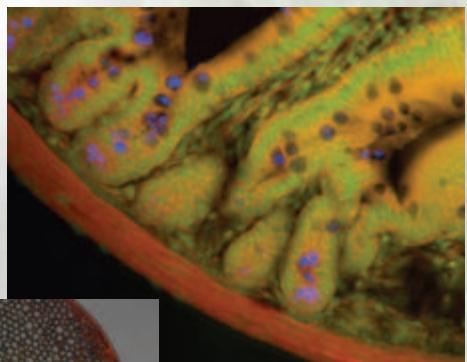
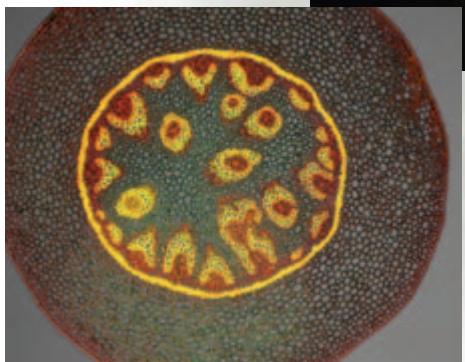
Applications avancées en microscopie à fluorescence numérique
Amélioration d'image
Le module Image Overlay de Leica Application Suite permet d'améliorer les images en appliquant une gamme de techniques de traitement d'image. Cela inclut le contraste, la luminosité et le gamma, qui peuvent être ajustés pour optimiser l'affichage de l'image.
D'autres avantages incluent :
- Les caméras peuvent fournir des images 8 bits ou 16 bits, en monochrome ou en RVB, conservant la plage dynamique complète de la haute profondeur de bits.
- L'exposition et le gain peuvent être réglés individuellement pour chaque position de filtre.
- Mélange d'images - les images de fluorescence et d'autres méthodes de contraste peuvent être collectées sans déplacer la lame, ce qui permet de superposer les informations de fluorescence avec, par exemple, la DIC pour indiquer les régions de co-localisation.
Annotation
Une fois qu'une image est améliorée de manière satisfaisante, des annotations peuvent être appliquées pour mettre en évidence des zones d'intérêt.
- Les images peuvent être annotées avec des marqueurs d'étalonnage pour un guide évident de la taille de la microstructure. D'autres annotations peuvent être ajoutées telles que le nom de l'image, la date d'acquisition et la description.
- Les annotations peuvent être fusionnées dans une image pour un enregistrement permanent.
LAS est basé sur des PC Windows et fournit un environnement rentable et uniforme, compatible avec la gamme de microscopes et de caméras Leica. De plus, les images peuvent être exportées pour un traitement supplémentaire.
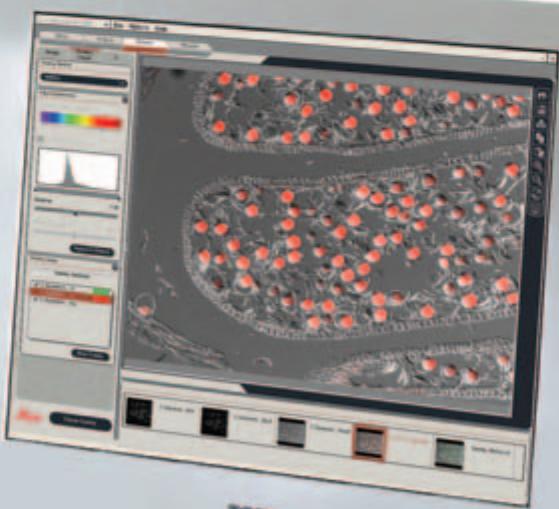
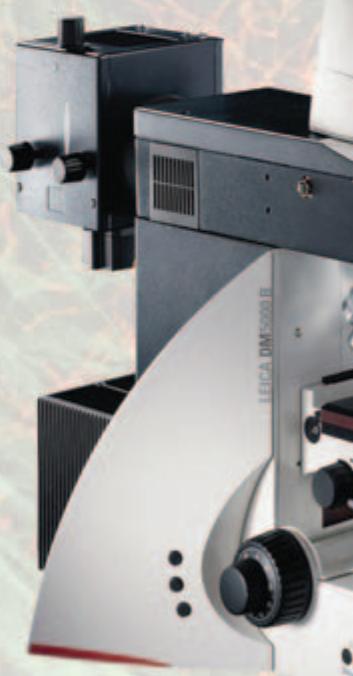
Image du moniteur : DIC et
superposition de fluorescence acquise
avec un microscope Leica DM6000 B
microscope
Superposition d'images LAS
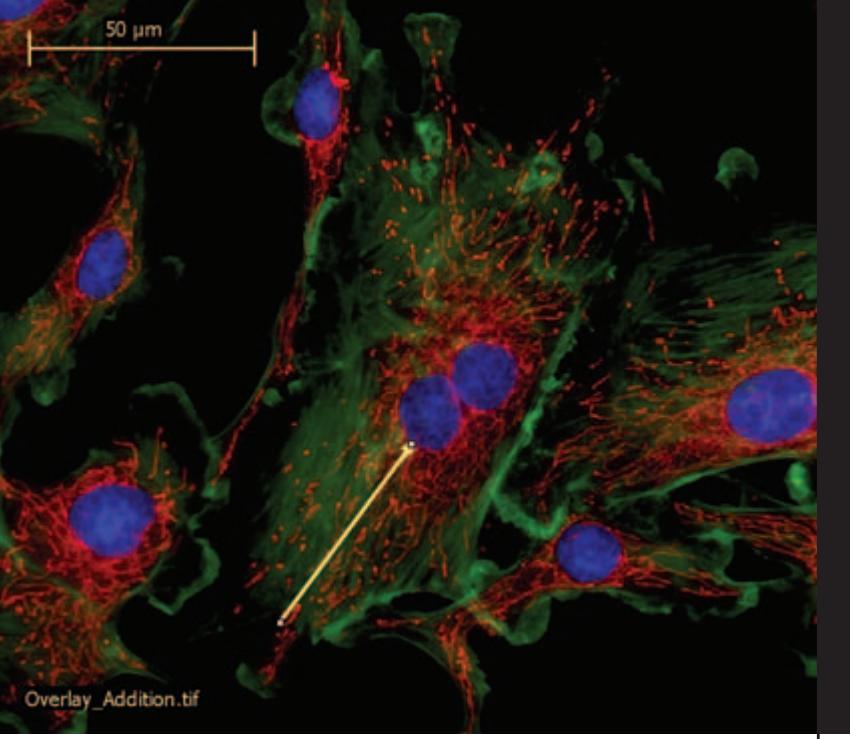
Le module Superposition d'images de la Leica Application Suite est une application d'imagerie hautement optimisée et économique, combinant les points forts de Leica en microscopie à fluorescence automatisée, en technologie de caméra numérique et en imagerie avancée. Conçu pour la visualisation, l'amélioration et la documentation numérique d'images de microscopie à fluorescence en couleur, il est extrêmement polyvalent, ce qui le rend adapté aux utilisateurs des laboratoires de biosciences, de médecine et de pharmacologie.
Conçu pour l'imagerie multicanal, le système exécute les tâches de manière simple et automatique. Les expériences bénéficiant de cette application comprennent celles liées à l'immunofluorescence, à la protéine fluorescente verte (GFP), aux données d'images multi-longueurs d'onde, à la fluorescence quantitative et à la colocalisation de plusieurs fluorophores. La riche sélection d'avantages uniques comprend :
- Une interface utilisateur orientée flux de travail avec des moyens interactifs simples pour définir les conditions d'imagerie pour chaque canal.
- Contrôle total du microscope et de la caméra numérique de manière entièrement intégrée. Acquisition automatique des images de canal par sélection informatique de la méthode de contraste, du filtre et de l'exposition.
- Des images de canal qui peuvent être combinées en une image de superposition en couleur pour une visualisation simultanée.
Numéro de commande
12730063
Module Superposition d'images de la Leica Application Suite

www.leica-microsystems.com


Marque : LEICA
Modèle : APPLICATION SUITE IMAGE OVERLAY
Catégorie : Logiciel