
APPLICATION SUITE IMAGE OVERLAY - Software LEICA - Free user manual and instructions
Find the device manual for free APPLICATION SUITE IMAGE OVERLAY LEICA in PDF.


| Product type | Image processing software module for fluorescence microscopy |
| Brand | Leica |
| Model | Application Suite Image Overlay |
| Microscope compatibility | Leica MZ16 FA stereomicroscope, upright and inverted DM and DMI microscopes |
| Camera compatibility | Leica DFC digital cameras (high resolution) |
| Operating system | Windows PC |
| Main functions | Automatic image acquisition, multi-channel visualization, image enhancement, annotation, image overlay |
| Image resolution | 8-bit or 16-bit, monochrome or RGB |
| Capture modes | Automated sequences, manual, region of interest (ROI) |
| Exposure settings | Individual exposure and gain for each filter position |
| Image processing | Adjustment of contrast, brightness, gamma |
| Annotation | Calibration markers, image name, date, description; can be merged into the image |
| Visualization | Image gallery, zoom and pan, multi-channel overlay |
| Storage | Named folder containing all images (channels + composites) and configuration |
| User interface | Workflow-oriented, simple definition of imaging conditions per channel |
| Order number | 12730063 |
| Typical applications | Immunofluorescence, GFP, multi-wavelength data, fluorophore colocalization |
| Maintenance and updates | Software updates via Leica, no physical maintenance |
| Safety | No physical hazard; software license required |
| Spare parts and repairability | Not applicable (software); technical support and updates available |
Frequently Asked Questions - APPLICATION SUITE IMAGE OVERLAY LEICA
User questions about APPLICATION SUITE IMAGE OVERLAY LEICA
0 question about this device. Answer the ones you know or ask your own.
Ask a new question about this device
Download the instructions for your Software in PDF format for free! Find your manual APPLICATION SUITE IMAGE OVERLAY - LEICA and take your electronic device back in hand. On this page are published all the documents necessary for the use of your device. APPLICATION SUITE IMAGE OVERLAY by LEICA.
USER MANUAL APPLICATION SUITE IMAGE OVERLAY LEICA
Automatic image acquisition
Precise control of microscope functions is essential for high quality fluorescence imaging. By displaying a live image with exposure adapted to the selected filter, it is easy to compose the image in the field of view. The camera's sensitivity, which is further improved by binning modes, makes it suitable even when light levels are very low as well as providing the following:
- Individual exposure and gain for each filter position so that the optimum imaging conditions are automatically set.
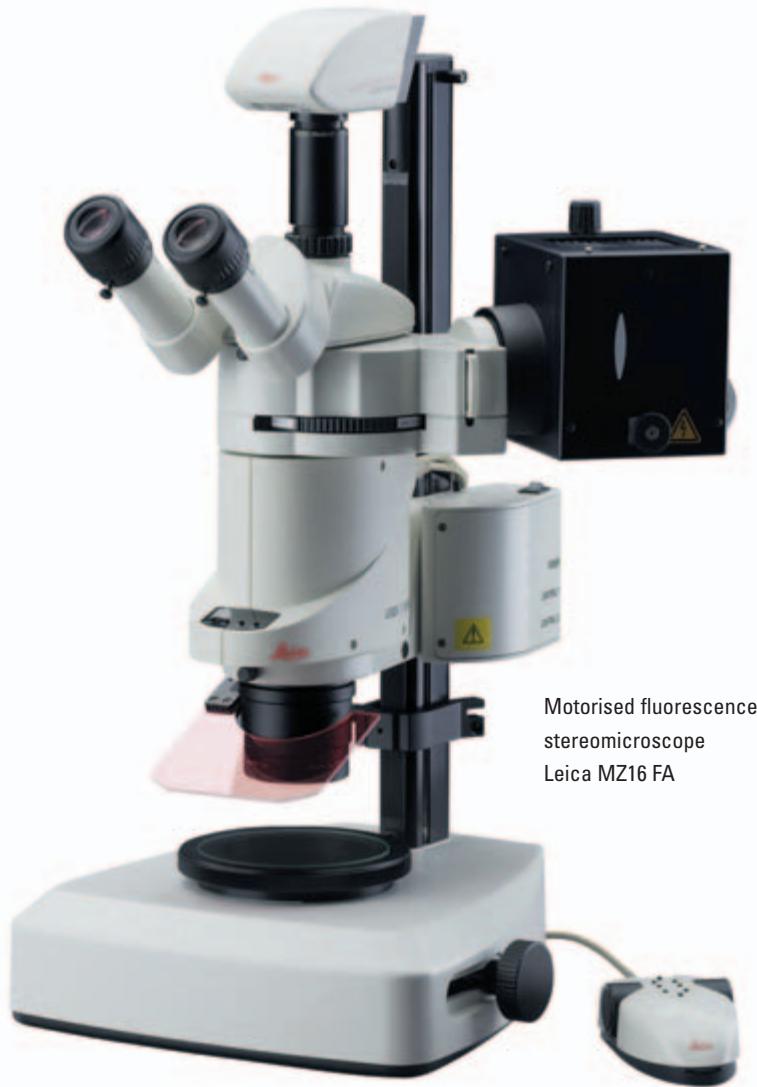
- Fully integrated fluorescence microscope control for Leica MZ16 FA stereomicroscope, Leica DM and DMI upright and inverted microscopes including the ability to change filters and shutters easily without manual operation.
- The ability to select a small region of interest from the whole image to identify an area of significance and view it in detail.
- Image capture sequences can be automated for routine operation. Different sequences can be stored for later recall, allowing immediate set-up of frequently used experimental conditions.
- Manual operation may be used where specimens are too demanding for automatic sequences.
Visualisation
For a comprehensive overview of images, a gallery is provided where associated images are attached to the main view. This means channel images can be displayed immediately.
Other benefits include:
- The image display adapts automatically to the resolution of the acquired or imported image including the ultra high resolutions provided by Leica DFC digital cameras.
- Zoom and pan allows you to inspect an image area in detail.
- The overlay image is saved in to a named folder, containing all channel and composite images as well as configuration details.
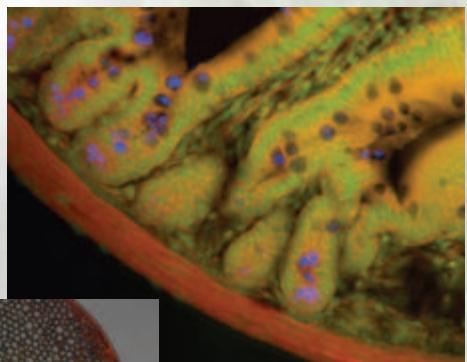
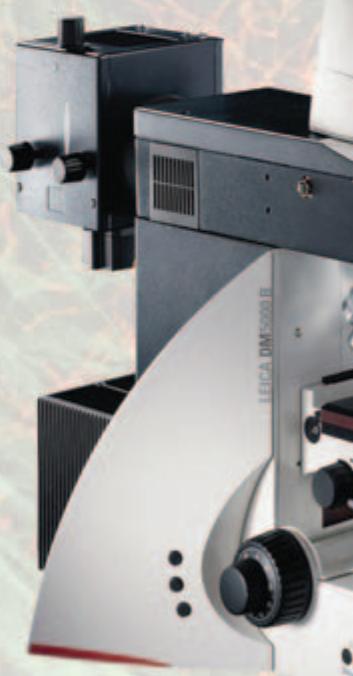
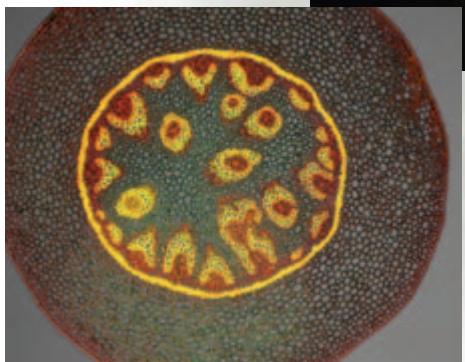
Advanced Applications in Digital Fluorescence Microscopy
Image enhancement
The Leica Application Suite Image Overlay module enables images to be enhanced by applying a range of image processing techniques. This includes image contrast, brightness and gamma which can be adjusted to optimise the image display.
Other benefits include:
- Cameras can provide 8-bit or 16-bit images, in monochrome or RGB retaining the full dynamic range of the high bit-depth.
- Exposure and gain can be set individually for each filter position.
- Image mixing - images from fluorescence and other contrast methods can be collected without moving the slide and this allows the fluorescent information to be overlaid with for example, DIC to indicate regions of co-localisation.
Annotation
Once an image is enhanced satisfactorily, annotations can be applied to further high light areas of interest.
- Images can be annotated with calibration markers for an obvious guide to size of microstructure.
Further annotations can be added such as the image name, date of acquisition and description. - Annotations can be merged into an image for a permanent record.
LAS is based on Windows PCs and provides a cost-effective and uniform environment, compatible across the Leica range of microscopes and cameras. Furthermore, images may be exported for additional processing.
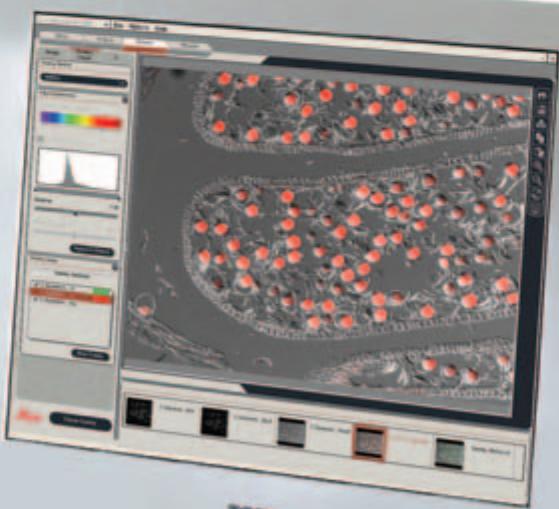
Monitor Image: DIC &
fluorescent overlay acquired
with a Leica DM6000 B
microscope
LAS Image Overlay
The Leica Application Suite Image Overlay module is a highly optimised, yet cost-effective imaging application, combining Leica's strengths in automated fluorescence microscopy, digital camera technology and advanced imaging. Constructed for the visualisation, enhancement and digital documentation of coloured fluorescence microscope images, it is extremely versatile, making it suitable for users in bioscience, medical and pharmacological laboratories.
Designed for multi-channel imaging, the system performs tasks in a simple, automatic manner. Experiments benefiting from this application include those concerned with immunofluorescence, Green Fluorescence Protein (GFP), Multiwavelength image data, Quantitative fluorescence and Co-localisation of multiple fluorophores. The rich selection of unique benefits include:
- A workflow orientated User Interface with simple interactive means of defining imaging conditions for each channel.
- Total microscope and digital camera control in a fully integrated manner.
Automatic acquisition of channel images by computer selection of contrast method, filter and exposure. - Channel images which can be combined into a colour Overlay image for simultaneous visualisation.
Order number
12730063
Leica Application Suite Image Overlay Module

www.leica-microsystems.com
Brand : LEICA
Model : APPLICATION SUITE IMAGE OVERLAY
Category : Software