
BT-UB40 - Computer accessory Sabrent - Free user manual and instructions
Find the device manual for free BT-UB40 Sabrent in PDF.


| Product Type | Bluetooth USB Adapter |
| Model | BT-UB40 |
| Brand | Sabrent |
| Interface | USB 2.0 / USB 3.0 |
| Bluetooth Version | Bluetooth 5.0 |
| Frequency | 2.4 GHz |
| Range | Up to 10 meters (33 feet) |
| Data Rate | Up to 3 Mbps |
| Compatibility | Windows 11/10/8/7, macOS, Linux |
| Driver Requirement | Plug and Play (Windows 8 and later); driver CD included for older OS |
| Dimensions | 22 x 15 x 6 mm |
| Weight | 3 g |
| Power Source | 5V via USB port |
| Operating Temperature | 0°C to 40°C |
| Storage Temperature | -20°C to 60°C |
| LED Indicator | Blue LED for connection status |
| Security | 128-bit AES encryption |
| Supported Profiles | A2DP, AVRCP, HFP, HSP, SPP, HID, PAN, GATT |
| Maintenance | Keep dry; clean with soft cloth; avoid dust |
| Repairability | Non-repairable; replace if defective |
Frequently Asked Questions - BT-UB40 Sabrent
User questions about BT-UB40 Sabrent
0 question about this device. Answer the ones you know or ask your own.
Ask a new question about this device
Download the instructions for your Computer accessory in PDF format for free! Find your manual BT-UB40 - Sabrent and take your electronic device back in hand. On this page are published all the documents necessary for the use of your device. BT-UB40 by Sabrent.
USER MANUAL BT-UB40 Sabrent
Connecting Differently™
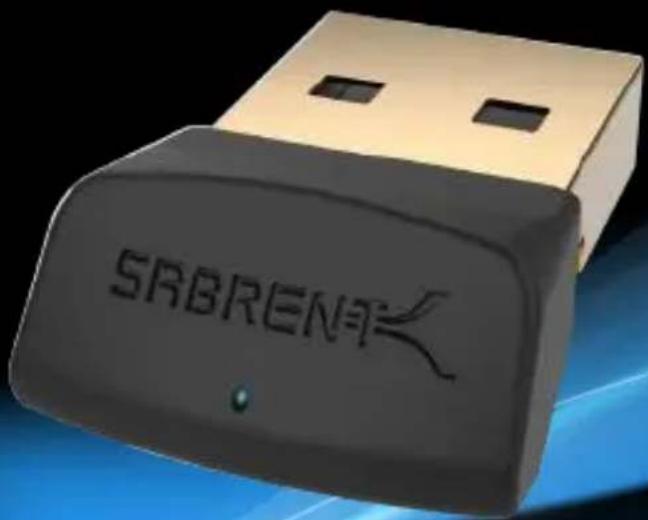
BLUETOOTH 4.0 USB WIRELESS ADAPTER
Windows Driver Setup
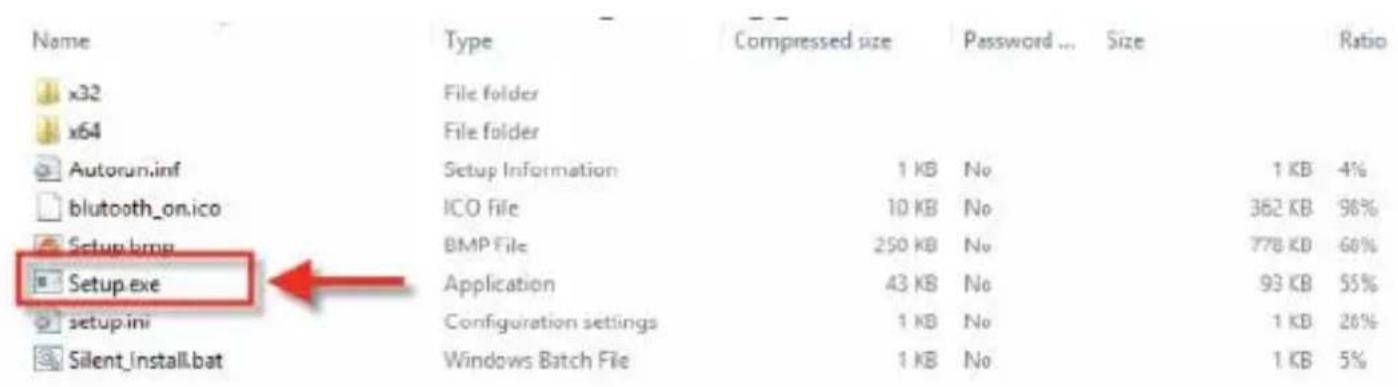
1. Insert CD and click on the Setup.exe Application.
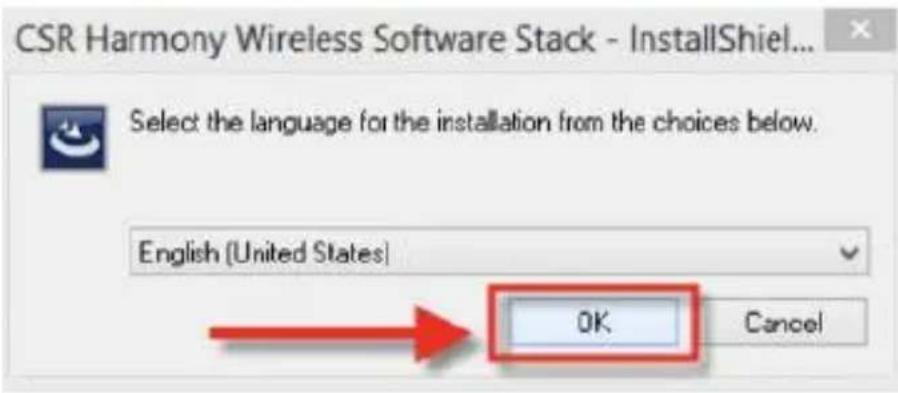
2. Click on OK when you get the "Install Shield" pop up.
No Software install is required, this is a Plug & Play device Software link is included for troubleshooting purposes only https://www.sabrent.com/download/bt-ub40-windows-drivers/
3. Click on Next
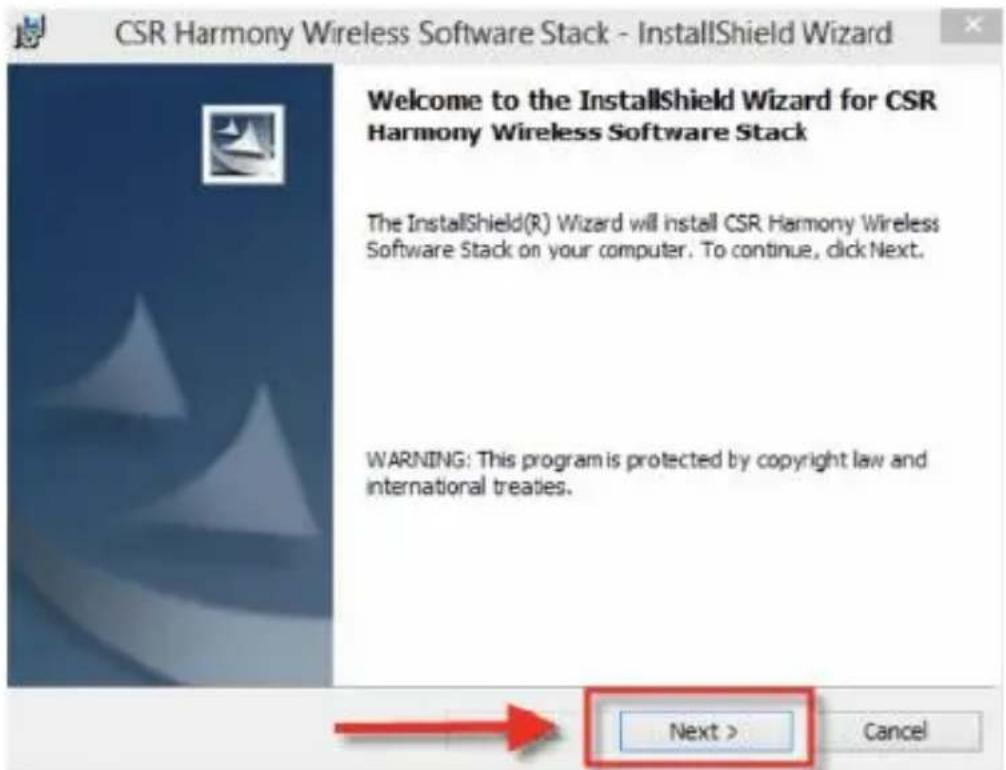
4. Accept and click "Next".
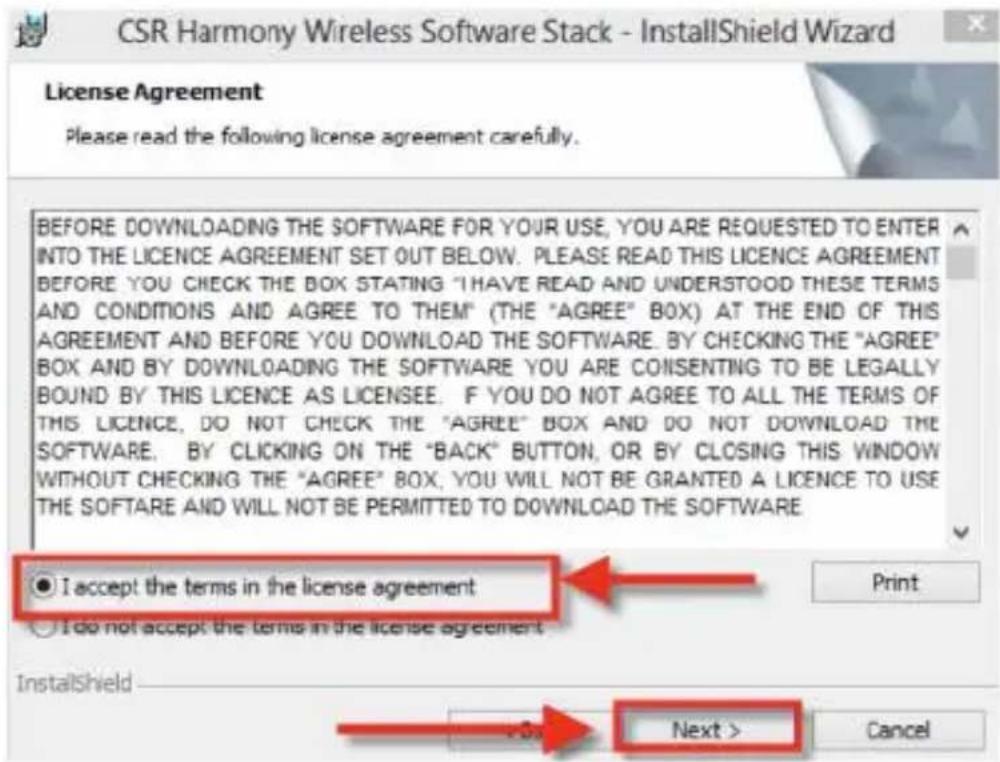
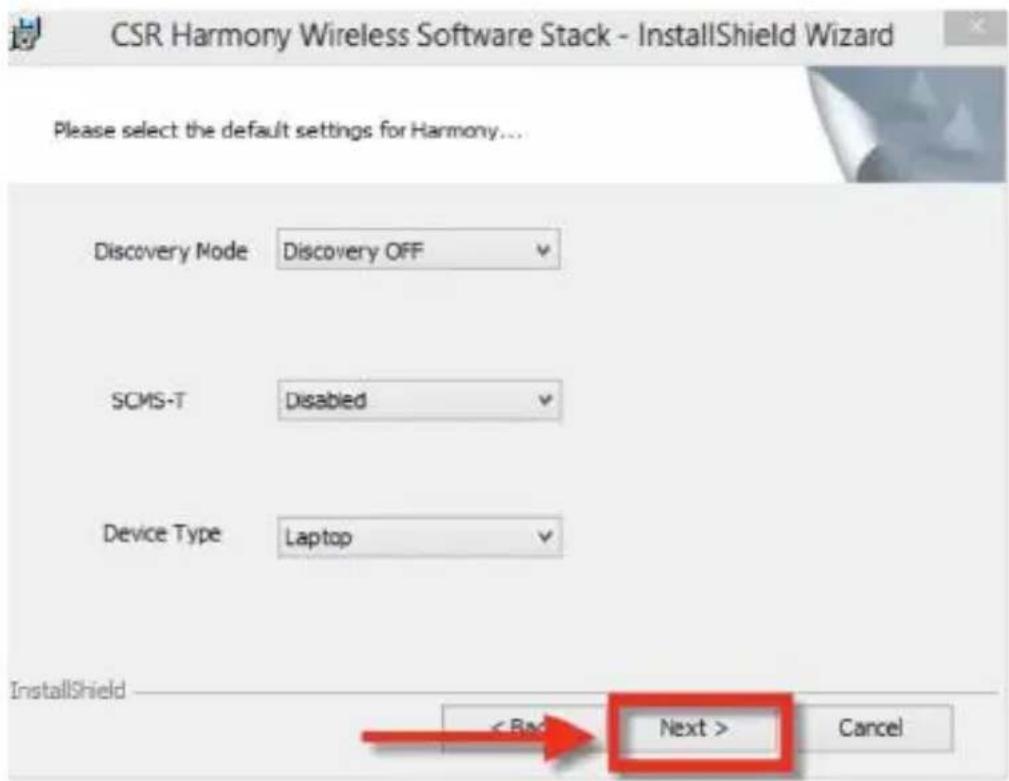
- Go through the set up by clicking next for default settings.
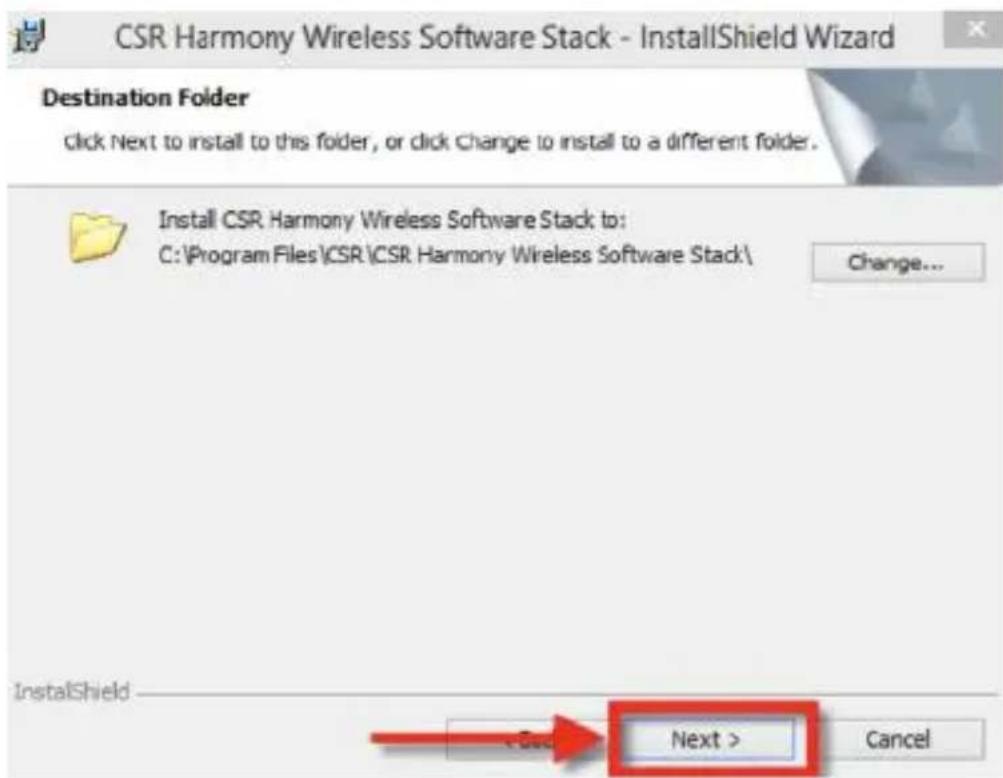
6. Click on Next.
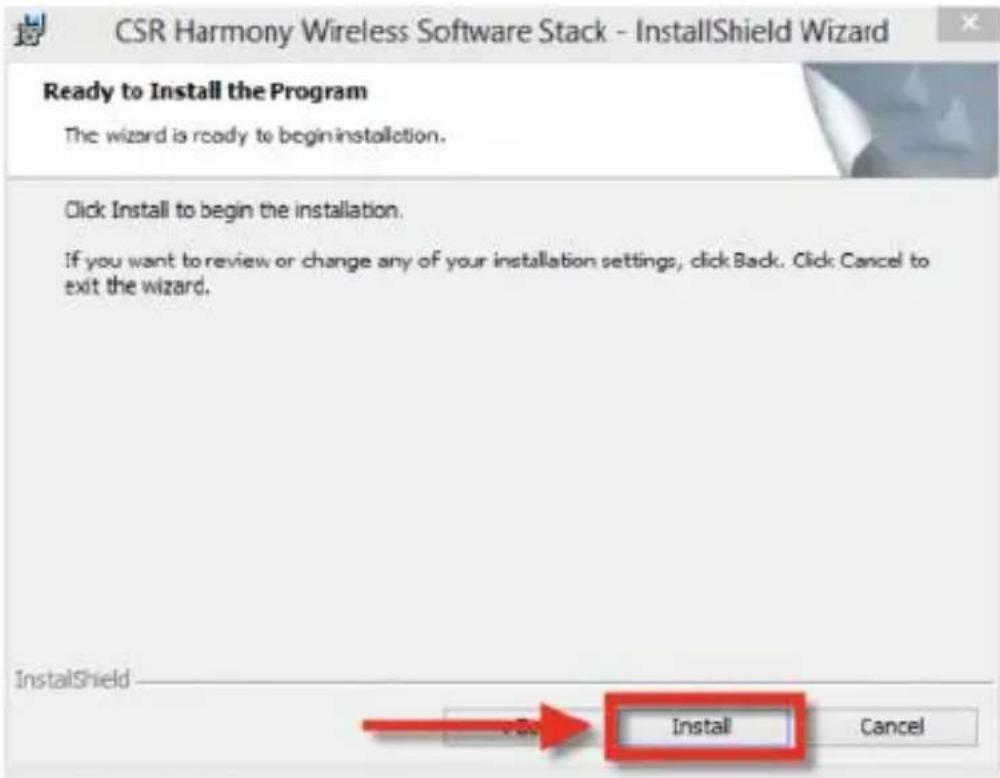
7. Click on Install.
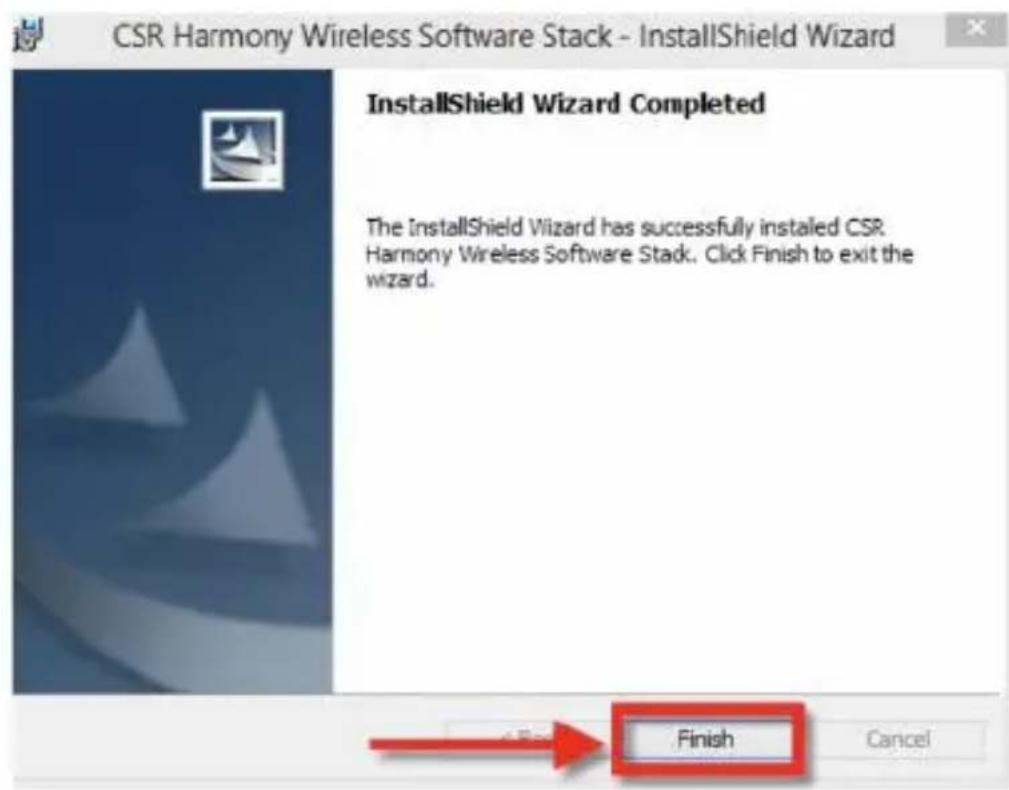
- Click on Finish to complete the installation.
-
Restart your computer.
-
Connect the 4.0 adapter to an available USB port on your computer.
-
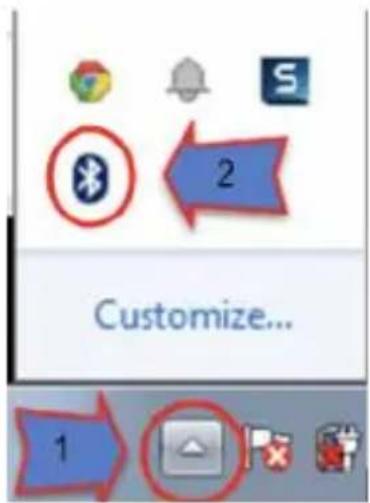
Click on "Show Hidden Icons" arrow on bottom right corner of the screen, and then select the Bluetooth icon.
-
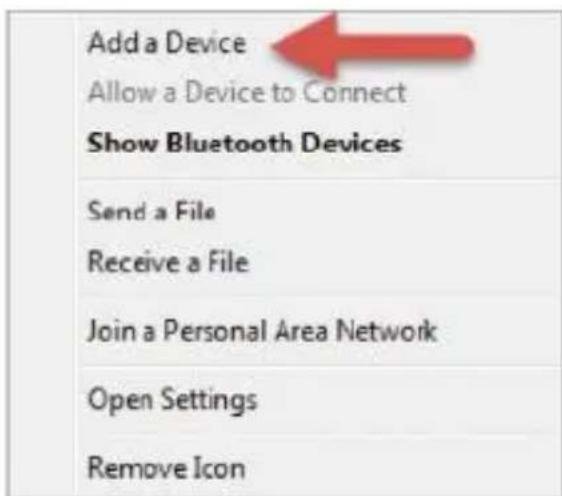
Click on Add a Bluetooth Device.
- Your Bluetooth adapter will begin searching for devices.
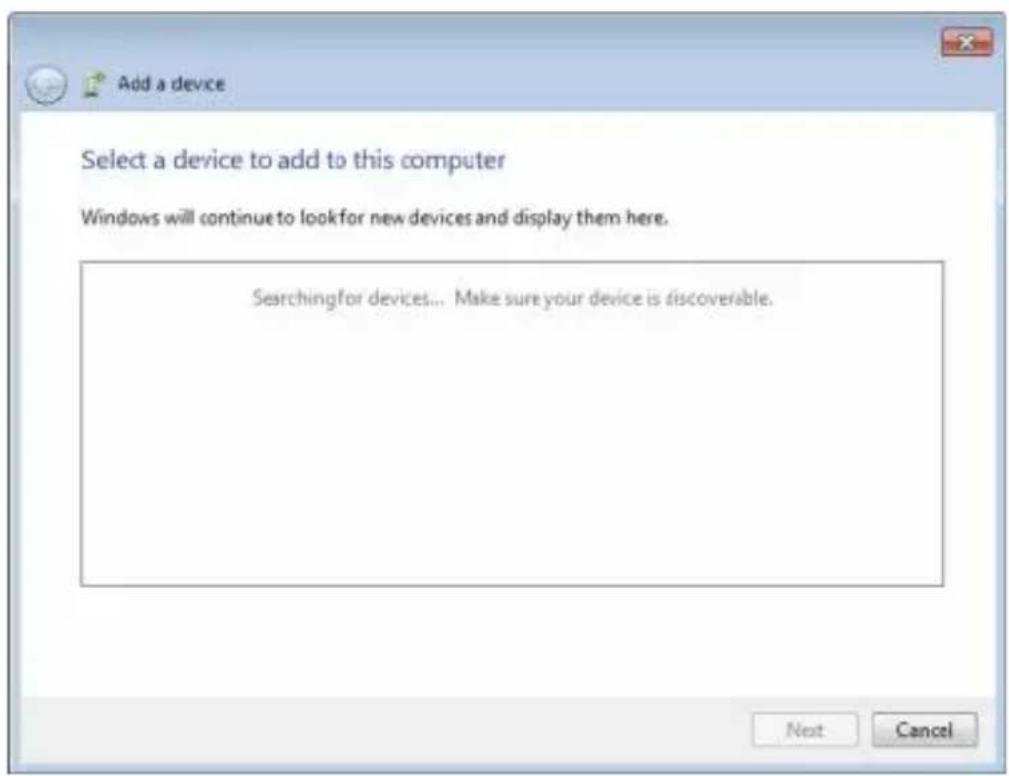
- Select the device you want to connect to.
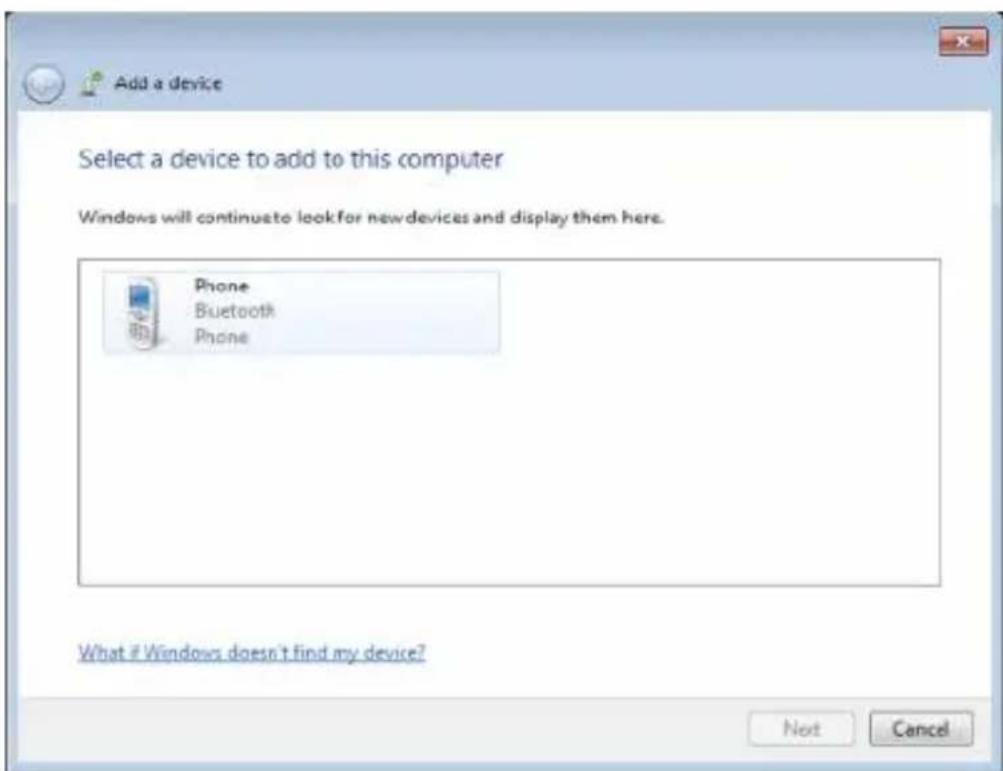
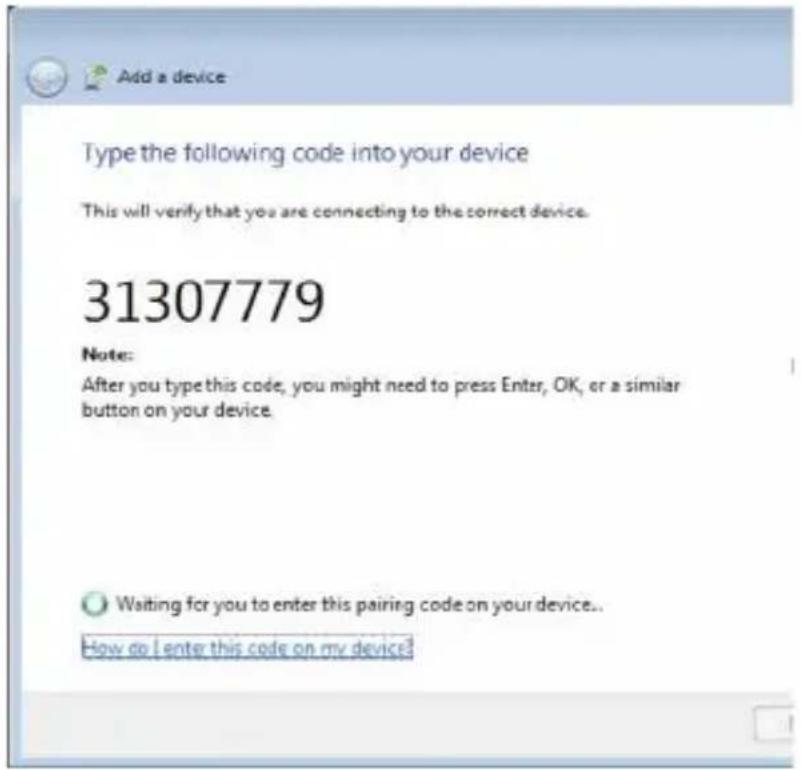
- Some devices may require a security number that will need to be entered in the device you are trying to pair with.
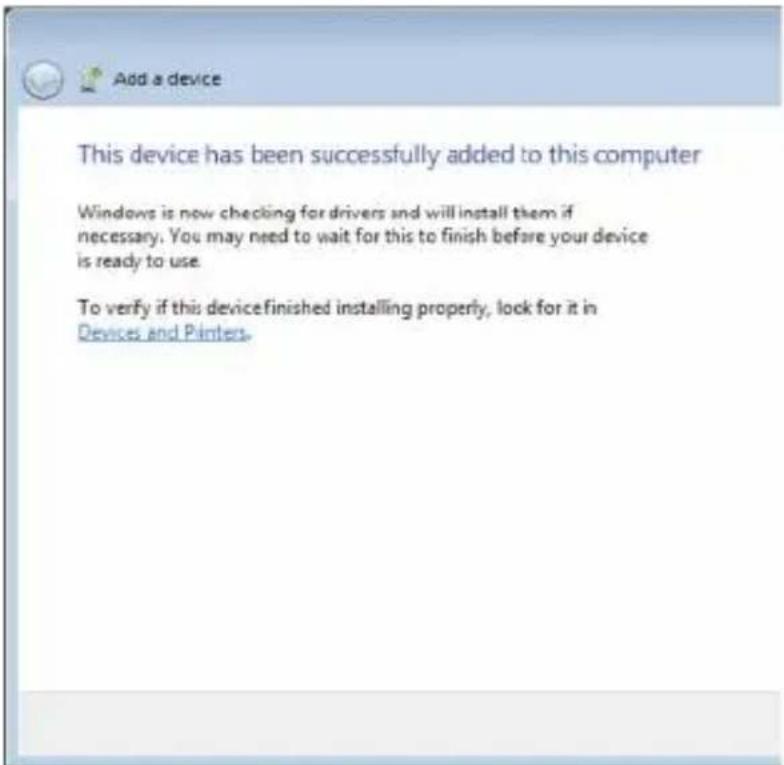
- You will receive this message confirming the connection.
Brand : Sabrent
Model : BT-UB40
Category : Computer accessory