
Ranger IQ - Security Camera IMOU - Free user manual and instructions
Find the device manual for free Ranger IQ IMOU in PDF.


| Product Type | Security Camera |
| Brand | Imou |
| Model | Ranger IQ |
| Video Resolution | 2K (2560 x 1440 pixels) |
| Viewing Angle | 110° (diagonal) |
| Night Vision | Up to 10 meters |
| Audio | Built-in microphone and speaker (two-way audio) |
| Motion Detection | Yes, with push notifications |
| Storage | MicroSD card (up to 256 GB) and cloud (optional subscription) |
| Connectivity | Wi-Fi 2.4 GHz (802.11 b/g/n) |
| Power Supply | 5V DC, 1A (micro USB cable included) |
| Dimensions | 75 x 75 x 110 mm |
| Weight | 300 g |
| Material | ABS Plastic |
| Protection Rating | IP65 (weather resistant) |
| Compatibility | Alexa, Google Assistant |
| App | Imou Life (iOS/Android) |
| Smart Features | Person detection, customizable detection zone |
| Maintenance and Cleaning | Clean with a soft, dry cloth. Avoid chemicals. |
| Security | AES 128-bit encryption, two-factor authentication |
| Spare Parts and Repairability | Not user repairable. Contact Imou support. |
| General Information | 2-year warranty. Operating temperature: -20°C to 50°C. |
Frequently Asked Questions - Ranger IQ IMOU
User questions about Ranger IQ IMOU
0 question about this device. Answer the ones you know or ask your own.
Ask a new question about this device
Download the instructions for your Security Camera in PDF format for free! Find your manual Ranger IQ - IMOU and take your electronic device back in hand. On this page are published all the documents necessary for the use of your device. Ranger IQ by IMOU.
USER MANUAL Ranger IQ IMOU
natural_image
Line drawing of a spherical device with concentric rings and a base (no text or symbols)Welcome
Thank you for choosing IMOU.
We are devoted to provide you easy smart home products. If you have problems using the product, please contact our service team before returning your product.
Our service mail: service.global@imoulife.com
Frequently asked questions can be found at imoulife.com/support/help
natural_image
Illustration of a person sitting on a sofa with a coffee table and a mug, no text or symbols present.Package content
EN

natural_image
Simple line drawing of a stylized computer monitor or keyboard (no text or symbols)

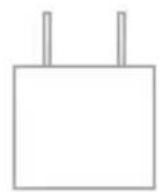
Camera ×1 Power Cable ×1 Power Adapter ×1 Positioning Map ×1
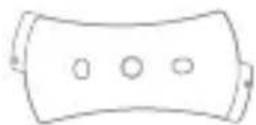
Quick Start Guide ×1 Screw Package ×1
Mounting Plate × 1
Camera introduction
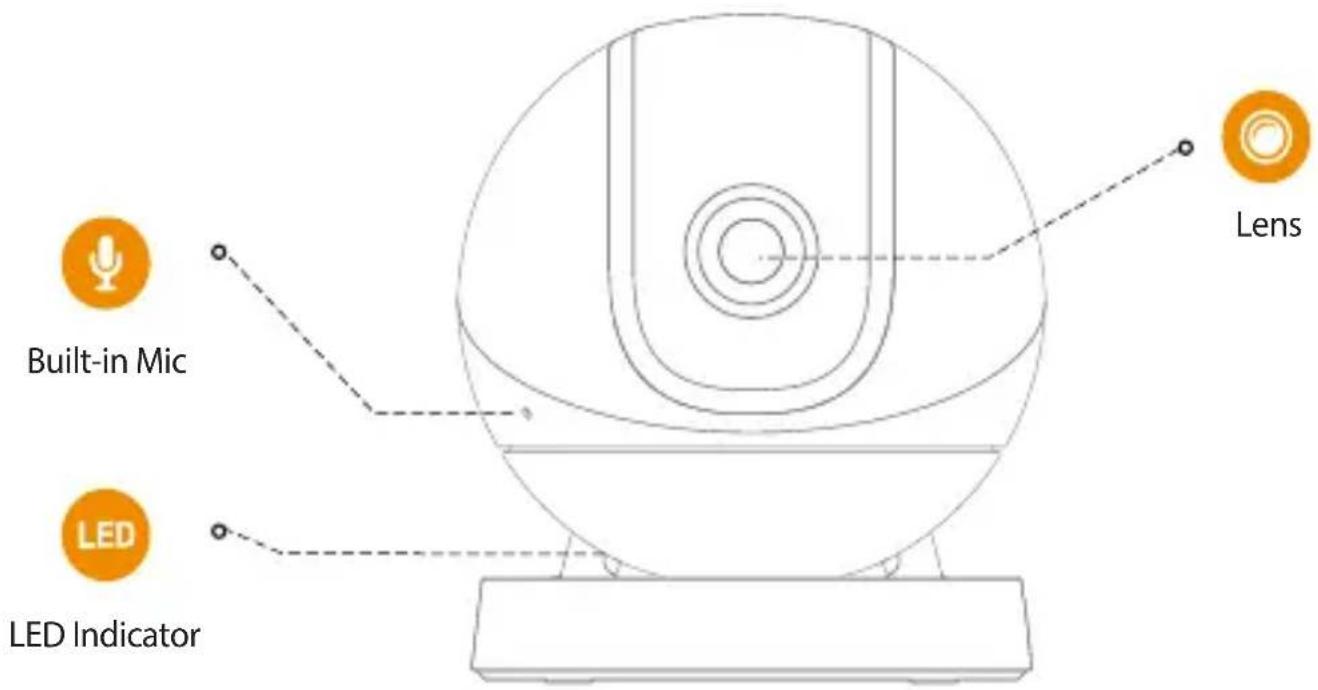

Note: Press the reset/pair button to enter pairing mode.
Press and hold the reset/pair button for 10 seconds to reset the camera.
The pattern of the LED indicator is included in the following table.
| LED Status | Device Status |
| Off | Powered off/LED turned offRebooting after reset |
| Red light on | BootingDevice malfunction |
| Green light flashing | Waiting for networkSensor pairing mode |
| Green light on | Operating properly |
| Red light flashing | Network connection failedFailed pairing sensor |
| Green and red light flashing alternately | Firmware updating |

i Tips

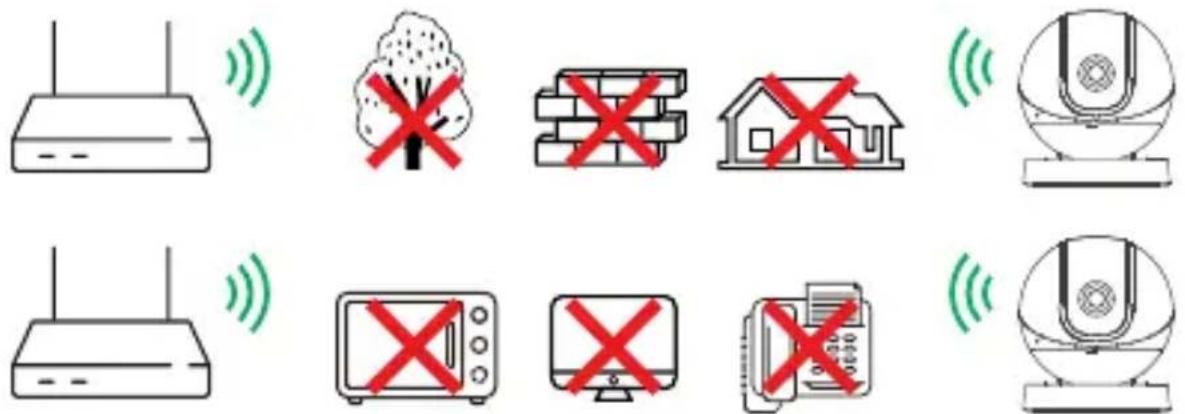
To ensure the best possible wireless performance, please make sure there are no obstacles and electromagnetic interference between the camera and router.
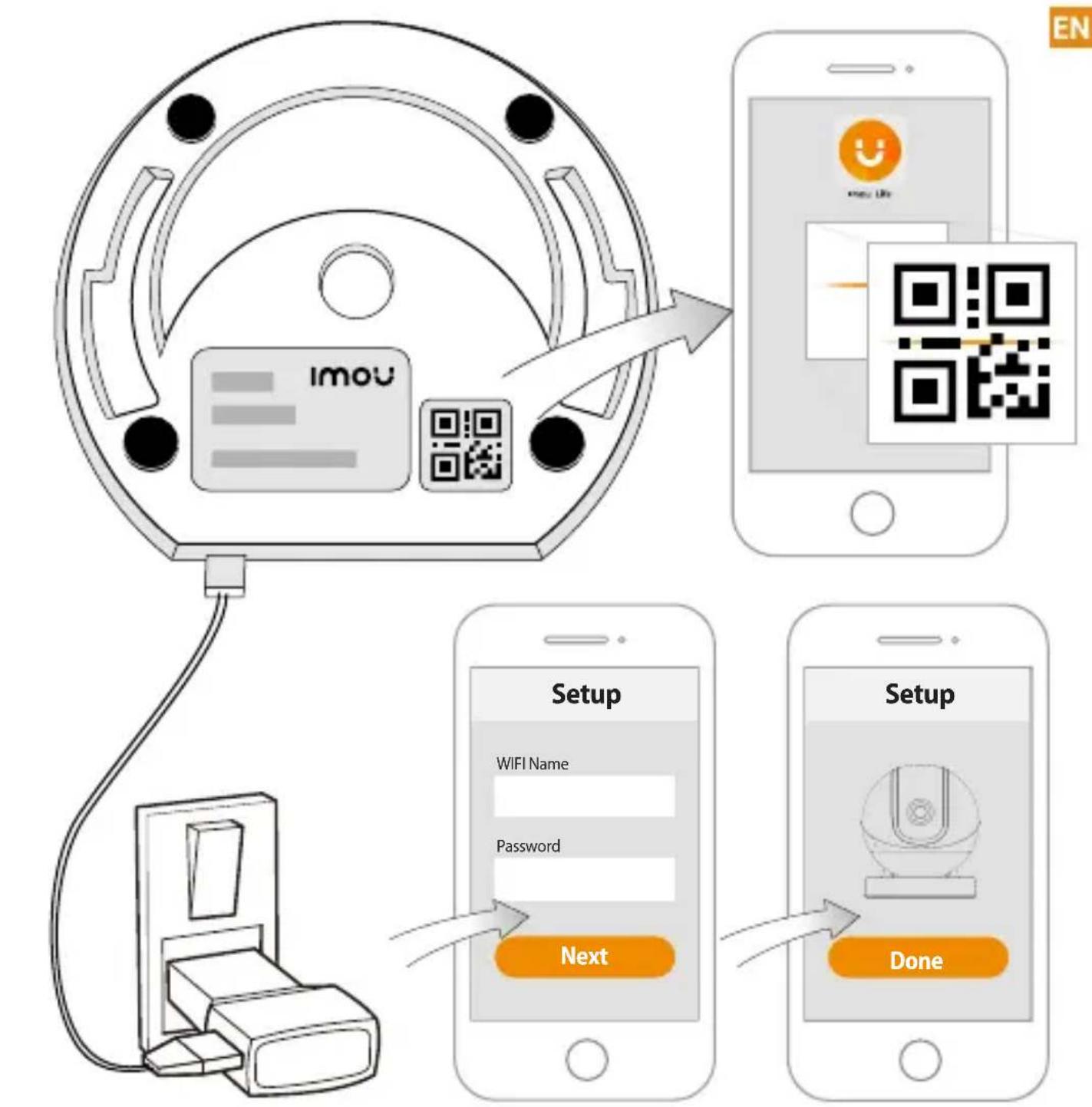
flowchart
graph TD
    A["Device"] -->|Wireless Connection| B["QR Code Scan"]
    B --> C["Setup Setup"]
    C --> D["Next Setup"]
    D --> E["Done Setup"]
    style A fill:#f9f,stroke:#333
    style B fill:#ccf,stroke:#333
    style C fill:#cfc,stroke:#333
    style D fill:#fcc,stroke:#333
    style E fill:#ffc,stroke:#333

Adding sensors (Optional)
EN

i Tips Please refer to the Quick Start Guide of sensor for further information.
Ceiling Mounting (Optional)

Troubleshooting
EN
| Problem Solution | |
| Cannot set up camera | · Ensure your mobile device and the camera are within range of your Wi-Fi router.· Ensure the LED indicator on the camera is flashing green before beginning setup. |
| The APP says "Failed to configure device network" | · Reset your Camera and connect it again.· Some cameras only support 2.4GHz, while some routers have dual band, 2.4G/5G. Make sure you are connecting 2.4GHz only. |
| The app says "Failed to bind" | The camera is already connected to Wi-Fi, but the router is:· Not connected to Internet· Poor network status· The Wi-Fi signal is not stable due to obstacles or electronic interference |
| No picture / signal | · Ensure the LED indicator on the camera is flashing steady green. See 'LED Status' section for details if otherwise.· Ensure the camera is properly connected to power using the included USB power adapter.· Try repositioning the camera, router, or both to improve signal strength. |
| Picture is not clear | · Check the camera lens for dirt, dust, spider webs. Clean the lens with a soft, clean cloth.· Remove the vinyl cover on the camera lens. |
| No audio | · Ensure audio function on camera is turned on.· Ensure audio is turned up on viewing device. |
| Human detection not working | · Ensure you have enabled "Human Detection" in the Device Settings screen of the Imou LifeApp. |
| Camera stuck downwards · Turn off Camera Shielding in Device Settings on the Imou Life app. | |
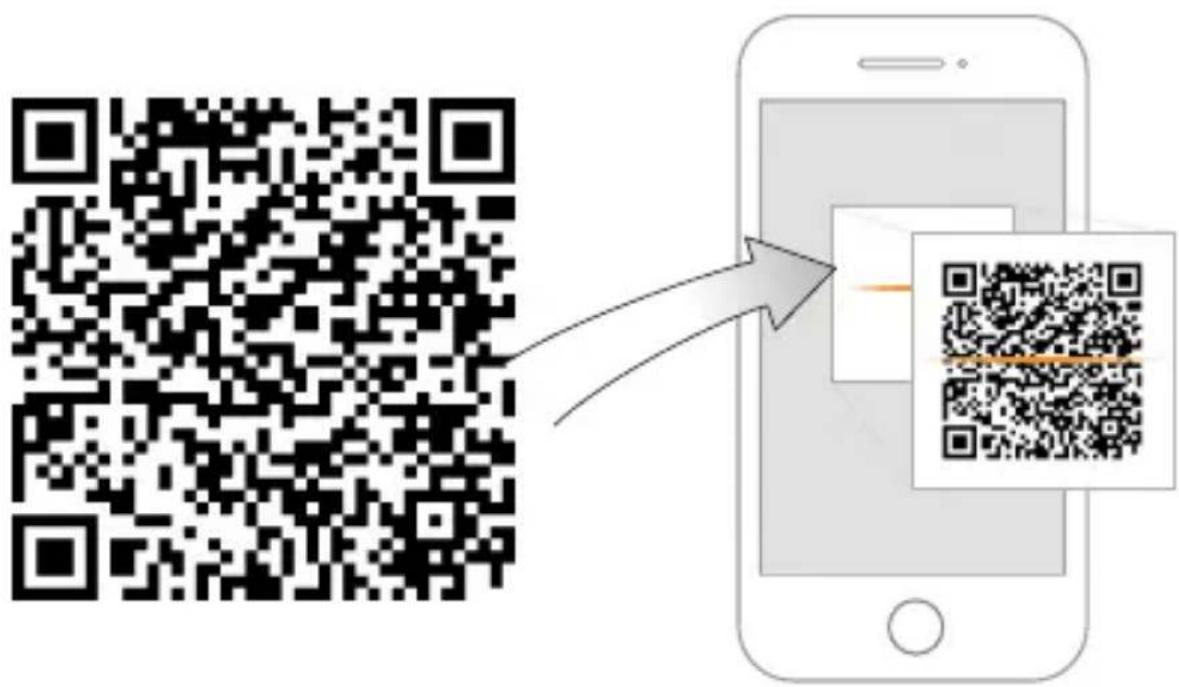
| Phone is not reading QR code | · Clean the camera lens of your Smartphone· Ensure that there is enough light on the QR code· Don't hold the QR code too close to the camera |
This product complies with the applicable CE marking directives and standards:

• Low Voltage (LVD) Directive 2014/35/EU.
• Electromagnetic Compatibility (EMC) Directive 2014/30/EU.
- Restrictions of Hazardous Substances (RoHS) Directive 2011/65/EU and its amending Directive (EU) 2015/863.
A copy of the original declaration of conformity may be obtained from Dahua Technology. The most up to date copy of the signed EU Declaration of Conformity (DoC) can be found www.imoulife.com/declaration-of-conformity
CE-Electromagnetic Compatibility (EMC)
This digital equipment is compliant with Class B according to EN 55032.
CE-Safety
This product complies with IEC/EN/UL 60950-1 or IEC/EN/UL 62368-1, Safety of Information Technology Equipment.
Declaration of Conformity CE
(Only for the product has RF function)
Hereby, Dahua Technology declares that the radio equipment is compliant with Radio Equipment Directive (RED) 2014/53/EU. The full text of the EU declaration of conformity is available at www.imoulife.com/declaration-of-conformity
Kurzanleitung
Ranger IQ

natural_image
Line drawing of a spherical device with concentric rings and a base (no text or symbols)Willkommen
DE
natural_image
Illustration of a person sitting on a sofa with a coffee table and a mug, no text or symbols present.Packungsinhalt
DE

natural_image
Simple line drawing of a stylized helmet or device with a circular top and base (no text or symbols)

i Tips

This product complies with the applicable CE marking directives and standards:
• Low Voltage (LVD) Directive 2014/35/EU.
- Electromagnetic Compatibility (EMC) Directive 2014/30/EU.
- Restrictions of Hazardous Substances (RoHS) Directive 2011/65/EU and its amending Directive (EU) 2015/863.
A copy of the original declaration of conformity may be obtained from Dahua Technology. The most up to date copy of the signed EU Declaration of Conformity (DoC) can be found www.imoulife.com/declaration-of-conformity
CE-Electromagnetic Compatibility (EMC)
This digital equipment is compliant with Class B according to EN 55032.
CE-Safety
This product complies with IEC/EN/UL 60950-1 or IEC/EN/UL 62368-1, Safety of Information Technology Equipment.
Declaration of Conformity CE
(Only for the product has RF function)
Hereby, Dahua Technology declares that the radio equipment is compliant with Radio Equipment Directive (RED) 2014/53/EU. The full text of the EU declaration of conformity is available at www.imoulife.com/declaration-of-conformity

natural_image
Line drawing of a spherical device with concentric rings and a base (no text or symbols)Bienvenido
ES
natural_image
Illustration of a person sitting on a sofa with a coffee table and a mug, no text or symbols present.natural_image
Simple line drawing of a stylized globe or device with a circular top and base (no text or symbols)
i Consejos
www.imoulife.com/declaration-of-conformity
natural_image
Line drawing of a spherical device with concentric rings and a base (no text or symbols)Bienvenue
FR
natural_image
Illustration of a person sitting on a sofa with a coffee table and a mug, no text or symbols present.natural_image
Simple line drawing of a computer monitor with a circular top and base (no text or symbols)Caméra ×1

i Conseils

This product complies with the applicable CE marking directives and standards:
• Low Voltage (LVD) Directive 2014/35/EU.
Electromagnetic Compatibility (EMC) Directive 2014/30/EU.
- Restrictions of Hazardous Substances (RoHS) Directive 2011/65/EU and its amending Directive (EU) 2015/863.
A copy of the original declaration of conformity may be obtained from Dahua Technology. The most up to date copy of the signed EU Declaration of Conformity (DoC) can be found www.imoulife.com/declaration-of-conformity
CE-Electromagnetic Compatibility (EMC)
This digital equipment is compliant with Class B according to EN 55032.
CE-Safety
This product complies with IEC/EN/UL 60950-1 or IEC/EN/UL 62368-1, Safety of Information Technology Equipment.
Declaration of Conformity CE
(Only for the product has RF function)
Hereby, Dahua Technology declares that the radio equipment is compliant with Radio Equipment Directive (RED) 2014/53/EU. The full text of the EU declaration of conformity is available at www.imoulife.com/declaration-of-conformity
Guida Rapida
Ranger IQ

natural_image
Line drawing of a spherical device with concentric rings and a base (no text or symbols)Benvenuti
natural_image
Simple line drawing of a stylized helmet or device with a circular top and base (no text or symbols)Telecamera ×1
Download on the App Store

GET IT ON Google play

Windows
i Suggerimenti




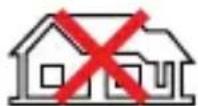


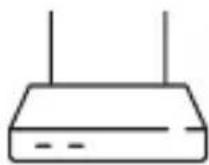

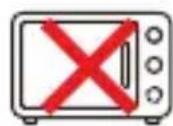


www.imoulife.com/declaration-of-conformity
Snelstartgids
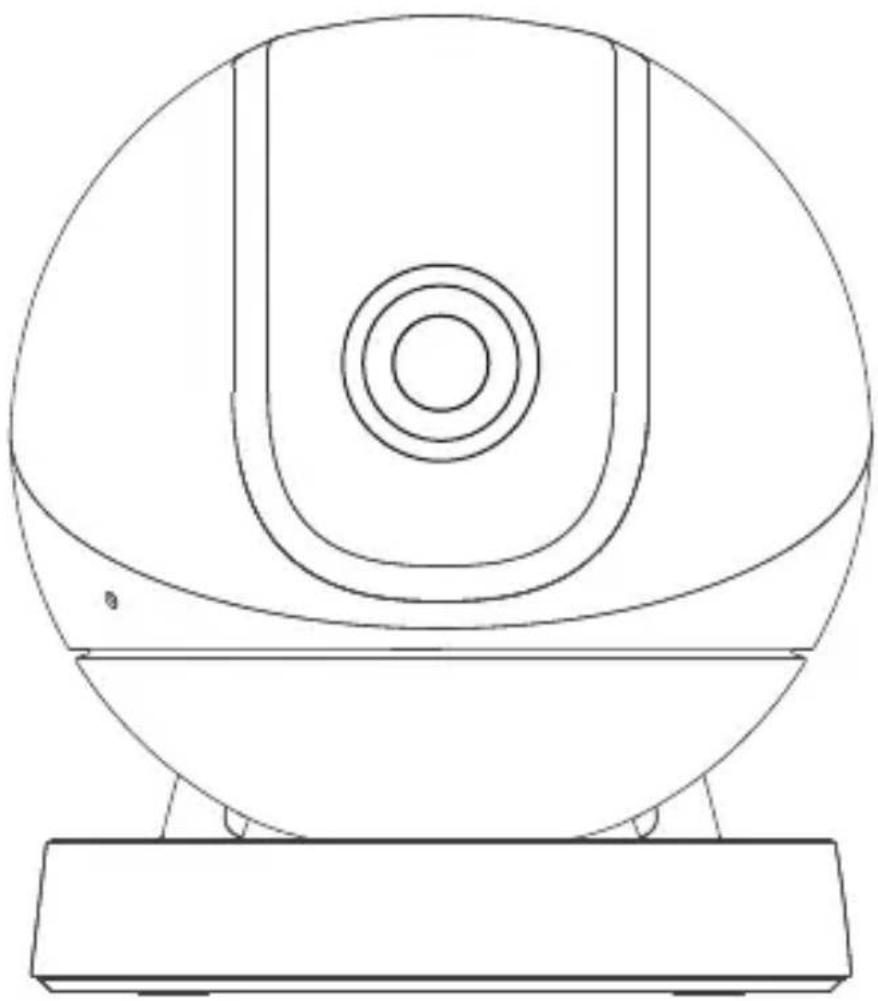
Ranger IQ
natural_image
Line drawing of a spherical device with concentric rings and a base (no text or symbols)Welkom
natural_image
Illustration of a person sitting on a sofa with a coffee table and a mug, no text or symbols present.Inhoud verpakking

natural_image
Simple line drawing of a stylized computer monitor with a circular top and base (no text or symbols)Camera ×1

USB laadkabel
×1
USB lader ×1
Download on the App Store

GET IT ON Google play

Windows
i Tips




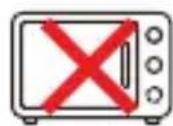


This product complies with the applicable CE marking directives and standards:
Low Voltage (LVD) Directive 2014/35/EU.
Electromagnetic Compatibility (EMC) Directive 2014/30/EU.
Restrictions of Hazardous Substances (RoHS) Directive 2011/65/EU and its amending Directive (EU) 2015/863.
A copy of the original declaration of conformity may be obtained from Dahua Technology. The most up to date copy of the signed EU Declaration of Conformity (DoC) can be found www.imoulife.com/declaration-of-conformity
CE-Electromagnetic Compatibility (EMC)
This digital equipment is compliant with Class B according to EN 55032.
CE-Safety
This product complies with IEC/EN/UL 60950-1 or IEC/EN/UL 62368-1, Safety of Information Technology Equipment.
Declaration of Conformity CE
(Only for the product has RF function)
Hereby, Dahua Technology declares that the radio equipment is compliant with Radio Equipment Directive (RED) 2014/53/EU. The full text of the EU declaration of conformity is available at www.imoulife.com/declaration-of-conformity
Guia rápido
Ranger IQ

natural_image
Line drawing of a spherical device with concentric rings and a base (no text or symbols)Bem-vindo
natural_image
Illustration of a person sitting on a sofa with a coffee table and a mug, no text or symbols present.natural_image
Simple line drawing of a stylized helmet or device with a circular top and base (no text or symbols)Câmara
×1

Cabo de alimentação
×1
Adaptador
×1

i Dicas


- Welcome
- Package content
- Camera introduction
- i Tips
- Adding sensors (Optional)
- Ceiling Mounting (Optional)
- Troubleshooting
- This product complies with the applicable CE marking directives and standards:
- CE-Electromagnetic Compatibility (EMC)
- CE-Safety
- Declaration of Conformity CE
- (Only for the product has RF function)
- Kurzanleitung
- Ranger IQ
- Willkommen
- Packungsinhalt
- Bienvenido
- Bienvenue
- Guida Rapida
- Benvenuti
- i Suggerimenti
- Snelstartgids
- Welkom
- Inhoud verpakking
- Guia rápido
- Bem-vindo
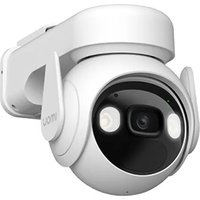
Brand : IMOU
Model : Ranger IQ
Category : Security Camera