
PLRV1725 - Monitor Pyle - Free user manual and instructions
Find the device manual for free PLRV1725 Pyle in PDF.


| Product Type | Vehicle Flip-Down Display Screen (Roof Mount Monitor) |
| Brand | Pyle |
| Model | PLRV1725 |
| Display Size | 17.3" inches |
| Display Type | LCD |
| Resolution | 1680 x 800 pixels |
| Aspect Ratio | 16:9 |
| Brightness | 350 cd/m² |
| Contrast Ratio | 300:1 |
| Video System | PAL / NTSC Auto Switching |
| HDMI Input | Yes |
| USB & TF Card Readers | Yes (max 32GB) |
| Media Compatibility | MP3, MP4, MP5, JPG, MPEG4, WMA, AVI |
| Built-in Speakers | Yes (stereo) |
| FM Transmitter | Yes |
| IR Transmitter | Yes (for wireless headphones) |
| RCA Input/Output | Yes (wiring harness) |
| Power Supply | DC 12-24V |
| Dimensions (Closed) | 19.7" x 12.2" x 1.7" (500 x 310 x 43 mm) |
| Weight | Approx. 5.0 lbs (2.3 kg) |
| Mounting | Universal vehicle overhead roof mount |
| Color | Black |
| OSD Language | English |
Frequently Asked Questions - PLRV1725 Pyle
User questions about PLRV1725 Pyle
0 question about this device. Answer the ones you know or ask your own.
Ask a new question about this device
Download the instructions for your Monitor in PDF format for free! Find your manual PLRV1725 - Pyle and take your electronic device back in hand. On this page are published all the documents necessary for the use of your device. PLRV1725 by Pyle.
USER MANUAL PLRV1725 Pyle
natural_image
Lemon slide with lime and water splashing, displayed in a black open refrigerator (no text or symbols visible)PLRV1725
Vehicle Flip-Down Display Screen
Roof Mount Monitor with 1080p Support, HD IN/USB/
Micro SD/IR/FM Transmitter (17.3" -inch Display)
FCC WARNING
This device complies with part 15 of the FCC Rules.
Operation is subject to the following two conditions: (1) this device may not cause harmful interference, and (2) this device must accept any interference received, including interference that may cause undesired operation.
Any changes or modifications not expressly approved by the party responsible for compliance could void the user's authority to operate the equipment.
NOTE: This equipment has been tested and found to comply with the limits for a Class B digital device, pursuant to Part 15 of the FCC Rules. These limits are designed to provide reasonable protection against harmful interference in a residential installation. This equipment generates, uses and can radiate radio frequency energy and, if not installed and used in accordance with the instructions, may cause harmful interference to radio communications.
However, there is no guarantee that interference will not occur in a particular installation.
If this equipment does cause harmful interference to radio or television reception, which can be determined by turning the equipment off and on, the user is encouraged to try to correct the interference by one or more of the following measures:
-- Reorient or relocate the receiving antenna.
-- Increase the separation between the equipment and receiver.
-- Connect the equipment into an outlet on a circuit different from that to which the receiver is connected.
-- Consult the dealer or an experienced radio/TV technician for help.
To maintain compliance with FCC's RF Exposure guidelines, this equipment should be installed and operated with minimum 20cm distance between the radiator and your body: Use only the supplied antenna.
PRODUCT PANEL INTRODUCTION
- Open
- Power ON/OFF, AV Switch
- Analog +
- Menu
- Analog -
- Light ON/OFF
- Standby


natural_image
Open foldable electronic device with green screen and black casing, no visible text or symbols on the device itselfREMOTE CONTROL
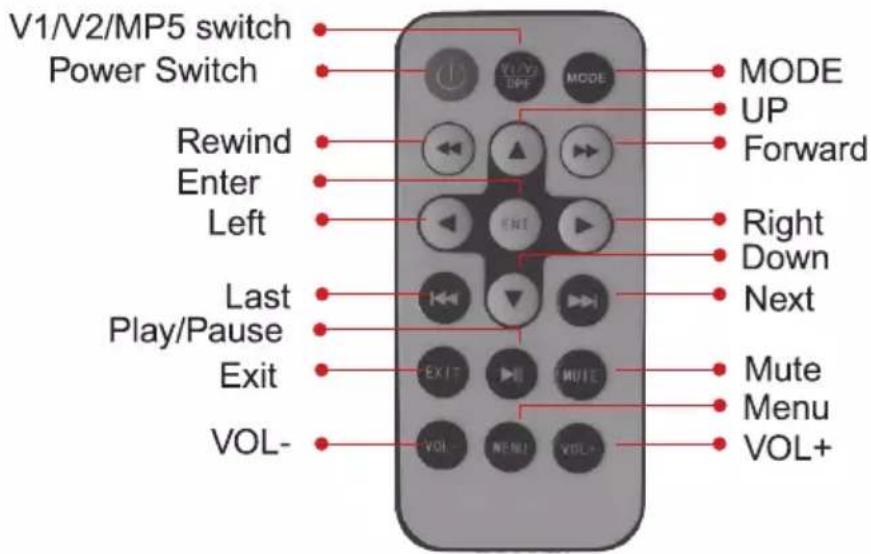
INSTALLATION DIAGRAM
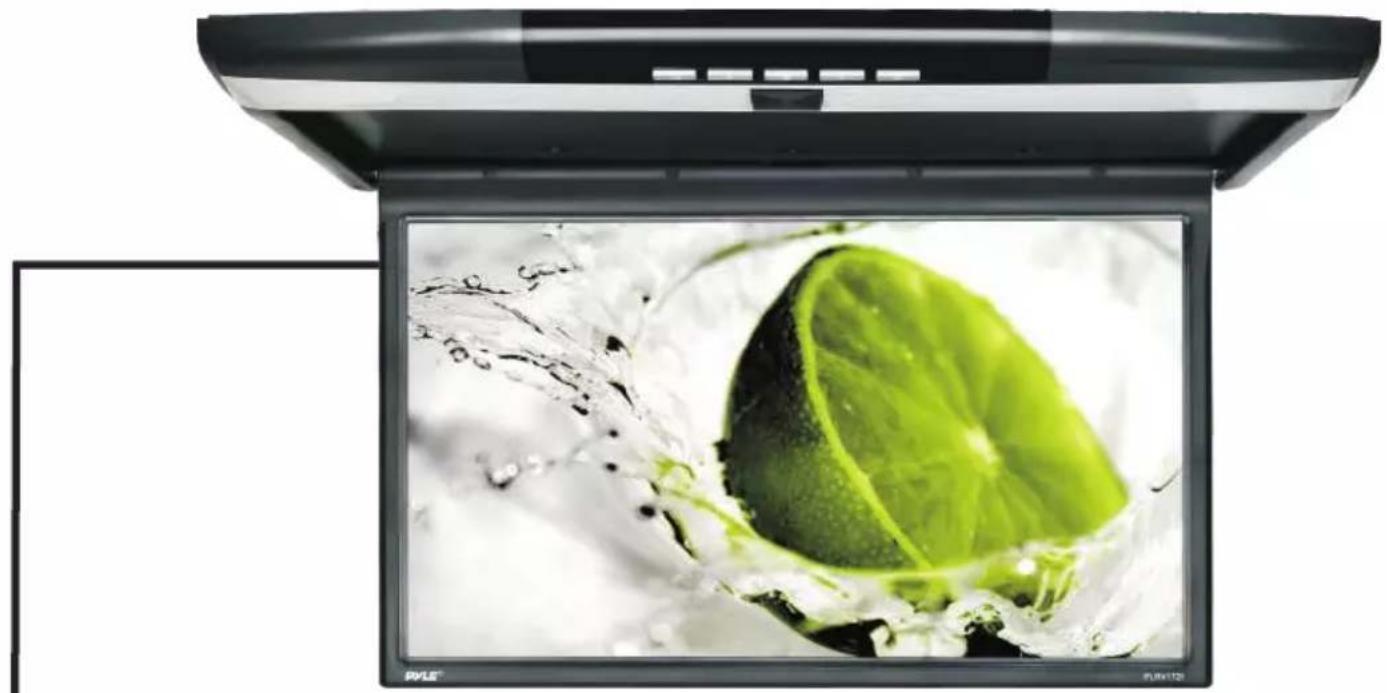
natural_image
Laptop screen displaying a lime slice being splashing, with no visible text or symbols on the slide or background.
Video input(yellow)
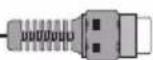
Video input(yellow)

Audio R input(red)
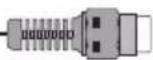
Audio L input(white)

Audio R output(red)
Audio L output(white)

Video output(yellow)
Red wire connects to DC 12V
Blacd wire connects to Ground
INSTALLATION
-
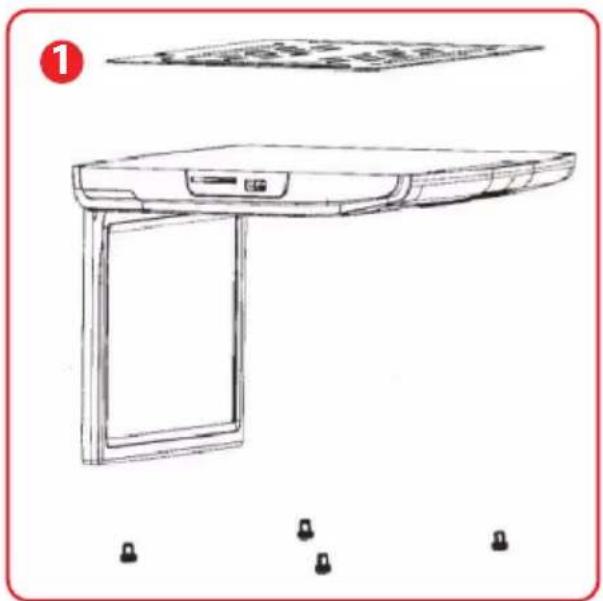
Take off the fixed screws on the base plate.
-
Screw the iron plate on the vehicles ceiling and tightly fix the sealing ring. (Gap Sealing Ring optional)
-
Connect all cables and using the screws, fix the monitor to the iron plate then put the nut screw into the screw hole.
natural_image
Line drawing of a desktop computer with monitor, tower, and screen (no text or symbols)
natural_image
Technical line drawing of a rectangular frame and a grid-patterned base plate (no text or symbols)
natural_image
Exploded view diagram of a laptop case showing top, front, and side views (no text or labels)Features:
• Universal Vehicle Mount Overhead Display
• Car Video Entertainment System
- Convenient Flip-Down Screen Access
• Hi-Res LCD Wide-Screen Video
• Full HD 1080p Support
- HDMI Input
• Built-in Stereo Speakers
- Front Panel Button Controls
• USB Flash & TF Memory Card Readers
- Connect Additional Device via RCA (Audio/Video) Wiring Harness
• Built-in IR Transmitter for Wireless IR Headphone Use
- FM Transmitter
What's in the Box:
• Roof Mount Monitor Console
• Power Wiring Harness Cable
Technical Specifications:
• Display Type: LCD, 17.3" -inches
• Video System: PAL / NTSC Compatible Auto Switching
- Aspect Ratio: 16:9
• Screen Resolution: 1680 x 800 Pixels
- Contrast Ratio: 300:1
- Brightness: 350 cd/m2
- English OSD Menu
• Digital File Compatibility: MP3, MP4, MP5, JPG, MPEG4, WMA, AVI
• Maximum USB/SD Card Size: 32GB
• Power Supply: DC 12-24V
- Dimensions (L x W x H): 19.7" x 12.2" x 1.7" -inches (Closed)
PYLE
PyleUSA.com

natural_image
Illustration of a laptop with a red checkmark on screen (no text or symbols)VISIT US ONLINE:
Have a question?
Need service or repair?
Want to leave a comment?
PyleUSA.com/ContactUs

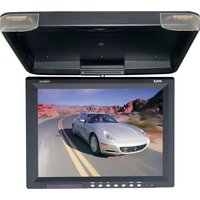
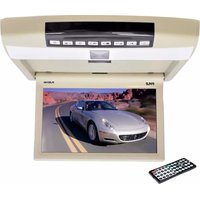
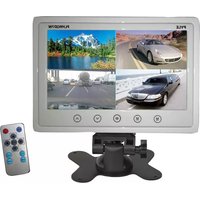
Brand : Pyle
Model : PLRV1725
Category : Monitor