
M20 - Mouse Niceboy - Free user manual and instructions
Find the device manual for free M20 Niceboy in PDF.


| Product Type | Wireless Mouse |
| Model | M20 |
| Brand | Niceboy |
| Dimensions (LxWxH) | 115 x 82 x 50 mm |
| Weight | 80 g |
| Power Supply | 1x AA battery (1.5V) |
| Sensor | Optical |
| Maximum DPI | 1600 |
| DPI Modes | 800 / 1200 / 1600 |
| Number of Buttons | 6 (Left, Right, Scroll Wheel, Forward, Back, DPI) |
| Connection | 2.4 GHz USB Dongle (Plug & Play) |
| Frequency Band | 2.4 GHz |
| Radio Frequency Power | ≤ 15 mW |
| OS Compatibility | Windows, Mac, Vista |
| Operating Temperature | 0°C to 40°C |
| Storage Temperature | -20°C to 60°C |
| Operating Humidity | 20% to 90% |
| Maintenance | Monthly cleaning with dry/damp cloth; use toothpick or ear swab for gaps; clean optics with dry ear swab |
| Safety Precautions | Avoid extreme temperatures, humidity, and liquids; do not disassemble; protect from sharp objects and falls |
| Battery Life (consumable) | Approximately 6 months |
| Compliance | EU Directives 2014/53/EU, 2014/30/EU, 2014/35/EU, 2011/65/EU |
| Disposal | Separate collection for WEEE; do not dispose with household waste |
Frequently Asked Questions - M20 Niceboy
User questions about M20 Niceboy
0 question about this device. Answer the ones you know or ask your own.
Ask a new question about this device
Download the instructions for your Mouse in PDF format for free! Find your manual M20 - Niceboy and take your electronic device back in hand. On this page are published all the documents necessary for the use of your device. M20 by Niceboy.
USER MANUAL M20 Niceboy
natural_image
Technical line drawing of a mechanical device with labeled components (no text or symbols)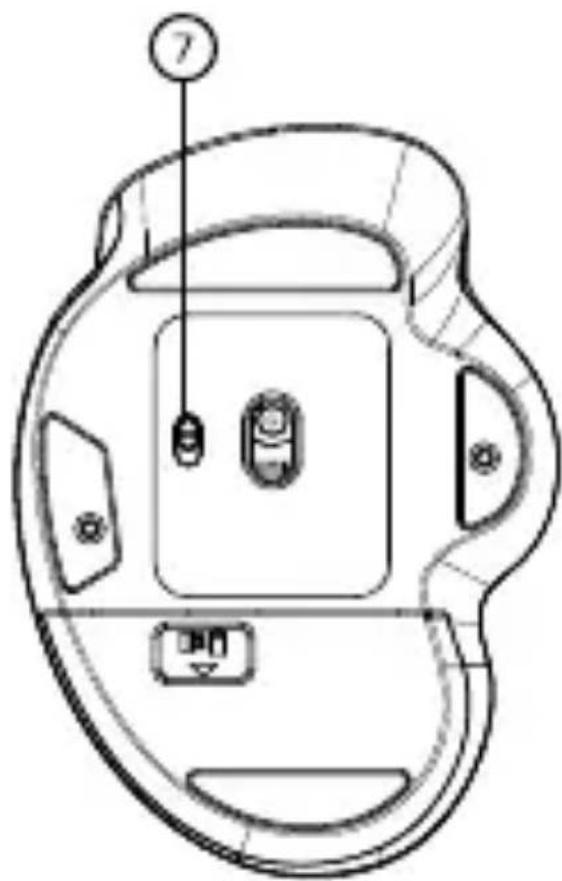
natural_image
Technical line drawing of a mechanical component with labeled parts (no text or symbols)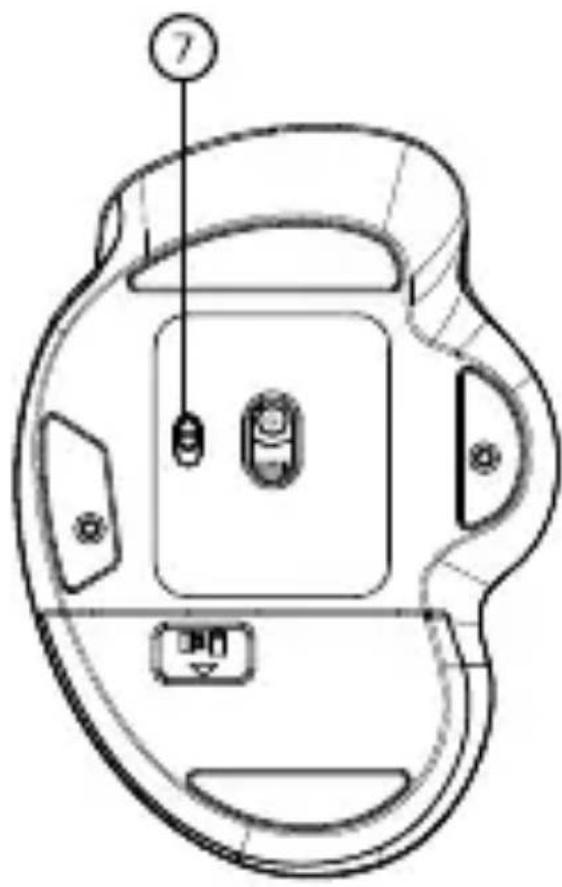
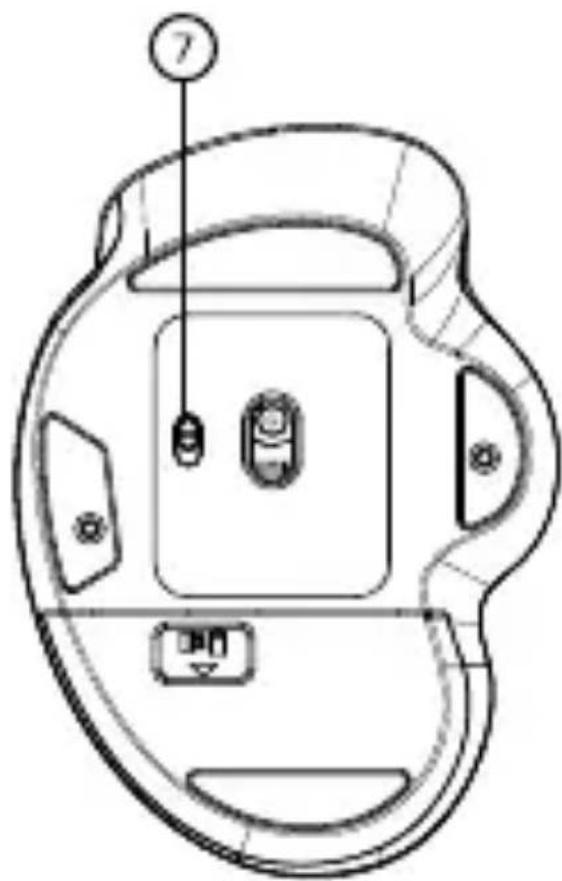
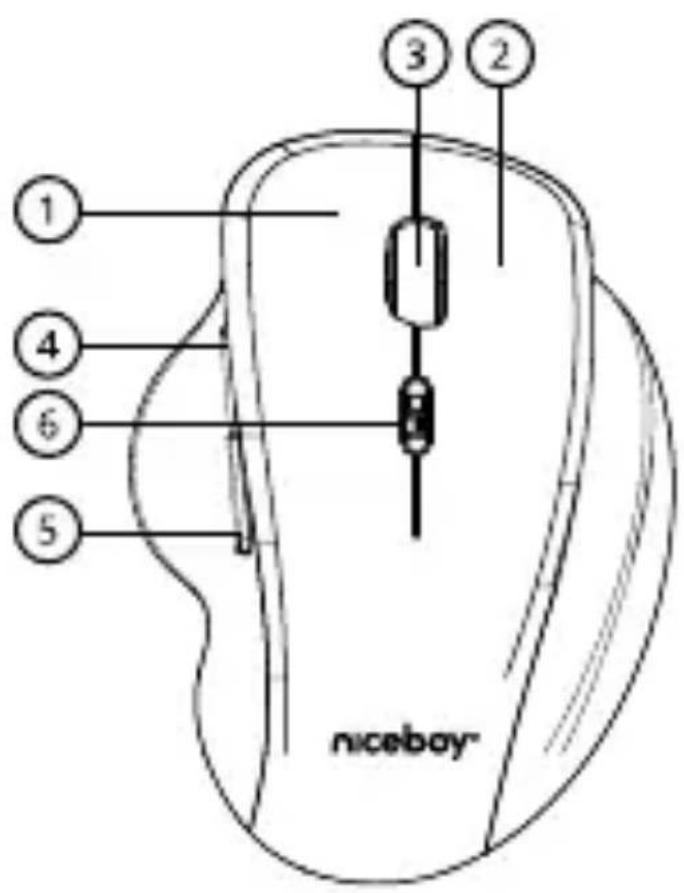
- Left button
- Right button
- Scrolling wheel
- Forward button
- Return button
- DPI button
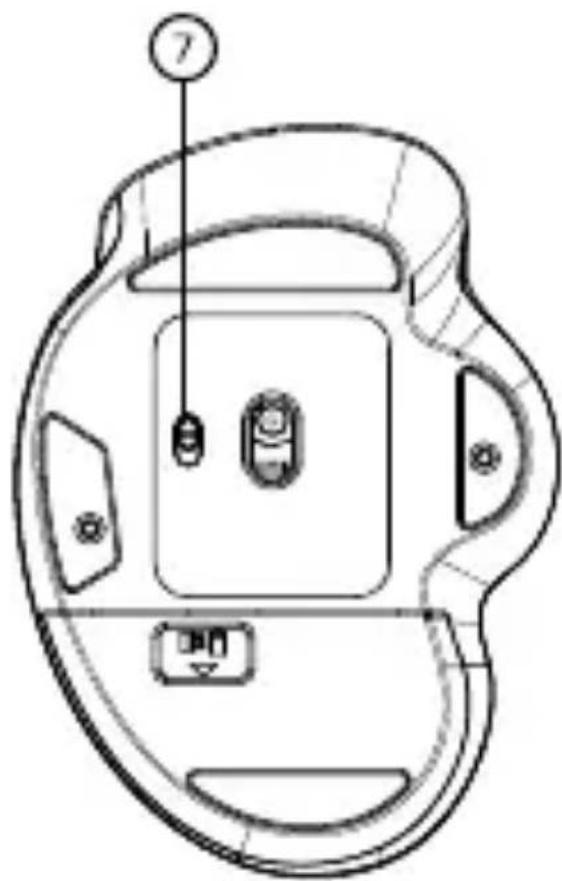
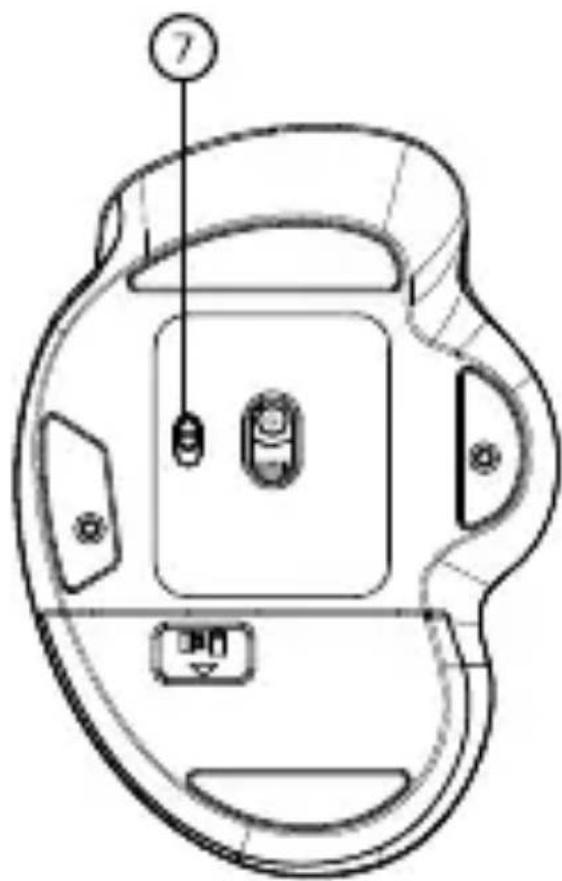
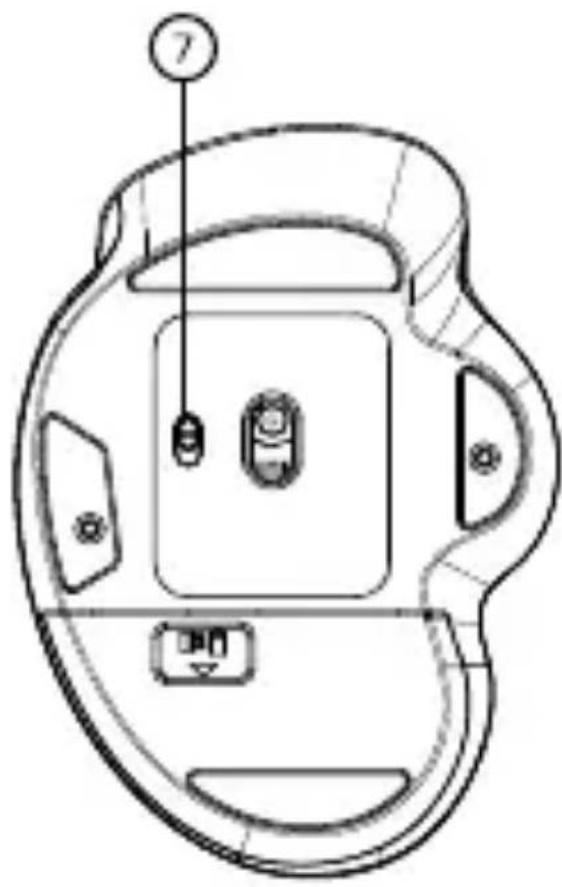
- On / off button
SWITCHING ON AND CONNECTING TO THE PC
Turn on the mouse using the slide switch on the underside of the mouse. The switch must be in the ON position for the mouse to work.
Plug the supplied USB receiver into a USB port on your PC. Niceboy M20 is a Plug & Play device and will automatically configure itself to connect to your device after the USB receiver in connected.
If the mouse is not recognised, check that the USB driver in your computer is up to date (information should be provided by the manufacturer of your PC/laptop).
MAINTENANCE AND CLEANING
The device requires minimal maintenance, but we still recommend performing the following tasks once a month: Disconnect the mouse from the computer and gently wipe it off with a dry or damp cloth dampened with warm water. Use a round toothpick
or moistened ear swabs to clean the gaps. To clean the mouse optics, use only dry ear swabs to gently remove any dirt or blow out dust particles.
PARAMETERS
Voltage: DC 1.5V ±5G,
current: ≤ 10mA
Power supply: 1x AA battery, 1.5V
Sensor: Optical
Max DPI: 1600
DPI MODE: 800 / 1200 / 1600
Number of buttons: 6
Connection: 2.4 GHz USB Dongle
Frequency band: 2.4GHz
Radiofrequency power: ≤ 15 mW
OS requirements: Win, Mac, Vista
Dimensions: 115*82*50 mm
Weight: 80 g
ADDITIONAL INFORMATION
Do not use the mouse in places with temperatures that are too high or too low (0°C or less/40°C or more) or with low or high humidity (20% and less/90% or more). Do not store the mouse in places with too low or high temperature (-20°C or less/60°C or more) or humidity (90% or more). Protect the product from rain, humidity and liquids and do not
attempt to disassemble it. Protect the device from sharp objects and falls from height.
Batteries – improper handling (prolonged charging, short circuit, breakage by other objects, etc.) may result in fire, overheating or battery leakage. The battery or accumulator that may be included with the product has a service life of six months, as it is a consumable.
Information on all frequency bands in which the radio equipment operates and intentionally transmits radio waves as well as the maximum radio frequency power transmitted in the frequency band in which the radio equipment is operated is included in the instructions and safety information.
This product complies with all the basic requirements of relevant EU directives.
The manual is available for download in electronic form at www.niceboy.eu in the support section. Niceboy s.r.o. hereby declares that the type of radio equipment Niceboy M20 complies with Directives 2014/53 / EU, 2014/30 / EU, 2014/35 / EU, and 2011/65 / EU. The full EU Declaration of Conformity is available at the following website: https://niceboy.eu/en/declaration/M20
USER INFORMATION FOR DISPOSING ELECTRICAL AND ELECTRONIC DEVICES (HOME USE)
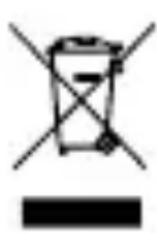
This symbol located on a product or in the product's original documentation means that the used electrical or electronic products may not be disposed together with the communal waste. In order to dispose of these products correctly, take them to a designated collection site, where they will be accepted for free. By disposing of a product in this way, you are helping to protect precious natural resources and helping to prevent any potential negative impacts on the environment and human health, which could be the result of incorrect waste disposal. You may receive more detailed information from your local authority or nearest collection site. According to national regulations, fines may also be given out to anyone who disposes of this type of waste incorrectly.
User information for disposing electrical and electronic devices. (Business and corporate use)
In order to correctly dispose of electrical and electronic devices for business and corporate use, refer to the product's manufacturer or importer. They will provide you with information regarding all disposal methods and, according to the date stated on the electrical or electronic device on the market, they will tell you who is responsible for financing the disposal of this electrical or electronic device. Information regarding disposal processes in other countries outside the EU. The symbol displayed above is only valid for countries within the European Union. For the correct disposal of electrical and electronic devices, request the relevant information from your local authorities or the device seller.
DE
LIEFERUMFANG
Niceboy M20
Gebrauchsanweisung
1x AA Batterie
USB Dongle
ÜBERSICHT BELEGUNG
natural_image
Technical line drawing of a mechanical component with labeled parts (no text or symbols)
natural_image
Technical line drawing of a mechanical device with labeled components (no text or symbols)
natural_image
Technical line drawing of a mechanical device with labeled components (no text or symbols)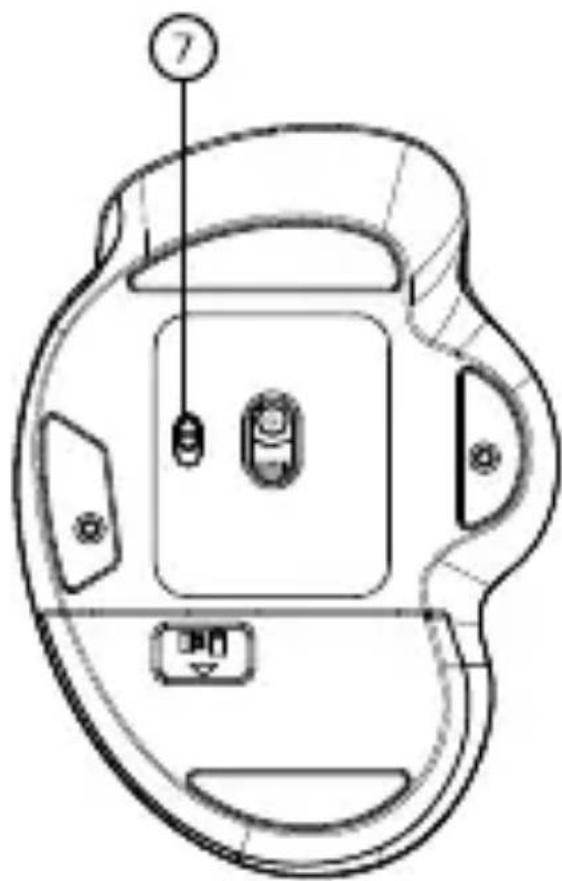
natural_image
Technical line drawing of a mechanical device with labeled components (no text or symbols)INFORMACJE DODATKOWE
natural_image
Technical line drawing of a mechanical device with labeled components (no text or symbols)- Levi gumb
- Desni gumb
- Kolesce za pomikanje
- Gumb za naprej
- Gumb za nazaj
- Gumb za izbiro DPI
- Gumb za vklop/izklop
VKLOP IN POVEZAVA Z OSEBNIM RAČUNAL-NIKOM


Brand : Niceboy
Model : M20
Category : Mouse