
Avenger - Keyboard Tracer - Free user manual and instructions
Find the device manual for free Avenger Tracer in PDF.


| Product Type | Keyboard |
| Brand | Tracer |
| Model | Avenger |
| Dimensions (W x D x H) | 440 x 140 x 30 mm |
| Weight | 800 g |
| Connectivity | Wired USB 2.0 |
| Cable Length | 1.8 m |
| Keyboard Layout | Full-size (104 keys) |
| Switch Type | Membrane |
| Backlighting | RGB per-key lighting |
| Key Rollover | NKRO (N-Key Rollover) |
| Multimedia Keys | Dedicated media controls |
| Power Source | USB bus power |
| Operating System Compatibility | Windows 10/11, macOS, Linux |
| Software | Customizable via Tracer Driver Suite |
| Wrist Rest | Detachable magnetic wrist rest |
| Material | ABS plastic with textured finish |
| Maintenance | Wipe with dry cloth; avoid liquids |
| Safety | CE, FCC, RoHS certified |
| Spare Parts | Keycaps and cable available separately |
| Repairability | User-replaceable keycaps and switches |
| Warranty | 2 years limited warranty |
Frequently Asked Questions - Avenger Tracer
User questions about Avenger Tracer
0 question about this device. Answer the ones you know or ask your own.
Ask a new question about this device
Download the instructions for your Keyboard in PDF format for free! Find your manual Avenger - Tracer and take your electronic device back in hand. On this page are published all the documents necessary for the use of your device. Avenger by Tracer.
USER MANUAL Avenger Tracer
Avenger keyboard Instructions for use
CZ
PL
Klawiatura
Avenger
Instrukcja obsługi
Backlight gaming keyboard introduction
Glaring backlight gaming keyboard with outstanding performance with its ergonomic design.
With the installation of the driver, you will be to program its button with your favorite program or marco setting, it is the top gaming mouse that can fulfil your needs with your play.
Basic Parameters
- cable length: 1.8M
- interface: USB port
- supply voltage: +5V+/_0.5V
- supply current: 200MA Max
- keyboard layout: five compartment (122 keys)
- multi key: 12 keys
- Normal keys: 104 keys
- Marco keys: 6 keys
Other parameters
- Illuminated: all keys excluding 12 media keys
- Plam rest
- Ergonomic design
- Compatible OS: Win XP/Vista/Win 7 and later
Multimedia short keys on keyboard from F1-F12, PIs see Picture, entre into the related function mode as below:
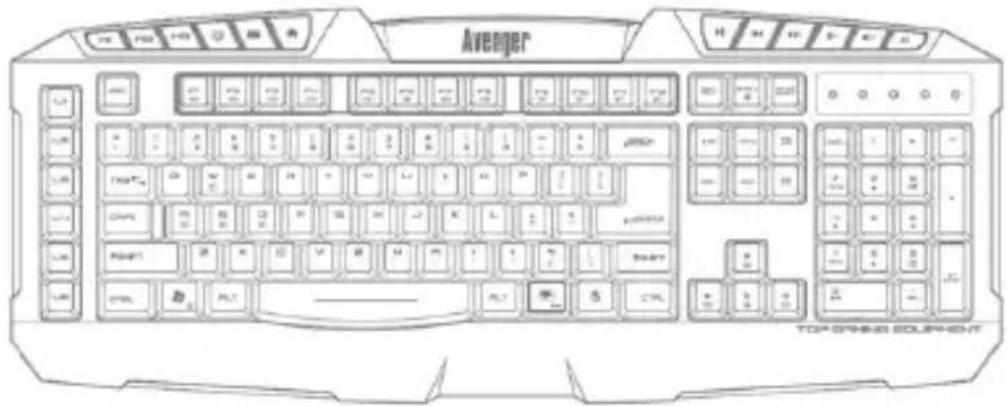
| Combination function keys | Generate the function keys | Function key explain |
| FN+F1 |  | response time getting slow |
| FN+F2 |  | response time getting fast |
| FN+F3 |  | report rate getting slow |
| FN+F4 |  | report rate getting fast |
| FN+F5 |  | Play/pause |
| FN+F6 |  | stop |
| FN+F7 |  | previous track |
| FN+F8 |  | next track |
| FN+F9 |  | start media player |
| FN+F10 |  | silence |
| FN+F11 |  | Volume- |
| FN+F12 |  | Volume+ |
Press"FN+Prtscr sysrq", pls see the red frame picture, Prtscr sysrq light on, then enter into gaming mode.
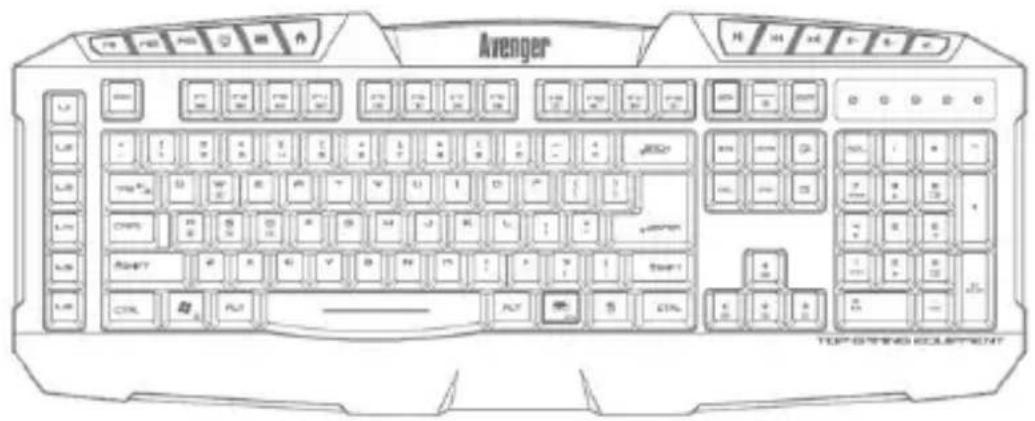
- Left win key is lock, no function.
- Press FN+ left win key, ASDW and arrow keys function are exchange.
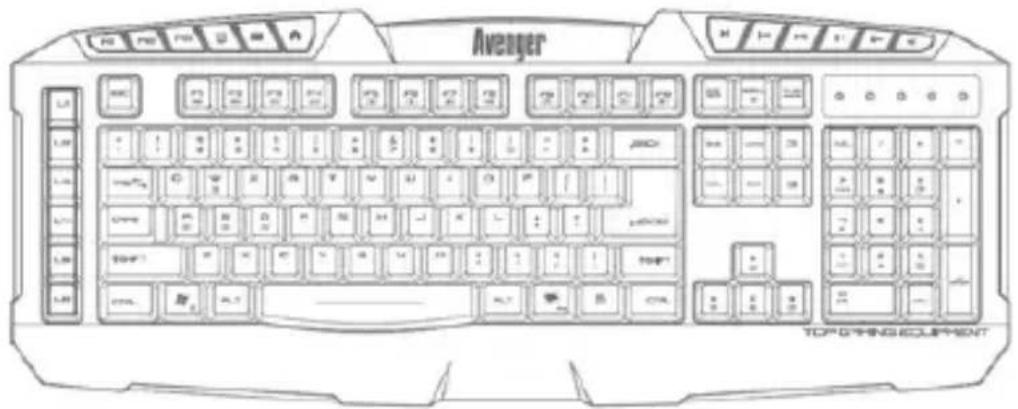
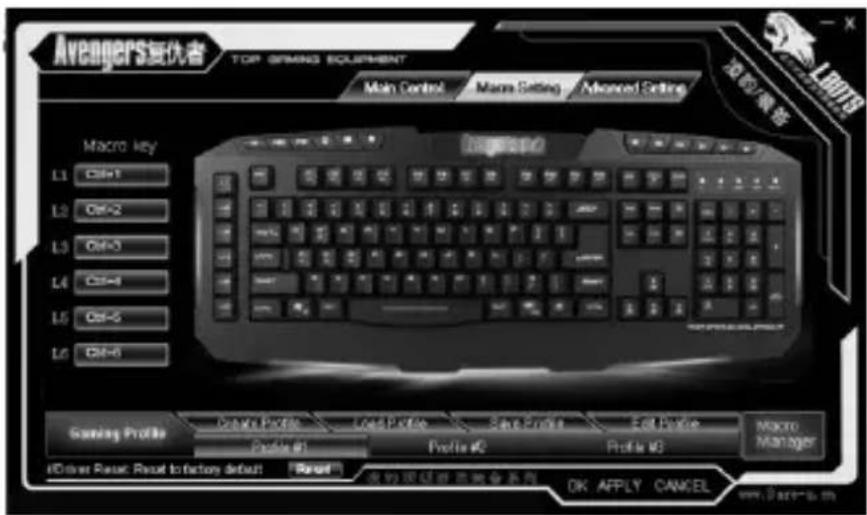
Entre into gaming mode, L1-L6 are macro definition keys, pls see picture:
EN
Bluetooth
Avenger
Instructions for use
Open the driver, you can see Picture interface, user can set its gaming function.
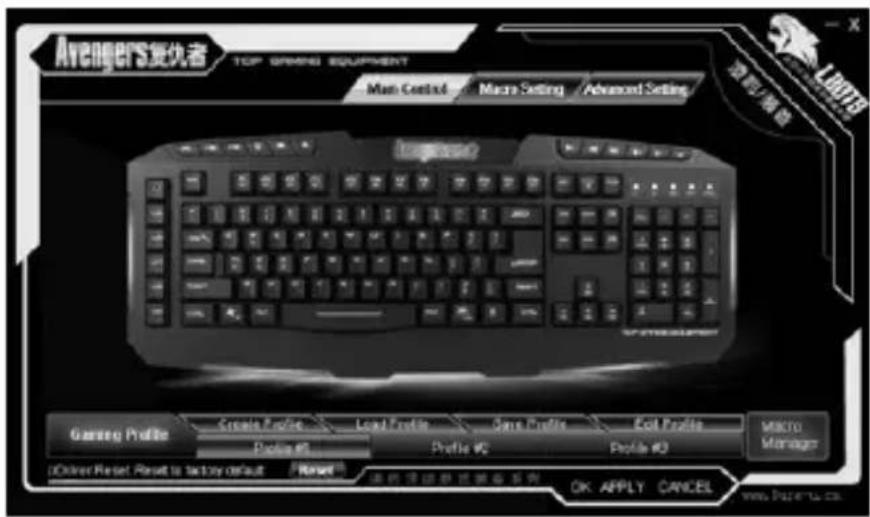
Marco definition setting interface, pls see Picture.
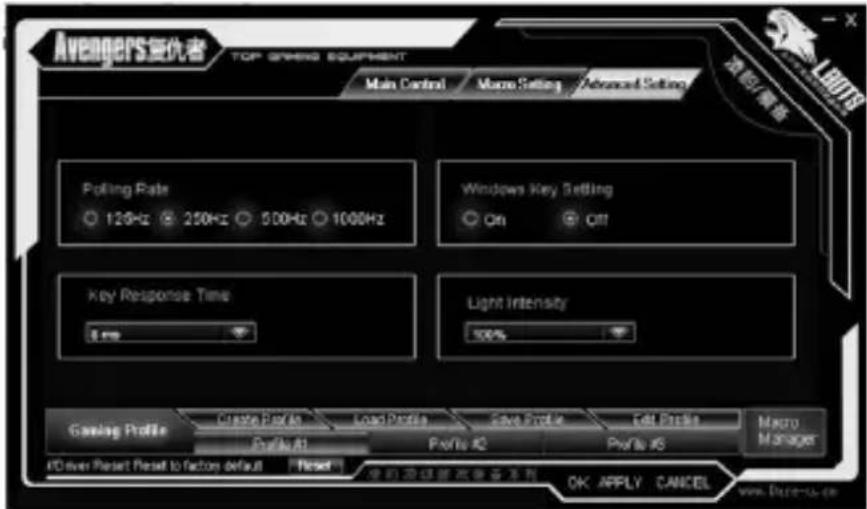
Avanced setting interface, pls see Picture.
You can setting „polling rating“, windows key setting on or off, key response time, light intensity, after the selection, please press „APPLY“, you can also press „OK“ to apply and leave from the program. Your new favorite setting will be applied in the mouse.
CZ
Klávesnice
Avenger
Návod k obsluze
RU
Клавиатура
Avenger

Brand : Tracer
Model : Avenger
Category : Keyboard