ESC90X - Electric scooter BLAUPUNKT - Free user manual and instructions
Find the device manual for free ESC90X BLAUPUNKT in PDF.
| Type de produit | Electric Scooter |
| Marque | Blaupunkt |
| Modèle | ESC90X |
| Dimensions (plié/déplié) | 1070 x 190 x 450 / 1210 mm |
| Poids net | 14.5 kg |
| Charge maximale | 120 kg |
| Moteur | 350 W (roue avant) |
| Type de batterie | Lithium-ion, 36 V / 10 Ah, amovible |
| Temps de charge | Environ 6 heures |
| Chargeur | Entrée 110-240 V~50/60 Hz, Sortie 42 V / 2 A |
| Autonomie | Jusqu'à 40 km (selon conditions) |
| Vitesse maximale | 20 km/h (3 modes : piéton, normal, sport) |
| Pente maximale | 15° |
| Frein avant | Frein électrique avec E-ABS |
| Frein arrière | Frein à disque + frein à pied (garde-boue) |
| Pneus | 10 pouces, gonflables (pression recommandée : 2,5 bar / 250 kPa / 36 PSI) |
| Éclairage | LED avant et arrière |
| Affichage | Écran LED : vitesse, batterie, mode, indicateur d'erreur |
| Connectivité | Bluetooth via application Blaupunkt E-Mobility (Android/iOS) |
| Fonctions supplémentaires | Régulateur de vitesse, blocage électrique via app, pliage facile, sonnette |
| Âge recommandé | 14 ans et plus (sous surveillance) |
| Contenu de l'emballage | Scooter, chargeur, manuel, set de vis et clé, adaptateur pour gonflage |
| Nettoyage | Chiffon doux, ne pas utiliser de jet d'eau haute pression, garder la prise de charge fermée |
| Stockage batterie | Lieu frais et sec, température idéale 10°C, recharger tous les 30 jours si inutilisé |
Frequently Asked Questions - ESC90X BLAUPUNKT
User questions about ESC90X BLAUPUNKT
0 question about this device. Answer the ones you know or ask your own.
Ask a new question about this device
Download the instructions for your Electric scooter in PDF format for free! Find your manual ESC90X - BLAUPUNKT and take your electronic device back in hand. On this page are published all the documents necessary for the use of your device. ESC90X by BLAUPUNKT.
USER MANUAL ESC90X BLAUPUNKT
natural_image
Black BYD-POUNT scooter with visible wheels and handle (no text or symbols on body)Enjoy it.
Električni skuter Нлектріко окоутер Електрическа тротинетка Trotineta electrica Elektrinis paspirtukas Tõukeratas Elektriskais skrejritenis
- Familiarize yourself with and comply with the local road traffic regulations.
• Always wear an approved helmet and other elbow, knee, and wrist protectors.
- Check the battery charge status when the scooter is turned on. If the battery charge is less than 25%, do not drive for a long time.
- Check the appearance and condition of your electric scooter. Make sure that no parts are loose and that there are no abnormal noises.
- The user should be healthy, rested, sober and not take any sedatives or psychotropic drugs before driving.
- Remember that you are taller when driving, so be careful when driving through the door, beware of signs, branches and other upper obstacles to protect your head from injury.
- This equipment can be used by children aged 14 years and over under as long as supervision is provided. People with reduced physical or mental capabilities, as well as people with no previous experience of using this equipment must be supervised and made aware of the risks. The instruction manual should be used as a reference for the safe use of this equipment. Children should not play with the equipment. Children without ensured supervision should not be allowed to perform the cleaning and maintenance of equipment.
- Only Original accessories should be used, as well as accessories recommended by the manufacturer. Using accessories which are not recommended by the manufacturer may result in damage of the device and may render the device unsafe for use.
- The AC adapter should be connected to an outlet with characteristics consistent with the values on the rating label.
- If the cord or power plug or adaptor is damaged or the plug has a loose electrical outlet, do not charge the device and do not power it from the mains.
- Unplug the AC adapter from the electrical outlet when not in use.
- Do not connect or disconnect the adaptor from the power source with wet hands.
Completely prohibited
- Do not ride a scooter in areas prohibited by local or national law.
- It is forbidden to move on slopes whose angle of inclination exceeds 15 degrees, do not enter puddles or water reservoirs.
- Do not ride a scooter on the stairs.
- It is not allowed to ride on roads intended for cars, roadsides or roads on which it is forbidden to ride.
- It is forbidden to move several people on the scooter or to transport children, also in appropriate carrying slings.
- It is forbidden to move on the scooter without holding the handlebar.
- It is forbidden for children under 14 or for people over 60 to move on their own on the scooter. They must be accompanied by other family members or carers. It is forbidden to ride on the scooter for pregnant women, drunk people, people with mental disorders or disabled people with limited steering abilities.
- Do not ride a scooter in dangerous or explosive locations.
- Do not make phone calls while driving the scooter.
- Avoid driving in bad weather such as heavy rain, snow, strong wind and on icy, slippery or muddy roads.
BEFORE DRIVE!
- This scooter has an electric motor installed in the front wheel. Please take a note that riding the scooter in the rain or on wet surfaces may flood the engine and damage it. This malfunction is not covered by the warranty.
- The maximum scooter's range depends on many different factors, such as: user's weight, surface on which the scooter moves, terrain, style and driving mode, weather conditions and the proper air pressure level in the wheels.
- Also keep in mind that battery life drops over the time. This is natural process and should not be treated as a malfunction.

natural_image
Stylized illustration of a car wheel connected to a pressure gauge (no text or symbols)- This scooter has inflatable wheels to absorb vibrations while driving but you have to ensure the correct air pressure in the wheels
- Check the tire pressure regularly to ensure optimum driving comfort as well as the best possible range on a fully-charged battery. The scooter has standard valves that allow to pump wheels using public compressors. A special adapter that helps to pump the front wheel is included.
- Riding the scooter with low tire pressure is prohibited as it may cause an accident and cause permanent damage of tires. Please note that this malfunction is not covered by the warranty.
- The correct tire pressure range is - 2,5 bar (250Kpa, 36PSI).
- Check the tightening of all screw connections regularly. If any clearance is detected, remove it immediately by tightening the appropriate screws. Clearance occurrence in the screw connections is normal and is not covered by the warranty.
Instruction manual
Thank you for purchasing our BLAUPUNKT ESC90X electric scooter. Please read this manual and keep it for future reference. The information contained in this manual will help you get acquainted with the following issues:
- Basic operation and learning how to drive on an electric scooter.
• Safety when driving on an electric scooter. - Construction and maintenance of an electric scooter.

The device complies with the requirements of the following European Union directives:
- Low-voltage electrical equipment - Low voltage directive (LVD)
- Electromagnetic compatibility (EMC)
The product is CE-marked on name plate

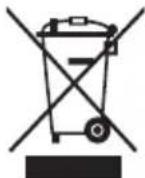
If a crossed-out waste bin symbol appears on the appliance, this indicates that the product is covered by European Directive 2012/19/EU. Familiarise yourself with the requirements of your local electrical and electronic waste collection system. Follow your local regulations. Do not dispose of this product with household waste. Proper disposal of the old product will prevent potential negative effects on the environment and human health.
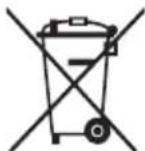
The device is equipped with batteries covered by the European Directive 2006/66/EC. Do not dispose of batteries with household waste. Please refer to your local regulations for separate collection of batteries, as proper disposal will prevent potential negative consequences for the environment and human health.
Information on environmental protection
The packaging contains only the necessary elements. Every effort has been made to ensure that the three packaging materials are easy to separate: cardboard (box), polystyrene foam (internal protection) and polyethylene (handbags, protective sheet). The device is manufactured from recyclable materials and can be used again after its disassembly by a specialized company. Observe local regulations for the disposal of packaging materials, waste batteries and unnecessary equipment.

The product is manufactured from high quality materials and components that can be recycled and reused.
Packing contents
• ESC90X electric scooter - 1 pc
- Charger for the battery charging - 1 pc
- Operating manual - 1 pc
- Screws and wrench for mounting the handlebar - 1 set
- Adapter for wheel pumping - 1 pc
Main features of the electric scooter:
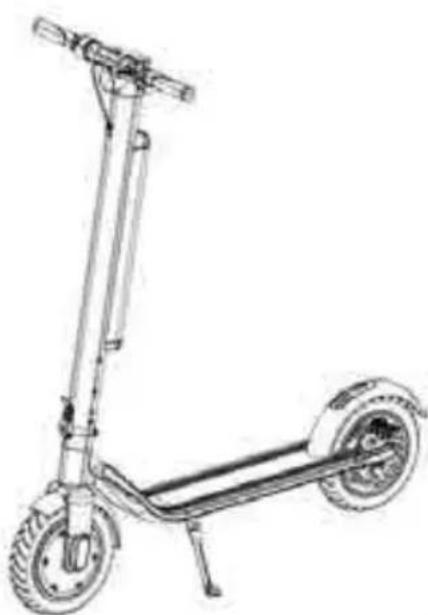
The Blaupunkt ESC90X is an innovative folding electric scooter. The user can stand on the scooter's platform and adjust the speed using the appropriate handle on the handlebar.
- The front and rear wheels are symmetrical and the front-wheel drive provides greater mobility safety. The 10-inch inflatable wheels enhance riding comfort.
- The disc brake applied with a lever on the handlebar, and the rear foot brake and electric front brake with the E-ABS system, ensure the shortest braking distance possible to better protect the rider.
- The device uses a replaceable lithium-ion battery with a capacity of 10Ah, high power without the charging the memory, no pollution.
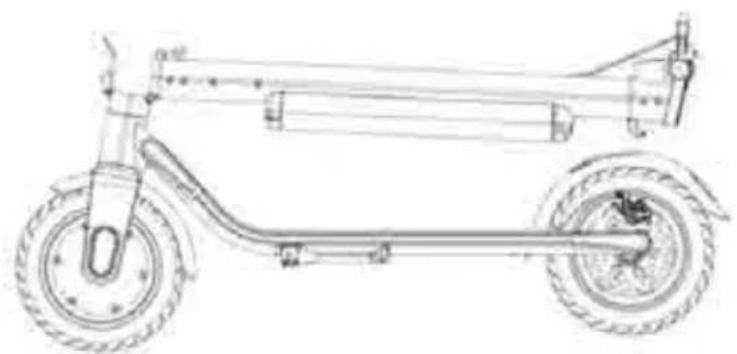
- The total weight of the device is 14,5 kg. The foldable design with one key ensures an easy handling and storage.
Design of an electric scooter:
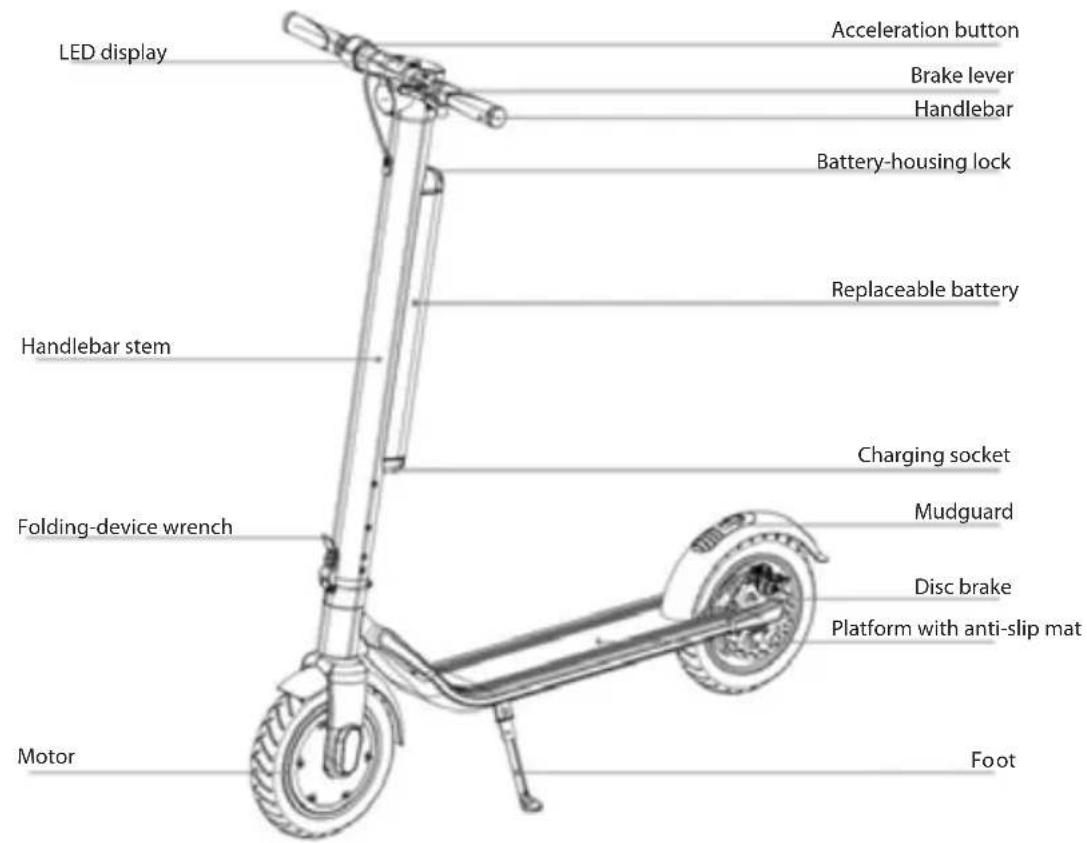
Control-System Components
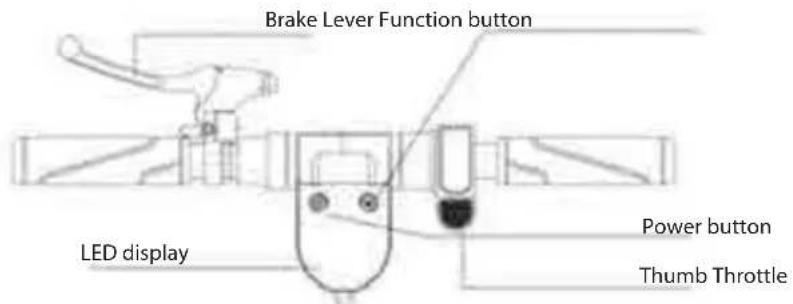
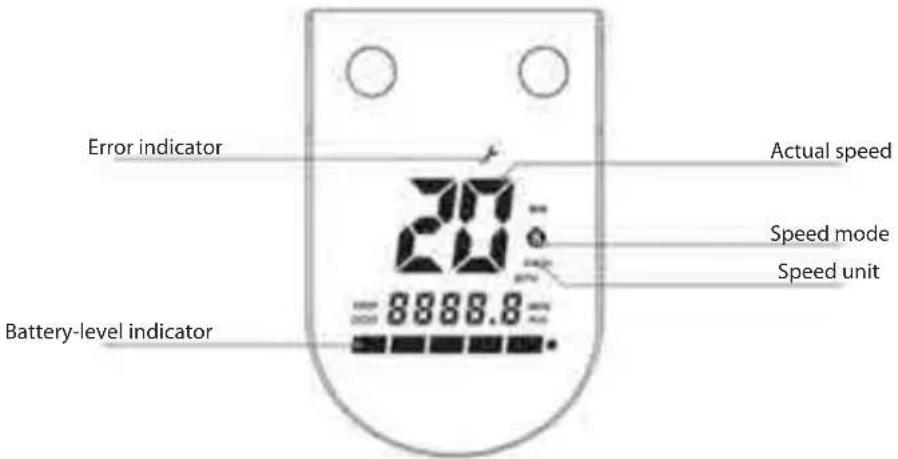
LED display
Description of push buttons/features
- Power Push Button: press and hold the Power Push Button to turn the power on/off
- Thumb Throttle: press the Thumb Throttle to start and accelerate
- Brake: squeeze and hold the Brake Lever to work the Disc Brake. Press the Rear Fender slightly to assist the braking (during braking the rear LED lamp flashes)
- Function key: press the Function Key to select the speed mode
a. Pedestrian mode: "S" not displayed
b. Normal mode: "S" lights up white
c. Sports mode: "S" lights up red - LED lighting: press the Function Key twice to turn on the front and rear LED lights on; press the Function Key twice again to turn the LED lights off.
- Cruise-Control Mode: maintain your current speed for approximately 6 seconds to enter the Cruise-Control Mode; press the Thumb Throttle or squeeze the Brake Lever to deactivate the Cruise Control.
Unpacking
After opening the cardboard box, first remove the scooter and make sure that all parts are complete. If anything is missing, contact your dealer. Check the condition of the unit and its appearance to ensure that the folding system is stable enough and that the platform is free from cracks. Check also that the display screen is not damaged.
Installation
After unpacking and checking the condition of all components, you can start assembling the scooter. Follow the picture below:
1. Assembly after removal from the packing.
natural_image
Simple line drawing of a rectangular object with an upward arrow pointing to a circular pattern (no text or symbols)A

natural_image
Pure mechanical diagram showing a lever mechanism with no text or symbolsB

natural_image
Mechanical assembly diagram showing a tool interacting with a motor and a pulley (no text or symbols)C

natural_image
Simple line drawing of a mechanical device with no visible text or symbolsD

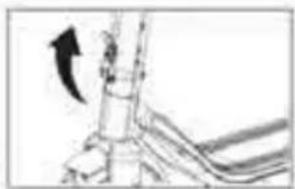
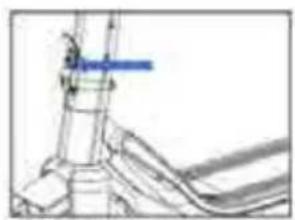
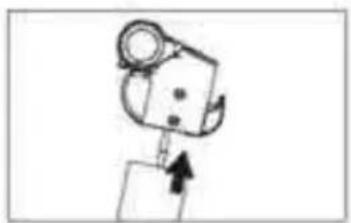
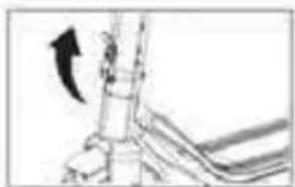
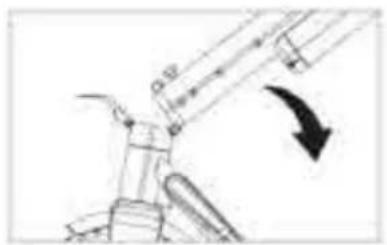
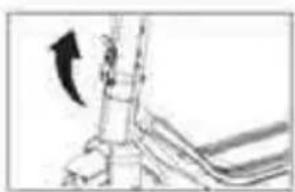
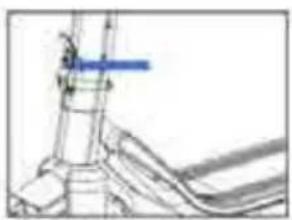
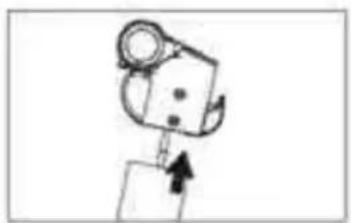
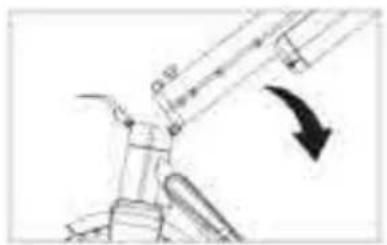
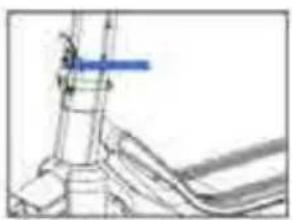
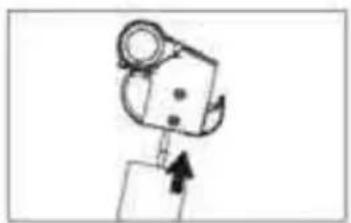
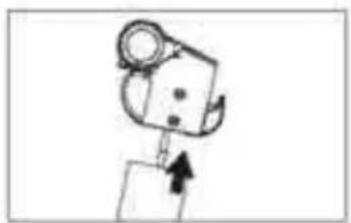
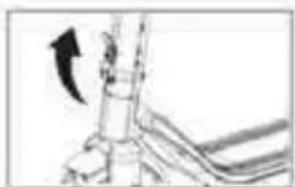
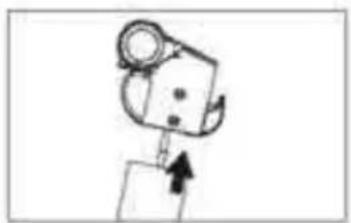
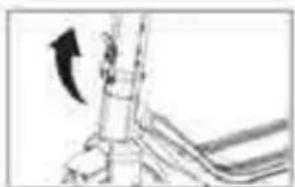
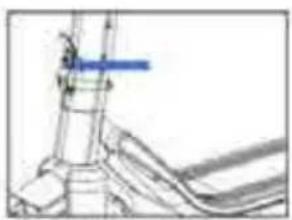
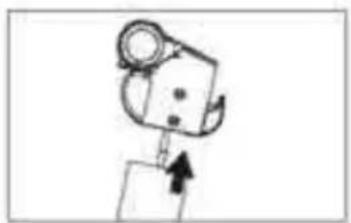
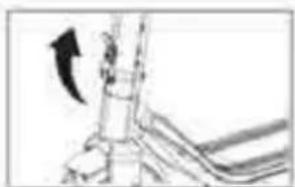
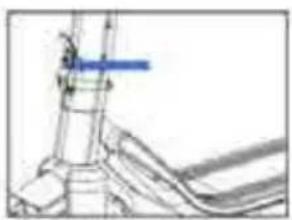
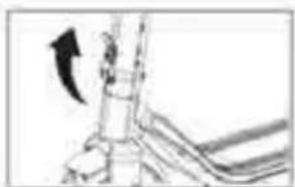
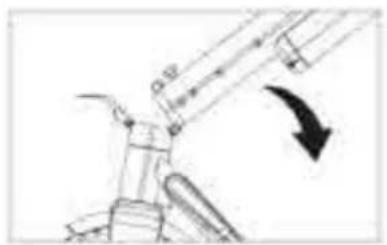
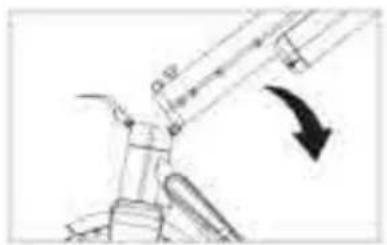
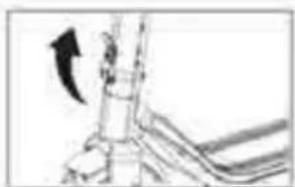
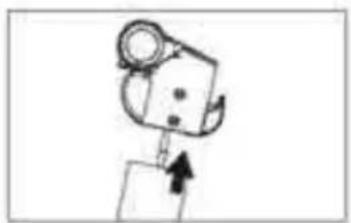
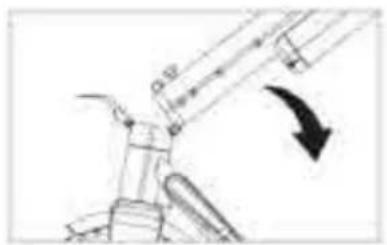
A. Lift the handlebar stem to the upright position.
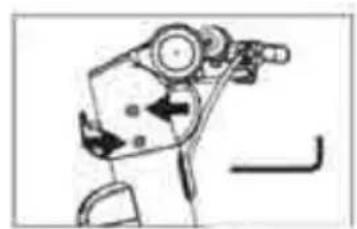
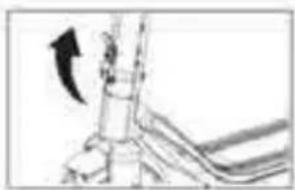
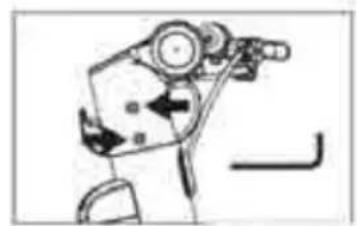
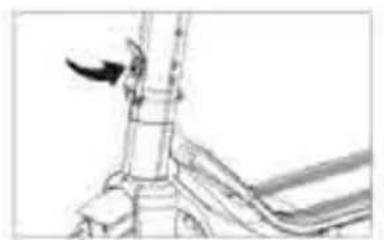
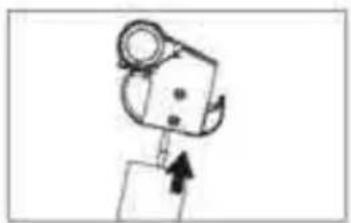
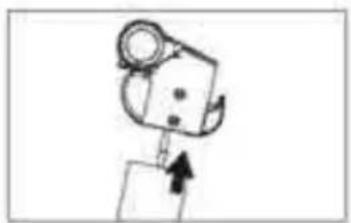
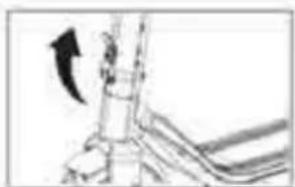
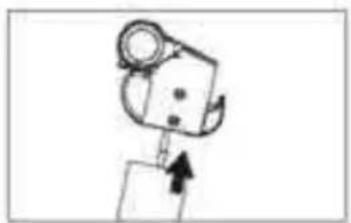
B. Lock the folding device by moving the key up as far as possible, and secure the key against unlocking.
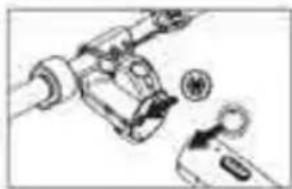
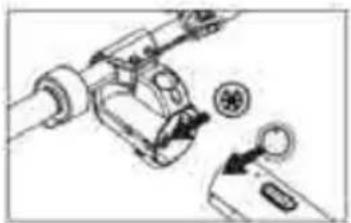
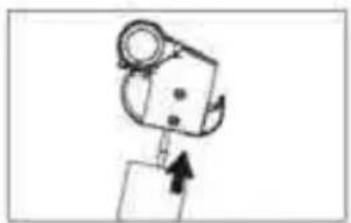
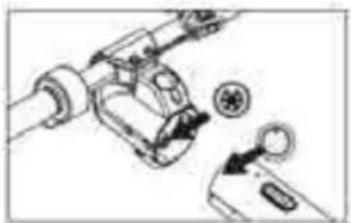
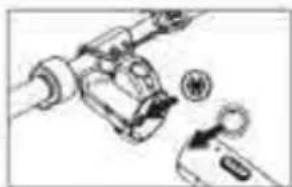
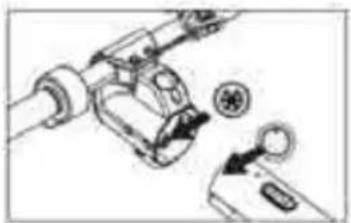
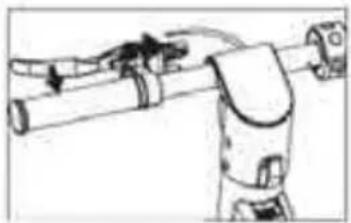
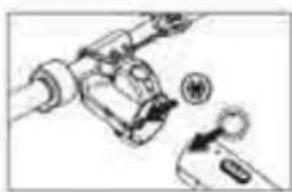
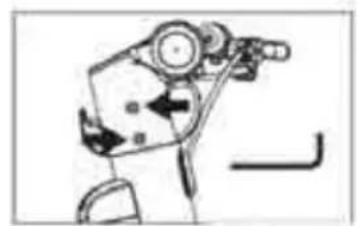
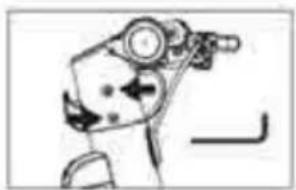
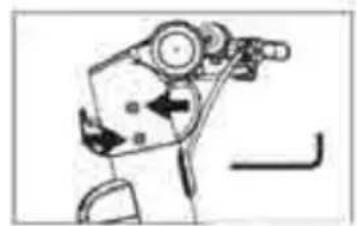
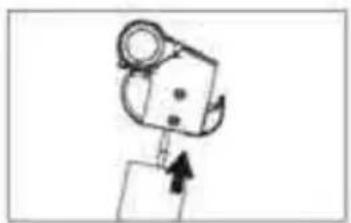
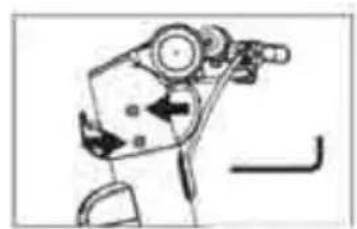
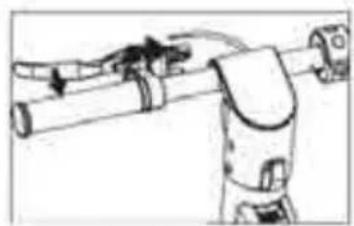
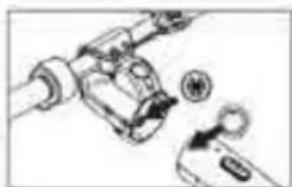
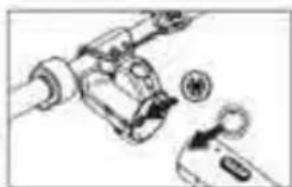
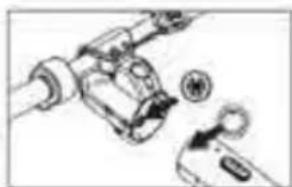
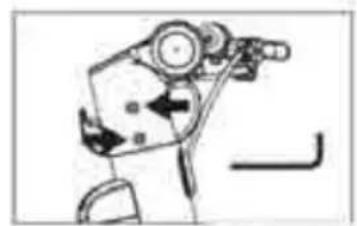
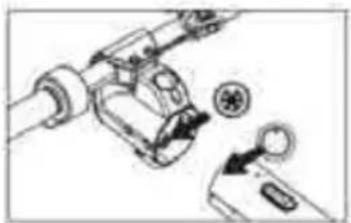
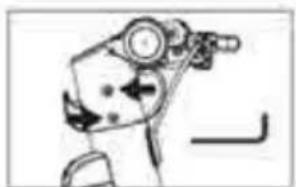
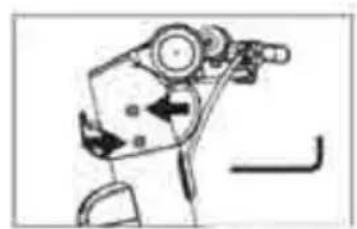
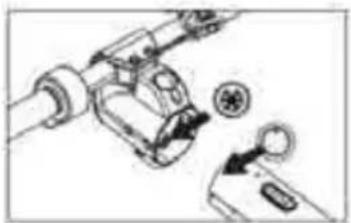
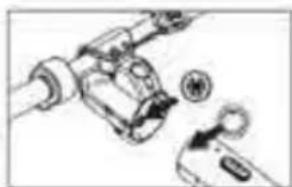
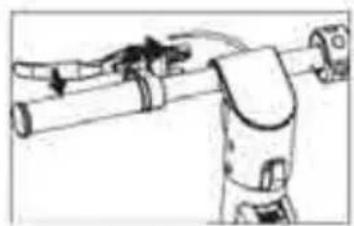
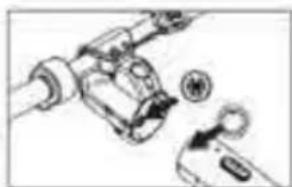
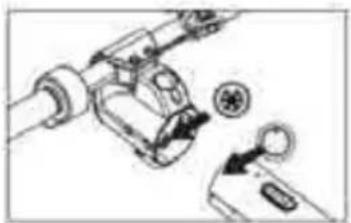
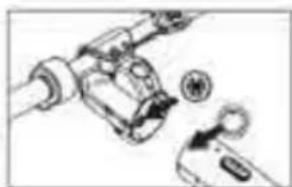
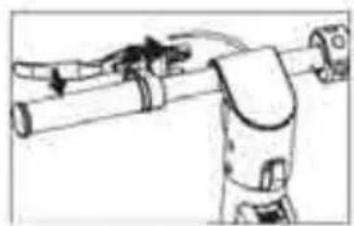
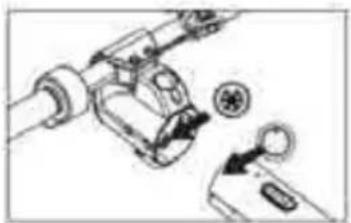
C. Connect the plugs of the wires prominent from the handlebar and the stem, and then assemble the handlebar by properly inserting it into the upper part of the stem.
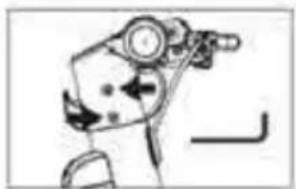
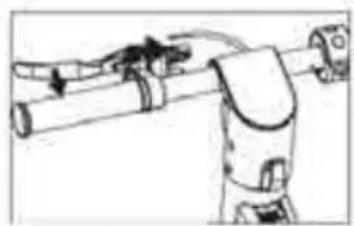
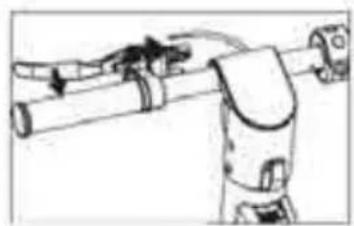
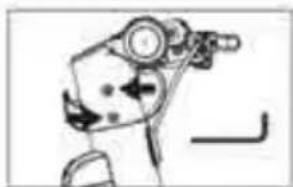
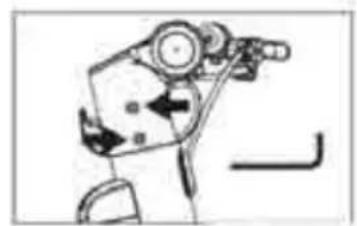
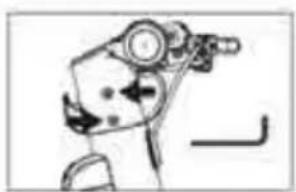
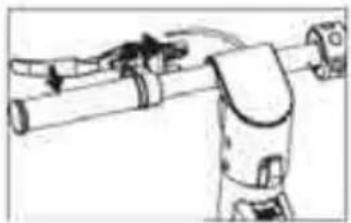
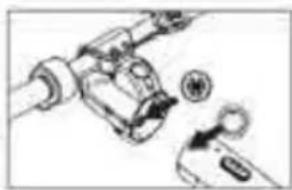
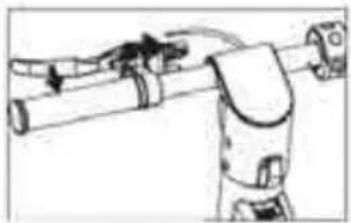
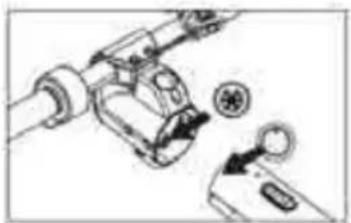
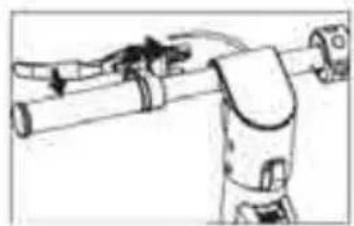
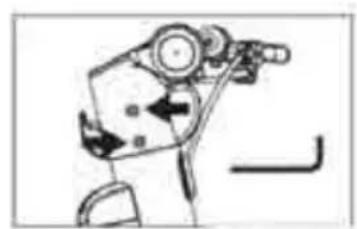
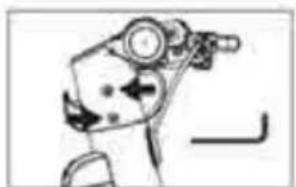
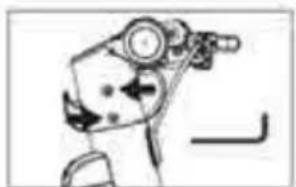
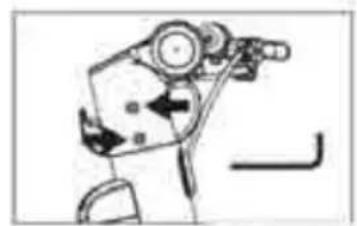
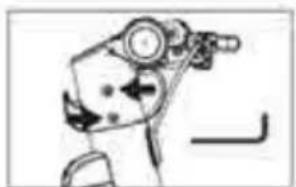
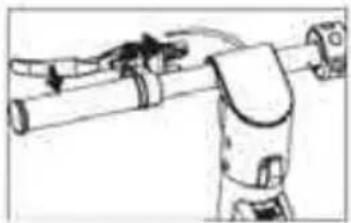
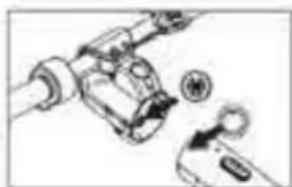
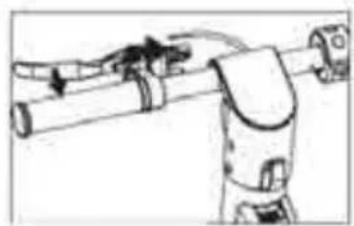
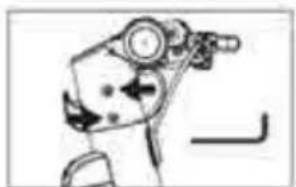
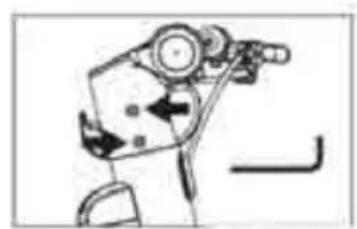
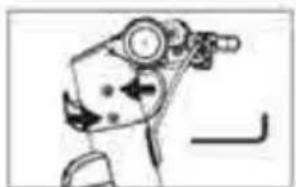
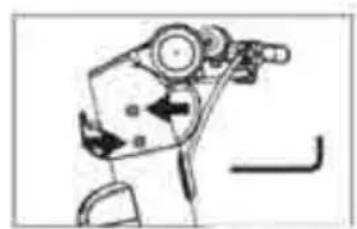
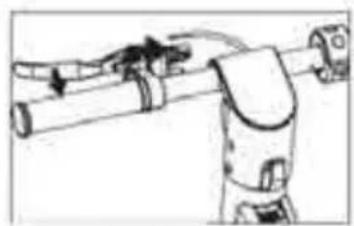
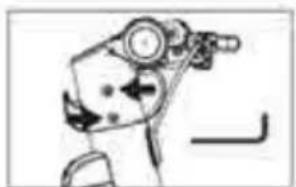
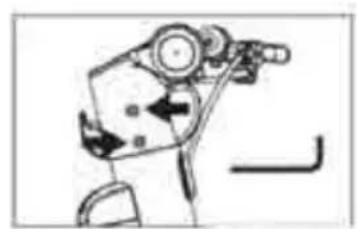
D. Use the wrench to tighten all the screws securing the handlebar to the stem. Adjust and tighten the brake lever accordingly.
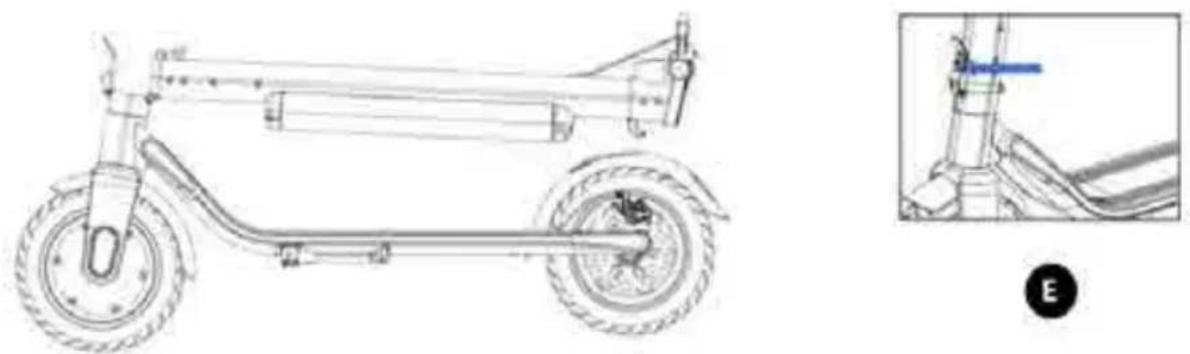
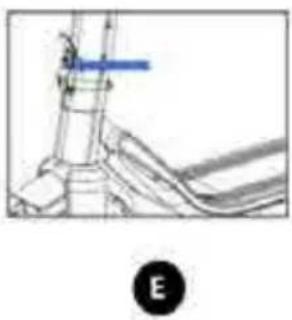
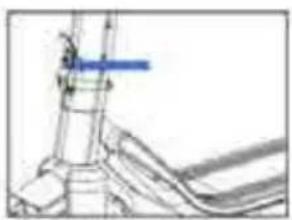
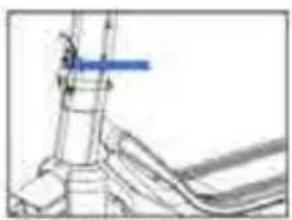
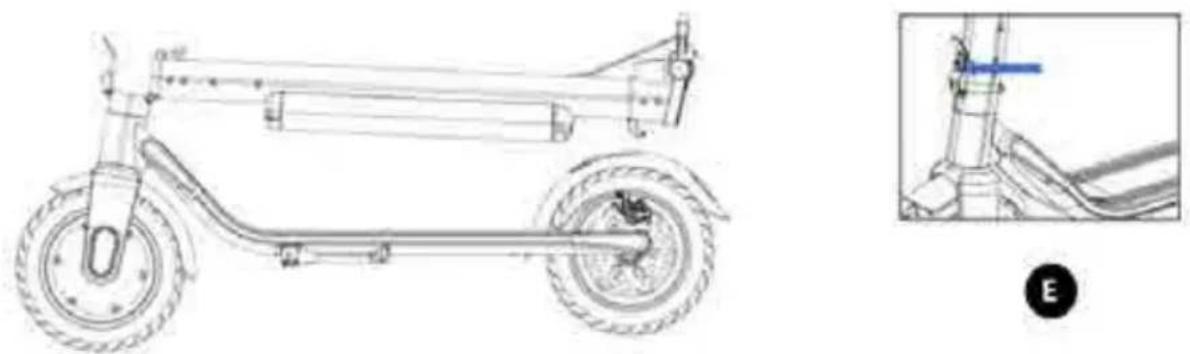
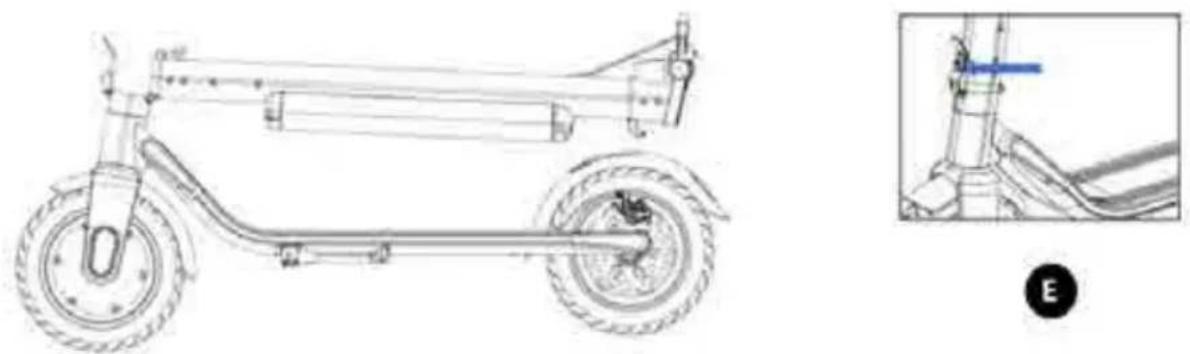
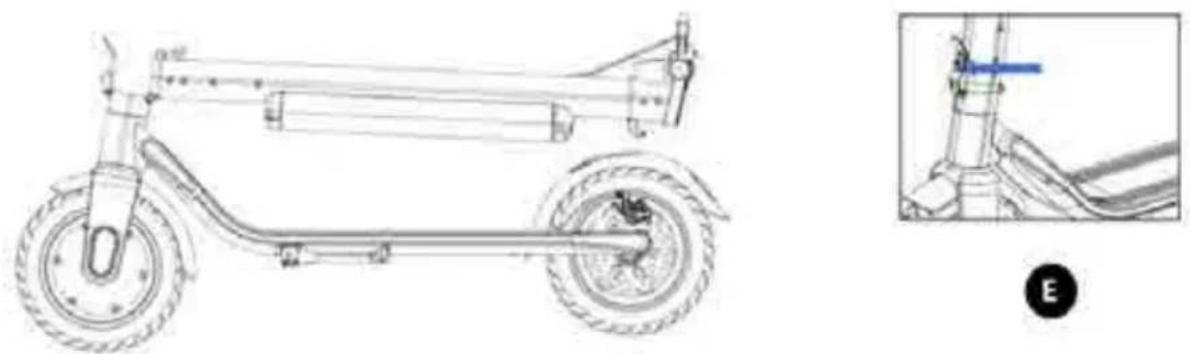
E. To eliminate the clearance in the scooter's folding device with the wrench, adjust the tightening of the screw at the front of the device. When using the scooter, check the tightness of the screws regularly.
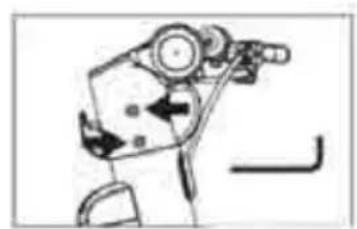
- Handlebar disassembly for transporting.
natural_image
Line drawing of a scooter with two wheels and a side-mounted suspension (no text or symbols)
natural_image
Pure mechanical diagram showing a lever mechanism without any text, numbers, or symbolsA

natural_image
Mechanical assembly diagram showing a lever mechanism with no visible text or symbolsB
D
C

natural_image
Mechanical assembly diagram showing a motor, gear, and adjustment knob (no text or labels)
natural_image
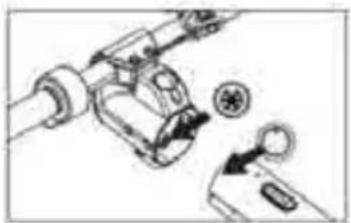
Simple line drawing of a mechanical device with a circular component and an arrow indicating motion (no text or symbols)A. Use the wrench to unscrew the screws securing the handlebar.
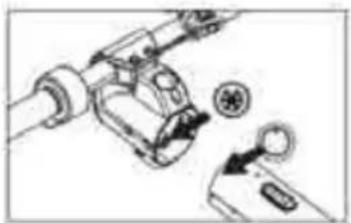
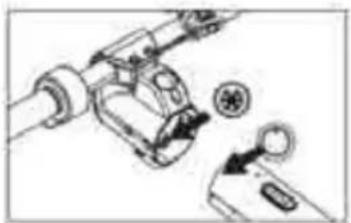
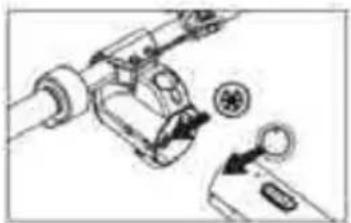
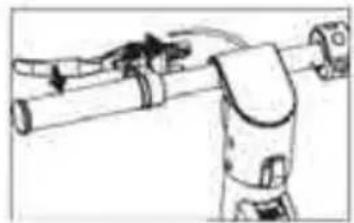
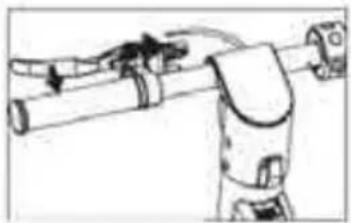
B. Unscrew the nut adjusting the brake cable, then gently press the brake lever and remove the cable from the lever.
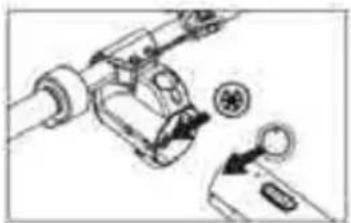
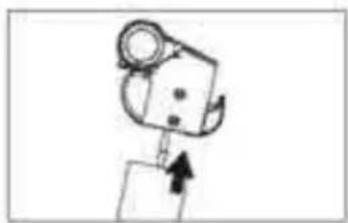
C. Gently lift the handlebar upwards to remove it from the stem. Remember that there is a cable connecting the controller to the display inside, so do not lift the handlebar with excessive force.
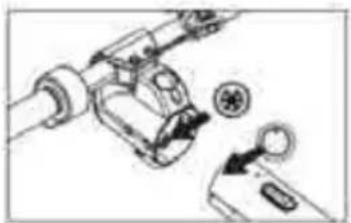
D. Gently disconnect the cable plug between the handlebar and the stem.
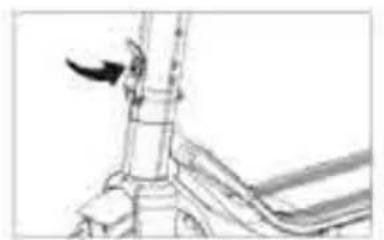
3. Folding
natural_image
Technical line drawing of a mechanical assembly with no visible text or symbolsA

natural_image
Mechanical diagram showing a lever mechanism with a curved arrow indicating motion (no text or symbols present)B

natural_image
Simple line drawing of a tractor with a downward arrow indicating motion (no text or symbols)C

natural_image
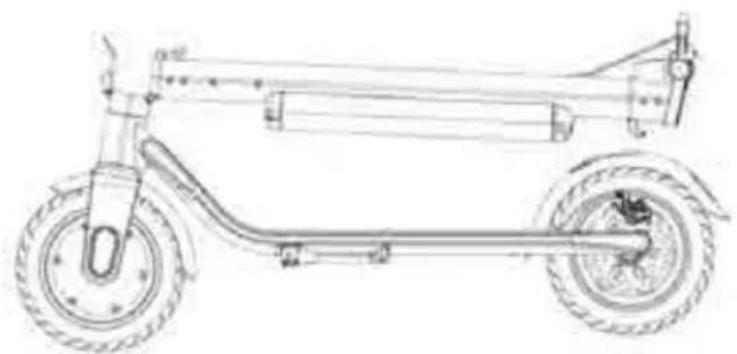
Line drawing of a two-wheeled electric scooter with wheels and suspension components (no text or symbols)
natural_image
Technical line drawing of a mechanical component with no visible text or symbolsD
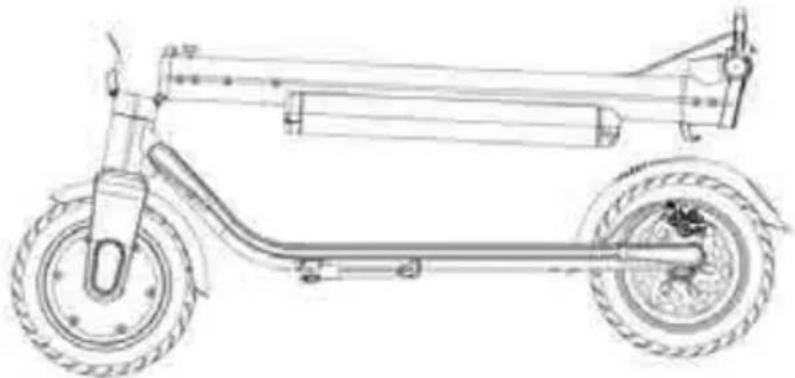
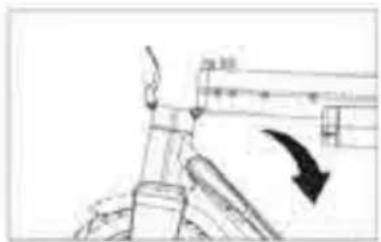
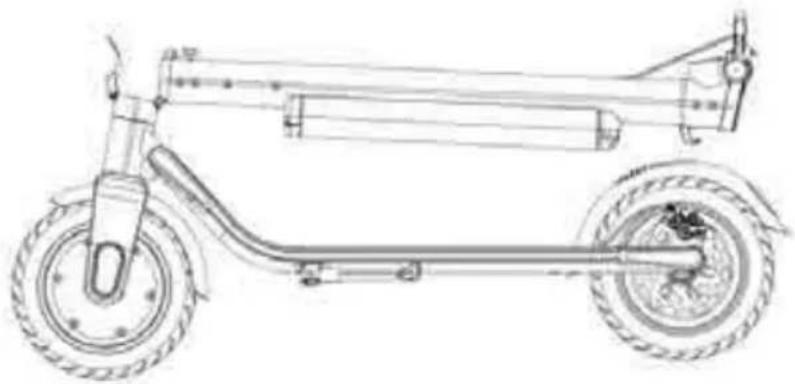
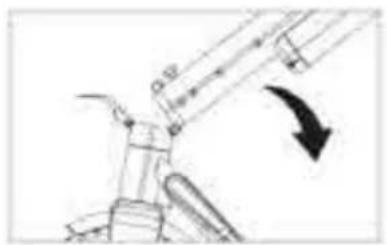
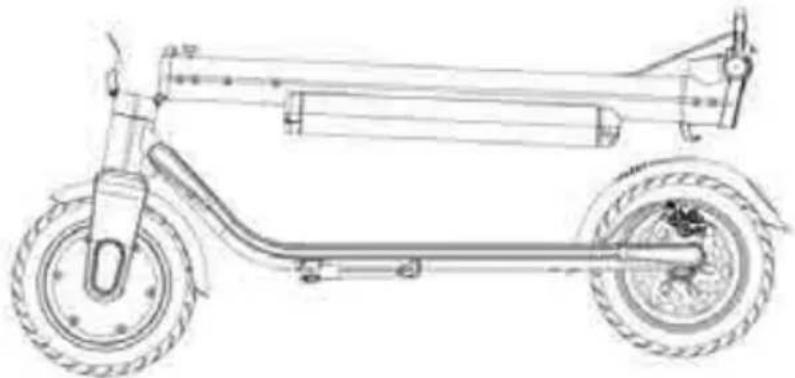
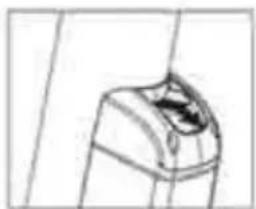
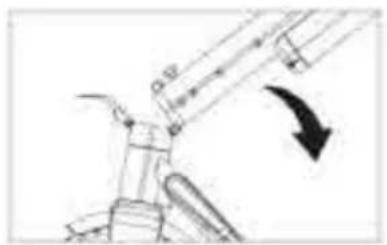
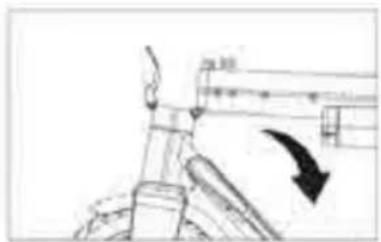
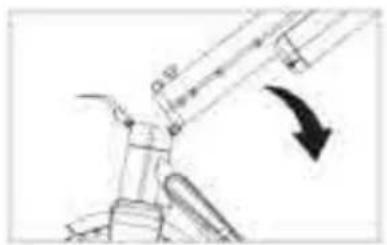
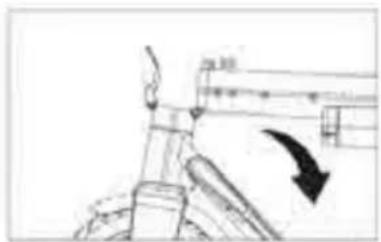
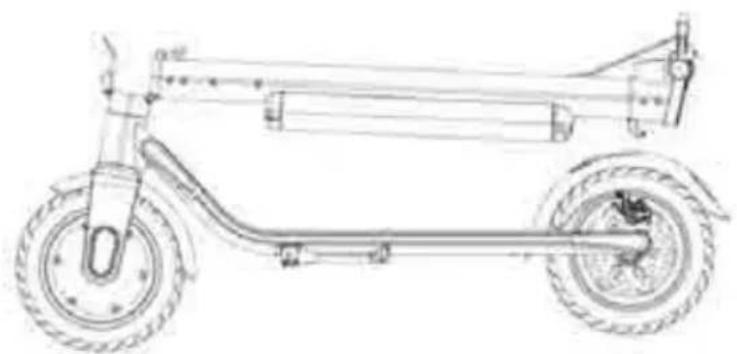
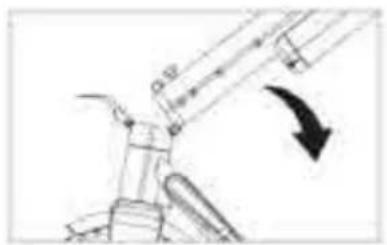
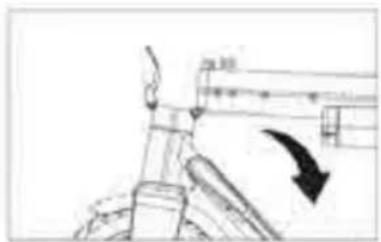
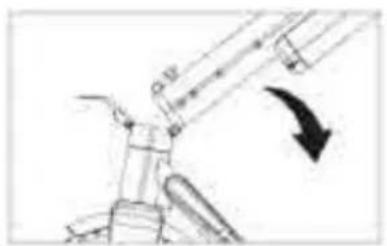
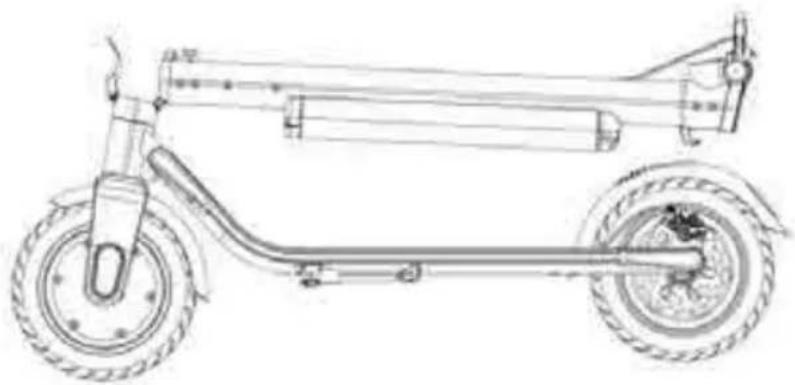
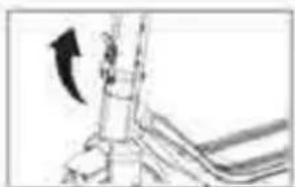
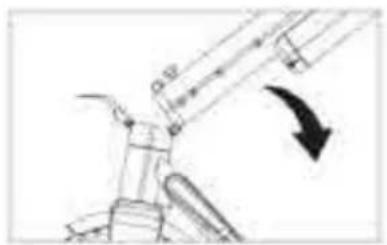
A. Unlock the folding mechanism key lock
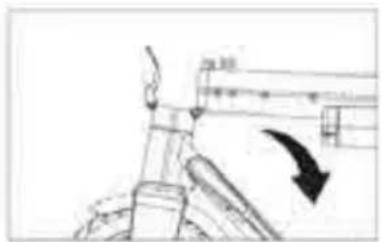
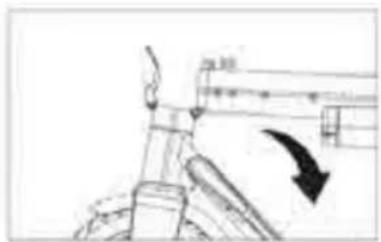
B. Press the folding device key downwards as far as possible
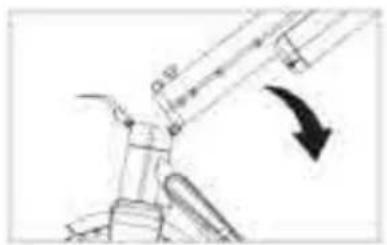
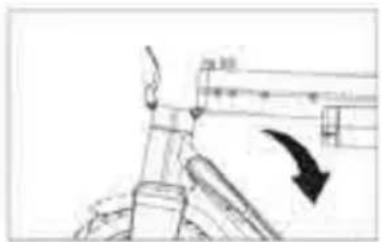
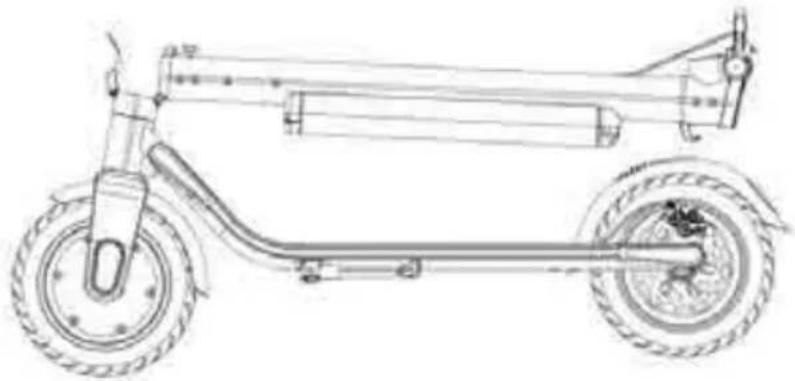
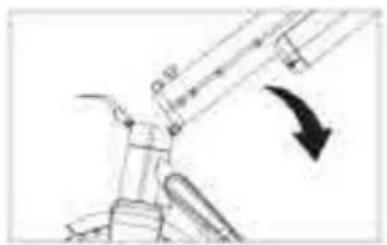
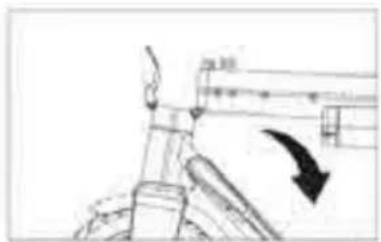
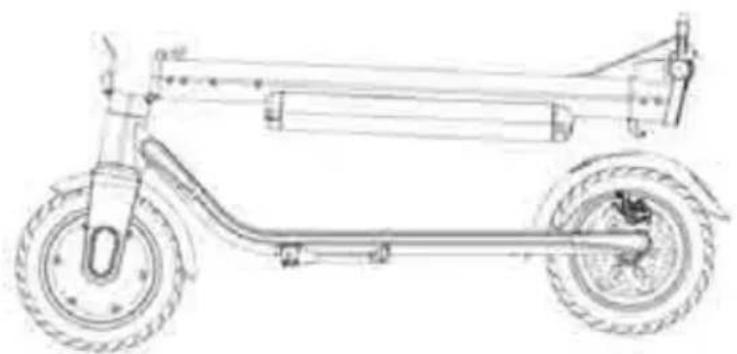
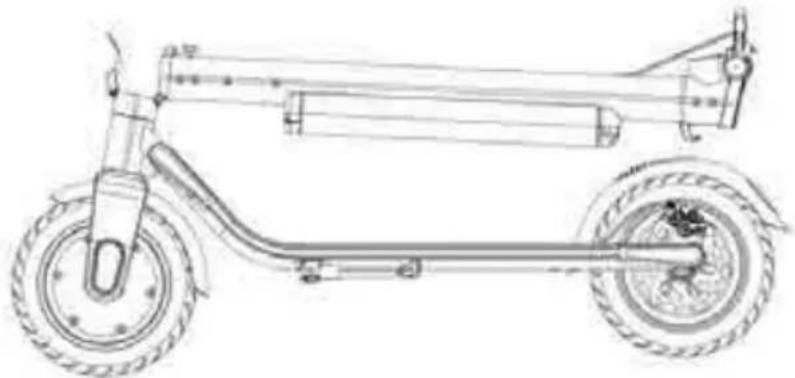
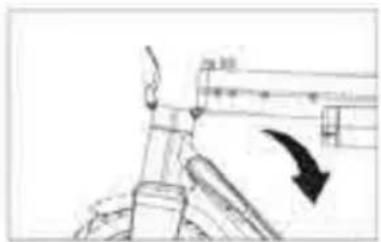
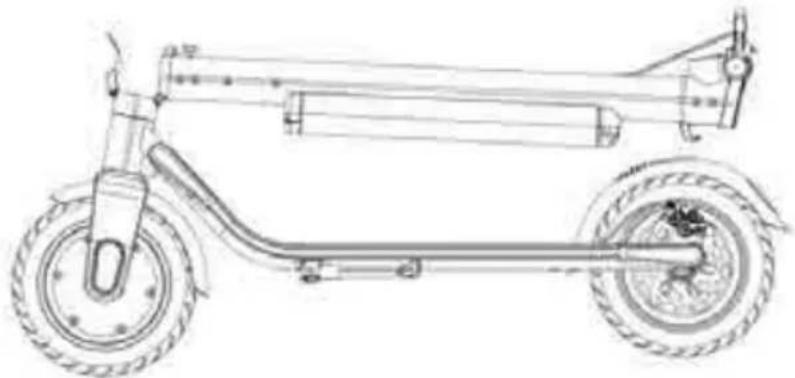
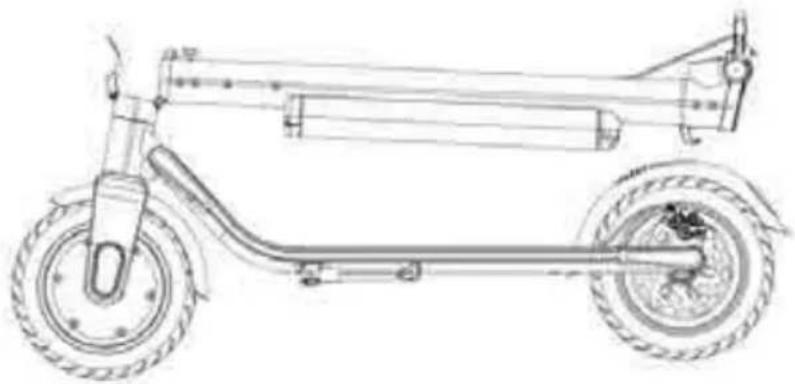
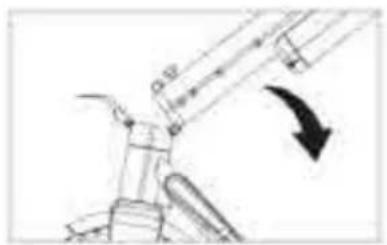
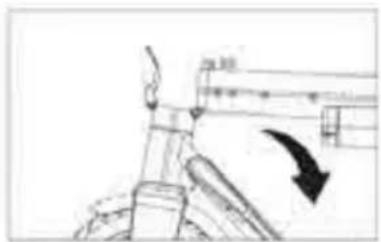
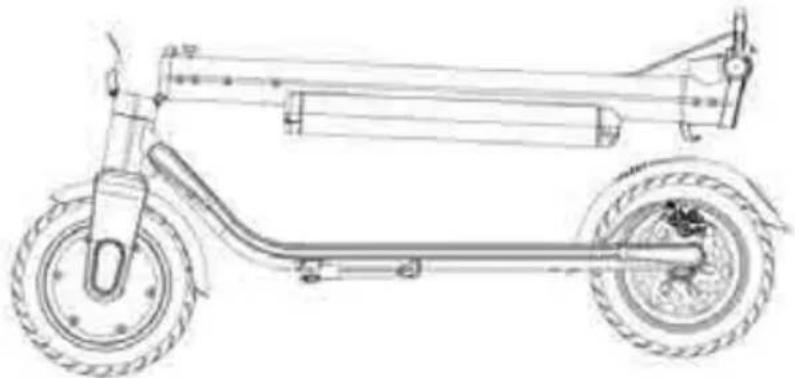
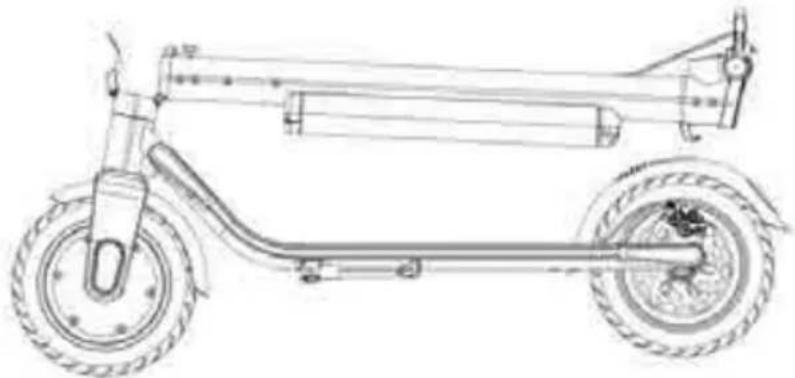
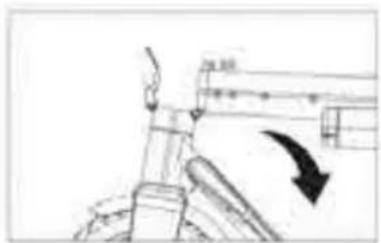
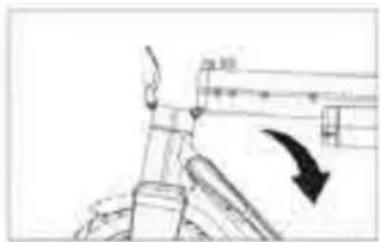
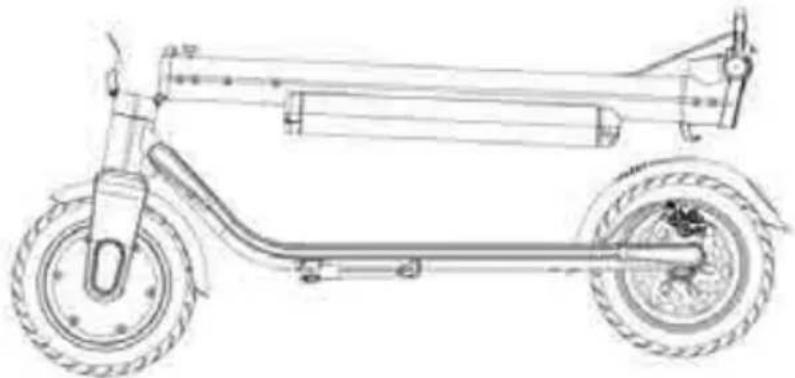
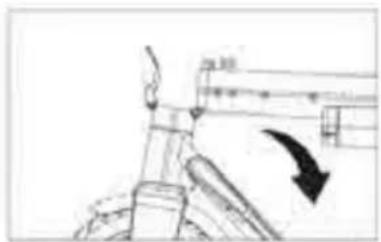
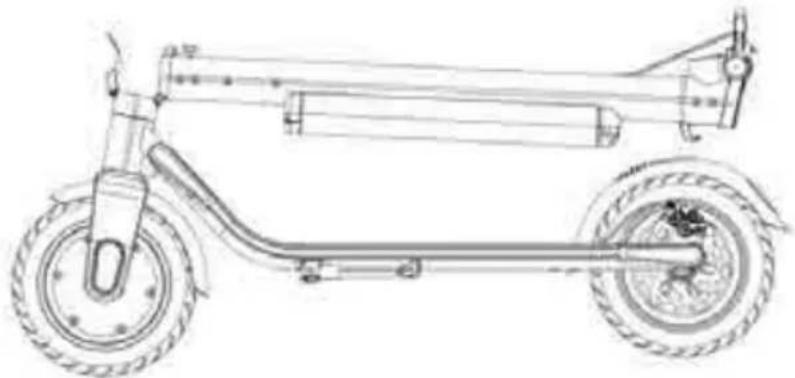
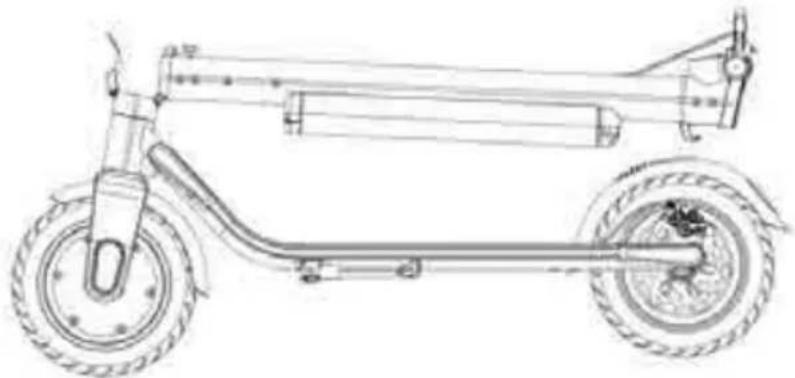
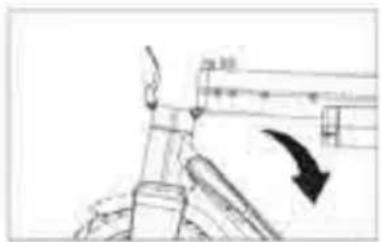
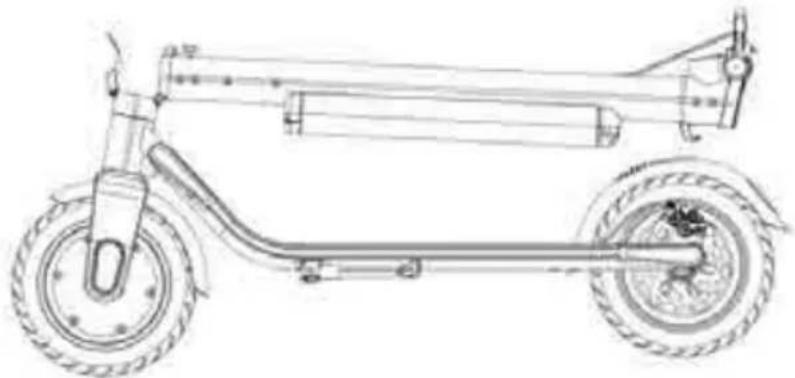
C. Fold the handlebar gently by pulling it down
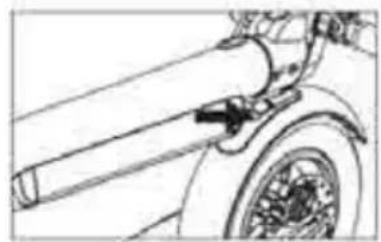
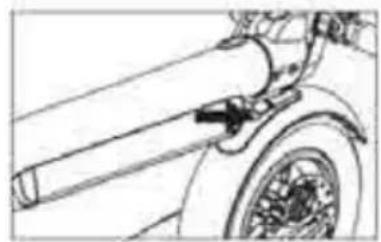
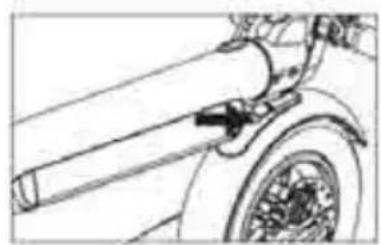
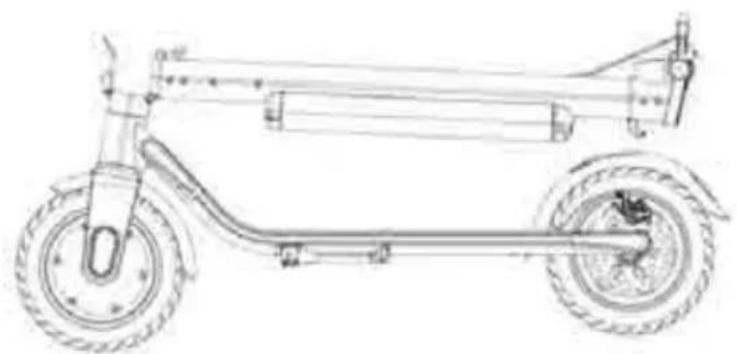
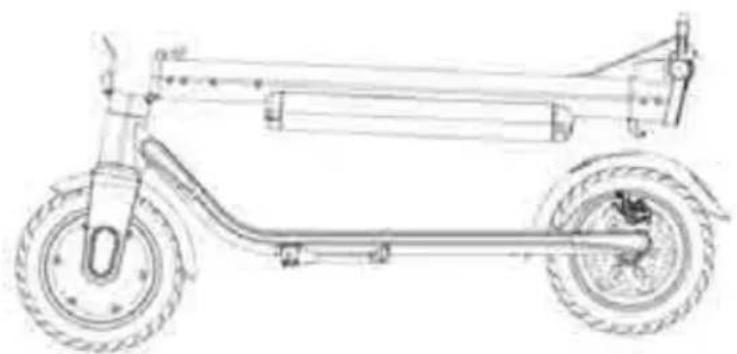
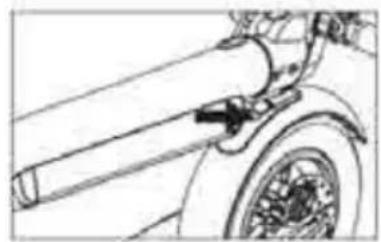
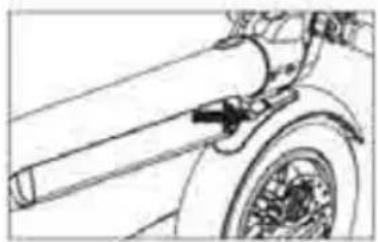
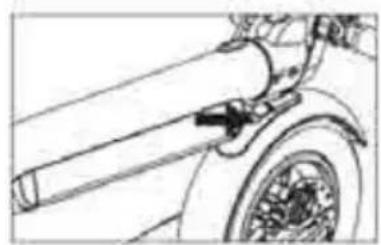
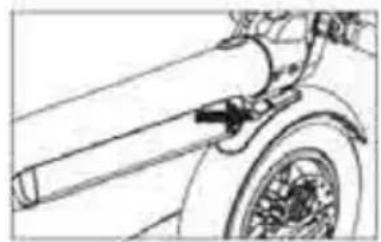
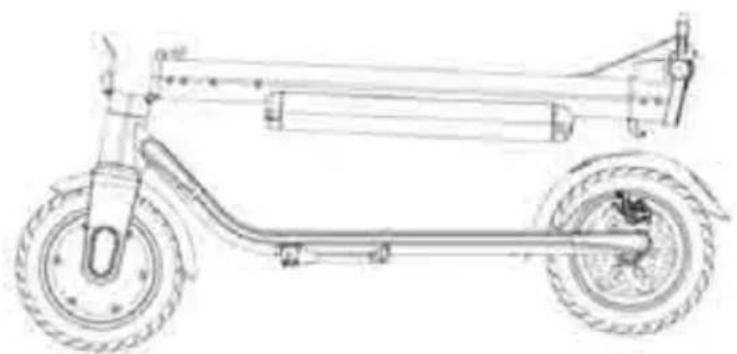
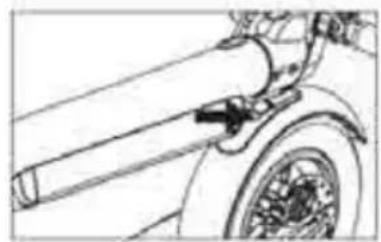
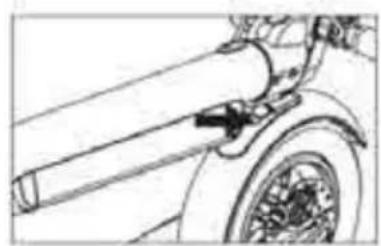
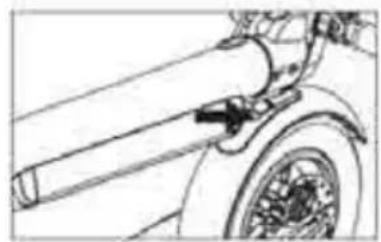
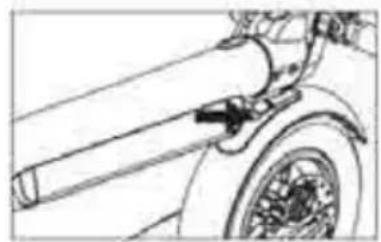
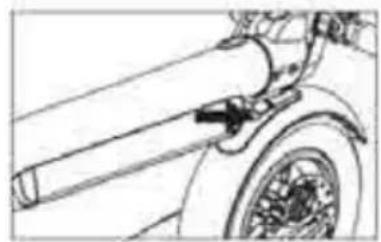
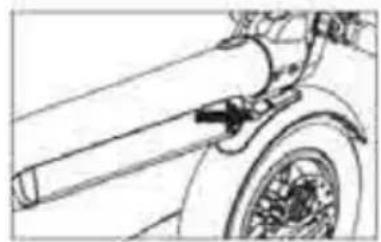
D. Move the hook provided on the handlebars into the opening in the rear fender and press to lock
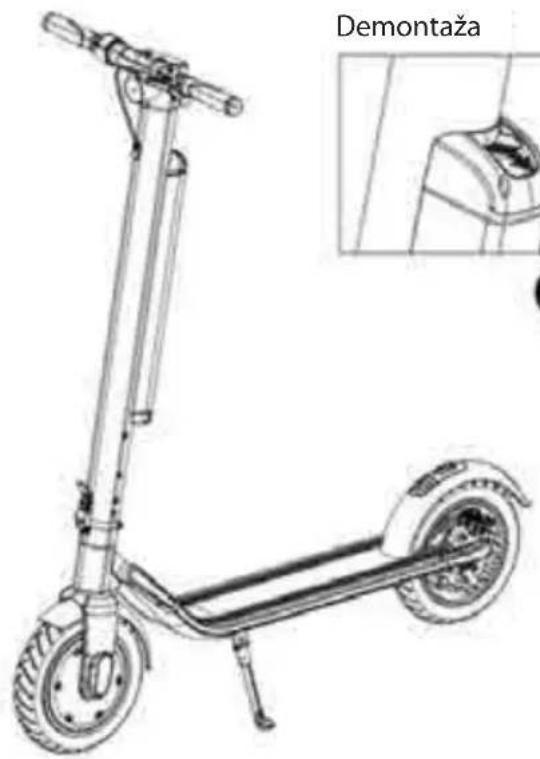
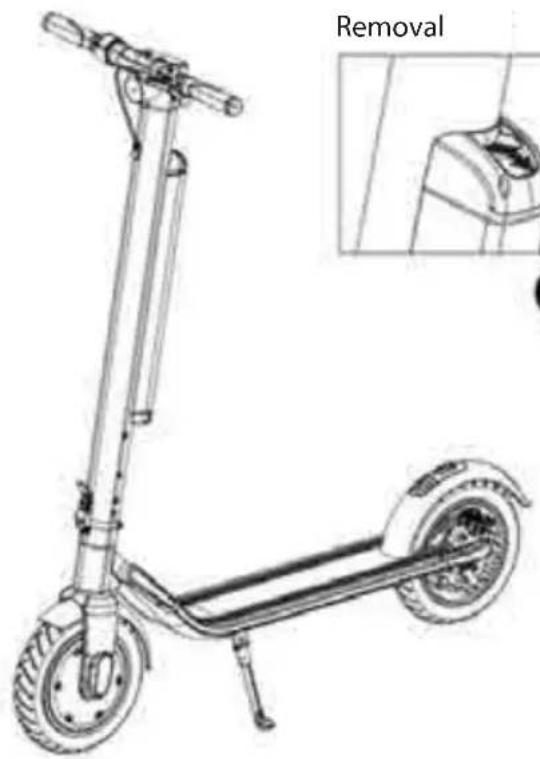
4. Battery removal and installation
natural_image
Line drawing of an electric scooter with wheels and a side-mounted sensor, labeled 'Removal' (no technical text or symbols on the diagram itself)
natural_image
Simple line drawing of a mechanical component or tool (no text or symbols)A

natural_image
Simple line drawing of a pipe with an upward arrow indicating direction (no text or symbols)B

natural_image
Simple line drawing of a cylindrical object with an arrow pointing to it, no text or symbols present.C
Installation

natural_image
Simple line drawing of a cylindrical object with an arrow pointing to it, no text or symbols present.A

natural_image
Simple line drawing of a mechanical component with a downward arrow indicating force or direction (no text or symbols)B
Battery removal
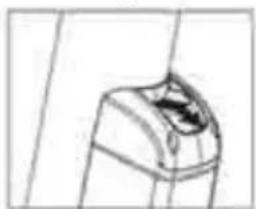
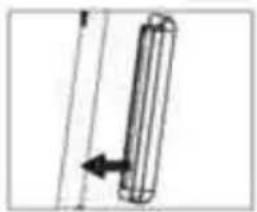
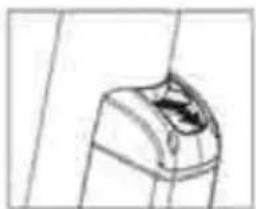
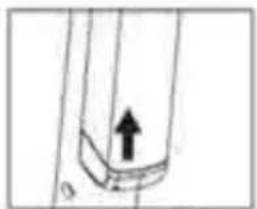
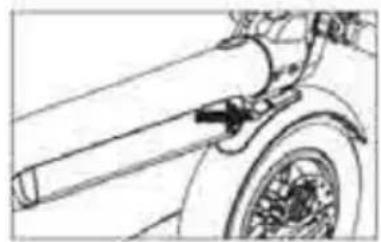
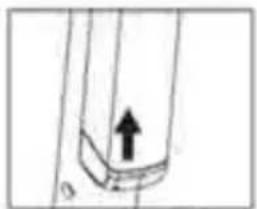
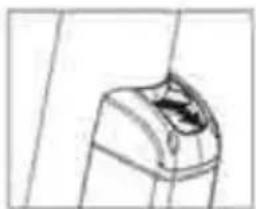
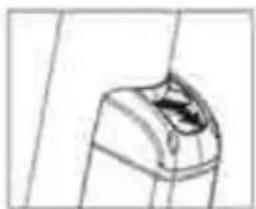
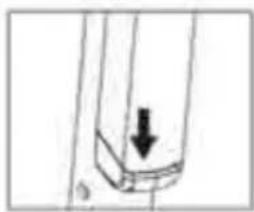
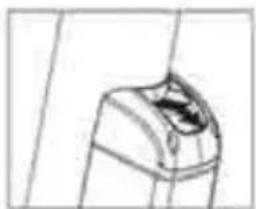
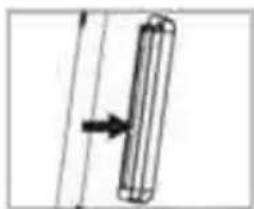
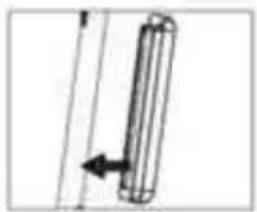
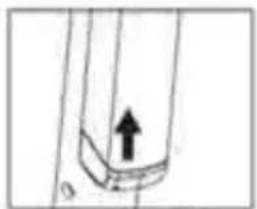
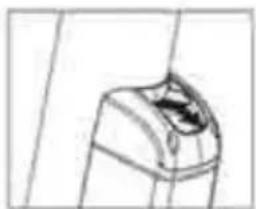
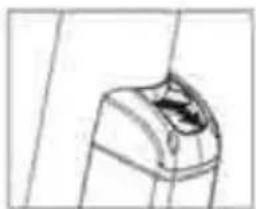
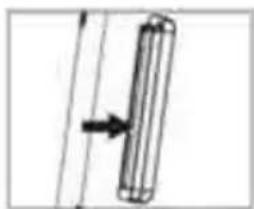
A. Press the battery-housing lock button.
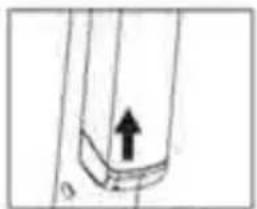
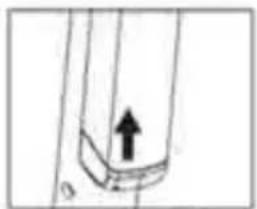
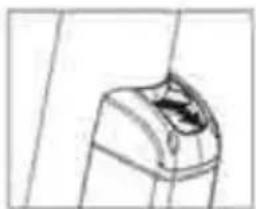
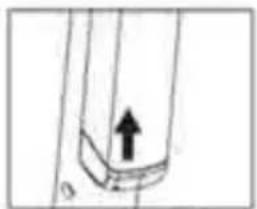
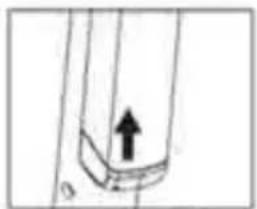
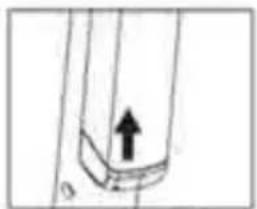
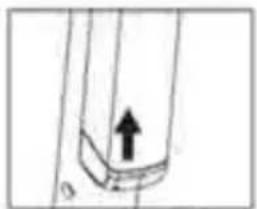
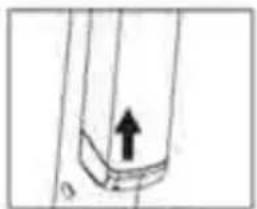
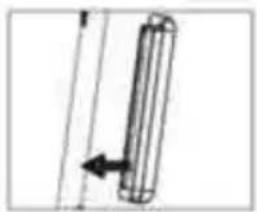
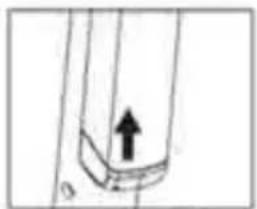
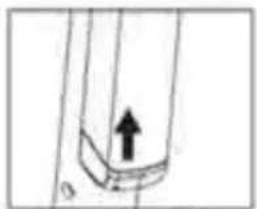
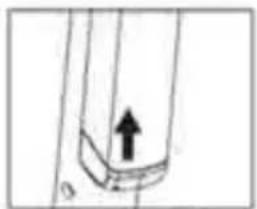
B. Gently slide the battery housing from the bottom upwards.
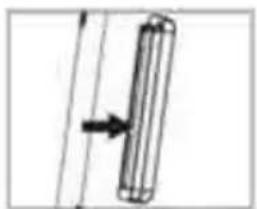
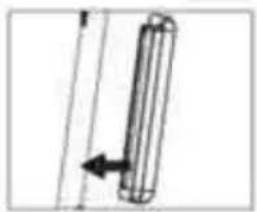
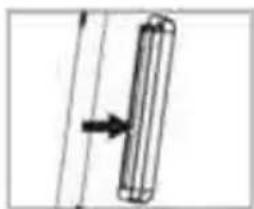
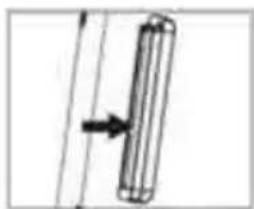
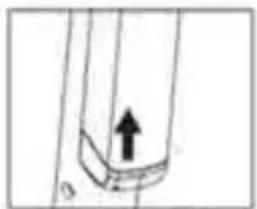
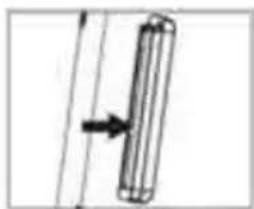
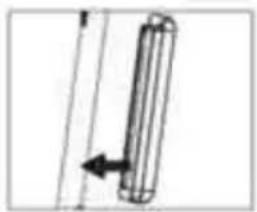
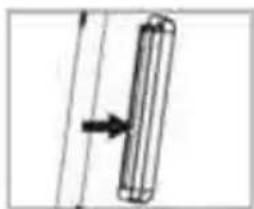
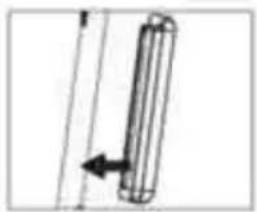
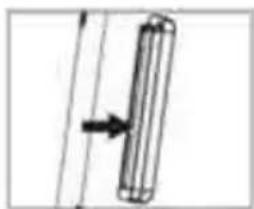
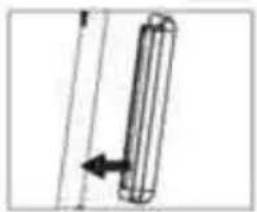
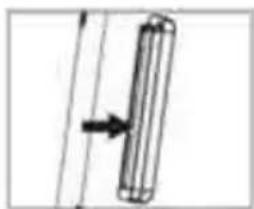
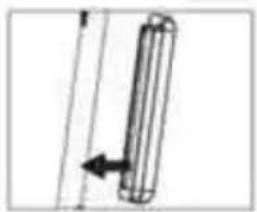
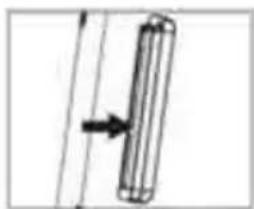
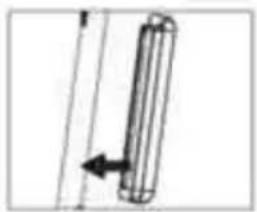
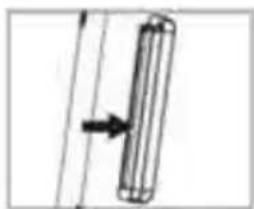
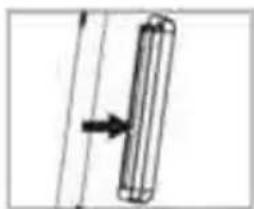
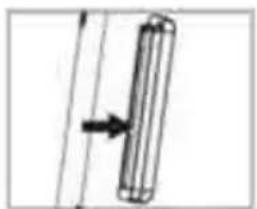
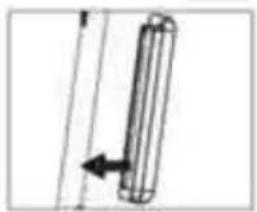
C. After moving the battery upwards, remove it from the handlebar stem by horizontally pulling the battery housing.
Battery installation
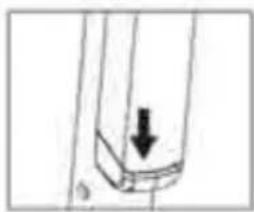
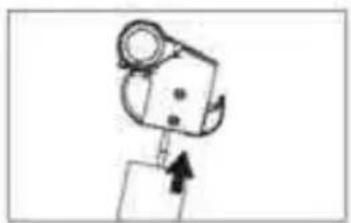
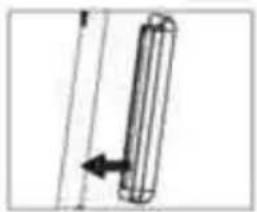
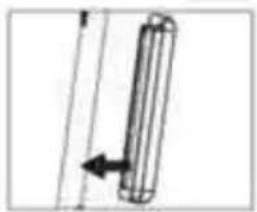
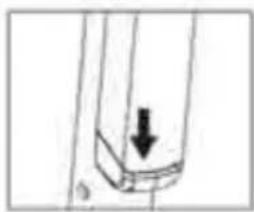
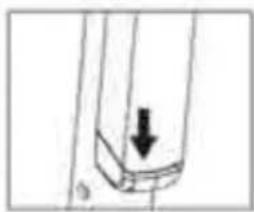
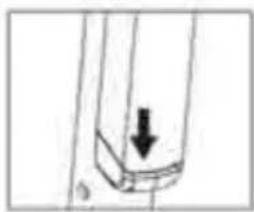
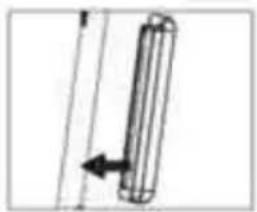
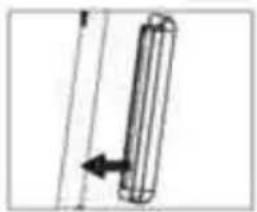
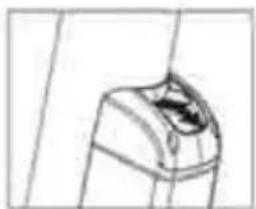
A. Insert the battery housing (with the connection socket facing downwards) into the opening in the handlebar stem.
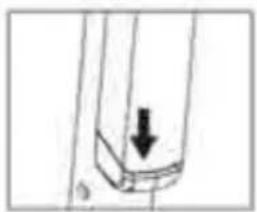
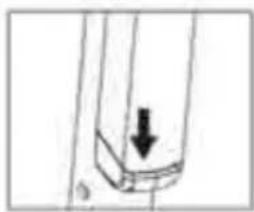
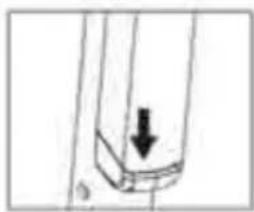
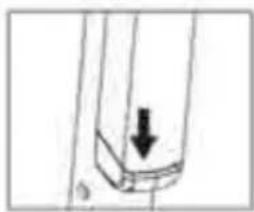
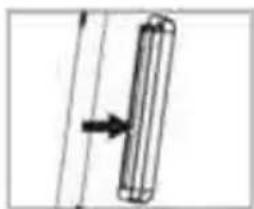
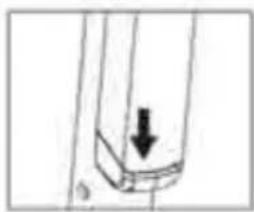
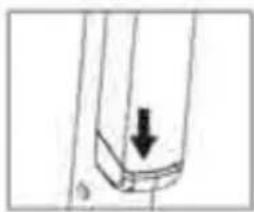
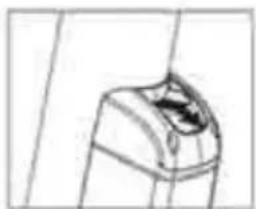
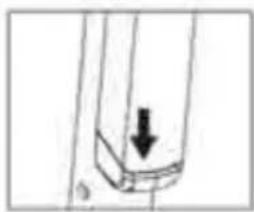
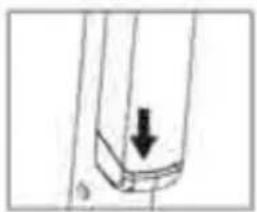
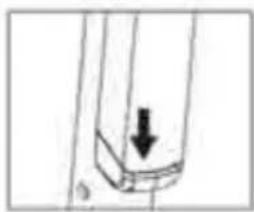
B. Press the battery housing downwards until the battery housing latches into place. Check that the battery is correctly installed and the lock on the top of the housing is locked.
NOTE!
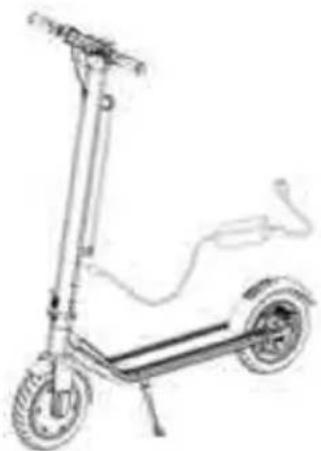
After the battery has been removed, you can (re)charge it with the supplied charger.
Do not charge the battery when handling, cleaning, or maintaining the scooter.
Guide to safe driving
The content of this chapter is very important, read it carefully and follow all safety rules and procedures. Our company is not responsible for any accidents that result in property or health damage due to the violation of this safe driving guide.
An electric scooter is not only a fun tool but also a means of transport. Following proper safety precautions while driving can protect you and others from an accident. Please note that using your scooter in the field and on public roads can lead to collisions caused by other road users, even if you follow all safety precautions. It is very important to keep a sufficient distance from other road users and from other vehicles.
Driving the scooter
- Observe the local road traffic regulations when driving on a scooter. You should guide the scooter carefully and calmly, paying attention to other people and objects in order to avoid collisions.
- Ride your scooter safely at controlled speed and at a distance from pedestrians and other vehicles. Be ready to stop at any time. Avoid sudden acceleration and braking.
- When walking on the pavement, respect pedestrians' rights, give way to them when passing through the belts, and do not frighten passers-by, especially children.
- Adjust the speed of the scooter to other road users in congested areas. If you want to overtake a group of pedestrians, make sure you have enough space and do it safely. Moving in a crowd at high speed is very dangerous.
- Do not park your scooter in a place that will make walking difficult.
- When driving the scooter, you should be relaxed, have knees slightly bent and head raised.
In the event of sudden acceleration or sudden braking while driving at high speed, the driver can easily become unbalanced and ultimately cause an accident. Try to avoid such situations.
Charging the battery
ESC90X
- Make sure that the electrical outlet is dry.
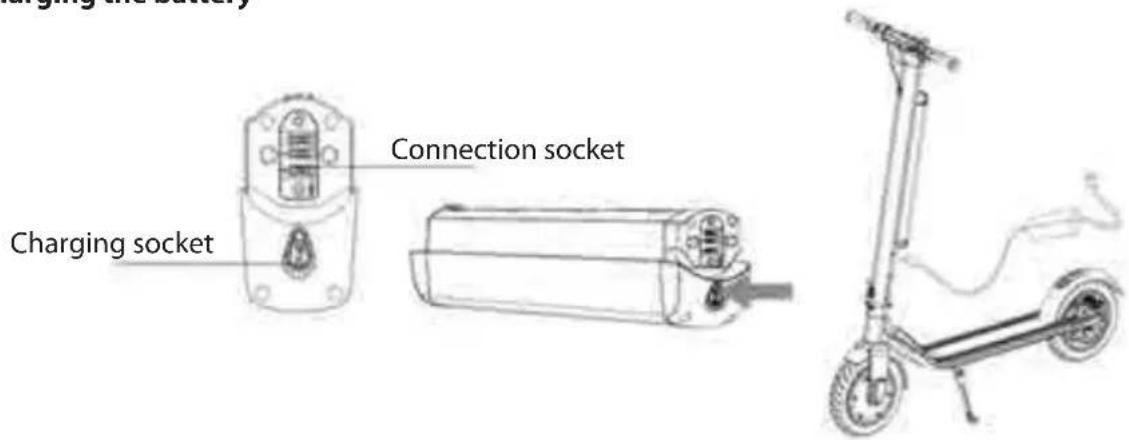
- When charging the scooter-mounted battery, open the cover of the battery-charging socket located in the lower part of the battery housing. When charging the disassembled battery, the charger is plugged into the same socket.
- Plug the adapter plug into the power source (110V \~ 240V, 50Hz \~ 60Hz), make sure the green charging lamp is lit, insert the other adapter plug into the scooter's charging socket.
- When the red LED on the power supply lights up, the battery is charging correctly, otherwise check all cable connections.
- When the red light turns green, the battery is fully charged. Disconnect the power supply from the power source. Long-lasting charging can shorten battery life.
- Follow the instructions for charging the battery, otherwise it will damage the battery and shorten its service life.
- The time to charge the scooter's battery is about 6 hours. The manufacturer cannot guarantee the same charging time and operation of the battery due to its wear.
- Ensure clean and dry conditions when charging the battery.
- Do not charge the battery when the power outlet is wet.
First run
Preparation
- Select the desired location. This place can be inside or outside, it must have an area of 10 × 10 meters (about 100 square meters). The place should be flat, neither wet nor slippery, without obstacles, without vehicles, children, pets or any other things that could distract your attention.
- Read this manual carefully, if you have the opportunity to do so, for advice from a person who is more experienced in safe driving.
- Wear helmet and protectors to avoid possible injuries. Move the scooter to the center of the area where you will be moving and familiarize yourself with the area.
Start
- Press and hold the POWER push button for 2 seconds to switch the scooter on, then select one of the three speed modes
- Place one foot on the deck plate and with the other foot kick-start the scooter
- Place the other leg on the deck plate and ensure you keep your balance
- Press the thumb throttle with your right thumb, and do not ride too fast
- Squeeze the brake lever with your left hand to brake, and gently press the rear fender to assist the braking
- You can get off the scooter when it is running at a low speed or after it has come to a complete stop
• To warn other users that you are nearby, use the bell fitted next to the brake lever
The BLAUPUNKT E-Mobility mobile app
This electric scooter works with the dedicated BLAUPUNKT E-Mobility app. This app allows you to control many parameters of the scooter, such as distance travelled, battery consumption, and current speed. It is also possible to check your current position on the map.
The app can be downloaded from the appropriate store for the operating system i.e. Play Store for Android and AppStore for iOS.
After downloading the app and installing it on your smartphone, connect it to your scooter following these instructions.
- Start the scooter and then turn on the Bluetooth module in your mobile device.
- Open the Blaupunkt E-Mobility app and press the Bluetooth icon to search for available devices.
- When the name "BP ESC90X" appears on the list of available devices, press it to connect.
- If a password is needed, enter 000000 (6 zeros)
- After the scooter is correctly connected to the application, you can make changes to the scooter settings.
Electric lock
The electric lock is one of the functions available in the BLAUPUNKT E-Mobility mobile app. Once the lock is activated from the app level, it is impossible to continue riding the scooter. The scooter can be started but the acceleration function does not work. Only after the lock has been deactivated in the app, you can continue riding the scooter.
When the scooter is locked and it is turned off and on again - the lock icon will always appear on the display and will only disappear when the lock is turned off in the BLAUPUNKT E-Mobility app.
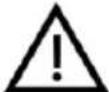
The electric lock is only available if a mobile device with the BLAUPUNKT E-Mobility app is connected to the scooter. Otherwise, the lock will not work.
Cleaning and storage
- Clean the scooter after each ride.
- If the rubber surfaces are difficult to clean, use a toothbrush and toothpaste and clean them with a soft cloth. This method can also remove small scratches.
- Store the scooter indoors, in a cool and dry place. Do not expose the scooter to prolonged sunlight.
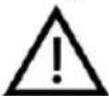
When cleaning, the battery charging receptacle must be tightly closed, otherwise you may be electrocuted and the scooter may be seriously damaged. Do not wash your
scooter under a high pressure water jet or immerse it in water - this may cause irreparable damage to the unit.
Battery maintenance
The battery is the most important part to maintain. To extend its service life, follow the instructions below:
- Read and follow the notes on battery marking.
- The best battery storage temperature is 10 degrees. Do not store the battery pack at temperatures below -10 degrees or above 35 degrees.
- Do not recharge the battery in ambient temperatures lower than 0 degrees - move the battery to a room where the temperature is higher than 10 degrees and allow a minute before you start recharging the battery.
- Store the battery in a cool and dry place. A very humid place can cause condensation inside the battery, which can quickly damage the battery.
- When the display shows a low level of battery, connect the battery pack to the charger. Try to prevent the battery from draining completely. Please charge the battery fully before starting to drive. Frequent charging will not damage the battery. On the contrary, long-term storage of an uncharged battery can shorten its service life
- If the scooter has not been used for 30 days, recharge the battery, otherwise there is a risk of battery failure not covered by the warranty.
- When using the device at room temperature, the battery will maintain optimum performance. If the battery is operated at 0^ , its efficiency will decrease significantly; when operated at temperatures below -10^ the maximum distance can be shortened even by half or more.
Features and specification:
- Motor: 350 W
- Battery: 36 V 10 Ah
- Replaceable battery
• Max speed: 20 km/h (3 speed adjustable) - Pedestrian mode
• Works with Blaupunkt E-Mobility APP (Android, iOS)
• An electric lock available in the mobile APP - Range: up to 40 km (depending on the load and type of surface)
• Max loading: up to 120 kgs
• Climbing slope: up to 15 degree
• Cruise-control feature
• Rear brake: disk brake, fender brake (foot brake)
• Front brake: electric brake E-ABS - 10" tube wheels
• Front and rear LED light - LED for indicating mileage speed and battery-charge level
- Warning bell
• Convenient folding mechanism
- Charging current: 42 V 2 A
• Charging time: about 6 hours
• Dimensions: 1070 x 190 x 450/1210 mm (folded/unfolded)
• Net weight: 14.5 kg
TECHNICAL DATA OF ADAPTOR:
Input voltage: 110-240V\~50/60Hz
Max. Input current: 2.5 A
Output voltage: 42 V
Max output current: 2 A
TECHNICAL DATA OF ADAPTOR:
| Charging socket | ||
| Information published Value and precision Unit | ||
| Manufacturer's name or trade markCommercial registration number Address | Company:JIANGXI FU DIAN YOU PIN TECHNOLOGY CO., LTD ADD:(B-06-02-3? #7) Innovation and entrepreneurship park, Economic Development zone, Guixi City Jiangxi Province | - |
| Model identifier FY-4202000 - | ||
| Input voltage 100-240VAC, 2.5A V | ||
| Input AC frequency 50/60Hz Hz | ||
| Output voltage 42VDC V | ||
| Output current A | 2A | |
| Output power 84W W | ||
| Average active efficiency 88.0% | % | |
| Efficiency at low load (10 %) | 84.87% | % |
| No-load power consumption | 0.16 | W |
Sicherheitsregeln
natural_image
Stylized icon of a car wheel connected to a pressure gauge (no text or symbols)natural_image
Line drawing of a two-wheeled electric scooter with visible wheels and suspension components (no text or symbols)
natural_image
Pure mechanical assembly diagram without any text, numbers, or symbolsE
natural_image
Line drawing of a scooter with two wheels and a side-mounted sensor (no text or symbols)
natural_image
Pure mechanical diagram showing a lever mechanism without any text, numbers, or symbolsA
C

natural_image
Mechanical assembly diagram showing a lever mechanism with no visible text or symbolsB
D

natural_image
Mechanical assembly diagram showing pipe fittings and adjustment knobs (no text or labels)
natural_image
Simple line drawing of a mechanical component with an arrow indicating direction (no text or symbols)natural_image
Technical line drawing of a mechanical assembly with no visible text or symbolsA

natural_image
Mechanical diagram showing a lever mechanism with a curved arrow indicating motion (no text or symbols present)B

natural_image
Simple line drawing of a tractor with a downward arrow indicating motion (no text or symbols)C

natural_image
Line drawing of a scooter with wheels and suspension components (no text or symbols)
natural_image
Technical line drawing of a mechanical component with no visible text or symbolsD
natural_image
Line drawing of a scooter with wheels and a side-mounted sensor, labeled 'Demontage' (no technical text or symbols on the diagram itself)
natural_image
Simple line drawing of a mechanical component or bracket (no text or symbols)A

natural_image
Simple line drawing of a pipe with an upward arrow indicating flow or direction (no text or symbols)B

natural_image
Simple line drawing of a cylindrical object with an arrow pointing to it, no text or symbols present.C
Montage

natural_image
Simple line drawing of a cylindrical object with an arrow indicating direction (no text or symbols)A

natural_image
Simple line drawing of a mechanical component with an arrow indicating downward motion (no text or symbols)B
natural_image
Stylized icon of a car wheel connected to a pressure gauge (no text or symbols)natural_image
Simple line drawing of a rectangular object above a curved surface with an upward arrow (no text or symbols)A

natural_image
Pure mechanical diagram showing a lever mechanism with no text or symbolsB

natural_image
Mechanical assembly diagram showing a motor and gear mechanism (no text or labels)C

natural_image
Simple line drawing of a mechanical component with no visible text or symbolsD

natural_image
Line drawing of a two-wheeled electric scooter with wheels and suspension components (no text or symbols)
natural_image
Technical line drawing of a mechanical assembly with no visible text or symbolsnatural_image
Line drawing of a scooter with wheels and suspension components (no text or symbols)
natural_image
Simple line drawing of a robotic arm with directional arrows indicating movement (no text or symbols)A
C

natural_image
Mechanical assembly diagram showing a lever and adjustment mechanism (no text or symbols)
natural_image
Mechanical robotic arm joint diagram showing articulated joints and shaft (no text or labels)B
D

natural_image
Simple line drawing of a mechanical component with an arrow indicating direction (no text or symbols)natural_image
Technical line drawing of a mechanical assembly with no visible text or symbolsA

natural_image
Mechanical diagram showing a lever mechanism with a curved arrow indicating motion (no text or symbols present)B

natural_image
Simple line drawing of a tractor with a downward arrow indicating motion (no text or symbols)C

natural_image
Line drawing of a two-wheeled electric scooter with wheels and suspension components (no text or symbols)
natural_image
Technical line drawing of a mechanical component with no visible text or symbolsD
natural_image
Line drawing of a scooter with visible wheels and side-mounted sensor, labeled 'Demontaż' (no other text or symbols)
natural_image
Simple line drawing of a mechanical component or tool (no text or symbols)A

natural_image
Simple line drawing of a pipe with an upward arrow indicating direction (no text or symbols)B

natural_image
Simple line drawing of a cylindrical object with an arrow pointing to it, no text or symbols present.C
Montaż

natural_image
Simple line drawing of a cylindrical object with an arrow indicating direction (no text or symbols)A

natural_image
Simple line drawing of a mechanical component with an arrow indicating downward motion (no text or symbols)B
• Akumulator: 36 V 10 Ah
natural_image
Stylized illustration of a car wheel connected to a pressure gauge (no text or symbols)natural_image
Simple line drawing of a rectangular object with an upward arrow pointing to a circular pattern (no text or symbols)A

natural_image
Pure mechanical diagram showing a lever mechanism with no text or symbolsB

natural_image
Mechanical assembly diagram showing a motor and gear mechanism (no text or labels)C

natural_image
Simple line drawing of a mechanical component or tool with no visible text, numbers, or symbols.D

natural_image
Line drawing of a two-wheeled electric scooter with wheels and suspension components (no text or symbols)
natural_image
Pure mechanical assembly diagram without any text, numbers, or symbolsE
natural_image
Line drawing of a scooter with wheels and suspension (no text or symbols)
natural_image
Mechanical component diagram showing a lever mechanism with arrows indicating motion direction (no text or symbols)A
C

natural_image
Mechanical assembly diagram showing a lever and adjustment mechanism (no text or symbols)
natural_image
Mechanical assembly diagram showing a robotic arm with articulated joints and a curved handle (no text or symbols)B
D

natural_image
Simple line drawing of a mechanical component with an arrow indicating direction (no text or symbols)natural_image
Technical line drawing of a mechanical assembly with no visible text or symbolsA

natural_image
Mechanical diagram showing a lever mechanism with a curved arrow indicating motion (no text or symbols present)B

natural_image
Simple line drawing of a tractor with a downward arrow indicating motion (no text or symbols)C

natural_image
Line drawing of a two-wheeled electric scooter with wheels and suspension components (no text or symbols)
natural_image
Technical line drawing of a mechanical component with no visible text or symbolsD
natural_image
Line drawing of a scooter with visible wheels and side-mounted sensor, labeled 'Demontáz' (no other text or symbols)
natural_image
Simple line drawing of a mechanical component or tool (no text or symbols)A

natural_image
Simple line drawing of a pipe with an upward arrow indicating direction (no text or symbols)B

natural_image
Simple line drawing of a cylindrical object with an arrow pointing to it, no text or symbols present.C
Montáž

natural_image
Simple line drawing of a cylindrical object with an arrow indicating direction (no text or symbols)A

natural_image
Simple line drawing of a mechanical component with an arrow indicating downward motion (no text or symbols)B
Demontáž baterie:
natural_image
Illustration of a car wheel with a pressure gauge attached, symbolizing speed or pressure (no text or symbols present)natural_image
Simple line drawing of a rectangular object with an upward arrow pointing to a circular pattern (no text or symbols)A

natural_image
Mechanical assembly diagram showing a lever mechanism with a black arrow indicating rotational direction (no text or labels)B

natural_image
Mechanical assembly diagram showing a motor and gear assembly (no text or labels)C

natural_image
Simple line drawing of a mechanical component or tool (no text or symbols)D

natural_image
Line drawing of a two-wheeled electric scooter with wheels and suspension components (no text or symbols)
natural_image
Pure mechanical assembly diagram without any text, numbers, or symbolsE
natural_image
Line drawing of a scooter with wheels and suspension (no text or symbols)
natural_image
Simple line drawing of a robotic arm with directional arrows indicating movement (no text or symbols)A

natural_image
Mechanical robotic arm joint diagram showing articulated joints and shaft (no text or labels)B
D
C

natural_image
Mechanical assembly diagram showing a lever and adjustment mechanism (no text or symbols)
natural_image
Simple line drawing of a mechanical component with an arrow indicating direction (no text or symbols)natural_image
Technical line drawing of a mechanical assembly with no visible text or symbolsA

natural_image
Mechanical diagram showing a lever mechanism with a curved arrow indicating motion (no text or symbols present)B

natural_image
Simple line drawing of a tractor with a downward arrow indicating motion (no text or symbols)C

natural_image
Line drawing of a two-wheeled electric scooter with wheels and suspension components (no text or symbols)
natural_image
Technical line drawing of a mechanical component with no visible text or symbolsD
natural_image
Line drawing of a scooter with visible wheels and side-mounted sensor, labeled 'Demontáz' (no other text or symbols)
natural_image
Simple line drawing of a mechanical component or tool (no text or symbols)A

natural_image
Simple line drawing of a pipe with an upward arrow indicating direction (no text or symbols)B

natural_image
Simple line drawing of a cylindrical object with an arrow pointing to it, no text or symbols present.C
Montáž

natural_image
Simple line drawing of a cylindrical object with an arrow indicating direction (no text or symbols)A

natural_image
Simple line drawing of a mechanical component with an arrow indicating downward motion (no text or symbols)B
natural_image
Stylized icon of a car wheel connected to a pressure gauge (no text or symbols)natural_image
Line drawing of a two-wheeled electric scooter with wheels and suspension components (no text or symbols)
natural_image
Pure mechanical assembly diagram without any text, numbers, or symbolsE
natural_image
Line drawing of a scooter with wheels and suspension (no text or symbols)
natural_image
Simple line drawing of a mechanical device with no visible text or symbolsA
C

natural_image
Mechanical assembly diagram showing a lever and adjustment mechanism (no text or symbols)
natural_image
Mechanical assembly diagram showing a lever mechanism with no visible text or symbolsB
D

natural_image
Simple line drawing of a mechanical component with an arrow indicating direction (no text or symbols)natural_image
Technical line drawing of a mechanical assembly with no visible text or symbolsA

natural_image
Mechanical diagram showing a lever mechanism with a curved arrow indicating motion (no text or symbols present)B

natural_image
Simple line drawing of a tractor with a downward arrow indicating motion (no text or symbols)C

natural_image
Line drawing of a two-wheeled electric scooter with wheels and suspension components (no text or symbols)
natural_image
Technical line drawing of a bicycle wheel and suspension bracket (no text or symbols)D
natural_image
Simple line drawing of a mechanical component or tool (no text or symbols)A

natural_image
Simple line drawing of a pipe with an upward arrow indicating flow or direction (no text or symbols)B

natural_image
Simple line drawing of a cylindrical object with an arrow pointing to it, no text or symbols present.C
Összeszerelés

natural_image
Simple line drawing of a cylindrical object with an arrow indicating direction (no text or symbols)A

natural_image
Simple line drawing of a mechanical component with an arrow indicating downward motion (no text or symbols)8
natural_image
Stylized illustration of a car wheel with a pressure gauge attached (no text or symbols)• Ta skuter ima napihljiva kolesa, ki absorbirajo tresljaje med vožnjo, vendar morate zagotoviti pravilen zračni tlak v kolesih
natural_image
Line drawing of a single electric scooter with wheels and suspension components (no text or symbols)
natural_image
Pure mechanical diagram showing a lever mechanism without any text, numbers, or symbolsA

natural_image
Mechanical assembly diagram showing a lever mechanism with no visible text or symbolsB
D
C

natural_image
Mechanical assembly diagram showing gears and adjustment components (no text or labels)
natural_image
Simple line drawing of a mechanical component with an arrow indicating direction (no text or symbols)natural_image
Technical line drawing of a mechanical assembly with no visible text or symbolsA

natural_image
Mechanical diagram showing a lever mechanism with an arrow indicating motion (no text or symbols present)B

natural_image
Simple line drawing of a tractor with a downward arrow indicating motion (no text or symbols)C

natural_image
Line drawing of a two-wheeled electric scooter with wheels and suspension components (no text or symbols)
natural_image
Technical line drawing of a mechanical component with no visible text or symbolsD
A. Odklenite ključavnico zložljivega mehanizma.
B. Do konca pritisnite ključ za mehanizem zlaganja.
C. Nežno povlecite krmilo navzdol in ga zložite.
D. Približajte kljuko na krmilu k luknji v zadnjem blatniku in pritisnite, da kljuka skoči na svoje mesto.
4. Demontaža / montaža akumulatorja

natural_image
Line drawing of a scooter with visible wheels and side-mounted sensor, labeled 'Demontaža' (no other text or symbols)
natural_image
Simple line drawing of a mechanical component or tool (no text or symbols)A

natural_image
Simple line drawing of a pipe with an upward arrow indicating flow or direction (no text or symbols)B

natural_image
Simple line drawing of a cylindrical object with an arrow pointing to it, no text or symbols present.C
Montaža

natural_image
Simple line drawing of a cylindrical object with an arrow pointing to it, no text or symbols present.A

natural_image
Simple line drawing of a mechanical component with an arrow indicating downward motion (no text or symbols)B
Demontaža akumulatorja:
natural_image
Technical line drawing of a cylindrical mechanical component with a central hub and mounting bracket (no text or symbols)
natural_image
Line drawing of a scooter with wheels and suspension (no text or symbols)natural_image
Illustration of a car tire with a pressure gauge attached (no text or symbols)natural_image
Simple line drawing of a rectangular object with an upward arrow pointing to a circular pattern (no text or symbols)A

natural_image
Pure mechanical diagram showing a lever mechanism with no text or symbolsB

natural_image
Mechanical assembly diagram showing a robotic arm and a tool with a circular component (no text or symbols)C

natural_image
Pure mechanical diagram showing a lever mechanism without any text or symbolsD

natural_image
Line drawing of a two-wheeled electric scooter with wheels and suspension components (no text or symbols)
natural_image
Pure mechanical assembly diagram without any text, numbers, or symbolsE
natural_image
Line drawing of a scooter with two wheels and a side-mounted mast (no text or symbols)
natural_image
Mechanical component diagram showing a lever mechanism with arrows indicating motion direction (no text or symbols)A

natural_image
Mechanical robotic arm joint diagram (no text or labels)B
D
C

natural_image
Mechanical assembly diagram showing components like gears and a valve (no text or labels)
natural_image
Simple line drawing of a mechanical component with an arrow indicating direction (no text or symbols)A. Pomoću ključa odvrnite sve vijke za pričvršćivanje upravljača.
B. Odvrnite poklopac koji regulira žicu kočnice, a zatim pažljivo pritisnite ručicu kočnice i izvadite žicu iz ručice.
C. Pažljivo podignite upravljač prema gore da biste ga izvadili iz cijevi. Imajte na umu da se unutar nalazi kabel koji spaja kontrolnu ploču sa zaslonom, zato nemojte velikom silom dizati upravljač.
D. Pažljivo razdvojite utikače kabla koji se nalazi između upravljača i cijevi.
3. Sklapanje

natural_image
Technical line drawing of a mechanical assembly with no visible text or symbolsA

natural_image
Mechanical diagram showing a lever mechanism with a curved arrow indicating motion (no text or symbols present)B

natural_image
Simple line drawing of a tractor with a downward arrow indicating motion (no text or symbols)C

natural_image
Line drawing of a two-wheeled electric scooter with wheels and suspension components (no text or symbols)
natural_image
Technical line drawing of a mechanical component with no visible text or symbolsD
natural_image
Line drawing of a scooter with visible wheels and side-mounted sensor, labeled 'Demontaža' (no other text or symbols)
natural_image
Simple line drawing of a mechanical component or tool (no text or symbols)A

natural_image
Simple line drawing of a pipe with an upward arrow indicating flow or direction (no text or symbols)B

natural_image
Simple line drawing of a cylindrical object with an arrow pointing to it, no text or symbols present.C
Montaža

natural_image
Simple line drawing of a cylindrical object with an arrow pointing to it, no text or symbols present.A

natural_image
Simple line drawing of a mechanical component with an arrow indicating downward motion (no text or symbols)B
Demontaža baterije:
A. Pritisnite tipku za blokadu kućišta baterije.
B. Pažljivo pomaknite kućište baterije odozdo prema gore.
C. Kad pomaknete bateriju prema gore, izvadite je iz cijevi upravljača, povlačeći horizontalno kućište baterije.
Montaža baterije
A. Umetnite kućište baterije (utičnicom za priključivanje okrenutom prema dolje) u otvor na cijevi upravljača.
B. Pritisnite kućište baterije prema dolje do trenutka zatvaranja blokade kućišta baterije. Provjerite je li baterija pravilno ugrađena, a blokada u gornjem dijelu kućišta blokirana.
NAPOMENA!

Baterija se nakon vađenja može puniti pomoću priloženog punjača.
Ne punite bateriju dok se kreće, sklopi, čišti ili održava skuter.
natural_image
Illustration of a car tire with a pressure gauge attached (no text or symbols)natural_image
Simple line drawing of a rectangular object with an upward arrow pointing to a circular patterned object (no text or symbols)A

natural_image
Pure mechanical diagram showing a lever mechanism with no text or symbolsB

natural_image
Mechanical assembly diagram showing a motor and gear assembly (no text or labels)C

natural_image
Pure mechanical diagram showing a lever mechanism without any text or symbolsD

natural_image
Line drawing of a two-wheeled electric scooter with wheels and suspension components (no text or symbols)
natural_image
Pure mechanical assembly diagram without any text, numbers, or symbolsE
natural_image
Line drawing of a scooter with wheels and suspension components (no text or symbols)
natural_image
Mechanical component diagram showing a lever mechanism with arrows indicating motion direction (no text or symbols)A

natural_image
Mechanical robotic arm joint diagram showing articulated joints and shaft (no text or labels)B
D
C

natural_image
Mechanical assembly diagram showing a tool interacting with a gear and a dial (no text or symbols visible)
natural_image
Simple line drawing of a mechanical component with an arrow indicating direction (no text or symbols)natural_image
Technical line drawing of a mechanical assembly with no visible text or symbolsA

natural_image
Mechanical diagram showing a lever mechanism with a curved arrow indicating motion (no text or symbols present)B

natural_image
Simple line drawing of a tractor with a downward arrow indicating motion (no text or symbols)C

natural_image
Line drawing of a two-wheeled electric scooter with wheels and suspension components (no text or symbols)
natural_image
Technical line drawing of a mechanical component with no visible text or symbolsD
natural_image
Simple line drawing of a mechanical component or bracket (no text or symbols)A

natural_image
Simple line drawing of a pipe with an upward arrow indicating direction (no text or symbols)B

natural_image
Simple line drawing of a cylindrical object with an arrow pointing to it, no text or symbols present.C
Αφαίρεση

natural_image
Simple line drawing of a cylindrical object with an arrow pointing to it, no text or symbols present.A

natural_image
Simple line drawing of a mechanical component with an arrow indicating downward motion (no text or symbols)B
natural_image
Stylized icon of a car wheel connected to a pressure gauge (no text or symbols)natural_image
Simple line drawing of a rectangular object with an upward arrow pointing to a circular pattern (no text or symbols)A

natural_image
Pure mechanical diagram showing a lever mechanism with no text or symbolsB

natural_image
Mechanical assembly diagram showing a robotic arm and a tool with a circular component (no text or symbols)C

natural_image
Pure mechanical component diagram without any text, numbers, or symbolsD

natural_image
Line drawing of a two-wheeled electric scooter with wheels and suspension components (no text or symbols)
natural_image
Pure mechanical assembly diagram without any text, numbers, or symbolsE
natural_image
Line drawing of a three-wheeled scooter with visible wheels and suspension components (no text or symbols)
natural_image
Mechanical component diagram showing a lever mechanism with arrows indicating motion direction (no text or symbols)A

natural_image
Mechanical robotic arm joint diagram showing articulated joints and shaft (no text or labels)B
D
C

natural_image
Mechanical assembly diagram showing components like gears and a valve (no text or labels)
natural_image
Simple line drawing of a mechanical component with an arrow indicating direction (no text or symbols)natural_image
Technical line drawing of a mechanical assembly with no visible text or symbolsA

natural_image
Mechanical diagram showing a lever mechanism with an arrow indicating motion direction (no text or symbols present)B

natural_image
Diagram of a tractor's wheel assembly with a downward arrow indicating motion (no text or symbols)C

natural_image
Line drawing of a two-wheeled electric scooter with wheels and suspension components (no text or symbols)
natural_image
Technical line drawing of a vehicle wheel assembly with no visible text or symbolsD
natural_image
Simple line drawing of a mechanical component or tool (no text or symbols)A

natural_image
Simple line drawing of a mechanical component with an upward arrow and dimension label (no text or symbols)B

natural_image
Simple line drawing of a cylindrical object with an arrow pointing to it, no text or symbols present.©
Монтаж

natural_image
Simple line drawing of a cylindrical object with an arrow indicating direction (no text or symbols)A

natural_image
Simple line drawing of a mechanical component with an arrow indicating downward motion (no text or symbols)B
Демонтаж на акумулатора:
natural_image
Stylized illustration of a car wheel connected to a pressure gauge (no text or symbols)natural_image
Simple line drawing of a rectangular object with an upward arrow pointing to a circular pattern (no text or symbols)A

natural_image
Pure mechanical diagram showing a lever mechanism with no text or symbolsB

natural_image
Mechanical assembly diagram showing a robotic arm and a tool with a circular component (no text or symbols)C

natural_image
Pure mechanical diagram showing a lever mechanism without any text or symbolsD

natural_image
Line drawing of a single electric scooter with wheels and suspension components (no text or symbols)
natural_image
Pure mechanical diagram showing a lever mechanism without any text, numbers, or symbolsA

natural_image
Mechanical assembly diagram showing a lever mechanism with no visible text or symbolsB
D
C

natural_image
Mechanical assembly diagram showing gears and adjustment components (no text or labels)
natural_image
Simple line drawing of a mechanical component with an arrow indicating direction (no text or symbols)natural_image
Technical line drawing of a mechanical assembly with no visible text or symbolsA

natural_image
Mechanical diagram showing a lever mechanism with a curved arrow indicating motion (no text or symbols present)B

natural_image
Simple line drawing of a tractor with a downward arrow indicating motion (no text or symbols)C

natural_image
Line drawing of a two-wheeled electric scooter with wheels and suspension components (no text or symbols)
natural_image
Technical line drawing of a mechanical component with no visible text or symbolsD
natural_image
Line drawing of a electric scooter with visible wheels and side-mounted sensor, labeled 'Dezasamblare' (no other text or symbols)
natural_image
Simple line drawing of a mechanical component or bracket (no text or symbols)A

natural_image
Simple line drawing of a pipe with an upward arrow indicating flow or direction (no text or symbols)B

natural_image
Simple line drawing of a cylindrical object with an arrow pointing to it, no text or symbols present.C
Asamblare

natural_image
Simple line drawing of a cylindrical object with an arrow indicating direction (no text or symbols)A

natural_image
Simple line drawing of a mechanical component with an arrow indicating downward motion (no text or symbols)B
Date tehnice adaptor:
Voltaj intrare: 110-240V\~50/60Hz
Current max.intrare: 2,5A
Voltaj iesire: 42 V
Current max iesire: 2 A
natural_image
Illustration of a car tire with a pressure gauge attached (no text or symbols)natural_image
Simple line drawing of a rectangular object with an upward arrow pointing to a circular patterned object (no text or symbols)A

natural_image
Pure mechanical diagram showing a lever mechanism with no text or symbolsB

natural_image
Mechanical assembly diagram showing a robotic arm and a tool with a circular component (no text or symbols)C

natural_image
Pure mechanical component diagram without any text, numbers, or symbolsD

natural_image
Line drawing of a single electric scooter with wheels and suspension components (no text or symbols)
natural_image
Pure mechanical diagram showing a lever mechanism without any text, numbers, or symbolsA

natural_image
Mechanical assembly diagram showing a lever mechanism with no visible text or symbolsB
D
C

natural_image
Mechanical assembly diagram showing gears and adjustment components (no text or labels)
natural_image
Simple line drawing of a robot arm with a circular head and arrow indicating motion (no text or symbols)natural_image
Technical line drawing of a mechanical assembly with no visible text or symbolsA

natural_image
Mechanical diagram showing a lever mechanism with a curved arrow indicating motion (no text or symbols present)B

natural_image
Simple line drawing of a tractor with a downward arrow indicating motion (no text or symbols)C

natural_image
Line drawing of a two-wheeled electric scooter with wheels and suspension components (no text or symbols)
natural_image
Technical line drawing of a mechanical component with no visible text or symbolsD
natural_image
Line drawing of an electric scooter with wheels and a side-mounted sensor, shown with an inset detail (no text or symbols on the diagram itself)
natural_image
Simple line drawing of a mechanical component or bracket (no text or symbols)A

natural_image
Simple line drawing of a pipe with an upward arrow indicating direction (no text or symbols)B

natural_image
Simple line drawing of a cylindrical object with an arrow pointing to it, no text or symbols present.C
Montavimas

natural_image
Simple line drawing of a cylindrical object with an arrow pointing to it, no text or symbols present.A

natural_image
Simple line drawing of a mechanical component with an arrow indicating downward motion (no text or symbols)B
natural_image
Illustration of a car tire with a pressure gauge attached, symbolizing speed or pressure (no text or symbols present)natural_image
Simple line drawing of a rectangular object with an upward arrow pointing to a circular pattern (no text or symbols)A

natural_image
Pure mechanical diagram showing a lever mechanism with no text or symbolsB

natural_image
Mechanical assembly diagram showing a motor and gear assembly (no text or labels)C

natural_image
Pure mechanical diagram showing a lever mechanism without any text or symbolsD

natural_image
Line drawing of a single electric scooter with wheels and suspension components (no text or symbols)
natural_image
Pure mechanical diagram showing a lever mechanism without any text, numbers, or symbolsA

natural_image
Mechanical assembly diagram showing a lever mechanism with no visible text or symbolsB
D
C

natural_image
Mechanical assembly diagram showing gears and adjustment components (no text or labels)
natural_image
Simple line drawing of a mechanical component with an arrow indicating direction (no text or symbols)natural_image
Technical line drawing of a mechanical assembly with no visible text or symbolsA

natural_image
Mechanical diagram showing a lever mechanism with a curved arrow indicating motion (no text or symbols present)B

natural_image
Simple line drawing of a tractor with a downward arrow indicating motion (no text or symbols)C

natural_image
Line drawing of a two-wheeled electric scooter with wheels and suspension components (no text or symbols)
natural_image
Technical line drawing of a mechanical component with no visible text or symbolsD
natural_image
Line drawing of a scooter with visible wheels and side-mounted sensor, labeled 'Demontāža' (no other text or symbols)
natural_image
Simple line drawing of a mechanical component or tool (no text or symbols)A

natural_image
Simple line drawing of a pipe with an upward arrow indicating direction (no text or symbols)B

natural_image
Simple line drawing of a cylindrical object with an arrow pointing to it, no text or symbols present.C
Uzstādīšana

natural_image
Simple line drawing of a cylindrical object with an arrow indicating direction (no text or symbols)A

natural_image
Simple line drawing of a mechanical component with a downward arrow indicating force or direction (no text or symbols)B
Aku mahavõtmine:
natural_image
Illustration of a car tire with a pressure gauge attached (no text or symbols)natural_image
Simple line drawing of a rectangular object with an upward arrow pointing to a circular pattern (no text or symbols)A

natural_image
Pure mechanical diagram showing a lever mechanism with no text or symbolsB

natural_image
Mechanical assembly diagram showing a robotic arm and a tool with a circular component (no text or symbols)C

natural_image
Pure mechanical diagram showing a lever mechanism without any text or symbolsD

natural_image
Line drawing of a two-wheeled electric scooter with wheels and suspension components (no text or symbols)
natural_image
Pure mechanical assembly diagram without any text, numbers, or symbolsE
natural_image
Line drawing of a single electric scooter with wheels and suspension (no text or symbols)
natural_image
Pure mechanical diagram showing a lever mechanism without any text, numbers, or symbolsA

natural_image
Mechanical assembly diagram showing a lever mechanism with no visible text or symbolsB
D
C

natural_image
Mechanical assembly diagram showing gears and adjustment components (no text or labels)
natural_image
Simple line drawing of a mechanical component with an arrow indicating direction (no text or symbols)natural_image
Technical line drawing of a mechanical assembly with no visible text or symbolsA

natural_image
Mechanical diagram showing a lever mechanism with a curved arrow indicating motion (no text or symbols present)B

natural_image
Simple line drawing of a tractor with a downward arrow indicating motion (no text or symbols)C

natural_image
Line drawing of a two-wheeled electric scooter with wheels and suspension components (no text or symbols)
natural_image
Technical line drawing of a mechanical component with no visible text or symbolsD
natural_image
Line drawing of a scooter with visible wheels and side-mounted sensor, labeled 'Demontāža' (no other text or symbols)
natural_image
Simple line drawing of a mechanical component or bracket (no text or symbols)A

natural_image
Simple line drawing of a pipe with an upward arrow indicating flow or direction (no text or symbols)B

natural_image
Simple line drawing of a cylindrical object with an arrow pointing to it, no text or symbols present.C
Uzstādīšana

natural_image
Simple line drawing of a cylindrical object with an arrow indicating direction (no text or symbols)A

natural_image
Simple line drawing of a mechanical component with an arrow indicating downward motion (no text or symbols)B
Akumulatora demontāža
02-801 Warsaw, Poland
phone:+48 22 331 99 59
e-mail: info@everpol.pl
www.blaupunkt.com
In case of questions or problems please contact our service.
Tel. 00 48 22 331 99 54
E-mail: emobility@blaupunkt.pl
All rights reserved. All brand names are registered trademarks of their respective owners. Specifications are subject to change without prior notice.