Sithon 13292 - Montre-bracelet Elysee - Free user manual and instructions
Find the device manual for free Sithon 13292 Elysee in PDF.


| Product type | Quartz bracelet watch |
| Brand | Elysee |
| Model | Sithon 13292 |
| Country of origin | Germany (Made in Germany) |
| Movement type | Quartz |
| Date display | Yes (day, date, month) |
| Moon phase display | Yes |
| Second time zone display | Yes |
| Crown positions | 0 (normal), 1 (date/moon/second time zone), 2 (time/day) |
| Setting precautions | Avoid setting date between 9pm and 3am |
| Crown type | Screw-down crown (on some models) |
| Warranty period | 2 years against manufacturing defects |
| Manufacturer | ELYSEE Uhren GmbH, Heerdter Lohweg 212, 40549 Düsseldorf, Germany |
| Manual language | English (and other languages available) |
| Paper manual pages | 31 |
Frequently Asked Questions - Sithon 13292 Elysee
User questions about Sithon 13292 Elysee
0 question about this device. Answer the ones you know or ask your own.
Ask a new question about this device
Download the instructions for your Montre-bracelet in PDF format for free! Find your manual Sithon 13292 - Elysee and take your electronic device back in hand. On this page are published all the documents necessary for the use of your device. Sithon 13292 by Elysee.
USER MANUAL Sithon 13292 Elysee
Settings for moon phase 20
Settings for second time zone 26
Water resistance 29
Warranty and guarantee ....30
Environmental note and disposal ....31
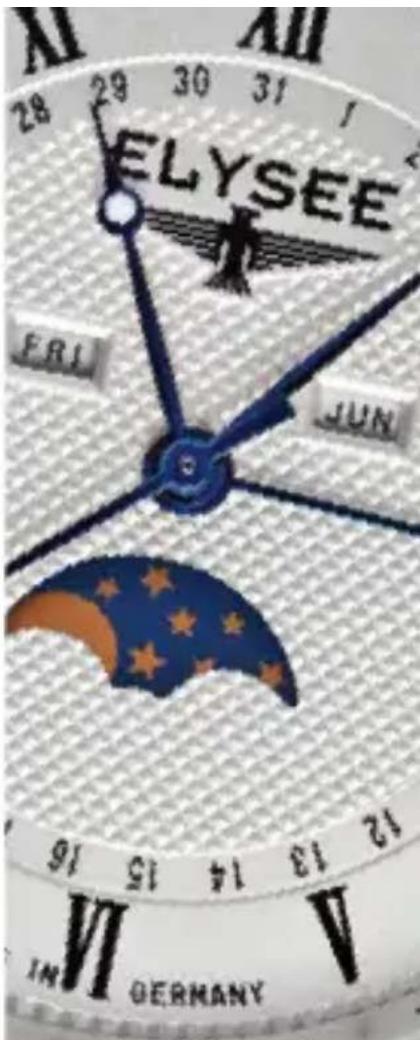
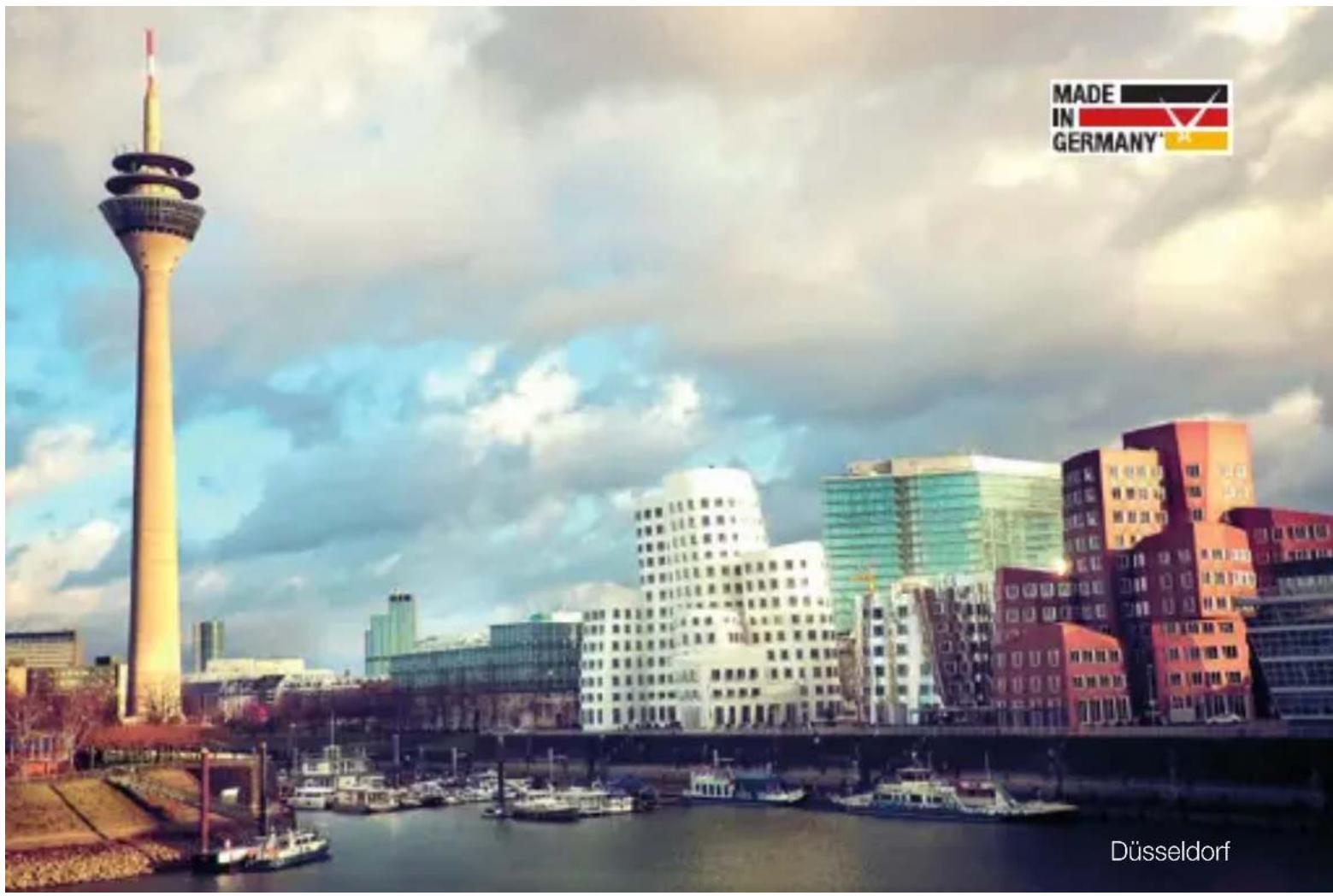
Since 1960 ELYSEE stands for classic watchmaking and finest watch design. Here in Düsseldorf, we are producing high quality time pieces – Made in Germany. A constant motivation to do even better, is for the entire team living company philosophy:
"At the heart of our work is the sum of design, quality and great value for money, of course, connected with the varied desires of watch lovers."
We would like to congratulate you on your new ELYSEE and we hope that you will enjoy it.
With best regards, your ELYSEE team
Please note that this is only a schematic diagram for explaining the settings. The design and various functions can therefore differ from your watch.
SETTING THE DAY
Please observe the following sequence when setting your watch:
-
Pull the crown out to position 2 and turn the hour and minute hands clockwise to set the day.
-
To set the day, you have to put the hour hand by 24 hours per day forward.
If the day is set by turning the crown in the counterclockwise direction, the date may not change. Please turn the crown clockwise. The day is usually changing between 24:00 and 06:00am.
SETTING THE DATE
-
Pull the crown out to position 1 and turn it counter-clockwise to set the date.
-
Push the crown back to its normal position (0).
Do not set the date between 9pm and 3am. Otherwise, the indication of the date may not change the next day.
SETTING THE TIME
- Pull the crown out to position 2, turn the hour and minute hands clockwise to set the time. To ensure that the watch is set accurately, turn the minute hand 5 minutes further than desired and then return to the current time.
- Push the crown back to its normal position (0).
Make sure you have correctly set am/pm before setting the time.
SETTING THE MOON PHASE
- Pull the crown out to position 1 and turn the crown clockwise to adjust the moon phase.
- Push the crown back to its normal position (0).
Use a moon calendar to help you. Set the moon phase to the age (0, 7, 15, or 22) closest to the listed age. A precise setting can be made at the same time from new moon (0) or full moon (15).
The moon age is given in units of days. The duration of the change from one new moon to the next is about 29.5 days.
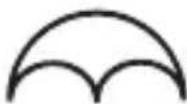
New moon Moon age: 0
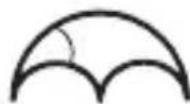
Waxing moon Moon age: 7
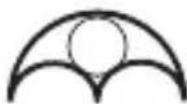
Full moon Moon age: 15

Decrescent moon Moon age: 22
SETTING THE MONTH
- Each time the month-adjustment button (Pusher A) is pushed (for integrated pushers, for example, by a pen or similar), the indication of the month will go forward.
The indication of the month and date are matched. If the date is set at the end of short months (less than 31 days), the indication of the month changes automatically to the correct month. The indication of the month switches around midnight on the 31st day of the calendar.
EVERYTHING AT A GLANCE (SECOND TIME ZONE)
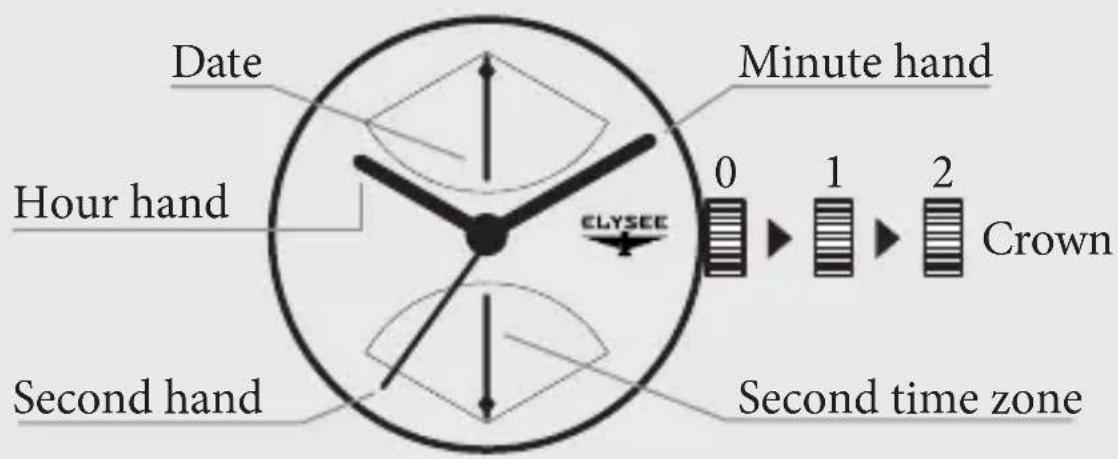
Please note that this is only a schematic diagram for explaining the settings. The design and various functions can therefore differ from your watch.
SETTING THE DATE
- Pull the crown out to position 1 and turn the crown clockwise to set the date to the previous day.
- Pull the crown out to position 2 and turn the crown clockwise to move the hour and minute hands. Turn it until the indication of the date switches to the current day.
- Set the hour and minute hand to the correct time and make sure that the current time is before or after 12 o'clock.
- Press the crown back to its normal position (0).
Please note that you do not set the date between 9pm and 3am, otherwise the date may not change the next day.
SETTING TIME/SECOND TIME ZONE
Setting the time
- Pull the crown out to position 2 and turn the crown to set the hours and minute hands.
- Press the crown back to its normal position (0).
Setting the second time zone
- Pull the crown out to position 1 and turn the crown counterclockwise to set the second time zone.
- Press the crown back to its normal position (0).
Please note that some ELYSEE watches have a screw-down crown. These have to be first loosed to set the watch. Please do not forget to screw the crown back into place after adjusting your watch!
WATER RESISTANCE (DIN 8310)
3 ATM Resistant to splashes, sweat and rain drops
5 ATM Waterproof, but not suitable for swimming

10 ATM Suitable for swimming or snorkeling
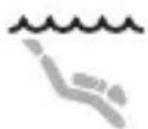
20 ATM Suitable for swimming, snorkeling and diving
The details of the water resistance can be found on the case back of your watch.
WARRANTY AND GUARANTEE
Your ELYSEE has a warranty of 2 years from the date of purchase against all manufacturing defects. This excludes the use of bracelet, glass, battery and damage caused by unauthorized access.
Should you need the warranty or a repair, please send your ELYSEE with the original receipt to the following address:
ELYSEE Uhren GmbH
Heerdter Lohweg 212
40549 Düsseldorf
Germany
Should you have any questions regarding the service processing, please do not hesitate to contact us by phone +49 211 522894-12 or just write an e-mail to service@elysee-watches.com.
ENVIRONMENTAL NOTE AND DISPOSAL
Some products are made of high quality materials and parts that can be recycled and reused. Therefore, at the end of their service life, they must not dispose of the product via household waste. Disposal must be in accordance with the applicable directives for WEEE. Please dispose of the products at a local collection point for waste electrical and electronic equipment.
As a consumer you are legally obliged by the battery regulation to return all used batteries and accumulators. Disposal in household waste is prohibited. You can dispose of used batteries free of charge at the collecting points of your municipality and everywhere where batteries are sold.
With the recycling of old equipment and the proper disposal of batteries / accumulators, you make an important contribution to the protection of our environment.
ELYSEE

— SEIT 1960 —
DÜSSELDORF / GERMANY
ELYSEE Uhren GmbH
Brand : Elysee
Model : Sithon 13292
Category : Montre-bracelet