
SFP 5870 - Mp3 player SENCOR - Free user manual and instructions
Find the device manual for free SFP 5870 SENCOR in PDF.


Pick your language and provide your email: we'll send you a specifically translated version.
| Product Type | MP3/MP4 Player |
| Brand | Sencor |
| Model | SFP 5870 |
| Display | LCD Screen |
| Supported Audio Formats | MP3, WAV |
| Supported Video Formats | AMV |
| Supported Image Formats | JPEG |
| Supported Text Formats | TXT (E-book) |
| Radio | FM Tuner |
| Recording | Voice Recording via Built-in Microphone |
| Playback Functions | Music, Video, Photo Viewer, E-book Reader |
| File Management | File Explorer, Delete File/All |
| Connectivity | USB 2.0 (for Data Transfer and Charging) |
| Power Source | Built-in Rechargeable Battery (via USB) |
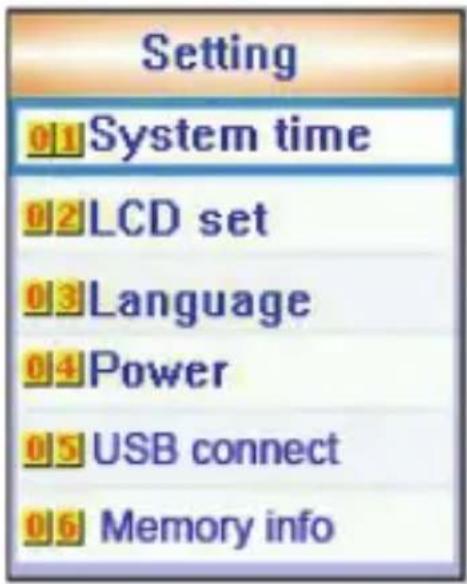
| Settings | System Time, LCD Settings, Language, Power, USB Connect, Memory Info |
| Accessories | USB Cable (included) |
| Maintenance | Keep dry, clean with soft cloth, avoid magnetic fields |
Frequently Asked Questions - SFP 5870 SENCOR
How do I charge the Sencor SFP 5870?
Connect the device to a computer or USB power adapter using the included USB cable. The battery will charge automatically.
What audio formats does the player support?
It supports MP3 and WAV formats for music playback.
Can I watch videos on this device?
Yes, it supports AMV video format. Convert your videos to AMV using appropriate software.
How do I transfer files to the player?
Connect the player to a computer via USB. It will appear as a removable drive. Drag and drop files into the desired folders.
How do I delete files from the player?
Go to the Explorer menu, select the file, then choose Delete file and confirm Yes.
Can I record voice with this device?
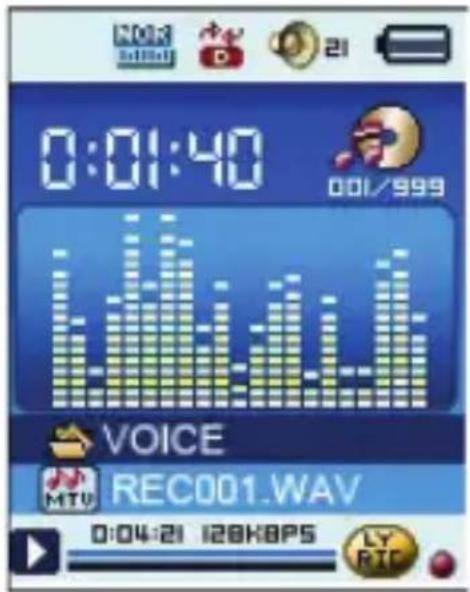
Yes, it has a built-in microphone. Select the Voice Recording mode to record audio.
How do I listen to FM radio?
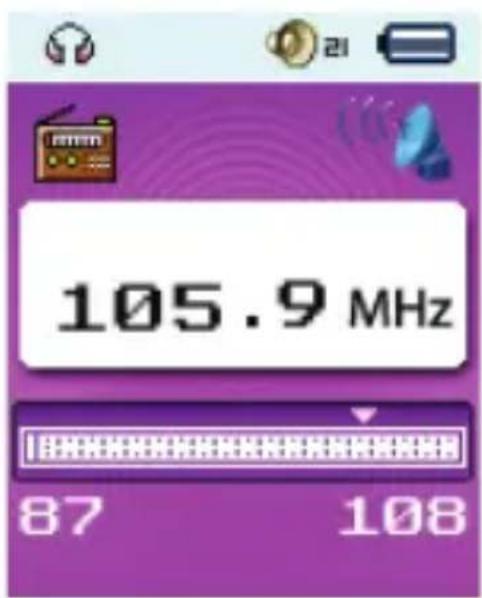
Select the FM Radio mode. Use the navigation keys to tune stations or auto-scan.
What is the battery life of the SFP 5870?
Battery life varies depending on usage, but typically lasts several hours of music playback.
How do I reset the player if it freezes?
Try turning it off and on. If that fails, use a small pin to press the reset button (if available) or discharge the battery.
Can I read e-books on this player?
Yes, it supports TXT files. Copy your e-book files to the device and use the E-book mode to read them.
User questions about SFP 5870 SENCOR
0 question about this device. Answer the ones you know or ask your own.
Ask a new question about this device
No questions yet. Be the first to ask one.
Download the instructions for your Mp3 player in PDF format for free! Find your manual SFP 5870 - SENCOR and take your electronic device back in hand. On this page are published all the documents necessary for the use of your device. SFP 5870 by SENCOR.
USER MANUAL SFP 5870 SENCOR
UŽIVATELSKÁ PŘÍRUČKA
MP3/MP4 PŘEHRÁVAČ
Hlasový záznam:
Režim FM:
CZ - 9
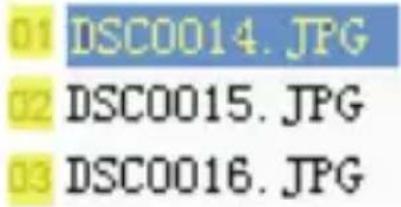
Režim fotografií:
C:ROOT
Režim nastavení:
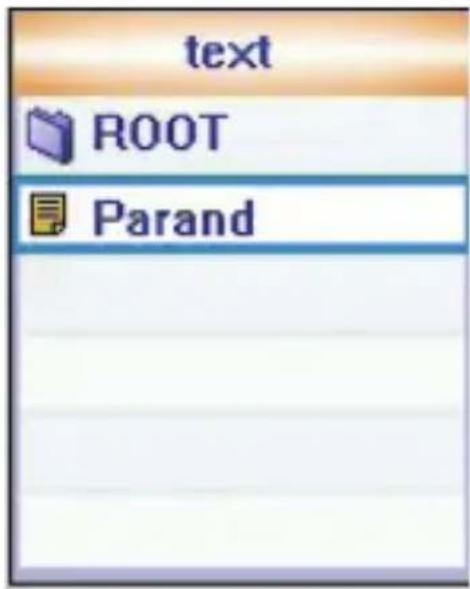
Režim E-knihy:
natural_image
Illustration of a person in red clothing with a blurred background (no text or symbols visible)ČTENÍ DOKUMENTŮ



Table of contents
Click a title to access it
Manual assistant
Powered by Anthropic
Waiting for your message
Product information
Brand : SENCOR
Model : SFP 5870
Category : Mp3 player