SB1 - Earphones JAYBIRD - Free user manual and instructions
Find the device manual for free SB1 JAYBIRD in PDF.


User questions about SB1 JAYBIRD
0 question about this device. Answer the ones you know or ask your own.
Ask a new question about this device
Download the instructions for your Earphones in PDF format for free! Find your manual SB1 - JAYBIRD and take your electronic device back in hand. On this page are published all the documents necessary for the use of your device. SB1 by JAYBIRD.
USER MANUAL SB1 JAYBIRD
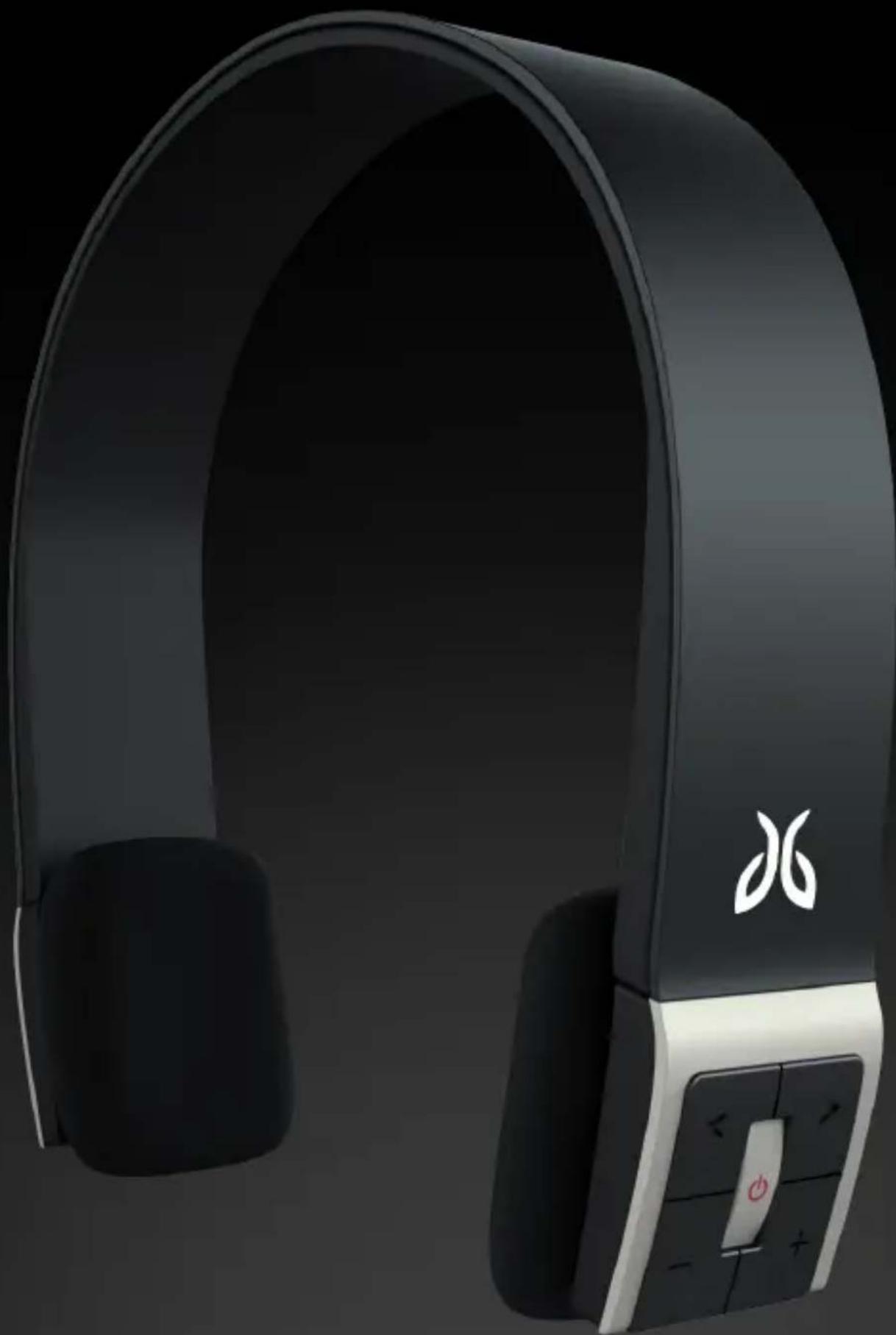
Sportsband Bluetooth headphones
natural_image
Black and white photo of a modern black and white headband with earphones and control buttons (no visible text or symbols)Sportsband Bluetooth headphones
Charging the headphones
Charging the battery before use is recommended but not required. The headphones ship pre-charged however initial charge will vary. Low battery is indicated by the status indicator blinking red with an audible tone every 20 seconds.
Charging the battery with USB cable
Connect charging cable with the charging port of headphones below the control panel of the right earpiece. Connect cable to the USB slot of any PC or Mac. The status indicator will be red while charging and will turn off when fully charged.
Wearing the headphones
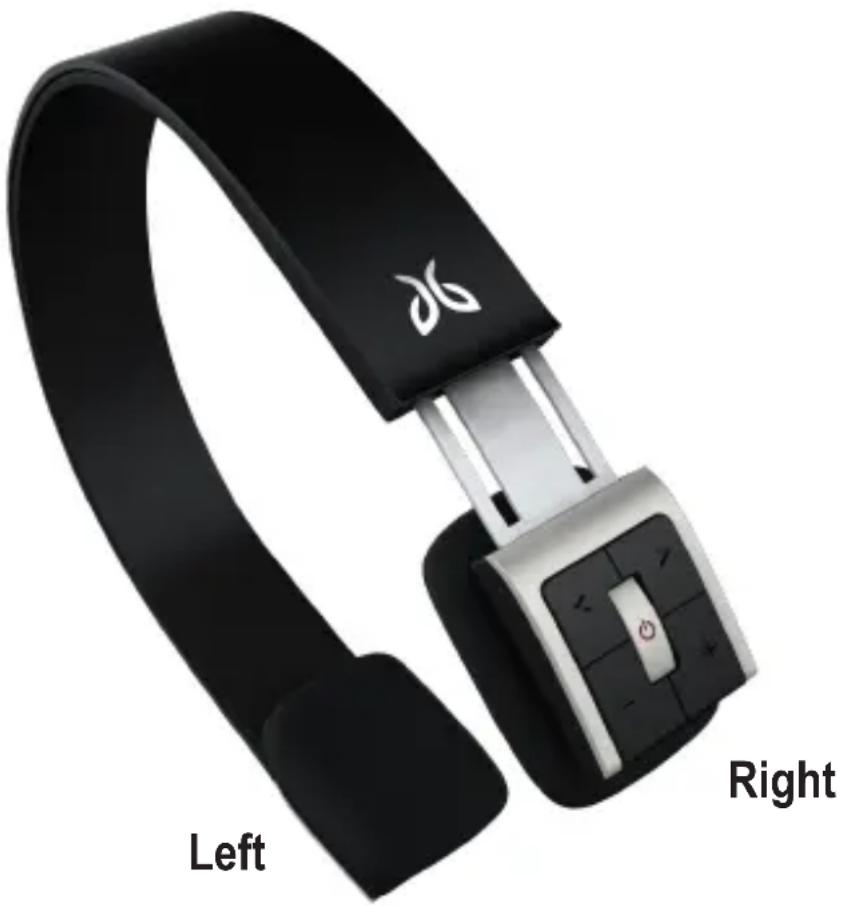
Right: Controls Left: No controls
natural_image
Black headband with white logo and 'Left' and 'Right' labels, showing a black strap and control buttons (no text or symbols on the device itself)Sportsband Bluetooth headphones
Pair Mode
natural_image
Pure electrical circuit symbol for a battery, no text or labels present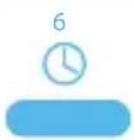
natural_image
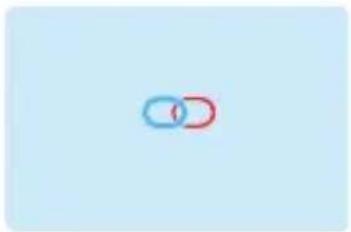
Two interlocked rings, one blue and one red, on a light blue background (no text or symbols)Begin with SB1 powered off.
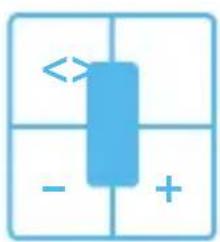
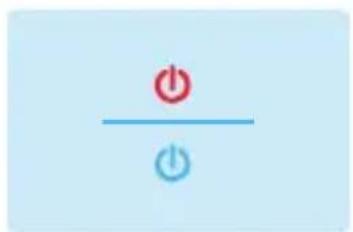
Push and hold multi-function button for 6 seconds until status light alternates red and blue. You are now in pair mode. See your phone/music device manual for pair instructions.
Power On/Off
text_image
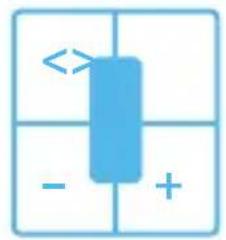
Diagram with a blue rectangular block and directional arrows, possibly indicating movement or flow in a grid layout.
natural_image
Simple electrical switch symbols (red and blue circles) on a light blue background, no text or labels present.Need more words for pairing?
See next page if simple just isn't simple. Skip it if you've got it down.
Sportsband Bluetooth headphones
Pair Mode (step by step)
- Keep the headset and mobile phone in the range of 1 meter when pairing.
- Put the headphones into pairing mode by pushing the multi-function (center) button for 5-7 seconds.
- Start the Bluetooth function of mobile phone and search the Bluetooth devices. After searched, select "SB1" in the Bluetooth device list.
- Enter password or PIN No:"0000" on your mobile phone when prompted.
- If required, after successful pairing, select "SB1" in the Bluetooth device list and press "connect".
- After successful connecting, the blue light blinks twice every 4 seconds.
Note
- If the pairing is not successful, switch off headphones by pushing the multi-function (center) button for 3 seconds, and then re-pair according to the steps outlined above.
- After pairing is successful, paired devices will remember each other. Unless pairing information is deleted, so there is no need to pair again.
- The headphones will connect with the latest paired device. If you want to pair with other Bluetooth devices, switch off the Bluetooth function of the current Bluetooth device, and then pair and connect it with the new Bluetooth device according to steps outlined above.
Pairing with a Bluetooth Adapter for iPhone or iPod
- Keep the Bluetooth adapter and headphones within 1 meter of each other when pairing.
- Put the headphones into pair mode as outlined above.
- Plug the Bluetooth adapter into the iPhone or iPod and play a song.
- The headphones and adapter will pair automatically (passcode of adapter must be 0000)
- After successful pairing and connecting, the blue (or red) light of headset blinks twice every 4 seconds.
Sportsband Bluetooth headphones
Pairing with several Bluetooth devices
The headphones can connect with two devices at most. A mobile phone with HFP profile; and a device with A2DP profiles. If you want to pair two Bluetooth devices, please refer to the following steps.
- Firstly, pair the headphones with the Bluetooth adapter
- Disconnect the Bluetooth adapter from the iPhone or iPod
- Pair and connect the headphones with the mobile phone
- Reconnect the Bluetooth adapter, it will connect with headphones automatically.
Note
Mobile phones that support HSP and A2DP profiles simultaneously may block the Bluetooth adapter from reconnecting to the headphones.
Sportsband Bluetooth headphones
natural_image
Pure electrical circuit symbol for a battery, no text or labels present

natural_image
Simple icon of a phone call with double arrow and signal symbol (no text or numbers)Play
Pause
Answer Call
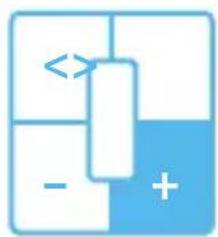
natural_image
Abstract geometric diagram with blue and white blocks and a central arrow, no text or symbols present
natural_image
Simple blue speaker icon with plus sign, no text or symbols presentIncrease Volume
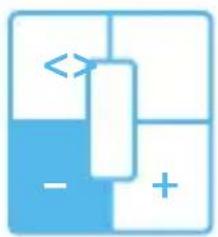
natural_image
Abstract geometric diagram with blue and white blocks, no text or symbols present

natural_image
Simple blue icon with speaker symbol and minus sign on light blue background (no text or symbols)Decrease Volume
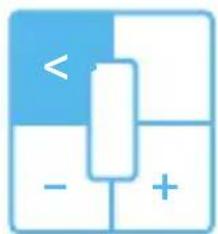
natural_image
Abstract diagram with blue and white blocks and a vertical bar, no text or symbols present

natural_image
Two blue left-pointing triangles on a light blue background (no text or symbols)Previous Track
(iPhone does not support this feature)
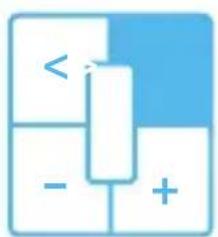
text_image
< - +

natural_image
Two blue right-pointing triangles on a light blue background (no text or symbols)Next Track
(iPhone does not support this feature)
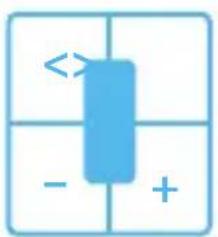
text_image
Diagram showing a blue rectangular object with directional arrows and symbols below and above, possibly indicating movement or polarity.
text_image
x --- 2Reject Incoming Call
Voice Dial
(Use Voice dail with iPhone for next and previous track)
Making a call with the headphones (detailed operation)
| Function | Status of headset | Operation | Indication |
| Voice dial | Standby mode | Press and hold the MFB for 2s, release the key till you hear indication sound | A short tone “DU” |
| Redial last number | Standby mode | press the MFB twice | A short tone “DU” |
| Turn up volume | Conversation mode | Short press or long press + key | Nothing |
| Turn down volume | Conversation mode | Short press or long press - key | Nothing |
| Answer calling | Ringing | Short press the MFB | A short tone “DU” |
| Reject calling | Ringing | Press and hold the MFB for 2s, and release the key till you hear the indication sound | A short tone “DU” |
| End calling | Conversation mode | Short press the MFB | A short tone “DI” |
| Switch conversation between headset and cell phone | Conversation mode | Press and hold the MFB for 2s, release the key till you hear the indication sound | A short tone “DU” |
| Microphone mute | Conversation mode | Quickly press the MFB twice | “Du”“Du” tone every 5s |
| Cancel mute | Conversation mute | Quickly press the MFB twice | Nothing |
*Not all the mobile phones support all the functions listed above. Please refer to the instruction of your mobile phone. When the volume is adjusted to max or min, you will hear a indication sound of "Ding-Dong". For some mobile phones, when you accept a call on the phone, the call will be sent to the mobile phone. You can switch the call to headphones by using the accept call button on the headphones or through the phone. Please refer to the instruction of your mobile phone for further information.
Sportsband Bluetooth headphones
Playing Music (detailed operation)
| Function | Status of headset | Operation | Indication |
| Volume up | Playing music | Short press or long press + key | nothing |
| Volume down | Playing music | Short press or long press - key | nothing |
| Pause | Playing music | Short press the MFB | A short tone “du” |
| Revert | Pause | Short press the MFB | A short tone “du” |
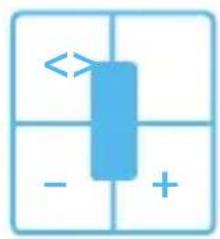
| Last song | Playing music | Short press < key | A short tone “du” |
| Next song | Playing music | Short press>key | A short tone “du” |
*For some of mobile phones, when they are playing music, the music will transmit to the speaker of mobile phone, you have to choose “transmit the sound through Bluetooth” in the “setting” of music play interface, and then choose “SB1” in the device list. Please refer to the instruction of your mobile phone for further information. When the volume of headphones is adjusted to max or min, you will hear a “Ding-Dong” tone. Remote control the function of next track, previous track, etc require your mobile phone to support AVRCP. Please refer to the instruction of your mobile phone or Bluetooth transmitter for further information. As of March 2010 iPhone does not yet support AVRCP.
Sportsband Bluetooth headphones
Status Light
Charging
| LED indicator | Status of headphones |
| Red light is on | Charging |
| Red light is off | Finish charging |
Pairing with a Bluetooth Device
| LED Indicator | Status of headset |
| Red and blue light blink alternately | Pairing mode |
| Blue light (blue light will turn red if low power) blinks twice every 2 seconds. | Standby mode (paired, but not connected with the Bluetooth device) |
| Blue light (blue light will turn red if low power,) blinks twice every 4 seconds | Standby mode(connected with the Bluetooth device) |
| Blue light blinks (blue light will turn red as low power,) 3 times every second | Ringing |
| Red light (blue light will turn red if low power) blinks 1 time every 2 seconds | Conversation mode |
Tones
| Tone indication | Status of headset |
| Two tones every 5 seconds | Conversation mode and microphone mute |
| A tone “DU” every 20 seconds | Low power |
Sportsband Bluetooth headphones
Specifications
| Bluetooth version | Compatibility Bluetooth V2.1 |
| Bluetooth profile | Headset, Hands free, A2DP, AVRCP |
| Effective range | 10m |
| Working time: | Music: Up to 8 hrsTalk: Up to 11hrs |
| Standby time: | Up to 250 hrs |
| Input voltage: | DC: +5.0±0.25VA |
| Charging time: | Approx 2.5 hrs |
| Dimension | 162*153.5*32 mm |
| Weight | Approx. 103 g |
Care and maintenance
Keep dry and do not store it in the dump place
Do not put the product in direct sunlight for extended periods of time or in hot areas.
High temperature will shorten the life of electronic device, destroy the battery, and distort certain plastic.
Do not expose the product to extreme cold.
Do not disassemble the product.
Do not drop the headphones.
Do not use chemicals or detergent to clean the product.
If the product fails to work please contact JayBird support at jaybirdgear.com
Compliance
This Bluetooth stereo headset complies with Part 15 of the FCC Rules. Operation is subject to the following two conditions: (1) This Bluetooth stereo headset may not cause harmful interference, and (2) it must accept any interference received, including interference that may cause undesired operation.
The battery is recycled. Do not dispose of the battery in fire, as it may cause explosion.
Sportsband Bluetooth headphones
Warranty Information
http://www.jaybirdgear.com/pdf/JayBird_Terms.pdf

jaybirdgear.com
+1.866.244.3399 | support@jaybirdgear.com
WARNING: Due to the isolating characteristics of these earphones do not use while driving, riding a bike or where vehicular traffic is present, or in any other activity where failure to hear surrounding sounds could be dangerous. Use of these earphones at excessive volumes may cause permanent hearing damage. Always turn the volume down before use.
Copyright 2009 JayBird Gear LLC. All rights reserved. JayBird, and the JayBird logo are trademarks of JayBird Gear LLC. Bluetooth is a trademark owned by Bluetooth SIG, Inc. USA, and licensed to JayBird GearLLC. iPhone is a trademark of Apple, Inc., registered in the U.S. and other countries. Assembled in China