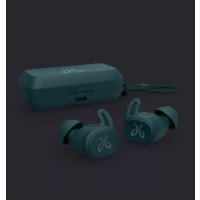
Vista - Earplug JAYBIRD - Free user manual and instructions
Find the device manual for free Vista JAYBIRD in PDF.



| Product type | Wireless in-ear headphones |
| Brand | JayBird |
| Model | Vista |
| Waterproof rating | IPX7 (resistant to rain, mud, temporary immersion) |
| Battery life | Approximately 6 hours per charge |
| Charging case battery | Additional charge (total battery life of approximately 11 hours) |
| Connectivity | Bluetooth |
| Controls | Physical buttons (customizable via the Jaybird app) |
| Companion app | Jaybird (for setup and adjustments) |
| Eartip sizes | 3 sizes (1, 2, 3) pre-installed size 2 |
| Maintenance | Rinse with fresh water after exposure to salt/chlorinated water, air dry |
| Precautions | Do not use for swimming or showering |
| Compatibility | Smartphones (iOS and Android) via Bluetooth |
| Weight (estimated) | Approximately 5 g per earbud |
| Dimensions (estimated) | 25 x 20 x 20 mm per earbud |
| Warranty | Visit Jaybird website (jaybirdsport.com) for details |
Frequently Asked Questions - Vista JAYBIRD
User questions about Vista JAYBIRD
0 question about this device. Answer the ones you know or ask your own.
Ask a new question about this device
Download the instructions for your Earplug in PDF format for free! Find your manual Vista - JAYBIRD and take your electronic device back in hand. On this page are published all the documents necessary for the use of your device. Vista by JAYBIRD.
USER MANUAL Vista JAYBIRD
Download the Jaybird App for guided setup.
For more information, visit jaybirdsport.com/support/vista
FRANCAIS 8
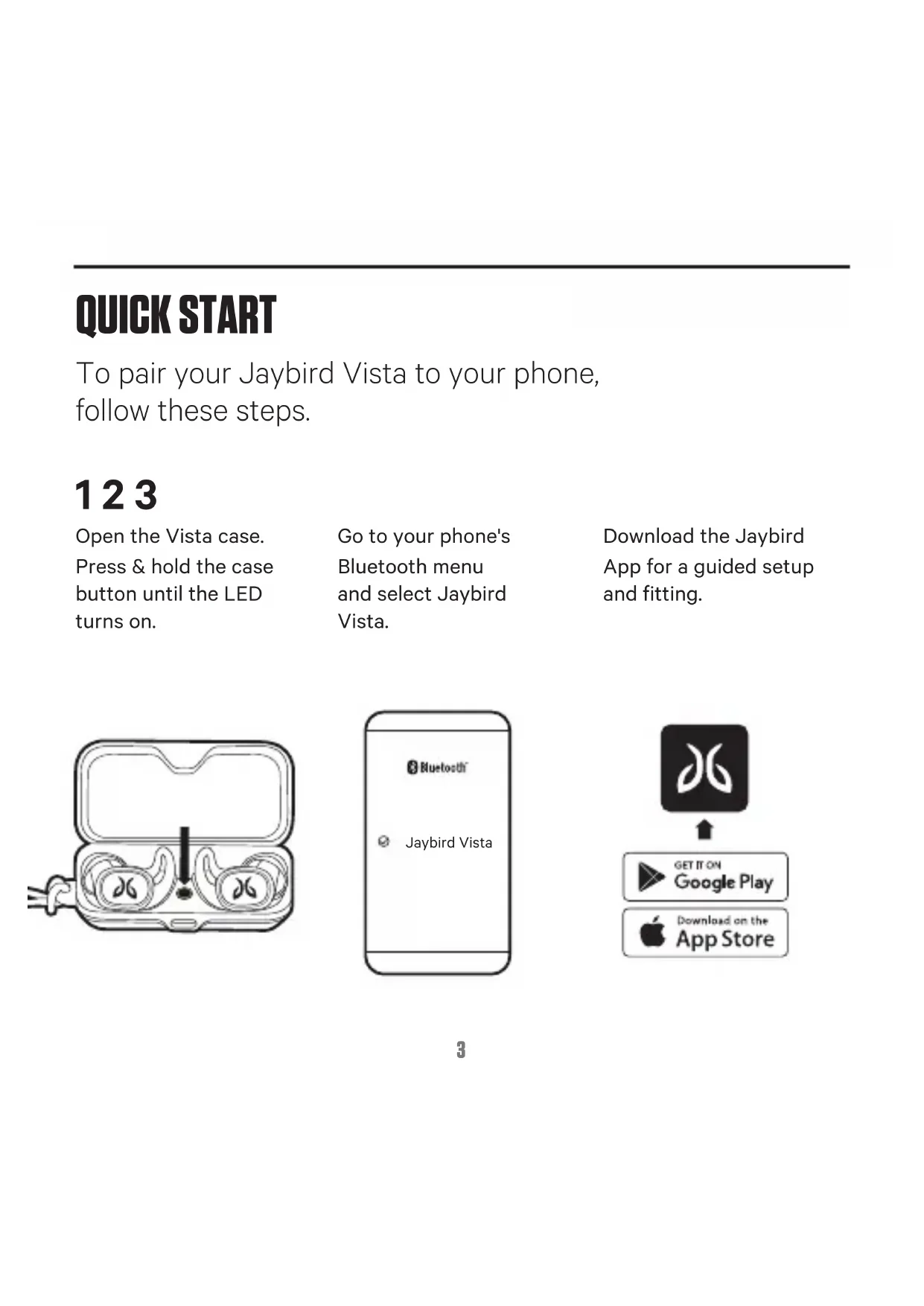
To pair your Jaybird Vista to your phone, follow these steps.
123
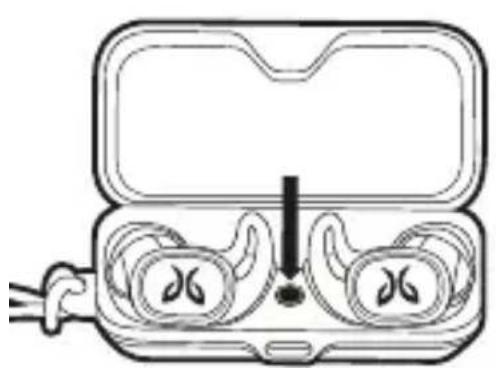
Open the Vista case. Press & hold the case button until the LED turns on.
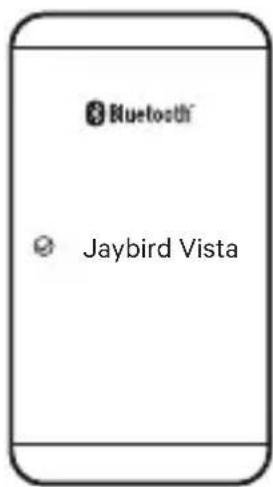
Go to your phone's Bluetooth menu and select Jaybird Vista.
Download the Jaybird App for a guided setup and fitting.

FIT
For an assisted fit setup, please download the Jaybird App or visit www.jaybirdsport.com/support/vista
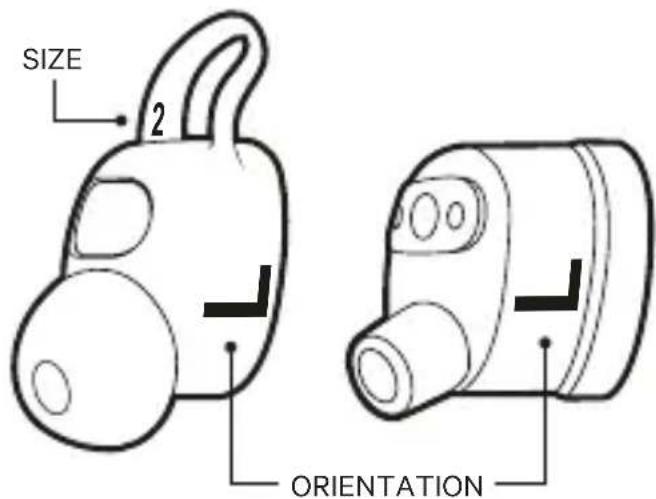
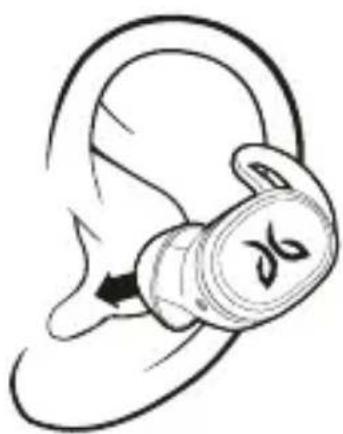
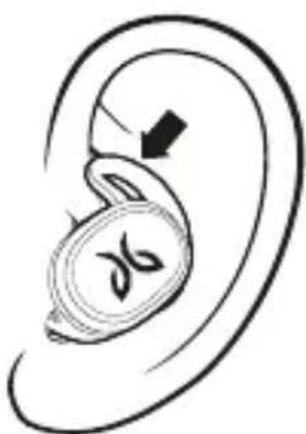
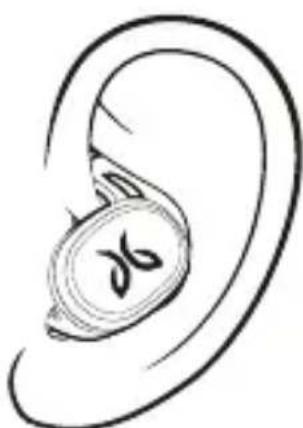
Start with the pre-installed size 2 on the earbud.
-
If the earbud does not feel secure enough please try size 3.
-
If you feel some discomfort or pressure, please try size 1.
It is not uncommon to use a different size in each ear.
4
CONTROLS
Download the Jaybird app to customize your button controls.

WATERPROOF
Your Jaybird headphones feature an IPX7 waterproof rating. Jaybird headphones are designed to handle rain, mud and outdoor adventures.
Jaybird headphones are not designed for swimming, showering or exposure to pool or ocean water. In case of exposure to salted or chlorinated water, rinse the headphones gently with fresh water and air dry before use.
The charging case is not water resistant, so please ensure your headphones are completely dry before putting them inside the case.
CARE & MAINTENANCE
Please see jaybirdsport.com for proper care and maintenance instructions.
SUPPORT
We want to make sure you get the best experience possible.
DOWNLOAD
The Jaybird app
VISIT US ONLINE
www.jaybirdsport.com/vista

DÉMARRAGE RAPIDE
© 2018 Logitech. Logitech, Jaybird and the Jaybird logo are trademarks or registered trademarks of Logitech Europe S.A. and/or its affiliates in the U.S. and other countries.
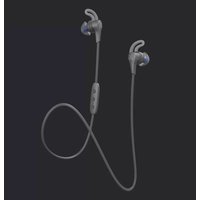
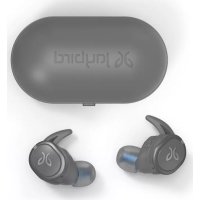

Brand : JAYBIRD
Model : Vista
Category : Earplug