
WU-1a - Photo Accessories NIKON - Free user manual and instructions
Find the device manual for free WU-1a NIKON in PDF.


Pick your language and provide your email: we'll send you a specifically translated version.
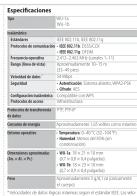
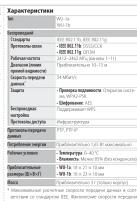
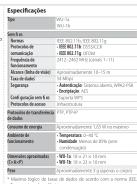
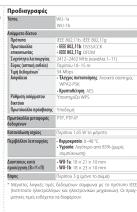
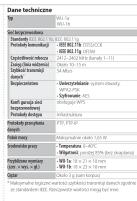
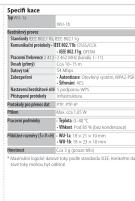
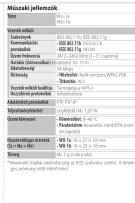
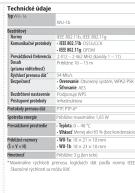
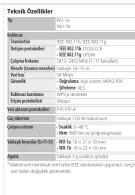
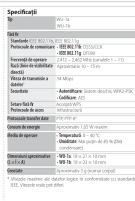
| Product Type | Wireless Adapter |
| Compatible Cameras | Nikon DSLR (D600, D800, D7100, etc.) |
| Wireless Standard | IEEE 802.11b/g/n (2.4 GHz) |
| Maximum Range | Approx. 30 m (line of sight) |
| Power Source | Camera battery (no separate battery) |
| Dimensions (approx.) | 45 x 25 x 15 mm |
| Weight (approx.) | 12 g |
| Image Transfer | Wireless transfer to smartphone/tablet |
| Remote Control | Shutter release, live view via app |
| GPS Tagging | Using smartphone GPS data |
| Supported App | Wireless Mobile Utility (Nikon) |
| Connection Type | Wi-Fi direct (no router needed) |
| Material | Plastic with metal connector |
| Certification | CE, FCC |
| Repairability | Not user-serviceable; replace if faulty |
Frequently Asked Questions - WU-1a NIKON
Which Nikon cameras are compatible with the WU-1a?
The WU-1a is compatible with several Nikon DSLRs such as the D600, D800, D7100, D5200, and select other models. Please check Nikon's official compatibility list for your specific camera.
How do I connect the WU-1a to my smartphone?
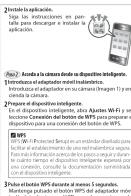
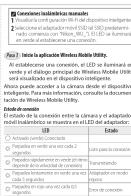
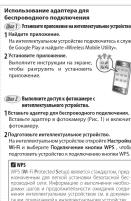
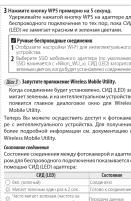
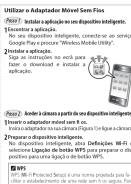
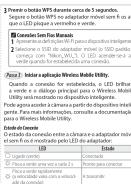
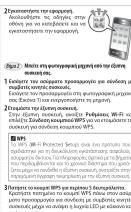
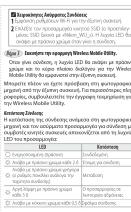
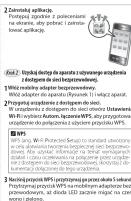
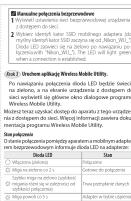
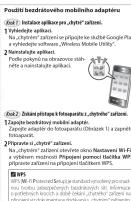
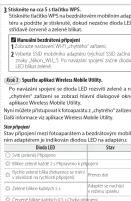
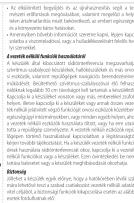
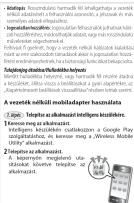
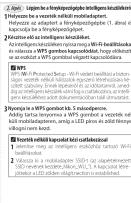
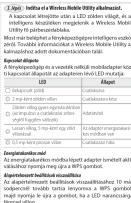
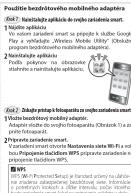
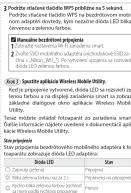
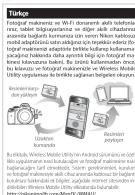
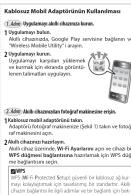
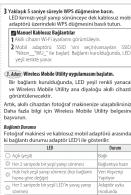
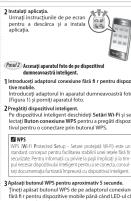
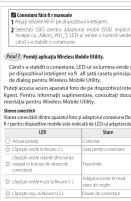
Install the Wireless Mobile Utility app from the App Store or Google Play. Insert the WU-1a into your camera's accessory terminal, enable Wi-Fi on the camera, and connect your smartphone to the camera's Wi-Fi network. The app will guide you through the process.
What is the range of the WU-1a?
The WU-1a has an approximate range of 30 meters (100 feet) in open space with line of sight. Walls and obstacles may reduce the effective range.
Does the WU-1a require its own battery?
No, the WU-1a draws power from the camera's battery. It does not have a separate battery, so using the adapter will slightly reduce your camera's battery life.
Can I control my camera remotely with the WU-1a?
Yes, through the Wireless Mobile Utility app you can remotely adjust settings, trigger the shutter, and view a live preview from the camera's viewfinder on your smartphone.
How do I transfer photos using the WU-1a?
Open the Wireless Mobile Utility app, select the photos you want to transfer, and they will be sent to your smartphone. You can also set the camera to automatically transfer photos after capture.
Is the WU-1a compatible with iOS and Android?
Yes, the Wireless Mobile Utility app is available for both iOS (iPhone/iPad) and Android devices.
What is the difference between the WU-1a and WU-1b?
The WU-1a uses the Accessory Terminal port on newer Nikon DSLRs, while the WU-1b uses the older USB port on some camera models. Choose the one compatible with your camera.
Can I use the WU-1a for GPS tagging?
Yes, when connected to the app, the WU-1a can use your smartphone's GPS data to embed location information into the photo's EXIF data.
How do I clean the WU-1a?
Gently wipe the exterior with a soft, dry cloth. Avoid using liquids or abrasive materials. Do not insert anything into the ports.
User questions about WU-1a NIKON
0 question about this device. Answer the ones you know or ask your own.
Ask a new question about this device
No questions yet. Be the first to ask one.
Download the instructions for your Photo Accessories in PDF format for free! Find your manual WU-1a - NIKON and take your electronic device back in hand. On this page are published all the documents necessary for the use of your device. WU-1a by NIKON.
USER MANUAL WU-1a NIKON



Manual assistant
Powered by Anthropic
Waiting for your message
Product information
Brand : NIKON
Model : WU-1a
Category : Photo Accessories