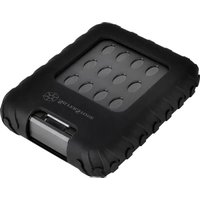
MMS02 - External hard drive SILVERSTONE - Free user manual and instructions
Find the device manual for free MMS02 SILVERSTONE in PDF.


User questions about MMS02 SILVERSTONE
0 question about this device. Answer the ones you know or ask your own.
Ask a new question about this device
Download the instructions for your External hard drive in PDF format for free! Find your manual MMS02 - SILVERSTONE and take your electronic device back in hand. On this page are published all the documents necessary for the use of your device. MMS02 by SILVERSTONE.
USER MANUAL MMS02 SILVERSTONE
Mammoth Series MMS02
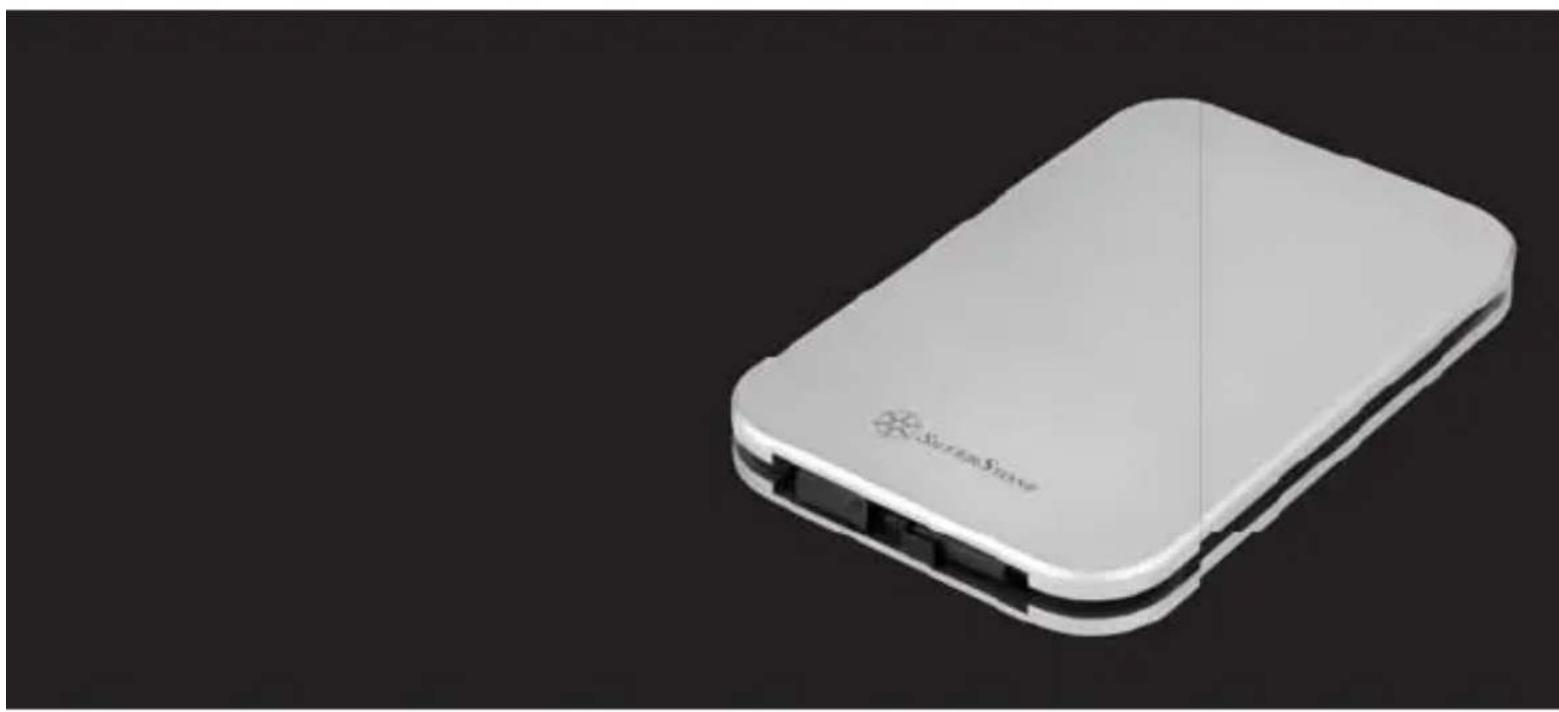
Military-grade IP68 water resistant and dust proof external 2.5" drive enclosure with USB 3.1 Gen 2
Installation and system optimization guide:
The following manual and guides were carefully prepared by the SilverStone engineering team to help you maximize the potential of your SilverStone product. Please keep this manual for future reference when upgrading or performing maintenance on your system. A copy of this manual can also be downloaded from our website at:
Product Overview P.1
Package Content P.2
- Installation Guide P.3
- FAQ P.15
Warranty Information
Introduction
The MMS02 is a military-grade external 2.5" drive enclosure
with USB 3.1 Gen 2 capability. Its beautiful all-aluminum and
surprisingly svelte protective enclosure is certified for IP68
standard so it is dust proof and water resistant. Despite the
extraordinary durability, there are no sacrifices in performance
as the MMS02 supports UASP in addition to its already speedy
USB 3.1 Gen 2 interface. If you are looking for a stylish
enclosure that can protect your drive in the harshest environment
possible, the MMS02 is the one to get.
Specifications
| Model No. | SST-MMS02C |
| Enclosure material | Aluminum |
| Color | Charcoal |
| Ingress protection | IP6X Dustproof: No ingress of dust; complete protection against contact (dust tight) IPX8 Water resistant: Soaking in 1.5 meter deep fresh water for 60 minutes |
| Controller | VIA VL715 |
| HDD size support | 7mm or 9.5mm 2.5" SATA HDD / SSD |
| HDD interface | SATA III / II / I |
| Enclosure interface | USB 3.1 Type-C (compatible with USB 3.1 Gen 1 / 2.0 / USB 1.1) |
| Transfer speed | USB 3.1 Gen 2 up to 10Gbps |
| Support OS | Microsoft Windows 10/8.1/8/7/VISTA (32-bits, 64-bits) or future release versions Mac OS 10.8 or future release versions |
| Extra function | UASP |
| USB Cable length | 460mm |
| Environment | Operating Temperature: 5°C ~ 35°C Operating Humidity: 20%RH ~ 80%RH Storage Temperature: -20°C ~ 50°C Storage Humidity: 20%RH ~ 80%RH |
| Net Weight | 400g ± 20g |
| Dimension | 105mm (W) x 16mm (H) x 164.5mm (D) 4.13" (W) x 0.63" (H) x 6.48" (D) |
Package Content

ENGLISH
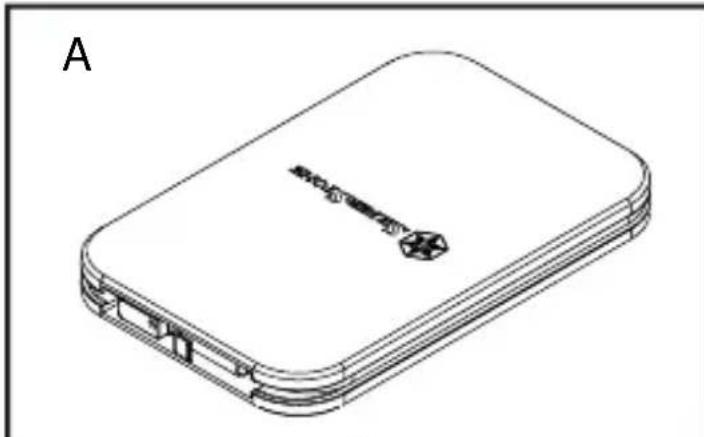
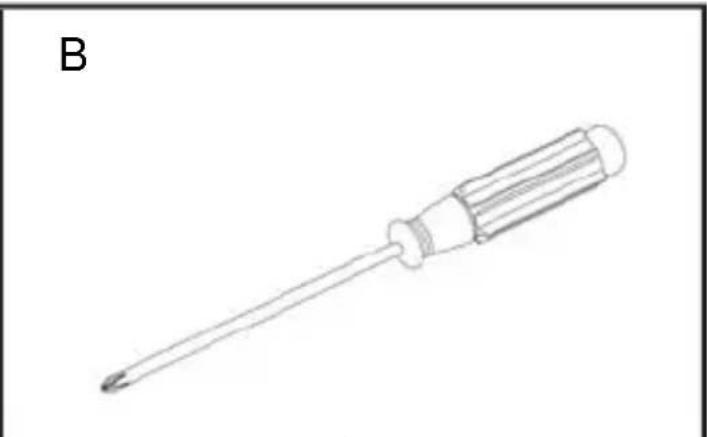
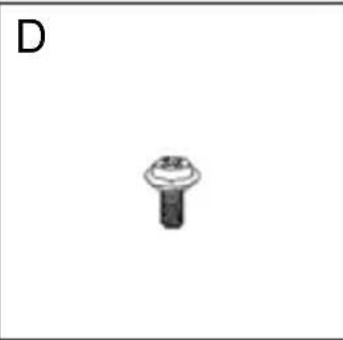
A. MMS02 enclosure with USB Type-C to Type-C cable / B. Screwdriver / C. Anti-vibration pad / D. Screws / E. User manual / F. Footpads
DEUTSCH
When mounting a hard drive, please be mindful of static electricity as it can cause device malfunction. Please touch other metal objects to discharge or wear antistatic gloves before handling hard drive.
If hard drive already contains data, please backup it up before installation to prevent data loss.
■ After installation if you cannot see your HDD / SSD in the operating system, please go to disk management to initialize your HDD / SSD.
DEUTSCH
Use included screwdriver to remove the screws for opening the MMS02 enclosure
A: Screw / Seal ring
DEUTSCH
Remove the MMS02 top cover
DEUTSCH
Remove screws on the PCB
DEUTSCH
Connect HDD or SSD to the PCB and align the fixing column on the bottom of the MMS02
A: HDD / SSD fixing column
DEUTSCH
A:HDD/SSD KnKcnpuOuaa KONoHa
宽博中文
Secure the PCB with screws
A: Anti-vibration pad
B:HDD/SSD
C:PCB
DEUTSCH
Anti-vibration pad installation
- For 7mm thick 2.5" HDD / SSD, please place the anti-vibration pad on it. For 9.5mm thick 2.5" HDD / SSD, anti-vibration pad is not needed.
DEUTSCH
Vibrationsdampfendes Polster installieren
ENGLISH Apply footpads
Installation complete
DEUTSCH
Connect MMS02 to your computer to enjoy USB 3.1 Gen 2 speed
DEUTSCH
Q: Can I use drives that already have existing data?
A: Mostly yes, but depending on the environment in which the drive was previously used, there may be incompatibility, so to avoid unpredictable data loss, please backup first before using it in MMS02.
Q: What kinds of hard drives are supported?
A: The product can support 2.5" SATA HDD / SSD, but not IDE, SAS, SCSI HDD.
Q: How many drive insertion cycles can MMS02 withstand?
A: This product's SATA connector durability is rated up to 10,000 cycles.
Q: Why does disk format take so much time in Windows?
A: You can select quick format when performing the format function.
Q: Does MMS02 support USAP function?
A: Yes, but your system also needs to support USAP for it to work.
DEUTSCH
Warranty Information
This product has a limited 1 year warranty in North America and Australia.
For information on warranty periods in other regions, please contact your reseller or SilverStone authorized distributor.
Warranty terms & conditions
- Product component defects or damages resulted from defective production is covered under warranty. Defects or damages with the following conditions will be fixed or replaced under SilverStone Technolog
a) Usage in accordance with instructions provided in this manual, with no misuse, overuse, or other inappropriate actions.
b) Damage not caused by natural disaster (thunder, fire, earthquake, flood, salt, wind, insect, animals, etc...)
c) Product is not disassembled, modified, or fixed. Components not disassembled or replaced.
d) Warranty mark/stickers are not removed or broken.
Loss or damages resulted from conditions other than ones listed above are not covered under warranty.
- Under warranty, SilverStone Technology's maximum liability is limited to the current market value for the product (depreciated value, excluding shipping, handling, and other fees). SilverStone Technology is not responsible for other damages or loss associated with the use of product.
- Under warranty, SilverStone Technology is obligated to repair or replace its defective products. Under no circumstances will SilverStone Technology be liable for damages in connection with the sale, purchase, or use including but not limited to loss of data, loss of business, loss of profits, loss of use of the product or incidental or consequential damage whether or not foreseeable and whether or not based on breach of warranty, contract or negligence, even if SilverStone Technology has been advised of the possibility of such damages.
- Warranty covers only the original purchaser through authorized SilverStone distributors and resellers and is not transferable to a second hand purchaser.
- You must provide sales receipt or invoice with clear indication of purchase date to determine warranty eligibility.
- If a problem develops during the warranty period, please contact your retailer/reseller/SilverStone authorized distributors or SilverStone http://www.silverstonetek.com.
Please note that: (i) You must provide proof of original purchase of the product by a dated itemized receipt; (ii) You shall bear the cost of shipping (or otherwise transporting) the product to SilverStone authorized distributors. SilverStone authorized distributors will bear the cost of shipping (or otherwise transporting) the product back to you after completing the warranty service; (iii) Before you send the product, you must be issued a Return Merchandise Authorization ("RMA") number from SilverStone. Updated warranty information will be posted on SilverStone's official website.
Please visit http://www.silverstonetek.com for the latest updates.
Additional info & contacts
For North America (usasupport@silverstonetek.com)
SilverStone Technology in North America may repair or replace defective product with refurbished product that is not new but has been functionally tested. Replacement product will be warranted for remainder of the warranty period or thirty days, whichever is longer. All products should be sent back to the place of purchase if it is within 30 days of purchase, after 30 days, customers need to initiate RMA procedure with SilverStone Technology in USA by first downloading the "USA RMA form for end-users" form from the below link and follow its instructions.
http://silverstonetek.com/contactus.php
For Australia only (support@silverstonetek.com)
Our goods come with guarantees that cannot be excluded under the Australian Consumer Law.
You are entitled to a replacement or refund for a major failure and for compensation for any other reasonably foreseeable loss or damage.
You are also entitled to have the goods repaired or replaced if the goods fail to be of acceptable quality and the failure does not amount to a major failure. Please refer to above "Warranty terms & conditions" for further warranty details.
SilverStone Technology Co., Ltd. 12F No. 168 Jiankang Rd., Zhonghe Dist., New Taipei City 235 Taiwan R.O.C. + 886-2-8228-1238
(standard international call charges apply)
For Europe (support.eu@silverstonetek.de)
For all other regions (support@silverstonetek.com)
SilverStone Technology Co., Ltd.
www.silverstonetek.com
support@silverstonetek.com
NO:G11231740