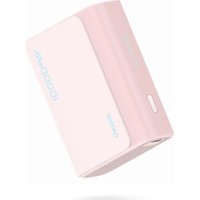
PB100 - Power bank CUKTECH - Free user manual and instructions
Find the device manual for free PB100 CUKTECH in PDF.


| Product type | External battery / portable battery |
| Brand | CUKTECH |
| Model | PB100 |
| Cell type | Lithium-ion |
| Rated energy | 35.77 Wh |
| Typical energy | 36.5 Wh |
| Rated capacity | 5600 mAh (5V/3A) |
| Input | Type-C: 5V/3A, 9V/3A, 12V/2.5A |
| USB-A output | 5V/3A, 9V/3A, 12V/2.5A, 5-11V/3A (33 W max) |
| Type-C output | 5V/3A, 9V/3A, 12V/2.5A (30 W max) |
| Multiport output | 5V/3A (shared) |
| Max output power | 33 W |
| Charging time | Approximately 2 h with PD charger ≥30 W, approximately 2.8 h with 18 W charger |
| Conversion efficiency | 76% (5V/3A) |
| Dimensions | 80 × 57.82 × 28.4 mm |
| Operating temperature | 5°C to 35°C |
| Safety protections | Overcharge, excessive discharge, overheating, short circuit |
| Compatibility | Mobile phones and consumer digital devices |
| Maintenance | Charge fully before first use; use suitable charger and cable; store with 25-50% charge |
| Cleaning | Wipe with a dry, clean cloth |
| Spare parts | Not available individually |
| Repairability | Do not disassemble; contact after-sales service |
Frequently Asked Questions - PB100 CUKTECH
User questions about PB100 CUKTECH
0 question about this device. Answer the ones you know or ask your own.
Ask a new question about this device
Download the instructions for your Power bank in PDF format for free! Find your manual PB100 - CUKTECH and take your electronic device back in hand. On this page are published all the documents necessary for the use of your device. PB100 by CUKTECH.
USER MANUAL PB100 CUKTECH
CUKTECH Power Bank 10000mAh 30W User Manual
Contents
English....1
Italia....11
Français....19
España......28
Deutsch....36
Русский....45
Português....54
日本語....62
한국인......69
Read this manual carefully before use, and retain it for future reference.
Product Overview
Thanks for using this product. Designed with high-quality lithium-ion cells and charging & discharging chips, this high-quality power bank demonstrates outstanding performance in safety, efficiency, and compatibility.
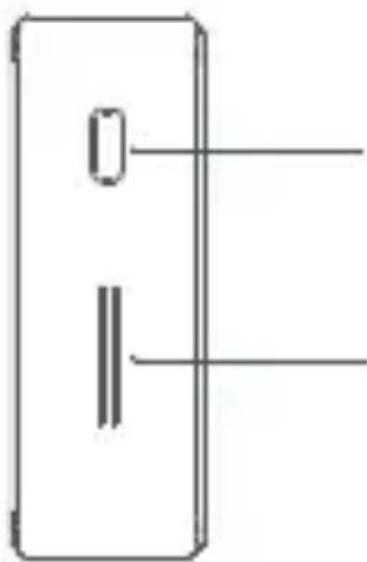
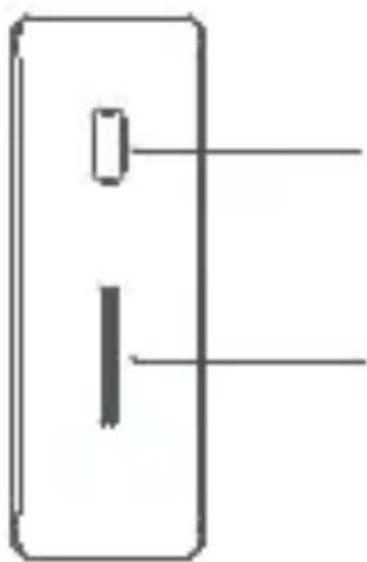
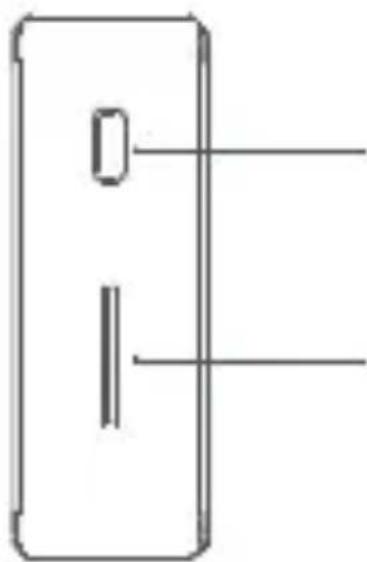
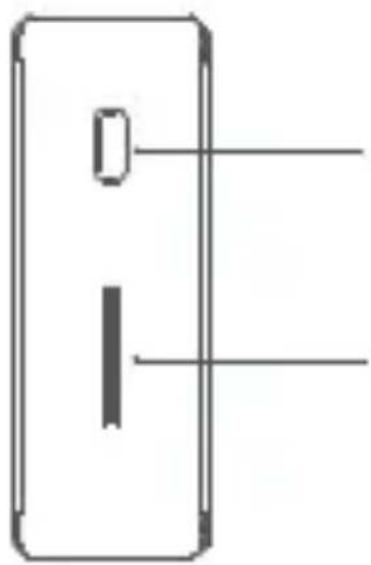
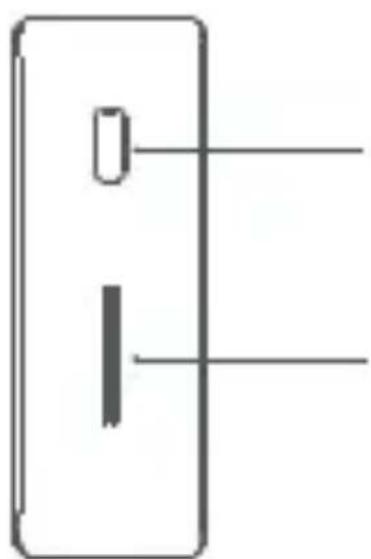
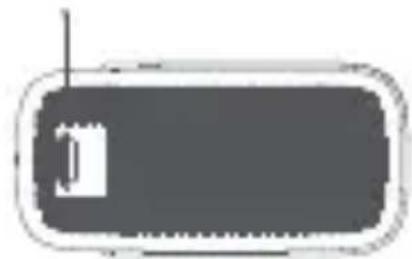
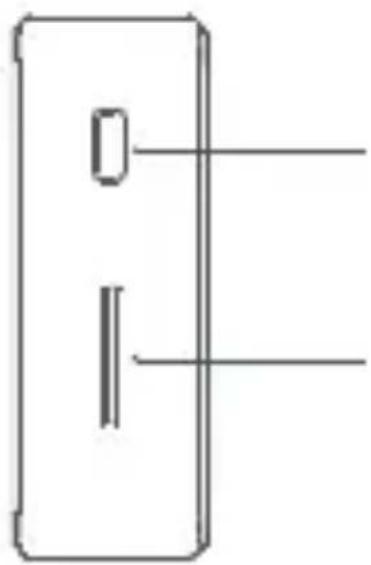
USB-A interface (output)
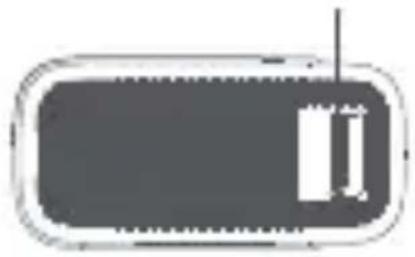
Type-C interface (output/input)
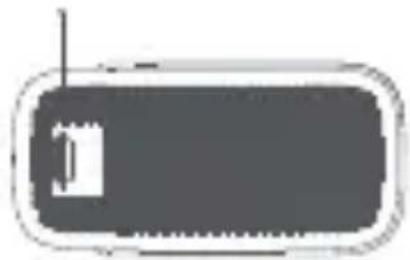
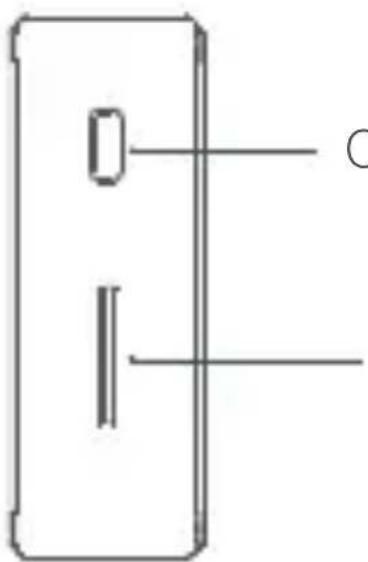
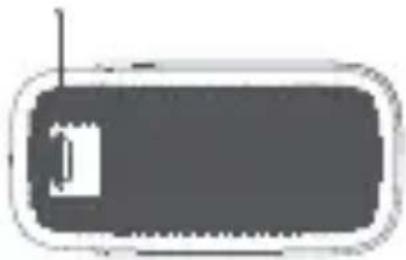
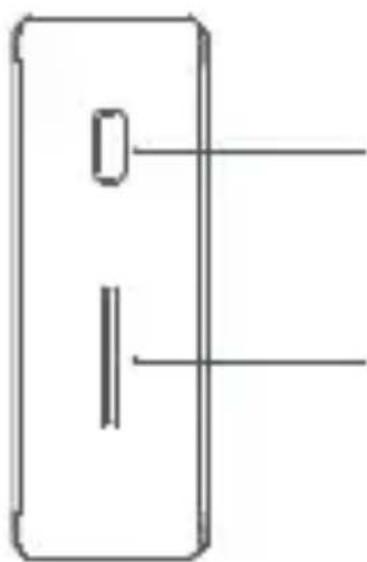
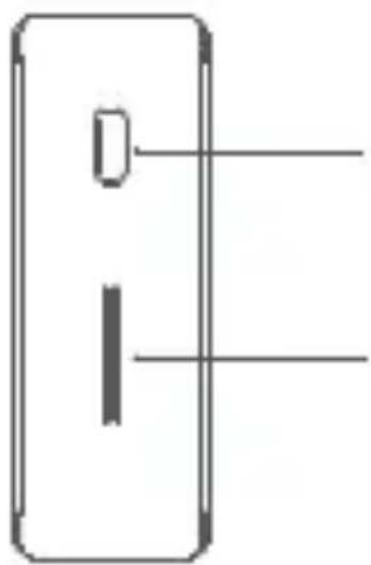
Cell check button
Cell indicator
Product Features
Safety: Designed with multiple protection, the product can easily cope with abnormalities such as overcharge, over discharge, overtemperature, short circuit, and provide reliable protection for power banks and digital devices.
Power: Fast charging and discharging, supporting bidirectional Type-C wide voltage input and output. The maximum charging power is up to 30W, and the maximum discharge power of multiple ports is up to 33W. Compatibility: The built-in smart USB charging controller is compatible with mainstream mobile phones and digital devices, and supports mainstream fast charging and discharging.
Quality: High quality lithium-ion cells and charge & discharge chips.
Charging
The power bank should be charged through the Type-C interface by a CUKTECH charger and data cable.
During charging, the energy information displayed by the indicator light is as follows:
| Energy LED1 LED2 LED3 LED4 | ||
| 0-25% Flash OFF OFF OFF | ||
| 25%-50% ON Flash OFF OFF | ||
| 50-75% ON ON Flash OFF | ||
| 75-99% ON ON ON Flash | ||
| Charging completed ON ON ON | ||
| Abnormal charging Flash Flash Flash Flash |
Discharging
This product charges a device via the USB-A/Type-C interface and, during discharging, the energy information displayed by the indicator light is as follows:
| Energy LED1 LED2 LED3 LED4 | |||||
| Undervoltage | OFF | OFF | OFF OFF | ||
| 0%-25% | ON | OFF | OFF OFF | ||
| 25-50% | ON | ON OFF | OFF | ||
| 50-75% | ON | ON | ON OFF | ||
| 75-100% | ON | ON | ON | ON | |
*Low current discharge: In a non-charging state, press the energy check button twice continuously to enter the low current discharge mode, at which small current devices such as Bluetooth earphones and bracelets can be continuously charged, LED lights will light up one by one, prompting the user the low current discharge mode in a way like horse race lamp. To exit this mode, simply press the check button briefly. The working time at low current mode would last for 2 hours each time, and the product will automatically exit this mode 2 hours later.
Specifications
Product model: PB100
Battery Type: Lithium-ion cell
Battery Energy (Rated/Typical): 35.77Wh/36.5Wh 7.3V
4.9Ah/5Ah
Rated capacity: 5600mAh (5V/3A)
Input Port: Type-C
Output Port: USB-A/Type-C
Item Dimensions: 80×57.82×28.4mm
Conversion efficiency of power bank: 76% (5V/3A)
Charging time:
About 2 hours (power PD chargers of 30W and above), about 2.8 hours (18W chargers, charging wires in the package)
*The maximum output peak power is 33W, based on the actual testing method in CUKTECH laboratory.

Warnings
Improper use may lead to cell function failure, serious heating, and even fire and explosion. To protect you against injury and property damage, please store and use this product in strict accordance with the following requirements:
- This product, which is not a toy, must be kept out of the reach of children. To avoid accidents, no child is allowed to use or play with the product.
- To prevent electric shock or cell damage, please be sure to charge this product with a charger that meets local safety standards (such as China 3C certification standard).
- Do not press or strike this product heavily and avoid the cases that may cause severe fall or strong vibration. If these conditions occur, or liquid seeps/splashes into the interior of this product, stop using immediately and handle them properly because such case may cause cell or circuit damage or short circuit.
- If this product experiences swelling, deformation, fluid leakage, and significant decrease in capacity, stop using it immediately and handle it properly.
- Do not charge or discharge this product in any places that may affect its heat dissipation, such as pockets, enclosed bags, on the beds, sofas, and other places.
Confirm that this product is not covered by clothing, pillows, bedding, or other debris during use. When the devices such as mobile phones are to be charged for a long time, do not stack this product together with other devices such as mobile phones, so as to ensure ideal heat dissipation for them.
- Do not disassemble, squeeze, puncture, short-circuit this product, or put it into water, fire (including near stoves, heating installations, and other heat sources), or expose this product to an environment with a temperature higher than 60 °C (140 °F).
- In hot weather, keep this product away from an unmanned vehicle outdoors or other places exposed to sunlight.
- To avoid cell damage or other hazards, do not disassemble the product shell without permission because this product contains a lithium ion polymer cell.
- Replacement of a battery with an incorrect type that can defeat a safeguard.
- A battery subjected to extremely low air pressure that may result in an explosion or the leakage of flammable liquid or gas.
Tips: The illustrations about the product, accessories, and user ports in the Manual are schematic diagrams for reference only. Due to product updates and upgrades, there may be slight differences between the physical product and the schematic diagram, and the physical product shall prevail.
Precautions
- Please fully charge this product before its first use.
- To charge this product or use this product to charge other devices, please choose an appropriate charger and data cable (CUKTECH charger and data cable are recommended).
- This product should be charged in an attended manner. Cut off the power supply when you are going out or leaving for a long time.
- As long as this product is fully charged or has fully charged other devices, timely unplug the connection cable to avoid loss in a long-time connection state.
- If the product has no power indication after a button is pressed, it may be in a protected state. You can connect to an external charger to recover it.
- When this product is not in use for a long time, please keep the product with power level in a range of about 50% - 70% and store it in a cool and dry place. In order to extend the cell life, do not store this product with full or no power for a long time.
FCC warning
Please take attention that changes or modification not expressly approved by the party responsible for compliance could void the user's authority to operate the equipment. This device complies with Part 15 of the FCC Rules.
Operation is subject to the following two conditions:
(1) This device may not cause harmful interference, and
(2) This device must accept any interference received, including interference that may cause undesired operation.
This device complies with Part 18 of the FCC Rules.
NOTE: This equipment has been tested and found to comply with the limits for a Class B digital device, pursuant to part 15 of the FCC Rules. These limits are designed to provide reasonable protection against harmful interference in a residential installation.
This equipment generates, uses and can radiate radio frequency energy and, if not installed and used in accordance with the instructions, may cause harmful interference to radio communications. However, there is no guarantee that interference will not occur in a particular installation.
If this equipment does cause harmful interference to radio or television reception, which can be determined by turning the equipment off and on, the user is encouraged to try to
correct the interference by one or more of the following measures:
—Reorient or relocate the receiving antenna.
—Increase the separation between the equipment and receiver.
—Connect the equipment into an outlet on a circuit different from that to which the receiver is connected.
—Consult the dealer or an experienced radio/TV technician for help.
EU Declaration of Conformity
We, NanJing CukTech Electronics Technology Co., Ltd., hereby declare that this equipment is in compliance with the applicable Directives and European Norms, and amendments. The full text of the EU declaration of conformity is available at the following internet address: http://www.cuk-tech.com/global/service/support/declaration.html
WEEE Information
All products bearing this symbol are waste electrical and electronic equipment (WEEE as in directive 2012/19/EU) which should not be mixed with unsorted household waste. Instead, you should protect human health and the
environment by handing over your waste equipment to a designated collection point for the recycling of waste electrical and electronic equipment, appointed by the government or local authorities. Correct disposal and recycling will help prevent potential negative consequences to the environment and human health. Please contact the installer or local authorities for more information about the location as well as terms and conditions of such collection points.
Interfaz Type-C
(salida/entrada)
Zellenprüftaste
Zellenanzeige
Produktmerkmale
Interface Type-C (saída/entrada)
セルチェックボタン
セルインジケ ータ
製品の特徴
셀 확인 버튼
셀 표시기
제품 특징
Manufactured by: NanJing CukTech Electronics Technology Co., Ltd.
Address: 16F Building A1, Huizhi Technology Park, No. 8 Hengtai Road, Nanjing Economic and Technological Development Zone, Nanjing, Jiangsu, P.R. China For more details, please consult the service hotline: +86-400-996-1219

service@cuktech.com
User Manual Version: V1.0

https://cuktech.com/
Brand : CUKTECH
Model : PB100
Category : Power bank