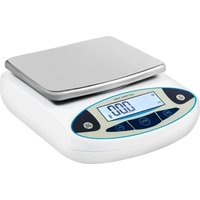
HZ-B50002 - Measuring equipment Vevor - Free user manual and instructions
Find the device manual for free HZ-B50002 Vevor in PDF.


| Product Type | Precision Electronic Balance |
| Brand | Vevor |
| Model | HZ-B50002 |
| Maximum Capacity | 5000 g |
| Accuracy | 0.01 g |
| Platform Type | Square Graduated Platform |
| Display | LCD Screen |
| Dimensions | 260 x 200 x 70 mm |
| Net Weight | 1.9 kg |
| Gross Weight | 2.2 kg |
| Power Supply | AC 220 V or DC 9 V (adapter included) |
| Operating Temperature | 5 °C to 35 °C |
| Relative Humidity | 50 % to 85 % |
| Main Functions | Weighing, zero/tare, piece counting, unit change (g, ct, oz, lb) |
| Calibration | Linearity via CAL button (hold 5 seconds) |
| Safety | Do not use in humid environment, do not immerse, do not disassemble |
| Maintenance and Cleaning | Clean with a dry cloth; avoid contact with liquids |
| Spare Parts | Power adapter, platform (replaceable) |
| Repairability | Contact manufacturer; do not repair yourself |
| Warranty | Electronic warranty certificate available at vevor.com/support |
Frequently Asked Questions - HZ-B50002 Vevor
User questions about HZ-B50002 Vevor
0 question about this device. Answer the ones you know or ask your own.
Ask a new question about this device
Download the instructions for your Measuring equipment in PDF format for free! Find your manual HZ-B50002 - Vevor and take your electronic device back in hand. On this page are published all the documents necessary for the use of your device. HZ-B50002 by Vevor.
USER MANUAL HZ-B50002 Vevor
Technical Support and E-Warranty Certificate https://www.vevor.com/support
ELECTRONIC BALANCE USER MANUAL
MODEL: HZ-B50002, HZ-B5002, HZ-B3002
We continue to be committed to provide you tools with competitive price. "Save Half", "Half Price" or any other similar expressions used by us only represent of savings you might benefit from buying certain tools with us compared top brands and doses not necessarily mean to cover all categories of tools offered are kindly reminded to verify carefully when you are placing an order with us actually saving half in comparison with the top major brands.
VEVOR®
TOUGH TOOLS, HALF PRICE
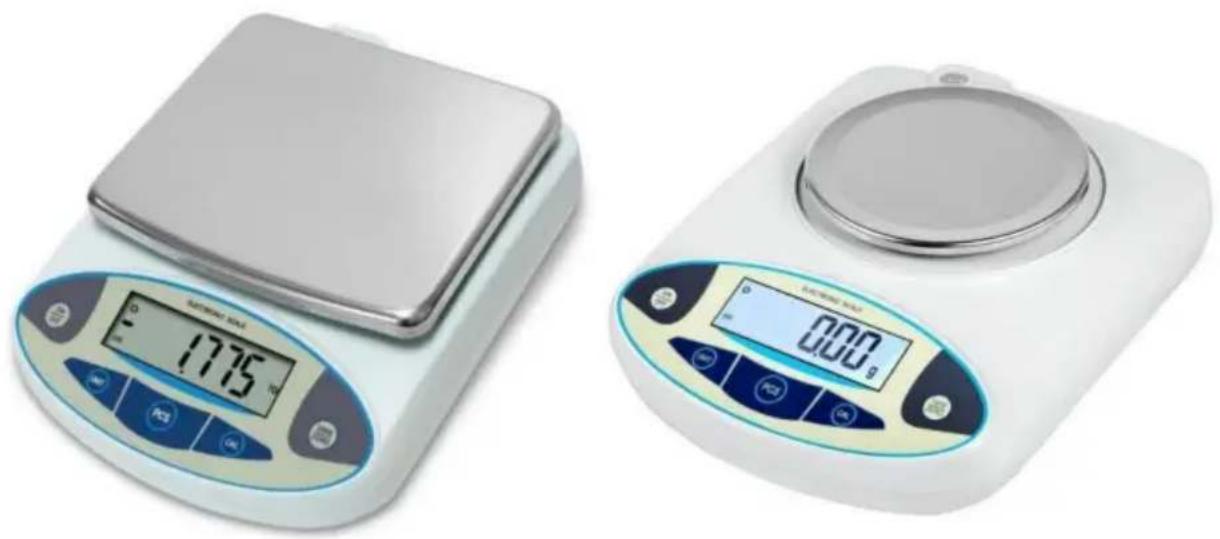
ELECTRONIC BALANCE
MODEL: HZ-B50002, HZ-B5002, HZ-B3002
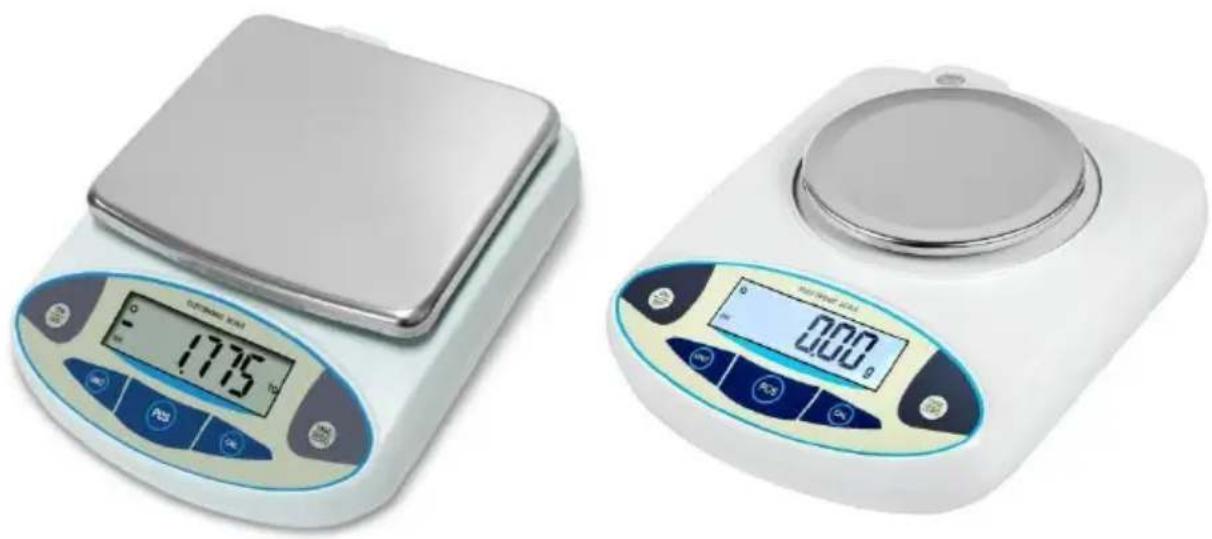
natural_image
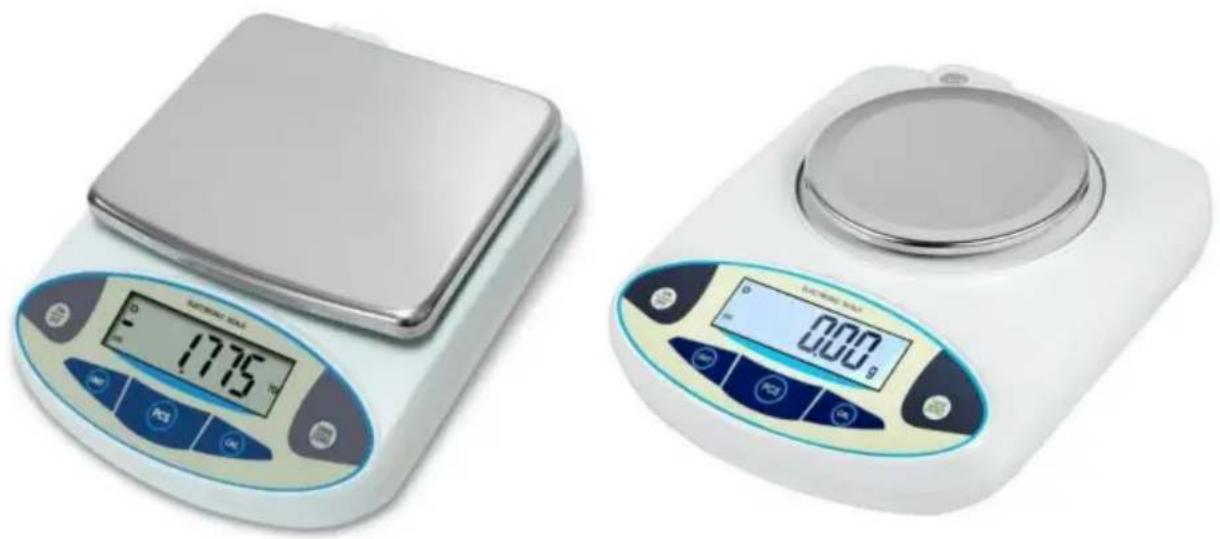
Two digital laboratory balance scales with control buttons and display screens (no visible text or symbols)NEED HELP? CONTACT US!
Have product questions? Need technical support? Please feel from contact us:

CustomerService@vevor.com
This is the original instruction, please read all manual instructions carefully before operating. VEVOR reserves a clear interpretation of user manual. The appearance of the product shall be subject to product you received. Please forgive us that we won't inform your data on our product.

WARNING:
Please read this manual carefully before using the product. Failure do so may result in serious injury. SAVE THIS MANUAL
Do not put in flammable liquid.
- Could cause a fire.
Do not spray water or liquid over the device which will causes electric shock . fire and malfunction.
Do not use the machine at any damp places.
Could cause electric shock fire and malfunction.
Do not touch the electrical connection with any metal objects.
- Could cause electric shock . fire and malfunction.
Do not disassemble , repair , modify the machine.
Could cause electric shock or injury.
Do not use products other than special adapter.
- could cause fire electric shock.
Do not touch the power plug with wet hands , especially when inserremoving the plug.- Could cause fire . electric shock and malfunction.
Remove the power plug from the socket if the device is not going to used for a long time.- Easy to cause fire , electric shock and malfunction. Precautions for Use
OPERATION
- Place the balance on a smooth and steady table. Please adjust b through adjust screws at the bottom of the balance if the table is no smooth or steady. Avoid vibration, sunshine, air movement and magne
- The air temperature should be kept at about 5C-35C at all times relative humidity level of about 50-85%.
- The balance accepts AC input voltages of 220V, DC input voltages of 9V.
- Please connect power supply and turn the balance on. It will display "8.8.8.8.8.8.", "Max. Capacity" and step by step. You can use it as it displays "0.0", "0.00" or "0.000". (You had better warm the balance half an hour before using.)
- Place the object you want to weigh on the balance pan, it will d the weight value.
- Place a container on the balance pan if you want to weigh the c located in a container. PressARE/ZERO" key to zero the display. Place the object in the container, the balance will display the weight value.
- Press "PCS" key for part count, the balance will display "PCS and "10".
Choose average number from "10", "20" "50" "100", "150", "200, "250" to "500 by pressing "CAL Place "10", "20, "50", "100%, "150" "200" "250or "500" pieces of same object you want to weigh
on the balance pan, press "PCS" key to confirm. Please take the ob away from the balance pan. Now you can count object. Press "PCS" you want to escape count mode. - Press “UNIT” key for choosing weighing unit: g, ct, oz, lb.
Press and hold“CAL” for 5 seconds, the balance displays "CAL" and weight value, Place relevant weights on the balance pan according to weight values. At last, remove the weight, it displays “0.000” or "0.000", You had finished the calibration.
SAVE THESE INSTRUCTIONS
TECHNICAL SPECIFICATIONS
| Model | HZ-B50002 |
| Type | Square scale pan,LCD display screen |
| Range(g) | 5000 g |
| Accuracy(g) | 0.01 g |
| Size(mm) | 260*200*70 |
| Net Weight (kg) | 1.9 |
| Gross Weight (kg) | 2.2 |
| Model | HZ-B5002 |
| Type | Circular scale pan,LCD display screen |
| Range(g) | 500 g |
| Accuracy(g) | 0.01 g |
| Size(mm) | 260*200*70 |
| Net Weight (kg) | 1.6 |
| Gross Weight (kg) | 2.0 |
| Model | HZ-B30002 |
| Type | Square scale pan,LCD display screen |
| Range(g) | 3000 g |
| Accuracy(g) | 0.01 g |
| Size(mm) | 260*200*70 |
| Net Weight (kg) | 1.6 |
| Gross Weight (kg) | 2.3 |
*Products such as specifications, the appearance and the desire are subject to modification without prior notice.
NOTICE:
- The balance will display_ - - " if your object overloads 0.2 percent the full capacity, please remove your object that time.
- Please switch the balance pan according to the direction of hour you want to remove the pan, Do not lift it up2directly.
- Error Information Table.
| Error Information | Specification | Transaction |
| —— | It means that the object's weight on the balance pan is less than 0 gram | Calibrate the balance |
| - - - - - - | It means that the object's weight on the balance pan is overlo | Calibrate the balance |
| Err-1 | It means that you turn on and off the balance continuously | Turn the balance of then turn it on after seconds |
| Err-2 | It means that the object's weight is not stable | Do not operate anything |
- For more details of technology, contact manufacturer please.
Address: Baoshanqu Shuangchenglu 803long 11hao 1602A-1609shi Shanghai
Imported to AUS: SIHAO PTY LTD, 1 ROKEVA STREETEASTWOOD NSW 2122 Australia
Imported to USA: Sanven Technology Ltd., Suite 250, 9166 Anaheim Place, Rancho Cucamonga, CA 91730
| UK | REP |
Pooledas Group Ltd
Unit 5 Albert Edward House, The Pavilions
Preston, United Kingdom
| EC | REP |
SHUNSHUN GmbH
Römeräcker 9 Z2021, 76351
Support and E-Warranty Certificate
www.vevor.com/support
VEVOR®
TOUGH TOOLS, HALF PRICE
MODELLO: HZ-B50002, HZ-B5002, HZ-B3002
MODELLO: HZ-B50002, HZ-B5002, HZ-B3002
natural_image
Two digital laboratory balance scales with digital displays, one displaying a temperature reading of 17.75°C and the other showing 0.00 seconds (no visible text or symbols on devices)elettronica www.vevor.com/support
VEVOR®
TOUGH TOOLS, HALF PRICE
natural_image
Two digital laboratory balance scales with digital displays, one displaying a temperature reading of 17.75°C and the other showing 0.00 seconds (no visible text or symbols on devices)POTRZEBUJESZ POMOCY? SKONTAKTUJ SIĘ Z NAMI!
Sanven Technology Ltd., Suite 250, 9166 Anaheim Place, Rancho Cucamonga, CA 91730
| REP WIELKIEJ BRYTANII |
Grupa Pooledas Ltd.
Jednostka 5 Dom Alberta Edwarda, Pawilony
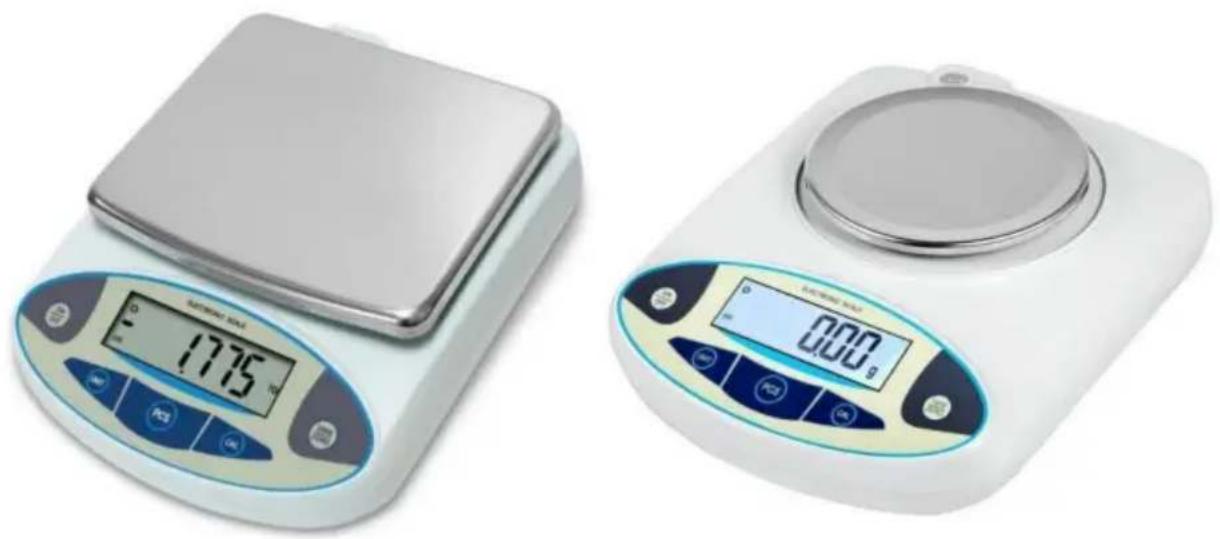
MODELL: HZ-B50002, HZ-B5002, HZ-B3002
MODELL: HZ-B50002, HZ-B5002, HZ-B3002
natural_image
Two digital laboratory balance scales with digital displays, one displaying a temperature reading of 17.75°C and the other showing 0.00 seconds (no visible text or symbols on devices)Kundenservice@vevor.com
www.vevor.com/support
VEVOR®
TOUGH TOOLS, HALF PRICE
natural_image
Two digital laboratory balance scales with digital displays, one displaying a temperature reading of 17.75°C and the other showing 0.00 seconds (no visible text or symbols on devices)BESOIN D'AIDE? CONTACTEZ-NOUS!
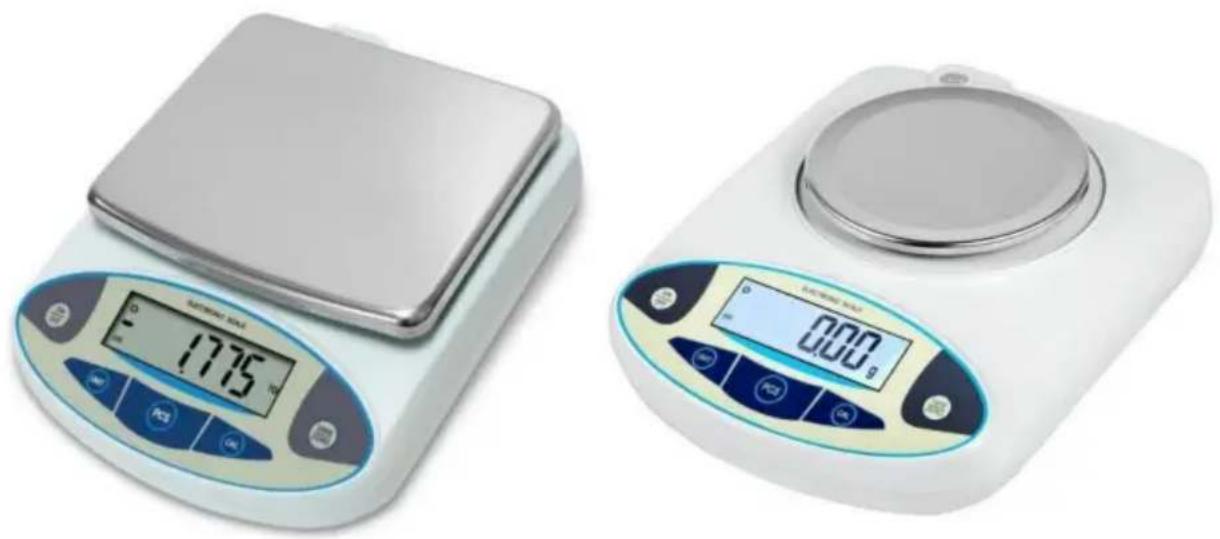
MODEL: HZ-B50002, HZ-B5002, HZ-B3002
MODEL: HZ-B50002, HZ-B5002, HZ-B3002
natural_image
Two digital laboratory balance scales with digital displays, one displaying a temperature reading of 17.75°C and the other showing 0.00 seconds (no visible text or symbols on devices)HULP NODIG? NEEM CONTACT MET ONS OP!
Klantenservice@vevor.com
Unit 5 Albert Edward House, De Paviljoens
www.vevor.com/support
VEVOR®
TOUGH TOOLS, HALF PRICE
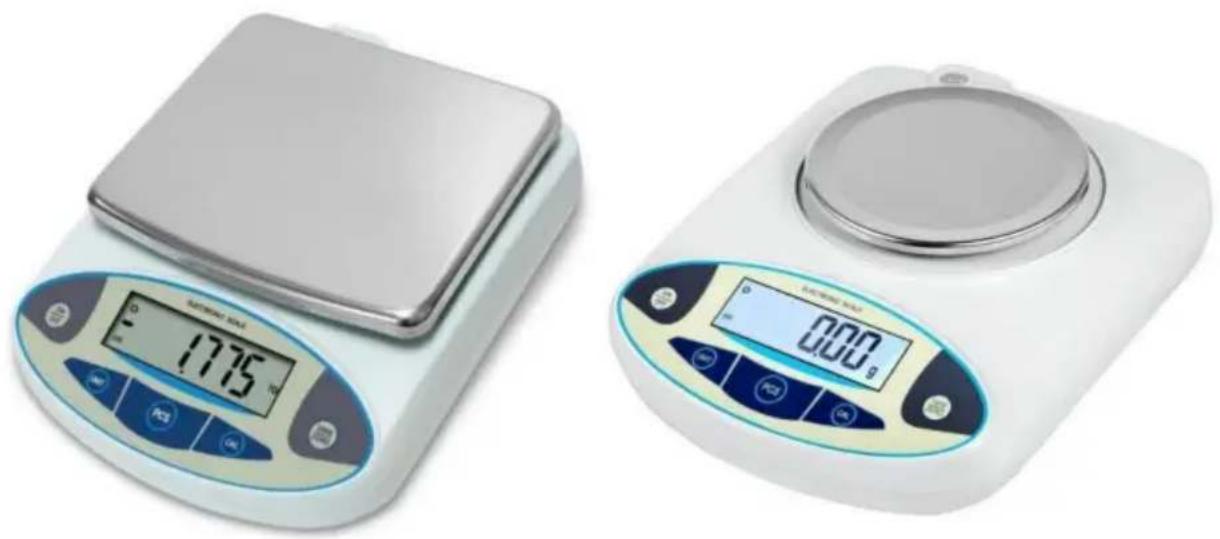
MODELL: HZ-B50002, HZ-B5002, HZ-B3002
MODELL: HZ-B50002, HZ-B5002, HZ-B3002
natural_image
Two digital laboratory balance scales with digital displays, one displaying a temperature reading of 17.75°C and the other showing 0.00 seconds (no visible text or symbols on devices)BEHÖVER HJÄLP? KONTAKTA OSS!
Enhet 5 Albert Edward House, The Pavilions
www.vevor.com/support
VEVOR®
TOUGH TOOLS, HALF PRICE
MODELO: HZ-B50002, HZ-B5002, HZ-B3002
MODELO: HZ-B50002, HZ-B5002, HZ-B3002