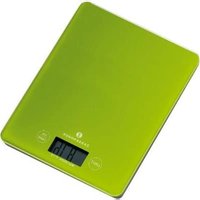
Balance 73225 - Kitchen scales Zassenhaus - Free user manual and instructions
Find the device manual for free Balance 73225 Zassenhaus in PDF.


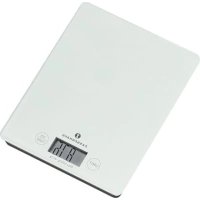
| Product type | Digital kitchen scale |
| Brand | Zassenhaus |
| Model | Balance 73225 |
| Maximum capacity | 5 kg |
| Accuracy | 1 g |
| Power supply | 2 AAA batteries (not included) |
| Weighing technology | 4 sensors |
| Display | Digital display |
| Controls | 2 touch-sensitive keys (ON/TARE and UNIT) |
| Measurement units | g, lb, oz, kg |
| Tare function | Yes, allows weighing multiple ingredients in the same container |
| Auto shut-off | After about 1 minute of inactivity |
| Platform material | Glass |
| Low battery indicator | Display "LO" |
| Overload indicator | Display "0L" |
| Usage instructions | Place on a flat surface, turn on with ON/TARE, select unit with UNIT, place food, wait for stabilization |
| Cleaning and maintenance | Clean with a soft cloth only. Do not immerse in water or dishwasher |
| Protection and storage | Protect from fire, heat, direct sunlight. Store in a dry place |
| Repairability | Do not open the device. Contact the retailer for any repairs |
| Warranty | 2 years from date of purchase, subject to presentation of the receipt |
| Disposal | Do not dispose of with household waste. Deposit at a collection point for WEEE recycling. Used batteries to be returned to store |
Frequently Asked Questions - Balance 73225 Zassenhaus
User questions about Balance 73225 Zassenhaus
0 question about this device. Answer the ones you know or ask your own.
Ask a new question about this device
Download the instructions for your Kitchen scales in PDF format for free! Find your manual Balance 73225 - Zassenhaus and take your electronic device back in hand. On this page are published all the documents necessary for the use of your device. Balance 73225 by Zassenhaus.
USER MANUAL Balance 73225 Zassenhaus
DIGITALE KÜCHENWAAGE
BEDIENUNGSANLEITUNG
BALANCE
Please keep this user's guide!
Thank you for purchasing this digital kitchen scale made by ZASSENHAUS. Please read through the instructions carefully prior to using it for the first time and keep them for future users.
IMPORTANT INFORMATION
This appliance is intended for domestic use only. Improper use, application or insufficient cleaning and care can impair safety and result in danger for the user. ZASSENHAUS cannot accept any responsibility for injuries or damage attributed to improper use.
DESCRIPTION
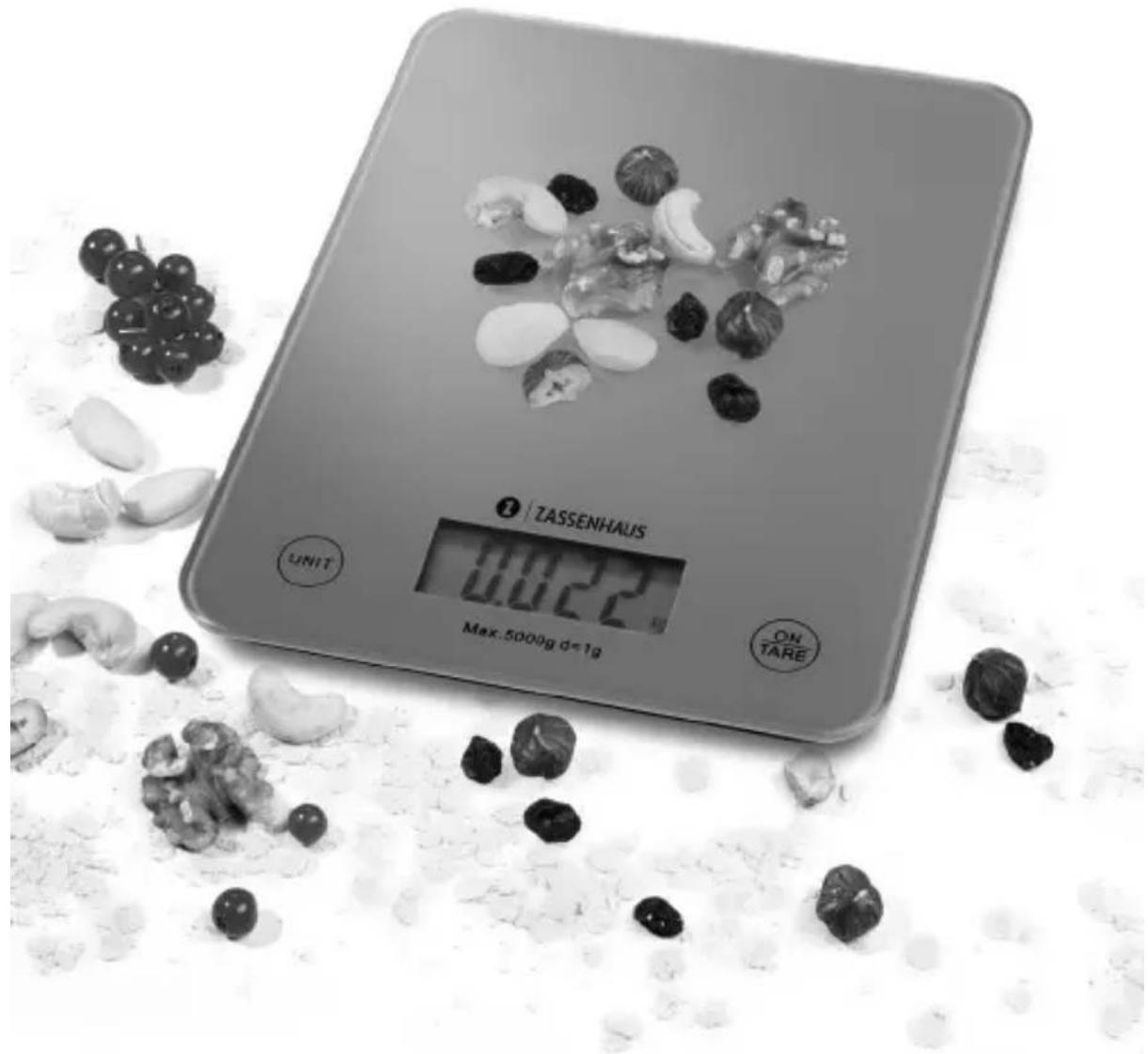
This is a high accuracy kitchen scale with four sensors and a digital display with two high accuracy touch buttons.
Maximum capacity: 5 kg / weight unit = 1 g.
QUICK GUIDE
- Remove all packaging material and dispose of it appropriately.
- Open the battery housing on the reverse side of the appliance and remove the interruption stripe.
- Place the scale on a flat and firm surface.
- Keep the "ON/TARE" button pressed, the display shows "0 g" after the scale has leveled off. Now the scale is ready for use.
- To select between the weight units g/lb/oz/kg please press the "UNIT" button.
- Put the foodstuff in the middle of the glass plate and wait until the display is stable to read the weight.
The maximum weight range is 5 kg. When the scale is overloaded in the display is shown "0L".
Attention: By overloading of the scale the weighing unit can be damaged!
TARE FUNCTION
The TARE function is particularly useful if you want to fill your foodstuff in one bowl, as the scale allows you to weigh each additional foodstuff separately. After weighing the first foodstuff keep it on the scale and simply touch the "ON/TARE" button to reset to zero. After the scale has leveled off (display shows „0 g") you may then add the next foodstuff on the scale and it will show the weight of it only. The process is repeatable until the max. capacity of the scale (5 kg) has been reached. After removal of the loading, the display indicates the total weight as negative reading.
SWITCH-OFF THE SCALE
You may switch off the scale at any time by keeping pressing the "ON/TARE" button. In order to prolong the battery life the scale will switch off automatically after about 1 minute.
REPLACE BATTERY
When "LO" appears on the display the battery must be replaced. Open the battery housing on the reverse side of the appliance and insert 2x AAA batteries. Please check the correct polarity (+/-) of the battery.
MAINTENANCE
What not to do:
- Do not immerse the scale in water.
- Do not put the scale into the dishwasher.
- Do not put items onto the scale exceeding 5 kg.
- Do not try to open the scale.
What to do:
• Always clean the scale with a soft damp cloth only.
- Keep out the scale from fire, high temperatures and direct sunlight.
• Always store the scale in dry condition.
• Always replace new battery on time.
STATUTORY INSTRUCTIONS ON DISPOSAL/RECYCLING
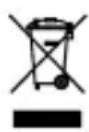
According to the Electrical and Electronic Equipment Act this product may not be disposed of in the normal household waste at the end of its life. Therefore, please give it to a principal collection point (e.g. recycling center) for the recycling electrical and electronic equipment. About disposal options, we contact your municipal or city council.
Note: To save the environment, do not throw used batteries into household waste, but hand in the appropriate disposal depots or collection centers.
WARRANTY
We cover this appliance with a warranty of 2 years from the date of purchase. Excluded from the warranty are damages due to normal wear and tear, inappropriate use, misuse, improper operation, willful destruction, lack of maintenance and cleaning, transport or accidents, as well as interference from unauthorized persons. In case of a warranty claim please contact your dealer. Warranty claims cannot be processed unless your receipt/invoice is included with the device.
Translations are made in good faith. We do not assume any liability for translation errors. Solely the original German text remains binding.
BALANCE DE CUISINE DIGITALE
MODE D'EMPLOI
BALANCE
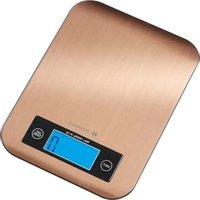
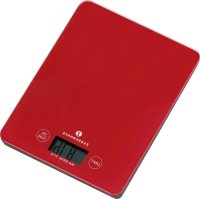
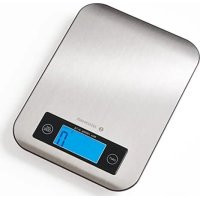
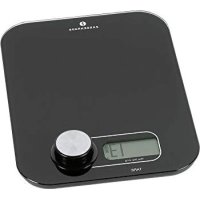
- THANK YOU FOR PURCHASING THIS DIGITAL KITCHEN SCALE MADE BY ZASSENHAUS. PLEASE READ THROUGH THE INSTRUCTIONS CAREFULLY PRIOR TO USING IT FOR THE FIRST TIME AND KEEP THEM FOR FUTURE USERS
- IMPORTANT INFORMATION
- DESCRIPTION
- QUICK GUIDE
- TARE FUNCTION
- SWITCH-OFF THE SCALE
- REPLACE BATTERY
- MAINTENANCE
- WHAT TO DO
- STATUTORY INSTRUCTIONS ON DISPOSAL/RECYCLING
- WARRANTY
- BALANCE DE CUISINE DIGITALE
- MODE D'EMPLOI
- BALANCE
Brand : Zassenhaus
Model : Balance 73225
Category : Kitchen scales