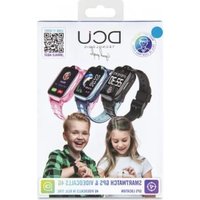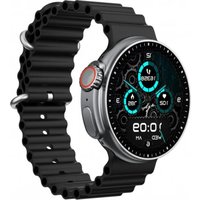
Boston - Smartwatch DCU - Free user manual and instructions
Find the device manual for free Boston DCU in PDF.


User questions about Boston DCU
0 question about this device. Answer the ones you know or ask your own.
Ask a new question about this device
Download the instructions for your Smartwatch in PDF format for free! Find your manual Boston - DCU and take your electronic device back in hand. On this page are published all the documents necessary for the use of your device. Boston by DCU.
USER MANUAL Boston DCU
text_image
QR code image containing encoded data, no visible human-readable textSmartwatch BOSTON
iOS - Android
| Manual de usuario | 3 | ESP |
| User manual | 12 | ENG |
| Manual d'usuari | 21 | CAT |
| Mode d'emploi | 30 | FRA |
| Manual de usuário | 39 | PORT |
ESP
text_image
QR code image with a central logo, likely linking to a digital resource or website.
natural_image
Technical line drawing of a mechanical component with a blue arrow indicating a specific feature (no text or symbols present)text_image
Exercise Walking Running CyclingModos deportivos:
text_image
Messages Vincent Cool, let me check my c... Bill Hi, are you going to do ... Vincent there, just a remindertext_image
Time To Drink Watertext_image
Timer Alarm Stopwatch Cycle TrackingOtras funciones:
text_image
Period Will Start Tomorrow.Ciclo femenino:
text_image
QR code image containing encoded data, no visible human-readable textENG
Thank you very much for purchasing this watch, the DCU team has been working hard to offer you a comfortable, beautiful and functional watch.
If you have any questions that this manual cannot solve, we will be happy to assist you, you can write to info@dcutec.com and in less than 24 hours we will answer you.
We wish you enjoy it!
If you want to know a little more, go to www.dcutec.com or visit our Instagram profile @dcutecnologic. Sometimes we do raffles.
Device maintenance
Remember the following tips to keep your Smartwatch in good condition:
- Clean the watch regularly, especially the back side, and keep it dry.
- Adjust the watch strap to ensure the air circulation.
- Skin care products should not be used on the wrist with the smartwatch.
- Please stop wearing the watch in case of skin allergy or any discomfort.

Remark: The product supports waterproof with IP67 level, it is available to wear it while wash hands, 30min swimming pool, in raining, etc.

Do not use it with saltwater or when have a hot shower/bath or sauna, the vapors will get into the host, scratch damage of peripheral components. All these are beyond the scope of the warranty.
DOWNLOAD THE SMARTWATCH APP:
Scan the QR code to download and install the APP, or search in your APP Store or Play Store the name of the APP "Da Fit".
Device requirements: iOS 9.0 and above; Android 4.4 and above, support Bluetooth 5.2
text_image
QR code image with a central logo, likely linking to a digital resource or website.
Please use the DaFit app to connect your smartwatch to the smartphone, DO NOT CONNECT THE SMARTWATCH DIRECTLY TO THE BLUETOOTH OF SMARTPHONE
CHARGE AND ACTIVATE THE SMARTWATCH:
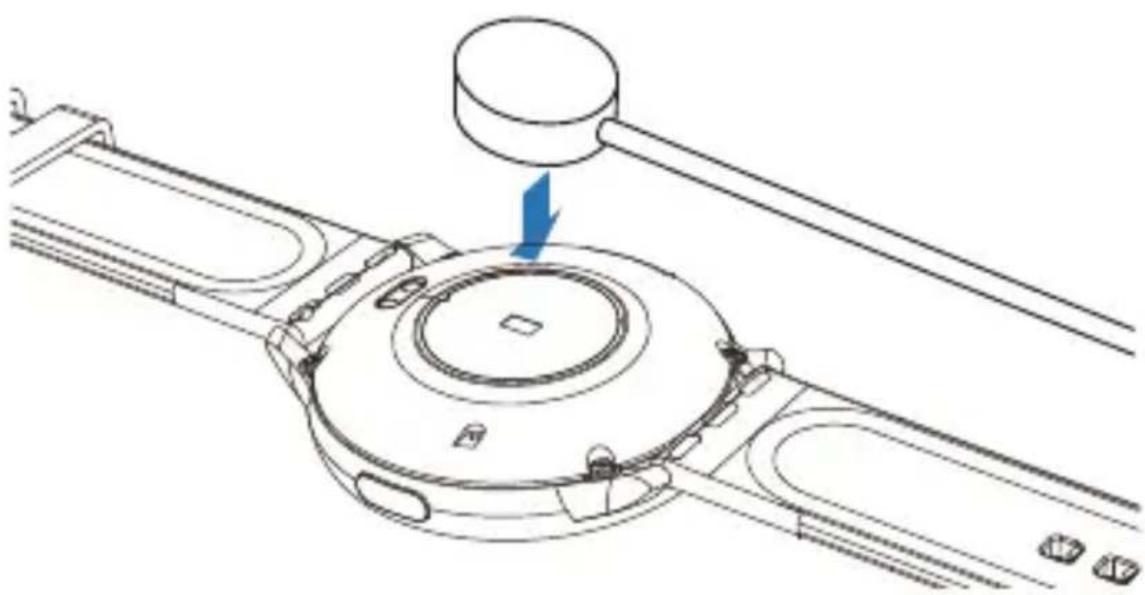
Before using the smartwatch for the first time, the battery needs to be fully charged, please use the provided magnetic charging cable to connect it to the back of the watch, the other end of the charging cable can be connected to the USB charger or a computer USB interface that provides minimum 5V/1A and maximum 5V/2A.
natural_image
Technical line drawing of a mechanical component with a blue arrow indicating a specific feature (no text or symbols present)The estimated time for a full charge is between 2-3 hours. To extend battery life, never let it discharge to 100% and charge it regularly, even if you are not going to use it.
CONNECTION WITH THE APP
Open the DaFit app and click "Add Device" to find the smartwatch you want to connect to. If there is more than one device nearby, filter by the MAC address of the smartwatch (Settings > About).
CHANGE THE SMARTWATCH DIAL:
Touch and hold the main smartwatch face and swipe right or left to select between different watch dials. You can download more designs or put a personal photo from the DaFit APP.
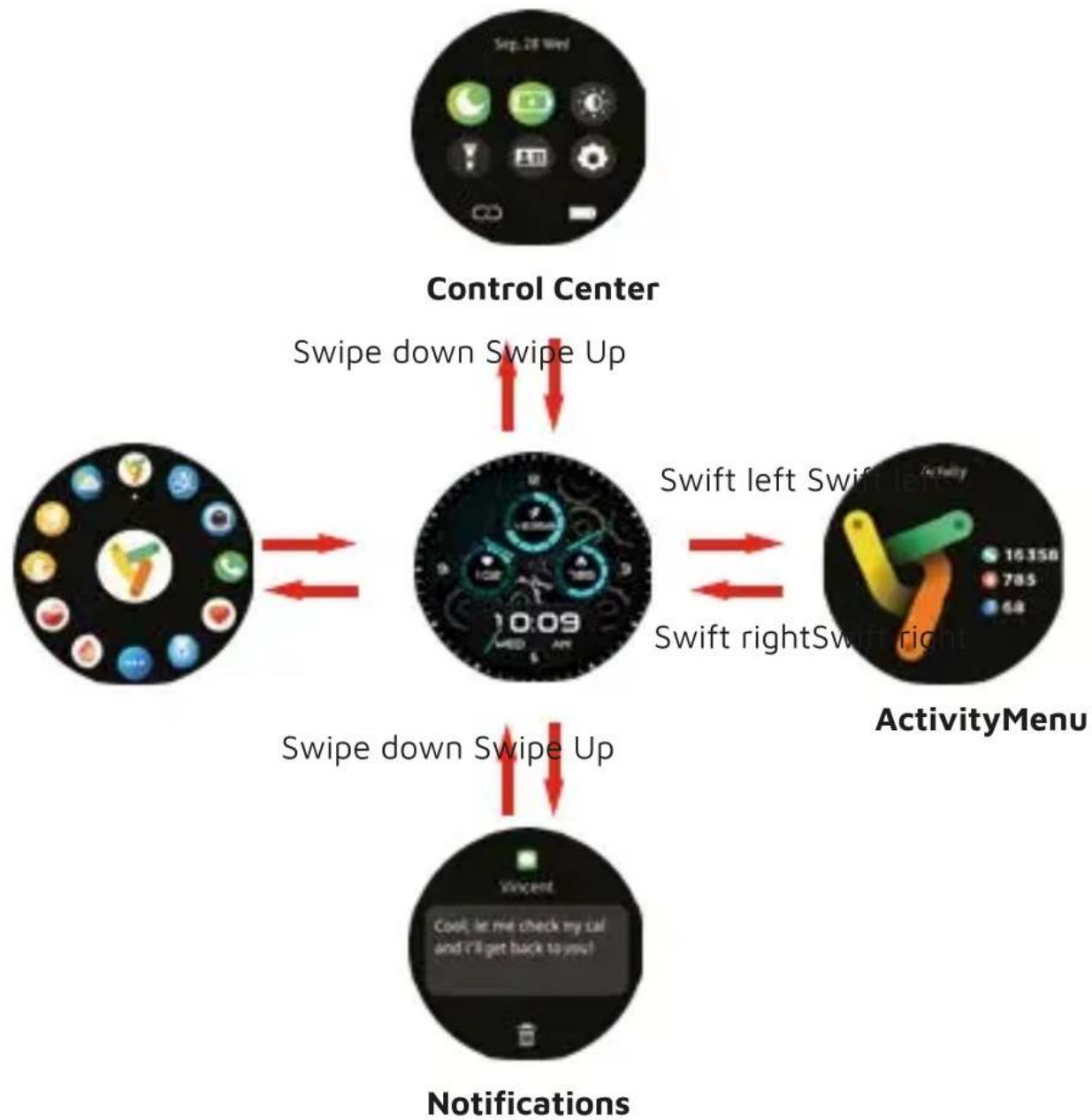
FEATURE SCREENS:
flowchart
graph TD
    A["Control Center"] -->|Swipe down Swipe Up| B((ActivityMenu))
    B -->|Swift left Swift left| C["ActivityMenu"]
    B -->|Swift right Swift right| D["(Activities Menu)"]
    D -->|Swipe down Swipe Up| E["(Notifications)"]
    E -->|Swipe down Swipe Up| B
SMARTWATCH FEATURES:
text_image
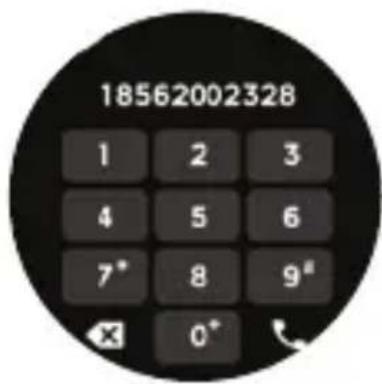
18562002328 1 2 3 4 5 6 7* 8 9# X 0*Bluetooth calls:
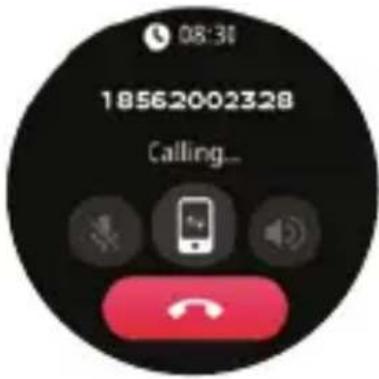
When the smartwatch is connected to the phone, you can use the smartwatch to dial the phone number to call, dial a favourite number, or you can answer calls directly on the smartwatch.
You can also view the call history of your smartwatch.
text_image
08:31 18562002328 Calling...To use the call function, you need to make sure that the smartwatch is connected to the phone in a stable state, within 10m with no obstacles, and never disconnect the Bluetooth.
text_image
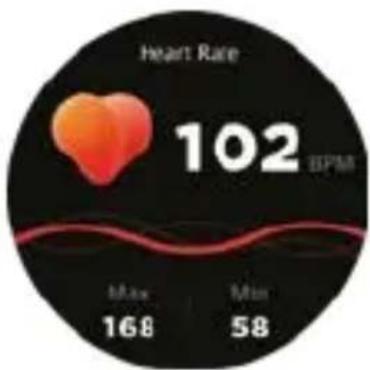
Heart Rate 102 BPM Max 168 Min 58Heart rate record:
The smartwatch can record your heart rate daily.
You can also touch the heart rate interface to start measuring the current heart rate.
text_image
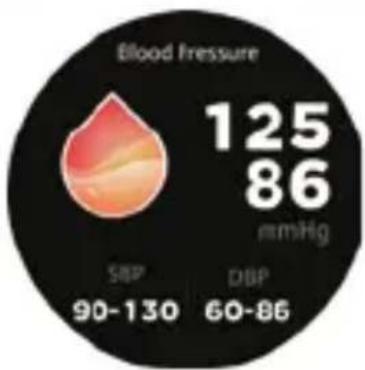
Blood Pressure 125 86 mmHg SBP 90-130 DBP 60-86Blood pressure record:
Touch the blood pressure interface to start measuring your blood pressure.
The blood pressure interface can display the blood pressure measured data of the last times.
pie
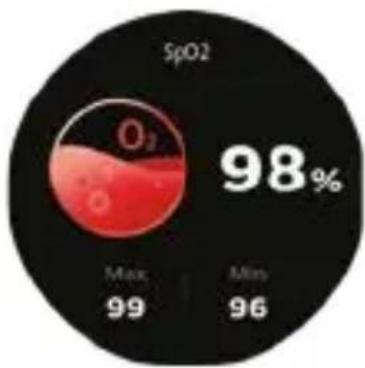
| Category | Value (%) | |---|---| | SpO2 | 98 | | Max | 99 | | Mins | 96 |Blood oxygen:
Touch the SpO 2 interface to start measuring your SpO 2 . In the SpO 2 interface, it can display the last times SpO 2 measured data.
other
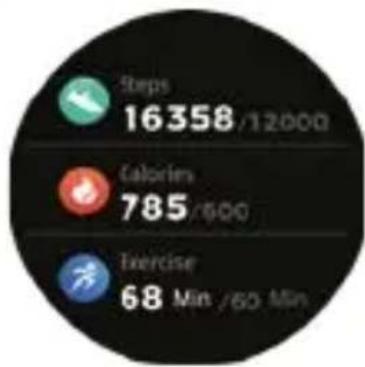
| Metric | Value | | :--- | :--- | | Steps | 16358 / 12000 | | Calories | 785 / 900 | | Exercise | 68 Min / 60 Min |Daily activity information:
The smartwatch automatically records the steps taken during the day.
NOTE: Steps are measured by moving your arms Daily activity information will be reset every day at midnight
text_image
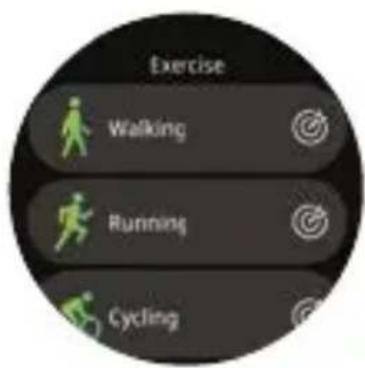
Exercise Walking Running CyclingSport modes:
Touch the training icon in the menu to start a new training recording, there are many modes to choose from: walking, running, cycling, spinning, mountaineering, yoga, dance, elliptical, rowing, basketball, football, badminton, tennis, jump rope, snow sports, swimming pool (do not use in salt water), etc. The latest training recording will be displayed on the training interface.
text_image
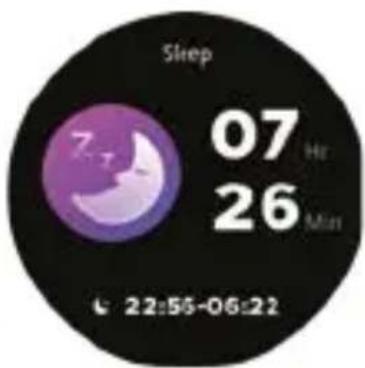
Sleep 07 Ht 26 Min 22:55-06:22Sleep recording:
If you wear the Smartwatch while sleeping between 8pm and 8am, you can record the hours slept during the previous night and the quality of your sleep. You can see the statistics both on the screen and in the DaFit APP.
NOTE: Sleep stats reset to zero at 8:00 PM.
text_image
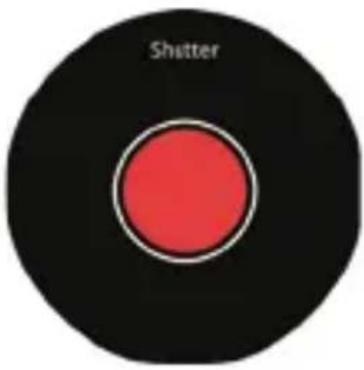
ShutterRemote control for photos:
After connecting the smartwatch to your phone, you can remotely control the phone's camera.
text_image
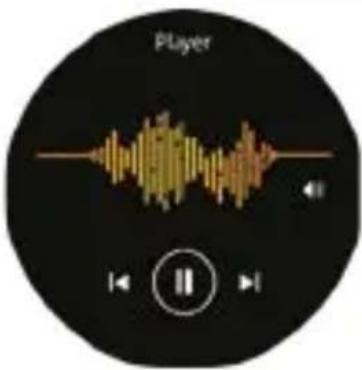
PlayerControl music player:
After connecting the smartwatch to your phone, you can remotely control the music player on your phone (play/pause/next/previous). You need to make sure that the smartwatch is connected to the phone in a stable state, within 10m with no obstacles, and never disconnect the Bluetooth.
text_image
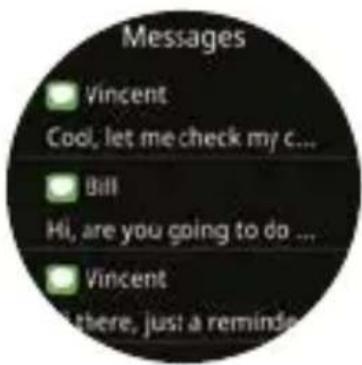
Messages Vincent Cool, let me check my c... Bill Hi, are you going to do ... Vincent there, just a reminderAPP's notifications:
The device can sync your phone's incoming notifications like Twitter, Facebook, Whatsapp, Instagram, etc. after setting up in the DaFit APP.
The last 5 messages can be stored.
text_image
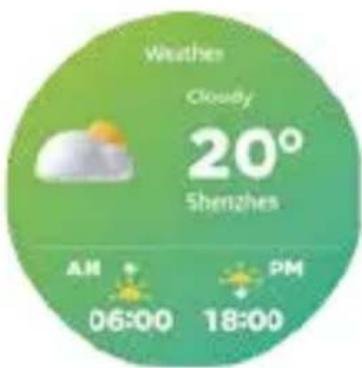
Weather Cloudy 20° Shenzhen AM 06:00 PM 18:00Weather information:
The weather information page displays the current weather and information for the next day. Weather information must be connected to the DaFit app before you can get the data. The weather information cannot be updated if it is disconnected from the APP for a long time.

text_image
Stand Up And Move A Little For One Minute.Movement reminder:
The device will vibrate to remind you to move after sitting for 1 hour.
Note: You can enable/disable the feature in the DaFit app.
text_image
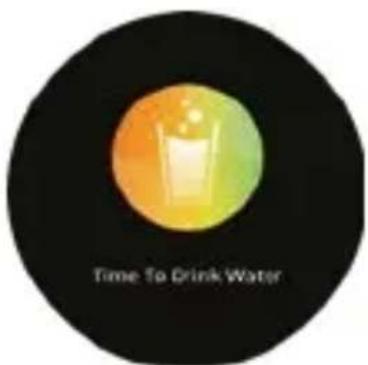
Time To Drink WaterDrink reminder:
The smartwatch will remind you "Time to drink some water" at the scheduled drinking time.
Note: You can set the feature in the DaFit app
text_image
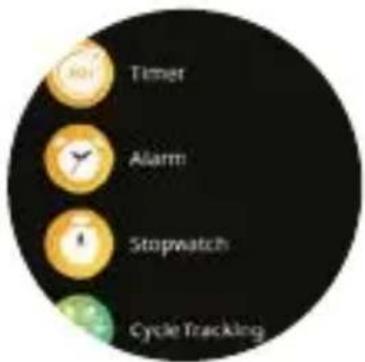
Timer Alarm Stopwatch Cycle TrackingOther functions:
Includes stopwatch, alarm, timer, brightness adjustment, mute on/off, flashlight, find my phone, virtual assistant, factory reset, power off and device information.
text_image
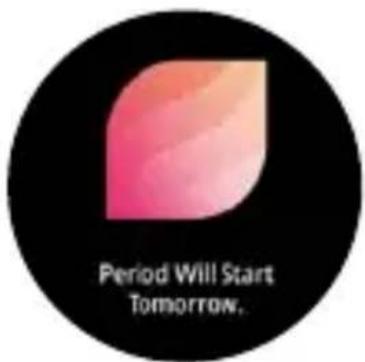
Period Will Start Tomorrow.Female cycle:
Touch the women's cycle interface to view the schedule and predictions.
The configuration must be done from the DaFit APP.
PRECAUTIONS:
-
Avoid subjecting the smartwatch to strong impacts, extreme heat and/or sun exposure.
-
Please do not disassemble, repair or modify the smartwatch by yourself.
-
This device uses 5V 1A for charging. It is strictly prohibited to use charging power supply higher than 5V, maximum allowable 5V/2.4A.
-
The operating environment of this device is 0^ 45^ . Do not bring it close to extreme sources of heat.
-
When the smartwatch is wet, dry it with a soft cloth before charging, otherwise it will corrode the charging contacts and cause charging failure.
-
Do not bring the smartwatch near chemicals such as gasoline, cleaning solvents, propanol, alcohol, insect repellent, or perfume.
-
Please do not use this device in high voltage and high magnetism environment
-
If you have sensitive skin or wear the smartwatch too tight, you may feel uncomfortable.
-
Wipe beads of sweat from your wrist from time to time, as the strap may be exposed to soap, sweat, allergens or pollutants for a long time, which can cause itchy skin.
-
If you use it frequently, it is recommended to clean the smartwatch every week. Clean with a damp cloth and remove oil or dust with a mild soap. It is not recommended to use the smartwatch with hot water. Water vapour could enter to the sphere and damage the components.
WARNING:
This product is not a medical device. The Smartwatch and their applications should not be used for the diagnosis, treatment or prevention of diseases or ailments. To change your exercise and sleep habits, be sure to consult a qualified medical professional to avoid serious damages. Our company reserves the right to modify and improve any of the functions described in this manual without prior notice. At the same time, the company reserves the right to update the contents of the product. All contents are subject to the real product.
WARRANTY:
-
The warranty covers quality problems caused by manufacturing, materials or design within the first 3 years of purchase and battery and charger problems within the first 6 months. REGISTER YOUR SMARTWATCH ON OUR WEBSITE TO ACCESS THE WARRANTY (scan the QR code below).
-
The guarantee does not cover damage caused by misuse of the product or by the following cases:
1). Disassemble or reassemble the product.
2). Damage caused by falls
3). Any man-made damage or misuse (such as: getting water into the dial, external force causing it to break, scratch damage to peripheral components, etc.)
4) Damages caused by water are outside the scope of the guarantee because we cannot verify if the tightness of the product has been tampered with or affected by small blows that have reduced its resistance.
-
When requesting the warranty, you must provide the purchase receipt with the place and date of purchase.
-
If you have problems using the product, please don't hesitate to contact our customer service:
DCU Tecnologic customer service
text_image
QR code image containing encoded data, no visible human-readable textCAT
text_image
QR code image with a central logo, likely linking to a digital resource or website.
natural_image
Technical line drawing of a mechanical component with a blue arrow indicating a specific feature (no text or symbols present)text_image
Exercise Walking Running CyclingModes esportius:
text_image
Messages Vincent Cool, let me check my c... Bill Hi, are you going to do ... Vincent there, just a remindertext_image
Time To Drink Watertext_image
Timer Alarm Stopwatch Cycle TrackingAltres functions:
text_image
Period Will Start Tomorrow.Cicle femení:
text_image
QR code image containing encoded data, no visible human-readable textFRA
text_image
QR code image with a central logo, likely linking to a digital resource or website.
natural_image
Technical line drawing of a mechanical component with a blue arrow indicating a specific feature (no text or symbols present)text_image
Exercise Walking Running CyclingModes sportifs:
text_image
Messages Vincent Cool, let me check my c... Bill Hi, are you going to do ... Vincent there, just a reminderNotifications des APPs:
text_image
Time To Drink WaterRappel de boire:
text_image
Timer Alarm Stopwatch Cycle TrackingD'autres fonctions:
text_image
Period Will Start Tomorrow.Cycle féminin:
Service client DCU Tecnologic
text_image
QR code image containing encoded data, no visible human-readable textENREGISTREZ VOTRE MONTRE SUR
NOTRE SITE INTERNET POUR
ACCÉDER À LA GARANTIE (scannez
le QR code ci-dessous).
PORT
text_image
QR code image with a central logo, likely linking to a digital resource or website.
natural_image
Technical line drawing of a mechanical component with a blue arrow indicating a specific feature (no text or symbols present)text_image
Exercise Walking Running CyclingModos esportivos:
text_image
Messages Vincent Cool, let me check my c... Bill Hi, are you going to do ... Vincent there, just a remindertext_image
Time To Drink Watertext_image
Timer Alarm Stopwatch Cycle TrackingOutras funções:
text_image
Period Will Start Tomorrow,Ciclo feminino:
text_image
QR code image containing encoded data, no visible human-readable textDCU
TECNOLOGIC
Good People
Any questions about our products:
www.dcutec.com
C/ Industria, 34
Designed in BCN / Made in PRC / B55166847