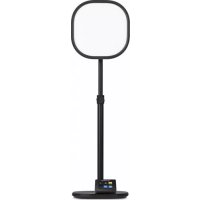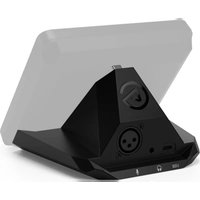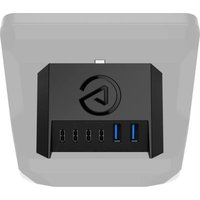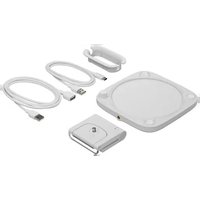
Key Light Neo - Lamp ELGATO - Free user manual and instructions
Find the device manual for free Key Light Neo ELGATO in PDF.


User questions about Key Light Neo ELGATO
0 question about this device. Answer the ones you know or ask your own.
Ask a new question about this device
Download the instructions for your Lamp in PDF format for free! Find your manual Key Light Neo - ELGATO and take your electronic device back in hand. On this page are published all the documents necessary for the use of your device. Key Light Neo by ELGATO.
USER MANUAL Key Light Neo ELGATO
natural_image
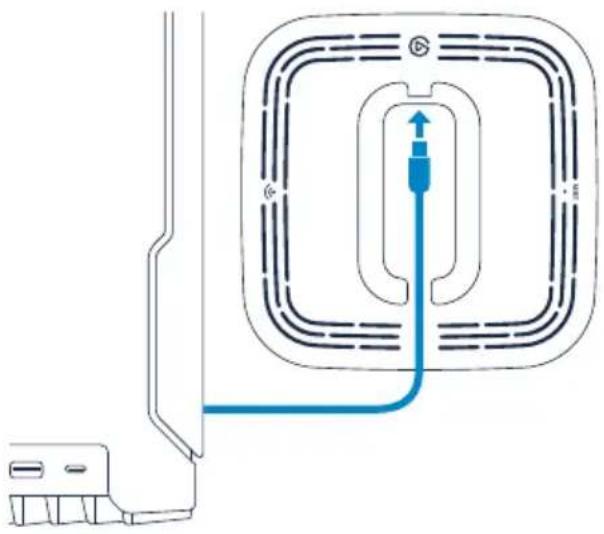
Technical line drawing of a car seatbelt mechanism, showing front and side views with no text or symbolsClick the cable reel into the back of Key Light Neo. Make sure the cutout aligns with the USB-C port.
text_image
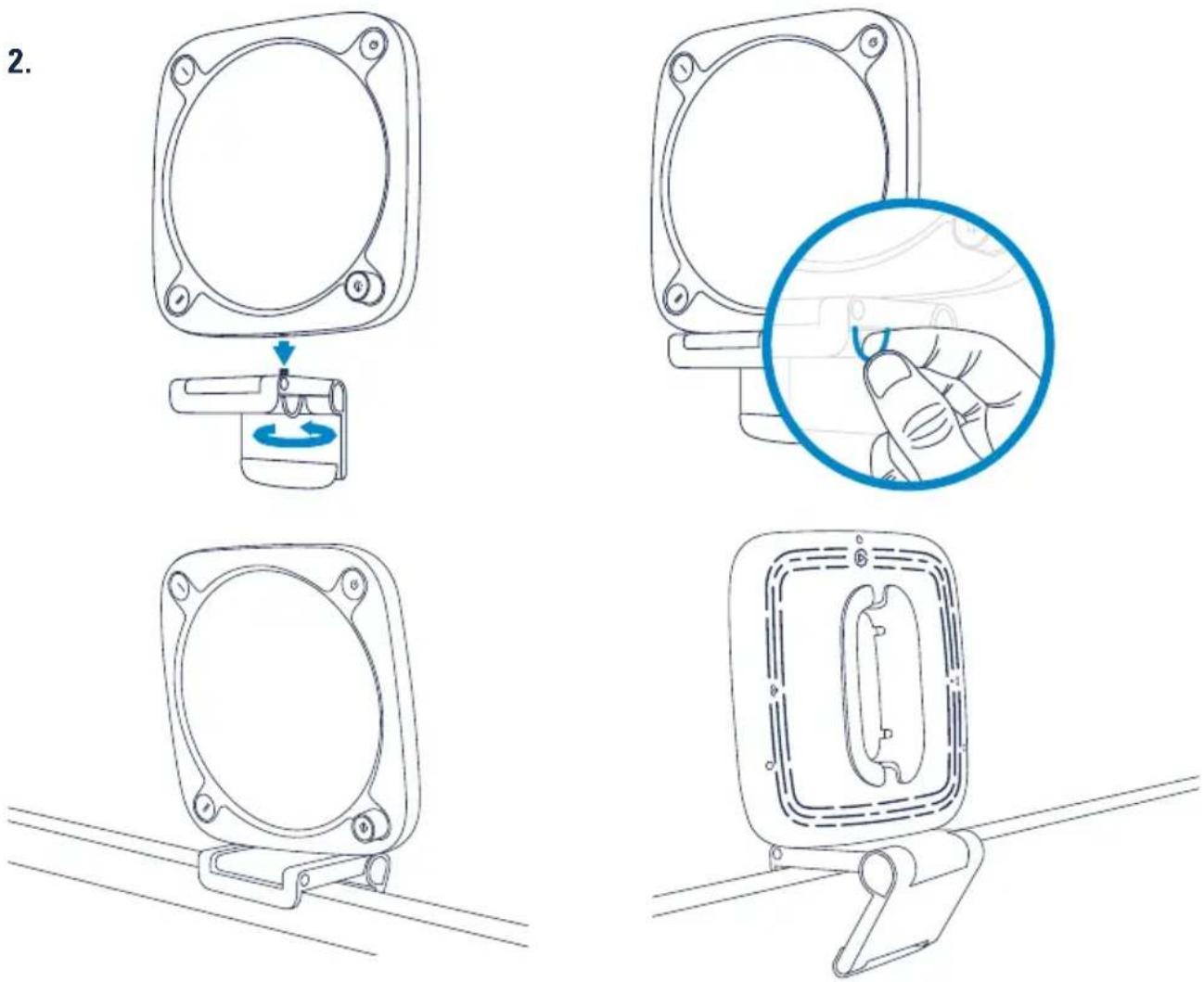
2.Mount Key Light Neo on your monitor. The self-adhesive base of the mount is super sticky but residue-free. If it gets dirty, wipe with a damp cloth. Only use water, not cleaning agents.
1.2.

text_image
elgato.com/download CONTROL CENTER CONTROL CENTER Key Light DOWNLOADDownload and install the Control Center app.
natural_image
Pure diagram of a mechanical or electrical component with no text, numbers, or symbolsConnect Key Light Neo directly to a USB port on your PC or Mac – do not use a USB hub.
3.4.
natural_image
Line drawing of a hand pressing a button on a circular component (no text or symbols)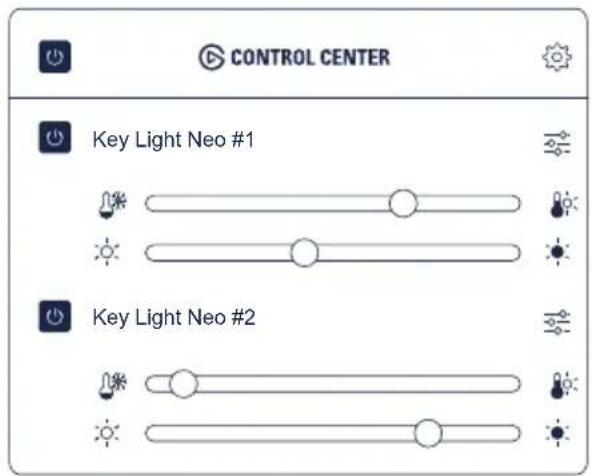
text_image
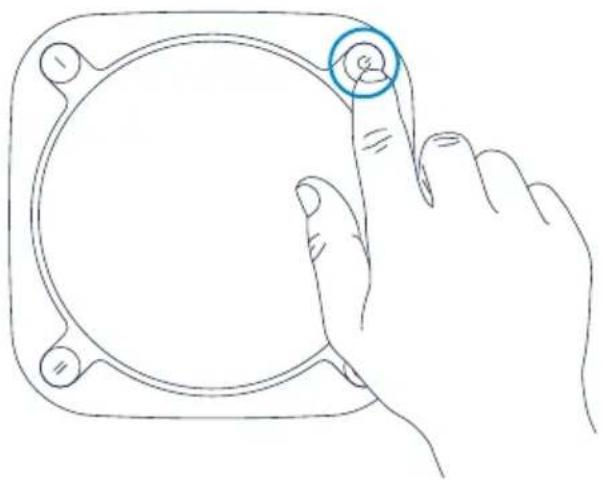
CONTROL CENTER Key Light Neo #1 Key Light Neo #2Turn on your Key Light Neo. Use Control Center to turn Key Light Neo on or off,
adjust brightness, and fine-tune color temperature.
1.2.

Download on the App Store

GET IT ON Google Play
Download and install the Control Center app from the App Store or Google Play.
natural_image
Pure electrical circuit lines without any symbols
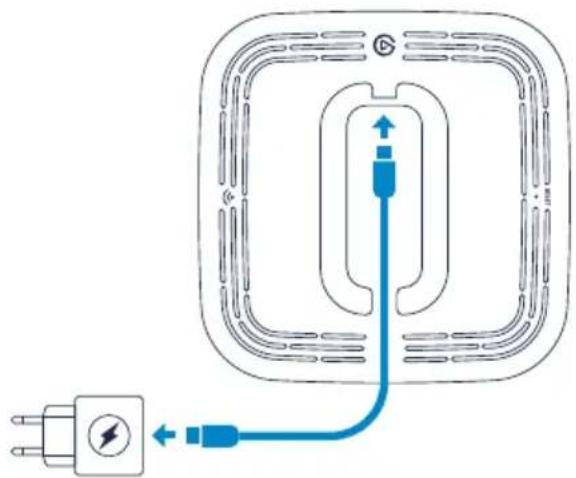
Do not connect to a USB port on your computer!
Connect Key Light Neo to a USB power supply with a minimum power output of 3A.
3.4.
natural_image
Line drawing of a hand pressing a button on a circular component (no text or symbols)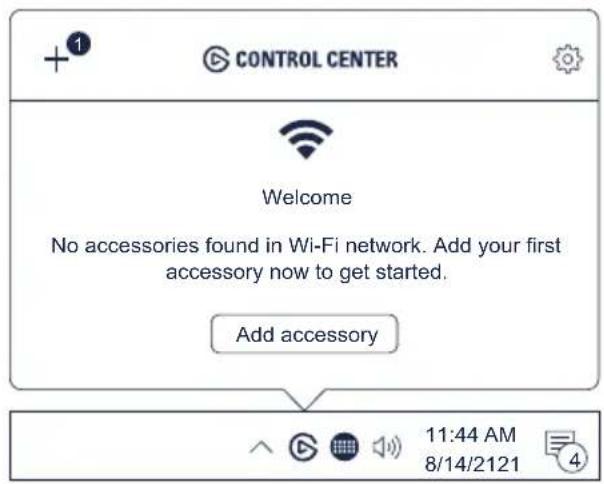
text_image
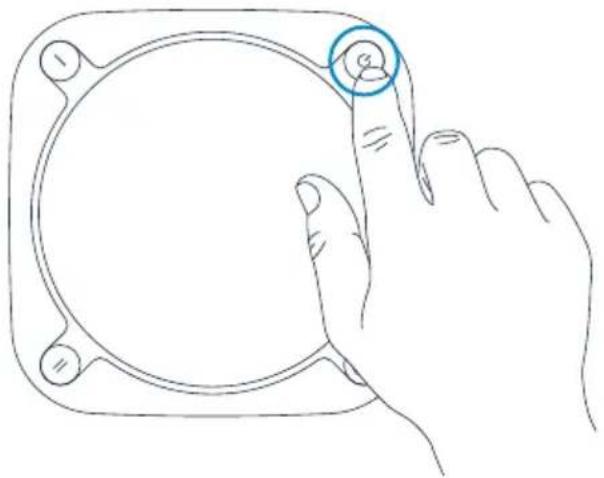
CONTROL CENTER Welcome No accessories found in Wi-Fi network. Add your first accessory now to get started. Add accessory 11:44 AM 8/14/2121Switch on your Key Light Neo. Launch the Control Center app and click the + icon to
pair Key Light Neo. Use Control Center to switch Key Light Neo on or off, adjust brightness, and fine-tune color temperature.
Hardware Control
Brightness mode Color temperature mode
text_image
Color temperature m 1X2X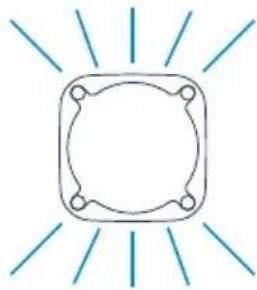
natural_image
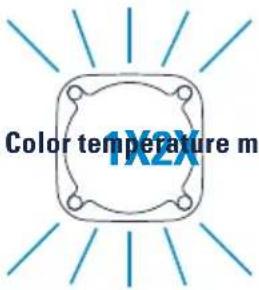
Simple line drawing of a square frame with radiating lines (no text or symbols)Key Light Neo is in brightness mode by default. Press the dial to enter color temperature mode (Key Light Neo will flash twice), press again to return to brightness mode (Key Light Neo will flash once). Turn the dial to adjust brightness or color temperature.
natural_image
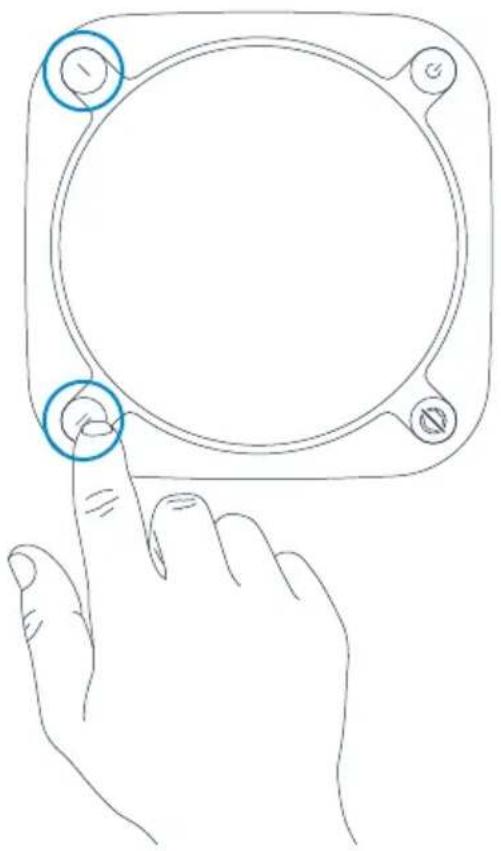
Line drawing of a hand pressing a button on a circular device (no text or symbols)Press the Preset button to load a brightness/color temperature preset.
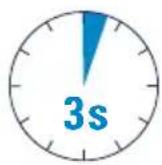
Press the button for 3 seconds to save the current setting as a preset.
Brightness Info
The maximum brightness of Key Light Neo depends on the output of your power source:
• USB-A computer port: ca. 400 lm (cable included)
- USB-C computer port: ca. 700 lm (requires cable, not included)
- External power supply: ca. 1000 lm (requires 5V min 3A power supply, not included)
Reset
text_image
10s 3X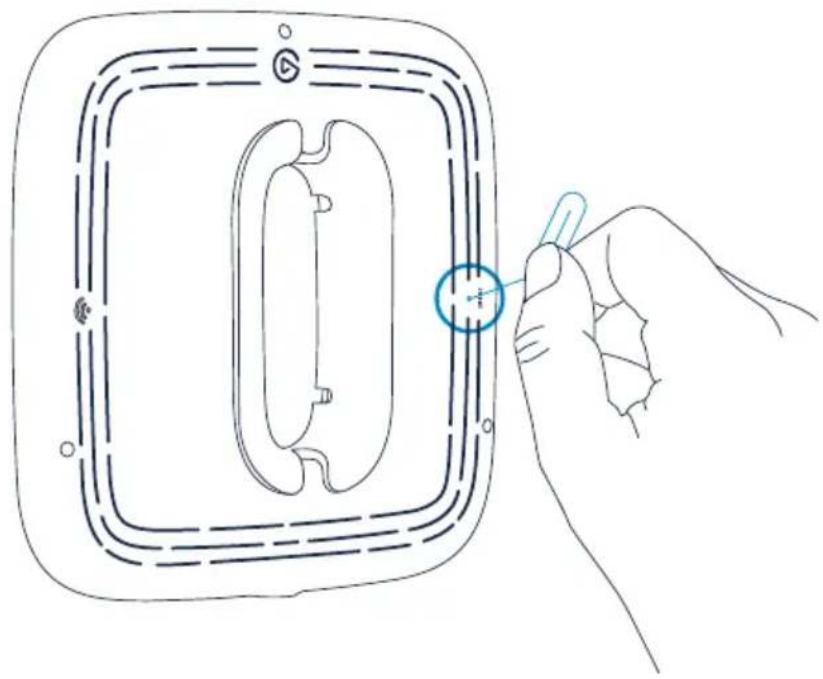
natural_image
Line drawing of a hand holding a small object inside a rectangular frame, with no visible text or symbols.
Reset will restore Key Light Neo factory settings and forget all Wi-Fi credentials.
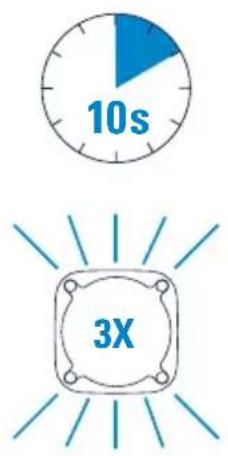
Power on Key Light Neo. Push and hold the Reset button with a small tool for at least 10 seconds until the light flashes 3 times. Then release the button. Key Light Neo will restart automatically after a few seconds.
Warning
• Key Light Neo may become hot during prolonged use. Always handle with care.
- Do not cover this product, especially the ventilation holes.
- Do not place on or near a carpet, curtains, or any other flammable materials.
- Be especially cautious when setting up near children.
- Do not attach items to Key Light Neo.
- Do not leave the product exposed to direct sunlight.
- Do not set up in areas susceptible to strong air currents. Drafts and breezes can cause movement that may result in damage to the product.
- Keep the light free from dirt and dust. If Key Light Neo becomes dirty, wipe it lightly with a soft cloth moistened with a little water and mild, neutral detergent. Benzene, thinner, and other volatile agents can cause permanent damage and should never be used for cleaning.
This equipment complies with FCC RF, IC RSS-102 and CE radiation exposure limits set forth for an uncontrolled environment. This equipment should be installed and operated with a minimum distance of 20 centimeters between the radiator and your body. This transmitter must not be co-located or operating in conjunction with any other antenna or transmitter. For indoor use only. The light source inside this luminaire shall only be replaced by the manufacturer or authorized service agents or similar qualified personell.
Reference control settings: The rated parameters are based on maximum light output at 4000K CCT setting from APP.
Hereby, Corsair Memory Inc. declares that this device is in compliance with the essential requirements and other relevant provisions of Directive 2014/53/EC. The declaration of conformity for Elgato products is available at www.elgato.com/doc
FCC IC CE
2.4 GHz 2412 - 2462 MHz 2412 - 2462 MHz 2412 - 2472 MHz
5 GHz (Band 1 & 2) 5180 - 5320 MHz 5180 - 5320 MHz 5180 - 5320 MHz
5 GHz (Band 3) 5500 - 5700 MHz 5500 - 5800 MHz
5500 - 5700 MHz
5660 - 5700 MHz
5 GHz (Band 4) 5745 - 5825 MHz 5745 - 5825 MHz X
Federal Communication Commission Interference Statement
This device complies with Part 15 of the FCC Rules. Operation is subject to the following two conditions: (1) This device may not cause harmful interference, and (2) this device must accept any interference received, including interference that may cause undesired operation.
This equipment has been tested and found to comply with the limits for a Class B digital device, pursuant to Part 15 of the FCC Rules. These limits are designed to provide reasonable protection against harmful interference in a residential installation. This equipment generates, uses and can radiate radio frequency energy and, if not installed and used in accordance with the instructions, may cause harmful interference to radio communications. However, there is no guarantee that interference will not occur in a particular installation. If this equipment does cause harmful interference to radio or television reception, which can be determined by turning the equipment off and on, the user is encouraged to try to correct the interference by one of the following measures:
- Reorient or relocate the receiving antenna.
- Increase the separation between the equipment and receiver.
- Connect the equipment into an outlet on a circuit different from that to which the receiver is connected.
- Consult the dealer or an experienced radio/TV technician for help.
FCC Caution: Any changes or modifications not expressly approved by the party responsible for compliance could void the user's authority to operate this equipment. This equipment complies with FCC radiation exposure limits set forth for an uncontrolled environment. This equipment should be installed and operated with a minimum distance of 20 cm between the radiator and a human body.
For questions about Elgato product compliance with FCC regulations, please contact: Compliance Officer, Corsair Memory Inc., 115 North McCarthy Blvd, Milpitas, CA 95035, USA
This device complies with Industry Canada license-exempt RSS standard(s).
Operation is subject to the following two conditions: (1) this device may not cause interference, and (2) this device must accept any interference, including interference that may cause undesired operation of the device.
Le present appareil est conforme aux CNR d'Industrie Canada applicables aux appareils radio exempts de licence.
The declaration of conformity for Elgato products is available at www.elgato.com/doc
Rating: 5 V, 3 A

R-R-CSI-20LAJ9901
Applicant Name (상호명): Corsair Memory, Inc.
Product Name (제품명칭): Key Light Neo
Model No.(모델명): 20LAJ9901
Manufactured Year & Month (제조연월): Please refer to gift box sticker
Manufacturer & Origin (제조자 및 제조국가): Corsair Memory, Inc./Please refer to gift box sticker
A/S:(주)컴스빌,1522-1460
Elgato, a division of:
Corsair Memory Inc., 115 North McCarthy Blvd, Milpitas, CA 95035, USA
Corsair Components Limited, 1020 Eskdale Road, Winnersh Triangle, Wokingham, RG41 5TS, UK
Corsair Memory BV, Wormerweg 8, 1311 XB, Almere, Netherlands
Copyright 2023 Corsair Memory Inc. All rights reserved. Elgato and the Elgato logo are trademarks of Corsair Memory Inc., registered in the U.S. and other countries. All other trademarks belong to their respective owner.
Part: 51LAJ9901