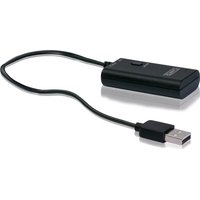
KHTRANS - Bluetooth audio accessory Schwaiger - Free user manual and instructions
Find the device manual for free KHTRANS Schwaiger in PDF.


| Product type | Bluetooth jack adapter for audio transmission |
| Brand | Schwaiger |
| Model | KHTRANS |
| Dimensions (L x W x H) | 58 x 29 x 14 mm (without cable) |
| Power supply | USB 5V / 500 mA |
| Bluetooth version | 3.0 |
| Bluetooth range | 10 m (line of sight) |
| Supported Bluetooth profiles | A2DP (stereo) |
| Number of simultaneous receiver devices | Up to 2 |
| Frequency band | 2402 MHz - 2480 MHz |
| Max. transmission power | 4 dBm |
| Audio input | 3.5 mm jack |
| Supplied connectors | 3.5 mm jack cable (1.8 m) and USB cable (30 cm) |
| Plug & Play function | Yes, automatic connection after pairing |
| Memory clearing | Hold pairing button for 5 s |
| LED indicator | LED: slow flash (searching), steady (connected) |
| Recommended use | Audio sources with headphone output (TV, stereo, etc.) |
| Operating temperature | Not specified (estimated: 0-40°C) |
| Humidity | Not specified |
| Maintenance | Wipe with a dry cloth; do not use harsh chemicals |
Frequently Asked Questions - KHTRANS Schwaiger
User questions about KHTRANS Schwaiger
0 question about this device. Answer the ones you know or ask your own.
Ask a new question about this device
Download the instructions for your Bluetooth audio accessory in PDF format for free! Find your manual KHTRANS - Schwaiger and take your electronic device back in hand. On this page are published all the documents necessary for the use of your device. KHTRANS by Schwaiger.
USER MANUAL KHTRANS Schwaiger
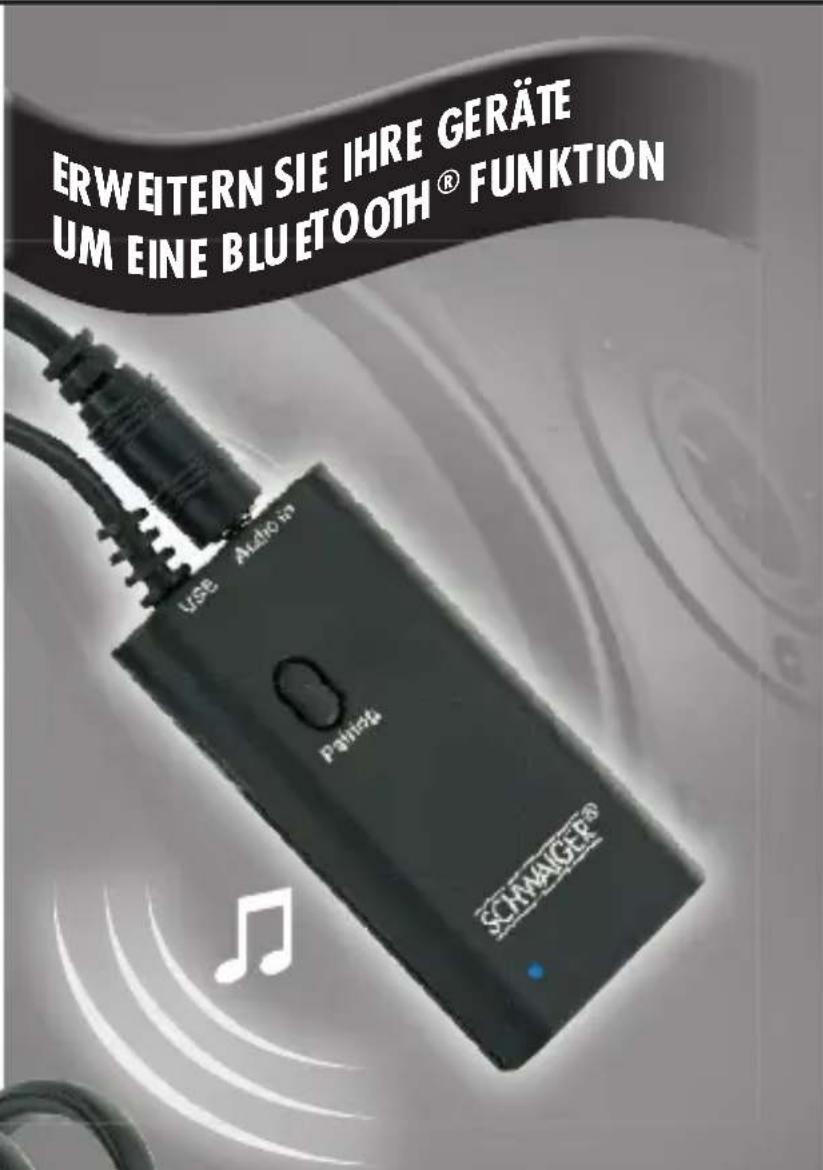
2x PARALLEL
natural_image
Pair of black and silver headsets with silver straps, shown against a plain background (no text or symbols visible)HANDBUCH
KHTRANS
USER MANUAL
MODE
MANUALE
Schwaiger GmbH
Würzburger Straße 17
D-90579 Langenzenn
www.schwaiger.de
Kundenservice
(+49) 09101 702-299
hotline@schwaiger.de

Bluetooth®
The Bluetooth® word mark and logos are registered trademarks owned by Bluetooth® SIG, Inc. and any use of such marks by Schwaiger GmbH is under license. Other trademarks and trade names are those of their respective owners.
All listed brands are trademarks of the corresponding companies. Errors and omissions excepted, and subject to technical changes. Our general terms of delivery and payment are applied.
INHALT
D
- Connection set-up ..... 15
Connection set-up with the first Bluetooth ^ device....15
Connection set-up with a second Bluetooth ^ device . . . 15
Storage reset 16
- LED codes 16
- Technical data 17
- Declaration of Conformity ..... 17
- Recycling instructions.... 17
SOMMAIRE
F
natural_image
Black USB device with attached black cable, no visible text or symbolsSchritt 1
Congratulations and thank you for choosing the Schwaiger Bluetooth® Headphone jack plug adapter KHTRANS.
This user manual will assist you in operating the Bluetooth® headphone jack plug adapter.
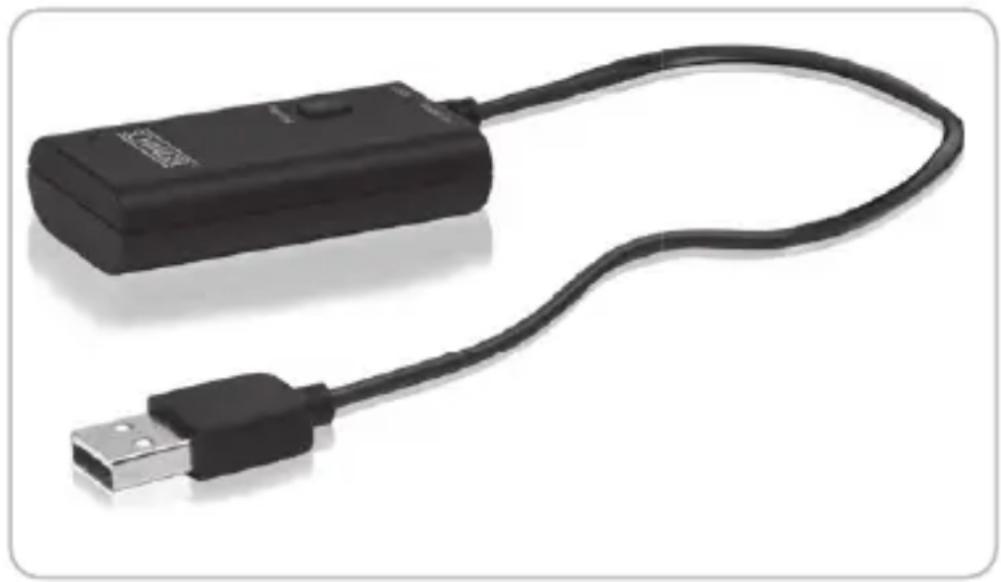
KHTRANS transmits audio signals from your devices which have no Bluetooth® function, for example a television, CD-Player or a hi-fi system, to a Bluetooth®-receiving device, for example a Bluetooth® Headphone from Schwaiger. KHTRANS supports all audio sources equipped with a 3.5 mm audio plug. Power supply must be ensured by USB.
KHTRANS and a Bluetooth ^® receiving device usually use a „Plug & Play“ connection. When you press the Pairing button, the adapter searches, pairs and connects itself with the receiving device that has to be in pairing mode.
NOTE:
Please make sure that you are familiar with the Bluetooth® function of your receiving device, in order to be able to exclude possible error sources during the connection.
2. FEATURES
Connect up to 2 Bluetooth®-receiving devices with KHTRANS
√ Transmission of Bluetooth® signals with a reach of up to 10 m
√ Almost noiseless transmission of the audio signal
√ Easy & automatic connection by simply pushing the Pairingbutton
√ Power supply via USB – No annoying charging of a battery necessary
3. BOX CONTENT
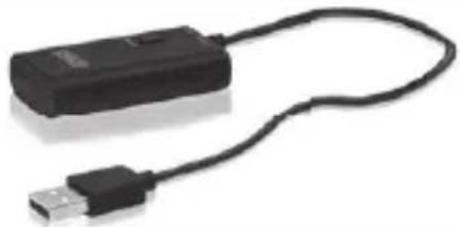 | 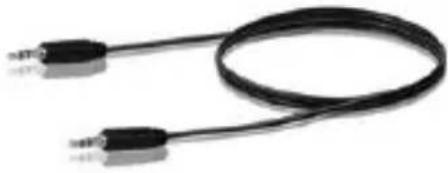 |
| Bluetooth® Headphone jack plug adapter with 30 cm USB connection cable | 1.8 m connection cable(3.5 mm plug/3.5 mm plug) |
4. GETTING STARTED
Before trying to establish a connection with the help of the adapter, please make sure that you have a Bluetooth®-receiving device ready for use. The Schwaiger KHTRANS device is a Bluetooth® adapter with audio plug, which can only be used together with a Bluetooth® device.
»Connect KHTRANS with your audio source (here: television). Please execute the following steps:
natural_image
Black USB device with attached cable, shown in isolated view (no text or symbols visible)Step one
Put the USB plug of the adapter into the USB port of your Television to supply it with power. If your television is not equipped with a USB port, KHTRANS can also be used with a USB charging adapter.
Step two
Use the enclosed 3.5 mm audio plug cable on the output of your streaming device as well as on the input of the adapter. Now the Bluetooth ^® adapter is ready for use.
NOTE:
The reach of the Bluetooth® adapter is maximum 10m (visibility). To achieve optimal performance and reach, we recommend fitting the adapter on a spot that is visible in order to prevent signal blockage, as this could shorten the reach.
5. CONNECTION SET-UP
Connection set-up with the first Bluetooth device
- Take the first Bluetooth device and put it into Pairing mode.
(This works differently depending on equipment and manufacturer. Please read the user manual of the respective device in case you have problems)
- If the Bluetooth®-receiving device is in Pairing mode, please push the Pairing button of KHTRANS, the device will then automatically establish a connection.
(This process can take up to 2 minutes.)
Connection set-up with a second Bluetooth® device
-
Now, take the second Bluetooth® device and also put it into Pairing mode.
-
Push the Pairing button on KHTRANS again for 1-2 seconds until the LED starts to flash. adapter establishes a connection with the second Bluetooth® device.
(In exceptional cases, you might have to turn off the first connected device in order to connect the second one. You can later switch the first device back on again. It will automatically establish the last-known active connection with the Bluetooth® adapter.)
6. STORAGE RESET
KHTRANS can establish a connection with 2 Bluetooth® A2DP receivers at the same time. In some scenarios, if you want to connect a new device but already have two other devices connected with the KHTRANS, you have to reset the storage of the adapter.
This works as follows:
»Push and hold the Pairing button of KHTRANS for about 5 seconds until the LED of KHTRANS begins to flash. The storage has now been reset and you a new device can be connected. KHTRANS automatically goes into search mode to look for new A2DP device.
7. LED CODES
| Status light Meaning Explanation | ||
| Flashes once every 5 seconds | Switched on/ Pairing mode | The adapter is switched on & searches for available devices |
| LED lights up permanently | Connected to a device | The adapter and a device are connected to each other |
8. TECHNICAL DATA
| Bluetooth® version Version 3.0 | |
| Bluetooth® reach 10 m | |
| Supported Bluetooth® profiles | A2DP (Stereo profile) |
| Power supply Input: DC 5.0 V | - 500 mA |
| Frequency range 2402 MHz - | 2480 MHz |
| Transmission performance max. | 4 dBm |
| Dimensions without cables (L x W x H) | 58 x 29 x 14 mm |
9. SIMPLIFIED DECLARATION OF CONFORMITY AS PER THE RED DIRECTIVE
Schwaiger GmbH hereby declares that the described radio system product complies with Directive 2014/53/EU and other directives applicable to the product. The complete EU declaration of conformity is available online at: http://konform.schwaiger.de
10. RECYCLING INSTRUCTIONS

Electric and electronic devices as well as batteries must not be disposed of with household waste. Consumers are obliged by law to return electrical and electronic devices as well as batteries at the end of their service lives to the public collecting points set up for this purpose or point of sale. Details to this are defined national law of the respective country. This symbol on the product, the instruction manual or the package indicates that a product is subject to these regulations.
by
1. INTRODUCTION

natural_image
Black USB device with coiled cable, no visible text or symbolsnatural_image
Coiled black audio amplifier cable with two connectors (no text or symbols visible)natural_image
Black USB device with attached black cable, no visible text or symbolsÉtape 1
natural_image
Black USB device with attached black cable, shown against white background (no text or symbols visible)Operazione 1
- HANDBUCH
- Bluetooth®
- INHALT
- D
- SOMMAIRE
- F
- Schritt 1
- NOTE:
- FEATURES
- BOX CONTENT
- GETTING STARTED
- Step one
- Step two
- CONNECTION SET-UP
- Connection set-up with the first Bluetooth device
- Connection set-up with a second Bluetooth® device
- STORAGE RESET
- LED CODES
- TECHNICAL DATA
- SIMPLIFIED DECLARATION OF CONFORMITY AS PER THE RED DIRECTIVE
- RECYCLING INSTRUCTIONS
- INTRODUCTION
- Étape 1
- Operazione 1
Brand : Schwaiger
Model : KHTRANS
Category : Bluetooth audio accessory