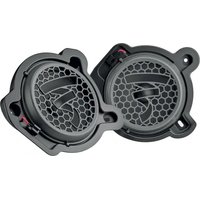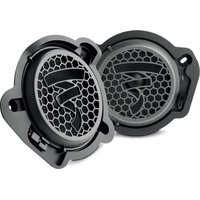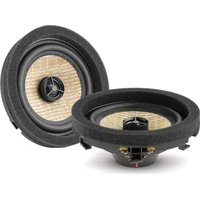
IC MBZ 100 V2 - Car speaker FOCAL - Free user manual and instructions
Find the device manual for free IC MBZ 100 V2 FOCAL in PDF.


| Product type | 2-way coaxial car speaker |
| Brand | Focal |
| Model | IC MBZ 100 V2 |
| Maximum power | 80 W |
| Nominal power | 40 W RMS |
| Sensitivity | 88 dB (2.83 V/1 m) |
| Frequency response | 150 Hz - 20 kHz |
| Impedance | 4 Ω |
| Midrange diameter | 100 mm (4 inches) |
| Tweeter type | Inverted aluminum dome |
| Cone material | Flax |
| Voice coil diameter | 25 mm |
| Voice coil height | 8 mm |
| Magnet type | Neodymium |
| Surround material | Butyl |
| Filter type | Integrated (passive) |
| Installation | Original (OEM) locations |
| Maintenance | Dust with a dry cloth; clean grille with a damp cloth |
| Break-in period | 20 hours at moderate level |
| Warranty | 2 years (France) - legal conformity and hidden defects |
| Power requirement | Passive (requires external amplifier) |
| Safety | Read installation instructions; do not listen at excessive volume |
| Repairability | Contact an authorized Focal dealer |
| Weight | Approximately 0.5 kg (estimated) |
Frequently Asked Questions - IC MBZ 100 V2 FOCAL
User questions about IC MBZ 100 V2 FOCAL
0 question about this device. Answer the ones you know or ask your own.
Ask a new question about this device
Download the instructions for your Car speaker in PDF format for free! Find your manual IC MBZ 100 V2 - FOCAL and take your electronic device back in hand. On this page are published all the documents necessary for the use of your device. IC MBZ 100 V2 by FOCAL.
USER MANUAL IC MBZ 100 V2 FOCAL
natural_image
Technical line drawings of mechanical components including fan, gear, and housing (no text or symbols)IS MBZ 100 v2
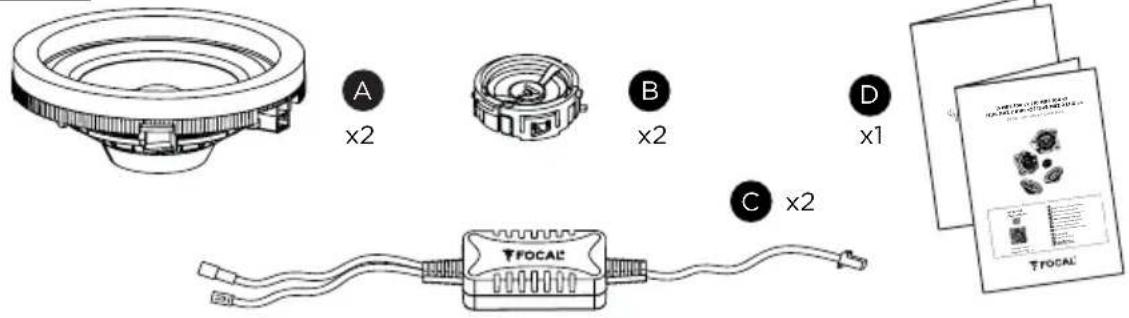
IC MBZ 100 v2

natural_image
Technical line drawing of a mechanical component with concentric rings and central hub (no text or symbols)
x2
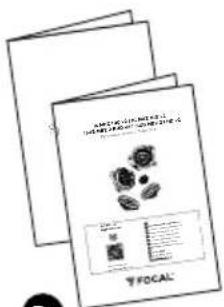

x1
ISUB MBZ 2 LHD v2
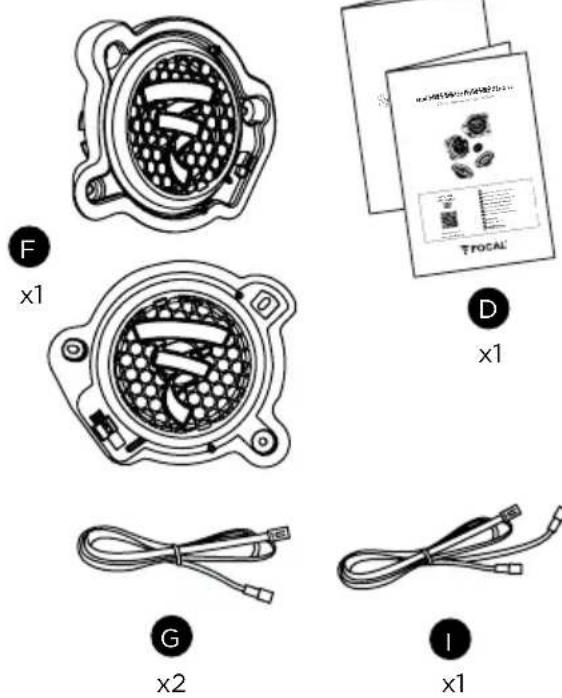
ISUB MBZ 2 RHD v2
natural_image
Cross-sectional diagram of a mechanical component with internal gears and housing (no text or labels)x1
natural_image
Technical line drawing of a mechanical component with internal cavities and mounting brackets (no text or symbols)

x2

natural_image
Diagram of a car interior showing directional arrows and a vehicle inside the door (no text or symbols)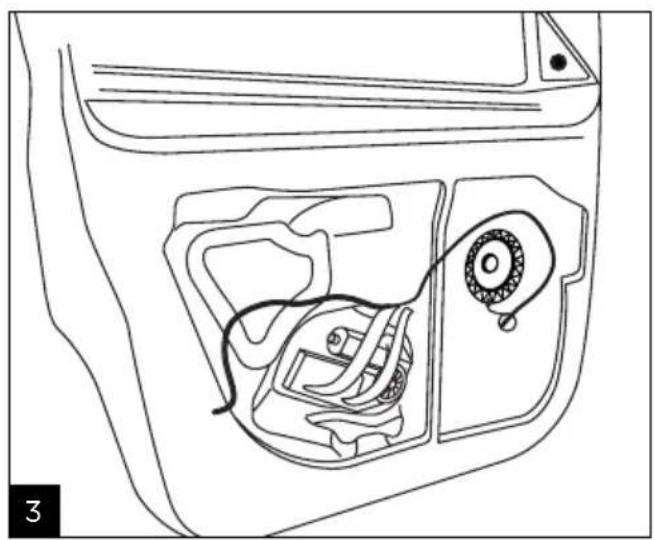
natural_image
Line drawing of a car interior showing engine, dashboard, and gear mechanism (no text or symbols)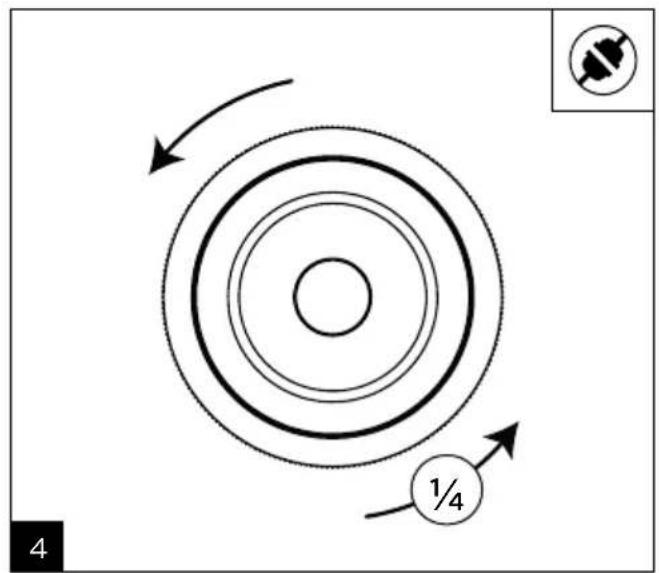
natural_image
Line drawing of a car interior showing internal components and wiring (no text or symbols)MBZ v2
natural_image
Technical line drawing of a mechanical component with no visible text or symbols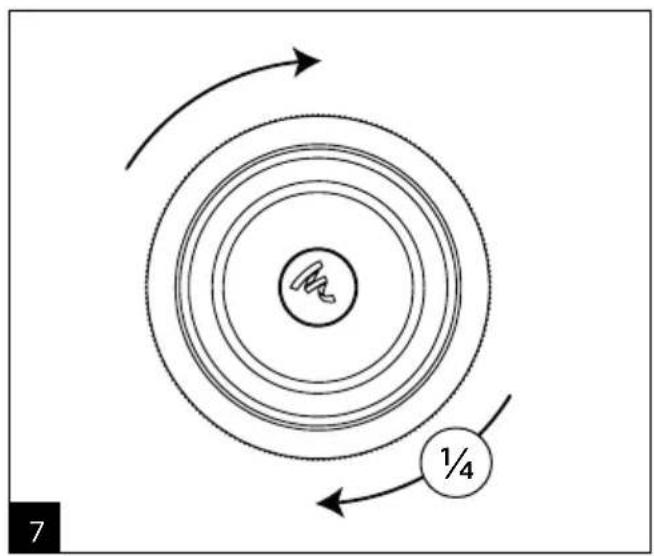
natural_image
Diagram showing concentric circular layers with directional arrows and a labeled circle 1/4 (no text or symbols beyond labels)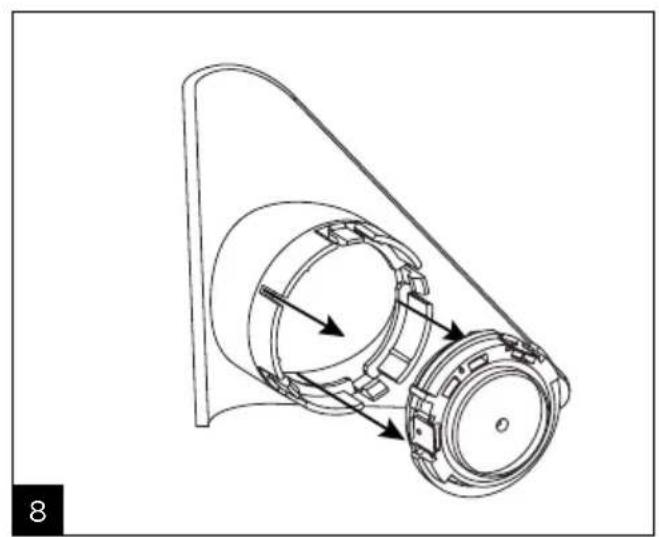
natural_image
Technical line drawing of a mechanical assembly with no visible text or symbols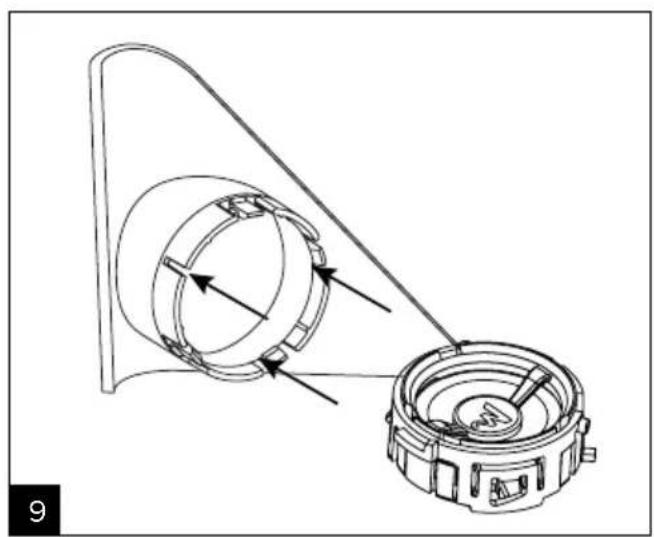
natural_image
Technical line drawing of a mechanical assembly with two circular components and directional arrows indicating motion (no text or symbols)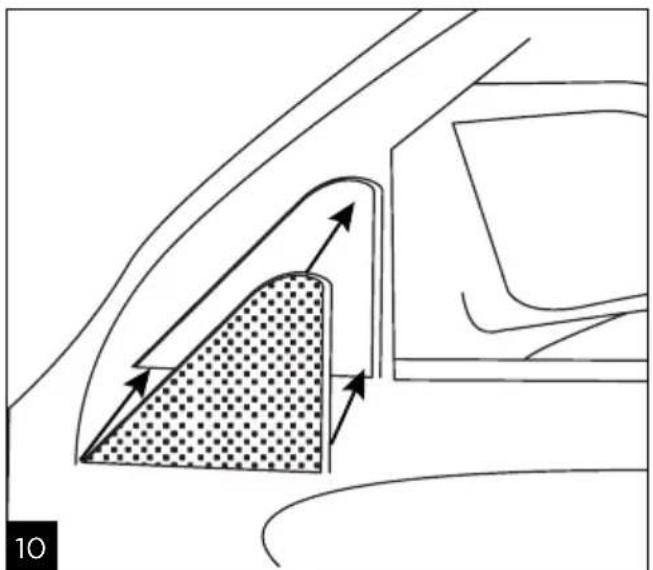
natural_image
Diagram showing airflow or movement between a car's side panel and a vehicle, with no visible text or symbols.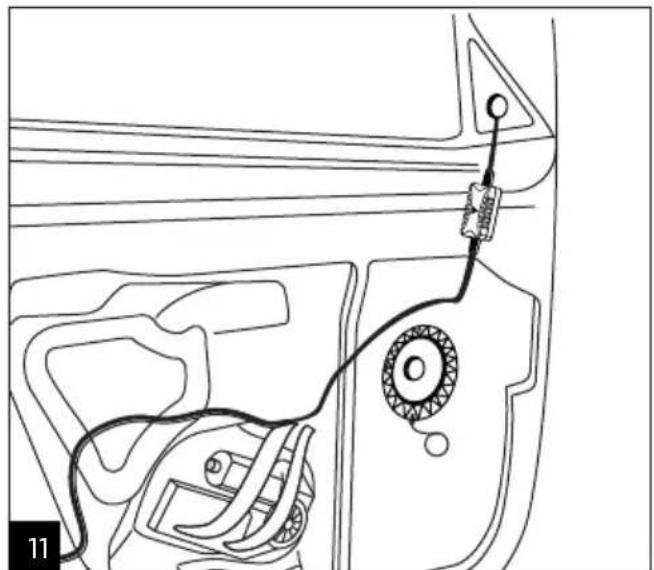
natural_image
Line drawing of a car interior with a cable and attached sensor or connector (no text or symbols)MBZ v2
natural_image
Line drawing of a car interior showing engine, dashboard, and gear mechanism (no text or symbols)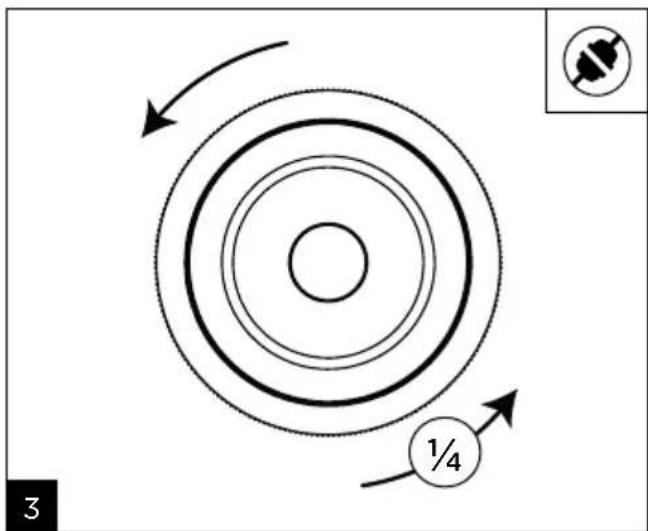
natural_image
Line drawing of a car interior showing internal components and wiring (no text or symbols)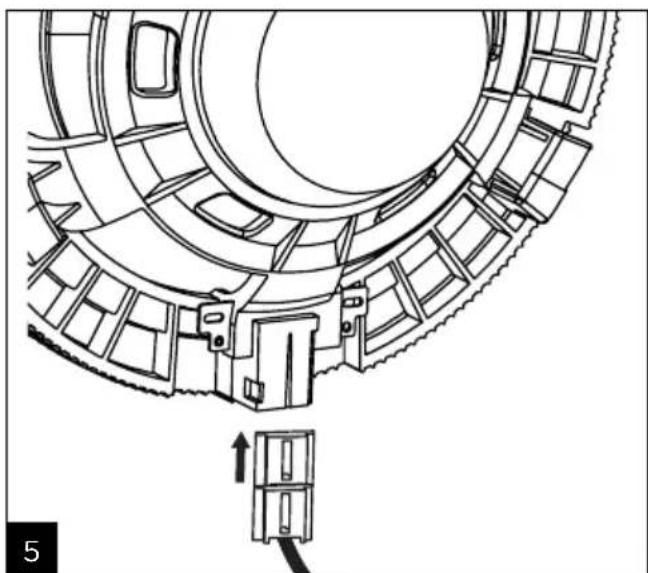
natural_image
Technical line drawing of a mechanical component with gear-like structure and mounting bracket (no text or symbols)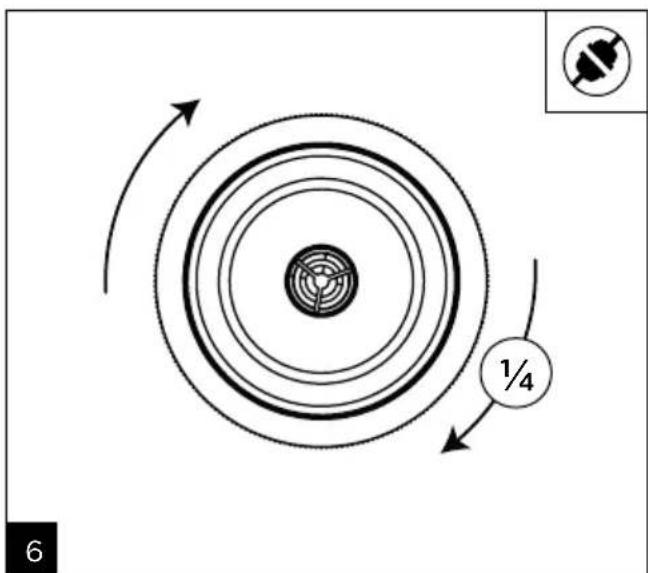
MBZ v2
Torx ^4 is a registered trademark of Textron Inc.

natural_image
Diagram of a car interior showing a hand pressing down a curved channel with directional arrows indicating flow or movement (no text or symbols present)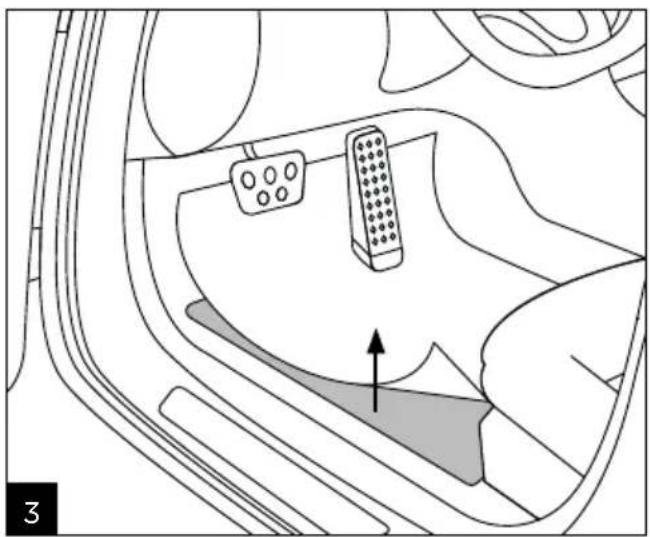
natural_image
Diagram of a car interior showing steering wheel and dashboard with an upward arrow indicating motion (no text or symbols)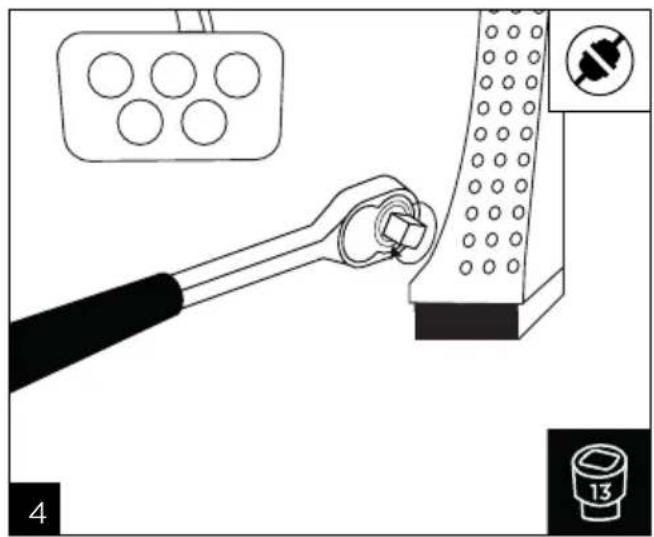
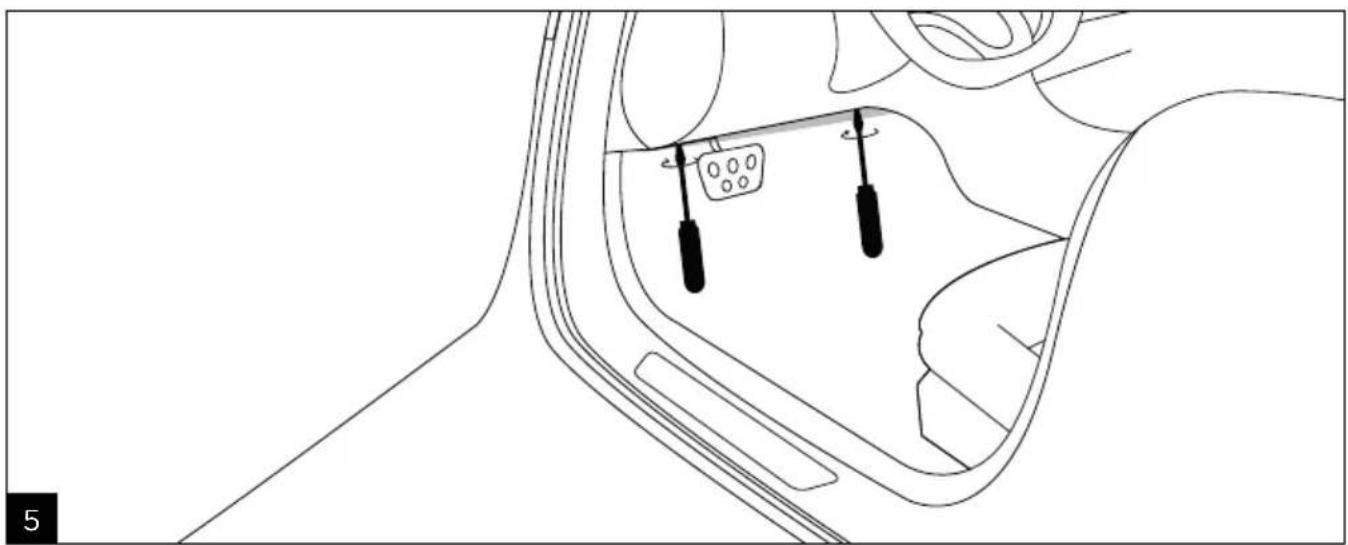
natural_image
Diagram of a car interior showing dashboard and steering wheel (no text or symbols)MBZ v2
natural_image
Interior view of a car showing a battery pack, wiring, and plug (no text or symbols)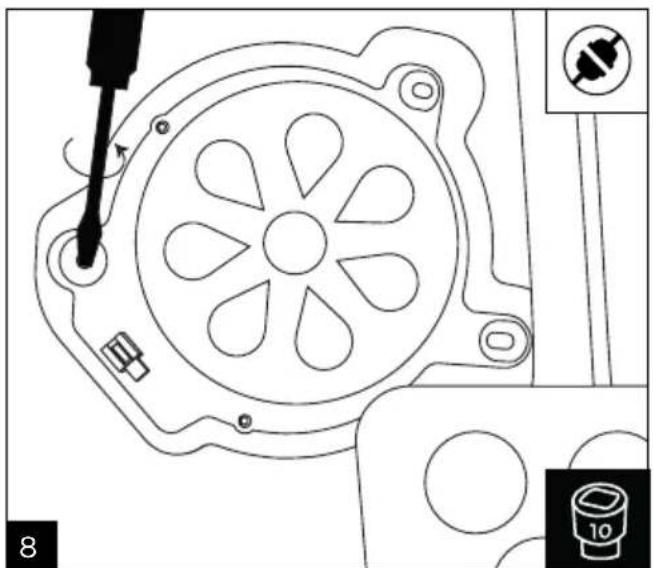
natural_image
Technical line drawing of a mechanical component with no visible text or symbols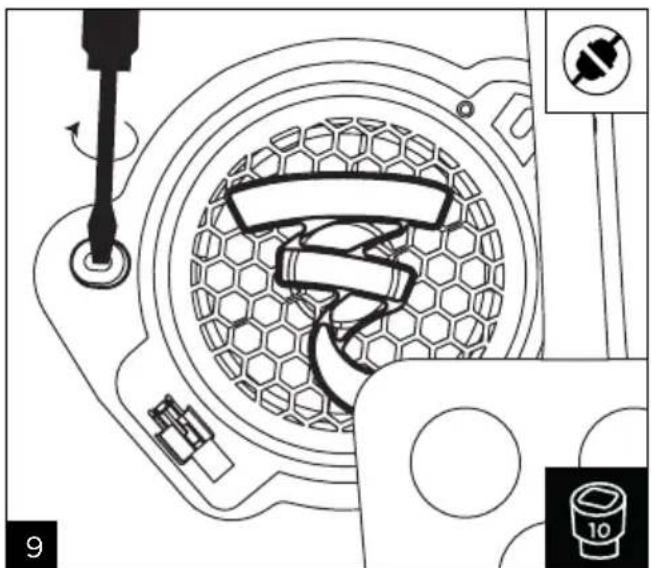
natural_image
Technical diagram of a mechanical assembly with no visible text or symbols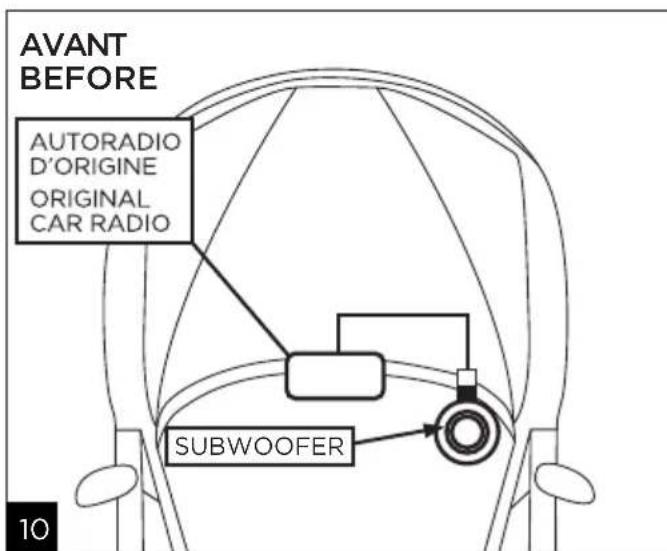
IS MBZ 100 v2 IC MBZ 100 v2
 | Warning symbol. This symbol is designed to warn the user of the presence of important instructions mentioned in the user manual and relating to the handling, operation and maintenance of the device. | |
| 1. Read these instructions.2. Keep these instructions.3. Heed all warnings.4. Follow all instructions.5. Do not use this device near water.6. Only clean with a dry cloth.7. Do not install or store the amplifier in the engine compartment or near a heat source.8. If the product is installed in the boot of a vehicle, make sure the boot is watertight.9. The device should not be exposed to temperatures above 55°C.10. Ensure you leave a 2cm space around the device to allow heat exchange.11. If the product emits smoke or an unusual smell, immediately turn off the power supply (turn off the ignition and remove the key) and stop using it. Contact your retailer as soon as possible.12. Do turn on any function likely to distract you when driving. Any actions or adjustments that require more in-depth attention must only be made when the vehicle is at a complete stop. There is a risk of accident.13. Do not listen to the loudspeakers at a high volume, so that you can hear external noise when driving.14. If cords or connectors are supplied, use them properly as described in the user manual without substituting them or modifying them. | 15. If the kit or connector includes a fuse, it must only be replaced by a fuse of the same rating.16. Do not attempt to repair this device yourself. Opening the device may be dangerous. Contact a qualified professional for all work on the device.17. Refer all servicing to qualified service personnel. Servicing is required when the device does not operate normally or has been damaged in any way, for example: the power cable or plug has been damaged, liquid has been spilled onto the device, objects have fallen into the device, the device has been exposed to rain or moisture or has been dropped.18. When replacement components are needed, only use the components specified by the manufacturer or components with identical specifications to the original. Using non-compliant components could cause fires, electric shocks or other risks.19. After any maintenance or repair work on the device, test it to check that it is working safely.20. If a subwoofer is installed in the vehicle, it is essential to secure it by attaching it solidly. We recommend to attach the enclosure to the floor or chassis of the vehicle for safety. If it is not properly secured, it could become a projectile in the event of an accident. This is even more important if the subwoofer is installed in a hatchback, a station wagon, a utility vehicle or a van. | 21. After removing the product from its packaging, keep the packaging out of children's reach. It could present a suffocation risk.22. Some users who are not self-sufficient enough to use the product on their own without danger. In particular, children under 14 or people with some types of disabilities must be supervised and/or accompanied when using the device.23. To avoid damaging your hearing, do not listen to loudspeakers at high volumes for long periods of time. Listening to loudspeakers at an excessive volume can cause damage to the user's ears and may lead to hearing problems (temporary or permanent deafness, buzzing in the ears, tinnitus, hyperacusis). Exposing your ears to a volume higher than 85dB SPL-LAeq for several hours can irreversibly damage your hearing. |

The methods of installing and mounting loudspeakers to any surface (vehicle floor or chassis) depend on the conditions and standards of installation, refurbishment, safety and cabling in force and applicable to the surfaces and/or brackets involved. In addition, the products may vibrate and damage the brackets onto which they are mounted. For this reason, the installation operations must be performed by a qualified professional who is familiar with installation and safety standards. Focal does not provide any end-of-use warranty for a given bracket or installation, as installing the loudspeakers
is the customer's sole responsibility. Focal is therefore not liable in any capacity whatsoever in the event of incident, accident and/or any other result or damage of any kind related to the installation of loudspeakers.
To facilitate the Focal-JMlab warranty, it is now possible to register your product online at: www.focal.com/warranty

Thank you for purchasing a Focal product. Welcome to our High-Fidelity world. Innovation, tradition, excellence and pleasure are our values; our one and only aim is to bring you a sound that is rich, pure and true. To get the most out of your product, we recommend that you read the instructions in this booklet, then store it in a safe place to refer to in the future.
For your safety, follow the assembly instructions provided in this user manual.
Equipment required
T20


E12

T30


10mm/14mm

Important recommendations
This speaker driver has been designed to be fitted in the factory location. Check that there is sufficient space between the speaker driver and the protective grille.
- Keep the speaker driver clear of any metal shavings and dust particles during the cutting process.
- Clean thoroughly before fitting the speaker driver.
- Ensure that there is nothing covering the grille, as this could damage the speaker driver.
- For the electrical disconnection, use the connector. Do not pull on the wires.
- Unclipping and reclipping the various parts must be done carefully.
• Excessive force may damage them.
Product positioning
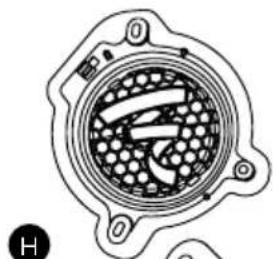
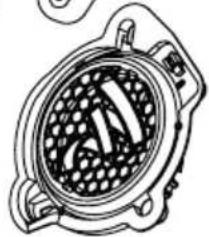
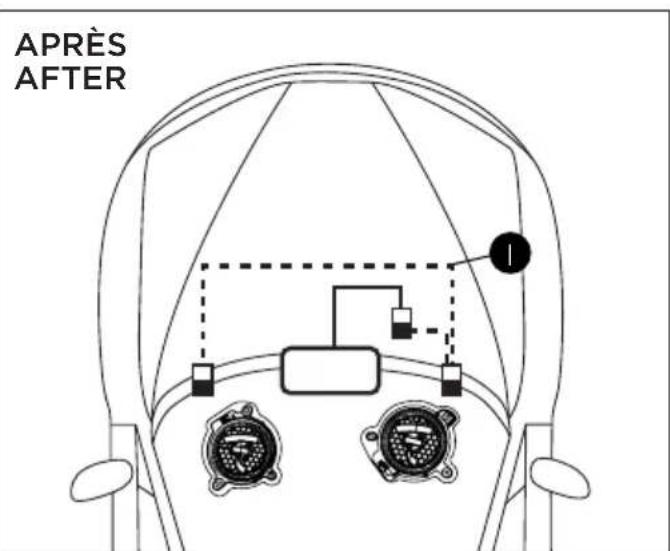
The speaker driver has been designed to deliver the most faithful sound reproduction for any style of music. Nonetheless, a few simple rules should be followed to optimise their performance and to guarantee good tonal balance and a realistic sound image. We recommend placing the speaker drivers from the kit in the dedicated OEM locations.
Installation
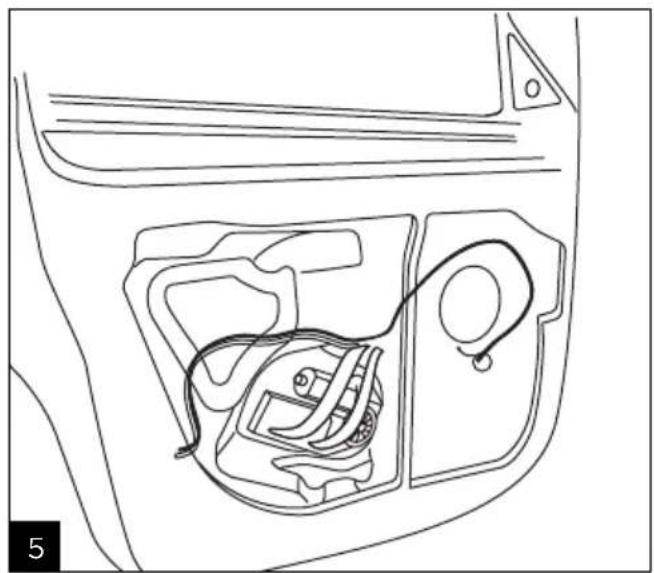
- Identify the location of the speaker driver within the vehicle.
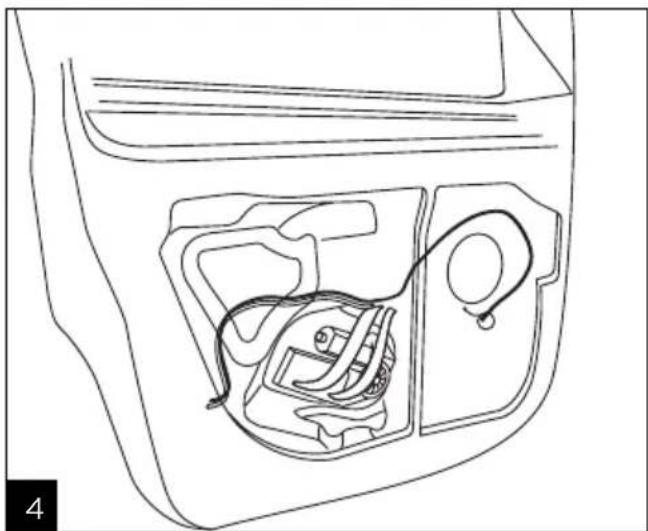
- Carefully disconnect and disassemble the original speaker driver.
- Fit the Focal speaker driver into the vehicle's factory locations then connect it.
Installation details may vary depending on the model. We recommend watching our online assembly tutorials. To improve the performance of your system and eliminate parasitic sounds, we advise you to use the Focal B.A.M. acoustic insulation kit. Focal.
SPECIAL PRECAUTIONS
Door trims
Once the door trim has been removed, be sure to place it on a protective surface to avoid damaging it or the cables.
Maintenance
To look after the speaker drivers, simply dust using a dry cloth. If the grille is marked, use a damp cloth. Never use solvents, detergents, alcohol or corrosive products, scrapers or scouring utensils to clean the surface of the speaker drivers.
Running-in period
The speaker drivers are complex mechanical components that require a running-in period to operate at their best. This running-in period varies depending on the conditions in question and may take several weeks. To reduce this time, we recommend operating the speaker drivers for about twenty hours at a moderate volume. Once the speaker drivers' characteristics have fully stabilised, you will be able to enjoy the performance of your products to the fullest.
Warranty terms and conditions
All Focal loudspeakers are covered by warranty drawn up by the official Focal distributor in your country. Your distributor can provide all details concerning the conditions of warranty. Warranty cover extends at least to that granted by the legal warranty in force in the country where the original purchase invoice was issued.
Check Online Updated Compatibility list and installation manual.
www.focal-inside.com

To set up your Focal Inside product, please watch online the installation video.
www.focal.com/ focal-inside/videos/

Correct elimination of this product.
This marking indicates that within the EU this product should not be disposed of with other household wastes. To prevent any risk to the environment or human health, please recycle them responsibly to encourage the reuse of material resources. To return your used device, please use the return and collection systems available, or contact the retailer where you purchased the product. They can recycle this product safely.