KB-109F - Keyboard Gembird - Free user manual and instructions
Find the device manual for free KB-109F Gembird in PDF.


| Product type | Wired keyboard |
| Brand | Gembird |
| Model | KB-109F |
| Interface | USB |
| Number of keys | 104 keys (AZERTY) |
| Dimensions (W x D x H) | 440 x 140 x 25 mm |
| Weight | 500 g |
| Power supply | USB (5V, 100 mA max) |
| Cable length | 1.5 m |
| System compatibility | Windows, Mac, Linux |
| Multimedia keys | 12 shortcut keys |
| Numeric keypad | Yes |
| Frame material | ABS plastic |
| Color | Black |
| Noise level | Silent (membrane) |
| Maintenance | Clean with a slightly damp soft cloth |
| Safety | Use in a dry environment, avoid liquids |
| Warranty | 2 years |
Frequently Asked Questions - KB-109F Gembird
User questions about KB-109F Gembird
0 question about this device. Answer the ones you know or ask your own.
Ask a new question about this device
Download the instructions for your Keyboard in PDF format for free! Find your manual KB-109F - Gembird and take your electronic device back in hand. On this page are published all the documents necessary for the use of your device. KB-109F by Gembird.
USER MANUAL KB-109F Gembird
natural_image
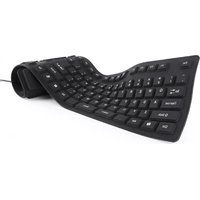
Black flexible computer keyboard with visible input/output labels (no text or symbols on keys)FLEXIBLE KEYBOARD, USB, OTG ADAPTER FLEXIBLE TASTATUR, USB, OTG-ADAPTER FLEXIBEL TOETSENBORD, USB, OTG-ADAPTER CLAVIER FLEXIBLE, USB, ADAPTATEUR OTG ГИБКАЯ КЛАВИАТУРА, USB, OTG АДАПТЕР ГНУЧКА КЛАВИАТУРА, USB, АДАПТЕР OTG ELASTYCZNA KLAWIATURA, USB, ADAPTER OTG

gembird®
KB-109F SERIES
FLEXIBLE KEYBOARD, USB, OTG ADAPTER
Features
• 109-key silicone flexible keyboard
• Water-proof, dust-proof, acid- and alkaline-proof design
- Compact size when packed, ideal for travelling
- Fully silent typing
Specifications
- Interfaces: USB
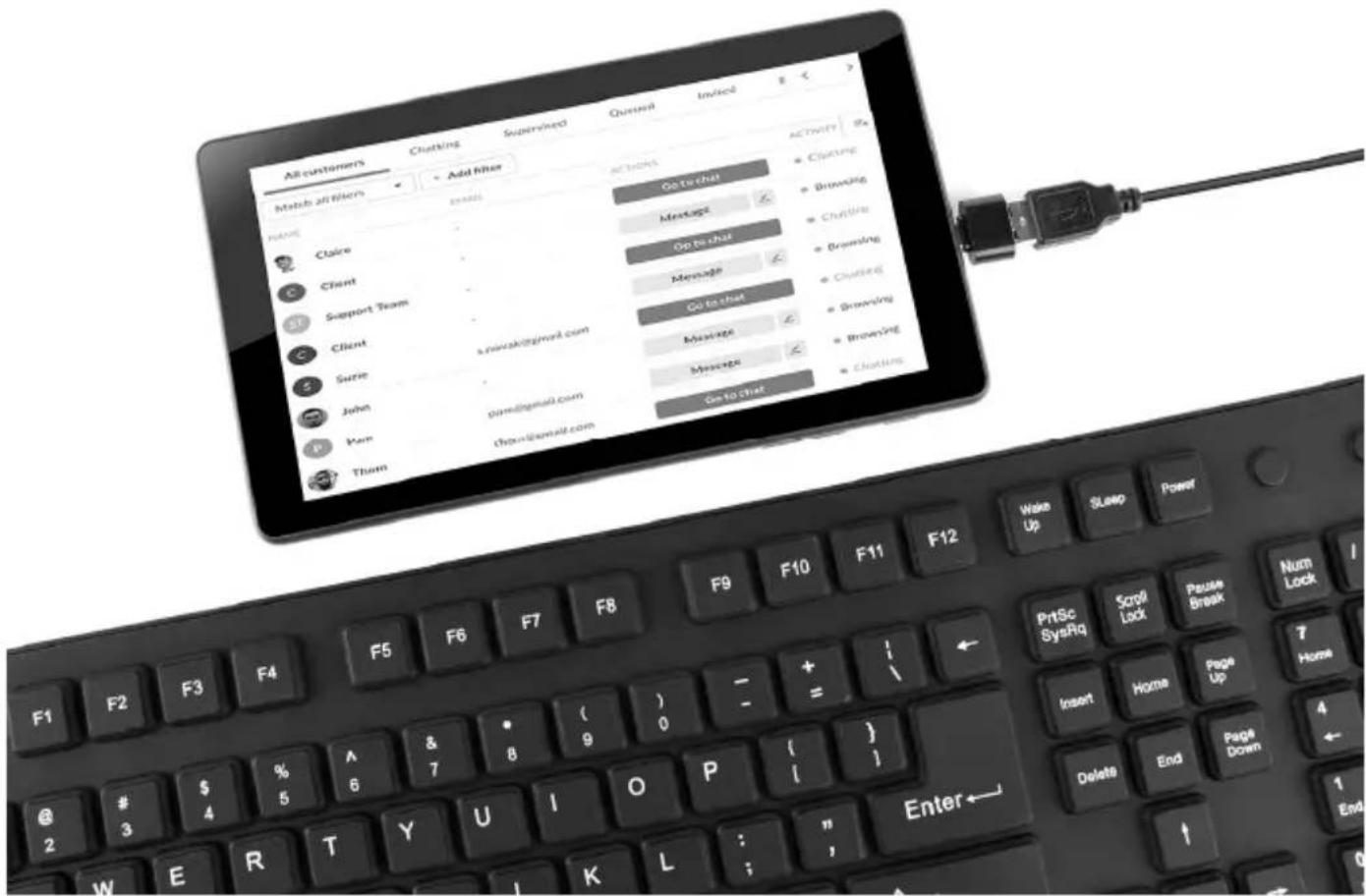
• Enclosed: OTG adapter for mobile devices
• Material: silicone - Dimensions: 495 x 138 x 12 mm; 146 x 110 (diameter) mm, cylinder packed
• Net weight: 0.3 kg - USB cable: 1.5 ~m




gembird®
KB-109F SERIES
FLEXIBLE KEYBOARD, USB, OTG ADAPTER
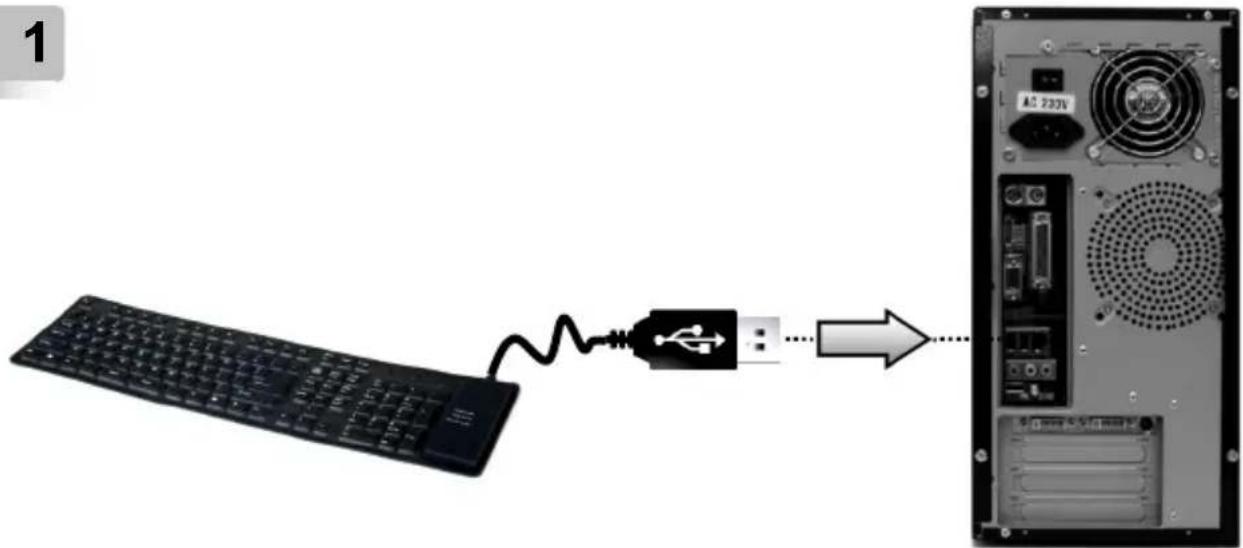
1
text_image
1 AC 220V2

flowchart
graph LR
    A["Keyboard"] -->|USB| B["USB Icon"]
    B --> C["Table with Tablet"]

gembird®
KB-109F SERIES
FLEXIBLE KEYBOARD, USB, OTG ADAPTER
3
text_image
All customers Clutching Supervised Quipped Inviced Add filter Measles Actions Go to chat Message Go to chat Message Go to chat Message Message Go to chat Action Clutching Browning Clutching Browning Clutching Browning Clutching Clutching Clutching Clutching Clutching Clutching Clutching Clutching Clutching Clutching Clutching Clutching Clutching Clutching Clutching Clutching Clutching Clutching Clutching Clutching Clutching Clutching Clutching Clutching Clutching Clutchings Clutchings Clutchings Clutchings Clutchings Clutchings Clutchings Clutchings Clutchings Clutchings Clutchings Clutchings Clutchings Clutchings Clutchings Clutchings Clutchings Clutchings Clutchings Clutchings Clutchings Clutchings Clutchings Clutchings Clutchings Clutchities Clutchings Browning Clutchings Browning Clutchings Clutchings Clutchings Clutchings Clutchings Clutchings Clutchings Clutchings Clutchings Clutchings Clutchings Clutchings Clutchings Clutchings Clutchings Clutchings Clutchings Clutchings Clutchings Clutchings Clutchings Clutchings Clutchings Clutchings Clutchinesses Clutchings Clutchings Clutchings Clutchings Clutchings Clutchings Clutchings Clutchings Clutchings Clutchings Clutchings Clutchings Clutchings Clutchings Clutchings Clutchings Clutchings Clutchings Clutchings Clutchings Clutchings Clutchings Clutchings Clutchings Clutchologies Clutchologies Clutchologies Clutchologies Clutchologies Clutchologies Clutchologies Clutchologies Clutchologies Clutchologies Clutchologies
gembird®
KB-109F SERIES
FLEXIBLE KEYBOARD, USB, OTG ADAPTER

natural_image
Black circular button with a white 'X' symbol in the center (no text or additional markings)
text_image
Illustration showing a crossed-out keyboard with a no-smoking symbol, indicating no readable text or symbols in the keyboard.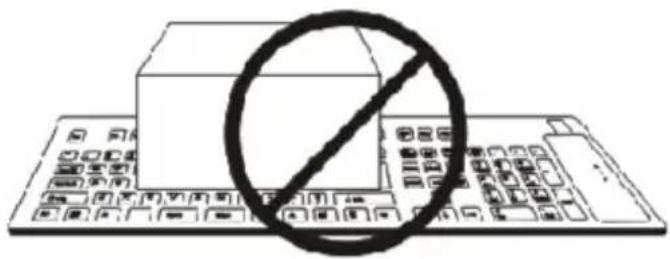
text_image
Diagram showing a computer with a prohibition symbol overlaid on its keyboard, indicating no restrictions on the keyboard.
text_image
Illustration of a keyboard with a prohibition symbol overlaid, indicating no restrictions or prohibition against the keyboard.
gembird®
KB-109F SERIES
FLEXIBLE KEYBOARD, USB, OTG ADAPTER

natural_image
Black circular button with a white 'X' symbol in the center (no text or additional markings)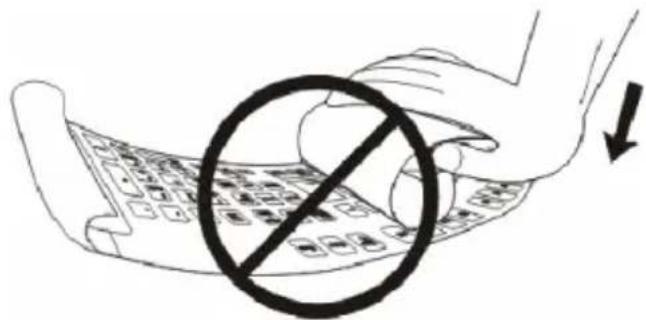
text_image
Diagram showing a hand holding a keyboard with a prohibition symbol overlaid, indicating no restrictions on the keyboard.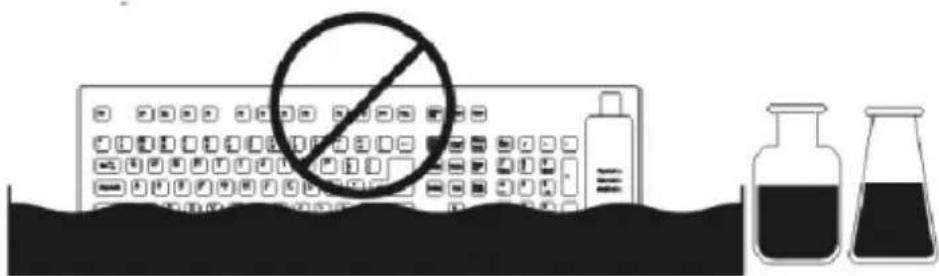
text_image
Diagram showing a computer with a prohibition symbol, alongside two laboratory flasks containing dark liquid, likely illustrating a chemical or lab setup.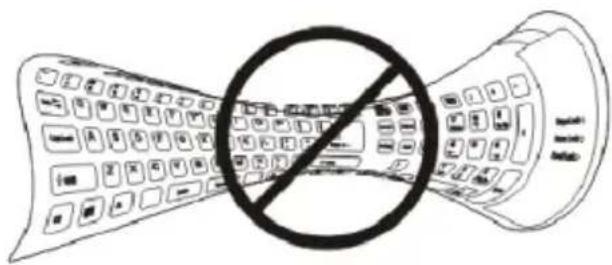
natural_image
Illustration of a curved keyboard with a prohibition symbol overlay (no text or symbols present)
gembird®
KB-109F SERIES
FLEXIBLE KEYBOARD, USB, OTG ADAPTER
| (ENG) Declaration of conformityThis product is tested and complies with the essential requirements of the laws of member states concerning EMC(2014/30/EU), RoHS (2011/65/EU). The CE declaration can be found underwww.gembird.eu | (NL/BE) Verklaring van overeenstemmingDit product is getest en voldoet aan alle geldende nationale en Europese richtlijnen en regelgeving met betrekking tot EMC(2014/30/EU), RoHS (2011/65/EU). Dit product heeft een CE-markering en de bijbehorende CE-verklaring van overeenstemming is beschikbaar op onze website:www.gembird.eu |
| (FR/BE) Déclaration de conformitéLe produit est contrôlé et rempli les exigences des directives nationales et de la directive EMC(2014/30/EU), RoHS (2011/65/EU). La conformité CE a été démontrée et les déclarations correspondantes sont déposées chez le fabricant a:www.gembird.eu | (DE) KonformitätserklärungDieses Produkt wurde getestet und stimmt mit den grundlegenden Anforderungen der Richtlinie EMC(2014/30/EU), RoHS (2011/65/EU) überein. Die Konformitätserklärung kann auf unserer Webseitewww.gembird.euheruntergeladen werden. |
| Deklaracja zgodnościTen produkt został przetestowany i jest zgodny z zasadniczymi wymaganiami przepisów ustawowych państw członkowskich dotyczących EMC(2014/30/EU), RoHS (2011/65/EU). Deklaracja CE znajduje się pod adresemwww.gembird.eu | |

text_image
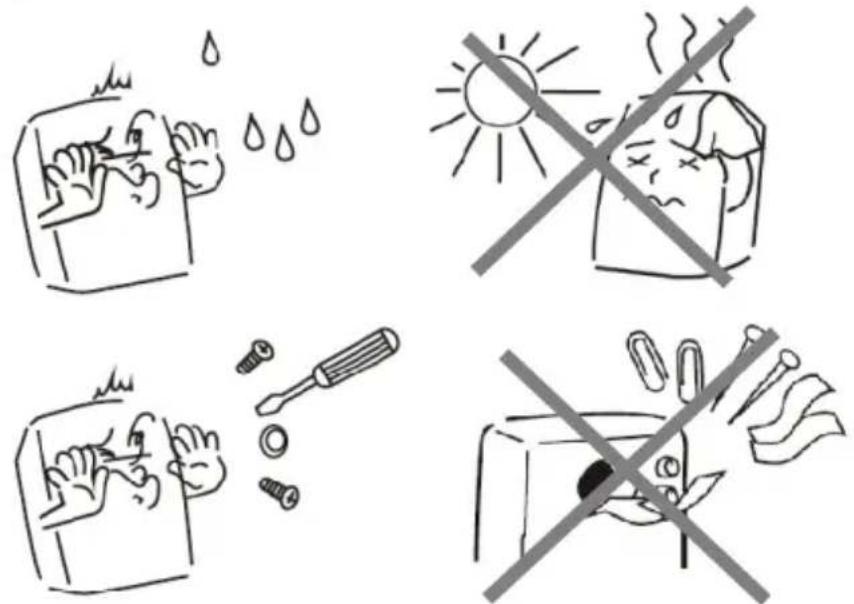
Four-panel cartoon showing different workplace safety behaviors: washing hands, sun heating, using a screwdriver, and avoiding the phone.
gembird®
KB-109F SERIES
FLEXIBLE KEYBOARD, USB, OTG ADAPTER
Waste disposal:

Do not deposit this equipment with the household waste. Improper disposal can harm both the environment and human health. For Information about waste collection facilities for used electrical and electronic devices, please contact your city council or an authorized company for the disposal of electrical and electronic equipment.