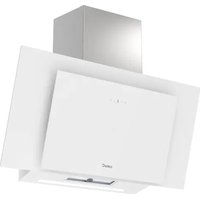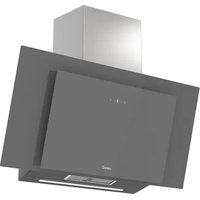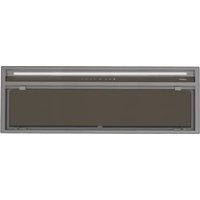
GCX 83 SD - Doorbells CATA - Free user manual and instructions
Find the device manual for free GCX 83 SD CATA in PDF.


| Product type | Cooker hood (kitchen extractor) |
| Brand | CATA |
| Model | GCX 83 SD |
| Width | 83 cm (estimated) |
| Number of speeds | 4 speeds (1st, 2nd, 3rd, 4th) |
| Timer | Yes, 5 minutes per speed, then gradually decreases |
| Lighting | Yes, adjustable intensity |
| Grease filter | Dishwasher-safe metal filters |
| Charcoal filter | Optional for recirculation mode |
| Power supply | 230 V ~ 50 Hz |
| Installation type | Wall mounting or under cabinet |
| Maintenance | Clean grease filters monthly |
| Safety | Automatic shutdown after 5 minutes at maximum speed |
| Troubleshooting | Vibrations, blade blockage, etc. (see manual) |
| Customer service | Contact an official distributor or authorized agent |
Frequently Asked Questions - GCX 83 SD CATA
User questions about GCX 83 SD CATA
0 question about this device. Answer the ones you know or ask your own.
Ask a new question about this device
Download the instructions for your Doorbells in PDF format for free! Find your manual GCX 83 SD - CATA and take your electronic device back in hand. On this page are published all the documents necessary for the use of your device. GCX 83 SD by CATA.
USER MANUAL GCX 83 SD CATA
flowchart
graph TD
    A["Start"] --> B["Node 1"]
    B --> C["Node 2"]
    C --> D["Node 3"]
    D --> E["Node 4"]
    E --> F["Node 5"]
    F --> G["Node 6"]
    G --> H["Node 7"]
    H --> I["Node 8"]
    I --> J["End"]
cata
new tech
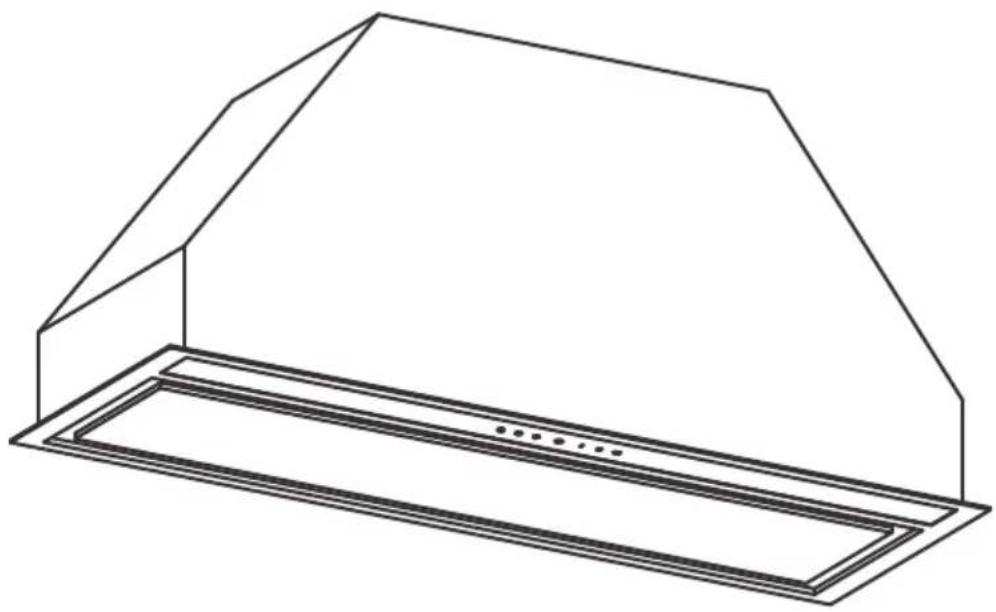
natural_image
Line drawing of a 3D architectural structure with a sloped roof and rectangular base (no text or symbols)ES MANUAL DE INSTRUCCIONES
EN INSTRUCTIONS FOR USE
FR MANUEL D'UTILISATION
PT MANUAL DE INSTRUÇÕES
DE GEBRAUCHSANWEISUNG

flowchart
graph TD
    A["•"] --> B["•"]
    B --> C["•"]
    C --> D["•"]
    D --> E["•"]
    E --> F["•"]
    F --> G["•"]
    G --> H["•"]
    H --> I["•"]
    I --> J["•"]
    J --> K["•"]
    K --> L["•"]
    L --> M["•"]
    M --> N["•"]
    N --> O["•"]
    O --> P["•"]
    P --> Q["•"]
    Q --> R["•"]
    R --> S["•"]
    S --> T["•"]
    T --> U["•"]
    U --> V["•"]
    V --> W["•"]
    W --> X["•"]
    X --> Y["•"]
    Y --> Z["•"]
    Z --> A["•"]

natural_image
Illustration of an open box with warning symbols and a document icon above it (no text or labels)
EN IMPORTANT – Please read carefully the separate safety guide before use.
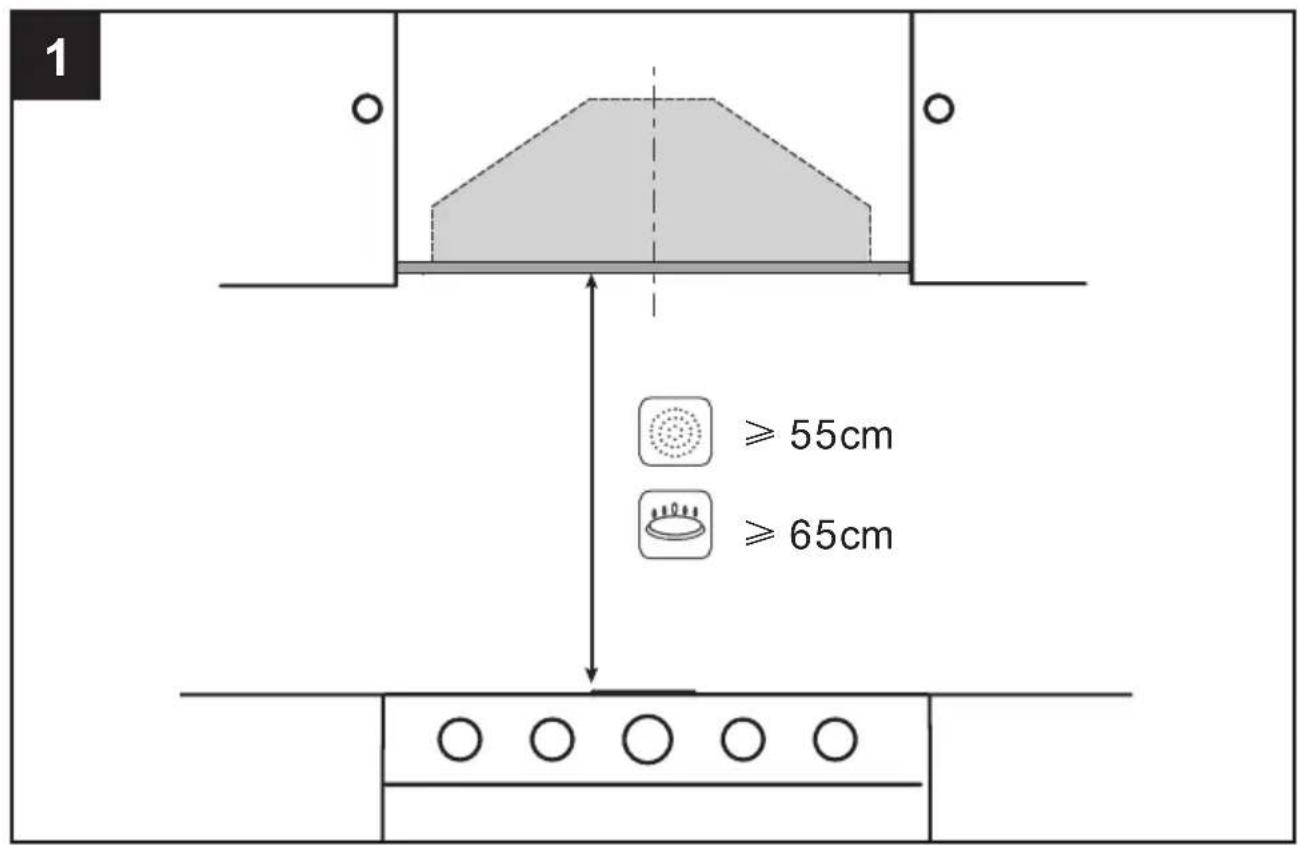
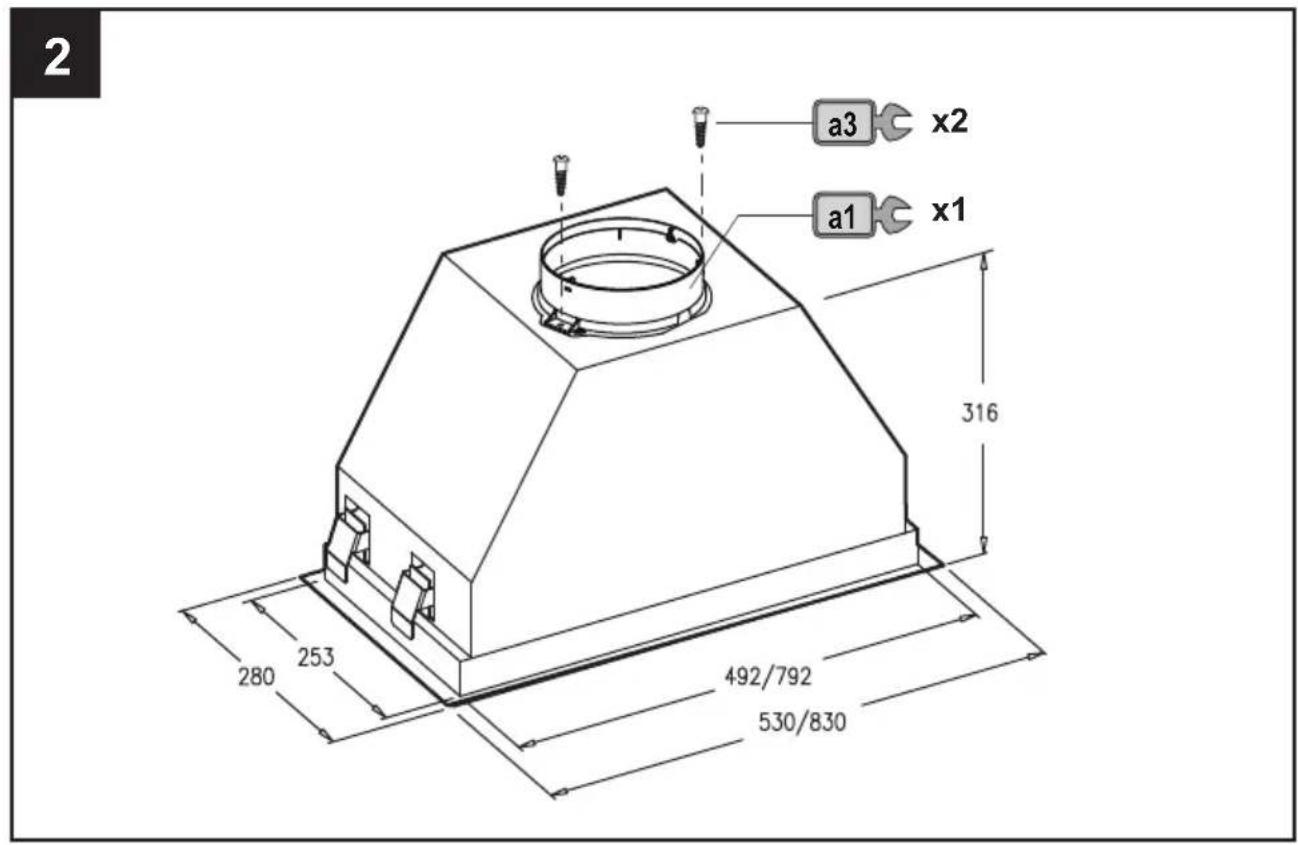
3
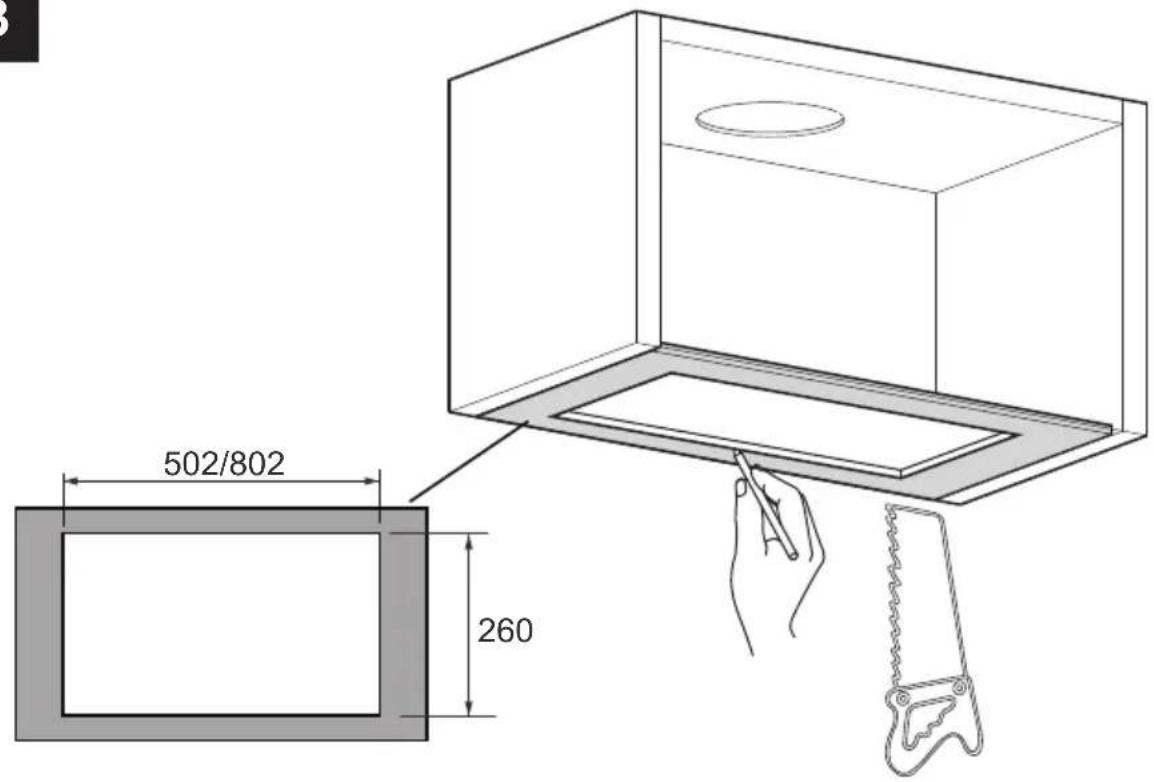
4
natural_image
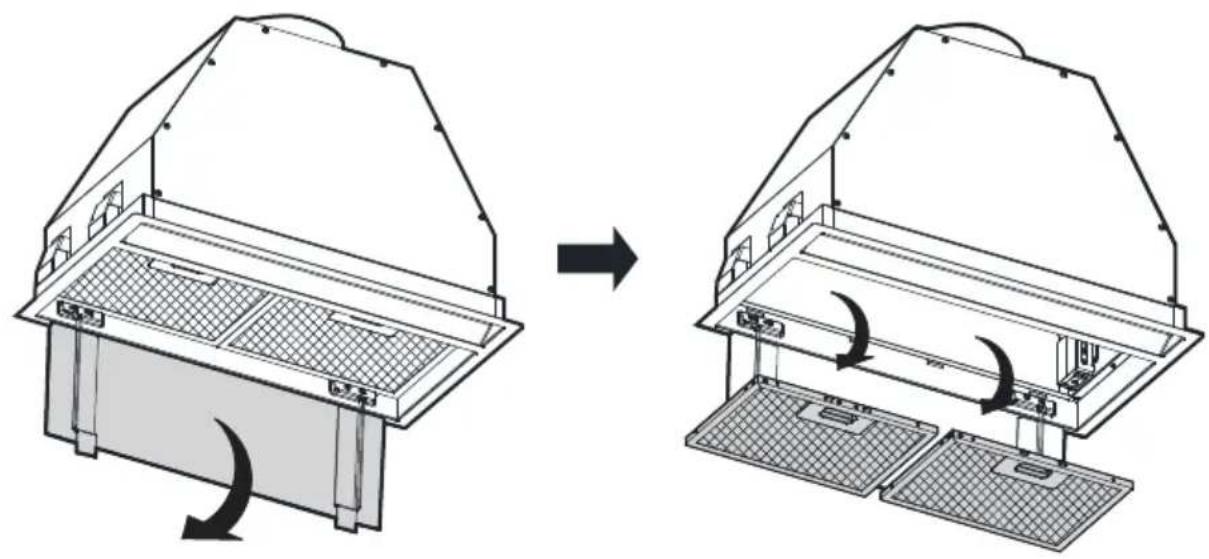
Diagram showing a structural change before and after assembly of a multi-tiered appliance, with no visible text or symbols.5
natural_image
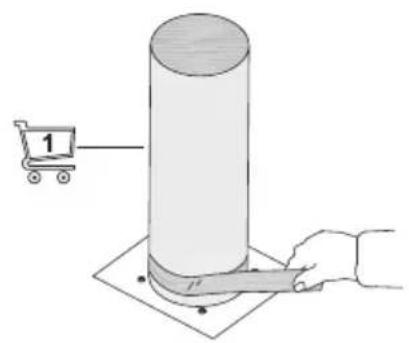
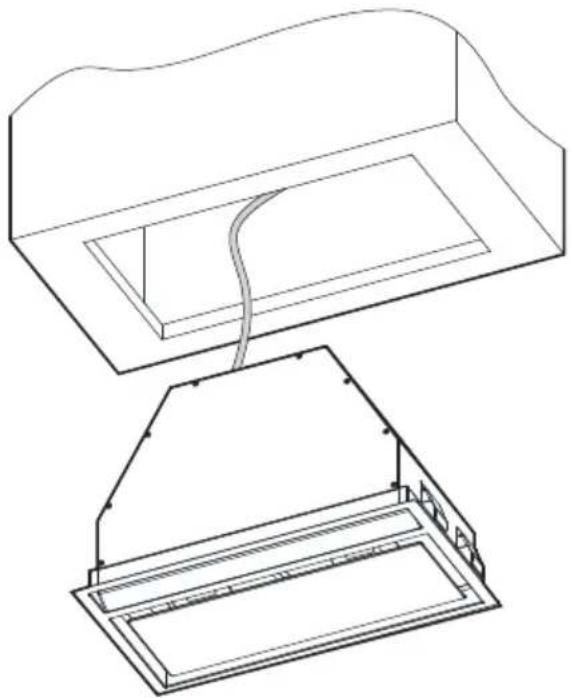
Technical line drawing of a mechanical component with top and side views (no text or symbols)6
natural_image
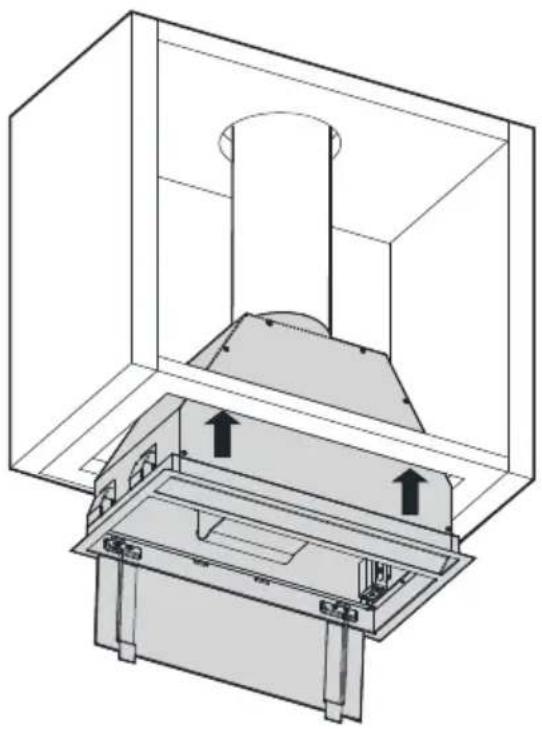
Technical line drawing of a mechanical assembly with internal components and directional arrows (no text or symbols)7
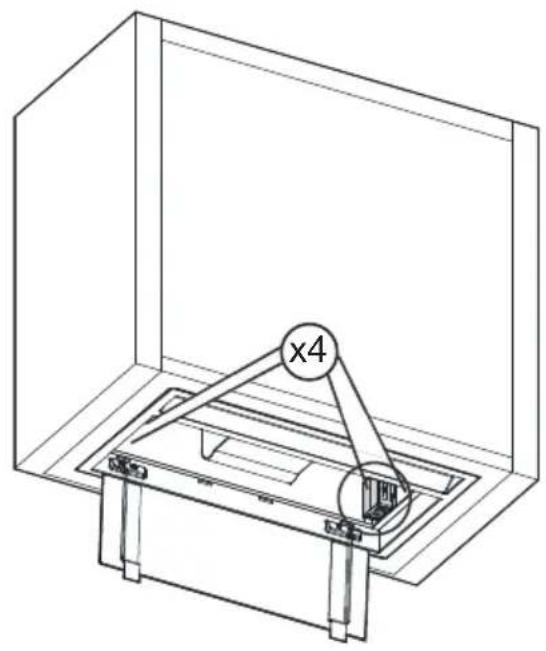
natural_image
Technical line drawing of a mechanical assembly inside a transparent enclosure, featuring a multi-ring component labeled 'x4' (no text or symbols beyond the label)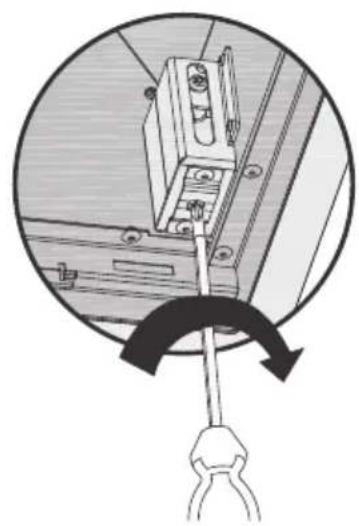
natural_image
Diagram of a mechanical clamp or bracket assembly with a tool, shown in circular motion (no text or symbols)8
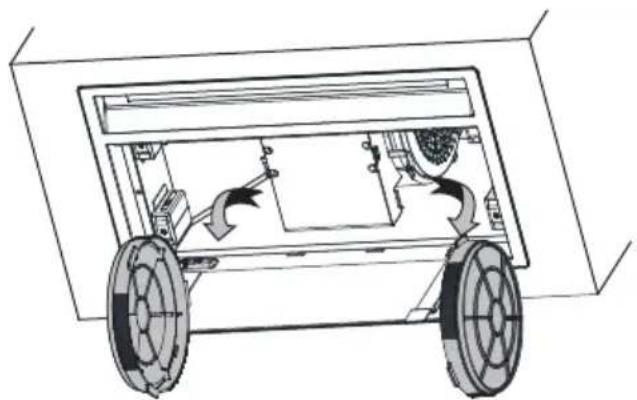
natural_image
Technical line drawing of a vehicle chassis with wheels and internal components (no text or symbols)3 MESES
3 MONTHS
3 MOIS
3 MESES
3 MONATE
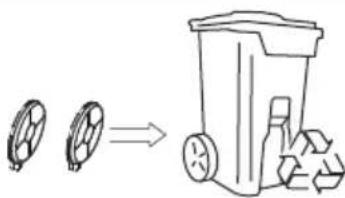
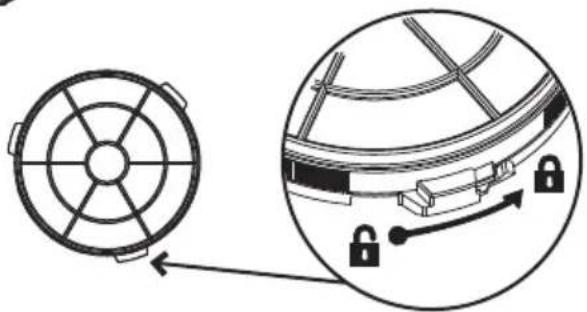
natural_image
Diagram showing a circular component with internal structure and an inset view of a mechanical assembly with padlocks (no text or symbols)flowchart
graph TD
    A["House with Microwave Window"] --> B["Refrigerator with Refrigerator"]
    B --> C["Refrigerator with Dish Dish and Plate, ≤ 65°C"]
    C --> D["Refrigerator with Dish Dish and Plate, ≤ 65°C"]
    | |
| Filter clean warning display/button. Warning of the need to replace the filter – press to deactivate once the filter has been cleaned or replaced. | |
| Enable and disable extractor fan timer.Timer: the extractor fan works for 5 min. at the current speed and another 5 min. at each of the lower speeds until it stops. | |
| Lighting on and off. Keep pressed down to adjust the lighting intensity. | |
| Extractor fan on and off. | |
| 1 | Extractor fan speed - button: speed 1, 2 and 3/4. In panels with MAX button, MAX speed only will work during 5 minutes, once it runs out, the speed will decrease to 3rd speed. |
| 2 | |
| 3 | |
| T | |

Warning: always switch off the electricity supply before carrying out maintenance work on the hood. In the event of a fault, contact an official distributor or authorised dealer.
Cleaning the outside: use liquid, non-corrosive detergent and avoid using abrasive cleaning products and solvents. Do not use high-pressure or steam cleaning devices.

Important: increase the filter cleaning/replacement frequency if the hood is used for more than 2 hours a day. Always use genuine filters from the manufacturer.
Grease cleaning
To avoid fires, clean thoroughly once a month or whenever the display pilot light indicates as such. To do so, remove the filters and wash with hot water and detergent. If using a ishwasher (metal parts may turn black without this affecting their functional capacity), load the filters vertically to avoid solid residue from being deposited.
1 MONTH
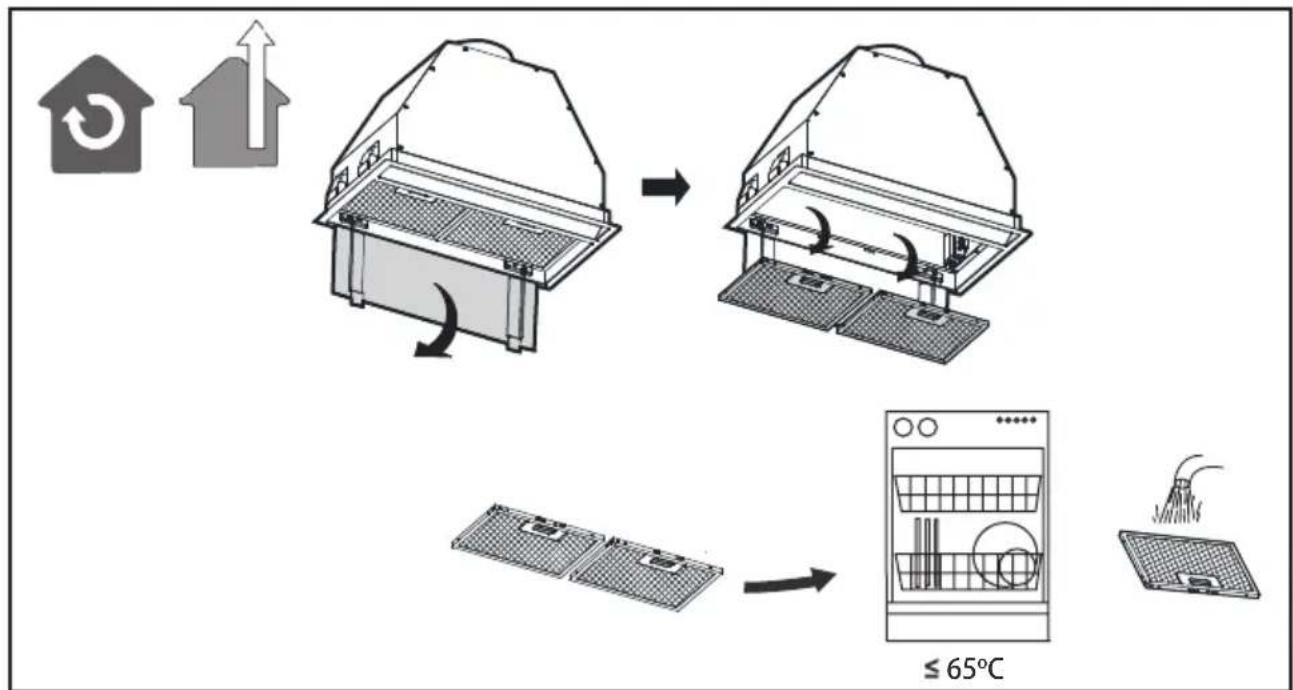
flowchart
graph TD
    A["Home with circular icon"] --> B["Receiving fan"]
    B --> C["Receiving fan with cooling unit"]
    C --> D["Receiving fan with cooling unit"]
    D --> E["Receiving fan with cooling unit"]
    E --> F["Receiving fan with cooling unit"]
    F --> G["Receiving fan with cooling unit"]
    G --> H["Receiving fan with cooling unit"]
    H --> I["Receiving fan with cooling unit"]
    I --> J["Receiving fan with cooling unit"]
    J --> K["Receiving fan with cooling unit"]
    K --> L["Receiving fan with cooling unit"]
    L --> M["Receiving fan with cooling unit"]
    M --> N["Receiving fan with cooling unit"]
    N --> O["Receiving fan with cooling unit"]
    O --> P["Receiving fan with cooling unit"]
    P --> Q["Receiving fan with cooling unit"]
    Q --> R["Receiving fan with cooling unit"]
    R --> S["Receiving fan with cooling unit"]
    S --> T["Receiving fan with cooling unit"]
    T --> U["Receiving fan with cooling unit"]
    U --> V["Receiving fan with cooling unit"]
    V --> W["Receiving fan with cooling unit"]
    W --> X["Receiving fan with cooling unit"]
    X --> Y["Receiving fan with cooling unit"]
    Y --> Z["Receiving fan with cooling unit"]
| Problem Possible cause Solution | ||
| Excessive vibration. | The appliance is not installed properly on the brackets. | Take down the appliance and check it is properly fixed. |
| The fan blade is damaged. | Switch off the appliance. Repair to be carried out by qualified service personnel only. | |
| The fan motor is not fixed tightly. | ||
| The light is on, but the fan does not work. | The fan blade is jammed. | |
| The motor is damaged. | ||
| Both the light and motor do not work. | Light bulb blown. Contact Customer Services on. | |
| Power connection loose. Check power supply. | ||
| Suction performance reduced. | Speed may be too low. Select a higher speed. | |
| Aluminium filters are dirty. Clean the aluminium filters. (See Care and maintenance section). | ||
| Top vent might be obstructed. Clear any obstruction. | ||
| Optional vent kit might be twisted. | Ensure that the vent kit is fitted according to the manufacturer's instructions. | |
| The installation may not comply with the manufacturers instructions. | The vent hose should be correct diameter throughout with no reductions or restriction.(See installation section). | |
| Works normally but cooking smells linger. | Carbon filter is not fitted in recirculation mode or is full of grease. | Fit carbon filter or replace the carbon filter (See Care and maintenance section). |
| The hood does not work. | Check that the hood is connected to power. Check that the fuses or automatic have not jumped. | |
| The hood still does not work. | If, after having checked the points mentioned above, your problem has not yet been solved, contact the technical service or your distributor. | |
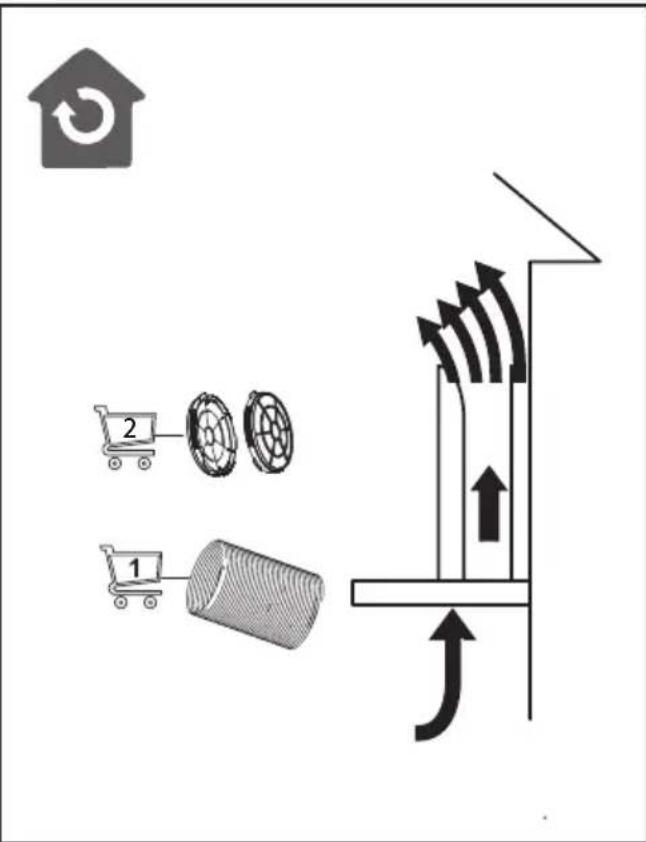
flowchart
graph TD
    A["Home with circular icon"] --> B["Receiving a house with up arrow"]
    B --> C["Receiving a solar panel with cooling unit"]
    C --> D["Product with 65°C ≤ 65°C"]
flowchart
graph TD
    A["Home with circular icon"] --> B["Receiving fan"]
    B --> C["Receiving fan with cooling system"]
    C --> D["Receiving fan with cooling system at ≤ 65°C"]
    D --> E["Receiving fan with cooling system"]
flowchart
graph TD
    A["Home with circular icon"] --> B["Receiving fan"]
    B --> C["Receiving fan with cooling system"]
    C --> D["Receiving fan with cooling system at ≤ 65°C"]
    D --> E["Receiving fan with cooling system"]