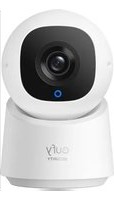
Indoor Cam C220 - Surveillance Camera eufy - Free user manual and instructions
Find the device manual for free Indoor Cam C220 eufy in PDF.



| Product type | Indoor surveillance camera |
| Brand | eufy |
| Model | Indoor Cam C220 |
| Video resolution | 1080p (Full HD) |
| Night vision | Infrared up to 8 meters |
| Field of view | 110° (diagonal) |
| Power | AC adapter 5V/1A (included) |
| Connectivity | Wi-Fi 2.4 GHz (802.11 b/g/n) |
| Dimensions (approx.) | 60 x 60 x 100 mm |
| Weight (approx.) | 100 g |
| Main functions | Motion detection, two-way audio, push alerts, digital zoom |
| Storage | Cloud (eufy Security subscription required) or microSD card (not included) |
| Voice assistants | Compatible with Alexa and Google Assistant |
| Installation | Wall or desk mount (mount included) |
| Temperature range | 0°C to 40°C |
| Security | Encryption, two-factor authentication |
| Certifications | CE, RoHS |
| Maintenance | Clean with a soft dry cloth |
| Spare parts | AC adapter available separately |
| Warranty | 1 year (depending on retailer) |
Frequently Asked Questions - Indoor Cam C220 eufy
User questions about Indoor Cam C220 eufy
0 question about this device. Answer the ones you know or ask your own.
Ask a new question about this device
Download the instructions for your Surveillance Camera in PDF format for free! Find your manual Indoor Cam C220 - eufy and take your electronic device back in hand. On this page are published all the documents necessary for the use of your device. Indoor Cam C220 by eufy.
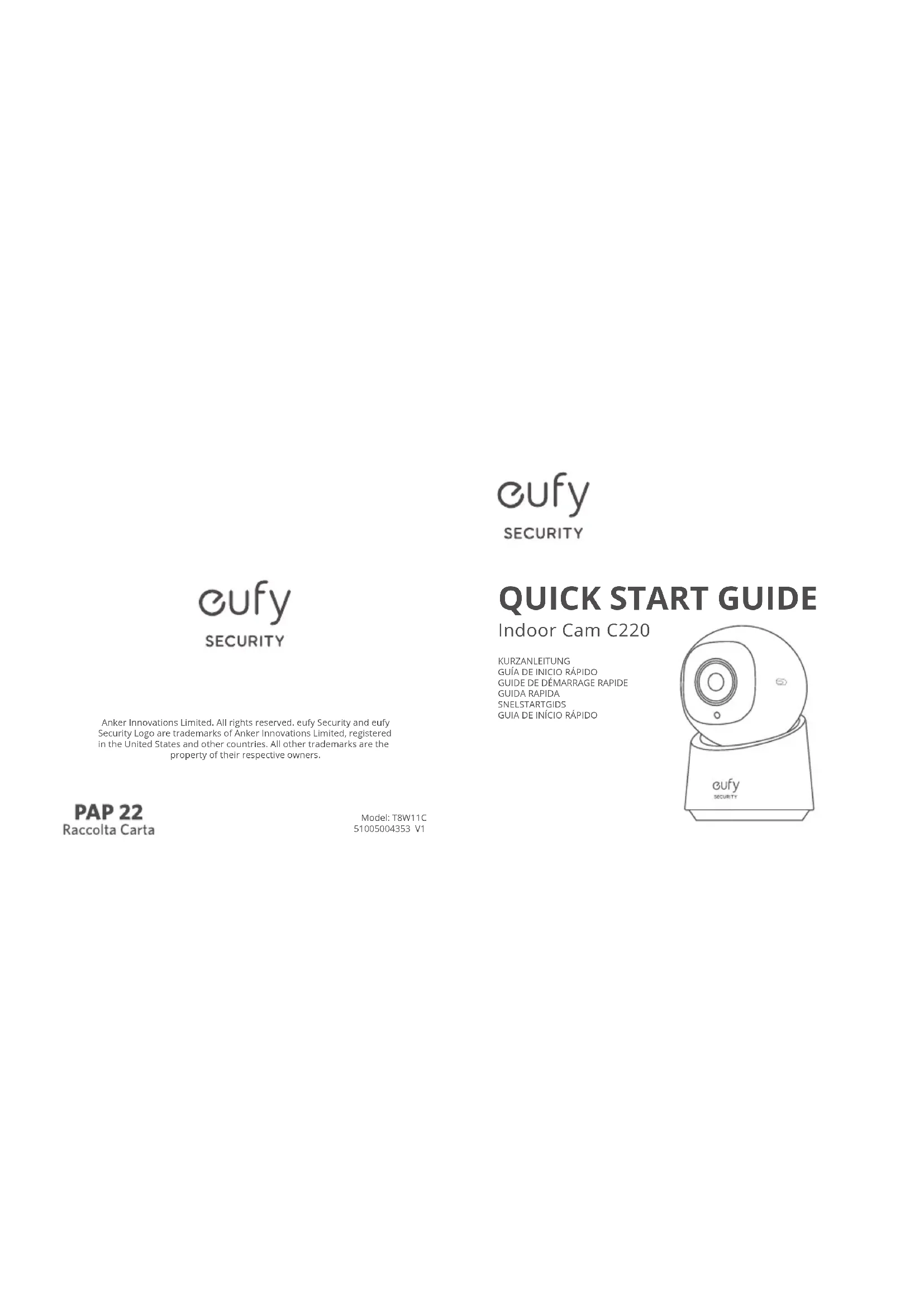
USER MANUAL Indoor Cam C220 eufy
Anker Innovations Limited. All rights reserved. eufy Security and eufy Security Logo are trademarks of Anker Innovations Limited, registered in the United States and other countries. All other trademarks are the property of their respective owners.
natural_image
Line drawing of a eufy security camera with no text or symbols on the device itselfEnglish
Deutsch
Español
Français
Italiano
Nederlands
Portuguese
لعرية
29
Setting Up the System
- Download and install the eufy Security app, then sign in or create an account.


- Follow the in-app instructions to add this device and complete the setup.

For online support, tutorial videos, FAQs, and more information, please visit https://support.eufy.com/s/

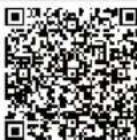
Scan the QR code to read the detailed user guide.
Important Safety Instructions
- The recommended temperature range for devices and accessories is 0^ to 40^ (32 °F to 104 °F).
- Unless specifically indicated that it is safe to do so in the user guide or instruction manual, do not use the device in an environment that exceeds the recommended low or high temperature.
- Unless specifically indicated that it is safe to do so in the user guide or instruction manual, avoid exposing your device to direct sunshine or excessively wet environments.
- For pluggable equipment, the socket outlet should be easily accessible.
- Use only the adaptor provided by the manufacturer. Using unauthorized adapters may cause danger and violate the authorized use of the device or the warranty article.
Child Safety
• THIS DEVICE IS NOT A TOY.
- Choking Hazard: This product contains (or comes with) small parts, plastic elements, cables, and parts that may cause choking hazards. Keep your camera and its accessories out of the reach of small children. Consult a physician immediately if small parts are swallowed.
- Strangulation Hazard: Children get strangled in cords. Keep cords out of the reach of children (more than 3 ft / 0.9 m away).
Notice
Declaration of Conformity
CE This product complies with the radio interference requirements of the European Community.
Declaration of Conformity
Hereby, Anker Innovations Limited declares that this device is in compliance with the essential requirements and other relevant provisions of Directive 2014/53/EU. For the declaration of conformity, visit the website: https://support.eufy.com/s/articleRecommend?type=DownLoad&secondType=doc
This adapter is for indoor use only. The adapter type is SA0101-0501000GA, rated output voltage/current is 5Vdc/1A. The plug considered as disconnect device of adapter.
RF exposure information: The Maximum Permissible Exposure (MPE) level has been calculated based on a distance of d=20 cm between the device and the human body. To maintain compliance with RF exposure requirements, use products that maintain a 20cm distance between the device and human body.
Wi-Fi Operating Frequency Range: 2412\~2472MHz;
EN 0302 EN
Wi-Fi Max Output Power: 19.87 dBm
Your product is designed and manufactured with high-quality materials and components, which can be recycled and reused.
This symbol means the product must not be discarded as household waste and should be delivered to an appropriate collection facility for recycling. Proper disposal and recycling help protect natural resources, human health, and the environment. For more information on the disposal and recycling of this product, contact your local municipality, disposal service, or the shop where you bought this product.
3, 80807 Munich, Germany

To maintain compliance with RF exposure requirements, use products that maintain a 20cm distance between the device and human body.
(US) +1 (800) 988-7973
(AU) +61 3 8331 4800 (Egypt) +20 8000000826 (UAE) +971 8000320817 (Kuwait) +965 22069086 (Saudi Arabia) +966 8008500030

support@eufy.com
Anker Innovations Limited
Room 1318-19, Hollywood Plaza, 610 Nathan Road, Mongkok, Kowloon, Hong Kong


@EufyOfficial@EufyOfficial @EufyOfficial