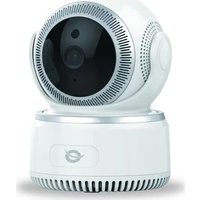
DARAY 01 - Surveillance Camera Equip - Free user manual and instructions
Find the device manual for free DARAY 01 Equip in PDF.


| Product type | Surveillance camera |
| Brand | Equip |
| Model | DARAY 01 |
| Power supply | 5V DC power adapter (included) |
| Power consumption | 5 W (estimated) |
| Video resolution | 1080p (Full HD, estimated) |
| Night vision | Yes, with infrared LED |
| Viewing angle | 120° (estimated) |
| Connectivity | Wi-Fi 2.4 GHz (5 GHz not supported) |
| Mobile app | AJCloud (iOS and Android) |
| Motion detection | Yes (estimated) |
| Storage | microSD card (not included) and/or cloud |
| Dimensions (L x W x H) | 10 x 10 x 10 cm (estimated) |
| Weight | 200 g (estimated) |
| Operating temperature | -10°C to 50°C (estimated) |
| Installation | Indoor |
| Reset | Reset button (hold for 15 seconds) |
| LED indicators | Red and blue (see manual for meaning) |
| Maintenance and cleaning | Clean the lens with a soft, dry cloth. Avoid moisture. |
| Safety | Use only the provided adapter. Do not expose to water. |
| Spare parts and repairability | No user-serviceable parts. Contact customer service for repair. |
Frequently Asked Questions - DARAY 01 Equip
User questions about DARAY 01 Equip
0 question about this device. Answer the ones you know or ask your own.
Ask a new question about this device
Download the instructions for your Surveillance Camera in PDF format for free! Find your manual DARAY 01 - Equip and take your electronic device back in hand. On this page are published all the documents necessary for the use of your device. DARAY 01 by Equip.
USER MANUAL DARAY 01 Equip
Multi Language Quick Guide
Wireless Cloud IP Camera
DARAY
Download and install the desktop application from www.conceptronic.net
Installation & usage
Get ready for camera
- Connect the power adapter into your camera.
Note: Please use the power adapter attached with camera, in order to avoid damage the camera.
Android / iOS Phone Application
Search and download "AJCloud" from Google Play or APP Store.

AJCloud icon
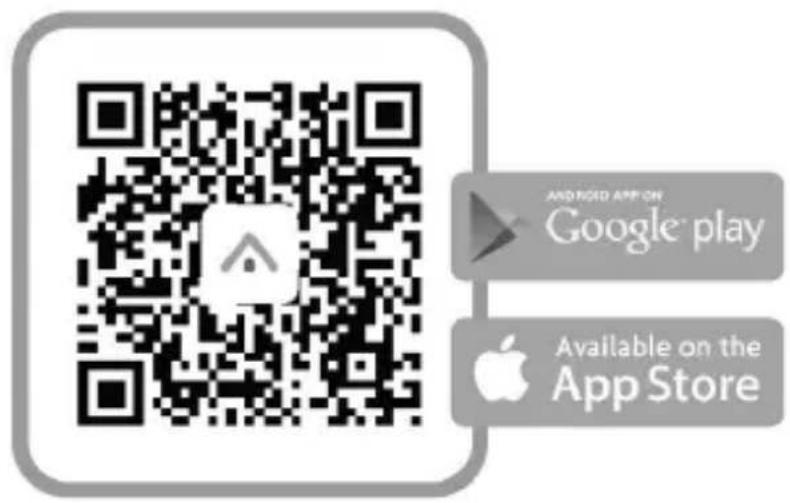
Camera Status Indicator Light
| LED Status | Camera Status |
| Red light on | Camera is powered on |
| Red and blue light alternately flashing | Waiting to connect now |
| Blue light flashing | Camera is connecting Wi-Fi |
| Blue light solid | Succeeded to connect Wi-Fi |
| Red light quickly flashing | 1. Reset camera to factory setting |
| 2. Camera is upgrading firmware |
Note: Please make sure your router is connected to the Internet.
Wireless Setup
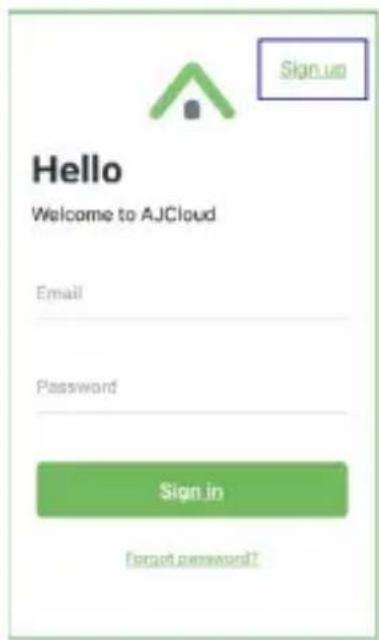
- Connect your phone to 2.4G Wi-Fi (5G is not supported).
- Open AJCloud app and register an account with your email.
- Check the email and verify your account.
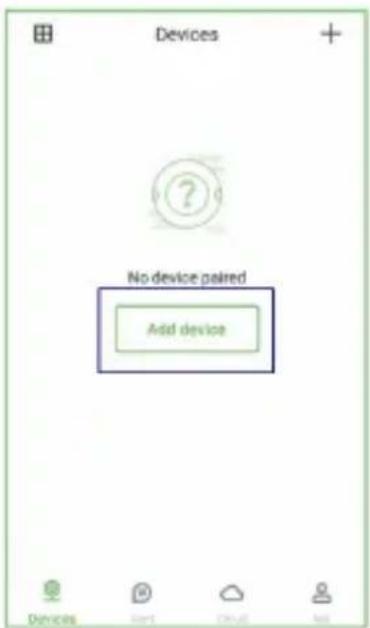
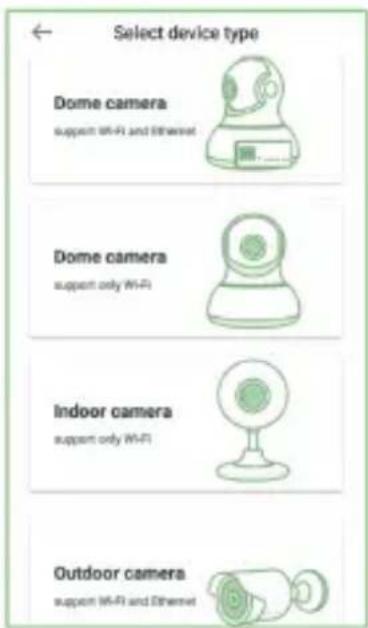
- Please tap "Add device", and choose your camera model.
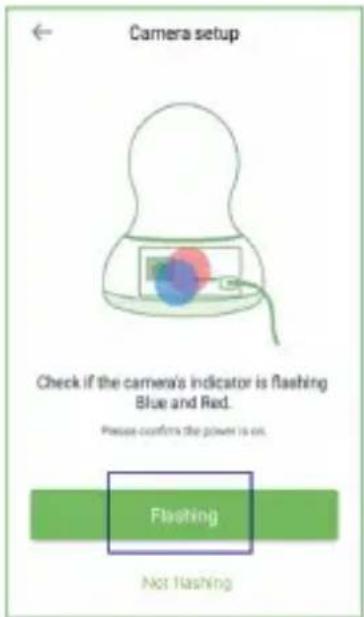
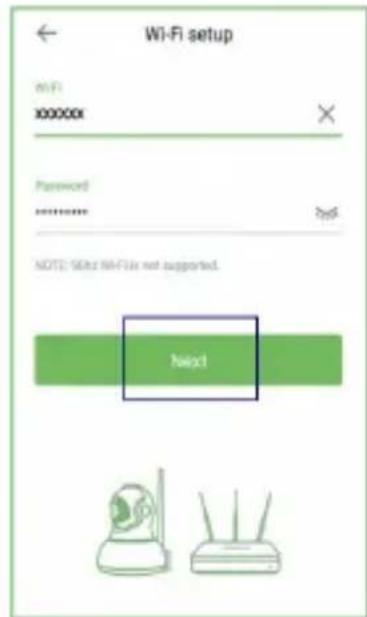
- If you see the flashing blue and red light, please tap "Flashing".
- You will see your Wi-Fi name, inputting the correct Wi-Fi password and tap "Next".
ENGLISH
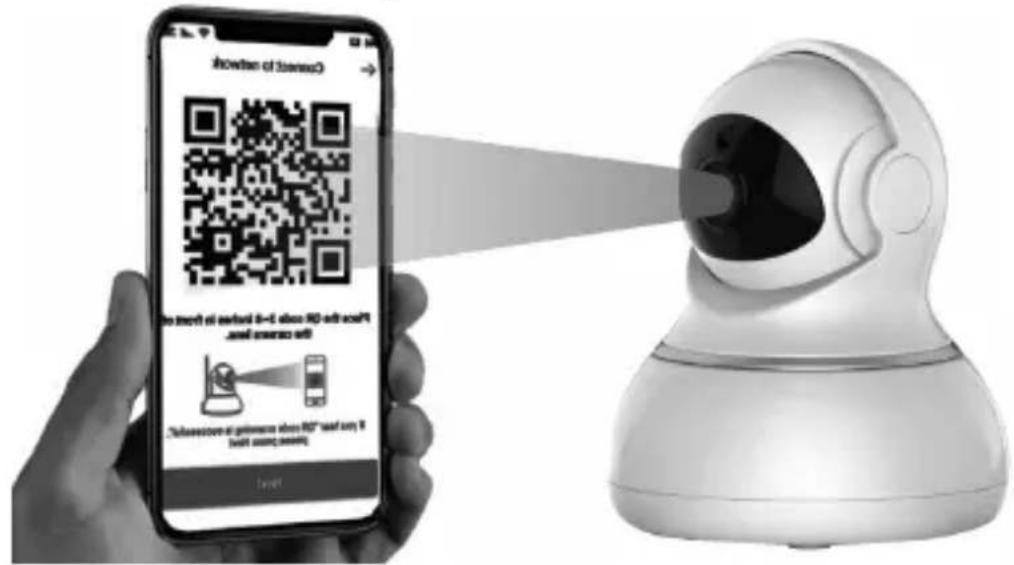
- The app will show a QR code, please put the phone in front of camera (3-8 inches), then please tap “Next” if you hear “QR code scanning is successful”.
-
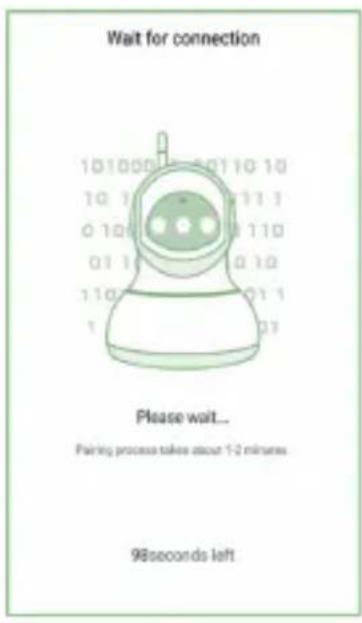
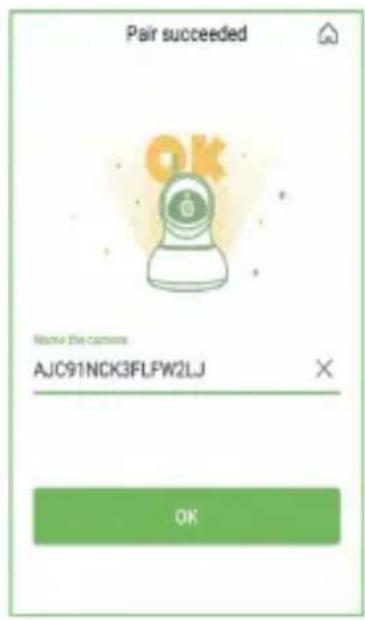
During connecting, the blue light will flash quickly. Once it's connected, camera will say "Wi-Fi is connected" and the blue light will flash slowly. When the blue light is steady, the app will switch to a page that you can change camera name.
-
You can view the video after successful adding camera.
Note: Please reset the camera if fails to connect. (Hold the Reset button for 15 seconds)
Brand : Equip
Model : DARAY 01
Category : Surveillance Camera