SHR-2082P2 - Soundbar SAMSUNG - Free user manual and instructions
Find the device manual for free SHR-2082P2 SAMSUNG in PDF.


User questions about SHR-2082P2 SAMSUNG
0 question about this device. Answer the ones you know or ask your own.
Ask a new question about this device
Download the instructions for your Soundbar in PDF format for free! Find your manual SHR-2082P2 - SAMSUNG and take your electronic device back in hand. On this page are published all the documents necessary for the use of your device. SHR-2082P2 by SAMSUNG.
USER MANUAL SHR-2082P2 SAMSUNG
- If your children swallow it, please see the doctor immediately.
natural_image
Abstract digital illustration of a circuit board with a laptop and server racks, no visible text or symbolstext_image
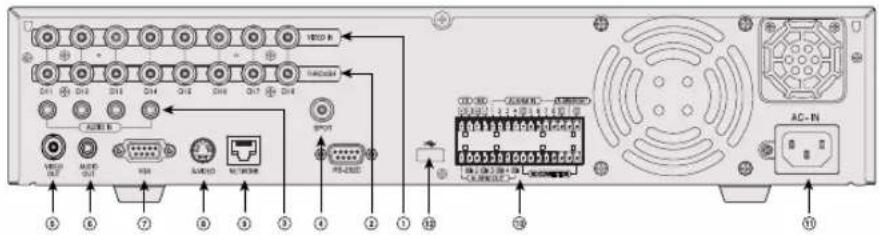
Back panel diagram of a computer system with labeled ports and connectors, including AC-IV and network connections.[SHR-2160/2162]
text_image
Diagram of a computer rack with labeled ports and connectors, showing connections to AC-NO and AC input ports.[SHR-2080/2082]
! AVERTISSEMENT
natural_image
Abstract digital illustration of a circuit board with a laptop and server racks, no visible text or symbolstext_image
Diagram showing server rack with two fans and directional arrows indicating data flow or system interactionnatural_image
Illustration of a beige electronic device with control panel and buttons (no visible text or symbols)Partie principale Partie principale
SHR-2160 SHR-2162
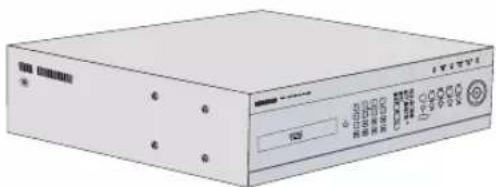
natural_image
Illustration of a beige electronic device with control panel and buttons (no visible text or symbols)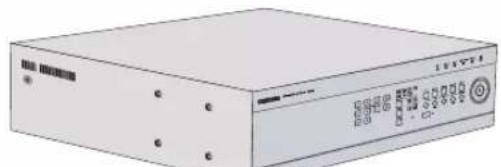
natural_image
Illustration of a beige electronic device with control buttons and indicator lights (no readable text or symbols)Partie principale Partie principale
SHR-2080 SHR-2082
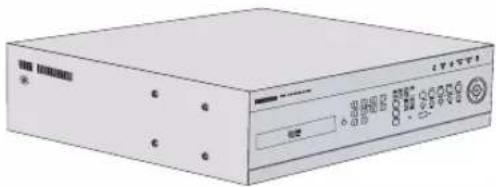
natural_image
Illustration of a beige electronic device with control panel and buttons (no visible text or symbols)natural_image
Close-up of a black rectangular electronic device with multiple ports and a circular button, showing no visible text or symbols.natural_image
Exterior view of a silver electronic device with a black control panel and indicator lights (no visible text or symbols)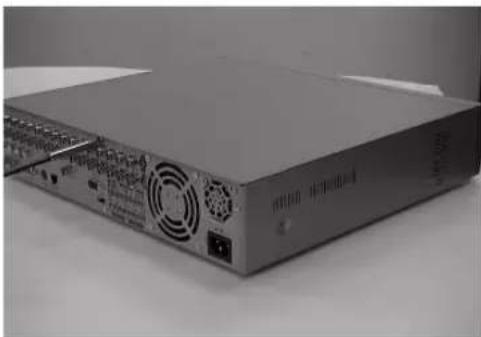
natural_image
Front view of a beige industrial electronic device with control panel and ventilation slots (no visible text or labels)natural_image
Front view of a computer drive unit with fan and drive slots (no visible text or labels)text_image
BRACKET-HDD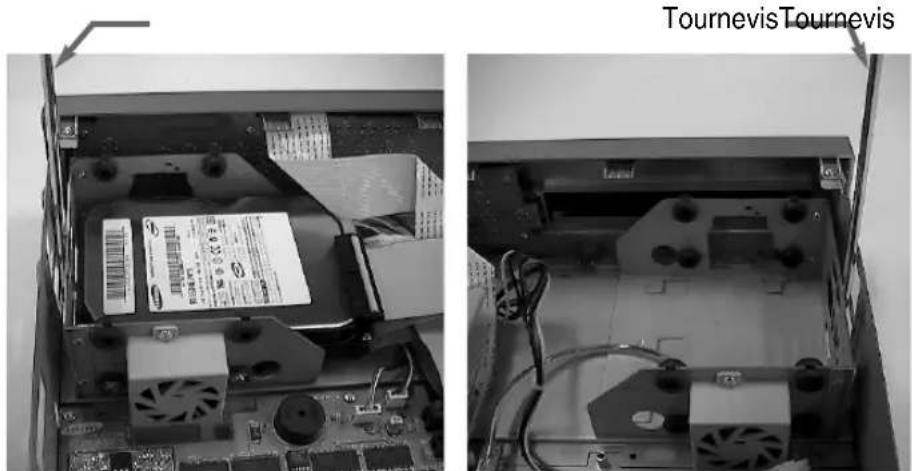
natural_image
Two views of a computer motherboard showing internal components and cable connections (no readable text or symbols)natural_image
Close-up of a hand inserting a USB into a computer drive case (no visible text or symbols)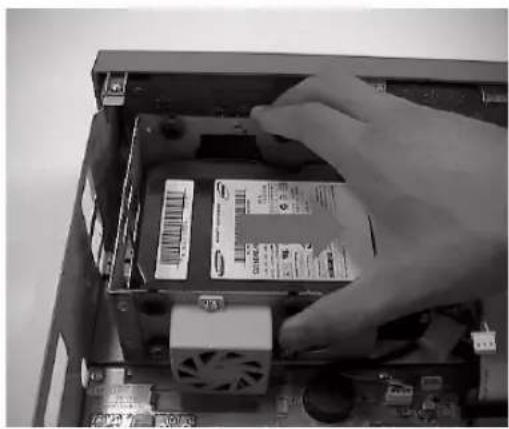
natural_image
Close-up of a hand inserting a CD into a computer drive chassis (no visible text or symbols)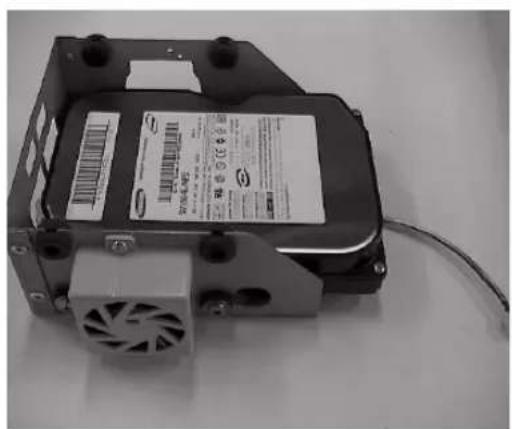
natural_image
Black-and-white photo of a computer drive with a fan, power connector, and cable (no visible text or symbols)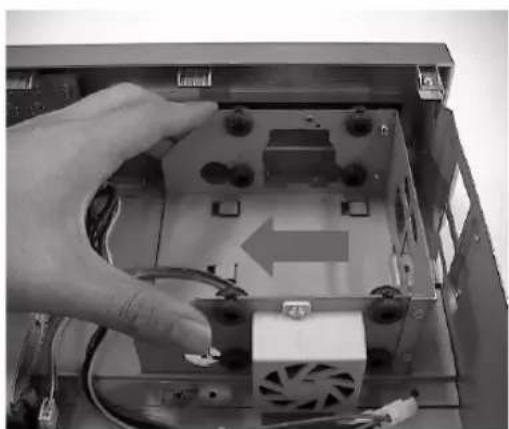
natural_image
Hand inserting a CD into an open computer case with visible CPU socket and power cord (no text or symbols)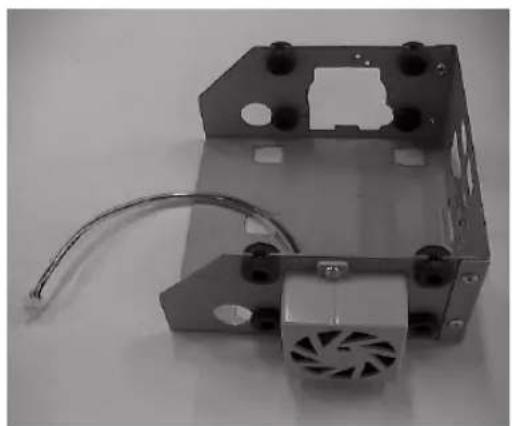
natural_image
Mechanical component with a fan and wiring, no visible text or symbolsnatural_image
Close-up of a mechanical device with a fan and screwdriver, no visible text or symbols on the main body.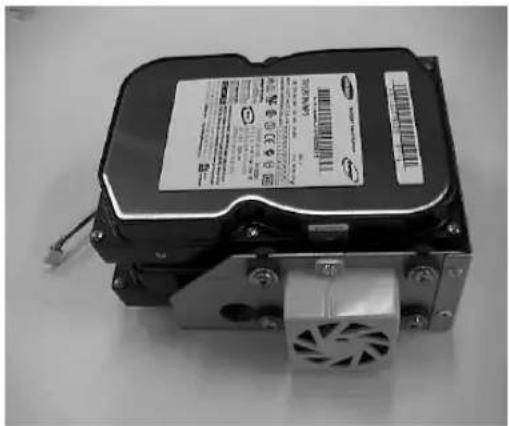
natural_image
Top-down view of a black hard drive with visible cooling fan and drive housing (no text or symbols)natural_image
Close-up of a hand inserting a hard disk into a computer motherboard (no visible text or symbols)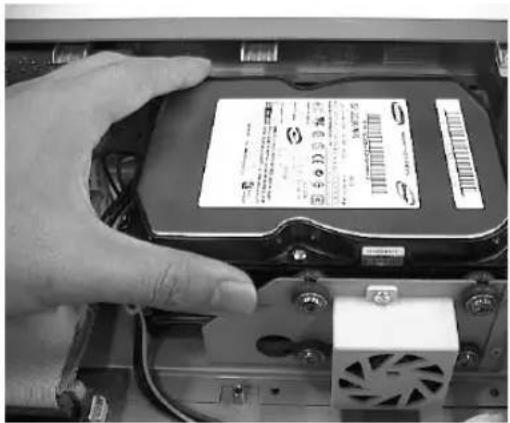
natural_image
Close-up of a hand inserting a hard disk into an electronic device (no visible text or symbols)natural_image
Interior view of an open computer motherboard showing two hard drives and connected components (no visible text or labels)natural_image
Close-up of a black electronic device with multiple ports and a circular arrow pointing to a grid of circular components (no text or symbols visible)natural_image
Two black-and-white photos of a beige electronic device with front and back views, showing ports, buttons, and ventilation (no visible text or symbols)natural_image
Exterior view of a computer drive unit with ventilation fan and power outlet (no visible text or symbols)natural_image
Close-up of a black hard drive with a fan and screwdriver, no visible text or symbols on the device itself.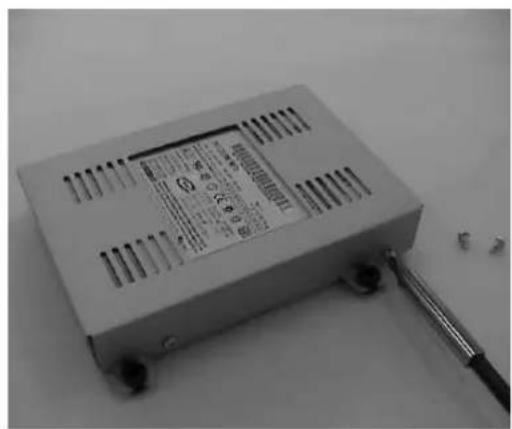
text_image
Black-and-white photo of a small electronic device with visible internal components and a close-up of its label showing part numbers and specifications.natural_image
Close-up of a hand inserting a hard disk into an open computer motherboard (no visible text or symbols)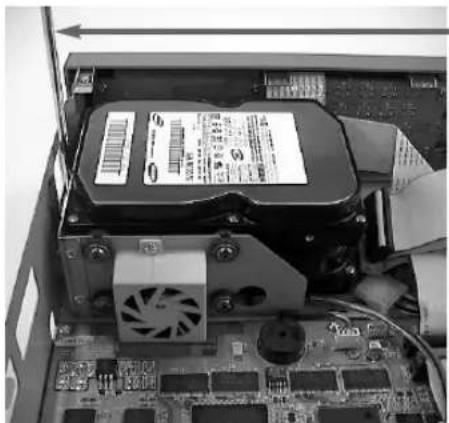
natural_image
Interior view of a computer motherboard showing an open drive, fan, and CPU socket (no visible text or symbols)Tournevis
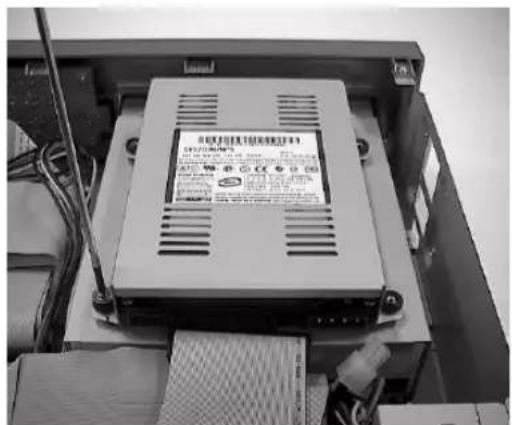
text_image
Black-and-white photo of an electronic device with visible label and wiring, showing Chinese text on its side panel.natural_image
Close-up of hands installing a hard drive into an electronic circuit board (no visible text or symbols)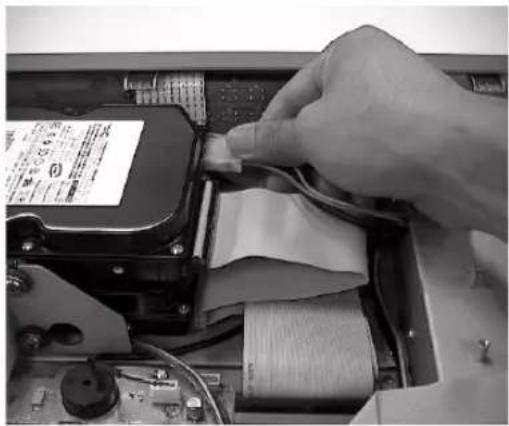
natural_image
Close-up of hands installing a cable component into an electronic device (no visible text or symbols)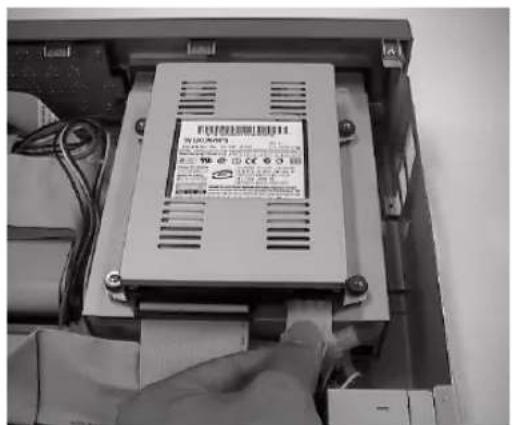
natural_image
Abstract digital illustration of a circuit board with a laptop and server racks, no visible text or symbols[SHR-2160/2162] [SHR-2080/2082]
natural_image
Abstract digital illustration of a computer setup with monitor, keyboard, and circuit board (no text or symbols)text_image
SAMSUNG DIGITAL everyone's invited_text_image
V.Loss CAM_01flowchart
graph TD
    A["Event Monitor Start"] --> B["CAM_02 Event"]
    B --> C["4 sec"]
    C --> D["CAM_01 Event CAM_03 Event"]
    D --> E["8 sec"]
    E --> F["CAM_02 Event CAM_05 Event CAM_07 Event"]
    F --> G["12 sec"]
    G --> H["Event Monitoring Stop"]
    H --> I["16 sec"]
    I --> J["CAM_08 Event CAM_09 Event CAM_10 Event CAM_11 Event CAM_12 Event"]
natural_image
Abstract digital illustration of a computer setup with monitor, keyboard, and circuit board (no text or symbols)[Ecrasement Disque Dur]
Exporter/importer configurations
Sets up either 1 or 2.
- Duplex