BS601 - Scale Duronic - Free user manual and instructions
Find the device manual for free BS601 Duronic in PDF.



User questions about BS601 Duronic
0 question about this device. Answer the ones you know or ask your own.
Ask a new question about this device
Download the instructions for your Scale in PDF format for free! Find your manual BS601 - Duronic and take your electronic device back in hand. On this page are published all the documents necessary for the use of your device. BS601 by Duronic.
USER MANUAL BS601 Duronic
Creative Consumer Electronics
text_image
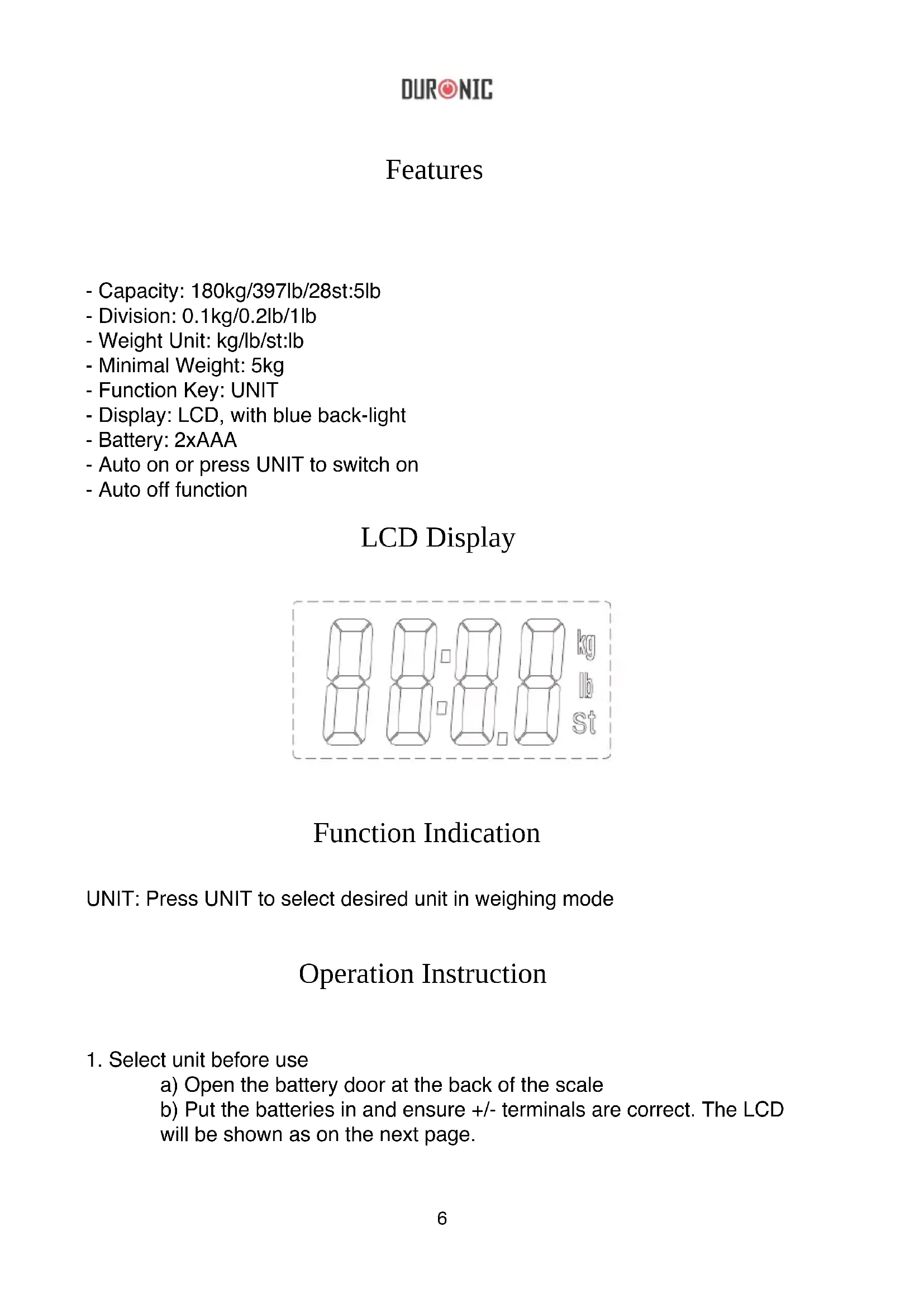
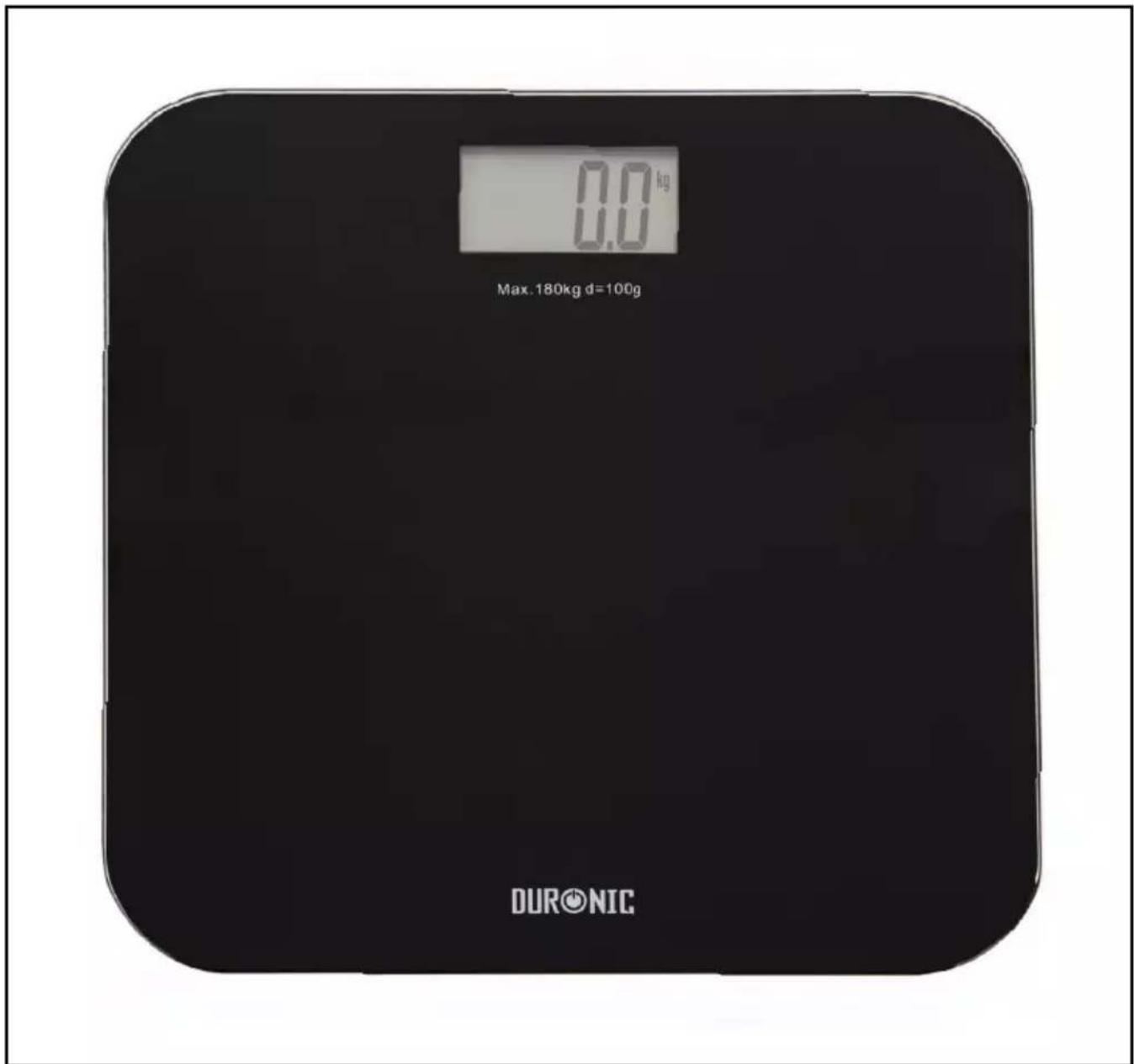
0.0 kg Max. 180kg d=100g DURONICBathroom Scales - BS601
PLEASE READ ALL THE INSTRUCTIONS BEFORE USE

duronic.com

duronic

@duronicmedia

Duronic

@duronicmedia
DURONIC
Contents
English Manual 5
- Capacity: 180kg/397lb/28st:5lb
- Division: 0.1kg/0.2lb/1lb
- Weight Unit: kg/lb/st:lb
- Minimal Weight: 5kg
- Function Key: UNIT
- Display: LCD, with blue back-light
- Battery: 2xAAA
- Auto on or press UNIT to switch on
- Auto off function
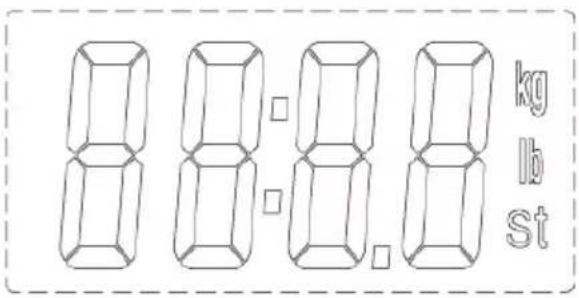
LCD Display
text_image
8 8 8 8 kg lb StFunction Indication
UNIT: Press UNIT to select desired unit in weighing mode
Operation Instruction
1. Select unit before use
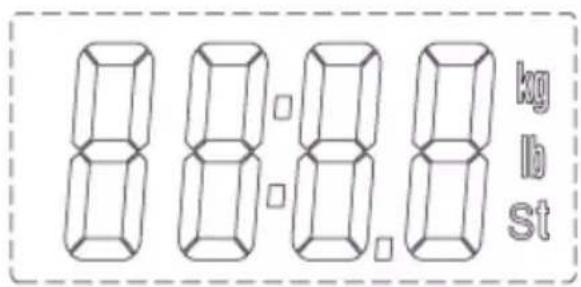
a) Open the battery door at the back of the scale b) Put the batteries in and ensure +/- terminals are correct. The LCD will be shown as on the next page.
DURONIC
text_image
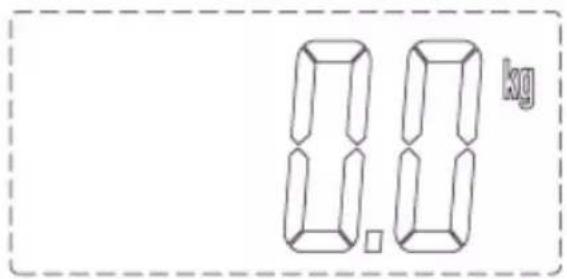
8 8 8 8 kg lb stc) Close the battery door and wait until '0.0kg' is shown
text_image
8.8 kgd) Press UNIT to select the desired unit.

text_image
8.8 kg 8.8 b 8.8 8 stNOTE: Please put the scale on a flat, hard surface when selecting the unit. Stand on the scale to begin the measuring process. The scale will automatically turn off after approximately 10 seconds of inactivity.
Measuring (UNIT kg)
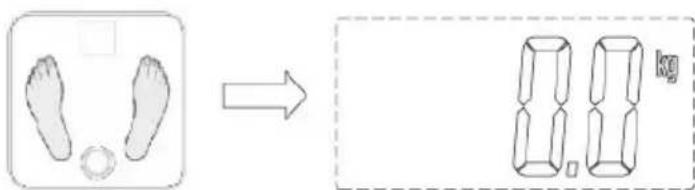
- Please put the scale on a flat, hard surface.
- Please stand on the platform to switch on.
text_image
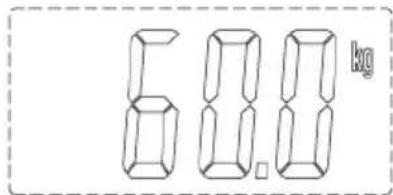
Diagram showing foot and body measurements before and after transformation, with a 8.0 kg weight labeled- Stand still and the weight data will be locked automatically and will blink twice when stable. The scale will then turn off after roughly 10 seconds.
text_image
6.8.8 kgNOTE: If you want to measure again, please step off the platform and then step back on again.
Indication Message
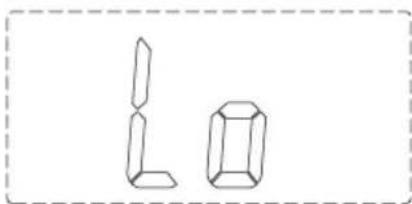
- Low battery indication. When 'Lo' is shown, the scale will turn off after a few seconds. Please change the batteries.
natural_image
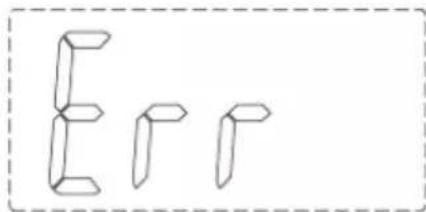
Simple line drawing of two geometric shapes resembling L and a prism, enclosed in a dashed border (no text or symbols)- Overload indication. Please remove the weight on the scale to protect the sensors.
text_image
E I JReminder:
- Ensure the scale is on a flat, even and firm surface. Avoid carpets of soft surfaces.
- The surface of the scale will be slippery if wet. Please make sure both the glass and your feet are dry before use.
- This scale is not waterproof. Do not expose to moisture.
- Clean the scale with a slightly damp cloth. Do NOT use any chemical/abrasive cleaning agents to clean the scale.
- Please remove the batteries if the scale is not being used for a long period of time.
- When using the scales for the first time, or when changing the position or location of the scales, they should be restarted twice and should be free of objects to ensure accurate measurements. This is for calibrating the scale. If you do not perform these measures, the measurements may be incorrect.
DURONIC