BS401 - Scale Duronic - Free user manual and instructions
Find the device manual for free BS401 Duronic in PDF.


| Product type | Electronic scale |
| Brand | Duronic |
| Model | BS401 |
| Maximum capacity | 180 kg |
| Measurement units | kg, lb, st:lb |
| Accuracy | 0.1 kg / 0.2 lb / 1 lb |
| Power supply | 2 AAA batteries (1.5 V each, total 3 V) |
| Number of users | 8 (P1 to P8) |
| Automatic identification | Yes, based on a weight difference of 2 kg |
| Configurable ideal weight | Yes, with max deviation of 10 kg (22 lb) |
| Backlight | Color code (green, yellow, red, blue) |
| Automatic start | Yes |
| Automatic shutdown | Yes |
| Weigh-only function | Yes (without user recognition mode) |
| Memory of previous measurements | Yes (up to 8 users) |
| Initial calibration | Required: two empty weighings |
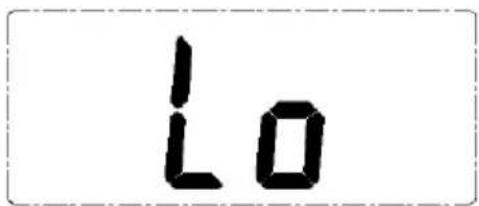
| Low battery indicator | Yes (displays "Lo") |
| Maintenance | Clean with a dry, soft cloth. Do not use detergents. |
| Safety of use | Use on a hard, flat surface. Dry feet. Do not expose to moisture. |
| Warranty | 1 year (Shine-Mart Ltd) |
| Usage | Household only |
Frequently Asked Questions - BS401 Duronic
User questions about BS401 Duronic
0 question about this device. Answer the ones you know or ask your own.
Ask a new question about this device
Download the instructions for your Scale in PDF format for free! Find your manual BS401 - Duronic and take your electronic device back in hand. On this page are published all the documents necessary for the use of your device. BS401 by Duronic.
USER MANUAL BS401 Duronic
Creative Consumer Electronics
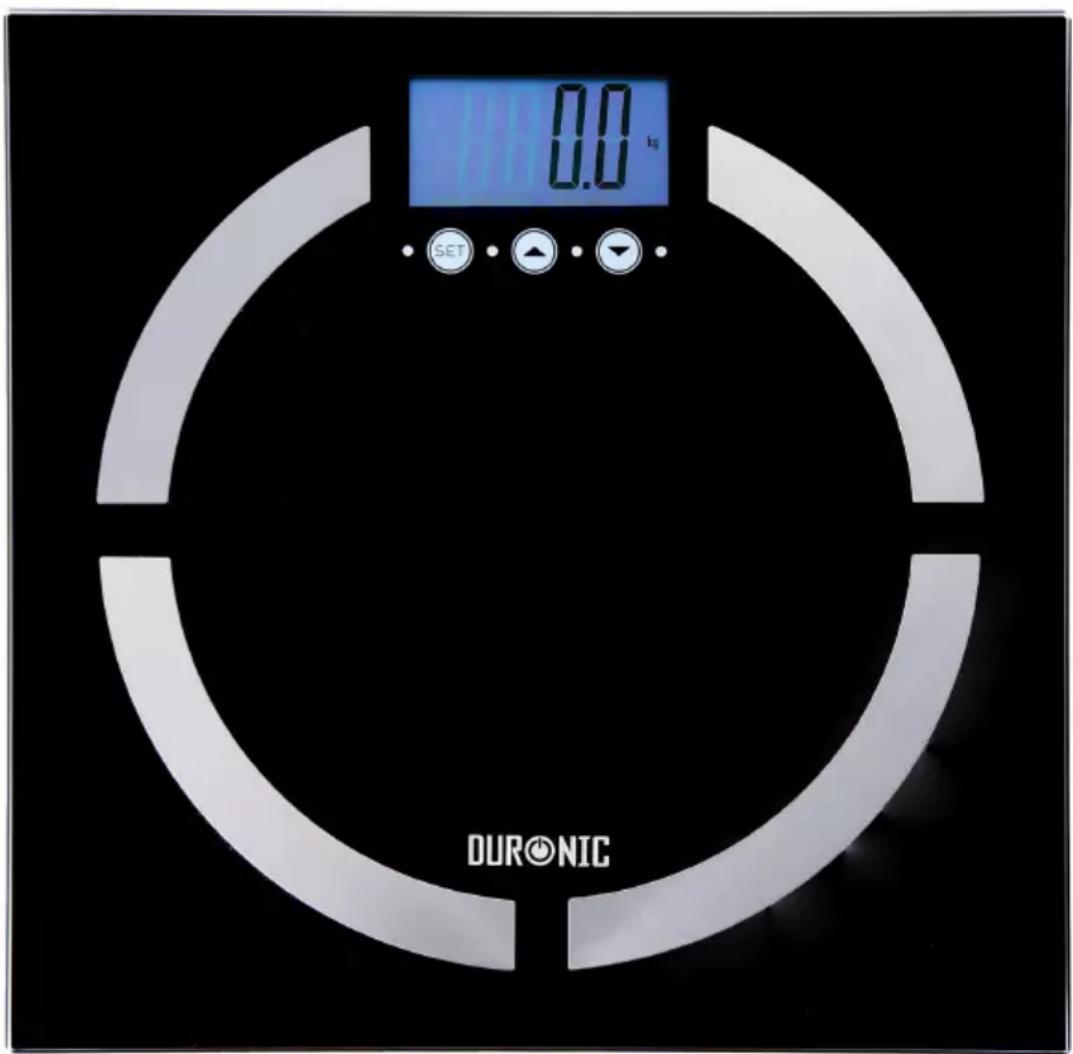
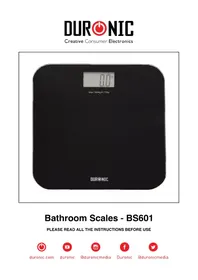
Bathroom Scales - BS401
PLEASE READ ALL THE INSTRUCTIONS BEFORE USE

duronic.com

duronic

@duronicmedia

Duronic

@duronicmedia
DURONIC
Contents
English Manual 5
Press the UNIT button on the back of the scale to select measuring unit(kg/lb). The default unit is Kg, kg=kilograms, lb=pounds
0.0 kg
0.0 lb
NOTE :When using the scales for the first time, or when changing its position or location, the scale should be restarted twice and should be free of objects and on a firm, flat surface to ensure accurate measurements. This is for calibrating the scale. If you do not perform these measures, measurements may be incorrect.
Setting Target Weight
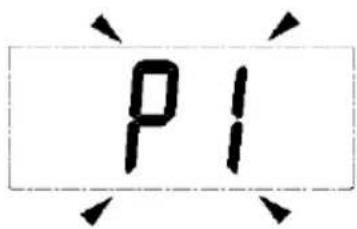
- Press SET enter into setting mode. Then press SET key again. The LCD screen display user No.
When the screen displays the user No, press UP( ) ▲DOWN( ) to ▼ choose the user No. (P1-P8),
Press SET for confirmation.
- When the screen displays the target weight, press UP( ▲ ) /DOWN ( ▼ ) to set the user's target weight. Press SET for confirmation.
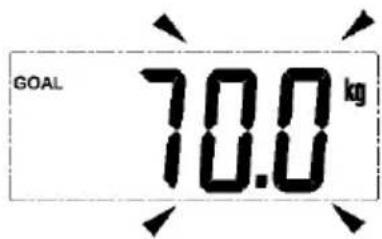
- After setting your target weight, you must measure your weight before the scale automatically turns off. After you take the first measurement, the scale will automatically memorize your weight and target weight. When you use the scales next time it will automatically identify the user based on weight and there is no need to set the user information again (unless there are multiple users of the same weight).
Measuring The Weight
- Place the scales on a firm, flat surface and stand on the scale to measure your weight. The scale will start automatically and then begin flashing whilst it measures your weight and identifies the user No. and target weight. The scale will identify your target weight and compare your current weight with your previous weight to decide what color backlight to display (green, yellow or red). If the current weight is close to your target weight within +/-0.1kg, the green backlight will display; If current weight is far away from the target weight, the backlight will display according to below situations. A. Users who want to lose weight must set their target weight lower than their current weight.
- When the current weight is less than the previous weight a yellow backlight light
- When the current weight is more than the previous weight a red backlight will display;
B. Users who want to gain weight must set their target weight more than their current weight.
* When the current weight is more than the previous weight a yellow backlight will display;
* When the current weight is less than the previous weight a red backlight will display;
-
The scale will automatically identify users and the display the target weight.
-
Then display will show the difference between the user weight and the target weight.
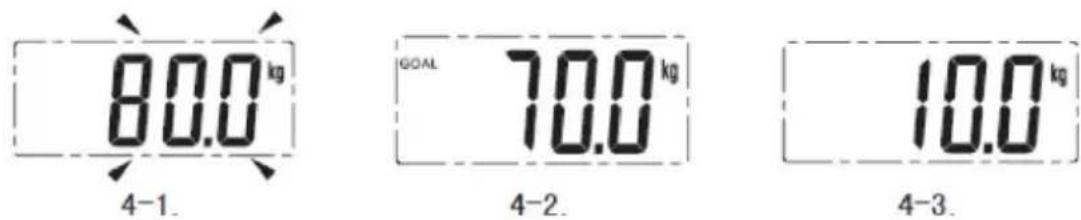
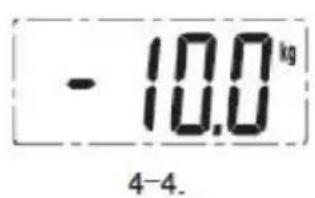
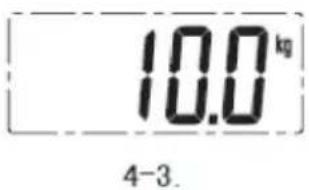
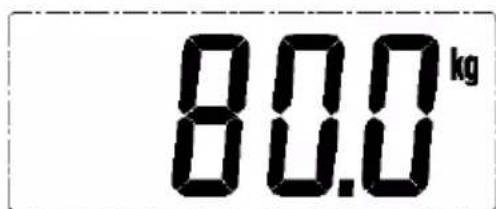
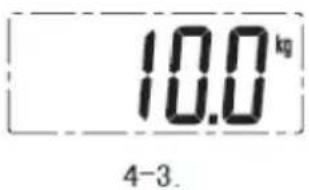
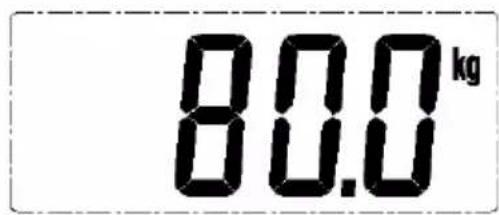
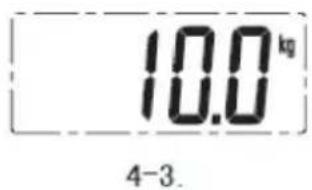
- If the display shows a minus sign in front of the difference weight it means that the user weight
is less than the target weight, for example, the user weight is 80Kg and the target weight is 90Kg;
the difference is -10.0Kg. If there is no minus sign showing in front of the weight difference it means
that the user's weight is more than the target weight.
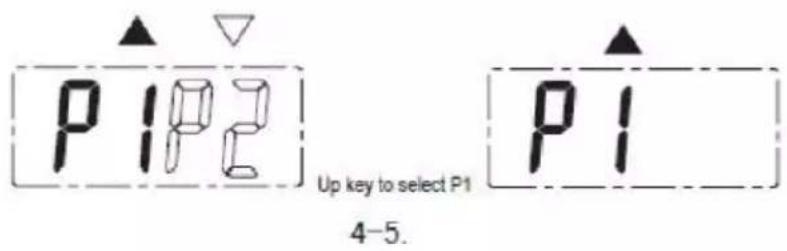
- If the scale cannot identify the user, it is because the weights of two users are within 2.0kg of each other.
The LCD screen will display two or more user No. press the UP( ▲ ) / DOWN( ▼ ) button to choose the correct user No.
Previous Measurements
- Press SET key to switch on the scale. Then press SET key again, The LCD screen will display user No. flickering, press UP( ▲ ) /DOWN( ▼ ) to choose the user No. which you wish to query.P1-P8.
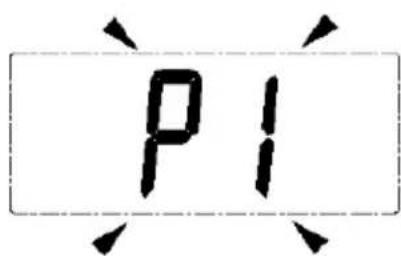
- After you have finished selecting the user No. wait for 3 seconds, the screen will automatically display the user's target weight and the user's previous weight.
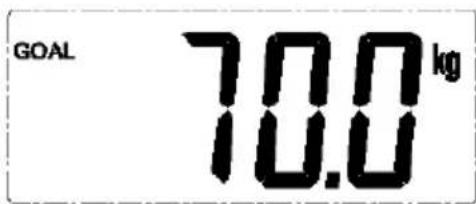
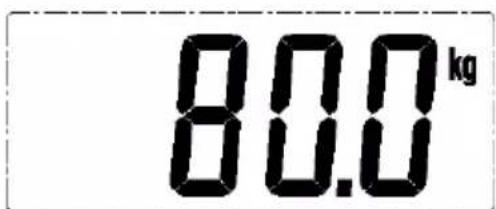
- Users can press the UP( ▲) /DOWN( ▼ ) keys to change the user No.. If press SET key again, then enter to setting target weight mode.
Weigh Only
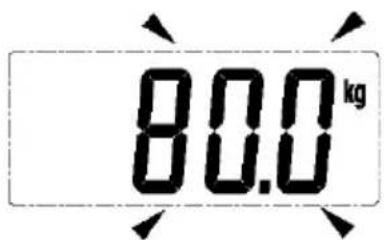
Step onto the scale and it will automatically turn on. Stand still with your weight evenly distributed between both legs. The scale will display your weight.
Errors Indication
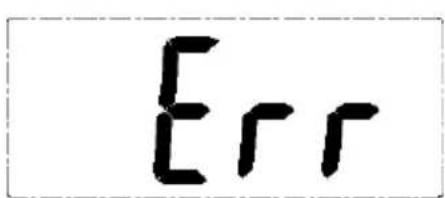
- Overload indication and Low battery indication.
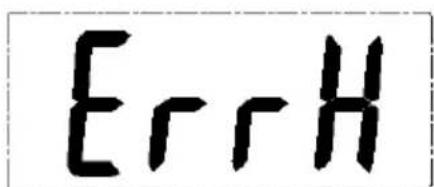
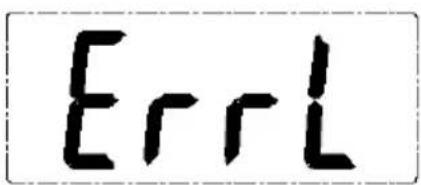
- The difference between the weight and the target weight is too high or too low.
Reminder And Tips
- Ensure the scale is on a flat, even and firm surface. Avoid carpet or soft surfaces.
- The surface of the scale will be slippery if wet. Please make sure both the glass and your feet are dry before use.
- This scale is not waterproof. Do not expose to moisture.
- Clean the scale with a slightly damp cloth. DO not use any chemical/abrasive cleaning agents to clean the scale.
- Please remove the batteries, if the scale is not to being used for a long period.
- The appliance is intended solely for domestic use within the home.
- Children should be supervised to ensure that they do not play with the appliance.
- Before you use the appliance for the first time, please do as follows: carefully unpack the appliance and remove all the packaging material. Keep the material (plastic bag and cardboard) out of reach of children. Remove the batteries from the protective packaging and insert with the correct polarity.
DURONIC
Warranty
1 Year Guarantee from Shine-Mart Ltd, Trademark owners of Duronic Products. NOTE: THESE STATEMENTS DO NOT AFFECT YOUR STATUTORY RIGHTS AS A CONSUMER
This product has been manufactured under the strictest or quality control procedures, and using the highest quality of materials, to ensure excellent performance and reliability. It will give very good and long lasting service, provided it is properly used and maintained. The product is guaranteed for 1 years from the date of original purchase. If any defect arises due to a faulty materials or poor workmanship, the faulty product must be returned to the original place of purchase. Refund or replacement is at the discretion of that company.
Duronic Products are offered with a 1 year guarantee under the following conditions:
- The product must be returned to the retailer with original proof of purchase.
- The product must be installed and used in accordance with the instructions contained in this operating manual.
- It must be used only for domestic purposes.
- It does not cover wear and tear, malicious damage, misuse, neglect, inexpert repairs or consumable parts.
- Shine-Mart Ltd has no responsibilities for accidental or consequential loss or damage.
- Shine-Mart Ltd are not liable to carry out any type of servicing work, under the guarantee
- Valid in the UK only
Imported by Shine-Mart Ltd, RM3 8SB
CE
Information on waste Disposal for Consumers of
Electrical & Electronic Equipment.
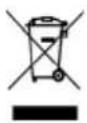
This mark on a product and/or accompanying documents indicates that when it
is to be disposed of, it must be treated as Waste
Electrical & Electronic Equipment, (WEEE).
Any WEEE marked products must not be mixed with general household waste, but kept separate for the treatment, recovery and recycling of the materials used.
For proper treatment, recovery and recycling; please take all WEEE marked
waste to your Local Authority Civic waste site,
where it will be accepted free of charge.
If customers dispose of Waste Electrical & Electronic Equipment correctly, they will be helping to save valuable resources and preventing any potential negative effects upon human health and the environment, of any hazardous materials that the waste may contain.
Follow Us

duronic.com

duronic

@duronicmedia

Duronic

@duronicmedia
DURONIC

Brand : Duronic
Model : BS401
Category : Scale