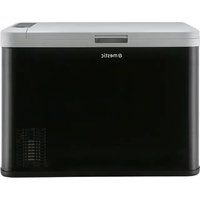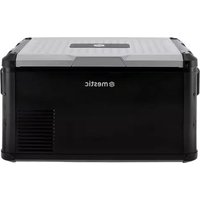
MCCP-45 - Refrigerator Mestic - Free user manual and instructions
Find the device manual for free MCCP-45 Mestic in PDF.



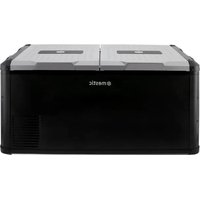
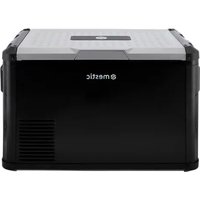
| Product type | Portable compressor refrigerator-freezer |
| Brand | Mestic |
| Model | MCCP-45 |
| Capacity | 45 L |
| Zone type | Single zone (single compartment) |
| Temperature range | Adjustable from -20°C to +20°C (approx) |
| Power supply | 12/24 V DC (cigarette lighter) and 100-240 V AC via mains adapter |
| Power consumption | Efficient compressor, built-in battery protection |
| Main functions | MAX (fast cooling) and ECO (energy saving) modes, digital display, temperature setting, 3-level battery protection (Low/Medium/High) |
| USB port | Yes (only works when the device is powered by DC) |
| Display | Digital screen with temperature in °C or °F |
| Cleaning and maintenance | Clean with a damp cloth and mild detergent; regular manual defrosting |
| Safety | Reverse polarity protection, low voltage auto shut-off, 15 A fuse |
| Included cables | 12/24 V DC cable, 230 V AC cable, mains adapter |
| Dimensions (approx.) | Approx. 70 x 40 x 45 cm (W x D x H) |
| Weight (approx.) | Approx. 18 kg |
| Climate class | Domestic and vehicle use |
| Repairability | Spare parts available from the manufacturer; repair by a qualified technician |
| Standards | Compliant with EU directives (2014/30/EU and 2014/35/EU) |
Frequently Asked Questions - MCCP-45 Mestic
User questions about MCCP-45 Mestic
0 question about this device. Answer the ones you know or ask your own.
Ask a new question about this device
Download the instructions for your Refrigerator in PDF format for free! Find your manual MCCP-45 - Mestic and take your electronic device back in hand. On this page are published all the documents necessary for the use of your device. MCCP-45 by Mestic.
USER MANUAL MCCP-45 Mestic
natural_image
Exterior view of a black and white electronic device labeled 'emestic' (no additional text or symbols visible)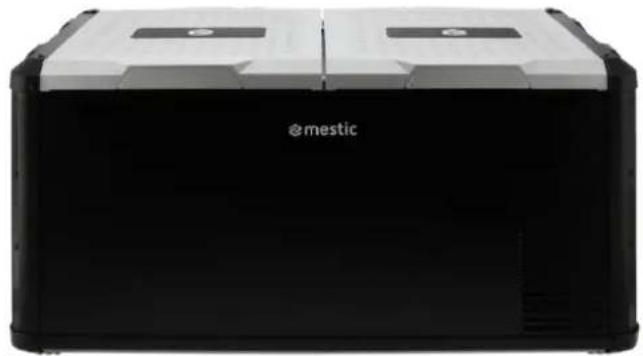
natural_image
Exterior view of a modern office building (no signage)Cool box compressor MCCP 35-45-60 & 75-90 DZ
NEDERLANDS
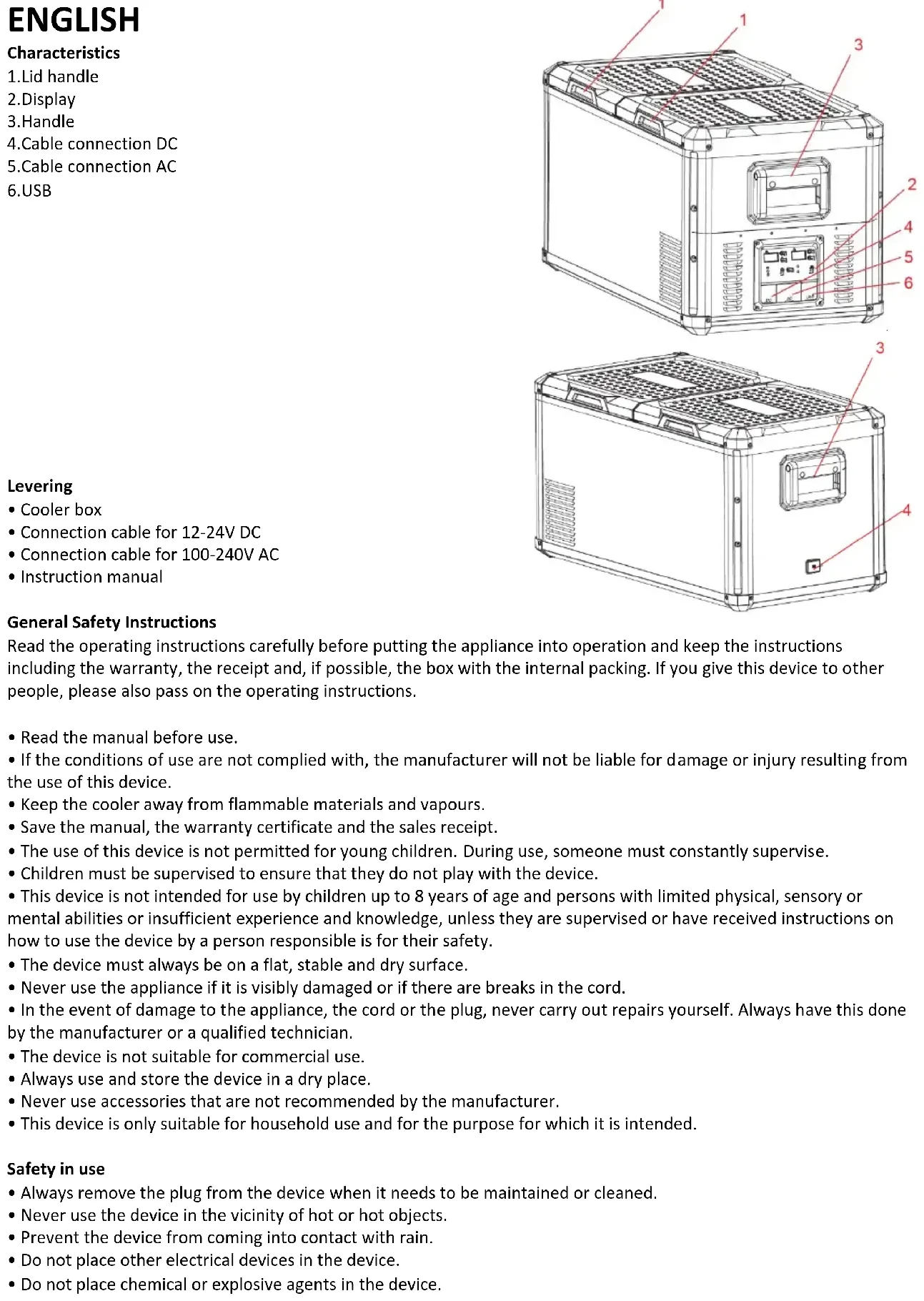
Kenmerken
text_image
Technical diagram of a server rack with numbered components for identification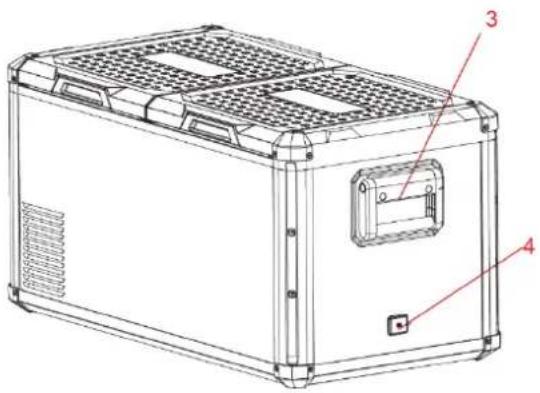
text_image
Technical line drawing of a device casing with labeled components 3 and 4Levering
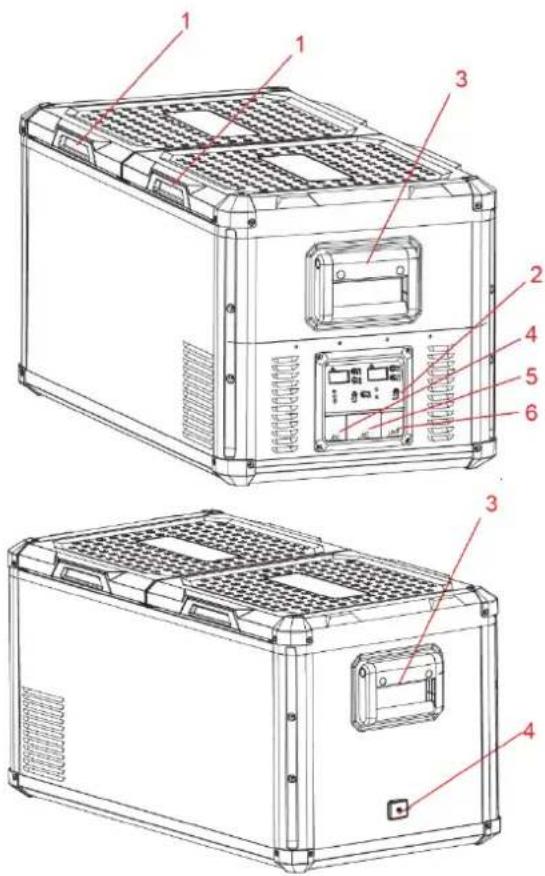
4.Cable connection DC
5.Cable connection AC
6.USB
text_image
Technical diagram of a dual-chamber electric vehicle chassis with numbered components for identification.Levering
- Cooler box
- Connection cable for 12-24V DC
- Connection cable for 100-240V AC
- Instruction manual
General Safety Instructions
Read the operating instructions carefully before putting the appliance into operation and keep the instructions including the warranty, the receipt and, if possible, the box with the internal packing. If you give this device to other people, please also pass on the operating instructions.
- Read the manual before use.
- If the conditions of use are not complied with, the manufacturer will not be liable for damage or injury resulting from the use of this device.
- Keep the cooler away from flammable materials and vapours.
- Save the manual, the warranty certificate and the sales receipt.
- The use of this device is not permitted for young children. During use, someone must constantly supervise.
- Children must be supervised to ensure that they do not play with the device.
- This device is not intended for use by children up to 8 years of age and persons with limited physical, sensory or mental abilities or insufficient experience and knowledge, unless they are supervised or have received instructions on how to use the device by a person responsible is for their safety.
- The device must always be on a flat, stable and dry surface.
- Never use the appliance if it is visibly damaged or if there are breaks in the cord.
- In the event of damage to the appliance, the cord or the plug, never carry out repairs yourself. Always have this done by the manufacturer or a qualified technician.
- The device is not suitable for commercial use.
• Always use and store the device in a dry place. - Never use accessories that are not recommended by the manufacturer.
- This device is only suitable for household use and for the purpose for which it is intended.
Safety in use
• Always remove the plug from the device when it needs to be maintained or cleaned.
- Never use the device in the vicinity of hot or hot objects.
- Prevent the device from coming into contact with rain.
- Do not place other electrical devices in the device.
- Do not place chemical or explosive agents in the device.
- Only use the DC 12V or 230V connection cable (not included).
- Defrost the device regularly to ensure that the device functions optimally.
- Note: do not use any electrical device to defrost the cool box.
- Do not pull on the connecting cord, but pull on the plug to remove the cord from the socket.
- If the cool box is connected to the DC socket, disconnect your cool box and other consumers from the battery before you connect a fast charger
- If the cool box is connected to the DC socket; switch off the cool box or break the connection when you switch off the engine. The battery can be discharged otherwise.
- Pay attention! That the heat that arises during the operation of the cool box can be properly dissipated.
- Enough distance between product and objects and walls.
- Never immerse the device in water
- Ventilation slots are not covered at all times.
Use
- Remove all packaging materials from the device.
- Place the device on a flat and stable surface with at least 10cm of free space on each side.
- Do not switch the appliance on immediately after you transport it, where the cool box has been tilted more than -30^ . This could cause damage to the cooling system. The device must first stand upright for 24 hours so that the coolant can be collected again in the compressor. This prevents the compressor from running dry.
- Look at the above user conditions before use.
- For hygienic reasons, you must clean the inside and outside of the appliance with a damp cloth before using your cool box. (see paragraph
- Connect the cooler box.
AC and DC connection
- The unit is equipped with an electronic control system that will prevent polarity reversal. In the event that the battery polarity is reversed, the unit will not start or operate. The power inlet socket is fitted with a 15A fuse for protection. Plug the 12/24V connection cable into the DC voltage socket and then connect it to the cigarette lighter or a suitable 12V or 24V power source.
- The unit is equipped with a multi-voltage power supply with a priority circuit for connecting to an AC voltage source of 230V. The power supply automatically switches to mains power when the device is connected to 230V AC, even if the 12/24V connection cable is still plugged in. The power inlet socket is fitted with a fuse for protection. Plug the 230V connection cable into the AC voltage socket and connect to a suitable 230V AC power source.
Note: The USB connector only works when the cool box is being charged through the DC power cord.
Control

- Switching on and off: press and hold the on / off
button, the refrigerator will now start or switches off

- Fast cooling / energy saving mode: press the set button energy saving mode ECO. Green is Eco and blue is MAX
to quickly switch between cooling mode MAX and


- Temperature adjustment: press the now set.
button to adjust the temperature, The temperature is
Dual Zone only:
- The temperature shown on the left display, corresponds to the larger left cooling compartment. The temperature shown on the right display corresponds to the right cooling compartment.


- Setting Celsius/Fahrenheit: press the and button (positioned at right side of control panel) at the same time to select Celsius or Fahrenheit.

- Battery protection: press, hold and release button to select the desired setting.

text_image
COOLING TEMPERATURE BATTERY MONITOR MAX ECOBattery power detection
The device features a multi-level battery guard that protects your vehicle battery from excessive discharge when the device is connected to the built-in DC power supply. If the cooler is operated with the vehicle ignition off, the cooler will shut off automatically when the power supply voltage drops below a set level. The cooler will turn back on once the battery is charged to the restart voltage level. The compressor will restart automatically in a few minutes when the voltage returns to normal values.
- Method for adjusting the battery protection:
| Protection | 12V | 24V | ||
| Cut off Voltage | Cut in Voltage | Cut off Voltage | Cut in Voltage | |
| Low | 9.6V | 10.9V | 21.3V | 22.7V |
| Middle | 10.4V | 11.7V | 22.8V | 24.2V |
| High | 11.1V | 12.4V | 24.3V | 25.7V |
Cleaning
- Before cleaning, remove the products from the device and remove the plug from the power supply. Only clean with a slightly damp cloth, if necessary a non-aggressive cleaning agent can be used. After cleaning, always dry all wet surfaces with a dry cloth.
- Never use sharp or abrasive products to clean the device.
- Defrost the cool box: frost can settle on the evaporator or inside of the cool box due to humidity, this can reduce the cooling capacity. The cool box must be defrosted in time. As follows
• Take the products out of the cool box - Switch off the device
- Open the lid
- Sweep up the melt water or drain the melt water through the plug.
Recycling
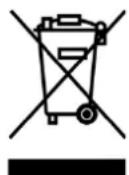
This product bears the selective sorting symbol for waste electrical and electronic equipment. This means that this product must be handled pursuant to European Directive (2012/19/EU) in order to be recycled or dismantled to minimize its impact on the environment. For further information, please contact your local or regional authorities. Electronic products not included in the selective sorting process are potentially dangerous for the environment and human heath due to the presence of hazardous substances..
Declaration of conformity
Hereby Gimeg Nederland B.V. declares that the device MCCP-35/45/60/75/90 applies all basic requirements and other relevant regulations listed in the European directive for electromagnetic compatibility (2014/30/EU) and low voltage directive (2014/35/EU). If you require a full declaration of conformity, you can contact the adress listed on the backside of this manual
FRANÇAIS
Caractéristiques
text_image
Technical diagram of a server rack with numbered components for identification
text_image
Technical diagram of a device casing with numbered annotations pointing to internal componentsLivraison
text_image
Technical diagram of a server rack with numbered components for identification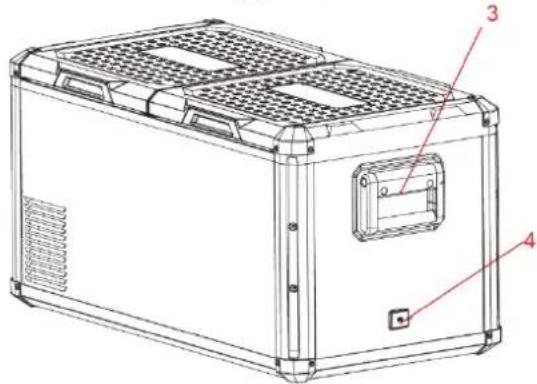
text_image
Technical diagram of a device casing with labeled components and numbered partsLieferung
text_image
Technical diagram of a computer tower case with numbered components for identification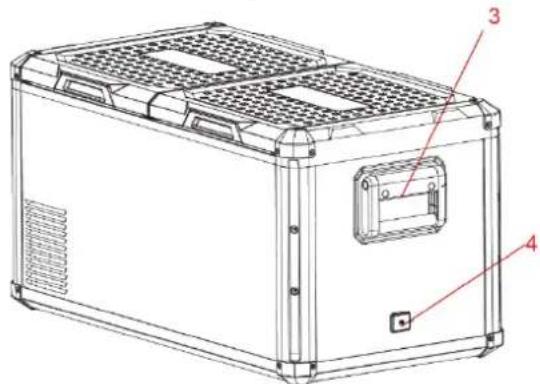
text_image
Technical diagram of a device casing with labeled components 3 and 4text_image
Technical diagram of a server rack with numbered components for identification
text_image
Technical diagram of a device casing with labeled components 3, 4, and 5Erogazione
text_image
Technical diagram of a server rack with numbered components for identification
text_image
Technical diagram of a device casing with labeled components 3, 4, and 5Levering
- Kjøleboks
• Tilkoblingsledning for 12V / 24V DC
• Tilkoblingsledning for 100-240V AC - Instruksjonshåndbok
text_image
Technical diagram of a computer tower case with numbered components for identification
text_image
Technical diagram of a device casing with labeled components 3, 4, and 5Suministro
text_image
Technical diagram of a server rack with numbered components for identification
natural_image
Exterior view of a mestic electronic device with black and white casing (no visible text or symbols on body)
text_image
Technical diagram of a mechanical device with labeled components 3 and 4Leverans
- Kylbox
• Anslutningskabel för 12V / 24V DC - Anslutningskabel för 100-240V AC
- Bruksanvisning