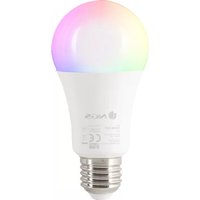
GLEAM 1027C - Lighting NGS - Free user manual and instructions
Find the device manual for free GLEAM 1027C NGS in PDF.



| Product type | Smart LED bulb |
| Brand | NGS |
| Model | GLEAM 1027C |
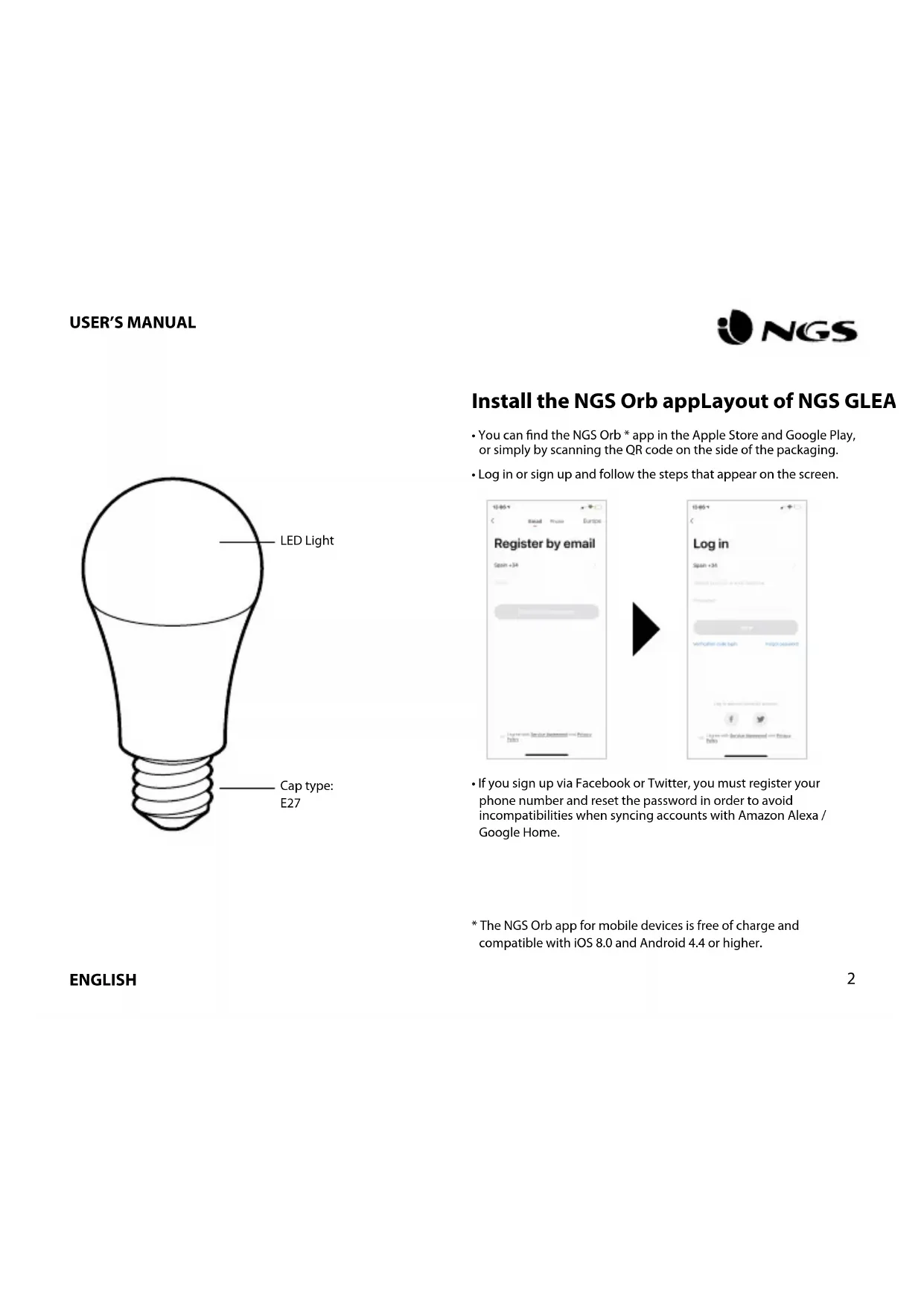
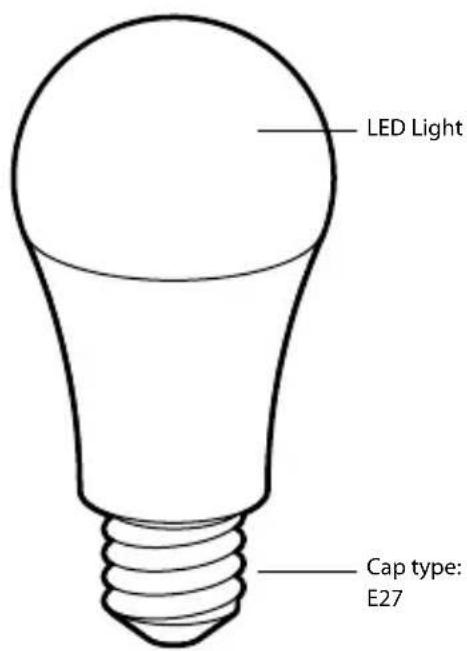
| Base | E27 |
| Rated power | 10 W |
| Input voltage | 220-240 V~, 50 Hz |
| Luminous flux | 806 lumens |
| Beam angle | 200° |
| Color temperature | 2700 K to 6500 K (white) + RGB |
| Lifespan | 25,000 hours |
| Connectivity | Wi-Fi 2.4 GHz (IEEE 802.11b/g/n) + Bluetooth |
| App | NGS Orb (iOS 8.0+ / Android 4.4+) |
| Voice assistants | Amazon Alexa, Google Assistant |
| Main functions | Remote on/off, white and color modes, scenes, scheduling |
| Standby power consumption | 0.5 W max. |
| Maintenance | Wipe with a dry, soft cloth; do not use abrasive products |
| Safety | Do not immerse in water; use in a suitable fixture |
| Spare parts | No replaceable parts (sealed product) |
| Repairability | Not user serviceable; contact customer service |
| General information | WEEE directive: do not dispose of with household waste, recycle at a waste collection point |
Frequently Asked Questions - GLEAM 1027C NGS
User questions about GLEAM 1027C NGS
0 question about this device. Answer the ones you know or ask your own.
Ask a new question about this device
Download the instructions for your Lighting in PDF format for free! Find your manual GLEAM 1027C - NGS and take your electronic device back in hand. On this page are published all the documents necessary for the use of your device. GLEAM 1027C by NGS.
USER MANUAL GLEAM 1027C NGS
SMART WIFI + BT RGB+W LED BULB
ENGLISH I FRANÇAIS I ESPAÑOL I DEUTSCH I ITALIANO I PORTUGUÊS
POLSKI I NEDERLANDS I ČEŠTINA I SLOVENČINA I EΛΛΗΝΙΚΑ
NORSK I SUOMI I SVENSKA I DANSK I LIETUVIŲ


www.ngs.eu
USER'S MANUAL

Install the NGS Orb appLayout of NGS GLEA
- You can find the NGS Orb * app in the Apple Store and Google Play, or simply by scanning the QR code on the side of the packaging.
- Log in or sign up and follow the steps that appear on the screen.
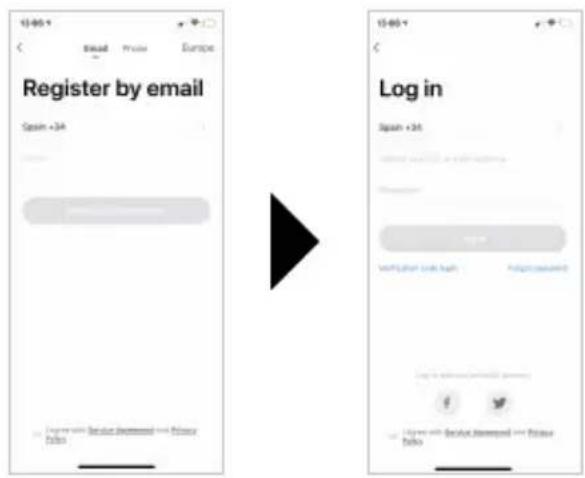
- If you sign up via Facebook or Twitter, you must register your phone number and reset the password in order to avoid incompatibilities when syncing accounts with Amazon Alexa / Google Home.
* The NGS Orb app for mobile devices is free of charge and compatible with iOS 8.0 and Android 4.4 or higher.
ENGLISH
Connecting the NGS GLEAM smart light (easy mode)
- Insert the NGS smart light in the corresponding bracket, open the NGS Orb app on your mobile device and select "Add devices (+)", located in the upper right corner.
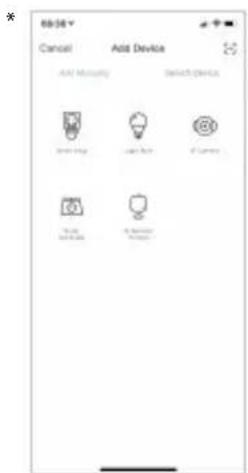
- Select the desired product category and check that the light is flashing quickly. If you need help, select "View help" in the app. *
- Choose the local WiFi signal and enter your password to confirm the network. Make sure you are using a 2.4GHz network signal.
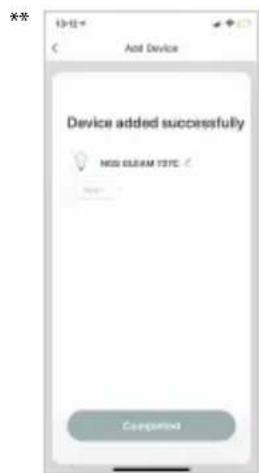
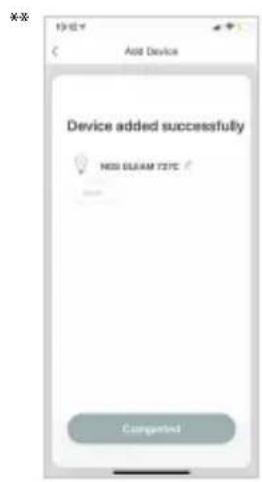
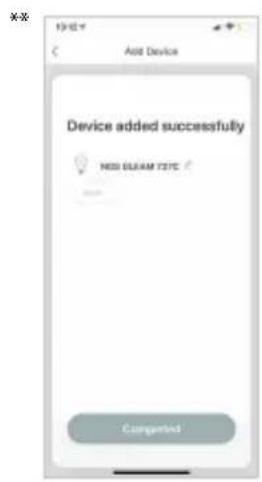
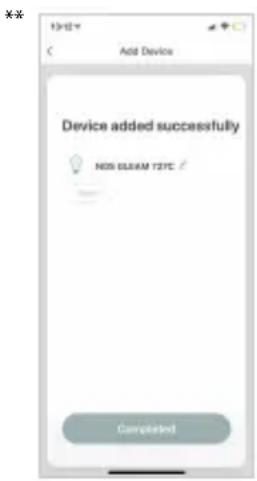
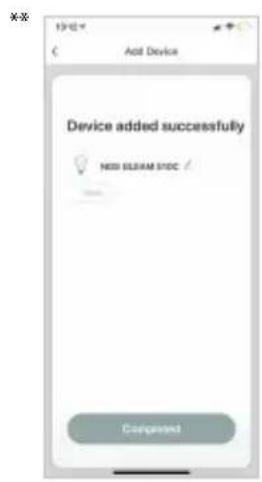
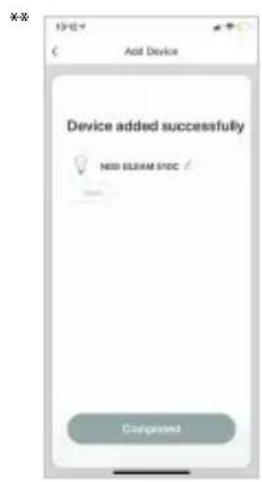
- Wait until it is correctly synced and then rename your NGS device. **
Connecting the NGS GLEAM smart light in AP mode
- When the light is flashing quickly, manually turn the light on and off 3 times until the light flashes slowly, which means it is entering AP mode.
- Follow the steps indicated on your device to set it up in this mode.
- Wait for it to sync correctly and then select "Confirm".
Functions of the NGS GLEAM 1027C smart bulb on the app
- Bulbs
Bulbs can be switched on/off from anywhere, as long as there is a stable Internet connection on the mobile device and the bulbs.
- Settings
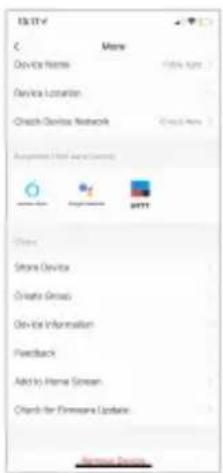
You will see a pencil icon in the top right, select it and enter the settings of the smart bulb. Within these settings, you can modify the device name or the room where you have placed it, check the Internet connection and even control it with a smart speaker that features Amazon Alexa or Google Assistant technology (NGS also manufactures speakers compatible with this product). There are further options in the app itself. To remove the NGS GLEAM 1027C bulb, select this option at the end of the menu.
- White light mode
Turn on the bulb in white and adjust the brightness. Press in the middle of the screen to turn the light on/off.
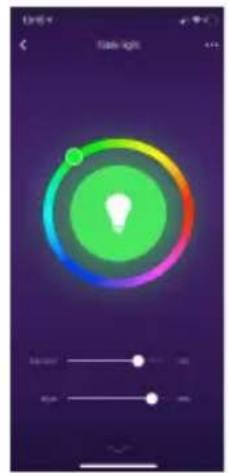
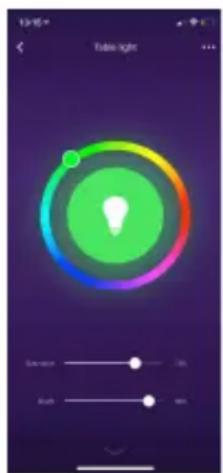
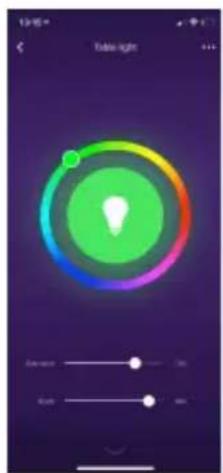
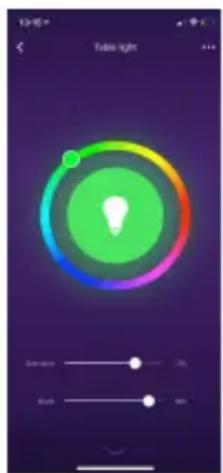
- Colour mode
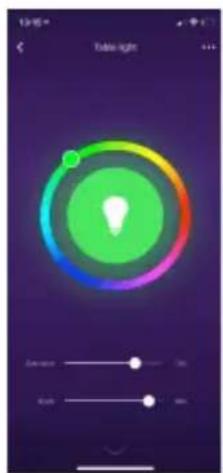
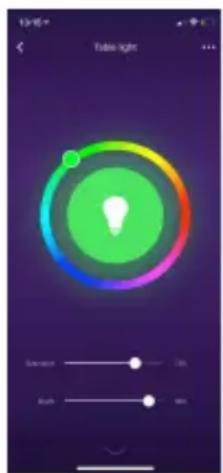
Select the desired colour and adjust the brightness and saturation.
USER'S MANUAL

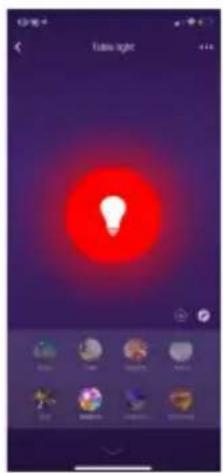
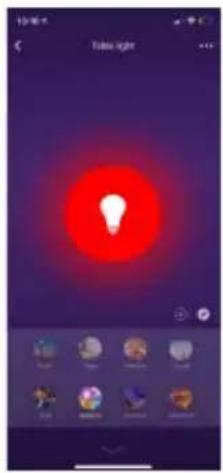
- Scene mode
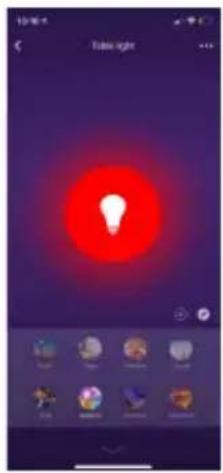
Select a preset scene or create a new one.
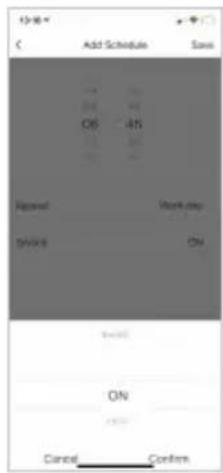
- Programming
Program the on/off function of the NGS smart bulb and repeat as many times as desired.
ENGLISH
Functions of the NGS Orb app Specifications
- Main menu
On the main menu you can change the management of one home to another, see temperature details, view shortcuts of scenes that you have previously created and even control/add other NGS devices linked to the same account.
- Scenes
You can create scenes with various devices, using the commands you want.
- Automatic mode
Create automatic processes to turn your devices on/off at a specific time every day.
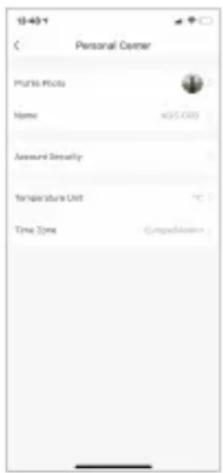
• Profile
Within the profile you can modify your personal details and the settings of your home. You can also add a new home with new smart devices and control them all from the same smartphone.
- RGB+W dimmable via APP or Amazon & Google Voice Assistants
- Connectivity: IEEE 802.11b/g/n 2.4GHz + Bluetooth
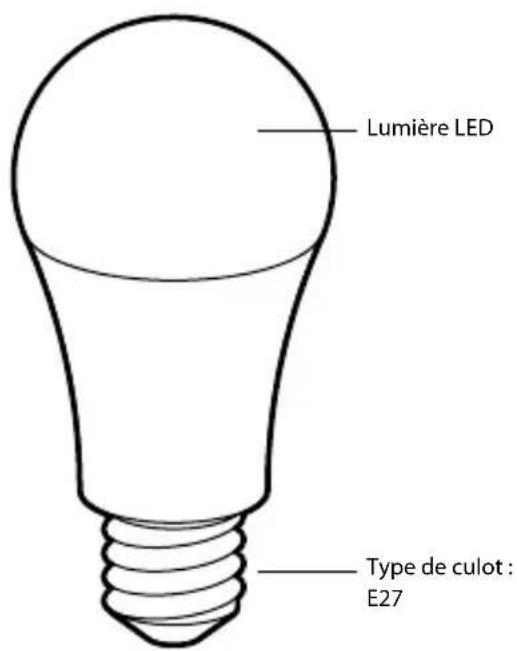
- Lamp base: E27
- Rated Power: 10W
• Lumen output: 806lm - Beam Angle: 200irc
• Color Temperature: 2.700K-6.500K & RGB full color
• Life: 25000h*
• Rated Input Voltage: 220-240V AC 50Hz - Stand-by power: 0.5W max
* Depends on users' usage mode
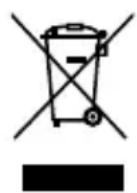
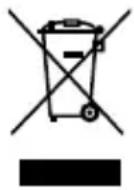
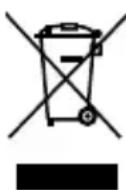
If at any time in the future you should need to dispose of this product please note that:
Waste electrical products should not be disposed of with household waste. Please recycle where facilities exist.
Check with your Local Authority or retailer for recycling advice.
(Waste Electrical and Electronic Equipment Directive)
MANUEL DE L'UTILISATEUR

FRANÇAIS
Connexion de la lampe intelligente NGS GLEAM en mode AP
- Programmation
ESPAÑOL
Conectando la luz inteligente NGS GLEAM en modo AP
- Modo luz blanca
MANUAL DE USUARIO

- Modo escena
- Programación
- Weißlichtmodus
GEBRUIKERSHANDLEIDING

- Szene-Modus
- Programmierung
DEUTSCH
ITALIANO
INSTRUZIONI D'USO

- Modalità scena
- Programmazione
PORTUGUÊS
MANUAL DO UTILIZADOR

- Modo de cena
KGS a replica quinida, 9870 c.
PORTUGUÉS
30
POLSKI
- Programowanie
POLSKI
NEDERLANDS
- Witlichtmodus
GEBRUIKSAANWIJZING

• Sfeermodus
- Programming
UŽIVATELSKÁ PŘÍRUČKA

- Režim scény
- Programování
SLOVENČINA
POUŽÍVATELŠKÁ PRÍRUČKA

- Režim scény
- Programovanie

ΕΛΛΗΝΙΚΑ
• Προγραμματισμός
ΕΛΛΗΝΙΚΑ
Koble til NGS GLEAM smartlys i AP-modus
BRUKERVEILEDNING

- Motivmodus
Velg en forhåndsinnstilt scene eller opprett en ny.
- Programming
- RGB + W kan dimmes via APP eller Amazon & Google Voice Assistants
• Tilkobling: IEEE 802.11b/g/n 2,4 GHz + Bluetooth - Lampebase: E27
• Nominell effekt: 10W
• Lumenutgang: 806lm - Strålevinkel: 200°
- Fargetemperatur: 2.700K-6.500K og RGB fullfarge
- Levetid: 25000 timer*
• Nominell inngangsspenning: 220-240V AC 50Hz
• Standby-effekt: maks 0,5 W
KÄYTTÖOPAS

• Näkymätila
• Ohjelmointi
• Vitt Ijusläge
ANVÄNDARMANUAL

- Scenläge
- Programming
Tilslutning af NGS GLEAM intelligent lys i AP-programmet
BRUGERVEJLEDNING

- Sceneprogram
Vælg en forudindstillet scene eller design en ny en.
- Programming
DANSK
Funktioner i NGS Orb-applikationen Specifikationer
• Hovedmenu
VARTOTOJO INSTRUKCIJA

- Scenos režimas
- Programavimas
HAS BEEN TESTED AND FOUND IN CONFORMITY WITH THE FOLLOWING HARMONIZED EUROPEAN STANDARDS:
HA SIDO TESTADO EN CONFORMIDAD CON LAS SIGUIENTES NORMAS STANDARD EUROPEAS ARMONIZADAS:
EN 62560:2012+A1:2015
EN 62311:2008
ETSI EN 301 489-1 V2.2.0 (2017-03)
ETSI EN 301 489-17 V3.2.0 (2017-03)
ETSI EN 300 328 V2.2.0 (2017-11)
IEC 62321-1:2013
AND THEREFORE COMPLY WITH THE ESSENTIAL REQUIREMENTS AND PROVISIONS OF THE FOLLOWING DIRECTIVES OF THE EUROPEAN PARLIAMENT AND EUROPEAN COUNCIL:
Y, POR LO TANTO, CUMPLE CON LOS REQUERIMIENTOS Y PROVISIONES DE LAS SIGUIENTES DIRECTIVAS DEL PARLAMENTO EUROPEO:
RADIO EQUIPMENT DIRECTIVE 2014/53/EU
ROHS DIRECTIVE 2011/65/EU & (EU) 2015/863
technical support: www.ngs.eu/support
www.ngs.eu
- USER'S MANUAL
- Install the NGS Orb appLayout of NGS GLEA
- ENGLISH
- Connecting the NGS GLEAM smart light (easy mode)
- Connecting the NGS GLEAM smart light in AP mode
- Functions of the NGS GLEAM 1027C smart bulb on the app
- - Bulbs
- - Settings
- - White light mode
- - Colour mode
- - Scene mode
- - Programming
- Functions of the NGS Orb app Specifications
- - Main menu
- - Scenes
- - Automatic mode
- • Profile
- MANUEL DE L'UTILISATEUR
- Connexion de la lampe intelligente NGS GLEAM en mode AP
- - Programmation
- Conectando la luz inteligente NGS GLEAM en modo AP
- - Modo luz blanca
- MANUAL DE USUARIO
- - Modo escena
- - Programación
- - Weißlichtmodus
- GEBRUIKERSHANDLEIDING
- - Szene-Modus
- - Programmierung
- DEUTSCH
- ITALIANO
- INSTRUZIONI D'USO
- - Modalità scena
- - Programmazione
- PORTUGUÊS
- POLSKI
- - Programowanie
- NEDERLANDS
- - Witlichtmodus
- GEBRUIKSAANWIJZING
- • Sfeermodus
- UŽIVATELSKÁ PŘÍRUČKA
- - Režim scény
- - Programování
- SLOVENČINA
- POUŽÍVATELŠKÁ PRÍRUČKA
- - Programovanie
- • Προγραμματισμός
- ΕΛΛΗΝΙΚΑ
- Koble til NGS GLEAM smartlys i AP-modus
- BRUKERVEILEDNING
- - Motivmodus
- KÄYTTÖOPAS
- • Näkymätila
- • Ohjelmointi
- • Vitt Ijusläge
- ANVÄNDARMANUAL
- - Scenläge
- Tilslutning af NGS GLEAM intelligent lys i AP-programmet
- BRUGERVEJLEDNING
- - Sceneprogram
- DANSK
- Funktioner i NGS Orb-applikationen Specifikationer
- • Hovedmenu
- VARTOTOJO INSTRUKCIJA
- - Scenos režimas
- - Programavimas
Brand : NGS
Model : GLEAM 1027C
Category : Lighting