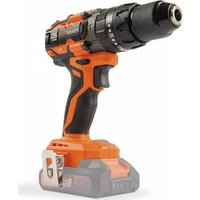
POWDP15220 - Drill PowerPlus - Free user manual and instructions
Find the device manual for free POWDP15220 PowerPlus in PDF.



Pick your language and provide your email: we'll send you a specifically translated version.
| Product type | Cordless drill |
| Brand | PowerPlus |
| Model | POWDP15220 |
| Power supply | Li-Ion battery 20 V |
| Dimensions (L x W x H) | 30 × 10 × 10 cm |
| Weight | 1.5 kg |
| No-load speed | 0-550 rpm (1st gear), 0-2000 rpm (2nd gear) |
| Drilling capacity (wood) | 30 mm |
| Drilling capacity (metal) | 13 mm |
| Drilling capacity (concrete) | 13 mm |
| Chuck type | Keyless, 1.5-13 mm |
| Main functions | Drilling, screwdriving, hammer |
| Reverse switch | Yes |
| Speed variator | Yes, electronic |
| LED light | Yes |
| Sound level | 85 dB(A) |
| Vibration (drilling metal) | 5.5 m/s² |
| Charger included | Yes |
| Battery included | 1 battery 2.0 Ah |
| Maintenance and cleaning | Clean with a dry cloth after use. Do not use solvents. |
| Safety | Wear safety glasses. Disconnect the battery before any intervention. |
| Spare parts | Available on the PowerPlus website |
| Repairability | Repairability index: 8.2/10 |
| General information | Compact cordless drill suitable for common DIY tasks. |
Frequently Asked Questions - POWDP15220 PowerPlus
How to change the bit on the PowerPlus POWDP15220 drill?
Loosen the chuck by turning the ring counterclockwise, insert the bit all the way, then tighten by turning clockwise. The chuck is keyless, no tool needed.
The drill does not start, what to do?
First check that the battery is fully charged and correctly inserted. If the charge indicator does not light up, recharge the battery. Also make sure the speed variator is not stuck at 0.
What is the drilling capacity in concrete?
The PowerPlus POWDP15220 drill can drill up to 13 mm diameter in concrete with hammer mode activated.
How to use the hammer mode?
To activate hammer mode, slide the mode selector located above the chuck to the position represented by a hammer. Use this mode for drilling into masonry or concrete.
Can this drill be used for screwdriving?
Yes, the POWDP15220 drill has a speed variator that allows screwdriving. Use a low speed and adjust the torque if your model has it. The reverse switch allows unscrewing.
How to charge the battery?
Plug the charger into a wall outlet, insert the battery into the charger until it clicks. The red indicator shows charging, green shows it is complete. Allow about 1 to 2 hours.
What to do if the chuck turns but the bit does not hold?
Loosen the chuck completely, clean the jaws with a dry cloth, then insert the bit straight and tighten firmly. If the problem persists, the chuck may be worn and needs to be replaced.
The drill vibrates abnormally, is this normal?
Some vibration is normal in hammer mode, but if excessive, check that the bit is straight and tight. Use a bit suitable for the material. If vibration persists, have the tool checked.
How to clean the drill after use?
Use a dry or slightly damp cloth to wipe the body and chuck. Never use solvents or abrasive products. Clean the ventilation slots with a soft brush.
Where to find spare parts for the PowerPlus POWDP15220?
Spare parts (battery, charger, chuck, brushes) are available on the official PowerPlus website or from authorized dealers. Consult the manual for references.
User questions about POWDP15220 PowerPlus
0 question about this device. Answer the ones you know or ask your own.
Ask a new question about this device
No questions yet. Be the first to ask one.
Download the instructions for your Drill in PDF format for free! Find your manual POWDP15220 - PowerPlus and take your electronic device back in hand. On this page are published all the documents necessary for the use of your device. POWDP15220 by PowerPlus.
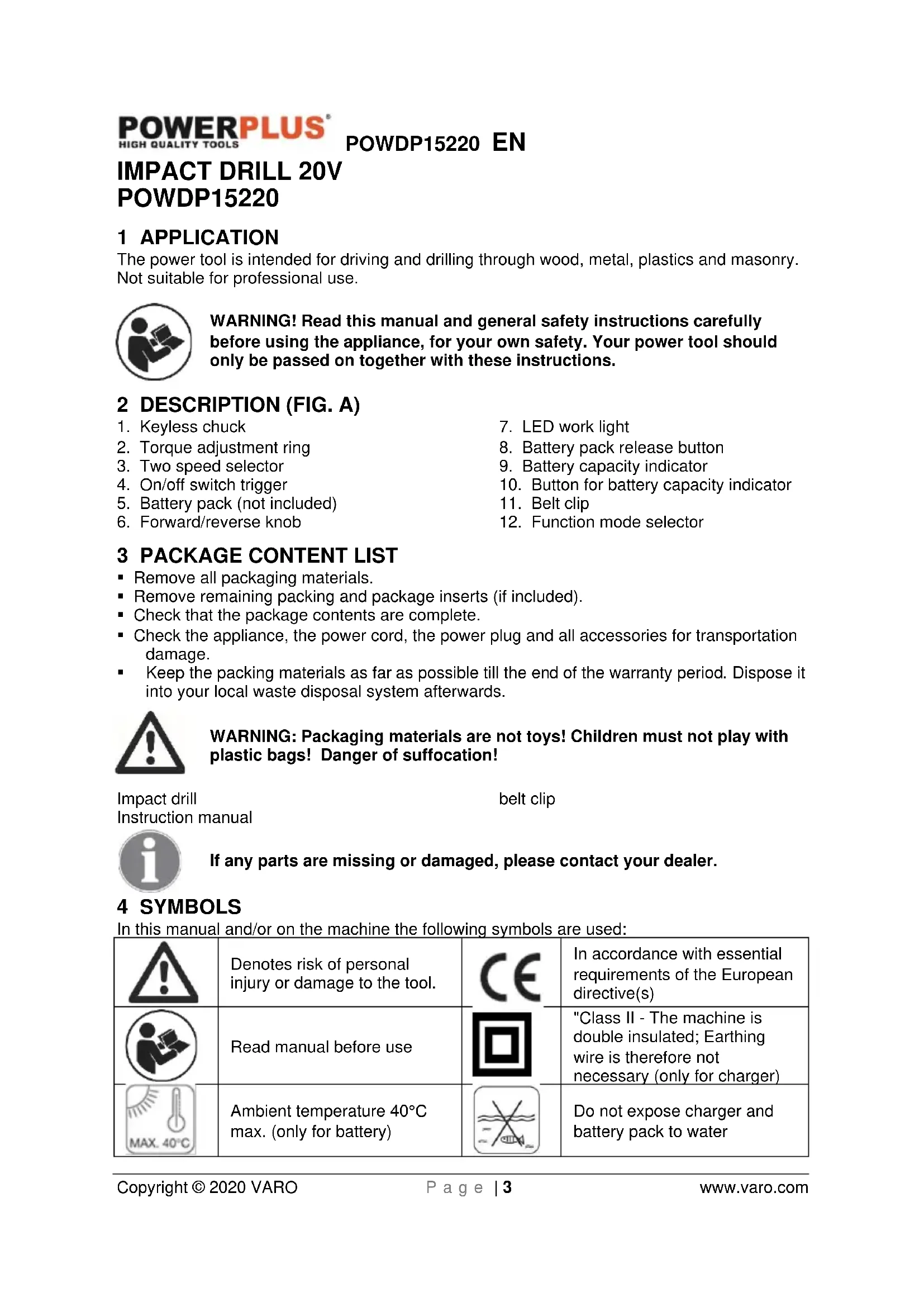
USER MANUAL POWDP15220 PowerPlus



Manual assistant
Powered by Anthropic
Waiting for your message
Product information
Brand : PowerPlus
Model : POWDP15220
Category : Drill