OB5032 - Amplifier IFM - Free user manual and instructions
Find the device manual for free OB5032 IFM in PDF.



| Product type | Fiber optic amplifier |
| Brand | IFM |
| Model | OB5032 |
| Dimensions (L x W x H) | Approx. 30 x 80 x 60 mm (estimated) |
| Weight | Approx. 50 g (estimated) |
| Power supply | DC PNP, 18-30 V DC (estimated) |
| Output type | PNP, normally open |
| Max output current | 10 mA (diagnostic output) |
| Compatible fiber optics | Types FE-11 and FT-11 (ifm) |
| Range | Depends on fiber optic used |
| Protection rating | IP65 (cover closed) |
| Operating temperature | Not specified (estimated -10 to 60 °C) |
| Main functions | Contactless detection, switching threshold adjustment, maximum sensitivity adjustment, lock/unlock, diagnostic output |
| Mounting | On DIN rail or mounting device |
| Electrical connection | According to diagram on back of device; disconnect power before |
| Maintenance and cleaning | Clean lenses if dirty; check proper operation |
| Safety | Disconnect before intervention; close cover for IP65 |
| Spare parts and repairability | Compatible fiber optics; repair by manufacturer |
Frequently Asked Questions - OB5032 IFM
User questions about OB5032 IFM
0 question about this device. Answer the ones you know or ask your own.
Ask a new question about this device
Download the instructions for your Amplifier in PDF format for free! Find your manual OB5032 - IFM and take your electronic device back in hand. On this page are published all the documents necessary for the use of your device. OB5032 by IFM.
USER MANUAL OB5032 IFM
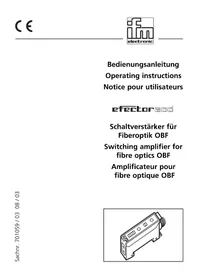
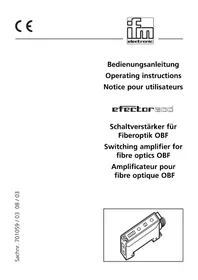
Switching amplifier for fibre optics
natural_image
Technical line drawing of a mechanical component with threaded end and mounting holes (no text or symbols)Deutsch Seite
Controls and indicators 8
Mounting 9
Mount the fibre optics 9
Electrical connection 9
Setting of the switching threshold 10, 11
Setting of the maximum sensitivity 11
Locking / Unlocking 12
Operation 12
Function check output 12
Connection 19
Français
Page
Rote LED:
Functions and features
The switching amplifier senses objects and materials without contact and indicates their presence by a switching signal.
- Only for the connection of the ifm fibre optics type FE-11 and FT-11.
- Sensing range depends on the fibre optic.
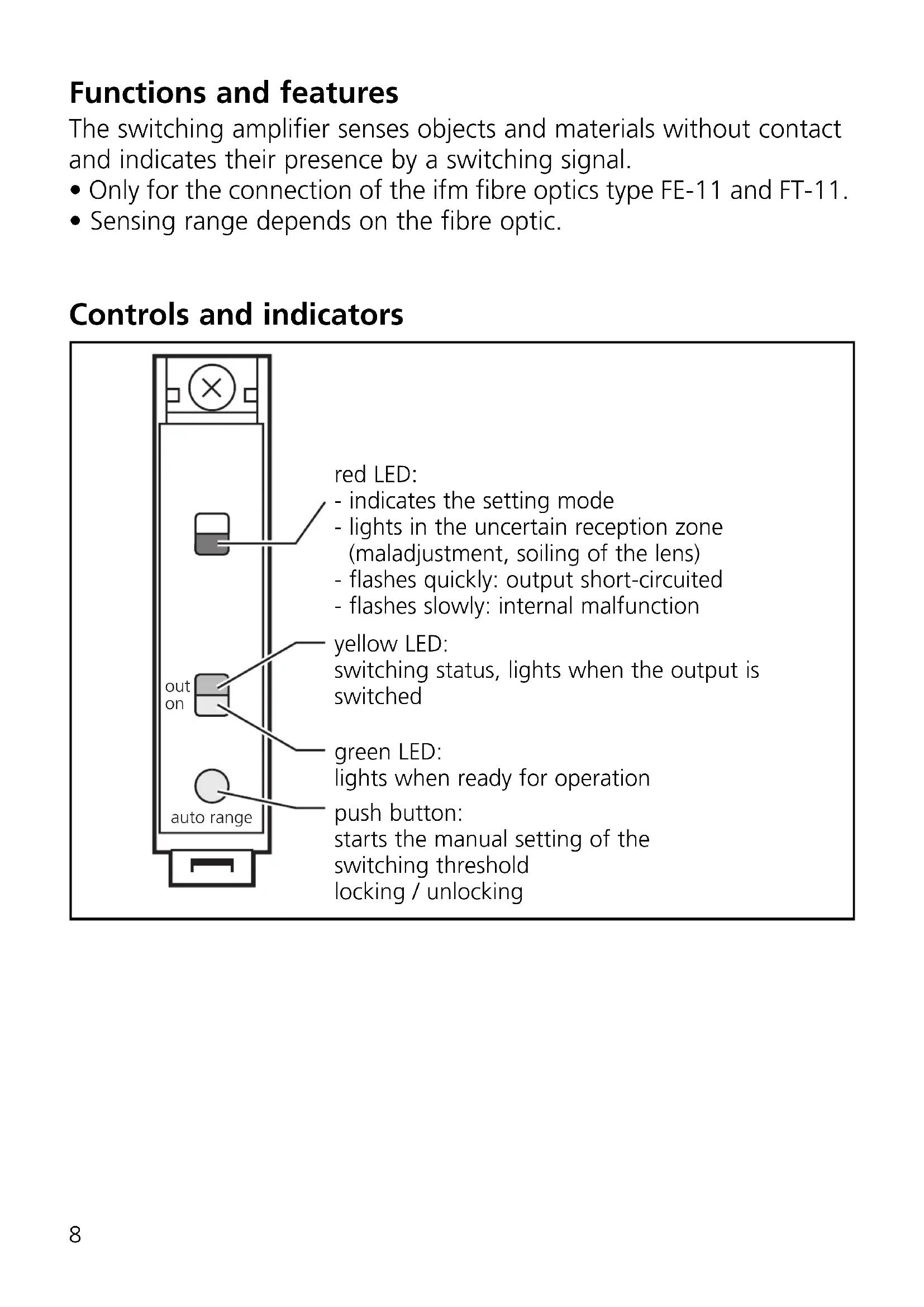
Controls and indicators
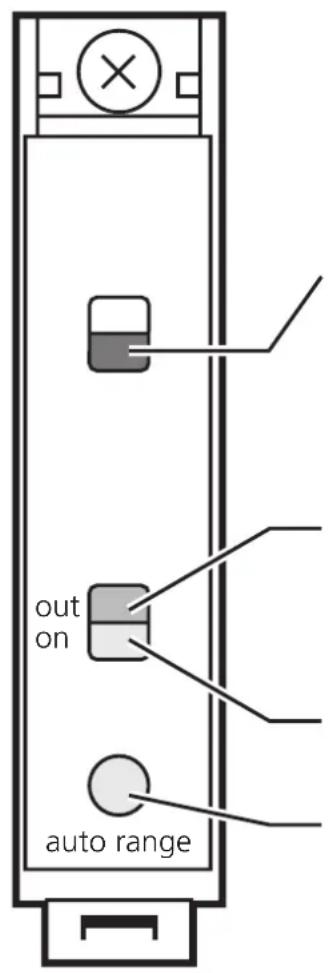
red LED:
- indicates the setting mode
- lights in the uncertain reception zone (maladjustment, soiling of the lens)
- flashes quickly: output short-circuited
- flashes slowly: internal malfunction
yellow LED:
switching status, lights when the output is switched
green LED:
lights when ready for operation
push button:
starts the manual setting of the
switching threshold
locking / unlocking
Mounting
Mount the unit on a DIN rail or by means of a mounting fixture.
Mount the fibre optics:
- Loosen the screw A, fig. 1.
- Place the fibre optics into the sensor holes B until you feel a slight resistance (O ring), fig. 2.
- Push the fibre optics until they come to a stop (optical elements) and hold them, fig. 3.
- Tighten the screw A.
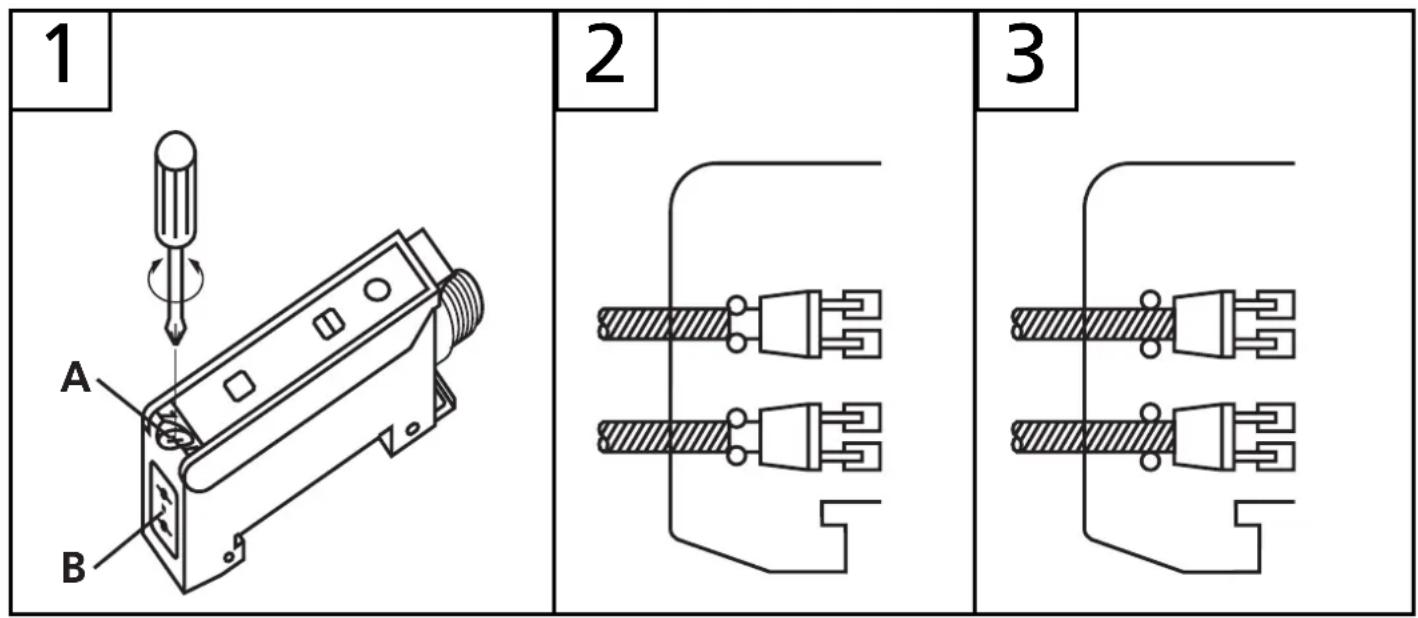

If the fibre optics are not in contact with the optical elements, the sensing range is reduced.
Electrical connection
Isolate the power, then connect the unit as specified (see the last page or the type label).
- Programming of the output function by wiring (see the last page or the type label).
- Load of the function check output (fc-output): max. 10mA.
Setting of the switching threshold (1)
- Objects move through the detection area
- Diffuse reflection fibre (FT ...) and through-beam fibre (FE ...)
The unit detects input signals of various intensity in any sequence and calculates the optimum switching threshold.
| 1 | Allow the objects to pass trough the detection area.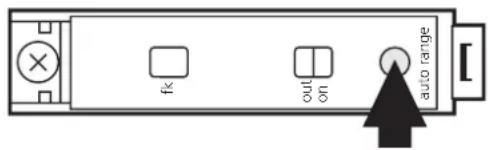 Press until the red LED flashes. Press until the red LED flashes. | → | 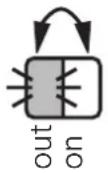 Yellow and green LEDs flash alternately (= unit is in the programming mode). Yellow and green LEDs flash alternately (= unit is in the programming mode). |
| 2 | 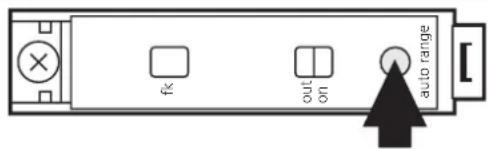 Press once. Press once. | 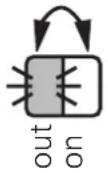 Yellow and green LEDs go out for a short time, then flash again alternately. Yellow and green LEDs go out for a short time, then flash again alternately. |
| 3 | 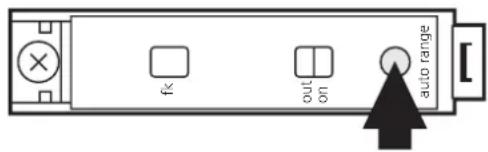 Press once. Press once. | 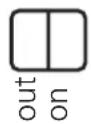 | Yellow and green LEDs go out for a short time, | |
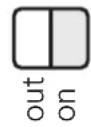 | then the green LED is on (= unit is in the operating mode). |

If the setting of the switching threshold is not possible (e.g. object signal and background signal are about the same), the red LED flashes after step 3. The unit then passes into the operating mode with the switching threshold being unchanged.
Setting of the switching threshold (2)
- Stationary objects
- Diffuse reflection fibre (FT ...) and through-beam fibre (FE ...)
The unit detects input signals of various intensity in any sequence and calculates the optimum switching threshold.
| 1 | 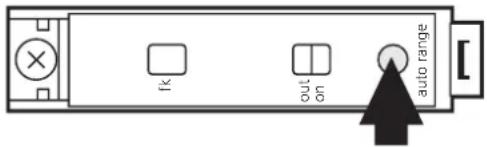 Press until the red LED flashes. Press until the red LED flashes. |  | Yellow and green LEDs flash alternately (= unit is in the programming mode). |
| 2 | Place the object into the detection area.* Press once. Press once. |  | Yellow and green LEDs go out for a short time, then flash again alternately. |
| 3 | Remove the object.*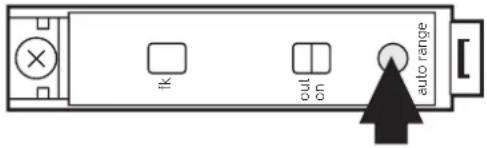 Press once. Press once. | 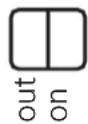 | Yellow and green LEDs go out for a short time, | |
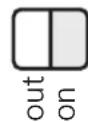 | then the green LED is on (= unit is in the operating mode). |
* You can also proceed in reverse order: first setting without the object, then with the object.

If the setting of the switching threshold is not possible (e.g. object signal and background signal are about the same), the red LED flashes after step 3. The unit then passes into the operating mode with the switching threshold being unchanged.
Setting of the maximum sensitivity
- Go into the programming mode (step 1).
- Align the unit so that no light is reflected.
- Press the setting button twice (see steps 2 and 3).
Locking / Unlocking
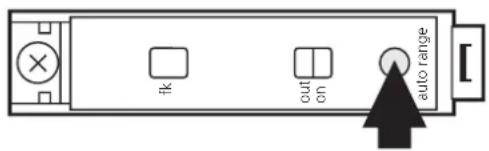
Press for 10s.

The red LED lights for a short time, then the yellow and green LEDs flash alternately; after 10s the LEDs go out, the unit is locked.
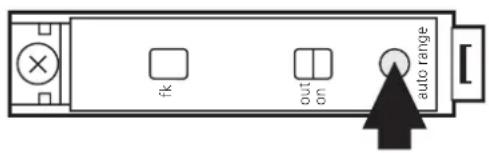
Press for 10s.

After 10s the LEDs go out, locking is cancelled.
Operation
Only open the cover to make adjustments. Close it after the adjustment has been made in order to maintain the protection IP65.
Check whether the unit functions properly.
| LED green is lit U | Unit is ready for operation. |
| LED yellow is lit O | Output is switched. |
| LED red is lit | Error in object detection, e.g. maladjustment, soiling of the lenses. |
| LEDs yellow + red | Flash alternately, 2 Hz: output short-circuited. Flash alternately, 1 Hz: internal malfunction (output is not switched). |
Function check output
- Switches in the case of incorrect object detection (error in object detection, maladjustment, soiling of the lenses) after approx. 4 s, it switches back approx. 4 s after the object is again correctly detected.
- Immediately switches in the case of a short circuit of the switching output, it switches back approx. 2 s after the fault has been rectified.
- Immediately switches in the case of an internal fault, it is only switched back by turning off the operating voltage and then on again.
LED rouge:
Appuyer pendant 10s.

Appuyer pendant 10s.

- Switching amplifier for fibre optics
- Deutsch Seite
- Français
- Page
- Rote LED:
- Functions and features
- Controls and indicators
- Mounting
- Mount the fibre optics:
- Electrical connection
- Setting of the switching threshold (1)
- Setting of the switching threshold (2)
- Setting of the maximum sensitivity
- Locking / Unlocking
- Operation
- Function check output
- LED rouge:
Brand : IFM
Model : OB5032
Category : Amplifier