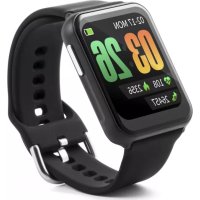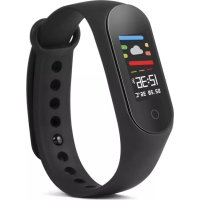
TXHR6 - Smartwatch TECHNAXX - Free user manual and instructions
Find the device manual for free TXHR6 TECHNAXX in PDF.



| Product Type | Smartwatch / Fitness Tracker |
| Brand | Technaxx |
| Model | TXHR6 (TX-HR6) |
| Dimensions | W 54 x D 18.9 x H 12 mm |
| Weight | 21.5 g |
| Display | 0.96 inch color display (80 x 160 pixels) |
| Processor | BK3431Q |
| Heart rate sensor | HRS3300 |
| Protection rating | IP67 (dust resistant and temporary immersion) |
| Connectivity | Bluetooth 4.0, range ~10 m |
| Bluetooth transmission frequency | 2.4 GHz |
| Bluetooth output power | Max. 2.5 mW |
| Power supply | Rechargeable lithium polymer battery 90 mAh, 3.7 V |
| Battery life in use | ~7 days |
| Standby time | ~20 days |
| Charging time | 1 hour |
| App | FunDo Pro (free on Google Play Store and Apple App Store) |
| Compatibility | Android 5.1 or higher, iOS 8.0 or higher |
| App languages | GB, DE, FR, ES, PT, IT, PL, NL, RU, CZ, TR |
| Operating temperature | -10 °C to 45 °C |
| Box contents | Technaxx Fitness tracker TX-HR6, user manual |
| Maintenance | Clean with a soft cloth. Do not use solvents or harsh products. |
| Safety | Do not open or modify the product. Do not expose to excessive heat or short-circuit the battery. |
| Warranty | 2 years |
Frequently Asked Questions - TXHR6 TECHNAXX
User questions about TXHR6 TECHNAXX
0 question about this device. Answer the ones you know or ask your own.
Ask a new question about this device
Download the instructions for your Smartwatch in PDF format for free! Find your manual TXHR6 - TECHNAXX and take your electronic device back in hand. On this page are published all the documents necessary for the use of your device. TXHR6 by TECHNAXX.
USER MANUAL TXHR6 TECHNAXX
natural_image
Abstract logo design with a stylized human figure inside a cyan circle on a dark gray background (no text or symbols)
text_image
QR code image containing encoded data, no visible human-readable textGoogle Play Store
text_image
QR code image containing encoded data, no visible human-readable textApple App Store
text_image
More MY DEVICE +Add deviceTX-HR6 Fitness tracker with color display
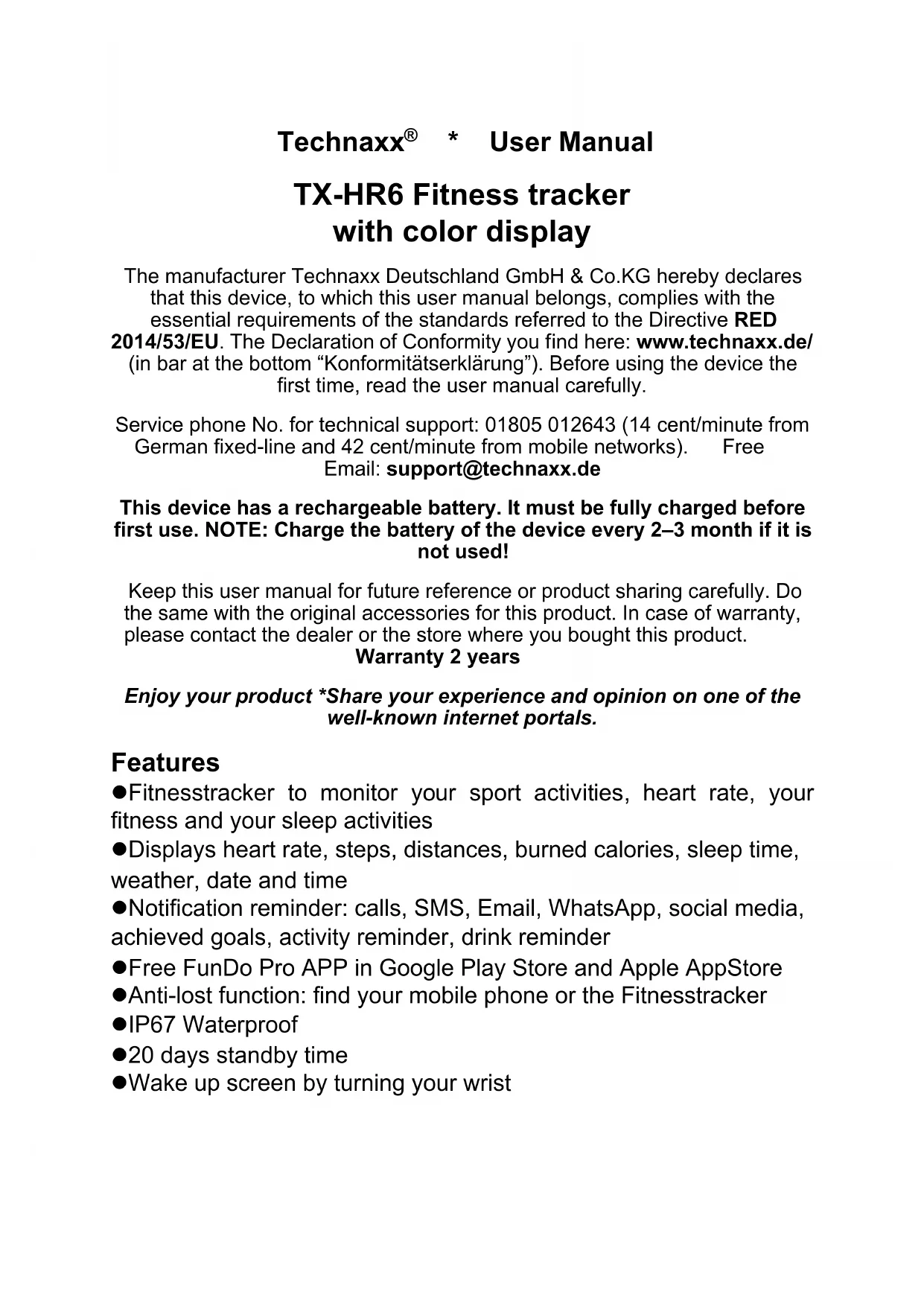
The manufacturer Technaxx Deutschland GmbH & Co.KG hereby declares that this device, to which this user manual belongs, complies with the essential requirements of the standards referred to the Directive RED 2014/53/EU. The Declaration of Conformity you find here: www.technaxx.de/ (in bar at the bottom “Konformitätserklärung”). Before using the device the first time, read the user manual carefully.
Service phone No. for technical support: 01805 012643 (14 cent/minute from German fixed-line and 42 cent/minute from mobile networks). Free Email: support@technaxx.de
This device has a rechargeable battery. It must be fully charged before first use. NOTE: Charge the battery of the device every 2–3 month if it is not used!
Keep this user manual for future reference or product sharing carefully. Do the same with the original accessories for this product. In case of warranty, please contact the dealer or the store where you bought this product.
Warranty 2 years
Enjoy your product *Share your experience and opinion on one of the well-known internet portals.
Features
●Fitnessstracker to monitor your sport activities, heart rate, your fitness and your sleep activities
●Displays heart rate, steps, distances, burned calories, sleep time, weather, date and time
- Notification reminder: calls, SMS, Email, WhatsApp, social media, achieved goals, activity reminder, drink reminder
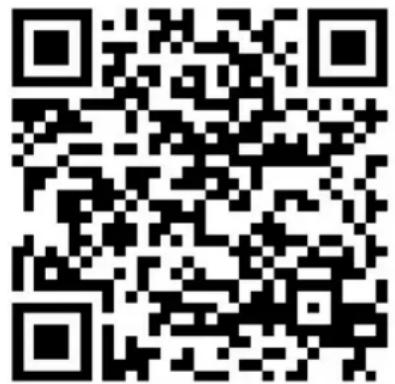
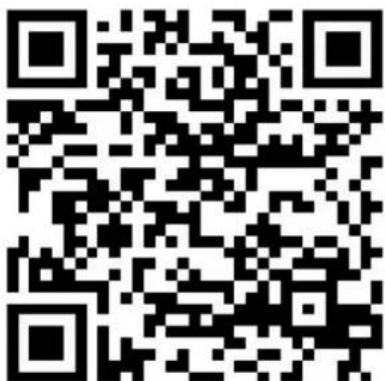
●Free FunDo Pro APP in Google Play Store and Apple AppStore
●Anti-lost function: find your mobile phone or the Fitnessstracker
●IP67 Waterproof
●20 days standby time
●Wake up screen by turning your wrist
Technical specifications
| Display 0.96“Colour Screen (80*160 Pixel) | ||
| Processor BK3431Q | ||
| Heart rate sensor HRS3300 | ||
| Protection class IP67 | ||
| Bluetooth / Distance Bluetooth Version 4.0 / ~10m | ||
| BT transmitting frequency 2.4GHz | ||
| BT max. radiated output power 2.5mW | ||
| Power supply | Built-in rechargeable 90mAh Lithium-polymer battery 3,7V | |
| Operating time ~7 days usage / ~20 days standby | ||
| Charging time ~1 hour | ||
| APP FunDo Pro | ||
| Supported APP Languages | GB, DE, FR, ES, PT, IT, PL, NL, RU, CZ, TR (November 2018) | |
| Weight / Dimensions 21.5g / (L) 54 x (W) 18.9 x (H) 12mm | ||
| Storage temperature / Operation temperature | -10°C up to 45°C | |
| Package Contents | Technaxx® Fitnesstracker TX-HR6, user manual | |
| Compatibility | Android 5.1 or above & iOS 8.0 or above | |
Charging
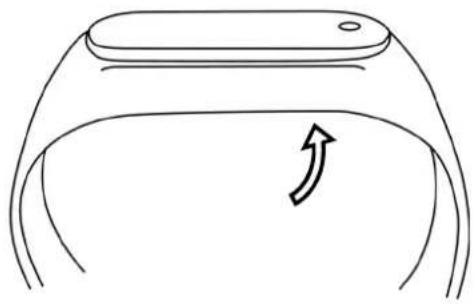 | Hold the strap at the right side and push out the Fitnessstracker by pressing from the backside |
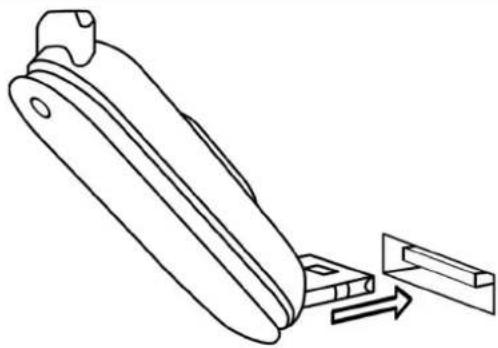 | Now connect the fitnessstracker to a USB port to charge it |
Product overview
text_image
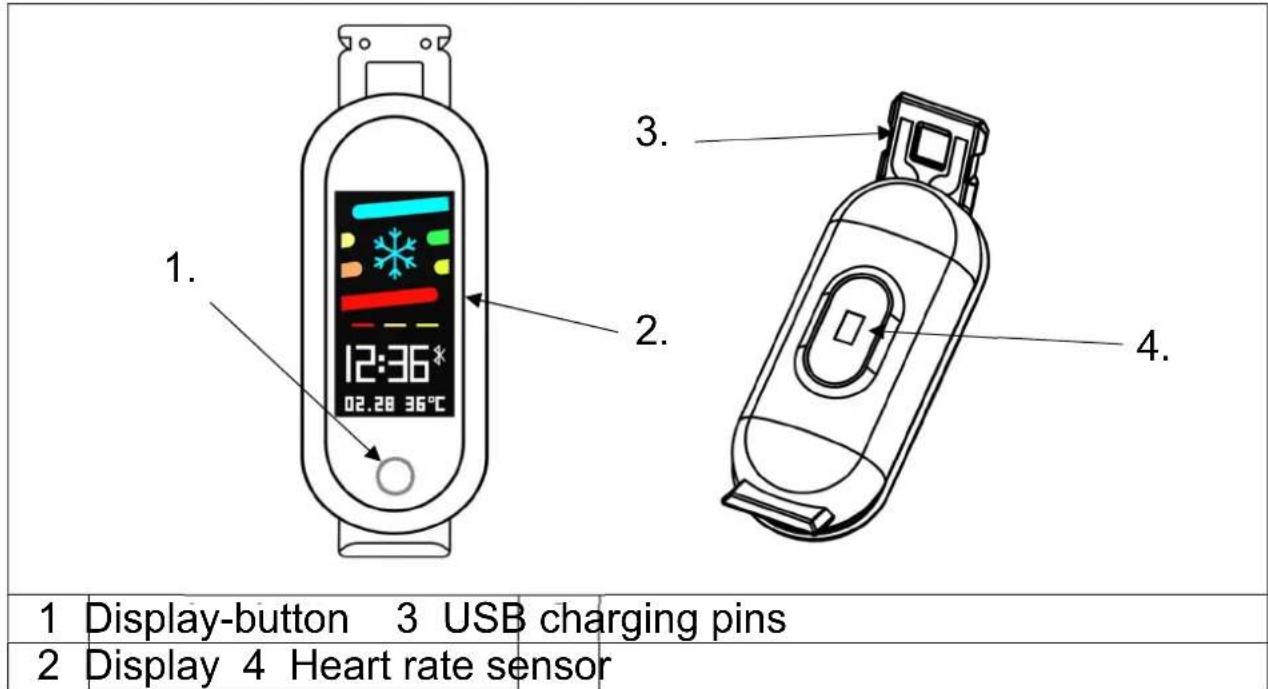
1. Display-button 3 USB charging pins 2. Display 4 Heart rate sensorNOTE: The device should be charged at least 1 hour before use.
Start up
Hold the display button for 5 seconds.
Install FunDo Pro APP on your Smartphone
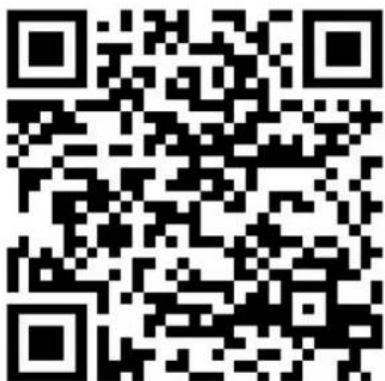
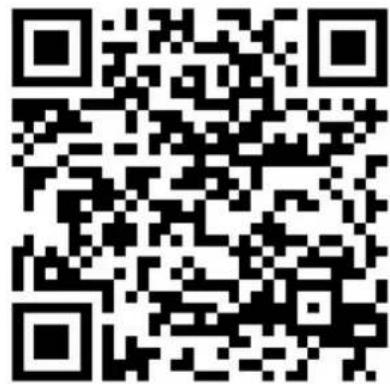
Search for "FunDo Pro" APP in the Google Play Store/Apple APP-Store or scan the following QR code for the installation.

natural_image
Abstract logo design with a stylized human figure inside a cyan circle on a dark gray background (no text or symbols)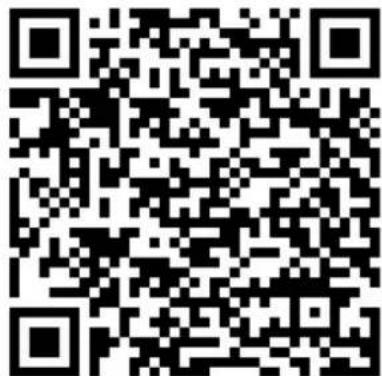
text_image
QR code image containing encoded data, no visible human-readable textGoogle Play Store
text_image
QR code image containing encoded data, no visible human-readable textApple App Store
Connect the Fitnessstracker with the FunDo Pro APP
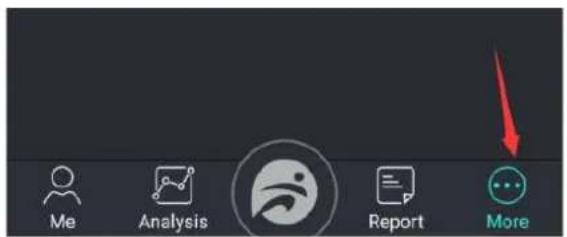
Wait until the device is fully charged. Activate the Bluetooth of your Smartphone. Than open the APP. Confirm all requests to get the most out of the APP. Press „Add device“ under „More“ and search for “TX-HR6”. Choose “TX-HR6” from the list and you are ready. Now the Fitnessstracker is connected with your Smartphone and the APP.
text_image
Me Analysis Report More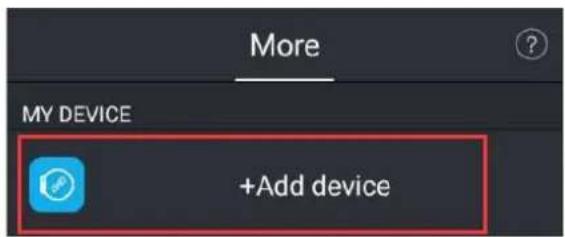
text_image
More MY DEVICE +Add deviceINFO: If the last mobile device connected to your Fitnessstracker is turned on and the Bluetooth function is activated on both devices, then the Fitnessstracker will automatically connect with the mobile device.
Start using
When the Fitnessstracker is connected to the APP successfully, it will synchronize the time, the date and the language. It counts steps, distance and calories automatically. Press the display button to activate the LCD screen. Swipe with the display button through the menu. To start or enter an option hold the touch button.
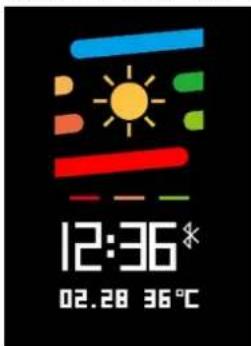
Main screen
text_image
12:36* 02.28 36℃The main screen shows up common information like Date/Time/Weather
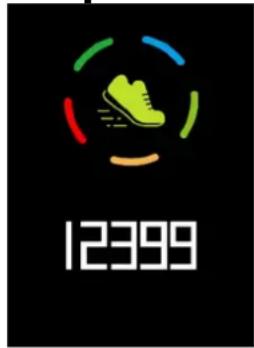
Step counter
text_image
12399Press the display button until you see this information. The steps will be counted automatically. For more information about your steps please go to the APP.
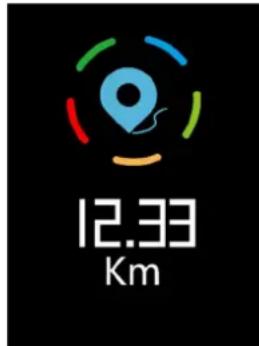
Distance
text_image
12.33 KmPress the display button until you see this information. The distance will be calculated automatically. For more information about your covered distance please go to the APP.
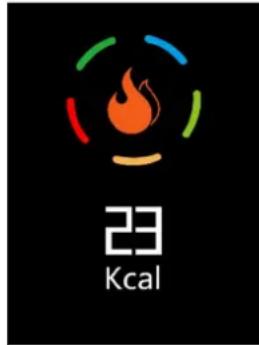
Calories counter
text_image
23 KcalPress the display button until you see this information. The burned calories will be calculated automatically. For more information about your burned calories please go to the APP.
Heart rate
text_image
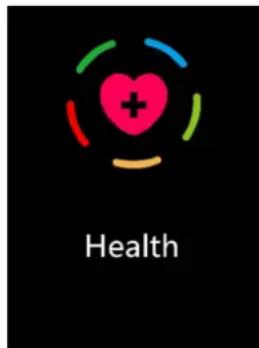
HealthPress the display button until you see this option. Hold the button to start this option. Your heart rate will be measured now.
Sleep monitor
text_image
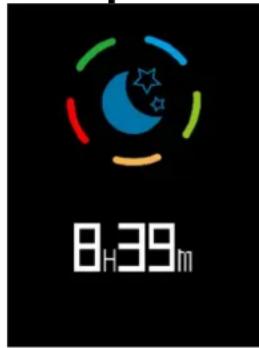
8H39mPress the display button until you see this information. The sleeping time will automatically be measured from 21 to 9 o'clock. For more information about your sleep please go to the APP.
Select a sport
text_image
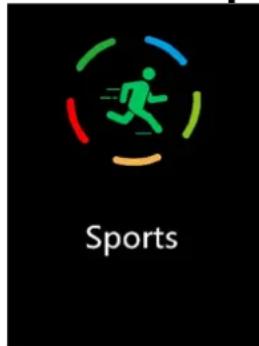
SportsPress the display button until you see this option. Hold the display button to enter this option. Now you can choose between different sports. Press until you have reached the desired sport. Now hold the button. The desired sport starts.
Notifications
text_image
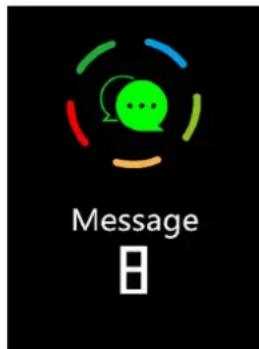
Message BPress the display button until you see this information. Missed messages will be counted and displayed here.
Settings
text_image
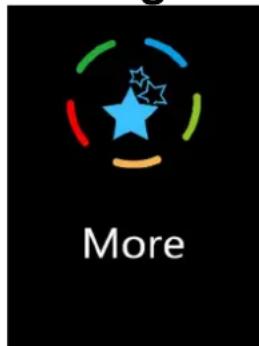
MorePress the display button until you see this option. Hold the button to enter this option. "Find my phone", see the system informations and reset are options. Power offs also available over this option.
Power-Off
Press the display button until you see “More”. The last option under “More” is power off. Hold the button to power off the device.
Hints
- Bluetooth connection becomes disconnected when the device exceeds a certain distance. ● Reconnect with Bluetooth if Bluetooth does not work for more than 5 min. ● Before binding the bracelet to another account, you need to unbind it with the current account. ● If the bracelet cannot be illuminated, connect the bracelet to the charger.
Safety instructions
- Rebuilding or modifying the product impairs product safety. ● All modifications and repairs of the device or accessories must be performed by the manufacturer or by persons expressly authorized by the manufacturer. ● Never open the product by yourself or perform repairs by yourself! ● Handle the product carefully. It can be damaged by knocks, blows or even by falling from low height. ● Keep the product away from damp, moisture and extreme heat. ● Never immerse the product in water or other fluids. ● Technical specifications are subject to change without notice. ● Never heat the battery above 60°C and do not drop or throw it into the fire, danger of explosion/fire hazard! ● Do not short-circuit the battery. ● Do not subject the battery to mechanical stress. Avoid dropping, striking, bending, twisting or cutting the battery. ● Discontinue the charging process immediately should the battery become overheated. A battery that becomes overheated or deformed during the charging process is defective and should no longer be used. ● Never drain the battery completely, as this shortens its lifetime. ● If the battery must be stored, it is recommended that it be stored at 30% of its loading volume. Store out of direct sunlight. Ideal storage temperature: 10–20°C. ● Keep the product away from little children.
Disposal
Old electrical appliances from private households
- If you no longer want to use the appliance, hand it in free of charge at a public collection point for old electrical appliances. ● Old electrical appliances must never be placed in the residual waste bins.
Further disposal instructions
- Return the old electrical appliance in such a way that its subsequent reuse or recycling is not impaired. Batteries must be removed beforehand and the destruction of containers containing liquids must be avoided. ● Old electrical appliances can contain harmful substances. If the device is handled incorrectly or damaged, this can lead to damage to health or water and soil contamination when the device is later recycled.
CE
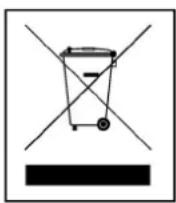
Hints for Environment Protection: Packages materials are raw materials and can be recycled. Do not disposal old devices or batteries into the domestic waste. Cleaning: Protect the device from contamination and pollution. Avoid using rough, coarse-grained materials or solvents/aggressive cleaner. Wipe the cleaned device accurately. Distributor: Technaxx Deutschland GmbH & Co.KG, Kruppstr. 105, 60388 Frankfurt a.M., Germany
natural_image
Simple line drawing of a curved container with an arrow indicating upward motion (no text or symbols)natural_image
Line drawing of a mechanical component with an arrow indicating motion, no text or symbols presentnatural_image
Abstract logo design with a stylized human figure inside a circular frame (no text or symbols)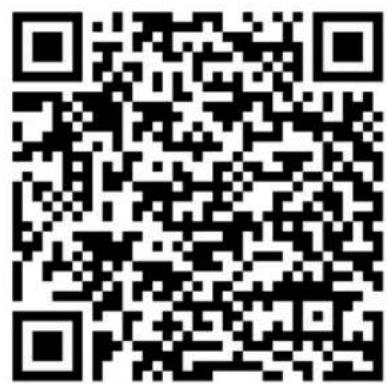
text_image
QR code image containing encoded data, no visible human-readable textGoogle Play Store
text_image
QR code image containing encoded data, no visible human-readable textApple App Store
text_image
More MY DEVICE +Add devicenatural_image
Abstract logo design featuring a stylized human figure inside a cyan circle on a dark gray background (no text or symbols)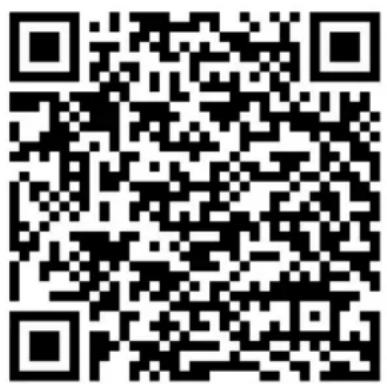
text_image
QR code image containing encoded data, no visible human-readable textGoogle Play Store
text_image
QR code image containing encoded data, no visible human-readable textApple App Store
text_image
More MY DEVICE +Add devicenatural_image
Abstract logo design with a stylized human figure inside a circular frame (no text or symbols)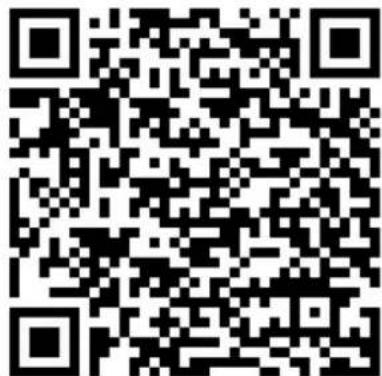
text_image
QR code image containing encoded data, no visible human-readable textGoogle Play Store
text_image
QR code image containing encoded data, no visible human-readable textApple App Store