CA82738 - Weather Station LA CROSSE TECHNOLOGY - Free user manual and instructions
Find the device manual for free CA82738 LA CROSSE TECHNOLOGY in PDF.


User questions about CA82738 LA CROSSE TECHNOLOGY
0 question about this device. Answer the ones you know or ask your own.
Ask a new question about this device
Download the instructions for your Weather Station in PDF format for free! Find your manual CA82738 - LA CROSSE TECHNOLOGY and take your electronic device back in hand. On this page are published all the documents necessary for the use of your device. CA82738 by LA CROSSE TECHNOLOGY.
USER MANUAL CA82738 LA CROSSE TECHNOLOGY
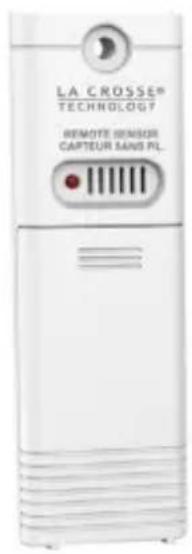
- Insert 2-AA batteries into your Outdoor Sensor.
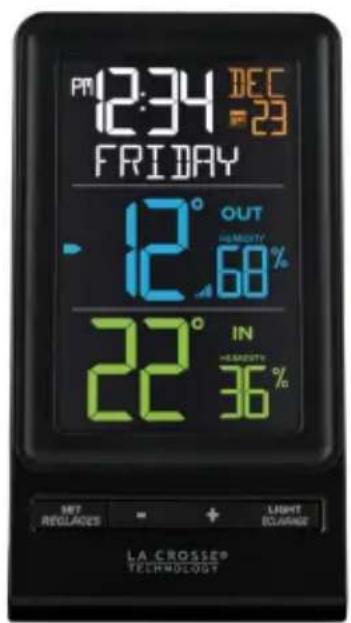
- Insert the 5 volt power cord into an outlet, then into your Color Display. Optional: Insert 2-AA batteries for backup.
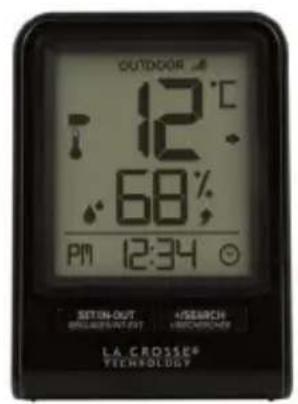
- Insert 2-AAA batteries into your Mini Display.
- Adjust time and date settings on each display.
- Once the Outdoor Sensor is reading to each of your displays, place it outside in a shaded location.
Watch sensor mounting video: bit.ly/th_sensormounting.
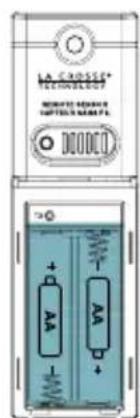
Outdoor Sensor TX141TH-Bv3
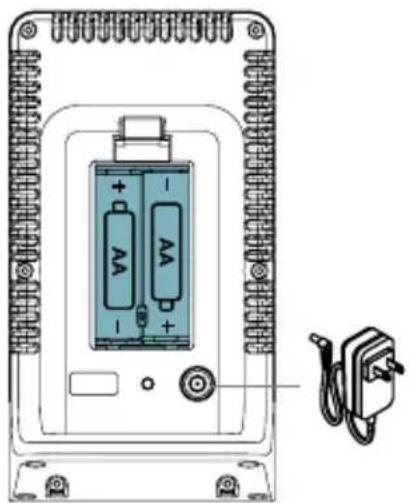
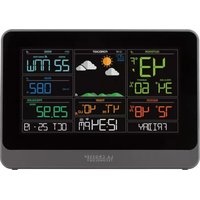
Color Display CA82738-1
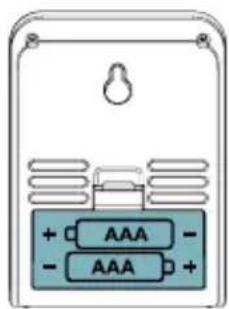
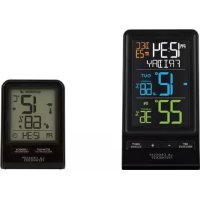
Mini Display CA82738-2
SETTINGSMENU
It is best to press one button at a time when setting your station.
- Hold the SET button to enter the Settings Menu.
- Press the + or - button to adjust the values. Hold to adjust quickly.
- Press the SET button to confirm and move to the next item.
- Press the LIGHT button to exit.
Settings Menu Order:
- Language (English, Spanish, French)
- Beep ON/OFF
12/24 Hour - Hour
- Minutes
Year
Month - Date
Celsius or Fahrenheit
Language: Once a language is selected, the instructions and weekday will show in that language.
Weekday: Your weekday will set automatically after year, month, and date are set.
- Press the LIGHT button to adjust the backlight intensity.
- There are 4 brightness levels, plus an off option.
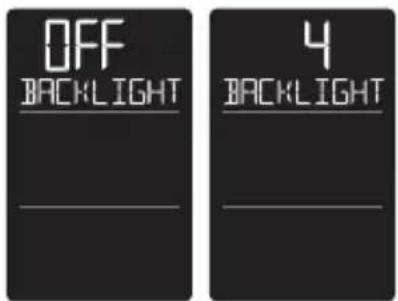
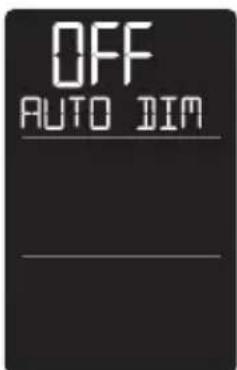
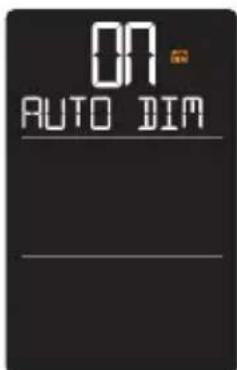
AUTO-DIM BACKLIGHT
Program your display to automatically dim during preselected times.
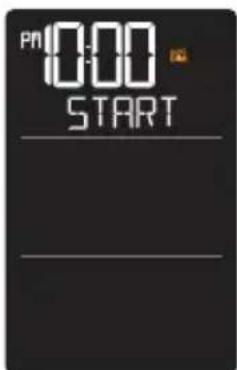
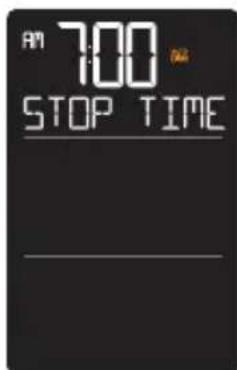
- Hold the LIGHT button to set Auto-dim Start and Stop times.
- Use the + or - button to turn the Auto-dim feature ON. Press the LIGHT button to confirm and move to next item.
- START will flash. Use the + or - button to select your Auto Dimmer's starting hour. Press the LIGHT button to confirm and move to next item.
- STOP TIME will flash. Use the + or - button to select your Auto Dimmer's ending hour. Press the LIGHT button to confirm and exit.
HI/LO TEMPERATURE AND HUMIDITY RECORDS
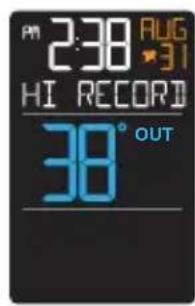
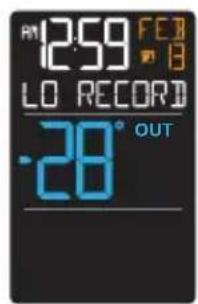
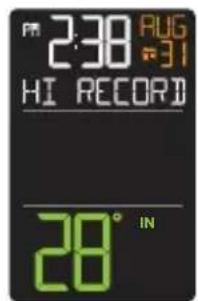
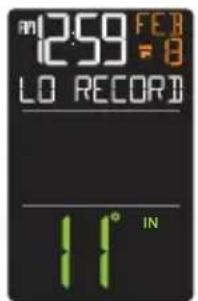
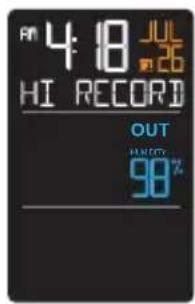
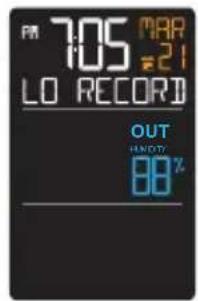
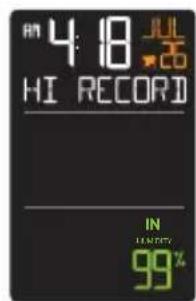
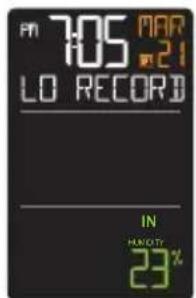
From normal time display, press and release the + (PLUS) button to toggle through indoor/outdoor temperature and humidity records with time and date stamps.
- Outdoor HI Temperature
- Outdoor LO Temperature
- Outdoor HI Humidity
- Outdoor LO Humidity
- Indoor HI Temperature
- Indoor LO Temperature
- Indoor HI Humidity
- Indoor LO Humidity
Resetting individual records:
- Press the + (PLUS) button until viewing the value you'd like reset.
- Hold the (-) MINUS button until dashes appear, indicating that value has been reset to your current readings.
- Press the LIGHT button at anytime to exit.
CHANGE BATTERIES
We designed this station for convenience, so that a simple change of batteries does not lose your data or require you to power down the station.
Sensor:
- When the Battery Indicator shows next to the Outdoor Humidity, replace batteries in your Outdoor Sensor.
- Then hold the + (PLUS) button to search for the sensor.
Station:
- When the Battery Indicator shows next to the Indoor Humidity, change batteries in the station.
- When changing the batteries in the station, continue using the power cord. After replacing the batteries, no other action is needed. The batteries in the station only maintain time/date in the event of a power outage.
SEARCH FOR SENSOR
If you are seeing dashes in place of outdoor temperature, first check your sensor batteries.
- Hold the + (PLUS) button to search for your outdoor sensor. The Reception Indicator will begin to animate.
- If after 3 minutes the sensor still isn't connected, bring the sensor inside next to the display and remove power from both the sensor and station.
- Press any button on the station 20 times and leave the parts sit for a few moments with the power off.
- Install a new set of alkaline batteries into the sensor, then into your station.
- If your outdoor data is still not appearing after these steps, please contact our support staff. For additional help visit: bit.ly/basic_restart
MINI DISPLAY
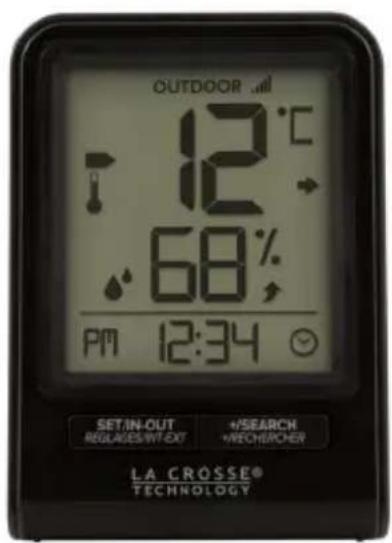
Press and release the SET/IN-OUT button to view Indoor Temp/Humidity or Outdoor Temp/Humidity.
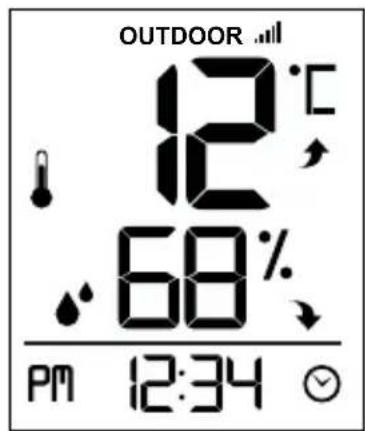
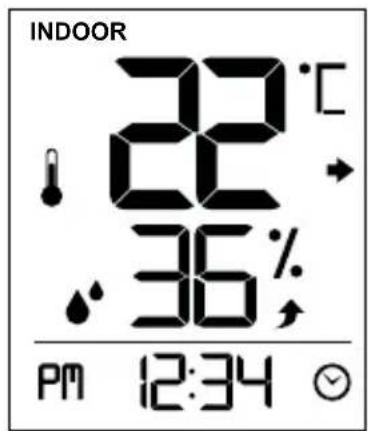
SETTINGSMENU
- Hold the SET/IN-OUT button to move to next item
- Press and release +/SEARCH button to increase settings
- Hold +/SEARCH to adjust quickly
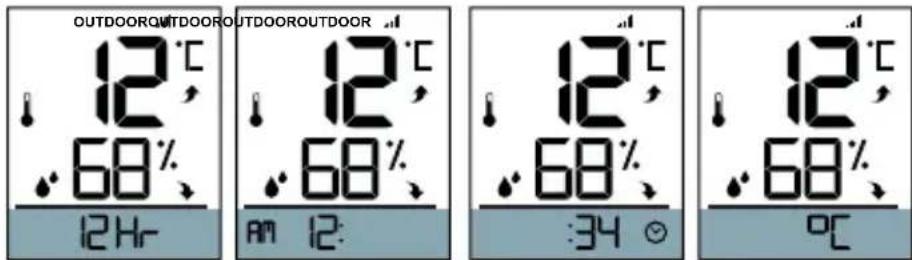
Settings Menu Order:
12/24 Hour Time
- Hour
- Minutes
Celsius/Fahrenheit
SPECIFICATIONS
Station (CA82738-1)
Power Requirements: AC6: GPU280500150WA00 Input: 5.0VAC 150mA (required)
Optional: 2 "AA" LR6 Batteries (not included)
Battery Life: Up to 24 months
Temperature Range: 0^ to 50^ (32°F to 122°F)
Humidity Range: 10% to 99% RH
Dimensions: 8.23cm L × 5.48cm W × 15.19cm H (3.24" L × 2.16" W × 5.98" H)
Station (CA82738-2)
Power Requirements: 2 "AAA" batteries (not included)
Battery Life: Up to 24 months
Temperature Range: 0^ to 50^ (32°F to 122°F)
Humidity Range: 10% to 99% RH
Dimensions: 6.7cm L × 3.35cm W × 9.19cm H (2.64" L × 1.32" W × 3.62" H)
Sensor (TX141TH-Bv3)
Power Requirements: 2 "AA" batteries (not included)
Battery Life: Up to 24 months
Temperature Range: -40^ to 60^ (-40°F to 140°F)
Humidity Range: 10% to 99% RH
Transmission Range: 100 meters (330 feet) open air
Update Interval: About every 51 Seconds.
Dimensions: 3.98cm L × 2.08cm W × 12.98cm H (1.57" L × 0.82" W × 5.11" H)
This product operates on alkaline batteries. However, it is suggested to use lithium batteries in areas where the temperatures are consistently below -30^ (-22°F)
WARRANTY
La Crosse Technology, Ltd. provides a 1-year limited time warranty (from date of purchase) on this product relating to manufacturing defects in materials and workmanship.
Self-help: bit.ly/ca82738
Before returning a product, please contact our friendly customer support with questions:
Springfield Instruments Inc.
104 Barr St.
Saint Laurent, Quebec
H4T 1Y4
Customer Service:
1-844-687-4040
info@springfieldinstruments.com

All rights reserved. This manual may not be reproduced in any form, even in part, or duplicated or processed using electronic, mechanical or chemical process without the written permission of the publisher. This booklet may contain errors or misprints. The information it contains is regularly checked and corrections are included in subsequent editions. We disclaim any responsibility for any technical error or printing error, or their consequences.
All trademarks and patents are recognized.
BATTERY INSTRUCTIONS
Battery replacement instruction:
When batteries of different brand or type are used together, or new and old batteries are used together, some batteries may be over-discharged due to a difference of voltage or capacity.
This can result in venting, leakage, and rupture and may cause personal injury.
- Always purchase the correct size and grade of battery most suitable for the intended use.
- Always replace the whole set of batteries at one time, taking care not to mix old and new ones, or batteries of different types.
- Clean the battery contacts and those of the device prior to battery installation.
- Ensure the batteries are installed correctly with regard to polarity (+ and -).
- Remove batteries from product during periods of non-use. Battery leakage can cause corrosion and damage to this product.
- Remove used batteries promptly.
- For recycling and disposal of batteries, and to protect the environment please check the internet or your local phone directory for local recycling centers and/ or follow local government regulations.
CANADA STATEMENT
This device contains licence-exempt transmitter(s)/receiver(s) that comply with Innovation, Science and Economic Development Canada's licence-exempt RSS(s). Operation is subject to the following two conditions:
(1) This device may not cause interference.
(2) This device must accept any interference, including interference that may cause undesired operation of the device.
LACROSSE TECHNOLOGY
STATION SANS FIL COMBINÉE TEMPERATURE ET HUMIDITÉ
GUIDE D'UTILISATION
MODELES:CA82738-1/CA82738-2
MISE EN MARCHE
REplacement DES PILES
Alimentation : 2 piles AA (non incluses)
Springfield Instruments, Inc.
104, rue Barr