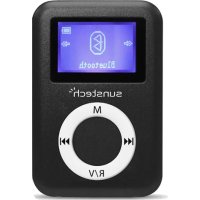
DEDALO2BT - Mp3 player Sunstech - Free user manual and instructions
Find the device manual for free DEDALO2BT Sunstech in PDF.

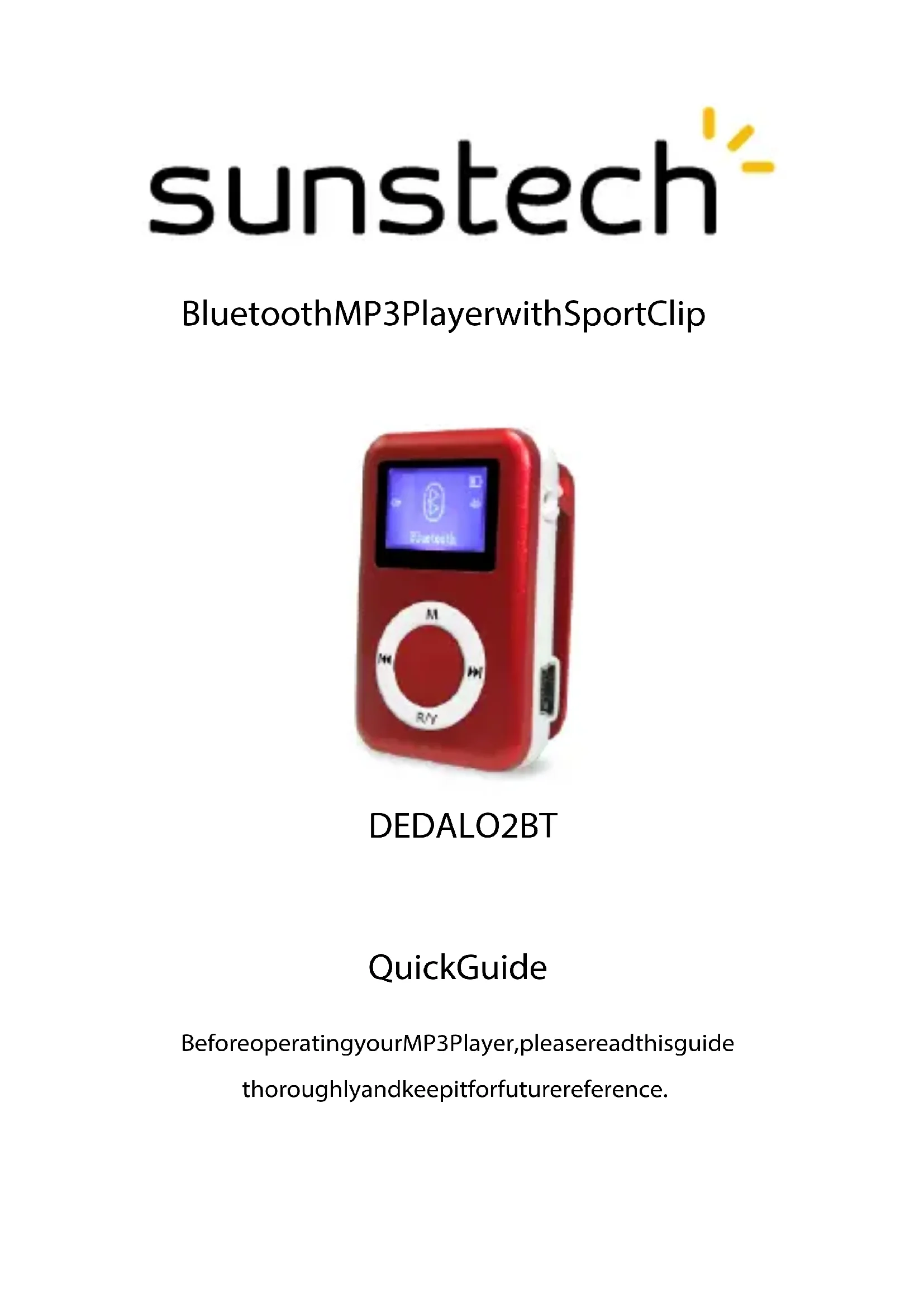


| Product type | Bluetooth MP3 player with sports clip |
| Brand | Sunstech |
| Model | DEDALO2BT |
| Bluetooth function | Activation, search, pairing, and music playback from a Bluetooth device |
| Music playback function | Audio file playback, pause, previous/next navigation, fast forward/rewind |
| FM radio function | Manual and auto tuning, presets (up to 30), FM recording |
| Voice recording function | Voice recording in MP3 or WAV format, adjustable bitrate (512kbps to 1536kbps) |
| Supported audio formats | MP3, WMA, FLAC, APE, AAC, WAV |
| Connections | 3.5mm headphone jack, Mini USB port |
| Power | Rechargeable battery, charges via USB (power adapter recommended) |
| On/Off switch | Physical ON/OFF switch and PLAY button (long press) |
| Maintenance | Clean with a soft, slightly damp cloth. Do not use abrasive products. |
| Usage precautions | Do not expose to water, dust, magnetic fields, excessive heat (temperature above 40°C), do not disassemble |
| Operating temperature | 20°C (68°F) to 60°C (140°F) |
| Warranty | 2 years from date of purchase |
| Manufacturer | AFEX SUNS, S.A., c/Metall 6-8, 08110, Montcada i Reixac, Barcelona (Spain) |
| Volume limit | Maximum volume limit function to protect hearing (can be disabled via M button) |
| Auto power off | Adjustable sleep timer (0 to 99 minutes) and auto power off after 1 minute of inactivity |
| Disposal | Do not dispose of with household waste. Take to a collection point for electrical and electronic equipment. |
Frequently Asked Questions - DEDALO2BT Sunstech
User questions about DEDALO2BT Sunstech
0 question about this device. Answer the ones you know or ask your own.
Ask a new question about this device
Download the instructions for your Mp3 player in PDF format for free! Find your manual DEDALO2BT - Sunstech and take your electronic device back in hand. On this page are published all the documents necessary for the use of your device. DEDALO2BT by Sunstech.
USER MANUAL DEDALO2BT Sunstech
natural_image
Red portable music player with a circular control knob and 'R/Y' button, displayed against a white background (no readable text or symbols on device body)DEDALO2BT
QuickGuide
BeforeoperatingyourMP3Player, pleasereadthisguide thoroughlyandkeepitforfuturereference.
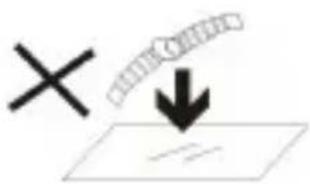
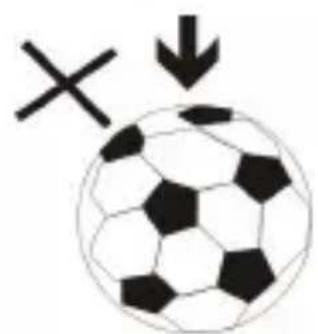
- DO NOT place objects on top of the device, as objects may scratch the device.
natural_image
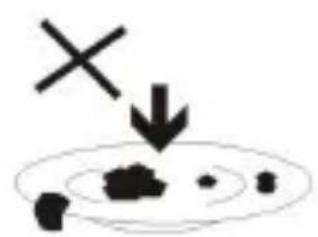
Simple diagram with a cross and downward arrow, no text or symbols present- DO NOT expose the device to dirty or dusty environments.
natural_image
Black and white soccer ball with a cross symbol and downward arrow, no text or labels present- DO NOT place the device on an uneven or unstable surface.
natural_image
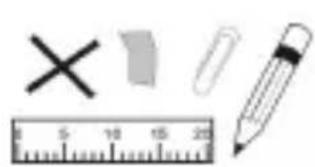
Illustration of a ruler, pencil, eraser, and three geometric shapes (cross, square, paperclip) without any text or symbols.- DO NOT insert any foreign objects into the device.
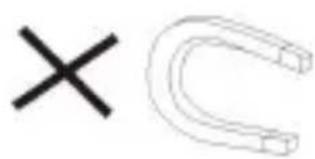
- DO NOT expose the device to strong magnetic or electrical field.
natural_image
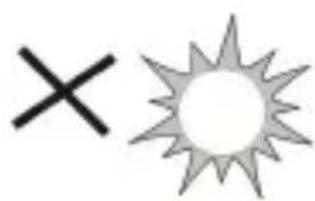
Simple graphic with a black 'X' and a sunburst shape (no text or symbols)- DO NOT expose the device to direct sunlight as it can damage the device.
Keep it away from heat sources.
60°C(140°F)
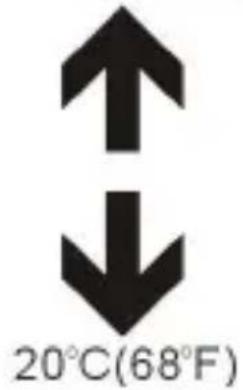
- DO NOT store your device in temperatures higher than 40 C(104 F). The internal operating temperature for this device is from 20 C(68 F) to 60 C(140 F).

natural_image
Simple illustration of a cloud with raindrops and a cross symbol (no text or labels)- DO NOT use the device in the rain.
natural_image
Illustration of a hand holding a mobile phone inside a circle (no text or symbols)- Please check with your Local Authority or retailer for proper disposal of electronic products.
natural_image
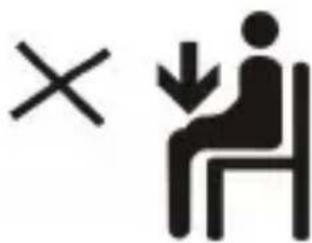
Symbolic icon showing a person sitting on a chair with an 'X' and downward arrow, indicating no text or numbers present.- The device and adaptor may product some heat during normal operation of charging. To prevent
discomfort or injury from heat exposure, DO NOT leave the device on your lap.
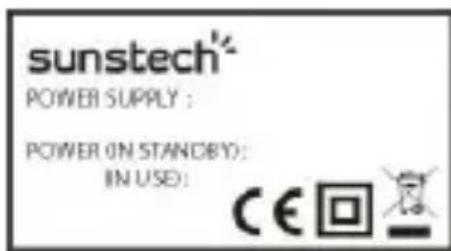
- POWER INPUT RATING:
Refer to the rating label on thedevice and be sure that thepower adaptor complies with
the rating. Only use accessories specified by the manufacturer.
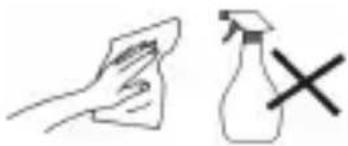
natural_image
Simple line drawing of a hand cleaning a cloth with a spray bottle and a cross mark (no text or symbols)- Clean the device with a soft cloth. If needed, dampen the cloth slightly before
cleaning. Never use abrasives or cleaning solutions.
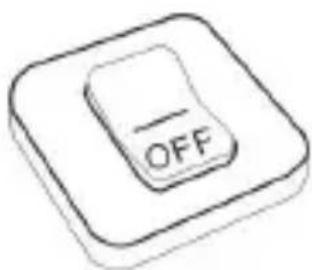
- Always power off the device to install or remove external devices that do not support hot-plug.
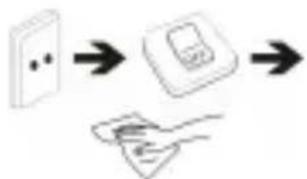
flowchart
graph LR
    A["Wall with dots"] --> B["Device with screen"]
    B --> C["Handheld device"]
- Disconnect the device from an electrical outlet and power off before
cleaning the device.
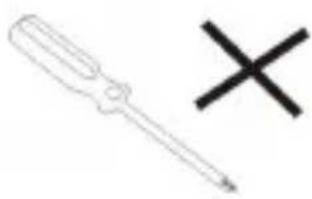
natural_image
Simple line drawing of a screwdriver and a cross symbol (no text or labels)- DO NOT disassemble the device. Only a certified service technician should perform repair.

- The device has apertures to disperse heat. DO NOT block the device ventilation, the device may become hot and malfunction as a result.
flowchart
graph TD
    A["Input"] --> B["Output"]
    C["Process 1"] --> D["Process 2"]
    E["Process 3"] --> F["Process 4"]
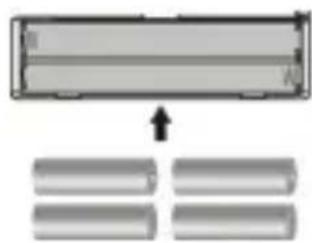
- Risk of explosion if battery replaced by an incorrect type. Dispose of used batteries according to the instruction.
natural_image
Simple diagram showing a black downward arrow pointing to a white electrical outlet (no text or symbols)- PLUGGABLE EQUIPMENT: the socket-outlet shall be installed near the equipment and shall be easily
accessible.
Appearance and Controls
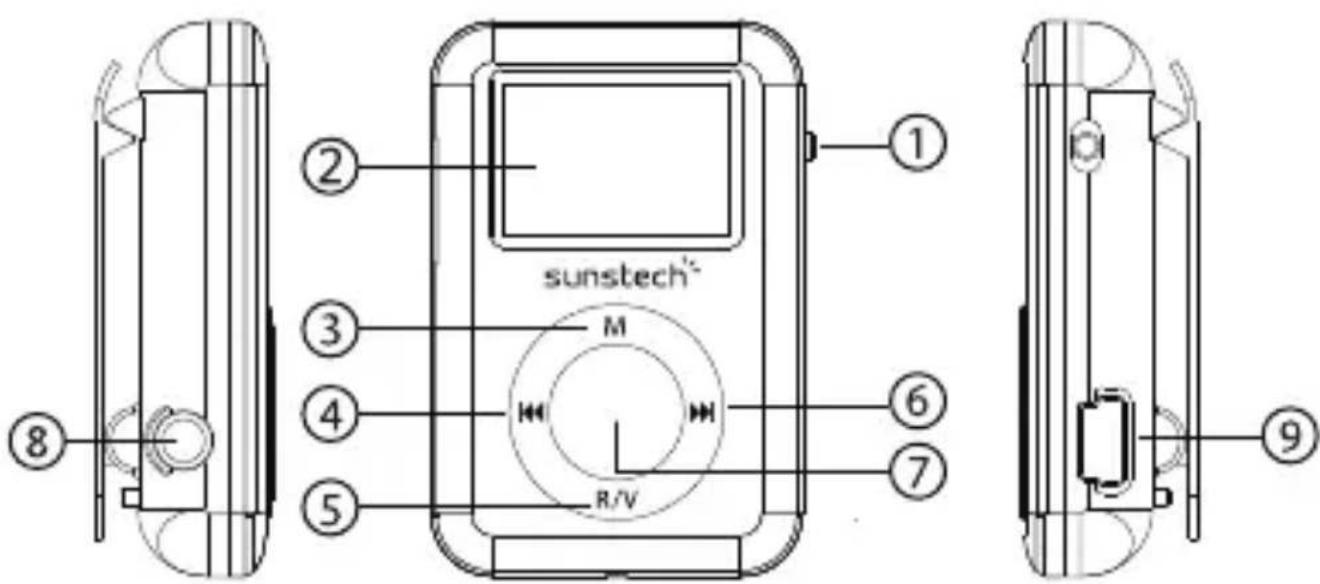
Key instructions
- Master power switch: Power on / off.
- Display.
- MENU: Short press to enter sub menu, long press to lock/unlock the keypad.
- Previous9 : Last function or file / Last song / Long press for fast rewind during playing interface / decrease volume during volumn adjustment interface.
- R/V: Short press to return. Long press to to enter volume adjustment.
- Next : : Next function or file / Next song / Long press for fast forward during playing interface / increase volume during volumn adjustment interface.
- "PLAY" ▶: Short press to play / pause /enter, long press to power on/off
- Earphone jack: 3.5 mm earphone jack.
- USB: Mini USB socket.
Switch on/off
- Adjust Power key "ON" or long press "PLAY" key ▶ to Switch on
- Long press "PLAY" ▶ to switch off or adjust power key to 'OFF'.
- When the idle time of the system reaches 1 minute by default, the player will automatically be turned off.
- When the battery power is low, the prompt screen will appear and then the player will automatically shut down. It should then be charged instead of restarting it.
Note: When charging the player, be sure to switch the power switch to the ON position, or charging will not occur.
Bluetooth
Select Bluetooth on the main interface, and press ▶ key to enter the Bluetooth submenu.
Select 'BT Control' and press ▶ key to enter the next submenu,
Select 'Turn BT On' and press ▶ key to activate the Bluetooth function,
Press R/V button and return to previous Bluetooth submenu, then select 'Search
Device' and press ▶ key to search all Bluetooth devices available,
Select the Bluetooth device from the 'Device's List' and press ▶ key to pair it,
Press R/V button and return to previous Bluetooth submenu, select 'All Music' and press ▶ key to enter the music list,
Select a song, press ▶ to start playing it via the Bluetooth device,
Press and hold the R/V button to enter the Volume adjustment mode, and then press 9 and: to adjust the sound volume, ranging from 0-31.
Music
Select Musicon the main interface, and press ▶ key to enter the music play interface. Press ▶ key to switch modes between Play and Pause. Press 9 and : keys to choose the previous file or next file. Hold 9 and : key to Fast Forward or Fast Reverse.
Press the R/V key to enter the Volume adjustment mode, and then press 9 and : to adjust the sound volume, ranging from 0-31.

Note: At full volume, prolonged listening to the portable audio device may damage the user's hearing. SUNSTECH device is with 'max volume limit' function, because listening music with high volume may harm your hearing; you can press the 'M' button to cancel this volume limit in case you may really need to.
Recordings
Select Recordings on the main interface and press ▶ to enter submenu. Select 'Start voice recording' and press ▶ again to start/pause/restart and continue the recording. Press V key and it will remind you to save the current recording content or not, and be ready for new recording.
If the low-power signal appears in the process of pause mode, the system will automatically save the recording content and go back to the recording function interface. Press ▶ to select the other submenu options, including 'Recordings Library' (To play the recorded files), 'Record Format'(supports MP3 and WAV formats), Record Settings (To select bitrate between 512kbps, 768kbps, 1024kbps, 1536kbps)
FM Radio
Note: Headset needs to be plugged in as an antenna for reception.
Select FM Radio on the main interface and press ▶ to enter submenu.
- Presets: The preset frequency points of radio station are displayed with 30 frequency points reserved at most.
- Users: The frequency points of radio station are displayed with 30 frequency points displayed at most.
- Manual tune: Press ▶ key to enter, press 9 and : to adjust the frequency manually.
- Auto tuning: "Do you want to auto-tune the radio?" is displayed after pressing key to enter automatic tuning, automatic channel searching starts after choosing "Yes", options of menu returns after choosing "No".
- FM Recording: To play the voice recording and the FM recording in the memory.
Options of menu:
Select a frequency point of radio station, press M key to show the options:
- Start FM radio recording.
- Save to preset
- Clear preset.
- Auto tune.
- FM Recording.
- Playing through Bluetooth: To play the current radio station via your Bluetooth device.
File Manager
Select Folder view on the main interface, and press ▶ key to enter to view all of the folders and files in memory. Music files can be selected and press ▶ key to play directly, press M key to enter submenu to delete folders or files.
System Settings
Select Set on the main interface, and press ▶ key to enter the setting interface.
- Sleep timer: Set the auto shutdown time, the device will automatically shutdown within the customized time with the range of 0-99 minutes, and the step interval of 1 minute.
- Display settings: Including 'brightness' and 'backlight timer' (10s, 20s, 30s, always on) settings.
- Language: Select the language according to different customer's request.
- Information: Including 'Player information' (Firmware version information), 'Disk space', 'File type supported'
Audio formats supported:
MP3: Bitrate: 32Kbps-320Kbps, sampling rate: 8KHz-48KHz
WMA: Bitrate: 5Kbps-384Kbps, sampling rate: 8KHz-48KHz
FLAC: Bitrate: L0-L8(1000Kbps-1200Kbps) sampling rate: 8KHz-48KHz
APE: Bitrate: Fast/Normal, bitrate: 800Kbps-1000Kbp sampling rate:8KHz-48KHz
AAC: Bitrate:8Kbps-320Kbps, sampling rate:8KHz-48KHz
WAV: Bitrate:32Kbps-448Kbps, sampling rate: 8KHz-48KHz
- Factory settings: To restore default factory settings.
Troubleshooting
-
Media player does not work or LCD does not display contents.
-
Check the battery power.
- Power key does not work.
- The battery is depleted.
- Unable to download files
- Check the connection between computer's USB port and USB cables.
- Format the media player.
Made in China
Warranty conditions
- The warranty of this product is for 2 years since the purchase date.
- The warranty will exclude breakdowns caused by bad use of the product, wrong installation or
installation in not desirable places for a proper maintenance of the product, rips, updates of the products
that are not the supplied by the brand, pieces wore away for its use or for not domestic or inappropriate
use. Also are excluded breakdowns caused for manipulations of the products by people or companies
alien to our company.
- For any request regarding the warranty terms, the purchase receipt must be attached.
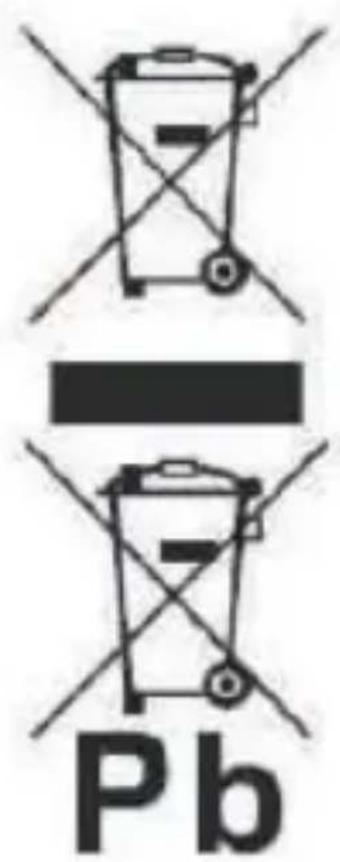
Correct disposal of this Product
(Waste Electrical & Electronic Equipment(WEEE) Your product is designed and manufactured with high quality materials and components which can be recycled and reused. This symbol means that electrical and electronic equipment, at their endof-life should be disposed of separately from your household waste.
Please dispose of this equipment at your local community waste collection/recycling centre. In the European Union there are separate collection systems for used electrical and electronic products. Please help us to conserve the environment we live in!
DECLARATION OF CONFORMITY
Council Directive(s) to which conformity is declared:
Directive (1999/5/EC) - R&TTE
Directive (2004/108/EC) - EMC
Directive (2006/95/EC) - LVD
Directive (2011/65/EU) - RoHS
Application of the Standards:
EN 62479:2010
EN 60950-1:2006+A11:2009+A1:2010+A12:2011+A2:2013
EN 301 489-1 V1.9.2
EN 301 489-17 V2.2.1
EN 300 328 V1.8.1
EN 55022: 2010
EN 55024: 2010
EN 61000-3-2: 2006+A1: 2009+A2: 2009
EN 61000-3-3: 2013
EN 62321:2009
Manufacturer's name:
AFEX SUNS, S.A.
Manufacturer's address:
c/Metall 6-8, 08110, Montcada i Reixac
Type of equipment:
MP3 PLAYER
Trade:
SUNSTECH
Model no.:
DEDALO2BT
(Serial number range:170200001 - 170201010)
We, the undersigned, hereby declare under our sole responsibility that the specified equipment is in conformity with the above Directive(s) and Standard(s)
Place: Barcelona

(Signature)
Víctor Planas Bas
(Full name)
Date: 10 - January - 2017
General Manager
(Position)
sunstech
natural_image
Simple diagram with a cross and downward arrow, no text or symbols presentnatural_image
Black and white soccer ball with hexagon pattern and a cross symbol, no text or labels presentnatural_image
Simple line drawings of a ruler, pencil, eraser, and a cross (no text or symbols)natural_image
Simple graphic with a black X and a sunburst shape (no text or symbols)natural_image
Simple illustration of a cloud with raindrops and a cross symbol (no text or labels)natural_image
Illustration of a hand holding a mobile phone inside a circle (no text or symbols)natural_image
Symbolic illustration of a person sitting with a cross and downward arrow, no text or numbers presentnatural_image
Simple line drawing of a hand cleaning a spray bottle with a 'X' mark (no text or symbols)flowchart
graph TD
    A["Electrical socket"] --> B["Device with label"]
    B --> C["Hand holding paper"]
natural_image
Simple line drawing of a screwdriver and a cross symbol (no text or labels)natural_image
Simple diagram showing a rectangular object with an arrow pointing to four parallel gray rectangular blocks below (no text or symbols)natural_image
Simple line drawing of a downward arrow pointing to a grid plane, with a wall-mounted component nearby (no text or symbols)natural_image
Simple diagram with a cross and downward arrow, no text or symbols presentnatural_image
Black and white soccer ball with a cross symbol and downward arrow, no text or labels presentnatural_image
Simple line drawings of a ruler, pencil, eraser, and a cross mark (no text or symbols)natural_image
Simple graphic with a black X and a sunburst shape (no text or symbols)natural_image
Simple weather icon showing a cloud with raindrops and a black X (no text or symbols)natural_image
Illustration of a hand holding a mobile phone with a pen, enclosed in a circle (no text or symbols)natural_image
Symbolic illustration of a person sitting on a chair with an 'X' mark and a downward arrow, no text or numbers present.natural_image
Simple line drawing of a hand cleaning a spray bottle with an arrow and a cross mark (no text or symbols)natural_image
Simple line drawing of a screwdriver and a cross symbol (no text or labels)DÉCLARATION DE CONFORMITÉ
Directive (1999/5/EC) - R&TTE
Directive (2004/108/EC) - EMC
Directive (2006/95/EC) - LVD
Directive (2011/65/EU) - RoHS
natural_image
Red portable music player with digital display and control knob (no visible text or symbols)DEDALO2BT
Guia Rápido
natural_image
Illustration of basic geometric shapes including a cross, pencil, ruler, and paperclip (no text or symbols)natural_image
Simple graphic with a black X and a sunburst shape (no text or symbols)natural_image
Simple weather icon showing a cloud with raindrops and a black 'X' symbol (no text or labels)natural_image
Illustration of a hand holding a mobile phone inside a circle (no text or symbols)natural_image
Symbolic icon showing a person sitting on a chair with an 'X' and downward arrow, indicating no text or numbers present.natural_image
Simple line drawing of a hand cleaning a spray bottle with a 'X' mark (no text or symbols)flowchart
graph LR
    A["Device with dot"] --> B["Printer with icon"]
    B --> C["Document with hand icon"]
natural_image
Simple line drawing of a screwdriver and a cross symbol (no text or labels)flowchart
graph TD
    A["B"] --> B["A"]
    B --> C["Output"]
natural_image
Simple diagram showing a downward arrow pointing to a grid plane, with a wall-mounted component nearby (no text or symbols)
Brand : Sunstech
Model : DEDALO2BT
Category : Mp3 player