THNNW04W064E6 - Flash Memory TOSHIBA - Free user manual and instructions
Find the device manual for free THNNW04W064E6 TOSHIBA in PDF.
Download the instructions for your Flash Memory in PDF format for free! Find your manual THNNW04W064E6 - TOSHIBA and take your electronic device back in hand. On this page are published all the documents necessary for the use of your device. THNNW04W064E6 by TOSHIBA.
USER MANUAL THNNW04W064E6 TOSHIBA
عربى …………………………… 63 Supplementary Manual W-04 MN9025-D0.indb 1 2017/08/23 10:16:29The Product is compliant with local radio regulations in the following countries or regions (as of August 2017). Authorized representative of Toshiba Memory Corporation concerning the EU Declaration of Conformity and for axing the CE Marking is Toshiba Memory Europe GmbH, Hansaallee 181, 40549 Düsseldorf, Germany. European Union Regulatory Notice As Manufacture Toshiba Memory Corporation, 1-1-1, Shibaura, Minato-ku, Tokyo, Japan hereby declares that the product WLSDTHNSWCAE is in compliance with Directive 2014/53/EU. The complete and ocial EU Declaration of Conformity can be found on the web site of Toshiba Memory Europe GmbH. https://apps.toshiba.de/ce_docs/ Product Information Frequency Range: 2412 - 2462MHz Max Radiated Power: 17dBm
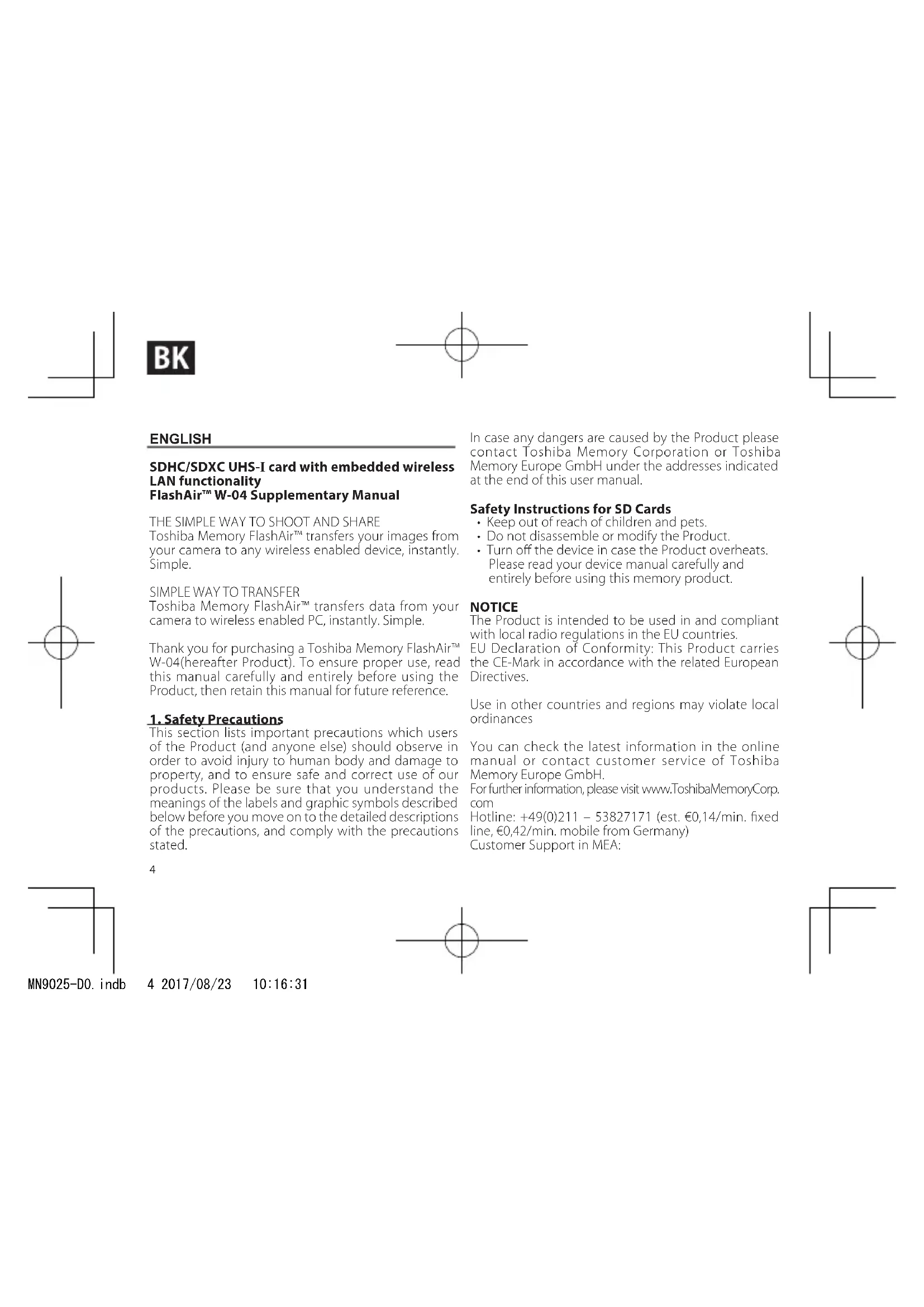
R/4522/17 D090024 Use in other countries and regions may violate local ordinances. You can check the latest information in the online manual (http://www.toshiba-personalstorage.net/ww/support/manual/index.htm) or contact Customer Service. Belarus Israel MN9025-D0.indb 3 2017/08/23 10:16:314 ENGLISH SDHC/SDXC UHS-I card with embedded wireless LAN functionality FlashAir™ W-04 Supplementary Manual THE SIMPLE WAY TO SHOOT AND SHARE Toshiba Memory FlashAir™ transfers your images from your camera to any wireless enabled device, instantly. Simple.
SIMPLE WAY TO TRANSFER
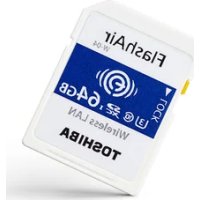
Toshiba Memory FlashAir™ transfers data from your camera to wireless enabled PC, instantly. Simple. Thank you for purchasing a Toshiba Memory FlashAir™ W-04(hereafter Product). To ensure proper use, read this manual carefully and entirely before using the Product, then retain this manual for future reference.
1. Safety Precautions
This section lists important precautions which users of the Product (and anyone else) should observe in order to avoid injury to human body and damage to property, and to ensure safe and correct use of our products. Please be sure that you understand the meanings of the labels and graphic symbols described below before you move on to the detailed descriptions of the precautions, and comply with the precautions stated. In case any dangers are caused by the Product please contact Toshiba Memory Corporation or Toshiba Memory Europe GmbH under the addresses indicated at the end of this user manual. Safety Instructions for SD Cards
- Keep out of reach of children and pets.
- Do not disassemble or modify the Product.
- Turn o the device in case the Product overheats. Please read your device manual carefully and entirely before using this memory product. NOTICE The Product is intended to be used in and compliant with local radio regulations in the EU countries. EU Declaration of Conformity: This Product carries the CE-Mark in accordance with the related European Directives. Use in other countries and regions may violate local ordinances You can check the latest information in the online manual or contact customer service of Toshiba Memory Europe GmbH. For further information, please visit www.ToshibaMemoryCorp. com Hotline: +49(0)211 – 53827171 (est. €0,14/min. xed line, €0,42/min. mobile from Germany) Customer Support in MEA: MN9025-D0.indb 4 2017/08/23 10:16:315 800TOSH(8674) IDD charges apply outside UAE Email : 121@toshiba-tgfz.ae SKYPE : Toshiba.TGFZ
2. Technical Information about the Product
The Product can be used with devices of compatible card capacity and card type. SDHC memory card can be used with SDXC compatible devices and SDHC compatible devices. SDXC memory card can be used only with SDXC compatible devices. Before using the Product, read the manual carefully and entirely for the device in which you intend to use the Product (hereafter your device). Procedures may vary depending on whether your device supports FlashAir™. If your device supports FlashAir™, use the Product according to the procedures in your device’s manual. If your device does not support FlashAir™, use the Product according to the procedures in this manual and your device’s manual. This manual explains how to install the necessary application software (hereafter App) for the Product use. After the App is installed in your Wireless LAN device (such as smartphone and PC), follow the guidance of App or refer to the help of App. The Product is formatted, which is compatible with SD Association specication, you can use the Product as it is. However, if the manual of your device requires formatting the Product before using, format the Product using the format function of your device. Formatting the Product causes all the data stored in the Product to be lost. Back up your data on some other storage media before formatting the Product. After you format the Product using your device, i) turn o your device, ii) take out the Product from your device, iii) reinsert the Product into your device, iv) turn on your device and v) perform the procedure of the initial settings following App’s guidance or refer to help information in the App. Precautions about Wireless LAN Wireless LAN communication sends and receives data between devices, such as personal computers, and access points by means of radio transmissions rather than wires. The radio transmissions enable a wireless LAN connection even if there are obstructions. Users should take appropriate security measures to prevent third parties from hacking or stealing data transmitted wirelessly. Before using the Product, install App and perform the initial settings following App’s guidance or refer to help information in the App. Note that there is a possibility that communications over a wireless LAN may be hacked by using some heretofore unheard of way. Default settings
- SSID ashair_xxxxxxxxxxxx (x represents the MAC address of the Product)
- Security WPA2™ password (security key): 12345678
- Encryption and authentication WPA2 AES (access point mode) MN9025-D0.indb 5 2017/08/23 10:16:316
- IP address 192.168.0.1 (access point mode)
3. Regulatory Statements
Authorized representative of Toshiba Memory Corporation concerning the EU Declaration of Conformity and for axing the CE Marking is Toshiba Memory Europe GmbH, Hansaallee 181, 40549 Düsseldorf, Germany. European Union Regulatory Notice As Manufacture Toshiba Memory Corporation, 1-1-1, Shibaura, Minato-ku, Tokyo, Japan hereby declares that the product WLSDTHNSWCAE is in compliance with Directive 2014/53/EU. The complete and ocial EU Declaration of Conformity can be found on the web site of Toshiba Memory Europe GmbH. https://apps.toshiba.de/ce_docs/ Product Information Frequency Range: 2412 - 2462MHz Max Radiated Power: 17dBm Disposal of products The crossed out wheeled dust bin symbol indicates that products must be collected and disposed of separately from household waste. Integrated batteries and accumulators can be disposed of with the product. They will be separated at the recycling centers. The black bar indicates that the product was placed on the market after August 13, 2005. By participating in separate collection of products and batteries, you will help to assure the proper disposal of products and batteries and thus help to prevent potential negative consequences for the environment and human health. For more detailed information about the collection and recycling programs available in your country, please visit our website www.ToshibaMemoryCorp.com or contact your local city office or the shop where you purchased the product. REACH - Compliance Statement The European Union (EU) chemical regulation, REACH (Registration, Evaluation, Authorization and Restriction of Chemicals), entered into force on 1 June 2007, with phased deadlines to 2018. Toshiba Memory will meet all REACH requirements and is committed to provide our customers with information about the presence in our articles of substances included on the candidate list according to REACH regulation. Please consult the following website MN9025-D0.indb 6 2017/08/23 10:16:327 www.ToshibaMemoryCorp.com for information about the presence in our articles of substances included on the candidate list according to REACH in a concentration above 0.1 % weight by weight. Manufacturer: TOSHIBA MEMORY CORPORATION , 1-1- 1, Shibaura, Minato-ku, Tokyo, Japan Importer: Toshiba Memory Europe GmbH, Hansaallee 181, 40549 Dusseldorf Germany Handelsregister: Düsseldorf HRB 22487 Footnotes The SDHC logo and SDXC logo are the trademarks of SD-3C LLC. Android and Google Play are trademarks of Google Inc. Mac, App Store, iPhone, and iPad are trademarks of Apple Inc. WPA2 is a trademark of Wi-Fi Alliance. FlashAir is a trademark of Toshiba Memory Corporation. All other company names, product names, and service names may be trademarks of their respective companies. Made in Japan. © Copyright 2017 TOSHIBA MEMORY CORPORATION. All rights reserved.
4. Instruction how to install the Apps
For iPhone/iPad ① Search ‘FlashAir’ on App Store. ② Tap ‘INSTALL’. ③ Wait until an on-screen icon appears.
The supported OSs are subject to change without notice. Check the latest information on the instruction page on App Store.
- Refer to instruction page on App Store for detail. For Android™ devices ① Search ‘FlashAir’ on Google Play™. ② Tap ‘INSTALL’. ③ Wait until an on-screen icon appears.
The supported OSs are subject to change without notice. Check the latest information on the instruction page on Google Play.
- Refer to instruction page on Google Play for detail. For Windows PC/Mac ① Access the below URL on your browser. http://www.toshiba-personalstorage.net/ww/ support/download/ashair/cong.htm ② Read ‘End User License Agreement’ on the download page of Conguration Software. If you agree it, click ‘AGREE’ to download App. ③ Double-click the downloaded le to install it. ④ For Windows PC users: Click ‘Finish’. A shortcut icon appears on the desktop after the installation is complete. MN9025-D0.indb 7 2017/08/23 10:16:328
The supported OSs are subject to change without notice. Check the latest information on the download page of Conguration Software. Tap/click App icon to open the App Automatically the guidance will appear. Follow the guidance to perform initial settings of FlashAir™. Activation of the Eyefi Connected function on the App will prevent an Eye Connected camera, which is compatible with the power control feature, from being turned o during transfer of photos or videos. ✳For Windows PC/Mac users: Open the App after insert the FlashAir™ into your PC. ✳App’s user manual in detail is available in the App’s help.
ManualGo.com