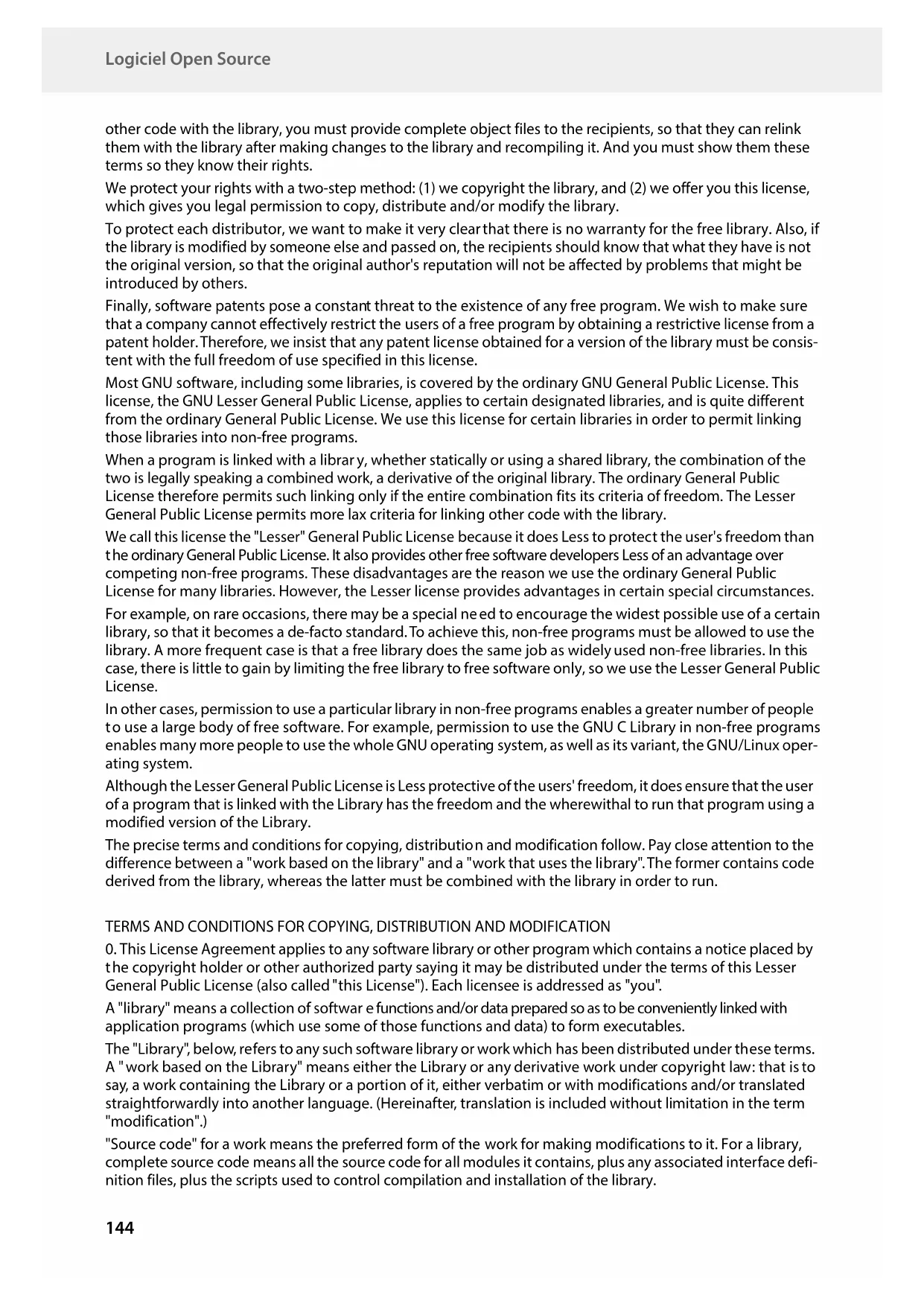
GIGASET Comfort 500A IP flex - Desk Phone

Comfort 500A IP flex - Desk Phone GIGASET - Free user manual and instructions

Find the device manual for free Comfort 500A IP flex GIGASET in PDF.

📄 149 pages English EN Download 💬 AI Question 10 questions ⚙️ Specs
Notice GIGASET Comfort 500A IP flex - page 144
View the manual : Français FR English EN
Pick your language and provide your email: we'll send you a specifically translated version.
Product type DECT desk phone with IP and analog features
Brand Gigaset
Model Comfort 500A IP flex
Base dimensions Approx. 150 x 120 x 80 mm
Base weight Approx. 300 g
Handset dimensions Approx. 170 x 50 x 30 mm
Handset weight Approx. 150 g (with batteries)
Base power supply Power adapter 100-240 V, 5 V DC, 1.2 A
Handset power supply 2 NiMH AAA batteries (rechargeable)
Handset battery life Up to 14 h talk time, 200 h standby
Display Color, backlit, with icons
Directory Up to 200 contacts
Integrated answering machine Yes, up to 3 answering machines with variable recording time
Main features VoIP and analog calls, hands-free, call waiting, conference, call blocking, online directories, Gigaset GO
Connectivity 1 RJ-11 port (landline), 1 RJ-45 port (LAN for VoIP), power adapter
Gigaset GO compatibility Yes, with smartphone app and cloud services
Maintenance and cleaning Clean with a soft, dry cloth. Do not use abrasive products or solvents.
Safety Use only recommended batteries. Do not expose to moisture. Follow the safety instructions in the manual.
Spare parts and repairability Batteries, charger, cables available. Repair by authorized service.
General information Manufactured by Gigaset Communications GmbH, Germany. Manual available online.

Frequently Asked Questions - Comfort 500A IP flex GIGASET

How to configure VoIP on the Gigaset Comfort 500A IP flex?
Use the VoIP wizard on the handset: press the Messages key, then follow the instructions. You can also use the web configurator from a computer. You will need the access data provided by your VoIP operator.
Can I use this phone with a traditional analog line?
Yes, the Comfort 500A IP flex supports both analog lines (PSTN) and VoIP telephony. You can use them separately or simultaneously.
How to activate the integrated answering machine?
From the menu, go to Voice Mail > Answering Machine. You can activate it in Rec&Reply (record and reply) or Reply only mode. Press and hold the 1 key to listen to messages.
How to block unwanted calls?
The phone offers several solutions: the blacklist, Silent Call mode, and the paid Smart Call Block service that uses Tellows scores. Configure them from the Unwanted Call Protection menu.
How to transfer a call to another handset?
During an external call, press the navigation key to open the handset list, select the recipient, then hang up to transfer immediately. You can also announce the call before hanging up.
How to update the firmware?
When the handset displays 'New software available', press Yes to start the update (duration about 6 minutes). Make sure the base is connected to the Internet.
What to do if the handset displays 'Register handset please'?
The handset is not registered to the base. Press and hold the Paging key on the base, then on the handset follow the registration instructions. Normally, the supplied handsets are already registered.
How to use the hands-free function?
During a call, press the Hands-free key (speaker icon) to activate/deactivate. You can also adjust the volume with the navigation key.
How to transfer the directory between handsets?
Open the directory, select an entry or the full list, then Options > Copy to directory > to INT handset. Choose the destination handset. Both handsets must be registered to the same base.
Does the phone work during a power outage?
No, the phone requires mains power to operate. In case of a power outage, it is unusable and cannot make emergency calls. For safety reasons, keep a basic backup phone.

User questions about Comfort 500A IP flex GIGASET

0 question about this device. Answer the ones you know or ask your own.

Ask a new question about this device

The email remains private: it is only used to notify you if someone responds to your question.

No questions yet. Be the first to ask one.

Download the instructions for your Desk Phone in PDF format for free! Find your manual Comfort 500A IP flex - GIGASET and take your electronic device back in hand. On this page are published all the documents necessary for the use of your device. Comfort 500A IP flex by GIGASET.

USER MANUAL Comfort 500A IP flex GIGASET
natural_image Line drawing of a mobile phone with keypad and base (no text or symbols)

GIGASET Comfort 500A IP flex - 1

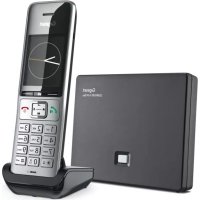
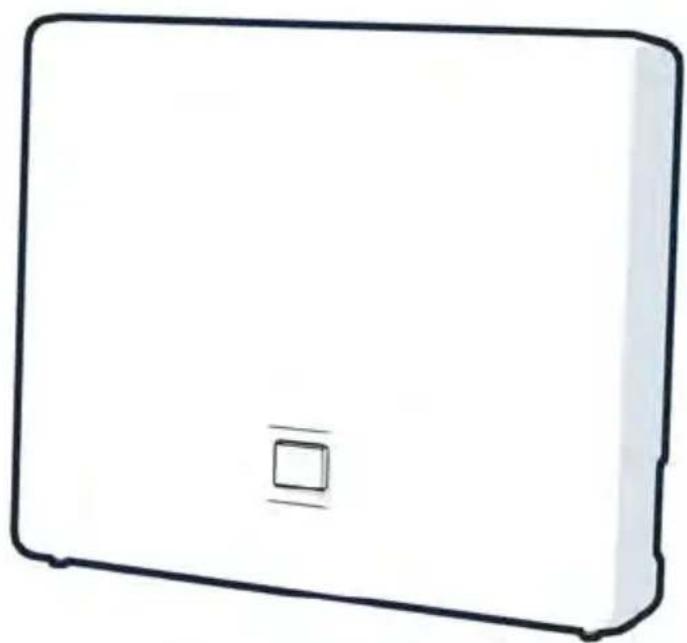
natural_image Simple line drawing of a rectangular electronic device with a small square button on the front face (no text or symbols)

Assistance Service Clients 122

Double appel (clignotement) ▶ appui long

8 Microphone

9 Touche Astérisque

Activation/désactivation des sonneries ▶ appui long

A Touche Inscription/Paging

natural_image Simple diagram of a rectangular device with a small square and label 'A' at the bottom (no text or symbols on the device itself)
text_image Diagram showing two connected electrical components with labeled parts 1, 2, 3, and 4, and directional arrows indicating connection.
natural_image Simple line drawing of a remote control device with battery and cable (no text or symbols)
natural_image Hand-drawn sketch of a smartphone with an open lid and cable, showing internal components (no text or symbols)
natural_image Simple line drawing of a mobile phone with an arrow pointing to the screen (no text or symbols)
natural_image Simple line drawing of a folded or folded object with two arrows indicating direction (no text or symbols)
text_image Deutsch English Francais
natural_image Close-up of a metallic tool or component with a labeled section (1), showing no visible text or symbols.

Base

GIGASET Comfort 500A IP flex - Base - 1

flowchart
graph TD
    A["Server"] -->|LAN| B["USB"]
    B -->|6| C["Switch"]
    C -->|1| D["Switch 4"]
    C -->|2| E["Switch 2"]
    C -->|3| F["Switch 3"]
    B -->|5| G["Switch 5"]
    B -->|7| H["Switch 7"]
natural_image Simple line drawing of a rectangular box with a central square and radiating lines (no text or symbols)

GIGASET Comfort 500A IP flex - Base - 2

(appui bref) (appui long)

GIGASET Comfort 500A IP flex - Base - 3

GIGASET Comfort 500A IP flex - Base - 4

GIGASET Comfort 500A IP flex - Base - 5

GIGASET Comfort 500A IP flex - Base - 6

▶ Options ▶ Fin comm. active ▶ OK

Activer/désactiver ECT

Table of contents Click a title to access it
Manual assistant
Powered by Anthropic
Waiting for your message
Product information

Brand : GIGASET

Model : Comfort 500A IP flex

Category : Desk Phone