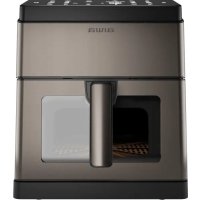
KUMADAI AFR8000 - Deep fryer AIWA - Free user manual and instructions
Find the device manual for free KUMADAI AFR8000 AIWA in PDF.



| Product type | Air fryer |
| Brand | Aiwa |
| Model | KUMADAI AFR8000 |
| Cooking technology | Hot air heating, oil-free |
| Control panel | Digital with display screen |
| Temperature adjustment | Yes, in 5°C increments |
| Timer | Yes, adjustable by minute |
| Preset programs | Yes (menu mode with multiple selections) |
| Automatic cleaning function | Yes |
| Interior lighting | Yes, with control button |
| Automatic shut-off | Yes, via power button |
| Pause function | Yes, via Start/Stop button or opening the basket |
| Basket capacity | Not specified (basket with non-stick grid) |
| Basket material | Non-stick |
| Removable parts | Basket, non-stick grid |
| Cleaning | Wash with hot soapy water and non-abrasive sponge |
| Minimum distance rear and top wall | 13 cm |
| Safety | Do not pour oil directly, unplug before cleaning |
| Manual languages | Multiple (FR, EN, DE, etc.) |
| Warranty | Contact local customer service |
Frequently Asked Questions - KUMADAI AFR8000 AIWA
User questions about KUMADAI AFR8000 AIWA
0 question about this device. Answer the ones you know or ask your own.
Ask a new question about this device
Download the instructions for your Deep fryer in PDF format for free! Find your manual KUMADAI AFR8000 - AIWA and take your electronic device back in hand. On this page are published all the documents necessary for the use of your device. KUMADAI AFR8000 by AIWA.
USER MANUAL KUMADAI AFR8000 AIWA
natural_image
Line drawing of a microwave oven with two compartments and a handle (no text or symbols)KUMADAI AFR-8000
220-240V\~ | 50-60Hz | 1800W | 8L | 55 - 200°C
(EN) Air fryer - Instruction Manual
(ES) Freidora de aire - Manual de instrucciones
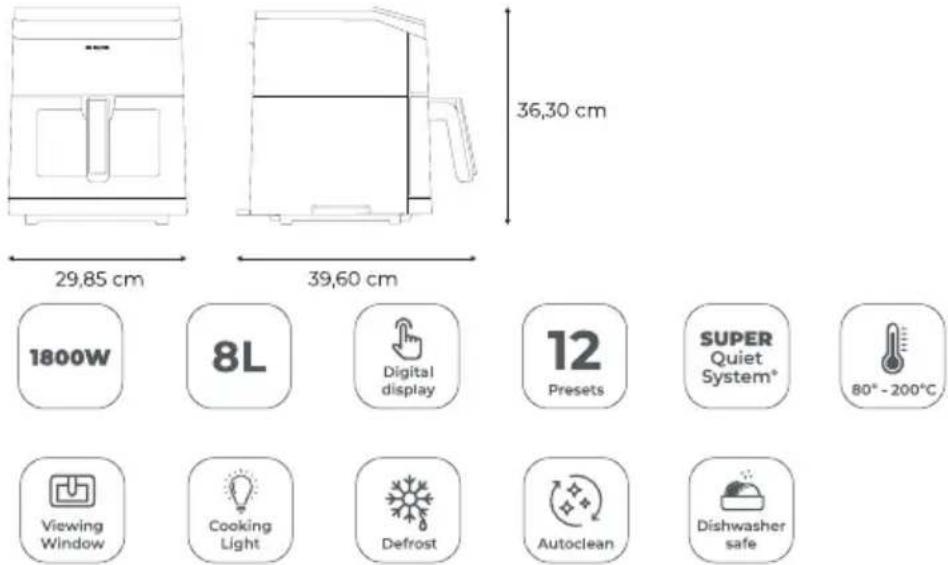
| Power | 1800 W |
| Capacity | 8 L |
| Pre-sets | 12 |
| Body material | Stainless steel |
| Cavity type | Tray |
| Visible window | Yes |
| Auto clean | Yes |
CONTENT
Contenido, Contenuto, Contenu, Inhalt, Conteúdo, Inhoud, Съдържание, Пεριεχόμενο, Zawartość, Obsah, Continut, Tartalom, Садржај, İçerik, Содержание, المحتوى

MESUREMENTS
Medidas, Misure, Mesures, Maße, Medidas, Afmetingen, Merki, Μετρήσεις, Wymiary, Merania, Măsurători, Méretek, Mepe, Ölçümler, Измерения, القياسات
GETTING TO KNOW YOUR AIR FRYER

PARTS
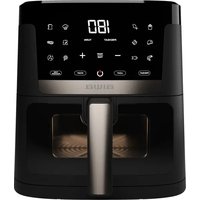
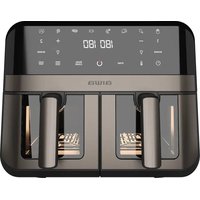
(EN) GETTING TO KNOW YOUR AIR FRYER. PARTS. A Display panel B Air Intake Vent C Handle D Basket E Non-stick grid F Air Outlet G Window
(ES) CONOZCA SU FREIDORA DE AIRE. PARTES.A Panel de visualización B Entrada de aire C Mango D Cesta E Rejilla antiadherente F Salida de aire G Ventana
Unpacking and Preparation
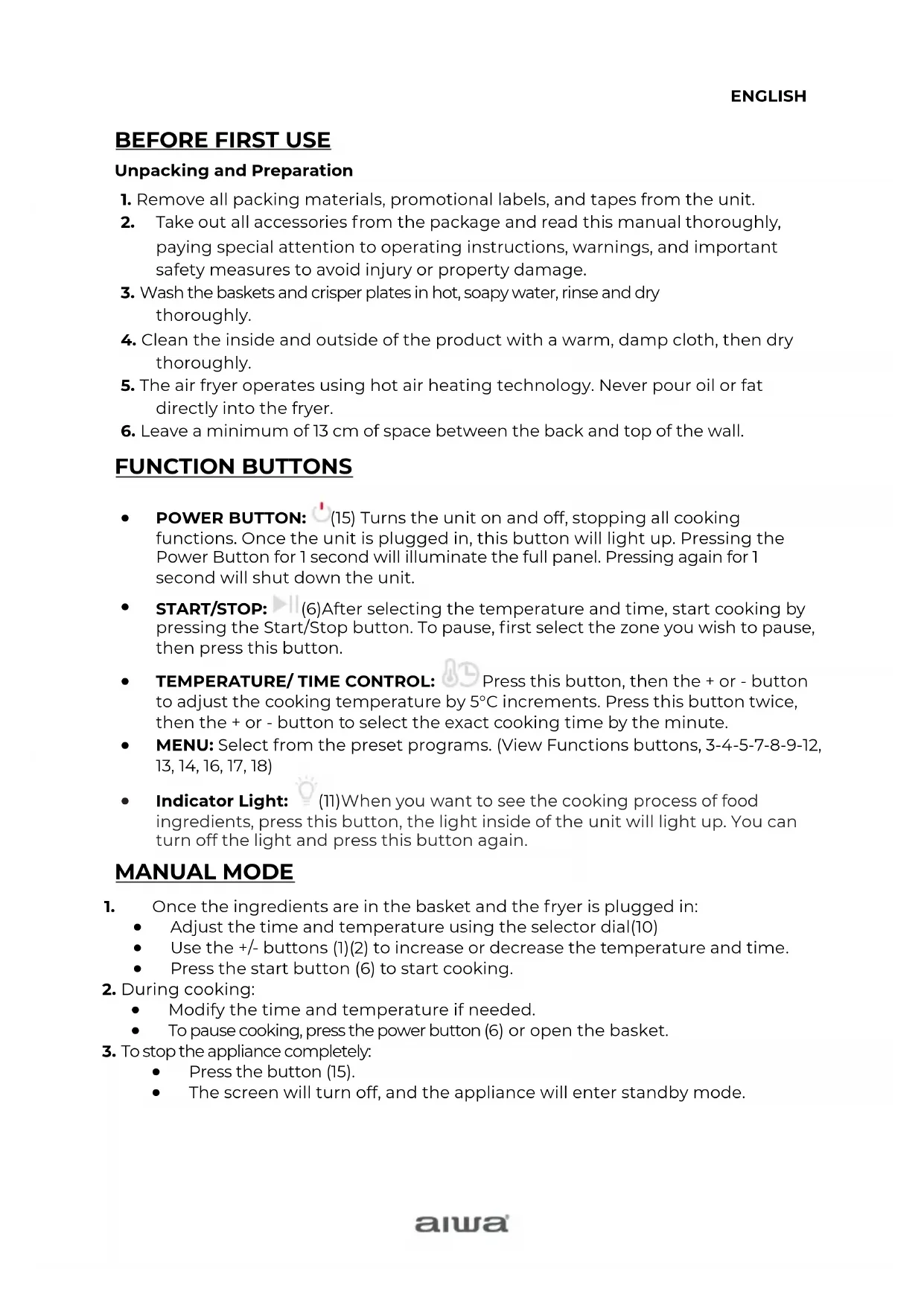
- Remove all packing materials, promotional labels, and tapes from the unit.
- Take out all accessories from the package and read this manual thoroughly, paying special attention to operating instructions, warnings, and important safety measures to avoid injury or property damage.
- Wash the baskets and crisper plates in hot, soapy water, rinse and dry thoroughly.
- Clean the inside and outside of the product with a warm, damp cloth, then dry thoroughly.
- The air fryer operates using hot air heating technology. Never pour oil or fat directly into the fryer.
- Leave a minimum of 13 cm of space between the back and top of the wall.
FUNCTION BUTTONS
- POWER BUTTON: (15) Turns the unit on and off, stopping all cooking functions. Once the unit is plugged in, this button will light up. Pressing the Power Button for 1 second will illuminate the full panel. Pressing again for 1 second will shut down the unit.
- START/STOP: (6)After selecting the temperature and time, start cooking by pressing the Start/Stop button. To pause, first select the zone you wish to pause, then press this button.
- TEMPERATURE/TIME CONTROL: Press this button, then the + or - button to adjust the cooking temperature by 5°C increments. Press this button twice, then the + or - button to select the exact cooking time by the minute.
- MENU: Select from the preset programs. (View Functions buttons, 3-4-5-7-8-9-12, 13, 14, 16, 17, 18)
- Indicator Light: (11) When you want to see the cooking process of food ingredients, press this button, the light inside of the unit will light up. You can turn off the light and press this button again.
MANUAL MODE
-
Once the ingredients are in the basket and the fryer is plugged in:
-
Adjust the time and temperature using the selector dial(10)
- Use the +/- buttons (1)(2) to increase or decrease the temperature and time.
-
Press the start button (6) to start cooking.
-
During cooking:
-
Modify the time and temperature if needed.
• To pause cooking, press the power button (6) or open the basket. -
To stop the appliance completely:
-
Press the button (15).
- The screen will turn off, and the appliance will enter standby mode.
MENU MODE
-
Once ingredients are in the basket and the fryer is on:
-
Select desired menu using the menu selector (3-4-5-7-8-9-12, 13, 14, 16, 17, 18).
-
Adjust temperature and time following manual steps.
• Press start button (6) to begin cooking. -
During cooking:
-
Modify time and temperature if needed.
• To stop the appliance completely:
Press power button (15). Screen turns off, appliance enters standby mode.
CLEANING YOUR AIR FRYER
- Unplug and let the air fryer cool down before cleaning.
- Do not use metal utensils or abrasive materials to clean the non-stick surfaces.
- Clean the baskets and crisper plates with hot water, detergent, and a non-abrasive sponge. For tough stains, soak for 10 minutes.
- Clean the inside of the product with a non-abrasive sponge and hot water.
- Use a cleaning brush to remove food residues from the heating elements and the air inlet and outlet openings.
AUTO CLEAN FUNCTION
- Fill the air fryer with water up to the edge of the cooking rack.
- Add 5 ml of dishwashing detergent.
- Press the "Auto Clean" button(8).
- Empty the dirty water and clean any remaining residue.
With these simple steps, your air fryer will be ready for its next use.
STORING YOUR AIR FRYER
- Ensure the air fryer is unplugged, clean, and dry before storing.
- Never store the air fryer while it is hot or wet.
- Place the clean crisper plates inside the fryer basket, then insert the basket into the air fryer body.
- Store the air fryer in its original box or in a clean, dry place.
HELPFUL TIPS
- For even browning, ensure ingredients are in a single layer at the bottom of the basket with no overlapping.
- To adapt recipes from a traditional oven, reduce the temperature by 5^ C and check food frequently to avoid overcooking.
- Use wooden toothpicks to secure lightweight foods to prevent them from being blown around by the fan.
- For optimal results with fresh vegetables and potatoes, use at least one tablespoon of oil.
- Regularly check cooking progress and remove food once the desired level of browning is achieved.
GUARANTEE AND SERVICES
If you require services or repairing, or have any doubt, you can communicate with the local Customer Center.
If there is no Customer Center near your location, you can communicate with your local dealer.
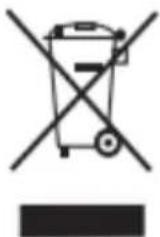
This symbol means that in case you wish to dispose of the product once its working life has ended, take it to an authorized waste agent for the selective collection of waste electrical and electronic equipment (WEEE) This appliance complies with Directive 2014/35/EU on Low Voltage, Directive 2014/30/EU on Electromagnetic Compatibility, Directive 2011/65 EU on the restrictions of the use of certain hazardous substances in electrical and electronic equipment. and Directive 2009/125/EC on the ecodesign requirements for energy-related products
natural_image
Symbol of a trash bin crossed out by a diagonal line, with no text or numbers present.natural_image
Symbol of a trash bin crossed out by a diagonal line, with a solid black rectangle below (no text or numbers present)natural_image
Symbol of a trash bin crossed with a diagonal line, no text or numbers presentnatural_image
Symbol of a trash bin crossed with no text or numbers, representing waste sorting or disposal (no text present)natural_image
Symbol of a trash bin crossed with a diagonal line, no text or numbers presentwww.aiwa-industries.com
All Pictures shown are for illustration purpose only.
All Rights Reserved. All other trademarks are property of their respective owners.
All specifications are subject to change without prior notice.
Aiwa Europe S.L., Av. Siglo XXI, 34, ES-08840.
REV. 02/02/2024 VI
Brand : AIWA
Model : KUMADAI AFR8000
Category : Deep fryer