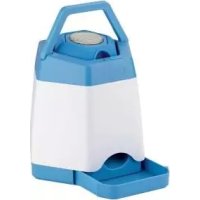
IAN 292938 - Pet toy ZOOFARI - Free user manual and instructions
Find the device manual for free IAN 292938 ZOOFARI in PDF.



| Product type | Interactive dog toy (memory trainer) |
| Brand and model | Zoofari IAN 292938 |
| Reservoir power supply | Rechargeable Li-Ion battery 3.7 V, 2000 mAh (LIR18650) |
| Trigger power supply | Rechargeable Li-Ion battery 3.7 V, 70 mAh (LIR1015) |
| Radio range | 40 m (2.4 GHz frequency) |
| Max transmission power | 6.47 dBm |
| Auto standby function | After 60 minutes of inactivity |
| Reservoir charging time | Approximately 6 hours |
| Trigger charging time | Approximately 40 minutes |
| Reservoir capacity | Approximately 200 ml (dry food) |
| Dispensing levels | 2 adjustable portion levels |
| Delivery contents | Reservoir, trigger, silicone support, suction cup, floor mount, USB cable, scoop, instructions |
| Care and cleaning | Clean with a damp cloth, do not use harsh cleaners |
| Safety | Do not leave unattended while charging, keep out of reach of children, supervise the animal, use only dry food |
| Warranty | 3 years from date of purchase |
| Country of manufacture | China (month/year: 11/2018) |
| After-sales service Belgium | Tel.: 070 270 171 (0.15 EUR/min) / E-mail: deltasport@lidl.be |
Frequently Asked Questions - IAN 292938 ZOOFARI
User questions about IAN 292938 ZOOFARI
0 question about this device. Answer the ones you know or ask your own.
Ask a new question about this device
Download the instructions for your Pet toy in PDF format for free! Find your manual IAN 292938 - ZOOFARI and take your electronic device back in hand. On this page are published all the documents necessary for the use of your device. IAN 292938 by ZOOFARI.
USER MANUAL IAN 292938 ZOOFARI
Instructions for use
FR BE
JEU D'INTELLIGENCE INTERACTIF POUR CHIEN
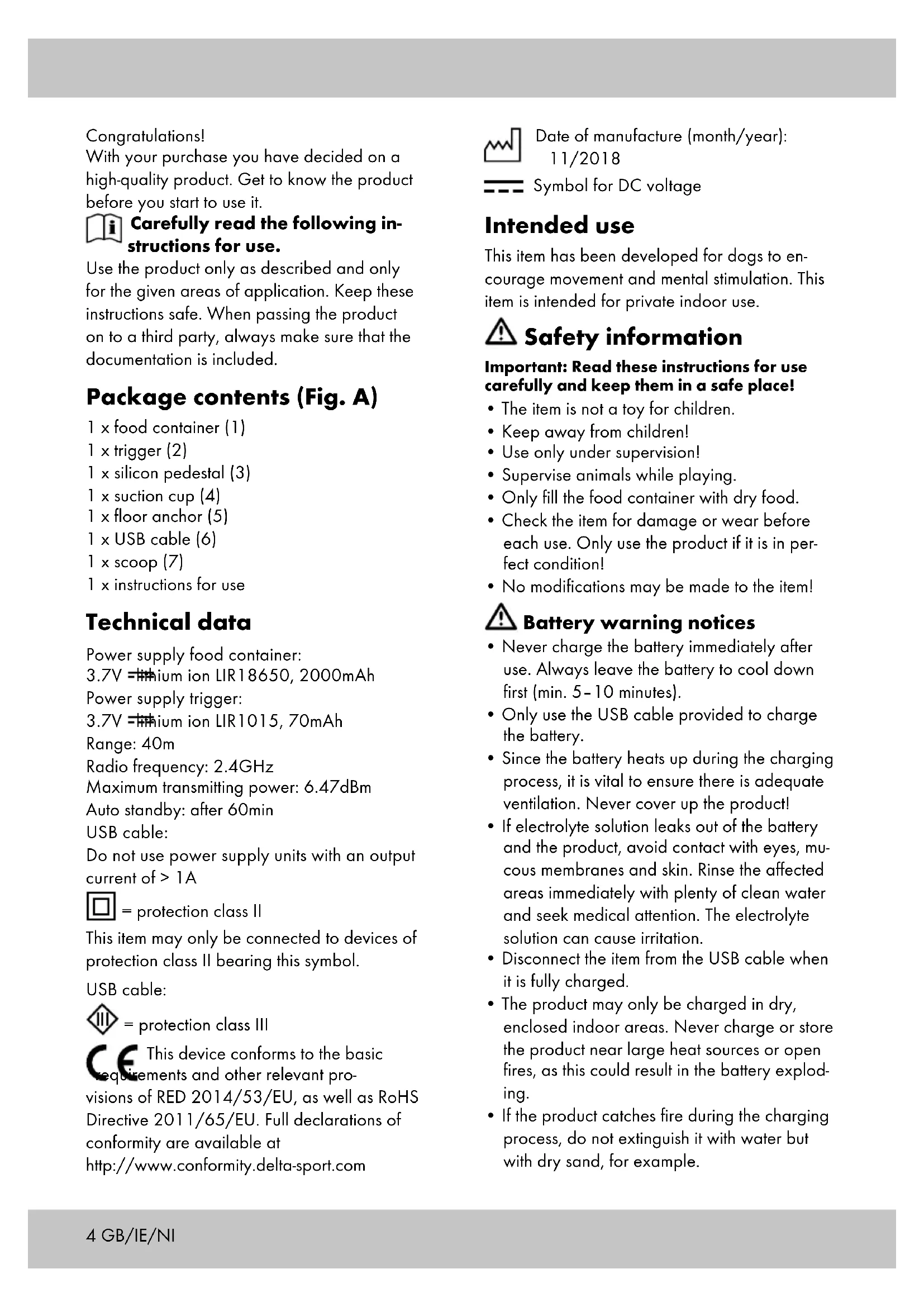
With your purchase you have decided on a high-quality product. Get to know the product before you start to use it.

Carefully read the following instructions for use.
Use the product only as described and only for the given areas of application. Keep these instructions safe. When passing the product on to a third party, always make sure that the documentation is included.
Package contents (Fig. A)
1 x food container (1)
1 x trigger (2)
1 x silicon pedestal (3)
1 x suction cup (4)
1 × floor anchor (5)
1xUSB cable (6)
1 x scoop (7)
1 x instructions for use
Technical data
Power supply food container:
3.7V = lithium ion LIR18650, 2000mAh
Power supply trigger:
3.7V = thium ion LIR1015, 70mAh
Range: 40m
Radio frequency: 2.4GHz
Maximum transmitting power: 6.47dBm
Auto standby: after 60min
USB cable:
Do not use power supply units with an output current of >1A

= protection class II
This item may only be connected to devices of protection class II bearing this symbol.
USB cable:

= protection class III

This device conforms to the basic
Elements and other relevant pro
visions of RED 2014/53/EU, as well as RoHS
Directive 2011/65/EU. Full declarations of conformity are available at
http://www.conformity.dalta-sport.com

Date of manufacture (month/year):
11/2018

Symbol for DC voltage
Intended use
This item has been developed for dogs to encourage movement and mental stimulation. This item is intended for private indoor use.

Safety information
Important: Read these instructions for use carefully and keep them in a safe place!
- The item is not a toy for children.
- Keep away from children!
- Use only under supervision!
Supervise animals while playing. - Only fill the food container with dry food.
- Check the item for damage or wear before each use. Only use the product if it is in perfect condition!
- No modifications may be made to the item!

Battery warning notices
- Never charge the battery immediately after use. Always leave the battery to cool down first (min. 5-10 minutes).
- Only use the USB cable provided to charge the battery.
- Since the battery heats up during the charging process, it is vital to ensure there is adequate ventilation. Never cover up the product!
If electrolyte solution leaks out of the battery and the product, avoid contact with eyes, mucous membranes and skin. Rinse the affected areas immediately with plenty of clean water and seek medical attention. The electrolyte solution can cause irritation. - Disconnect the item from the USB cable when it is fully charged.
- The product may only be charged in dry, enclosed indoor areas. Never charge or store the product near large heat sources or open fires, as this could result in the battery exploding.
-
If the product catches fire during the charging process, do not extinguish it with water but with dry sand, for example.
-
Do not leave the product unattended during the charging process and watch out for possible overheating.
- Only charge the battery at an ambient temperature of 5 - 35^
- The charging contacts on the device must not be connected through metal objects.
- Never try to manipulate, modify or repair the battery or the product.
Charging the food container (Fig. B)
- Insert the end of the cable (6a) into the opening (1f) on the food container (1).
- Plug the other end (6b) of the USB cable (6) into a USB port on a powered-on computer or charging station with a USB port.
- The charge indicator light (1d) on the food container (1) will turn on.
- The charge indicator light (1d) on the food container (1) will turn off when the battery is fully charged.
Note: Charging the battery takes approx. 6 hours.
Charging the trigger (Fig. C)
- Insert the end of the cable (6a) into the opening (2b) on the trigger (2).
- Plug the other end (6b) of the USB cable (6) into a USB port on a powered-on computer or charging station with a USB port.
- The charge indicator light on the trigger (2) will turn on.
- The charge indicator light on the trigger (2) will turn off when the battery is fully charged.
Note: Charging the battery takes approx. 40 minutes.
Turning the food container on and off (Fig. D)
- Flip the switch (1c) to the right to turn on the food container (1).
Note: The indicator light (1d) blinks once. Press the button (1e) to test the rotation of the reservoir.
You can set two levels. The higher the level selected, the more food falls from the reservoir.
- Flip the switch (1c) to the left again (OFF) to turn off the product.
Note: The food container (1) has a power saving mode and turns itself off after 60 minutes when it is not in use. It can be reactivated by pressing the button (1e) or by pushing the switch off and on (1c).
Turning the trigger on and off (Fig. E)
- Turn the trigger around and flip the switch (2a) to the right to turn on the trigger.
Note: A different signal tone sounds when activating the trigger depending on whether you pushed the switch (2a) to 1 or 2. - Flip the switch (2a) to the left again (OFF) to turn off the trigger.
Filling the food reservoir (Fig. F)
- Remove the lid (1a) from the product (1).
- Fill the product (1) with dry food or treats using the scoop (7).
Note: You can determine the optimum amount of food using the fill indicators (in ml) on the inside of the product above the reservoir.
3. Then close the lid (1a) again.
Attaching the trigger
The trigger (2) can be attached in different ways.
- Push the trigger (2) into the opening on the silicon pedestal (3) to provide a stable base (Fig. G).
- Attach the floor anchor (5) to the bottom side of the trigger (2) (Fig. H).
Note: The floor anchor (5) is located in the bottom of the food container (1) (Fig. 1).
- Attach the trigger (2) to a glass door or other smooth surface using the suction cup (4) (Fig. J).
- Attach the trigger (2) to a wall using a screw and a dowel.
Note: Ask at a specialist store about which mounting materials (dowel and screws) to use on your walls.
Use
- Turn on the food container (1) and the trigger (2).
- Pull the sliding compartment (1b) out of the food container (1) (Fig. D).
- When the push button on the trigger (2) is pressed with a nose or paw, the signal tone sounds. At the same time, the reservoir inside the food container (1) rotates and dispenses the food through the slot into the sliding compartment (1b).
Storage, cleaning
Always store the product in clean and dry condition at room temperature.
Clean only with a damp cleaning cloth and then wipe dry.
IMPORTANT! Never clean the product with aggressive cleaning agents.
Disposal
Dispose of the article and the packaging materials in accordance with current local regulations. Packaging materials such as foil bags are not suitable to be given to children. Keep the packaging materials out of the reach of children.

Devices that are marked with the symbol shown here may not be disposed of with domestic waste. You are obliged to
dispose of these kinds of used electrical and electronic devices separately. Ask your local authority about possible methods for regulated disposal.

Dispose of the products and the packaging in an environmentally friendly manner.

The recycling code is used to identify various materials for recycling.
The code consists of the recycling symbol
- which is meant to reflect the recycling cycle - and a number which identifies the material.
Disposal measures for storage batteries

Please note: Storage batteries are hazardous waste according to law and
may not be disposed of with household
waste. You can hand in storage batteries at local authority collection points free of charge or return them to your retailer. Special containers are provided for this purpose.
Notes on the guarantee and service handling
The product was produced with great care and under constant supervision. You receive a three-year warranty for this product from the date of purchase. Please retain your receipt. The warranty applies only to material and workmanship and does not apply to misuse or improper handling. Your statutory rights, especially the warranty rights, are not affected by this warranty.
With regard to complaints, please contact the following service hotline or contact us by e-mail.
Our service employees will advise as to the subsequent procedure as quickly as possible.
We will be personally available to discuss the situation with you.
Any repairs under the warranty, statutory guarantees or through goodwill do not extend the warranty period. This also applies to replaced and repaired parts. Repairs after the warranty are subject to a charge.
IAN:292938

Service Great Britain
Tel.: 08004047657
E-Mail: deltasport@lidl.co.uk

Service Ireland

Tel.: 1890 930 034
(0,08 EUR/Min., (peak))
(0,06 EUR/Min., (off peak))
E-Mail: deltasport@lidl.ie
Tillykke!
Symbol for jaevnspaending