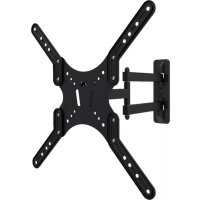
MFM00523 - TV Stand MAGNAVOX - Free user manual and instructions
Find the device manual for free MFM00523 MAGNAVOX in PDF.



| Brand | Magnavox |
| Model | MFM00523 |
| Product Type | TV Wall Mount |
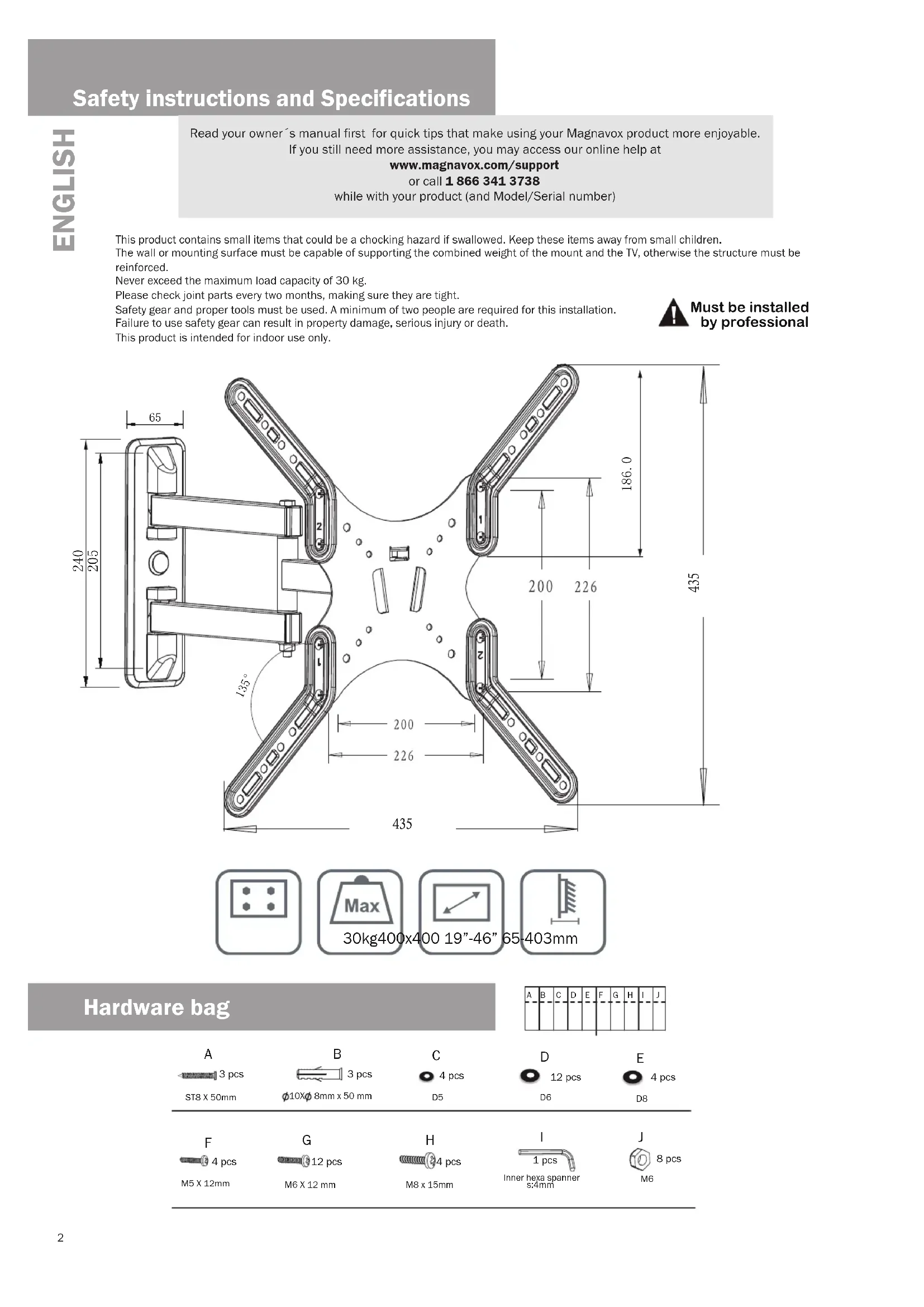
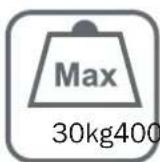
| Maximum Load | 30 kg |
| Materials | Steel |
| Color | Black |
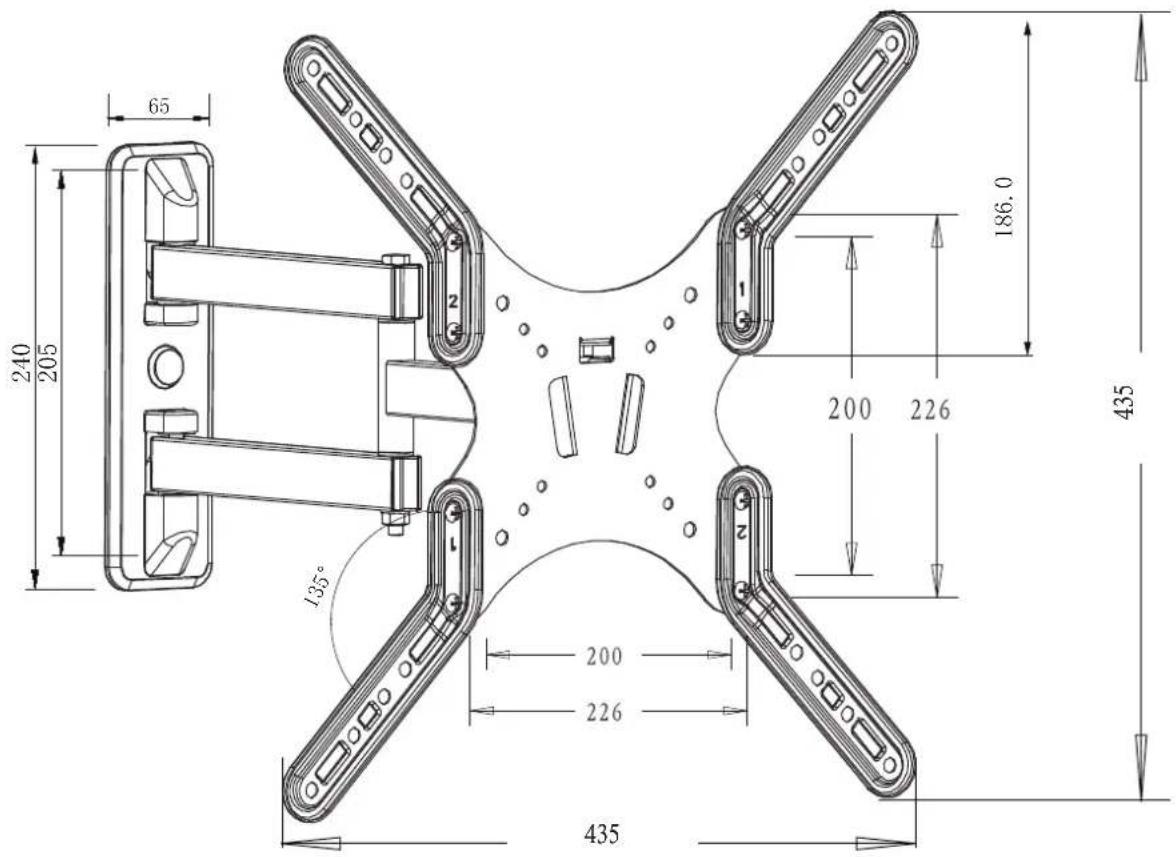
| VESA Compatibility | Up to 400x400 mm (estimated) |
| Tilt Angle | Up to 15° (estimated) |
| Rotation | Not specified |
| Dimensions (wall plate) | 435 x 200 mm (estimated from diagram) |
| Depth | Variable based on tilt |
| Mount Weight | Approximately 2 kg (estimated) |
| Compatible Wall Type | Wood, concrete, drywall |
| Included Mounting Hardware | Screws, anchors, bolts, spacers |
| Required Tools | Drill, screwdriver, wrench, spirit level |
| Number of People Required | 2 |
| Usage | Indoor only |
| Maintenance | Check fastenings every 2 months |
| Warranty | 5 years |
| Safety | Do not exceed maximum load, professional installation recommended |
Frequently Asked Questions - MFM00523 MAGNAVOX
User questions about MFM00523 MAGNAVOX
0 question about this device. Answer the ones you know or ask your own.
Ask a new question about this device
Download the instructions for your TV Stand in PDF format for free! Find your manual MFM00523 - MAGNAVOX and take your electronic device back in hand. On this page are published all the documents necessary for the use of your device. MFM00523 by MAGNAVOX.
USER MANUAL MFM00523 MAGNAVOX
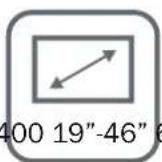
19"- 46"
LED AND LCD FULL MOTION TV WALL MOUNT
SOPORTE DE PARED MOVIMIENTO TOTAL PARA TV LED Ó LCD
SUPPORT MURALE MOUVEMENT COMPLETE POUR TV LED OU LCD
Safety instructions and Specifications
Read your owner's manual first for quick tips that make using your Magnavox product more enjoyable. If you still need more assistance, you may access our online help at
www.magnavox.com/support
or call 1 866 341 3738
while with your product (and Model/Serial number)
This product contains small items that could be a chocking hazard if swallowed. Keep these items away from small children.
The wall or mounting surface must be capable of supporting the combined weight of the mount and the TV, otherwise the structure must be reinforced.
Never exceed the maximum load capacity of 30 kg.
Please check joint parts every two months, making sure they are tight.
Safety gear and proper tools must be used. A minimum of two people are required for this installation.
Failure to use safety gear can result in property damage, serious injury or death.
This product is intended for indoor use only.

Must be installed by professional
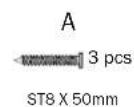
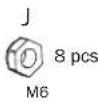
Hardware bag
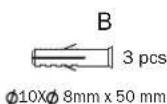
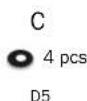
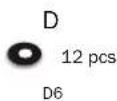
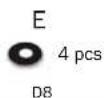
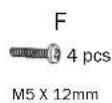
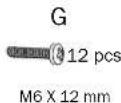
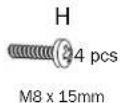
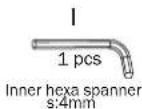

DRY WALL INSTALLATION MASONRY INSTALLATION
- Adjustable spanner/socket set
• Philips head screwdriver - Power drill
• High speed drill bit -
Pencil
-
Adjustable spanner/socket set
• Philips head screwdriver
• Power drill with hammer function - Masonry drill bit
- Pencil
- Hammer
RY WALL & MASONRY Installation steps
1
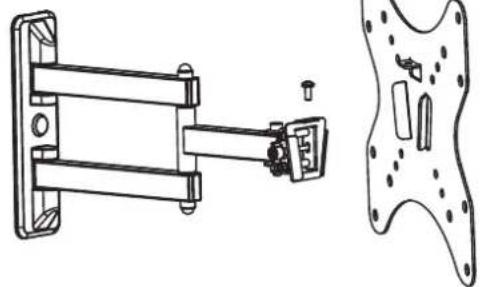
Detach the plate from the mount arm by removing the screw.
natural_image
Technical line drawing of a mechanical assembly with mounting bracket and side view (no text or symbols)2
natural_image
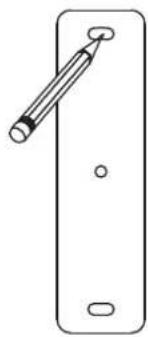
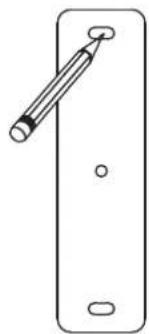
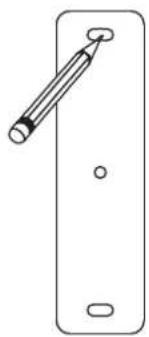
Simple line drawing of a smartphone door with a pen inserted (no text or symbols)Use the template to determine the proper location to drill holes for the wall plate.
3
WALL MOUNTING
Drill 3 holes according to the provided template. Over wood wall, make sure to locate a stud. Screw the base plate into the concrete wall or studs behind the dry wall (make sure base plate is level).
![Wood stud [B] x3 Concrete wall [A] x3](/content/2026/03/558904/images/ce55ef0e296e04fa062d5e6ea9faf7cca4ad662f73ef035b52967b83a148ace1.jpg)
4
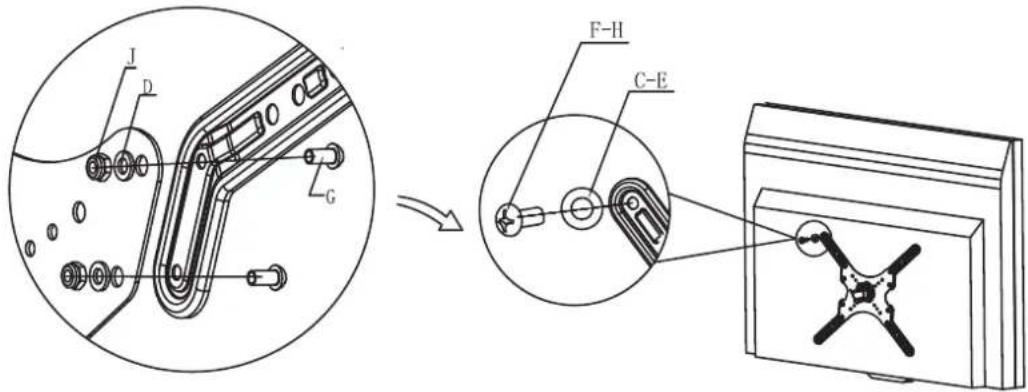
Check the back of your TV to find the appropriate mounting pattern.
Sort through the provided bolts until you find the correct size that easily fits into the back of your TV and fits snugly.
Install TV mount plate to the back of the tv and use the hole spacer in case of non flat surfaces. To avoid damaging TV, do not overtighten bolts.
5
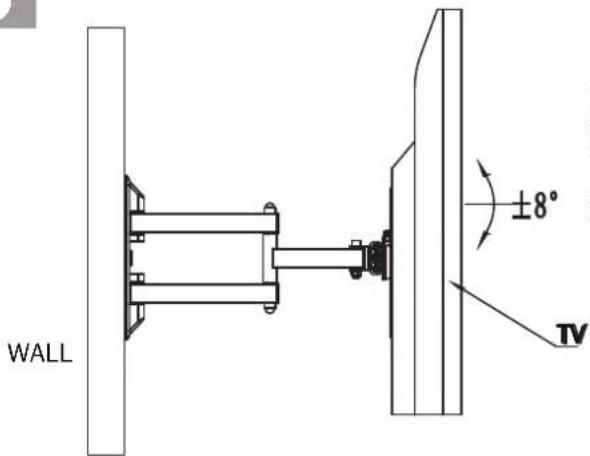
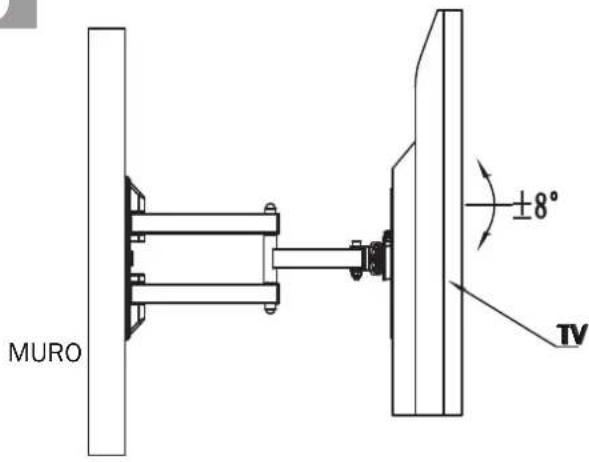
Re-attach the mounting arm to the TV Wall Mount that is now attached to your TV.
Tighten the mounting arm to the TV Wall Mount by repositioning the screw.
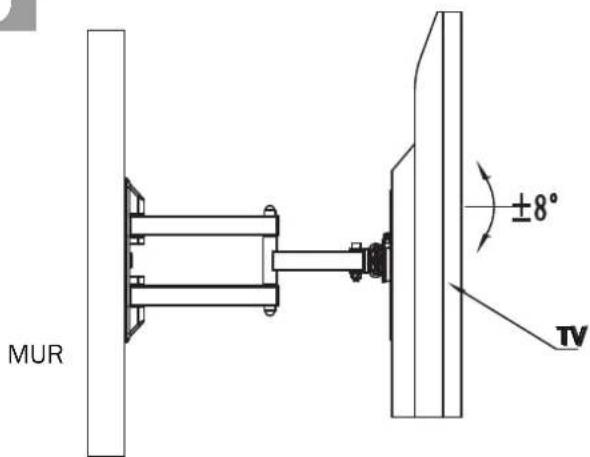
Then adjust the angle for desired viewing.
5 YEAR WARRANTY
Magnavox warrants that if this product purchased by you from Magnavox or a retail outlet is found by Magnavox to be defective in workmanship or materials within 5 years of the date of purchase, Magnavox will (at its election) either repair that product, replace the product, supply an equivalent product or pay the costs of repairing or replacing the product or acquiring an equivalent product. This limited warranty will not extend to or cover any expenses associated with removing, demounting the original product or installing the repaired, replaced or equivalent product or all or any of its components, you must bear these expenses. It also does not cover damage or loss resulting from intentional or unintentional misuse of, tampering with, alterations to or incorrect installation of this product or use of this product for purposes other than that for which it is designed or in a manner inconsistent with the product's instructions. This limited warranty also does not apply to damage or loss resulting from fair wear and tear or events beyond Magnavox control including but not limited to natural disasters. In order to claim under this warranty, you must contact Magnavox and return to Magnavox (via our nominated reply paid address) the product and its components and proof of purchase (including the date and location of purchase) so that Magnavox can verify the defect and your purchase. (PLEASE PROVIDE CONTACT)
|
llave hexagonal s:4mm
J

M6

natural_image
Technical line drawing of a mechanical device with mounting bracket and side view (no text or symbols)2
natural_image
Simple line drawing of a smartphone with a pen inserted, no text or symbols present5
|
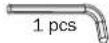
Inner hexa spanner s:4mm
J

M6

natural_image
Row of seven icons including a pencil, screwdriver, power tool, tape measure, wrench, and mirror (no text or symbols)FRANÇAIS
INSTALLATION DE MUR SEC INSTALLATION DE MAÇONNERIE
natural_image
Technical line drawing of a mechanical clamp or bracket assembly (no text or symbols)natural_image
Simple line drawing of a star-shaped object with internal components (no text or symbols)2
natural_image
Simple line drawing of a smartphone with a pen inserted, no text or symbols present5
natural_image
Black mechanical component with four arms and mounting holes, mounted on a wall (no text or symbols visible)MAGNAVOX
MAGNAVOX
MAGNAVOX and SMART. VERY SMART are registered trademarks of Koninklijke Philips N.V. and are used under license from Koninklijke Philips N.V.
Distributed by O.B.O.
Baltimore, MD
Brand : MAGNAVOX
Model : MFM00523
Category : TV Stand