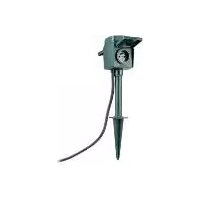
SWGS 1 A1 - Outdoor electrical outlet SILVERCREST - Free user manual and instructions
Find the device manual for free SWGS 1 A1 SILVERCREST in PDF.


| Product type | Double outdoor electrical socket with stake |
| Brand | SilverCrest |
| Model | SWGS 1 A1 |
| Power supply | 230 V~, 50 Hz |
| Rated current | 16 A |
| Max. rated power | 3680 W |
| Power cable length | Approximately 3 m |
| Communication protocol | ZigBee 3.0 |
| Radio frequency | 2.400 – 2.483 GHz |
| Max. transmission power | +20 dBm |
| Reception range | Approximately 70 m (free field) |
| Protection rating | IP44 |
| Protection class | I |
| Housing material | Plastic |
| Number of sockets | 2 |
| Control | Lidl Home app (via gateway) |
| On/off function | Manual (switch) and radio-controlled |
| Mounting | On stake (soft ground) or on base (hard surface) |
| Package contents | 1 socket, 1 base, 1 stake, 1 quick start guide, 1 safety instructions |
| Operating temperature | -20 °C to +40 °C (estimate based on outdoor use) |
| Weight | Approximately 0.5 kg (estimate) |
| Dimensions (L x H x D) | Approximately 10 x 40 x 10 cm (estimate) |
Frequently Asked Questions - SWGS 1 A1 SILVERCREST
User questions about SWGS 1 A1 SILVERCREST
0 question about this device. Answer the ones you know or ask your own.
Ask a new question about this device
Download the instructions for your Outdoor electrical outlet in PDF format for free! Find your manual SWGS 1 A1 - SILVERCREST and take your electronic device back in hand. On this page are published all the documents necessary for the use of your device. SWGS 1 A1 by SILVERCREST.
USER MANUAL SWGS 1 A1 SILVERCREST
SMART DOUBLE OUTDOOR SOCKET WITH STAKE SWGS 1 B1
DE AT CH
AUSSENSTECKDOSE 2-FACH MIT ERDSPIESS
Quick-Start-Guide
NL BE
BUITENSTOP- CONTACT 2-VOUDIG MET GRONDSPIES
Quick-Start-Guide
GB IE NI
SMART DOUBLE OUTDOOR SOCKET WITH STAKE
Quick start guide
FR BE
DOUBLE PRISE D'EXTÉRIEUR AVEC PIQUET
GB IE This quick start guide is a fixed part of the operating instructions, which enables you to start up your product immediately. Read the operating instructions before use, and pay particular attention to the safety instructions.
In order to fully understand all functions of the product, please select the User
Manual link in the app's Me
tab. You may also download the full operating instructions from this website: http://www.lidl-service.com
Keep this quick start guide in a safe place. When passing this product on to third parties, be sure to include all documentation.
natural_image
Simple line drawing of a square electronic device with a circular top and ports (no text or symbols)Gateway
(Separat erhältlich
natural_image
Line drawing of a handheld electric drill with a screwdriver and star mark (no text or symbols)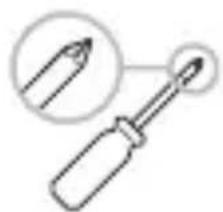
natural_image
Illustration of a screwdriver with a magnified inset showing the tip (no text or symbols)∅ 8 mm (für Beton)
∅ 3 mm (für Holz)
Geeignete
natural_image
Abstract icon of a person recycling with arrows, no text or symbols presentnatural_image
Silhouette of a person sorting trash into a bin (no text or symbols)natural_image
Symbol of a trash bin crossed out by two crossed lines, with a solid black bar below (no text or numbers present)Scope of delivery ..... Page 30
You will need..... Page 31
Description of parts..... Page 32
Technical data ...... Page 33
Installation ...... Page 34
Ground spike ...... Page 34
Foot ...... Page 35
Pairing product and mobile device.... Page 39
Unpairing product from mobile device .... Page 42
Disconnecting product manually from network .. Page 43
Signals ...... Page 44
Disposal..... Page 45
Simplified EU declaration of conformity.... Page 48

Intended use
This garden spike with 2 sockets (hereinafter referred to as "product") is an Information Technology device.
This product is used for radio-controlled switching on/off of connected electrical appliances.
Suitable Not suitable
Private use Industrial/commercial
purposes
Use in tropical climates
Any other use is considered improper. Any claims resulting from improper use or due to unauthorised modification of the product will be considered unwarranted. Any such use is at your own risk.

The Lidl Home app is required to control and set up the product.
- Scope of delivery
1 Garden spike with 2 sockets
1 Foot
1 Ground spike
1 Quick start guide
1 Safety instructions
- You will need
natural_image
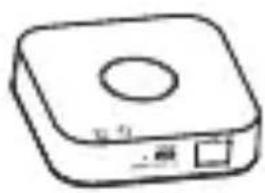
Simple line drawing of a square electronic device with a circular top and two ports (no text or symbols)Gateway
(Sold separately
Please visit Lidl website for further details)
Router:
2.4 GHz, IEEE 802.11b/g/n
Mobile device:
iOS 9.0 or higher
Android 5.0 or higher
natural_image
Line drawing of a hand tool with a drill bit and a target symbol (no text or labels)
natural_image
Illustration of a screwdriver with a pencil icon and magnified detail (no text or symbols)∅ 8 mm (for concrete)
∅ 3 mm (for wood)
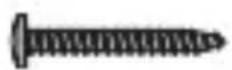
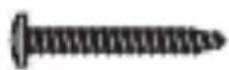
Suitable mounting materials
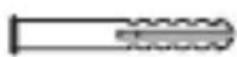
(screws, dowels)
Description of parts
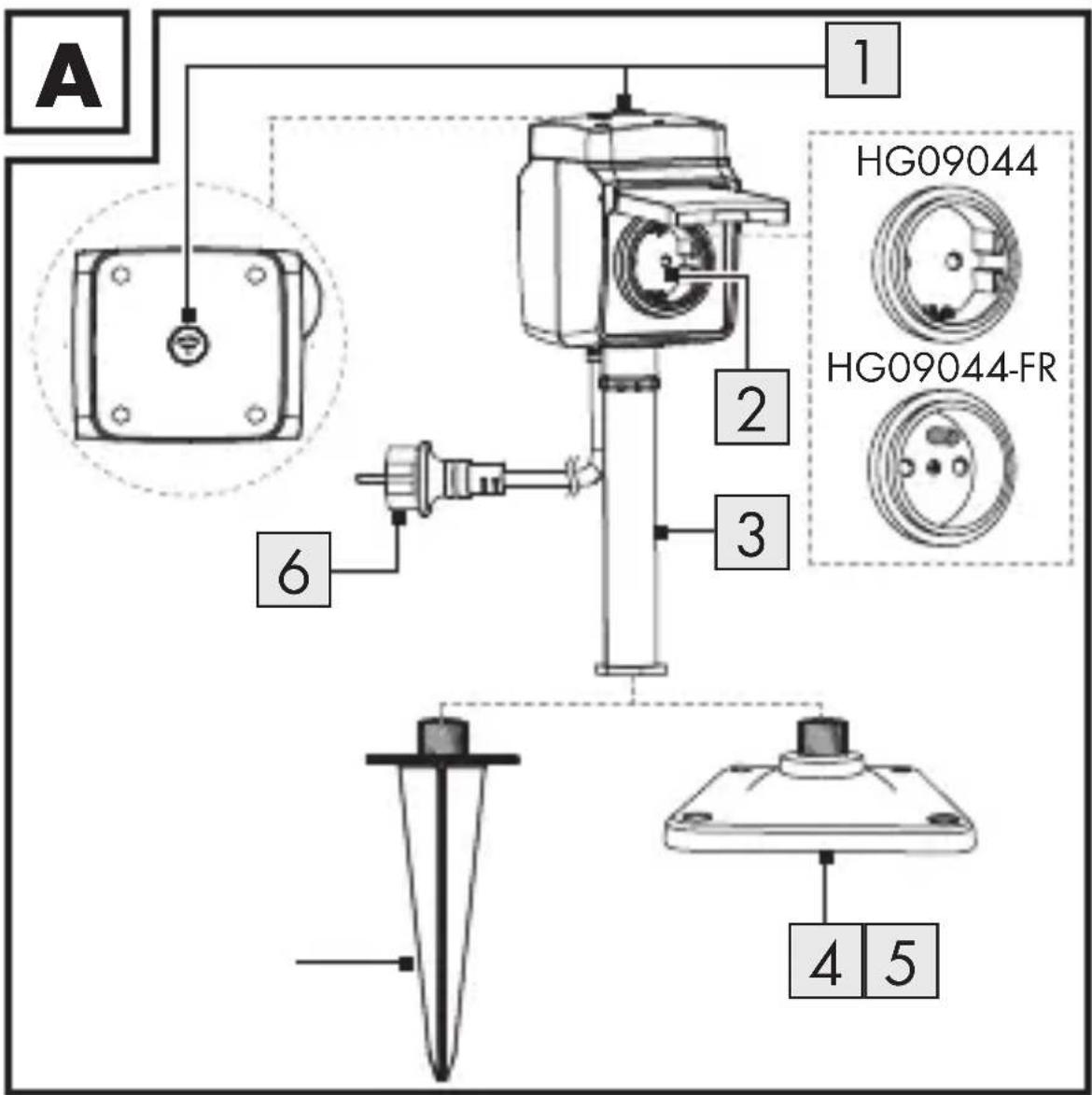
1 On/off button (with indicator)
2 Socket-outlet (x2)
3 Pole
4 Foot
5 Ground spike
6 Power cord with plug
Technical data
Operating voltage 230 V\~, 50 Hz
Rated current 16 A
Rated power max. 3680 W
Frequency band 2.400-2.483 GHz
Max. transmitted
power +20 dBm
Power cord length approx. 3 m
Communication
protocol ZigBee 3.0
Reception range approx. 70 m
(free area)
Protection class I
Ingress protection IP44
Model number
Max. total output
HG09044 3680 W (16 A)
HG09044-FR 3680 W (16 A)
Installation
Ground spike
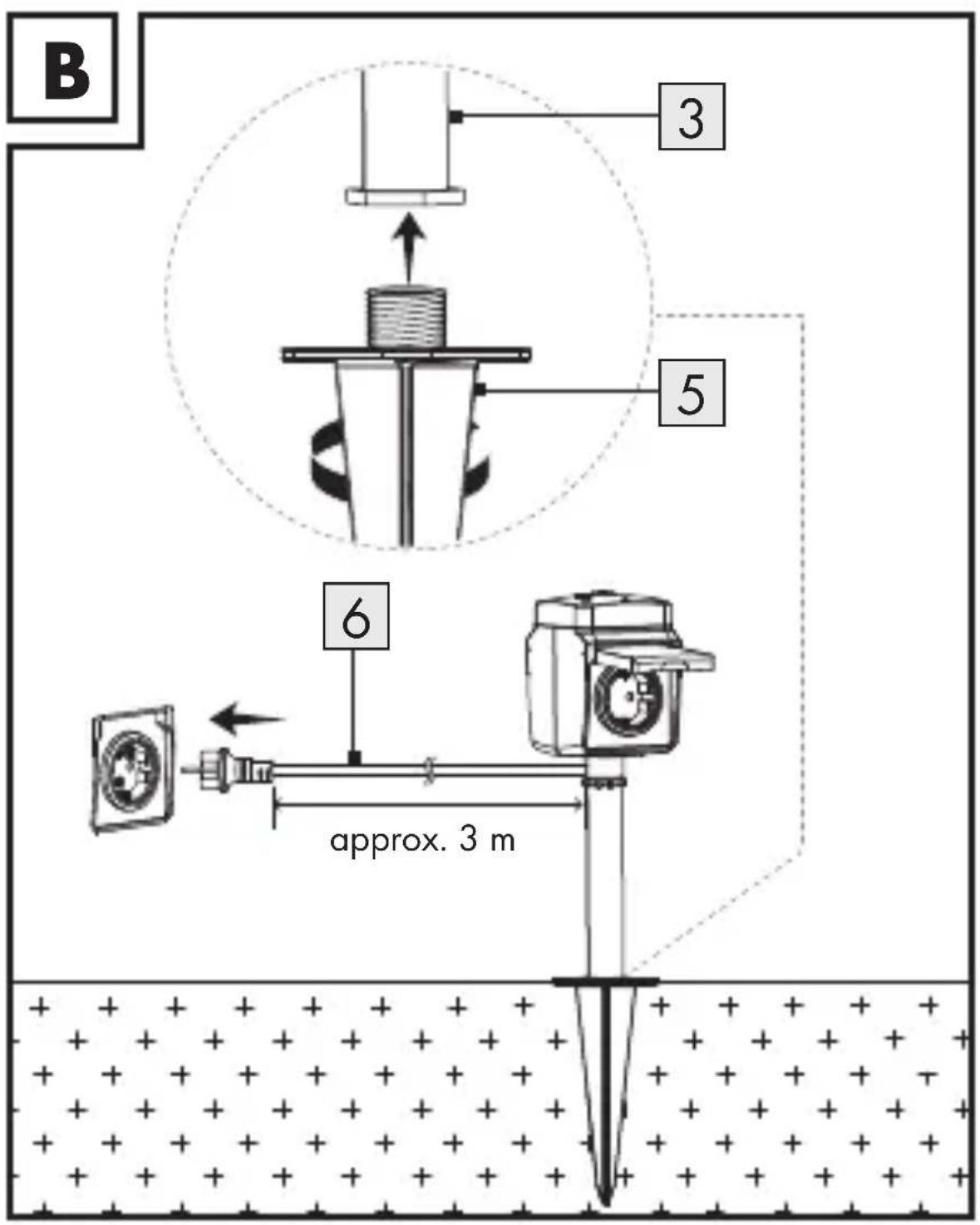
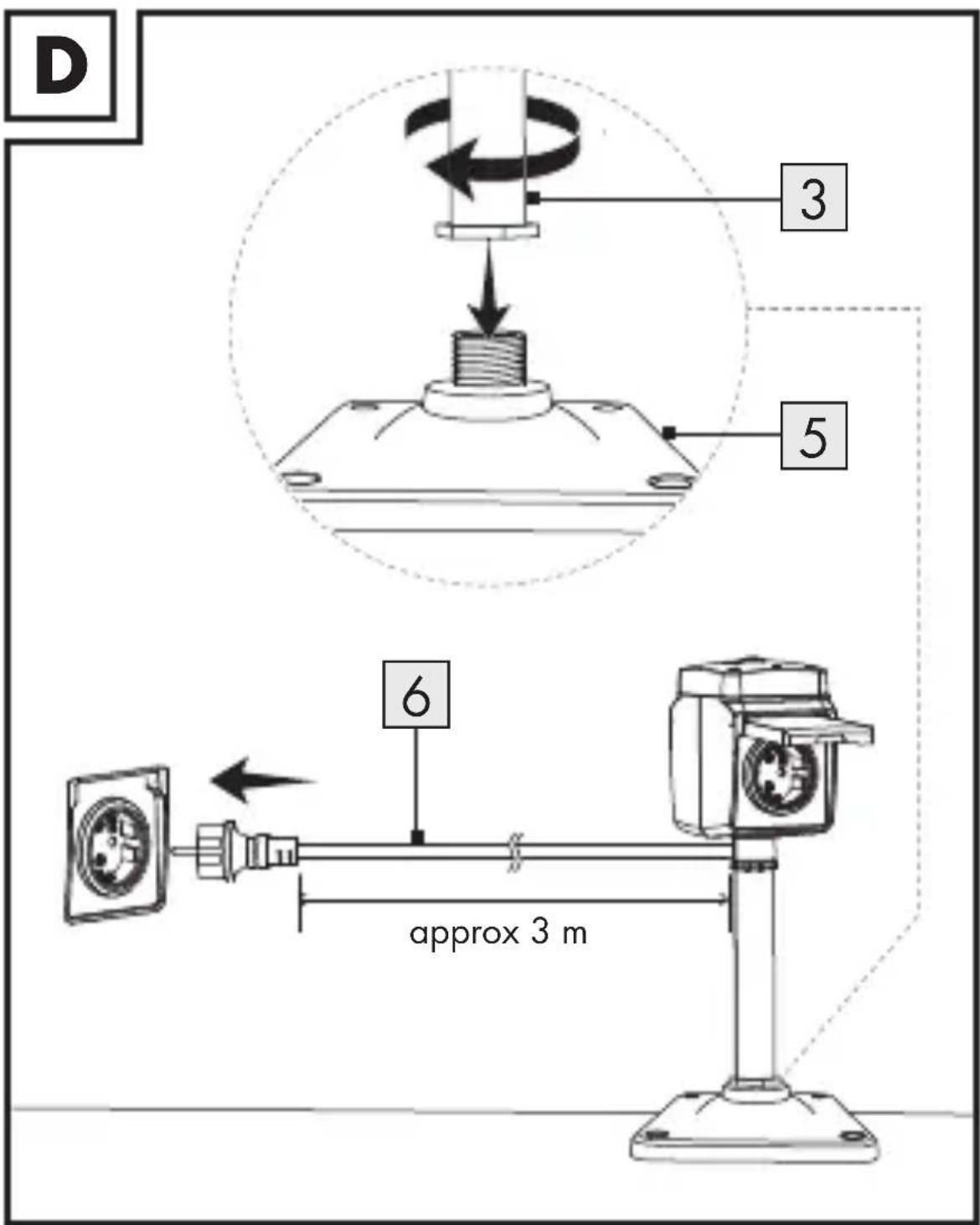
- Fully screw the ground spike 5 onto the pole 3.
- At the desired location, push the ground spike 5 into the soft soil.
- Connect the power plug 6 to a socket-outlet.
- Switching the product on:
Press
1.
- The product is ready for use.

Foot

WARNING! Risk of electric
shock! Do not drill into any pipes or mains cables beneath the mounting surface. Use a voltage/metal detector.
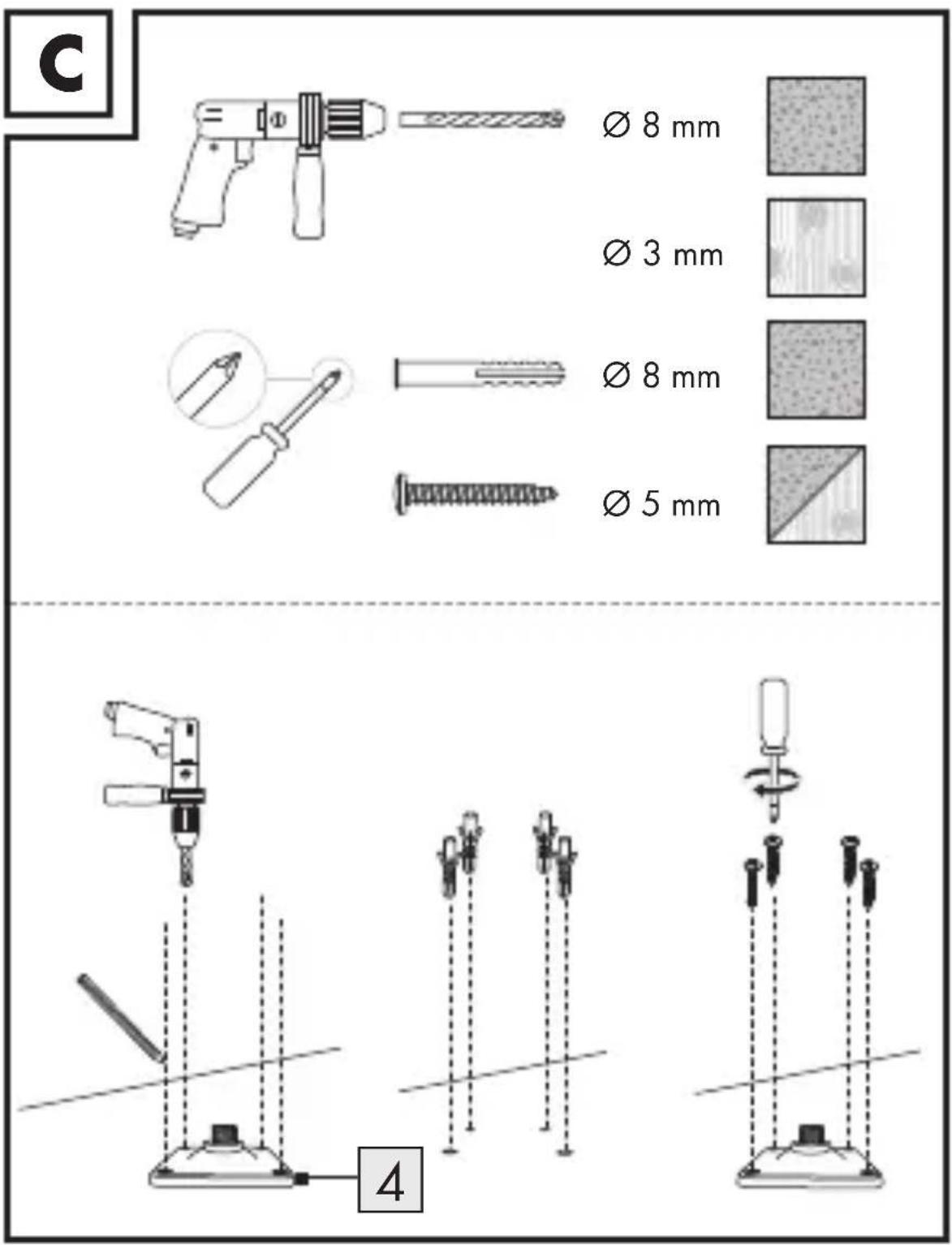
The product can be mounted on different surface materials typical for garden/patio locations.
i Mounting on wood: Skip step 3.
-
Mark the position of the drill holes through the screw holes in the foot 4.
-
Drill holes with a depth of approx. 50 mm into the marked positions.
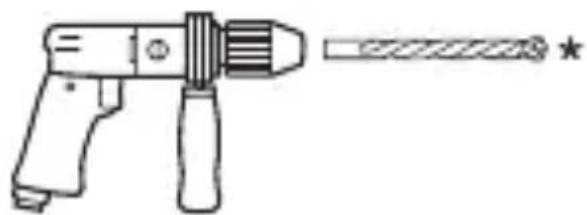
Tool:
- Masonry drill bit: ∅ 8 mm
or
- Wood drill bit: ∅ 3 mm
-
Insert the dowels (not included) into the drilled holes.
-
Fix the foot 4 with screws (not included) on the mounting surface.
-
Fully screw the pole 3 onto the foot 4.
-
Connect the power plug 6 to a socket-outlet.
-
Switching the product on:
Press
1.
- The product is ready for use.
● Pairing product and mobile device
i NOTES:
■ Screenshots are from the iOS 13.3 app version (if not otherwise marked). Older iOS versions may have functional limitations.
The Android version of the app follows the same principles as the iOS version; you might encounter discrepancies between the two platforms, such as slightly different on-screen commands or icons.
- Updating the firmware might result in changes to the app’s functionality.
An updated instruction manual can be found here:

Me
tab:
Tap User Manual.
Preparation
-
Install Lidl Home app and setup Gateway (→ Gateway instruction manual).
-
Connect product to socket-outlet.
-
Switching on: Press 1.
1 fl ashes.
-
Ready for pairing.
-
Open Lidl Home app.
-
Home tab:
Tap + (add further devices).
- Select category:
Plug and Socket
- Select:
- iOS:
Plug
- Android:
Plug
- Select Gateway.
Only necessary, if you have 2 or more Gateways.
-
Tap Done.
-
Press 1 for approx. 5 s until 1 fl ashes.
-
Follow the app instructions.
-
Establishing connection.
-
Naming the product:
Tap and enter a name. - Tap one of the rooms to set location of product (selected room is grayed out).
- Tap Done .
- Pairing completed.
- Return to home screen:
Tap <.
● Unpairing product from mobile device
- Open Lidl Home app.
- Home tab:
Tap Garden Spike.
- Tap (top right).
4. Tap Remove Device.
Select:
- Disconnect
or
- Disconnect and wipe data
(→ "Additional functions" in the full instruction manual).
5. Tap Confirm.
- Disconnecting product manually from network
Press 1 for approx. 5 s until 1 fl ashes.
This function only resets the product to offline mode and starts the pairing mode. If you want to remove all data from the product and the cloud, refer to the chapter "Additional functions" in the full instruction manual, Disconnect and wipe data.
Signals
Signal Meaning
Product switched on
Product switched off
Pairing mode
Explanation of symbols
Indicator off
Indicator flashing
Indicator on
Disposal
Before passing on, disposing of or returning the product to the manufacturer, make sure that all data has been deleted from the product and the cloud.
To do this, refer to following chapter in the full instruction manual:
"Additional functions", menu point:
Disconnect and wipe data
The packaging is made entirely of recyclable materials, which you may dispose of at local recycling facilities.
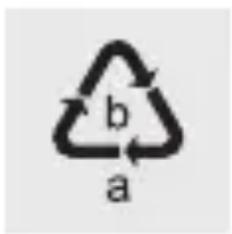
Observe the marking of the packaging materials for waste separation, which are marked with abbreviations (a) and numbers (b) with following meaning: 1–7: plastics / 20–22: paper and fibreboard / 80–98: composite materials.

natural_image
Symbolic icon of a person recycling a circular arrow, no text or symbols presentThe product and packaging materials are recyclable, dispose of it separately for better waste treatment. The Triman logo is valid in France only.
natural_image
Silhouette of a person sorting trash into a bin (no text or symbols)Contact your local refuse disposal authority for more details of how to dispose of your worn-out product.
natural_image
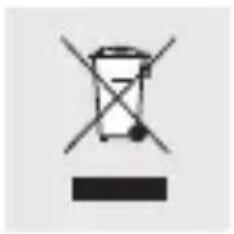
Symbol of a trash bin crossed with a horizontal line, representing waste sorting or disposal (no text or numbers present)To help protect the environment, please dispose of the product properly when it has reached the end of its useful life and not in the household waste. Information on collection points and their opening hours can be obtained from your local authority.
● Simplified EU declaration of conformity
Hereby, OWIM GmbH & Co. KG, Stiftsbergstraße 1, 74167 Neckarsulm, GERMANY declares that the product SMART DOUBLE OUTDOOR SOCKET WITH STAKE HG09044, HG09044-FR is in compliance with Directive 2014/53/EU and 2011/65/EU.
The full text of the EU declaration of conformity is available at the following internet address: www.owim.com
CE
DOUBLE PRISE D'EXTÉRIEUR AVEC PIQUET
natural_image
Simple line drawing of a square electronic device with a circular top and two ports (no text or symbols)natural_image
Line drawing of a handheld electric drill with a target tool (no text or symbols)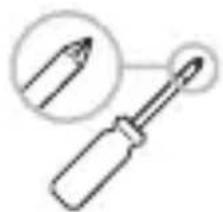
natural_image
Illustration of a screwdriver with a magnified inset showing the tip (no text or symbols)Signal Signifi cation
Produit allumé
Produit éteint
Mode d'appairage
natural_image
Silhouette of a person sorting trash into a bin (no text or symbols)natural_image
Symbol of a trash bin crossed out by two crossed lines, with a solid black bar below (no text or numbers present)natural_image
Simple line drawing of a square electronic device with a circular top and two ports (no text or symbols)Gateway
(Apart verkrijgbaar
natural_image
Line drawing of a handheld electric gun with a target and star mark (no text or symbols)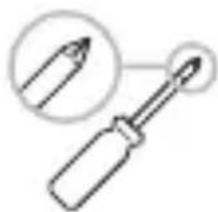
natural_image
Simple line drawing of a screwdriver with an arrow pointing to its tip, no text or symbols present.∅ 8 mm (voor beton)
∅ 3 mm (voor hout)
Geschikt
Product is ingeschakeld
chemical
Recycling symbol with 'a' and 'b' labels, indicating a two-part cycle in materialsnatural_image
Symbolic icon of a person recycling a document with circular arrows (no text or symbols)natural_image
Silhouette of a person sorting trash into a bin (no text or symbols)natural_image
Symbol of a trash bin with crossed lines indicating no waste or discharge (no text or numbers present)- SMART DOUBLE OUTDOOR SOCKET WITH STAKE SWGS 1 B1
- Manual link in the app's Me
- Intended use
- Suitable Not suitable
- - Scope of delivery
- - You will need
- Description of parts
- Technical data
- Installation
- Ground spike
- Foot
- WARNING! Risk of electric
- ● Pairing product and mobile device
- i NOTES:
- Me
- Preparation
- ● Unpairing product from mobile device
- Tap Remove Device.
- Select:
- Tap Confirm.
- - Disconnecting product manually from network
- Signals
- Signal Meaning
- Explanation of symbols
- Disposal
- ● Simplified EU declaration of conformity
- DOUBLE PRISE D'EXTÉRIEUR AVEC PIQUET
- Signal Signifi cation
Brand : SILVERCREST
Model : SWGS 1 A1
Category : Outdoor electrical outlet