Hecate G33BT - Earphones EDIFIER - Free user manual and instructions
Find the device manual for free Hecate G33BT EDIFIER in PDF.



User questions about Hecate G33BT EDIFIER
0 question about this device. Answer the ones you know or ask your own.
Ask a new question about this device
Download the instructions for your Earphones in PDF format for free! Find your manual Hecate G33BT - EDIFIER and take your electronic device back in hand. On this page are published all the documents necessary for the use of your device. Hecate G33BT by EDIFIER.
USER MANUAL Hecate G33BT EDIFIER
HECATE G33BT WIRELESS LOW LATENCY GAMING HEADSET
EN
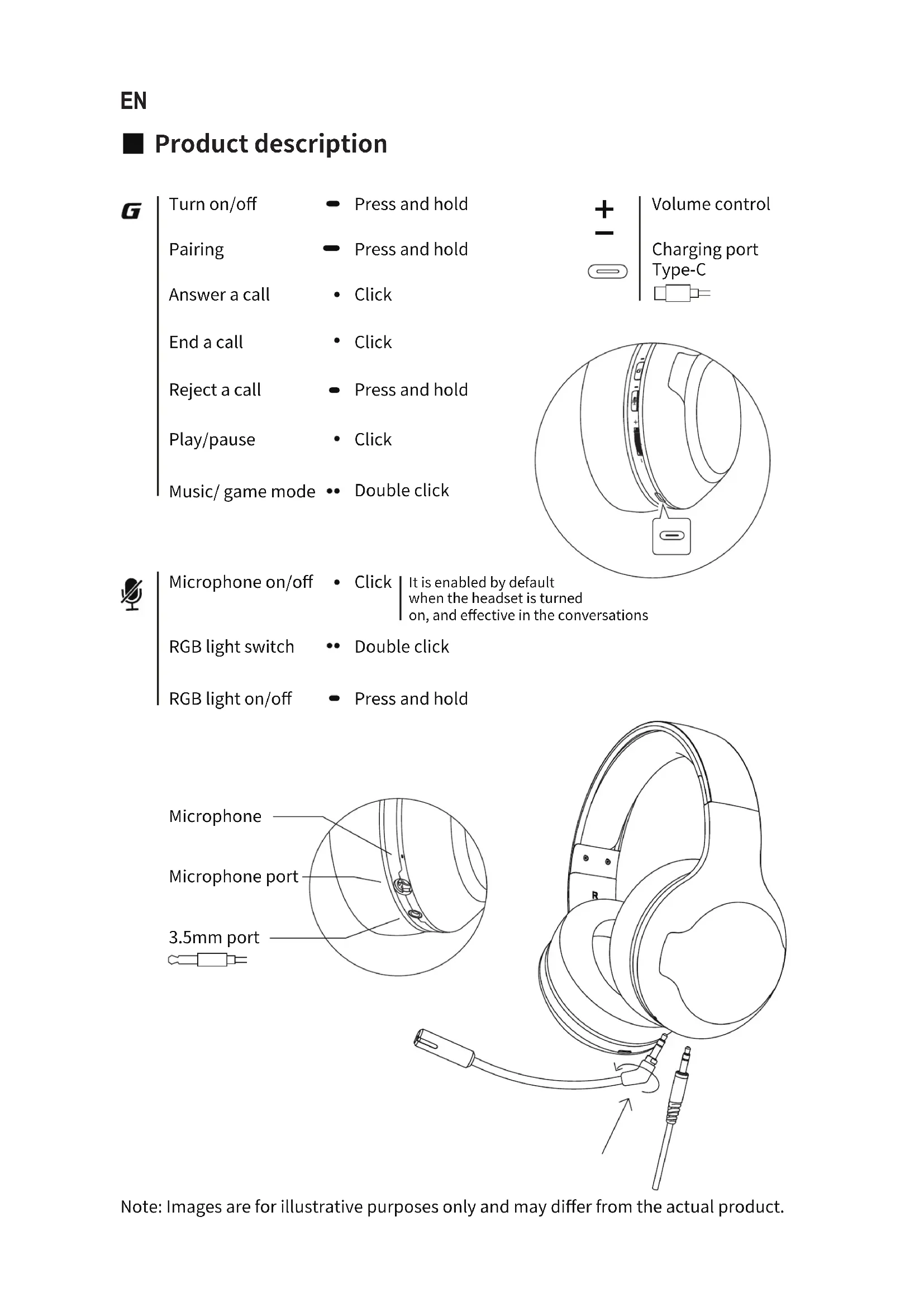
■ Product description
G
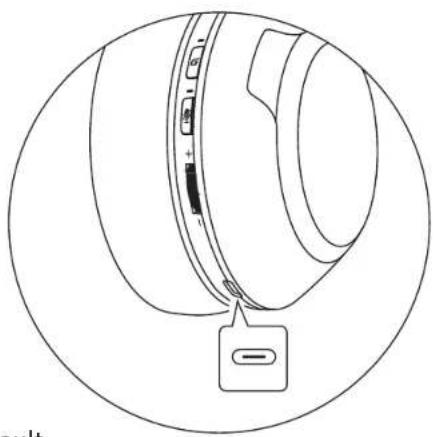
Turn on/off
- Press and hold
Pairing
- Press and hold
Answer a call
- Click
End a call
- Click
Reject a call
- Press and hold
Play/pause
- Click
Music/ game mode
•• Double click
Volume control
Charging port Type-C
natural_image
Line drawing of a mechanical component with a circular outline and a small labeled component (no text or symbols)#
Microphone on/off
- Click | It is enabled by default when the headset is turned on, and effective in the conversations
RGB light switch
•• Double click
RGB light on/off
- Press and hold
text_image
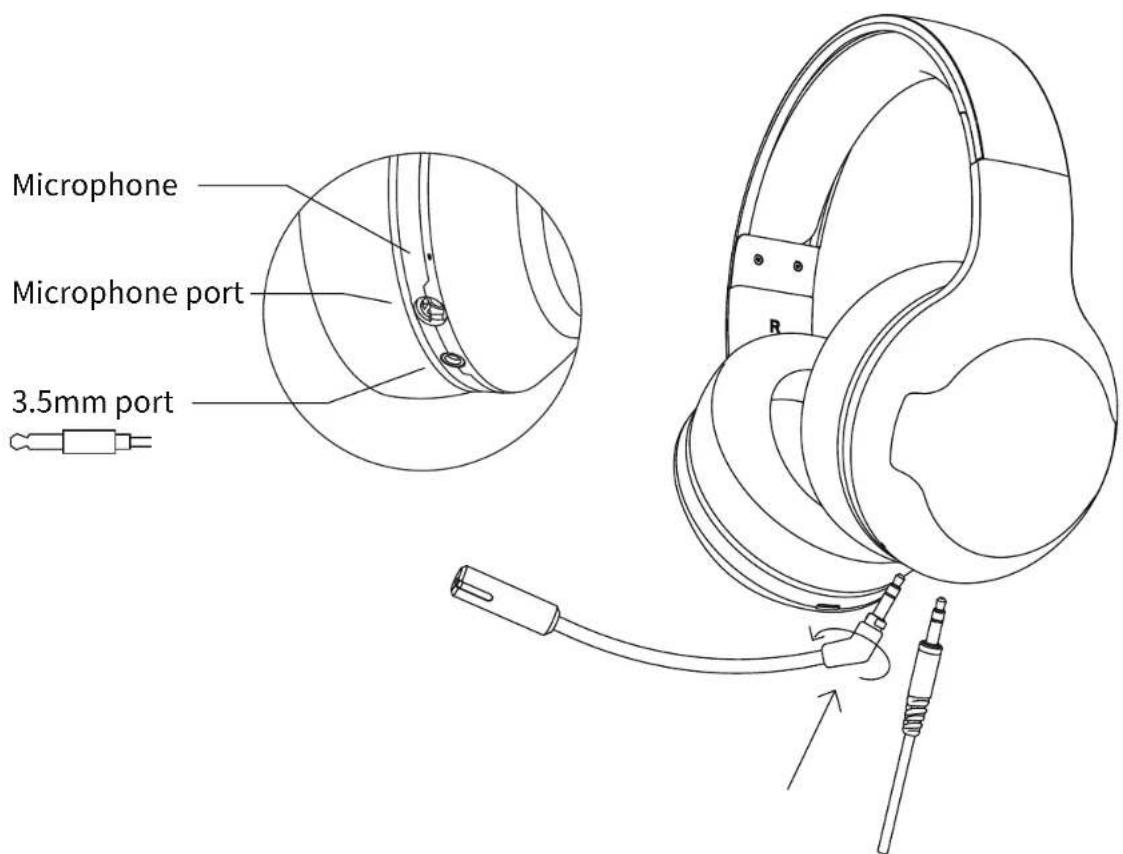
Microphone Microphone port 3.5mm portNote: Images are for illustrative purposes only and may differ from the actual product.
■ User guide
Power on/off
- When the headset is powered off, press and hold the "G" button for 3 seconds, then the headset will power on.
- When the headset is powered on, press and hold the "G" button for 6 seconds, then the headset will power off.
Bluetooth connection
- When the headset is powered off, press and hold the "G" button for 5 seconds to let it enter Bluetooth pairing state (the red and blue lights flashing alternately); set Bluetooth device to search for and connect to "HECATE G33BT", after pairing is successful, the blue light will flash slowly.
- When the headset is powered on and not connected with any devices, press and hold the "G" button for 2 seconds to let it enter Bluetooth pairing state.
- It is Bluetooth pairing state by default when the headset is powered on for the first time, and it will auto-connect to the Bluetooth device connected last time when powered on again.
Charge
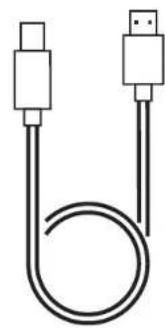
- You may hear a warning tone with the red light flashing when the headset is at low battery level, please connect it to power source with the included charging cable for charging.
- Red light steady lit = charging Red light off = fully charged
Restore to factory settings
- When the headset is powered off, press and hold the "G" button for 10 seconds until the blue light flashes six times rapidly, then the factory settings have been restored.
Product accessories
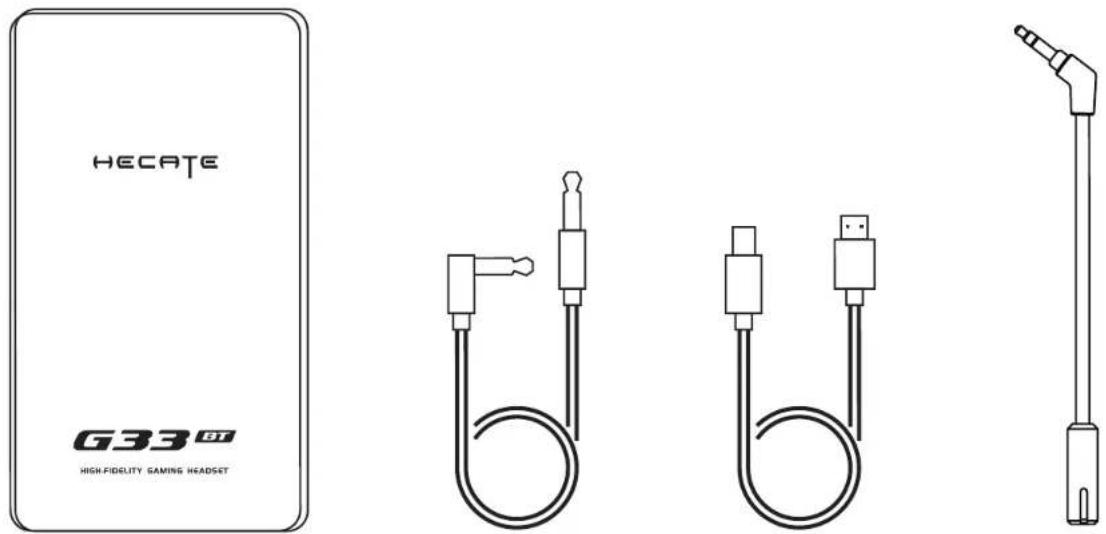
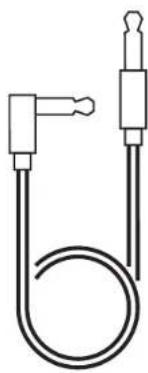
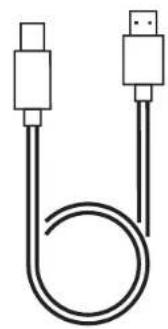
User manual 3.5mm audio cable Charging cable Microphone
Maintenance
- Keep the product away from humid places to avoid affecting internal circuit. Do not use the product during intense exercise or with much sweat to prevent sweat from dropping into the product to make damage.
- Do not put the product in places exposed to sun or with high temperature. High temperature will shorten service life of electronic components, damage battery and make plastic components deformed.
- Do not put the product in cold places to avoid damaging internal circuit board.
- Do not dismantle the product. Non-professional personnel may damage the product.
- Do not drop, strongly vibrate, strike the product with hard object to avoid damaging internal circuit.
- Do not use drastic chemicals or cleaner to clean the product.
- Do not use sharp objects to scratch product surface to avoid damaging shell and affecting facade.
Model: EDF700011
Edifier International Limited
P.O. Box 6264
General Post Office
Hong Kong
www.hecategaming.com
Designed by DONGGUAN EDIFIER ESPORTS TECHNOLOGY CO., LTD.
www.edifier.com
©2021 Edifier International Limited. All rights reserved.
Printed in China
NOTICE:
For the need of technical improvement and system upgrade, information contained herein may be subject to change from time to time without prior notice.
Products of EDIFIER will be customized for different applications. Pictures and illustrations shown on this manual may be slightly different from actual product. If any difference is found, the actual product prevails.
FR
natural_image
Line drawing of a mechanical component with a circular outline and a small inset showing a button (no text or symbols)[Non-Text]
natural_image
Pure technical line drawing of a mechanical component with no text or symbols![EDIFIER Hecate G33BT - [Non-Text] - 1](/content/2026/03/553858/images/0c518b6c74e547c863eaad4349f3adc0d08aaa63ae210a78e709077bc58d1dbb.jpg)
natural_image
Line drawing of a headboard with attached cable and connector (no text or symbols)Designed by DONGGUAN EDIFIER ESPORTS TECHNOLOGY CO., LTD.
www.edifier.com
natural_image
Technical line drawing of a mechanical component with a circular outline and a small inset showing a button (no text or symbols)#
natural_image
Pure technical diagram of a mechanical component with no text or symbols
natural_image
Line drawing of a pair of headphones with a cable and connector, no text or symbols presentDesigned by DONGGUAN EDIFIER ESPORTS TECHNOLOGY CO., LTD.
www.edifier.com
natural_image
Line drawing of a mechanical component with a circular outline and a small inset showing a button (no text or symbols)#
Mikrofon ein/aus
• Klicken Sie
Designed by DONGGUAN EDIFIER ESPORTS TECHNOLOGY CO., LTD.
www.edifier.com
natural_image
Pure technical line drawing of a mechanical component with no text or symbols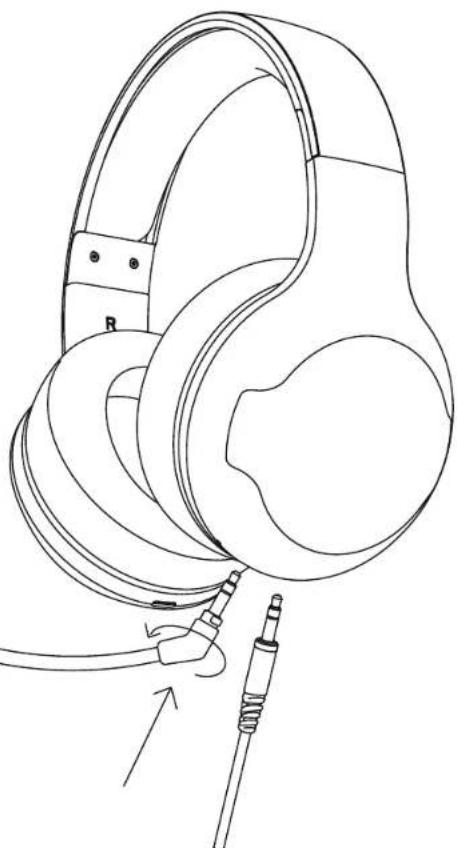
natural_image
Line drawing of a pair of headphones with attached cable and connector (no text or symbols)Designed by DONGGUAN EDIFIER ESPORTS TECHNOLOGY CO., LTD.
www.edifier.com
natural_image
Line drawing of a mechanical component with a circular outline and a small inset showing a button (no text or symbols)#
text_image
HECATE G33 GT HIGH FIDELITY GAMING HEADSETnatural_image
Simple line drawing of a U-shaped tube with two connectors (no text or symbols)de 3,5mm
natural_image
Simple line drawing of two USB connectors with a coiled cable (no text or symbols)natural_image
Line drawing of a vertical mechanical or electrical component with a protruding arm (no text or symbols)Microfone
Manutenção
Designed by DONGGUAN EDIFIER ESPORTS TECHNOLOGY CO., LTD.
www.edifier.com
natural_image
Line drawing of a mechanical component with a circular outline and a small inset showing a button (no text or symbols)#
マイクロフォ・クリック
ンオン/オフ
natural_image
Technical line drawing of a spherical mechanical component with internal features (no text or symbols)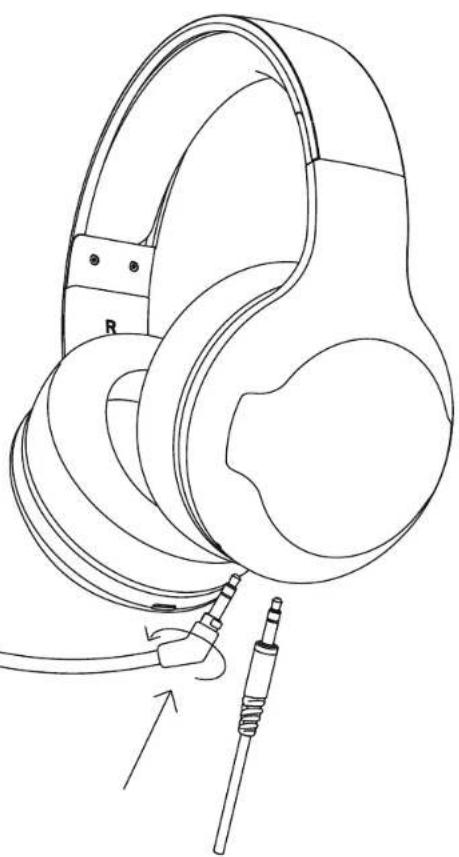
natural_image
Line drawing of a pair of headphones with attached cable and connector (no text or symbols)注記:画像は参照用です。
■ ユーザーガイド
オン/オフ
text_image
HECATE G33 GT HIGH FIDELITY GAMING HEADSETユーザーズガイド 3.5mmオーデ
natural_image
Simple line drawing of a U-shaped tube with two connectors (no text or symbols)イオケーブル
natural_image
Simple line drawing of two USB connectors with a coiled cable (no text or symbols)充電ケーブル マイクロフォン

natural_image
Line drawing of a vertical mechanical or electrical component with a protruding shaft and base (no text or symbols)■ メンテナンス
Designed by DONGGUAN EDIFIER ESPORTS TECHNOLOGY CO., LTD.
www.edifier.com
©2021 Edifier International Limited. 禁無断転載
印刷:中国
ご注意: